← Home About Archive Search Also on Micro.blog
  • Blogging in 2019, a year in review

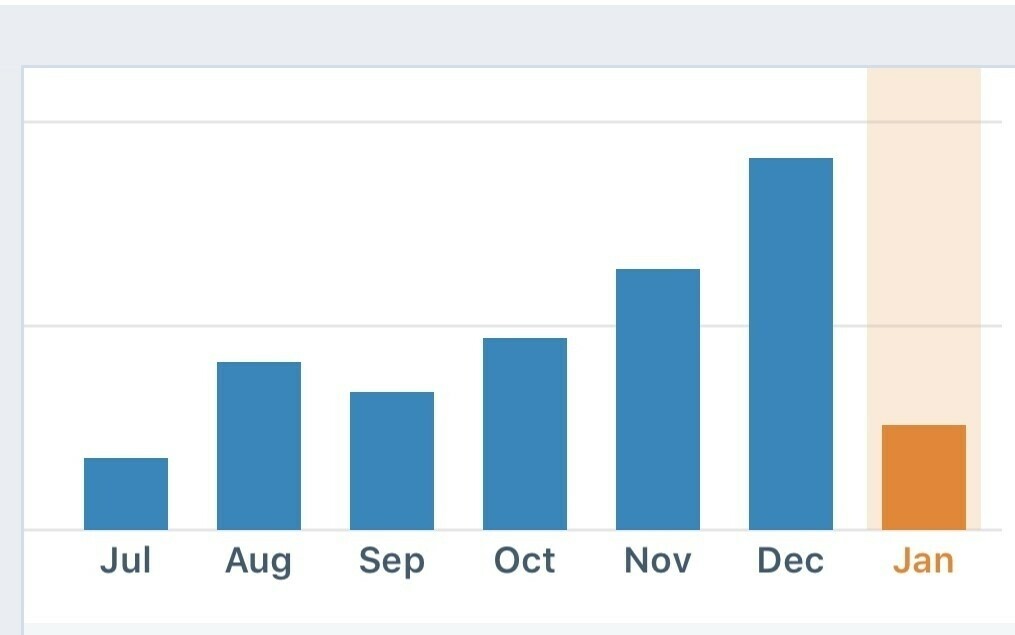
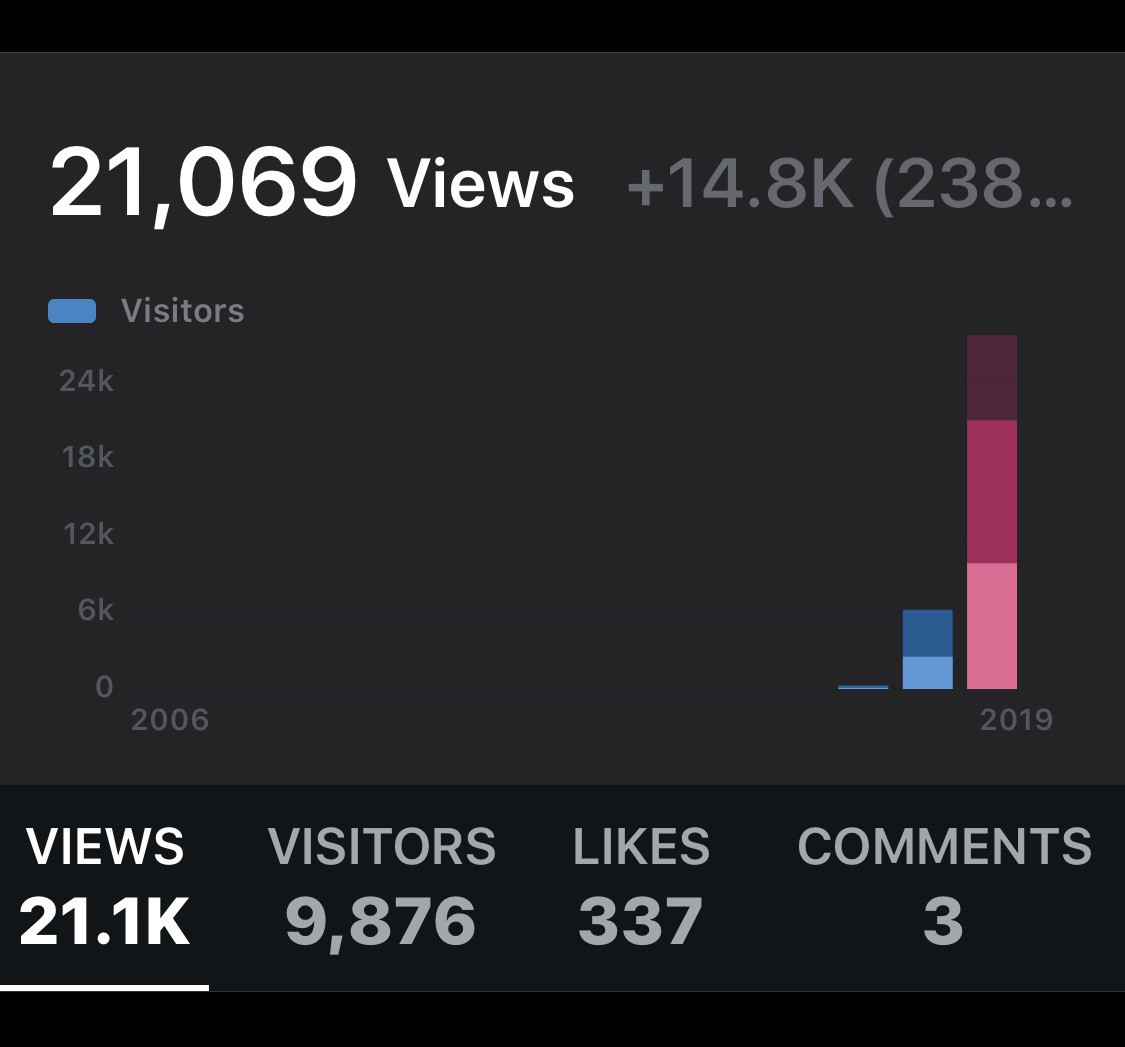
    I’ve tried to post daily here and looking back I can see it’s had a big impact on the traffic coming to the blog.

    I’m not setting the world alight but for me I’m up over 14,000 views over the previous year. I’m still a nobody in the grand scheme of things but I enjoy sharing regardless of these stats.

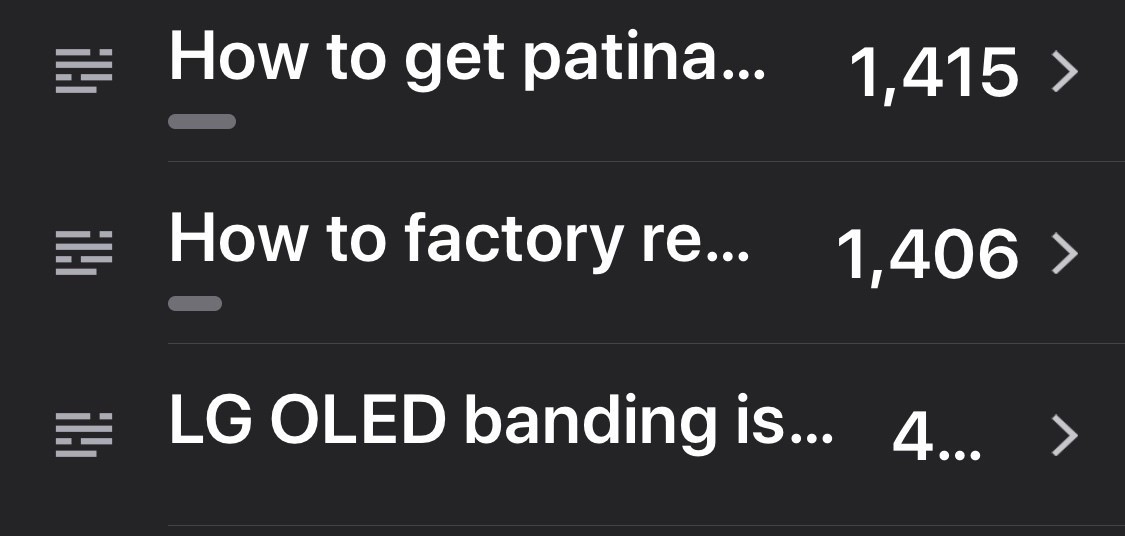
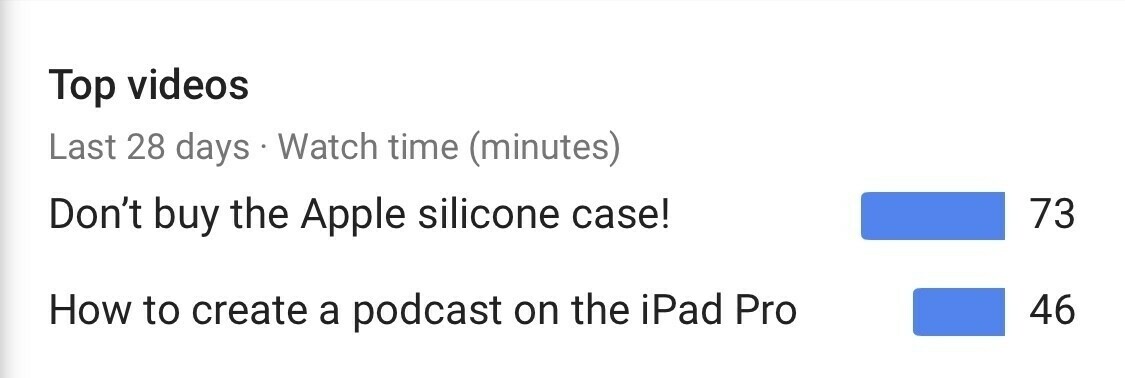
    Resetting a Sonos continues to drive most traffic but strangely an iPhone case post beats it this year. Continues to show that if you want to build traffic how to’s are the way to do it.

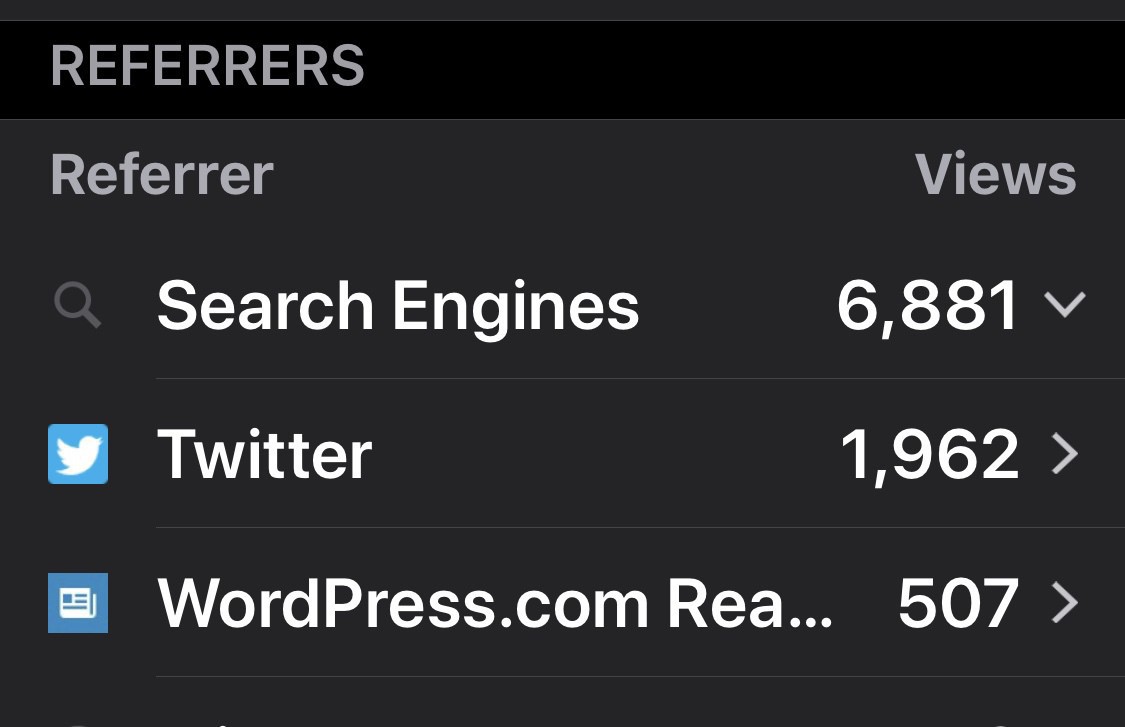
    Bulk of traffic coming from Search and Social but readers have started to pick up from Wordpress itself.

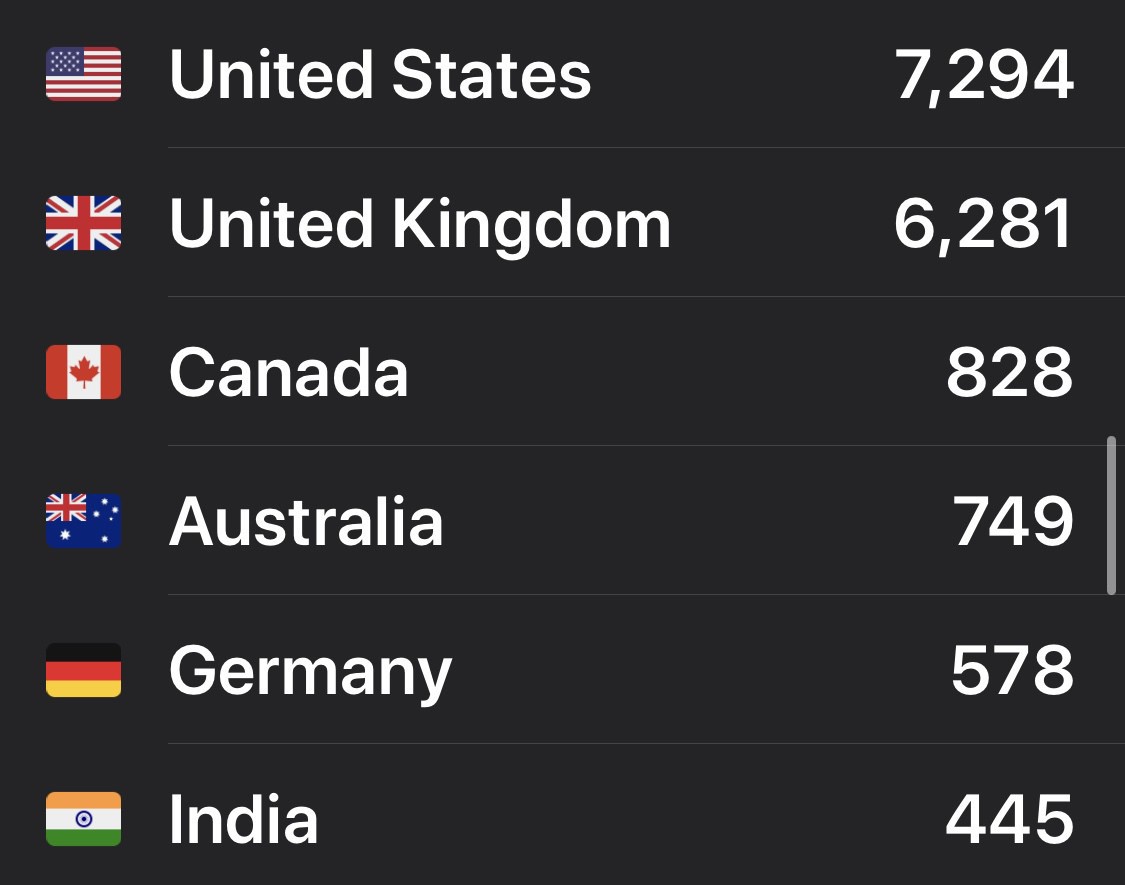
    Finally I always find it interesting to see where my readers are coming from. Top 3 remain the same but Germany and India are new additions to some of the bigger traffic.

    I’ll continue doing what I’m doing and see what happens.

    → 8:13 AM, Dec 31
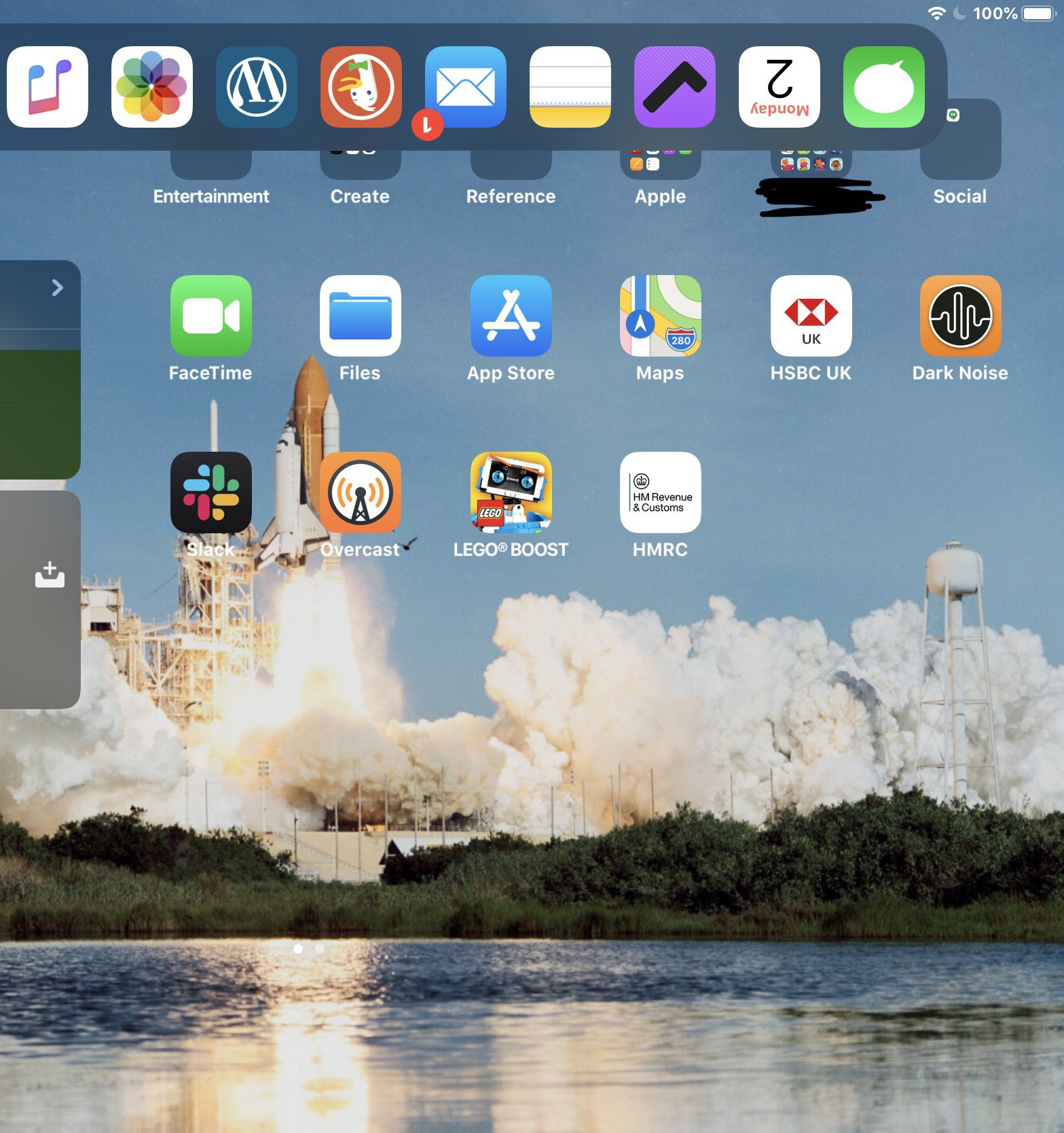
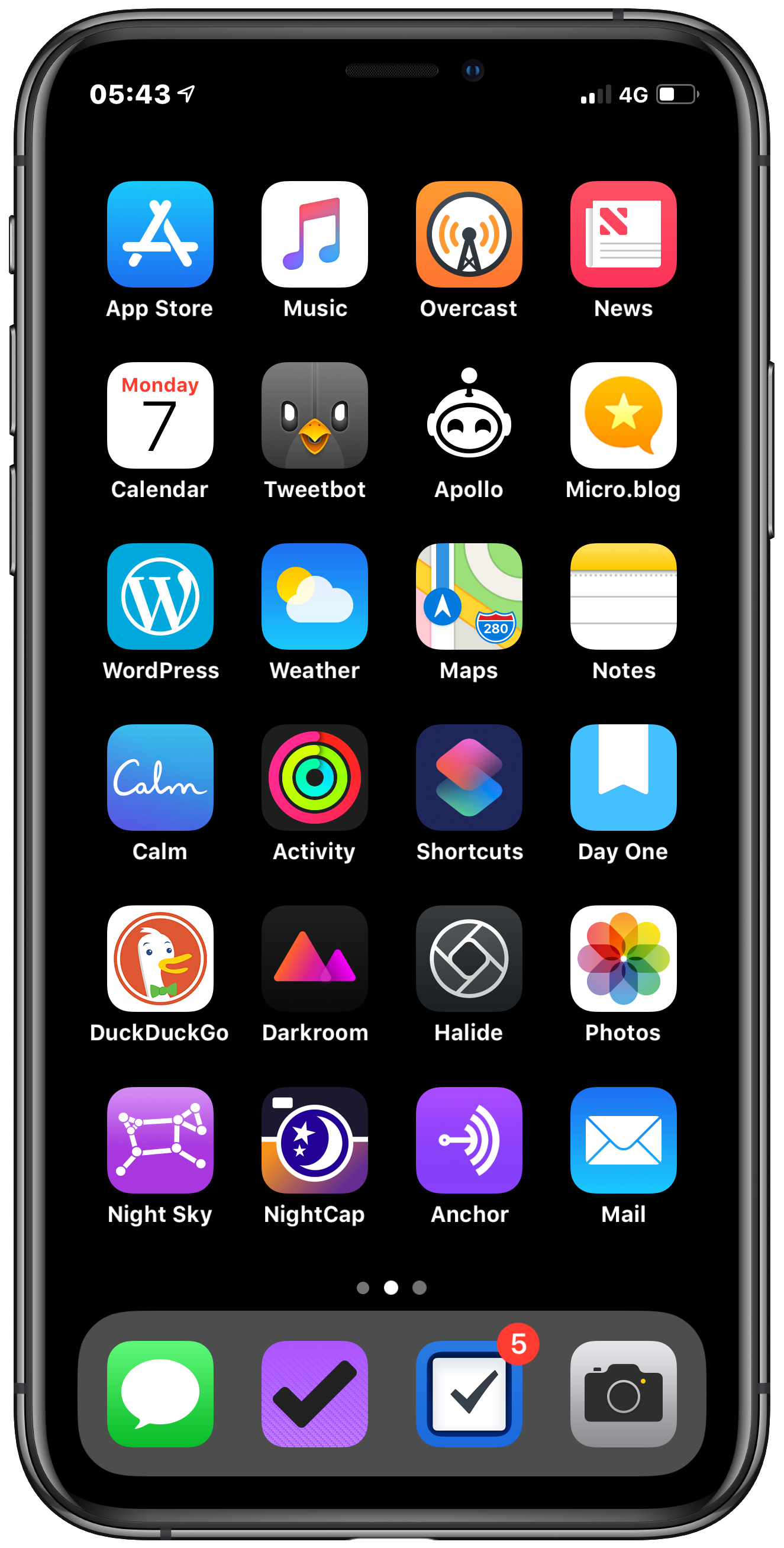
  • End of 2019 iPhone home screen

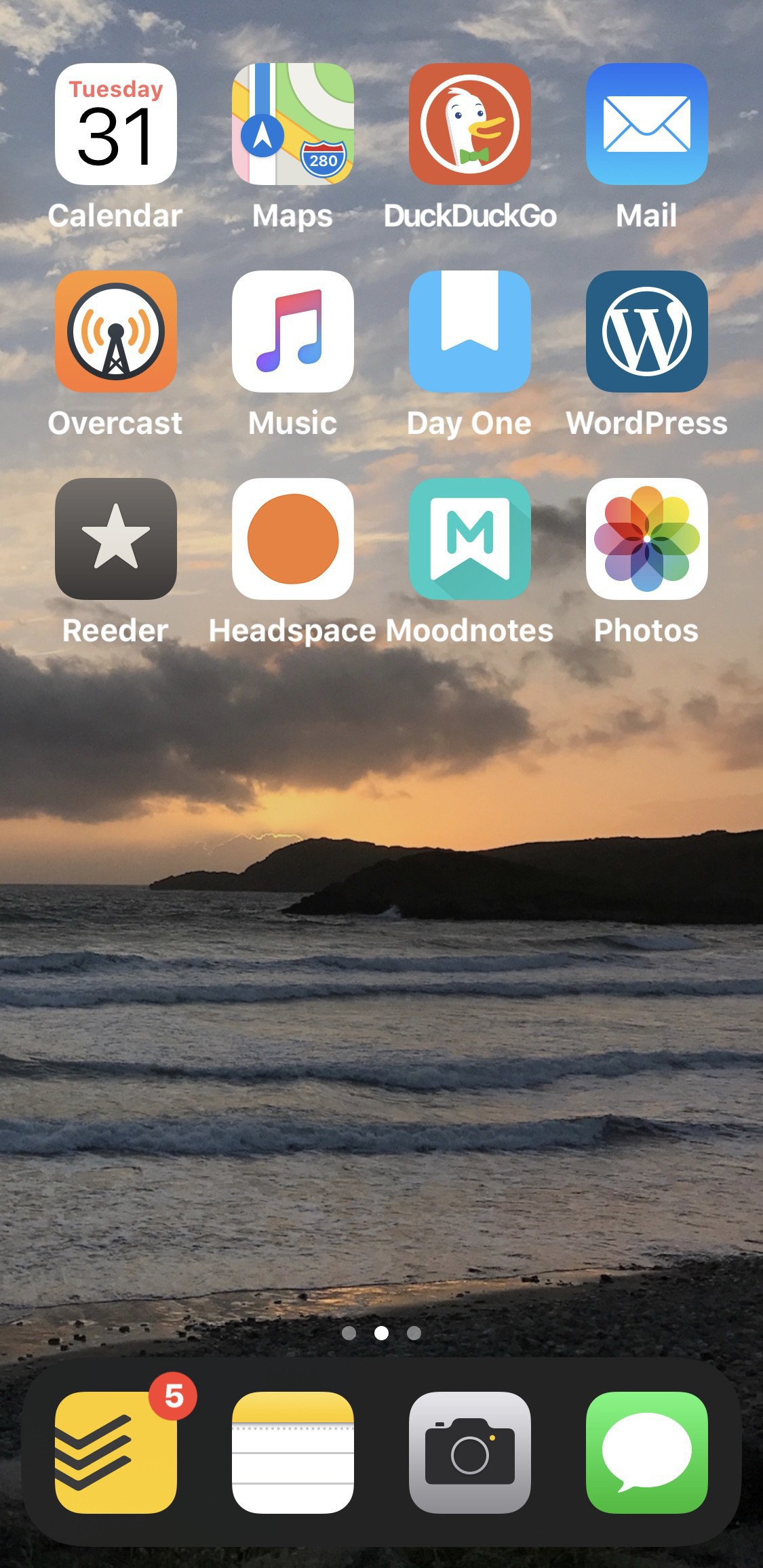
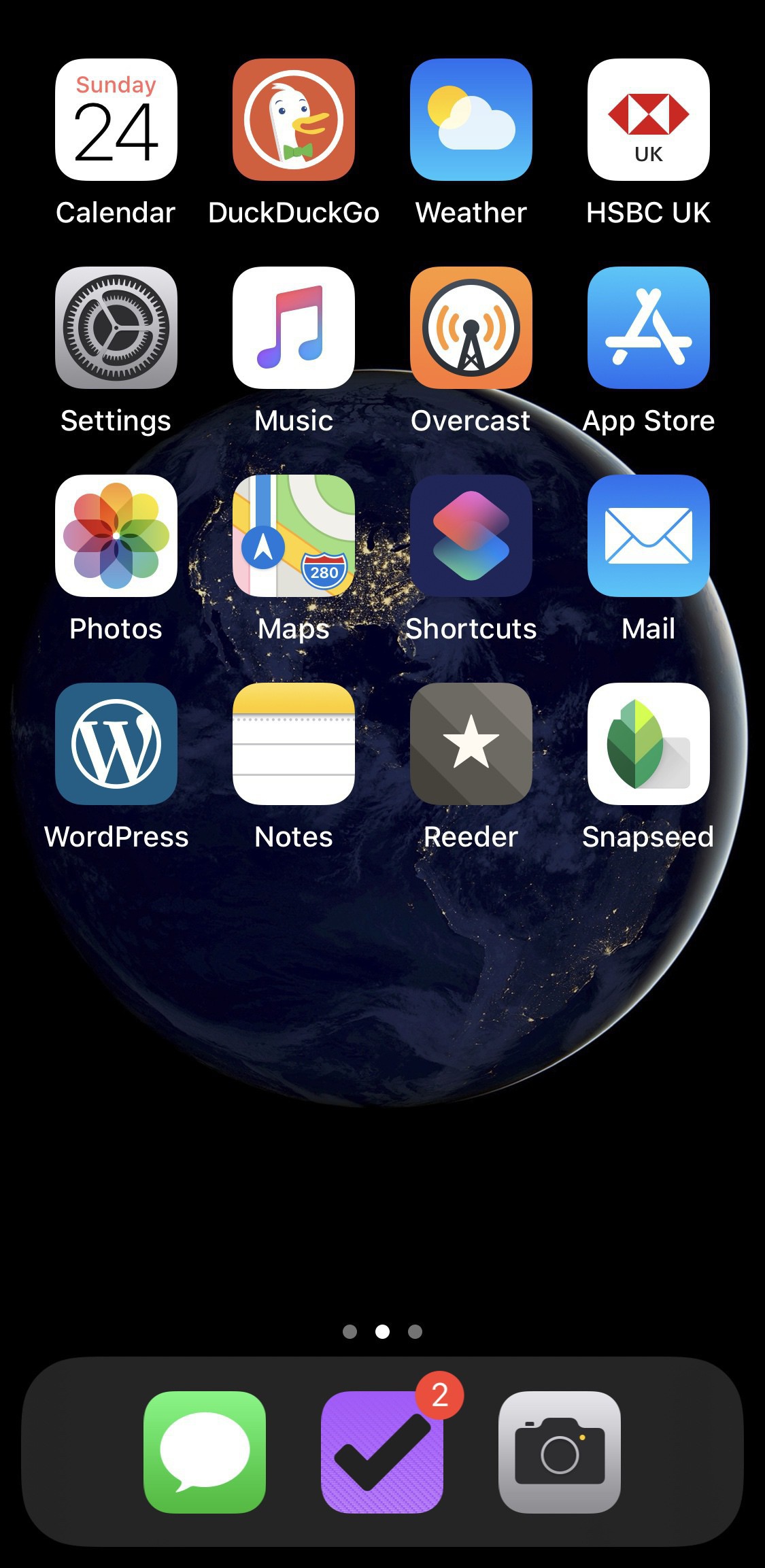
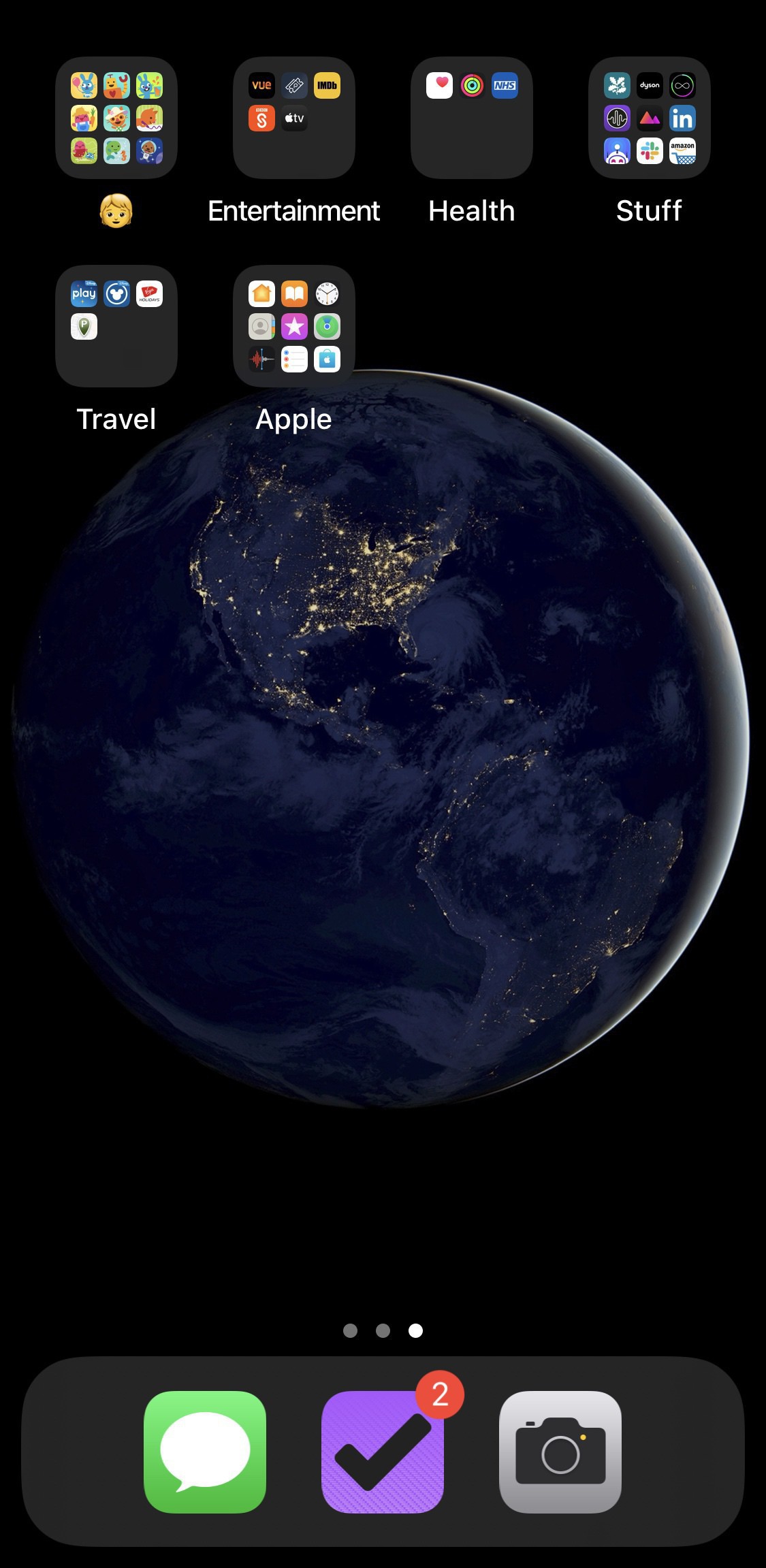
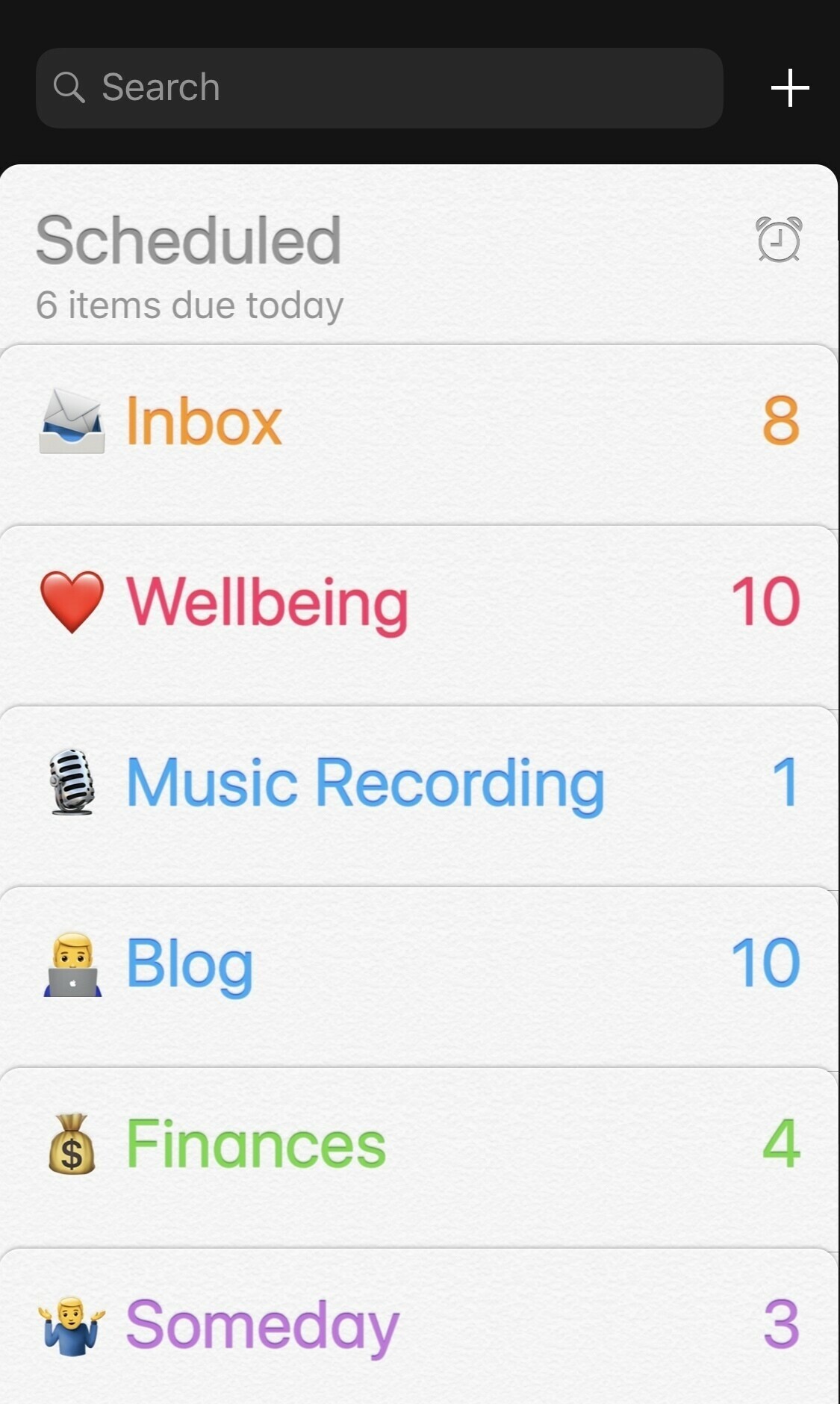
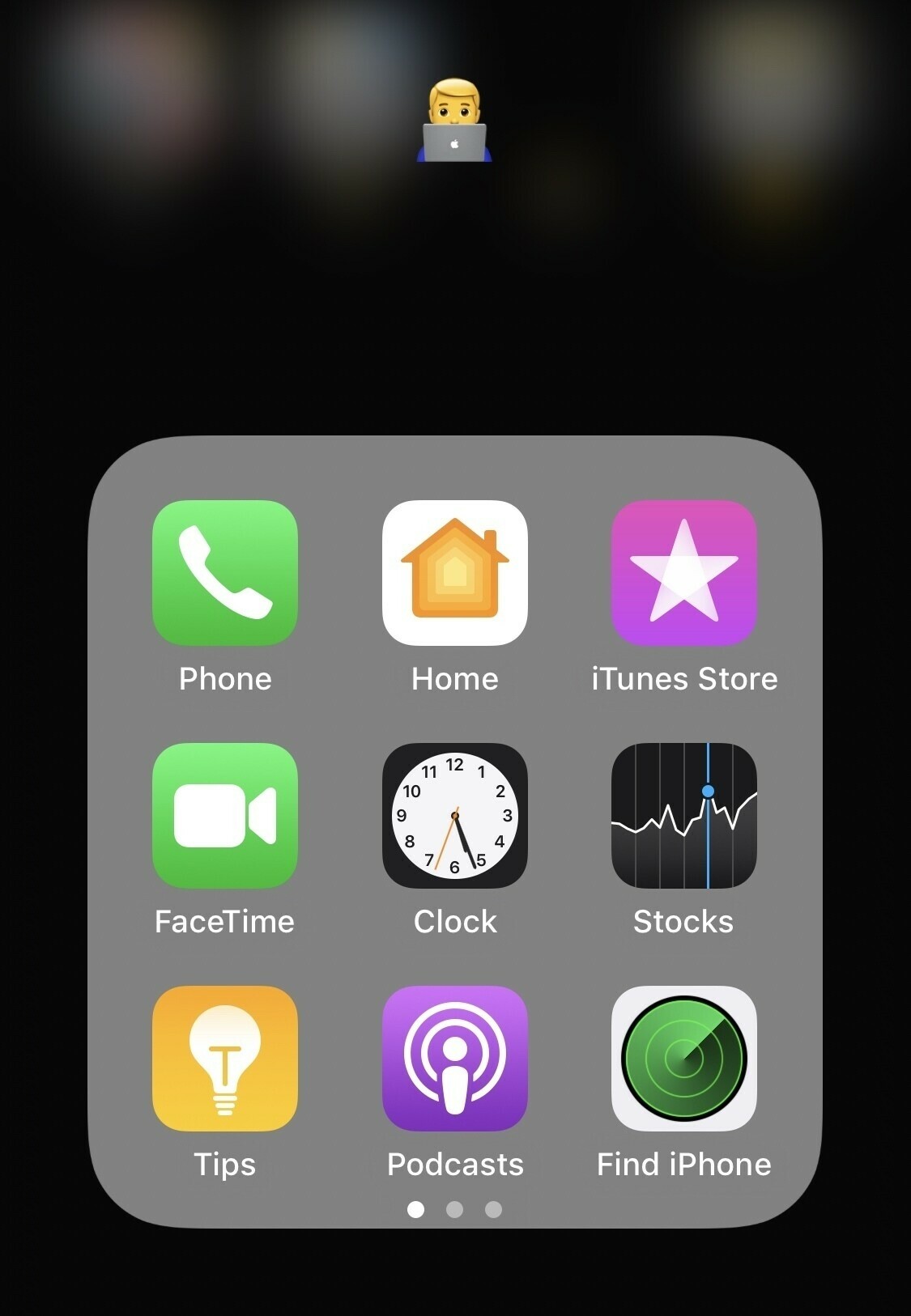
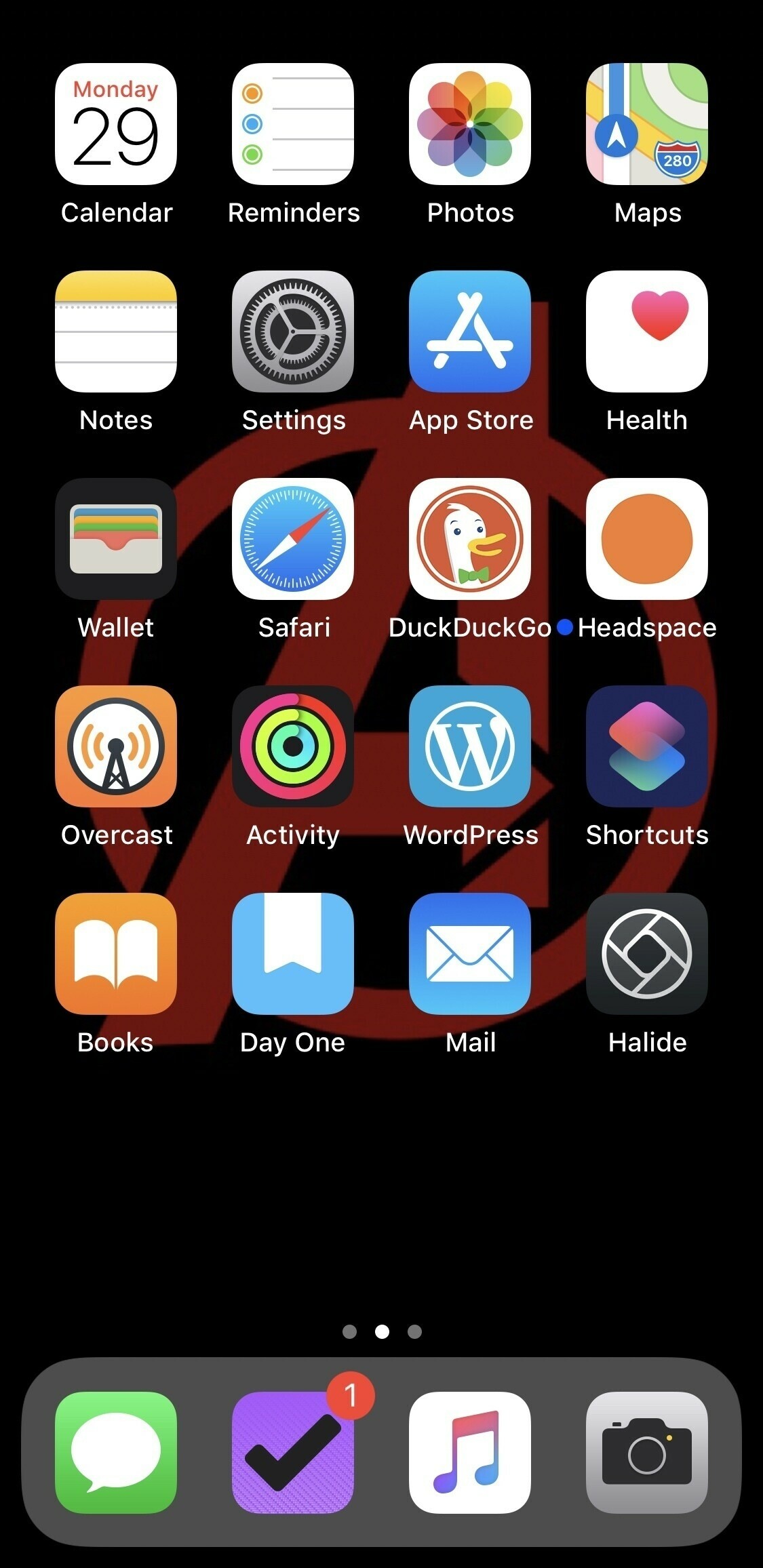
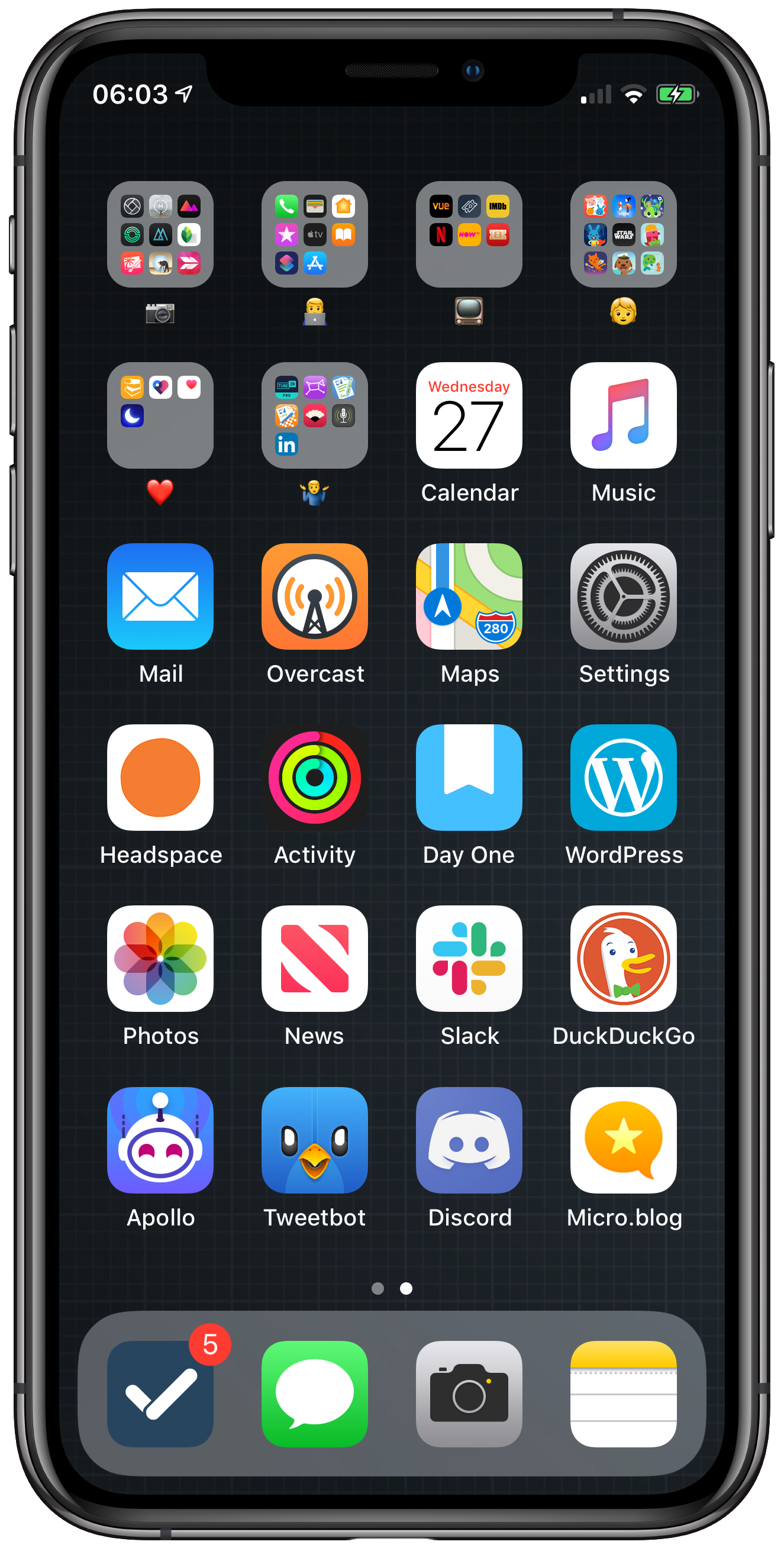
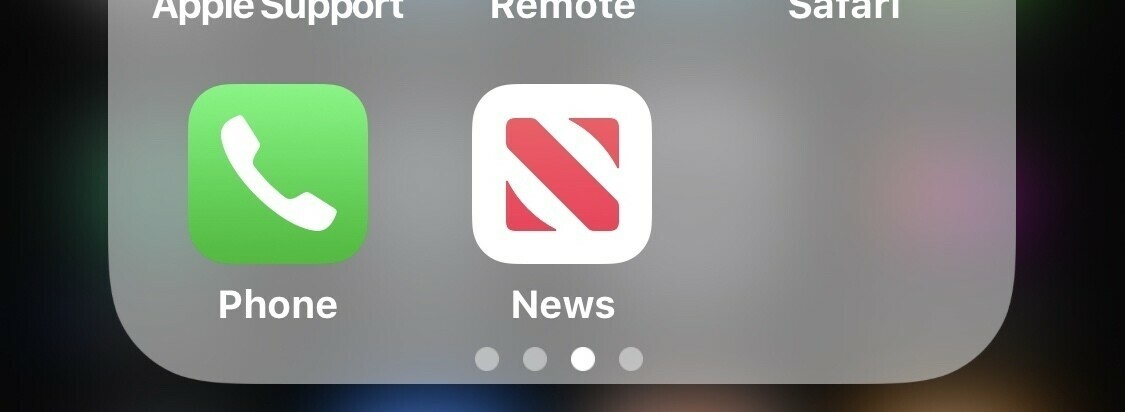
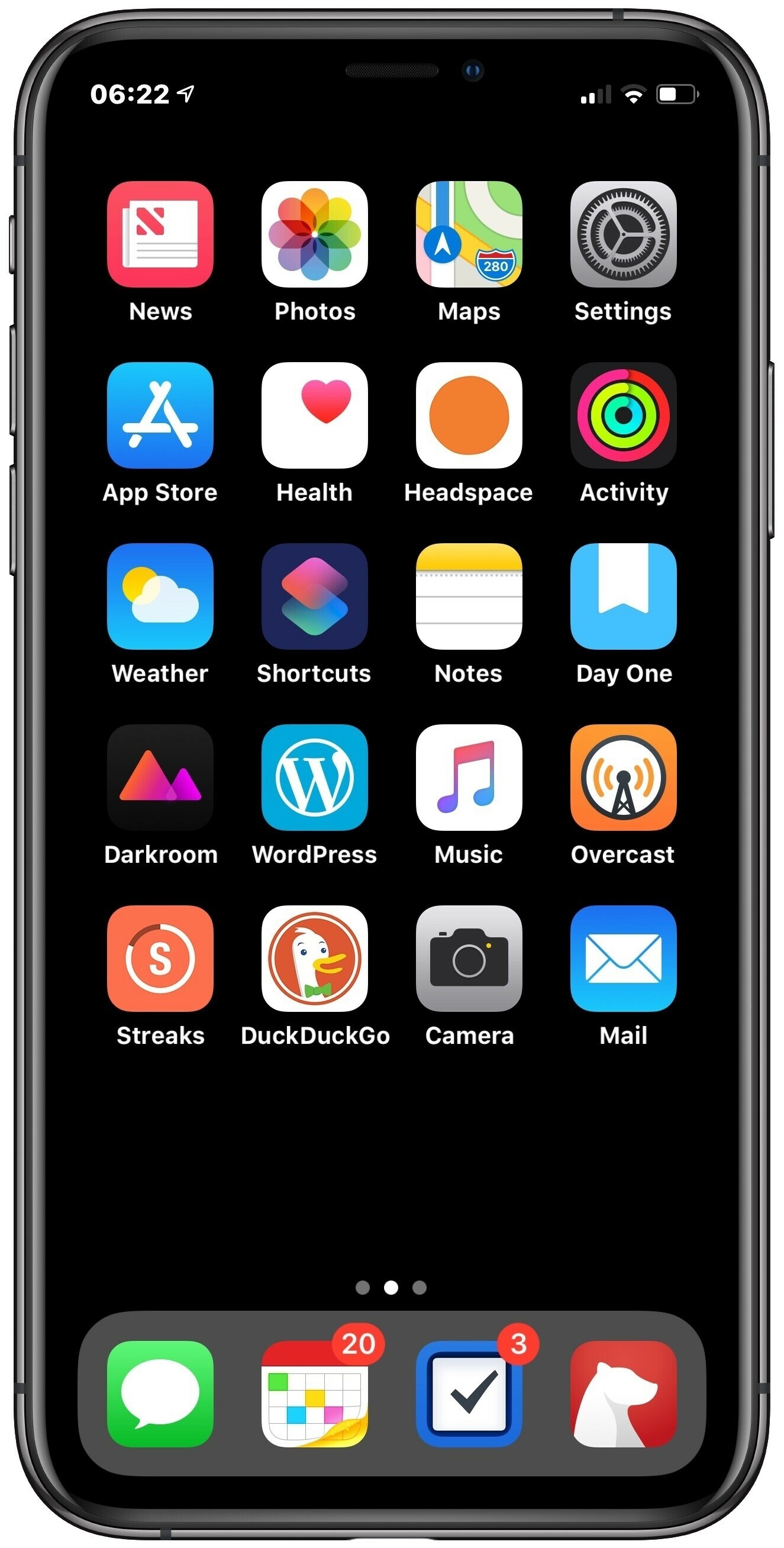
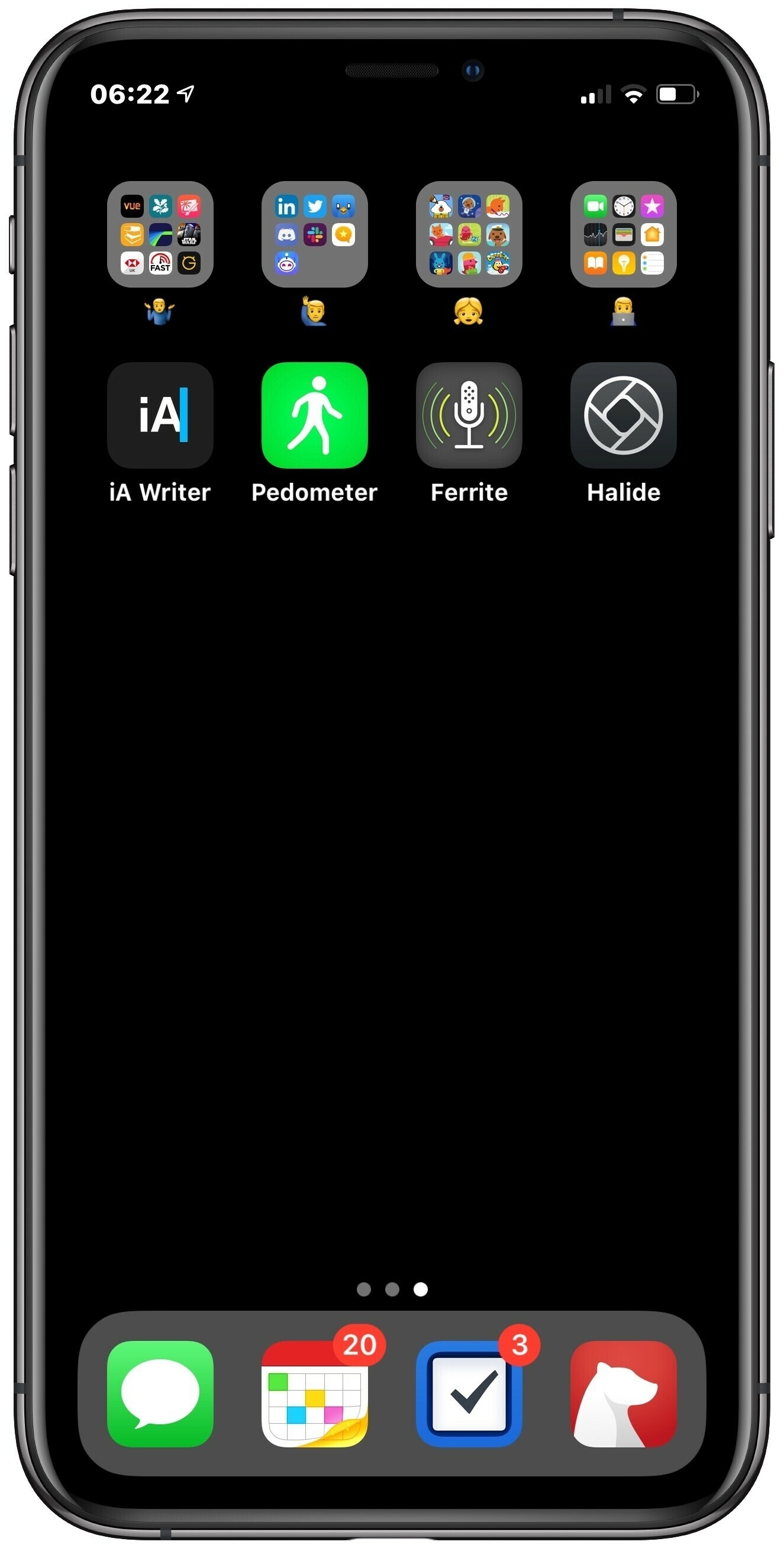
    Been a lot going on so I’ve trimmed my home screen down as I get through the Christmas period. Only apps I’ve really been using lately are Notes (sync seems fixed now), DayOne (journaling) and Todoist (simplicity of keeping to do lists).

    I’m planning on using Headspace and MoodNotes more in the new year but for now they sit there as a reminder.

    How’s your home screen looking as we close out 2019?

    → 7:52 AM, Dec 31
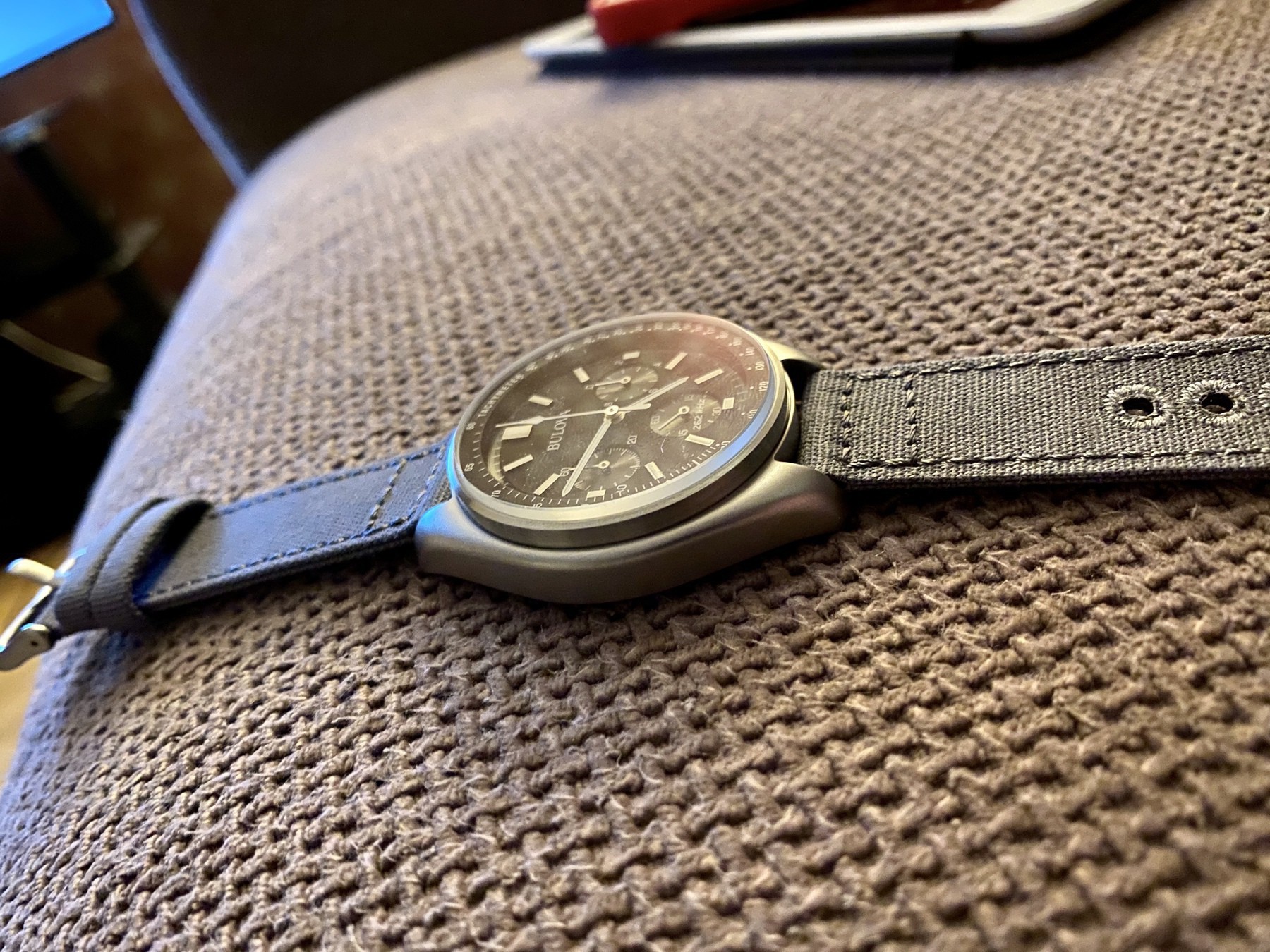
  • Bulova lunar pilot on a canvas strap

    Just got through an Archer canvas strap and I think it looks great.

    → 5:51 PM, Dec 30
  • How to get missing Lego kit pieces

    This is the first time it’s happened to me but Lego offers a really great site for replacing any Lego bits missing from your kit.

    Here’s the link.

    → 10:46 AM, Dec 30
  • Fitting a nato strap to a Citizen eco drive

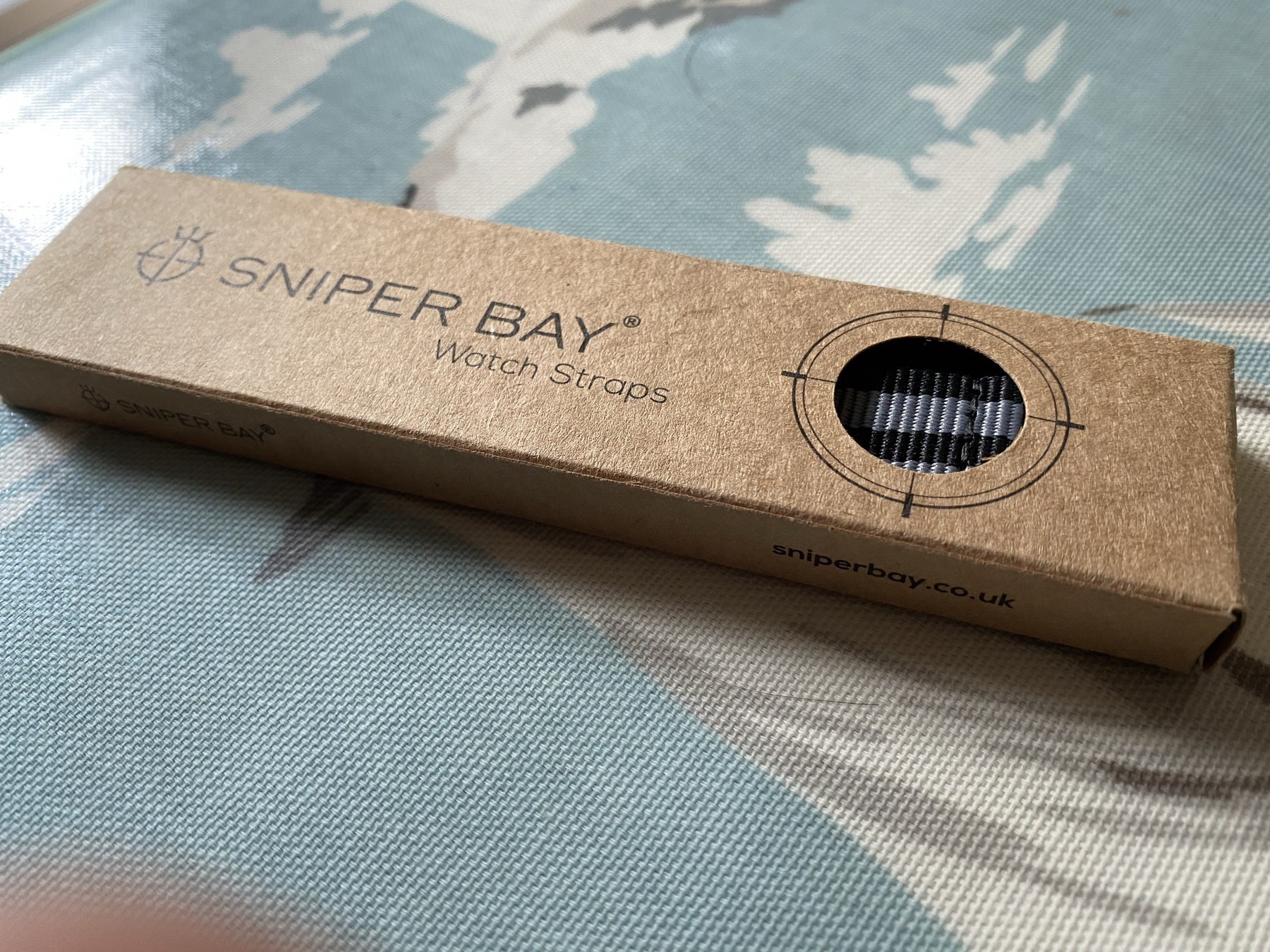
    I’ve not tried a NATO before so I picked up a Sniper Bay on Amazon for £14 and tried it on a Citizen.

    I went for the ‘bond’ grey and blue colour. This one comes with the strap and the tools you need.

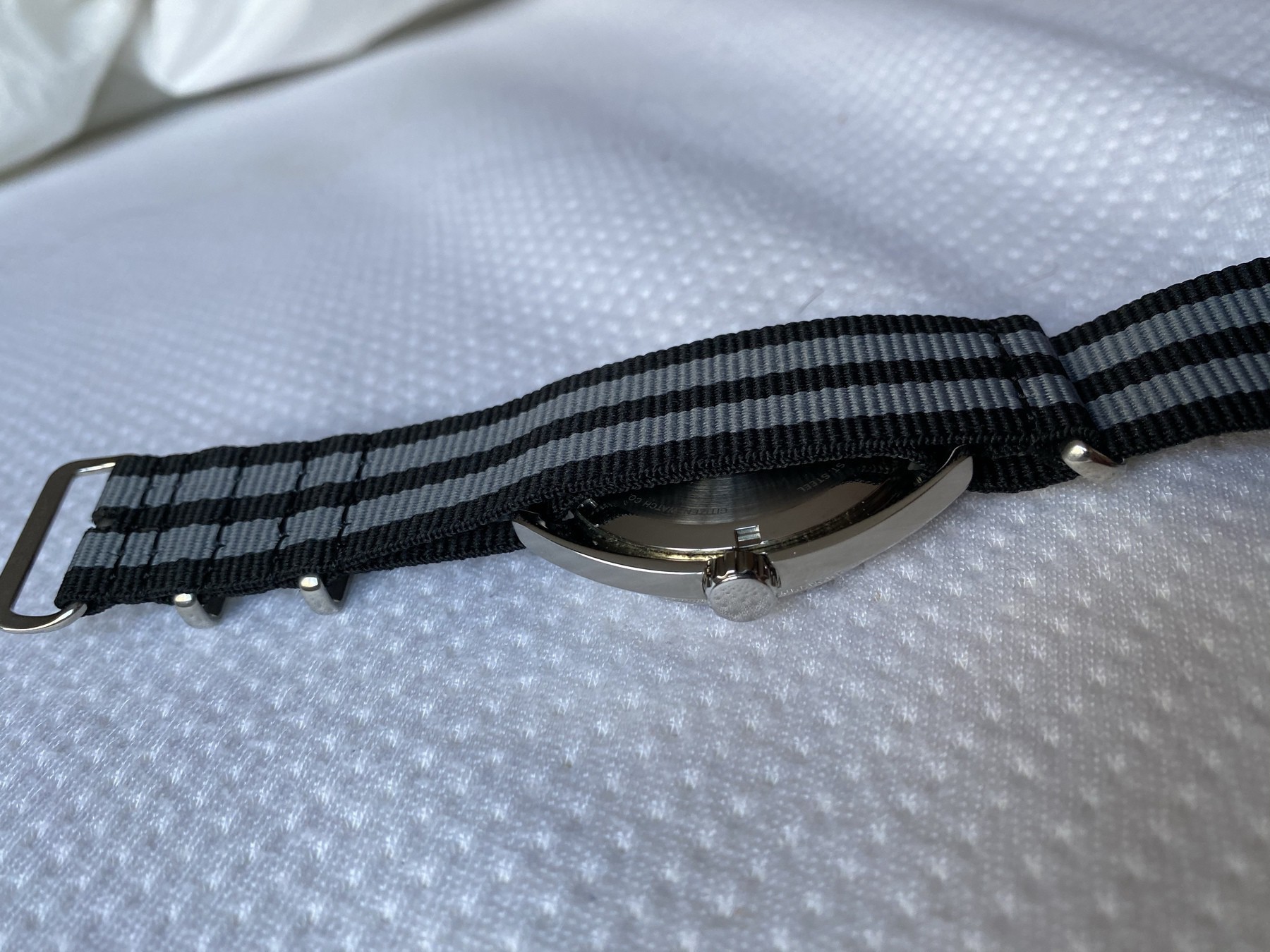
    When you use a nato you have to keep the watch band pins in place to loop the strap through.

    You can see the way I’ve looped it through above.

    I think it looks good on this body and it’s definitely a comfortable band to wear.

    → 9:15 AM, Dec 30
  • 100 days later with the iPhone 11 Pro

    I noticed today that I’m 100 days in with my iPhone 11 Pro so thought it sounded like a good milestone to report back on how it’s been.

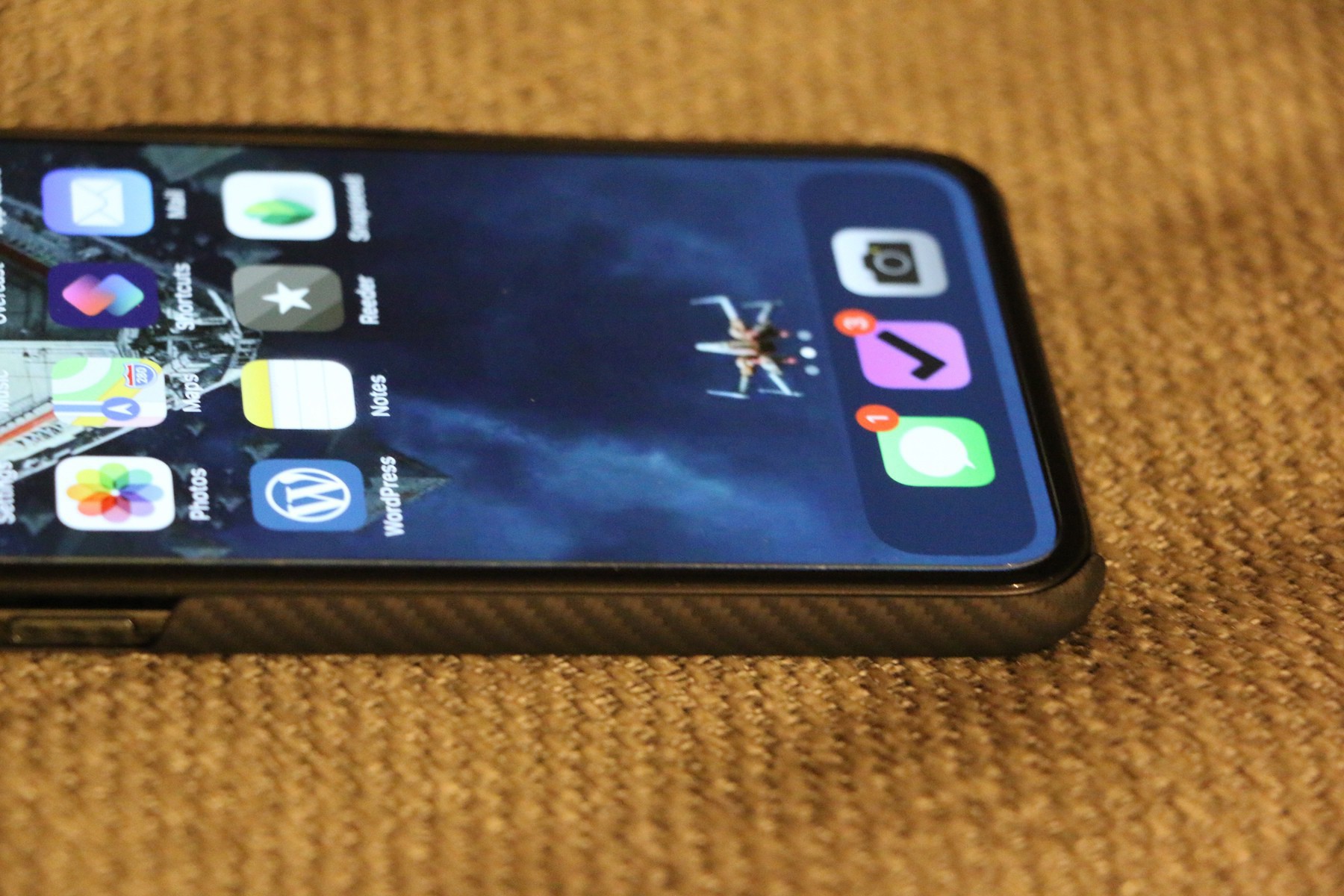
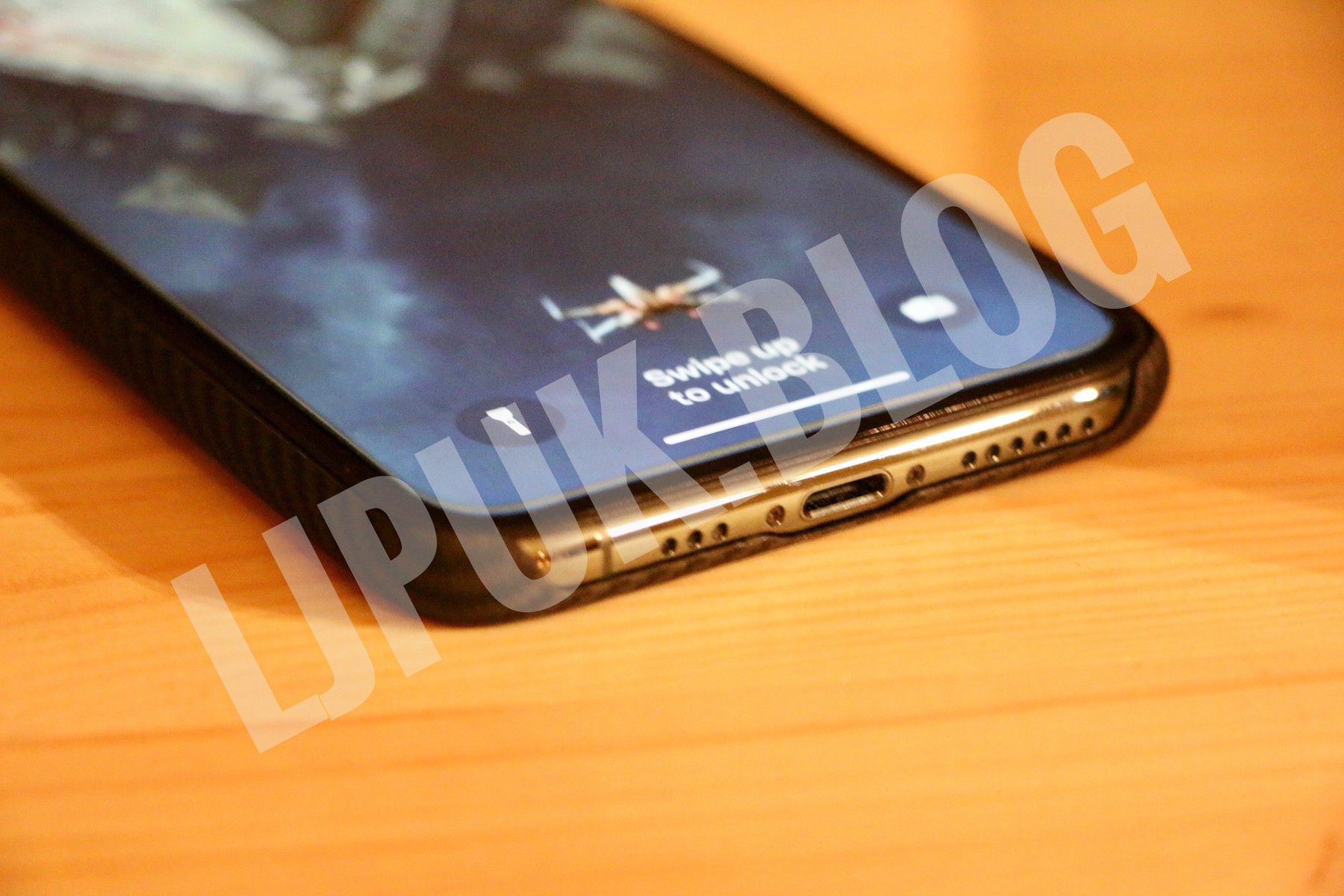
    I’d picked up the midnight green with 256GB storage along with an Apple leather case on day one. I’m no longer using the leather case and went naked for a while until I settled on the Pitaka Air. I also had a screen protector fitted by Apple since launch, which amazingly is still on there and I forget about it.

    The two main reasons I love this phone is the battery and camera, something I’ve highlighted in previous posts.

    The camera excels both indoors and in low light outdoors. I find I never use the ultra wide but nice to have it when I need it, as long as I remember it’s there.

    The battery gets me through two days most of the time, I work from home so don’t need to worry too much about long travel days. I’ll charge as and when I remember to.

    I’m glad I went for the Pro over the 11 due to the 2x zoom, something I use on an almost daily basis.

    Overall the update to the 11 Pro my favourite year on year upgrade that I’ve experienced in my years of iPhone ownership.

    → 8:15 AM, Dec 30
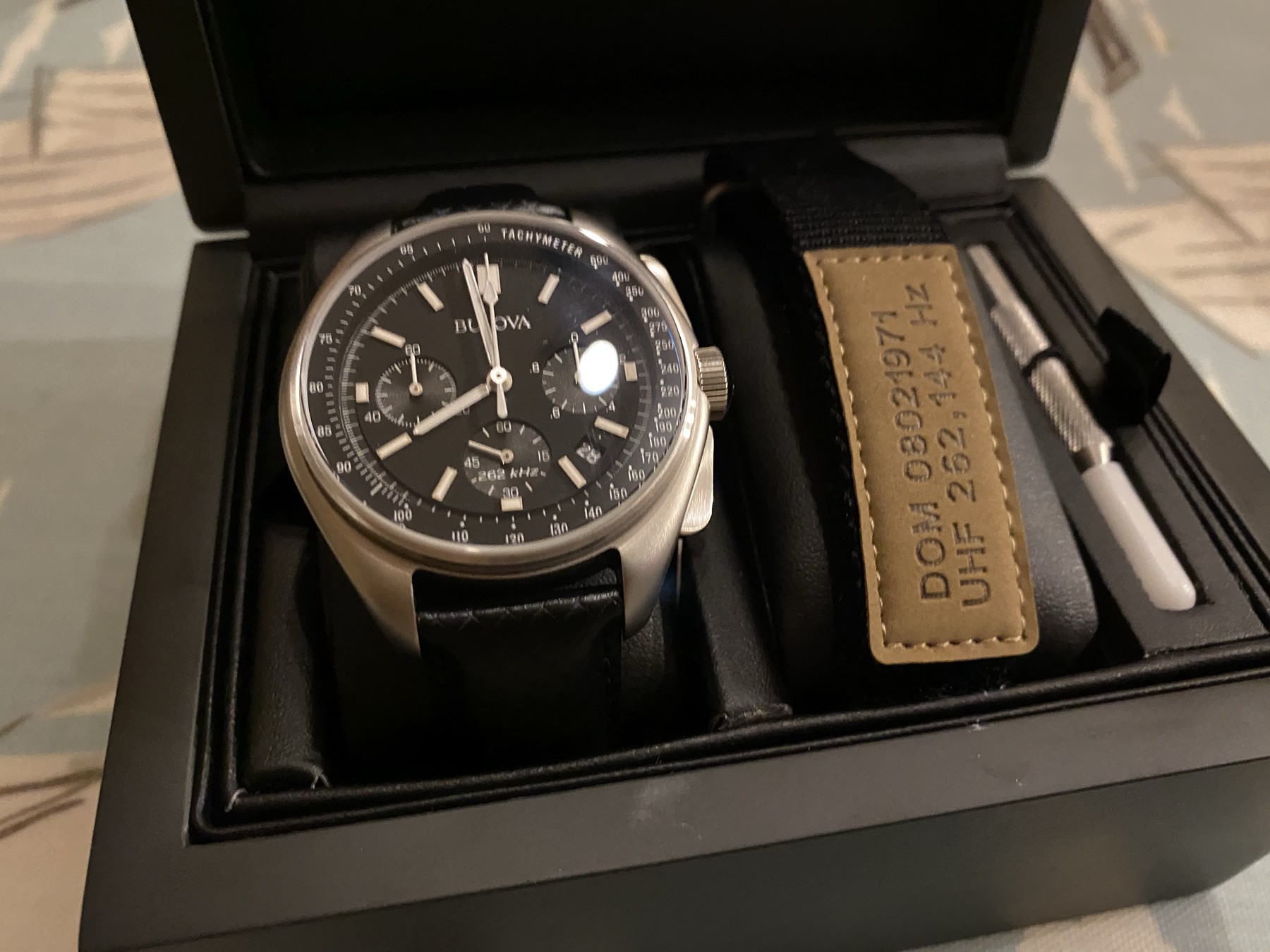
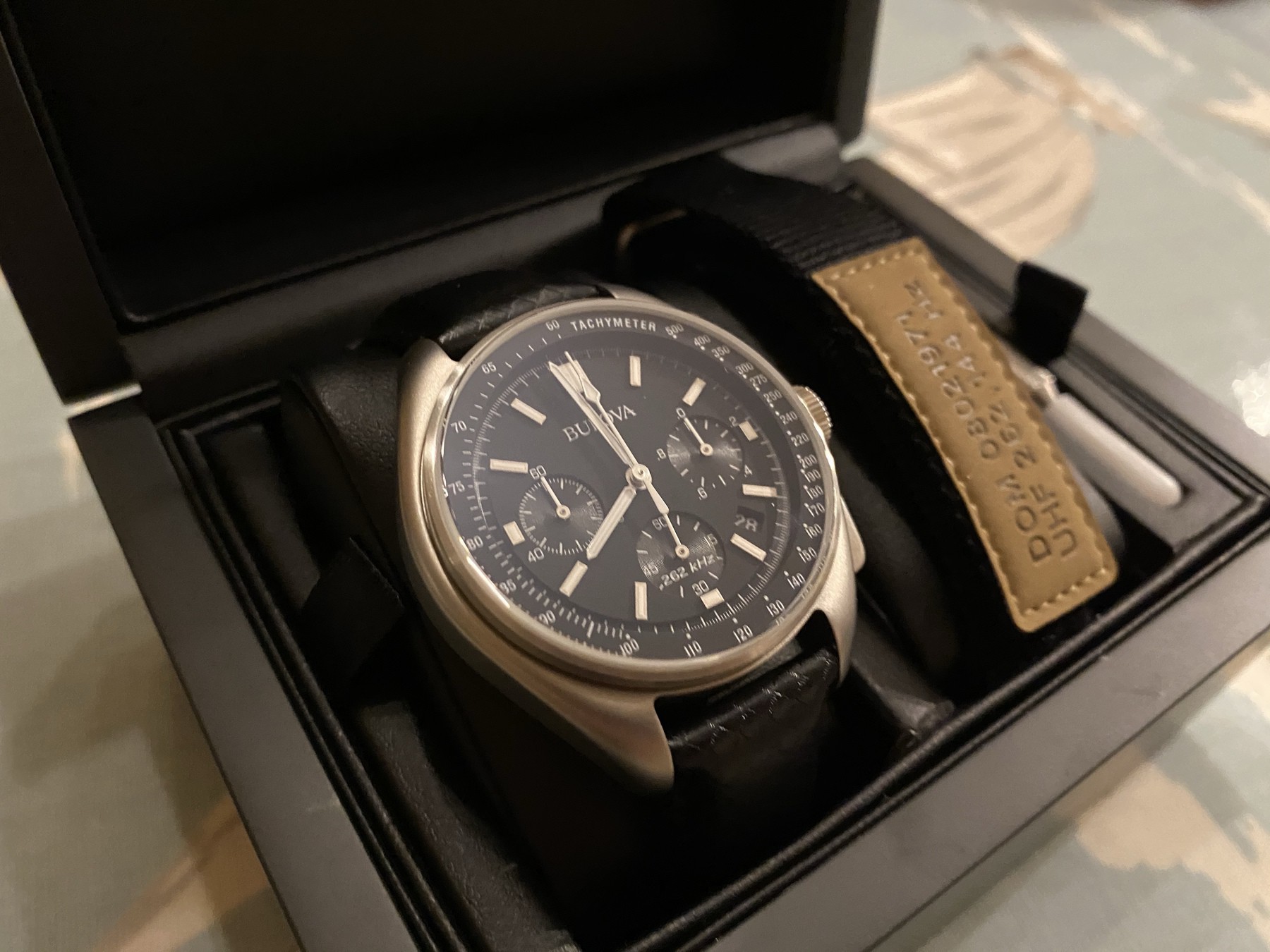
  • Bulova Lunar Pilot watch unboxing

    I’ve become fascinated with watches again after taking a break from my Apple Watch. In particular anything to do with space travel at the moment. One of my grail watches is an Omega Speedmaster but this new Bulova Lunar Pilot has scratched that itch and I thought I’d share some pictures of the unboxing.

    It comes in a great looking case containing an extra nato style strap with Apollo 15 mission date details, a strap removal tool and all of the relevant documentation.

    I’ll post up a review soon but straight off I’m loving the look of this watch. For a sub £450 watch this is some of the best build quality I’ve seen at this price level.

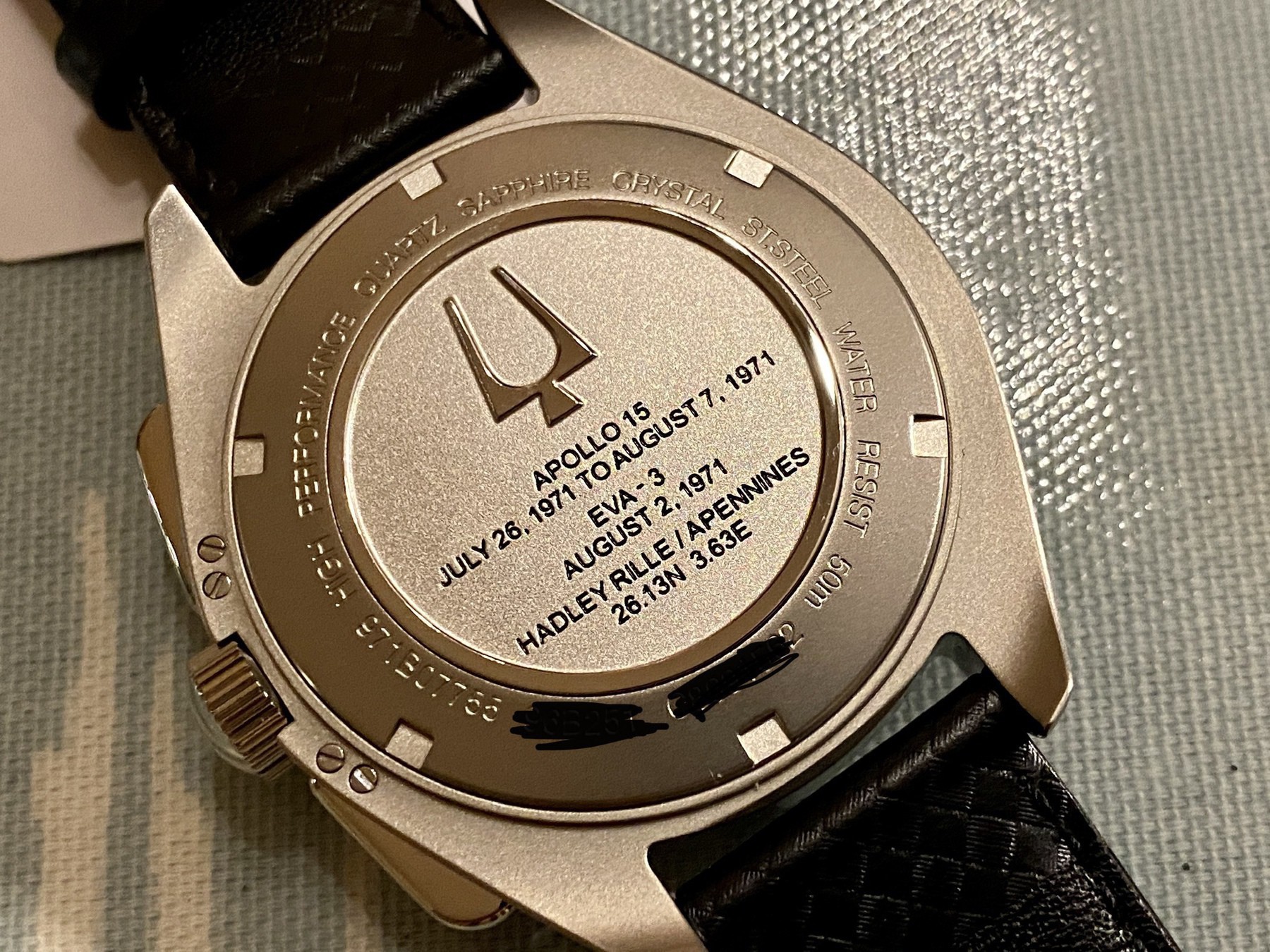
    On the back is a nice touch adding mission details of when the watch was used, more on this in the review.

    → 9:09 AM, Dec 29
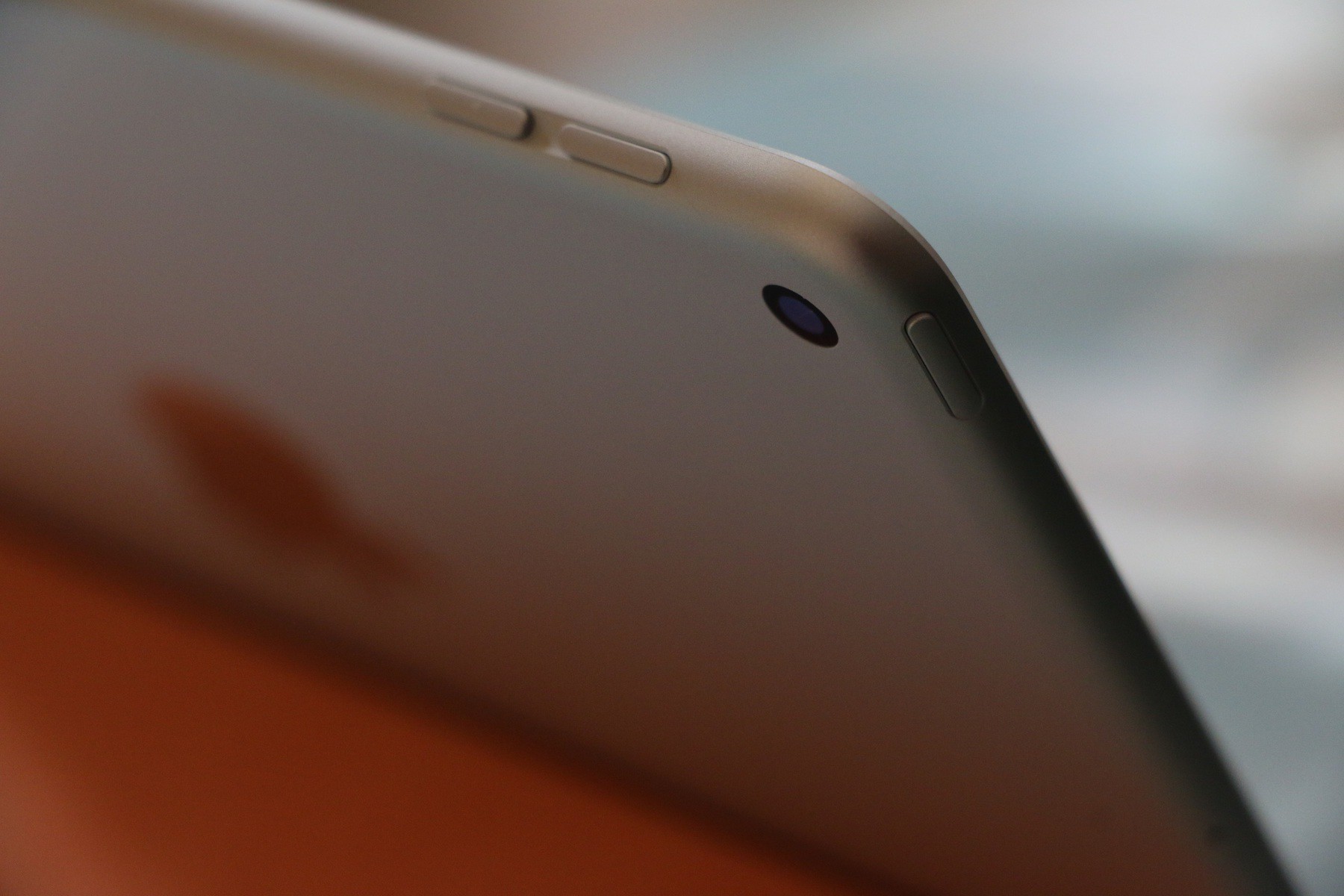
  • How I’m using the iPad Mini 5

    I have to admit that a few months ago my iPad mini 5 was put in a drawer but over the last few weeks I’ve picked it up again and loving using it everyday. I do have a 10.5 pro that I use the majority of the time but the battery life has gotten pretty bad on it so when the iPhone 11 Pro came out I pretty much switched to my iPhone for the majority of the time instead. Now I’m back on the mini I’m using it instead of my iPhone at home. I’m not writing up large posts but using it in portrait and two hand thumb tapping out posts like this is perfect for me. I also like having the bigger screen than my iPhone 11 that I can use to read comics or articles and even create the odd video. I’m planning on using it a lot more and integrating into my photography workflow again. He only downside I’m finding is that it’s a little cramped to sketch or take notes using the pencil. I prefer using my larger iPad for this.

    → 8:37 AM, Dec 29
  • Gumtree is full of scammers

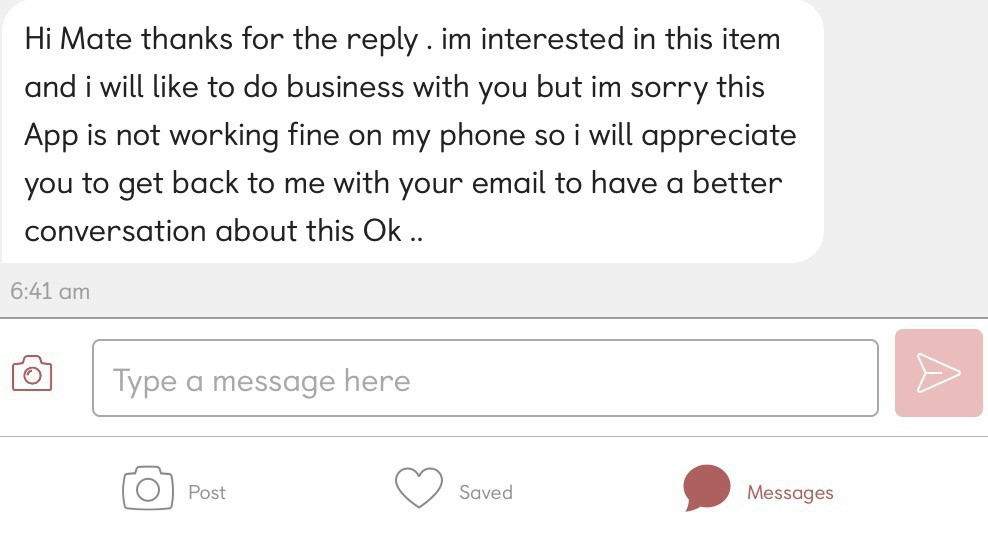
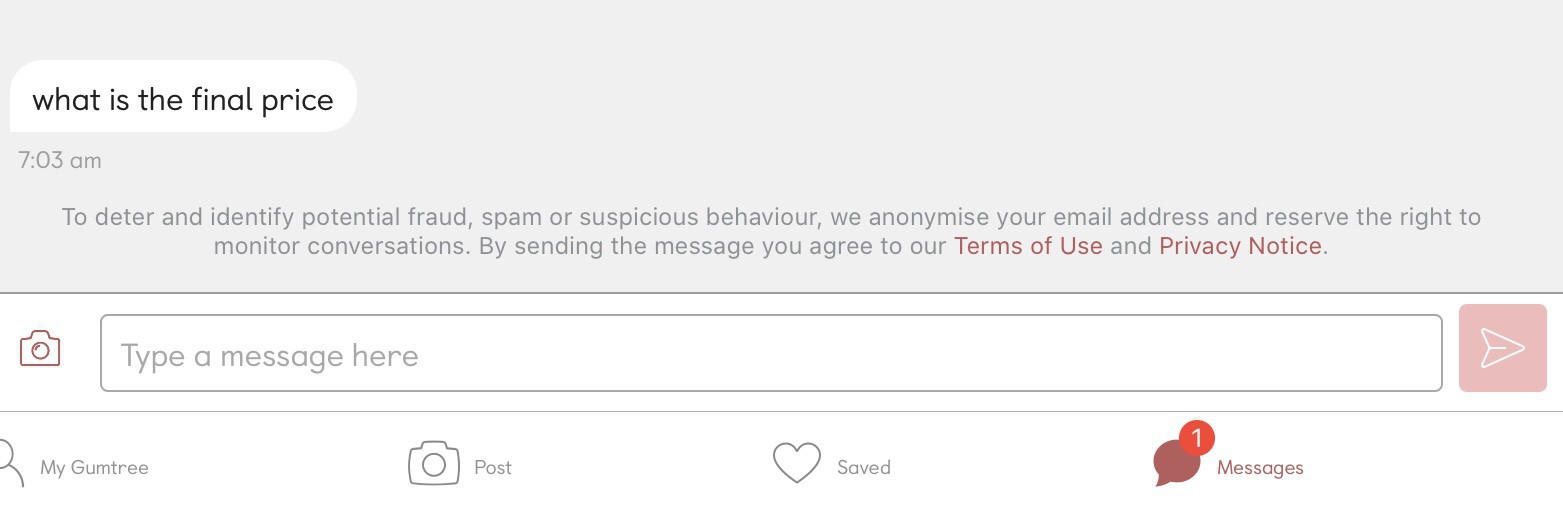
    If you’re planning on selling anything over the holidays I’d recommend against using Gumtree. I’m having a bit of a clear out and been spammed with scammers multiple times a day. Messages like the one above come within about 20 mins of anything posted so please be careful. Don’t give your email address out to anyone, stick within the Gumtree app. They’ll want it to send you money via PayPal then claim it’s damaged on delivery etc to force a refund.

    Another telltale sign above, first trying to get a bite.

    → 7:48 AM, Dec 28
  • Merry Christmas

    Just wanted to take a moment to wish all of my readers a Merry Christmas. I’m taking a break at the moment from writing but wanted to say thanks to everyone that has stuck with me this year reading and sharing my stuff.

    Have a great Christmas.

    → 7:34 AM, Dec 24
  • Star Wars: The Rise of Skywalker first viewing impressions

    Still coming to terms with this being the last of the Skywalker Saga and the last John Williams scored Star Wars movie. I shed some tears, had some laughs and enjoyed the ride - everything a Star Wars movie should be.

    I’m not writing up my thoughts yet given it’s only just come out but as someone who grew up with the original trilogy, I’m very happy with what we got.

    → 7:15 AM, Dec 20
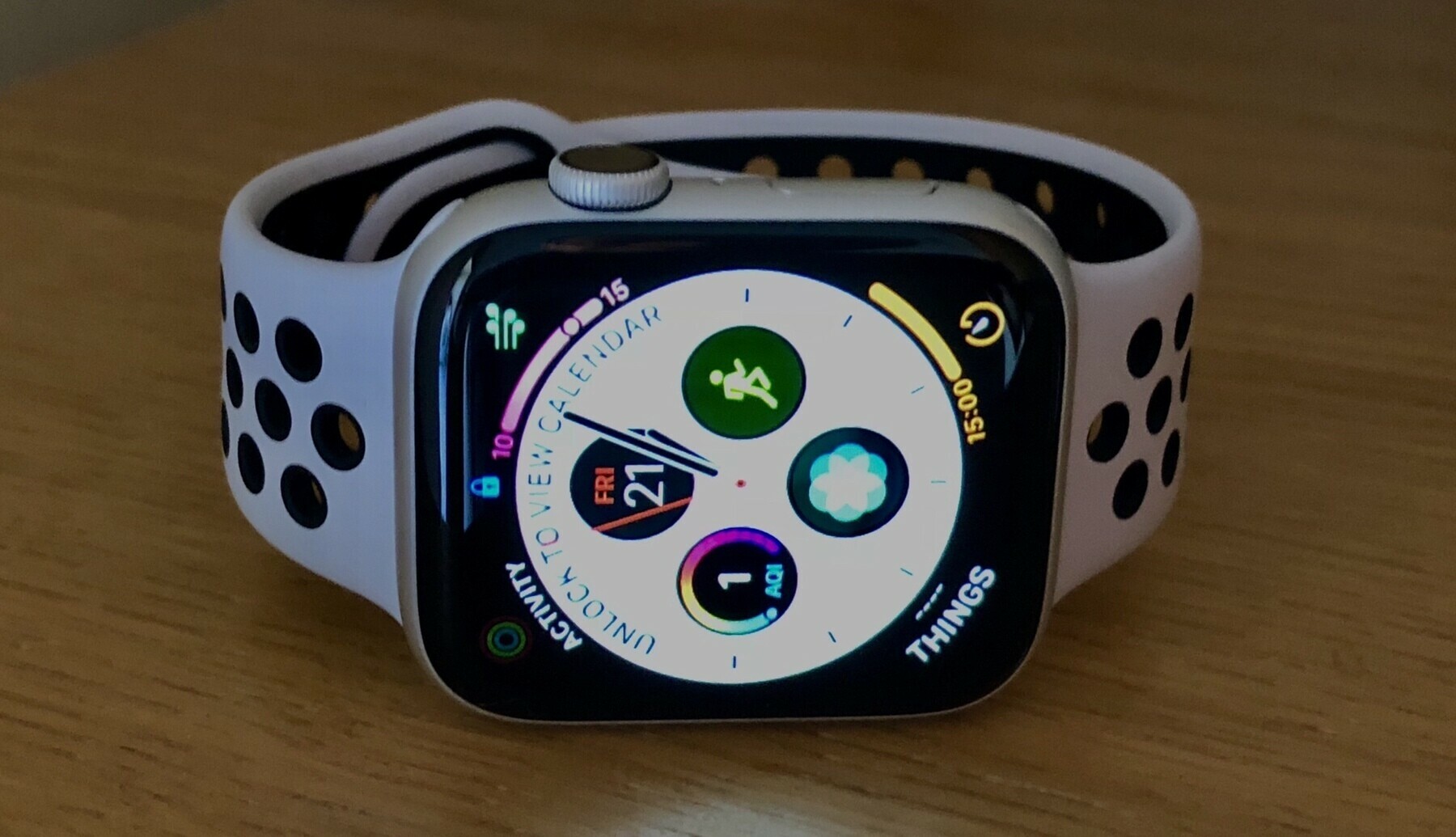
  • Apple Watch durability

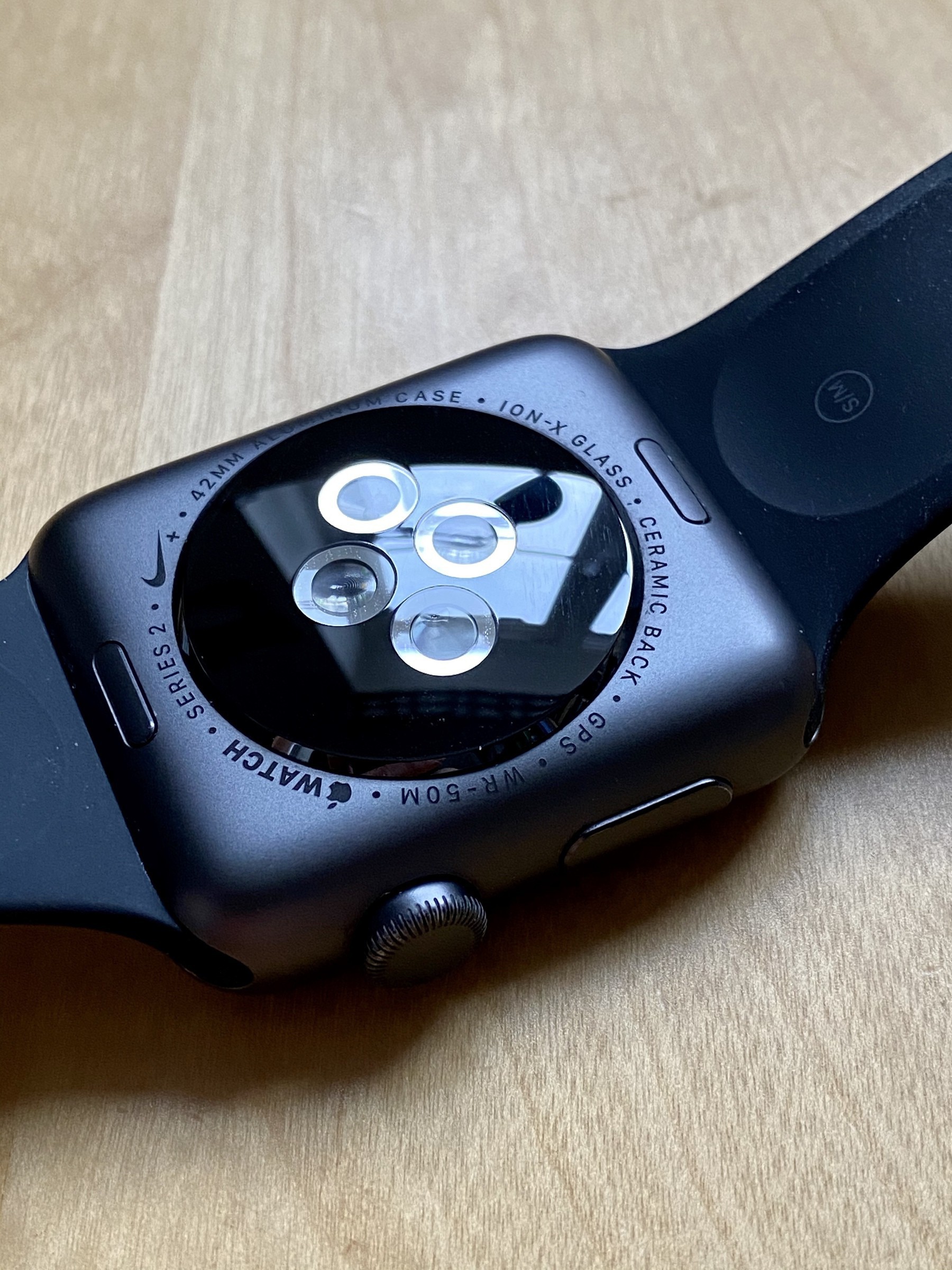
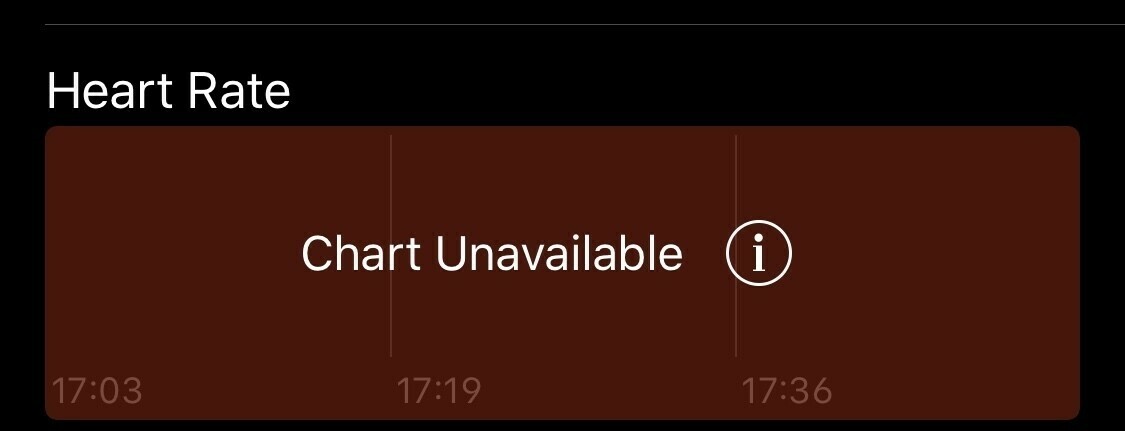
    I’ve broken a screen or two in my time with Apple Watch from a fall but overall I’m still impressed with how durable the Apple Watch is. My daily Apple Watch is a Nike Series 2 that has been worn every day since June 2017.

    This being the Nike model means it’s the lower end model without the sapphire display, it’s also in a space grey finish so the darker one. I’ve reverted back to using the black sport band that came with my original Apple Watch, which given how old it is looks brand new.

    This particular watch has been worn at the beach, in the pool, shower and my daily wear.

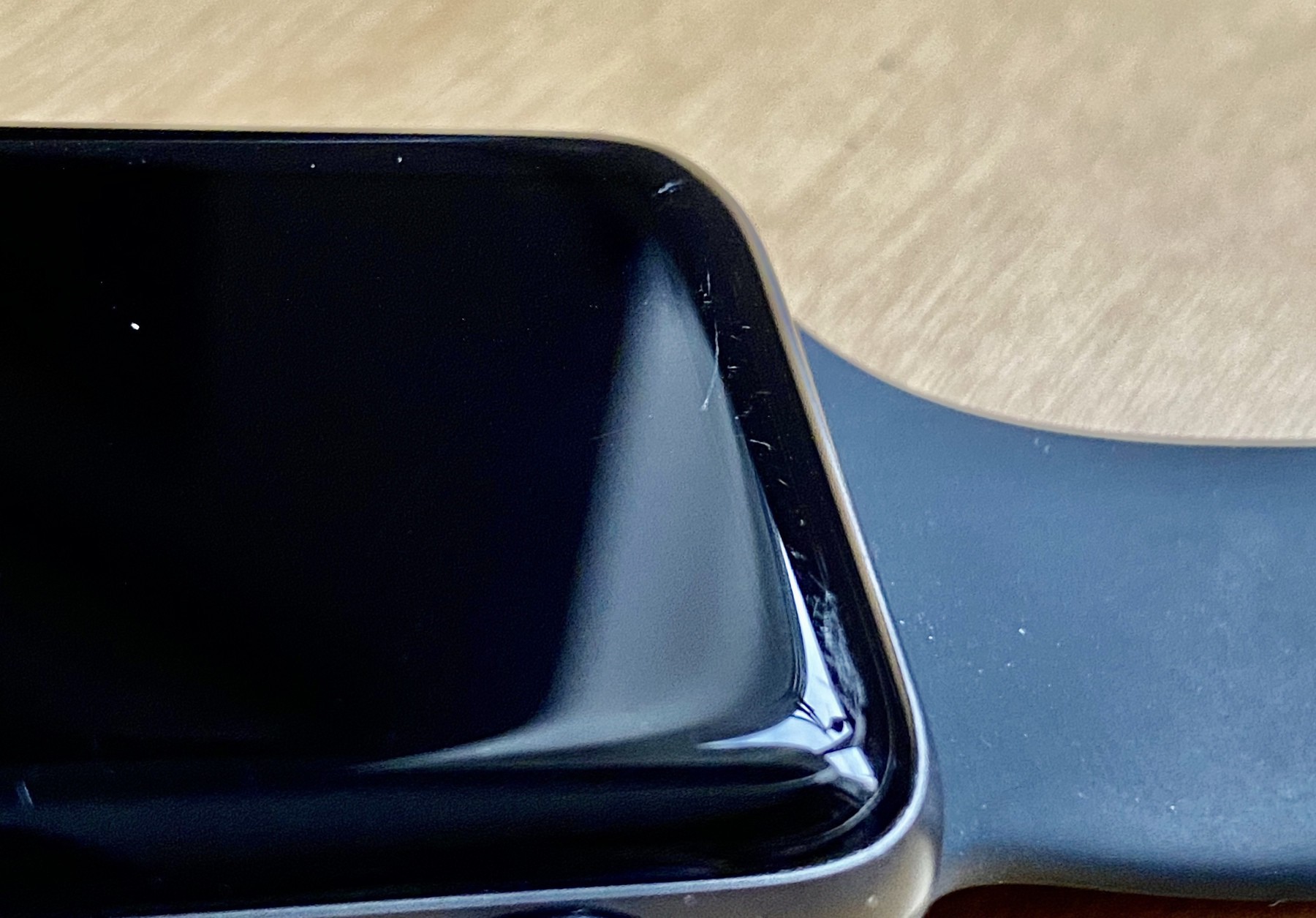
    You can see some light scratching here to the top edge of the screen.

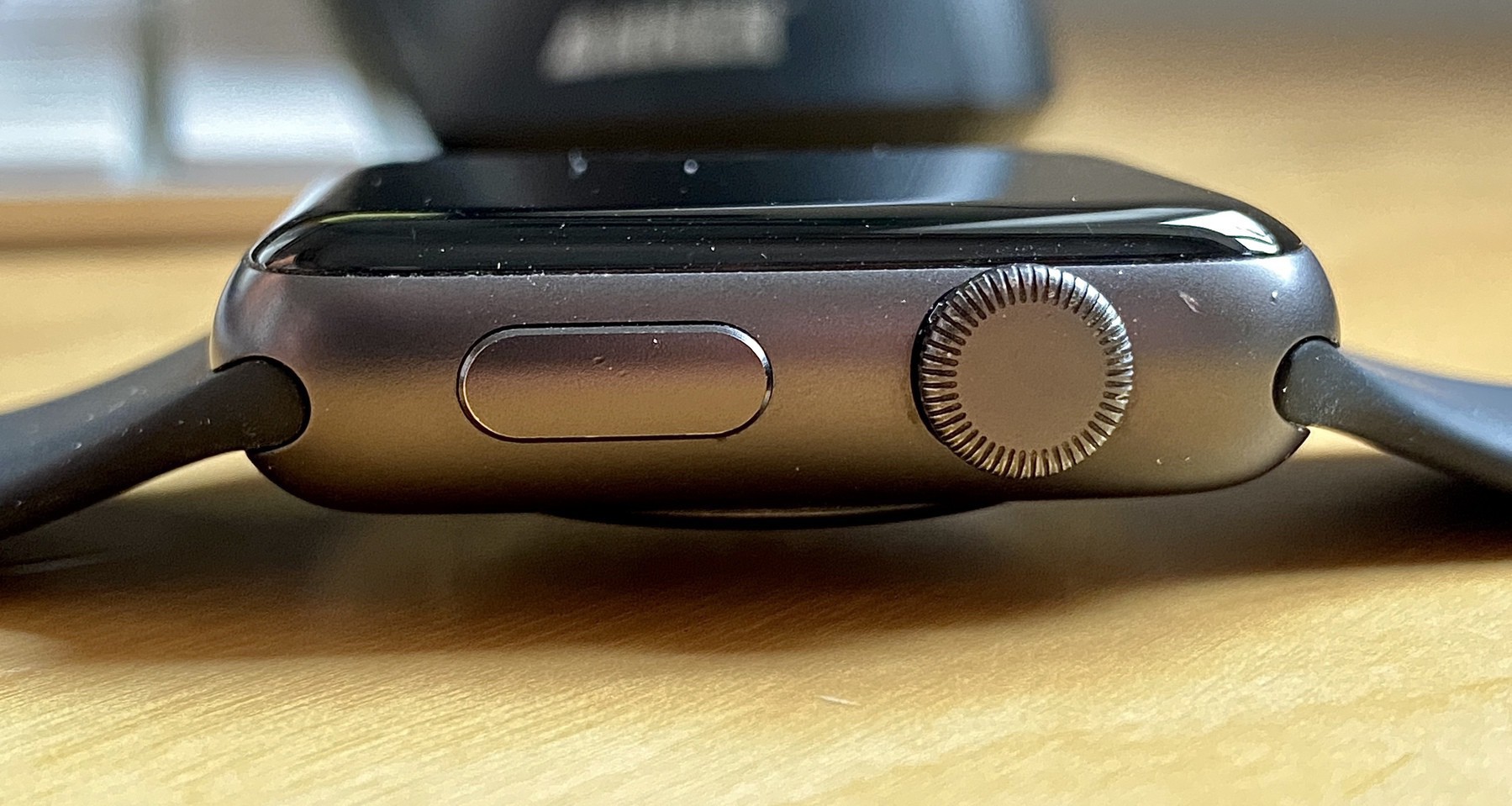
    On the right hand side you can see some scratching on the coating above the Digital Crown.

    Left hand side of the watch is as good as new.

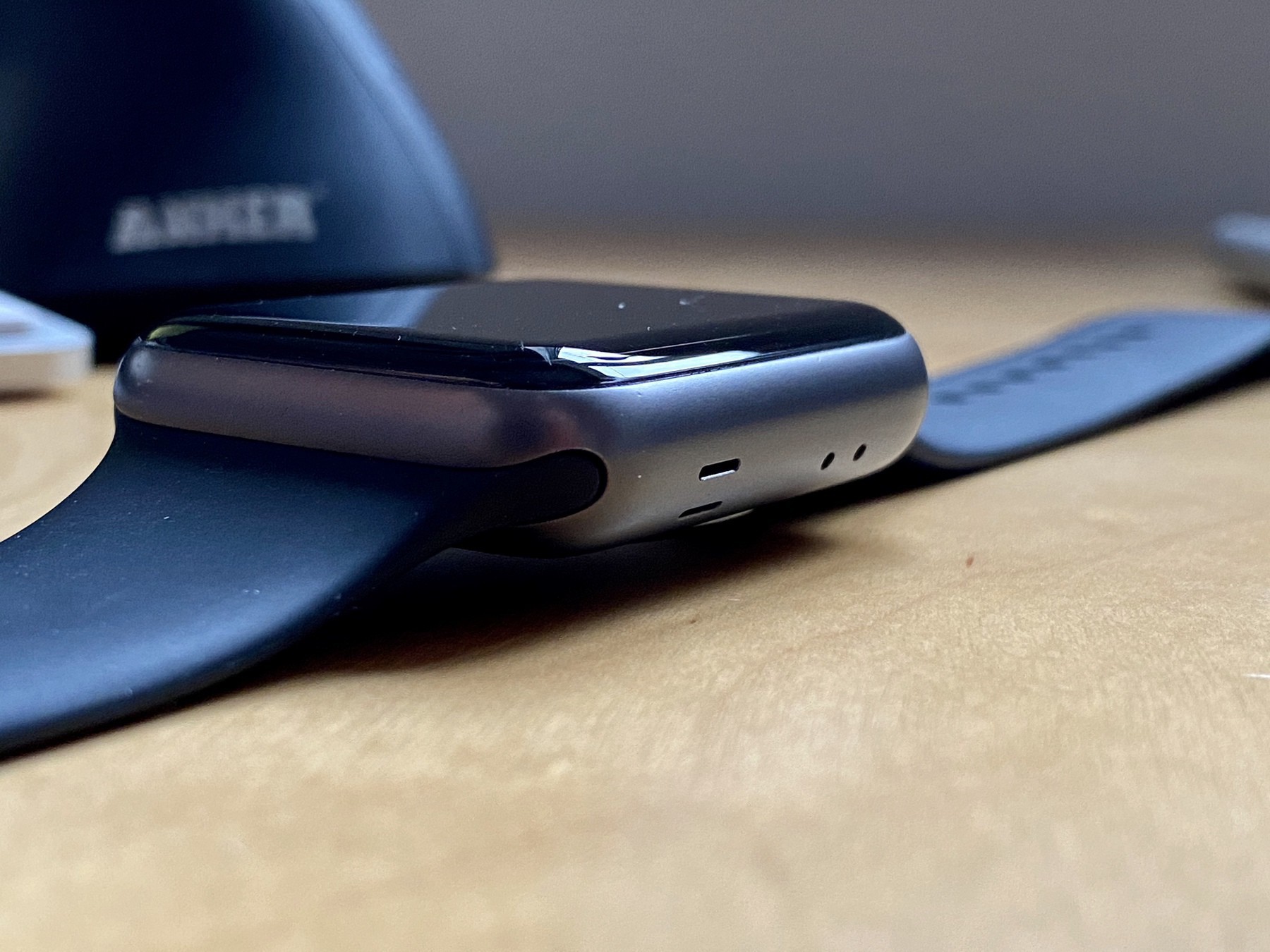
    Back remains as good as new.

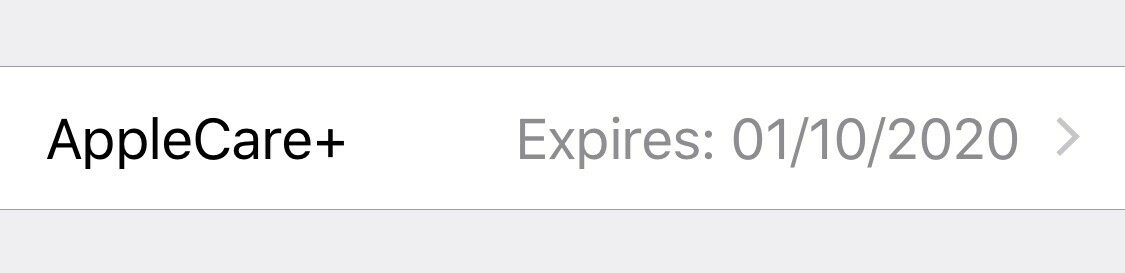
    Overall for this age of watch worn daily I think it’s held up really well. I’m out of Apple Care now I’m hoping it keeps ticking…

    BTW all of these images were taken on the iPhone 11 Pro, wow they are great for these indoors tech shots.

    → 11:26 AM, Dec 18
  • How to delete iPhone apps from the update screen

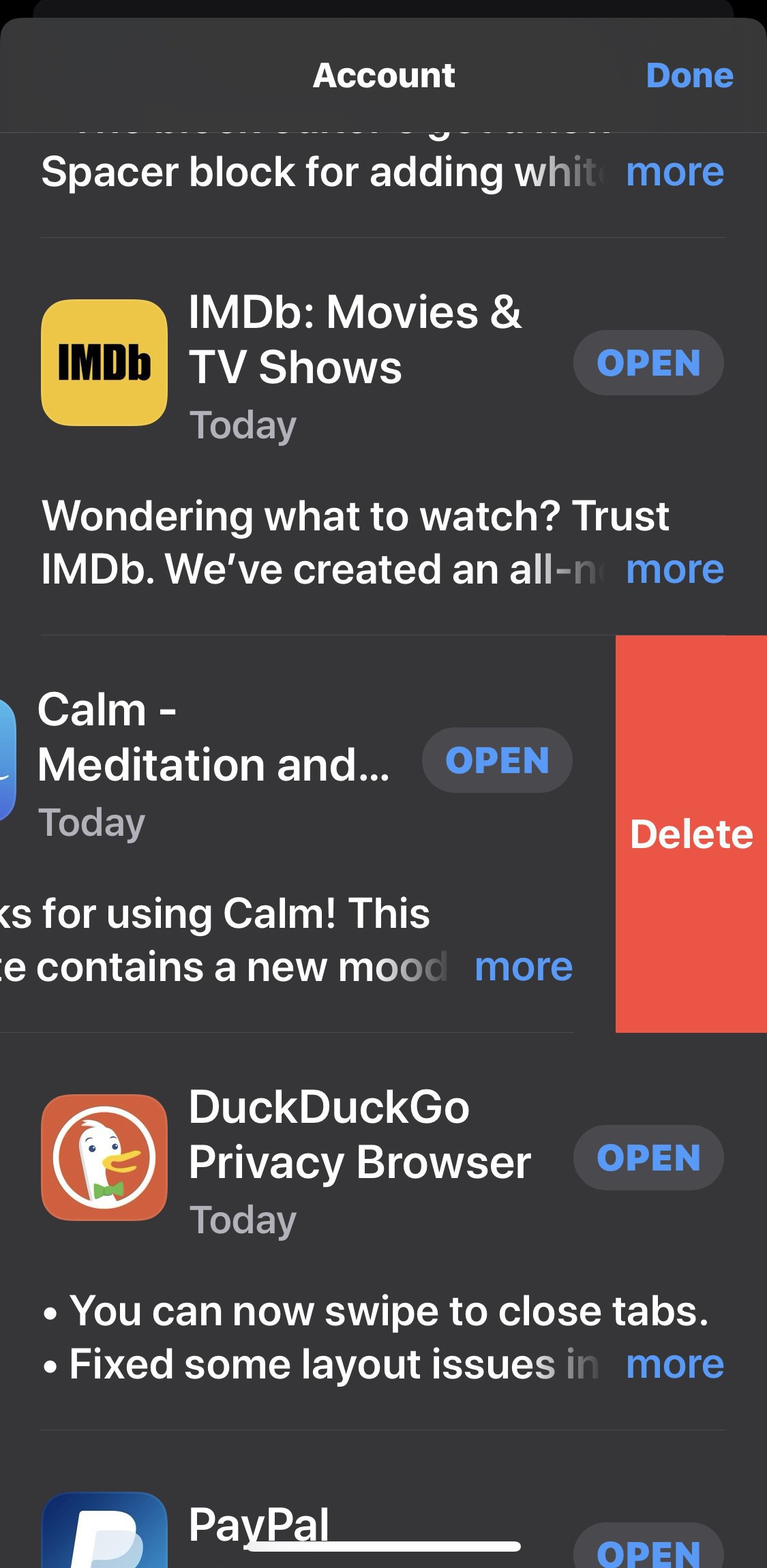
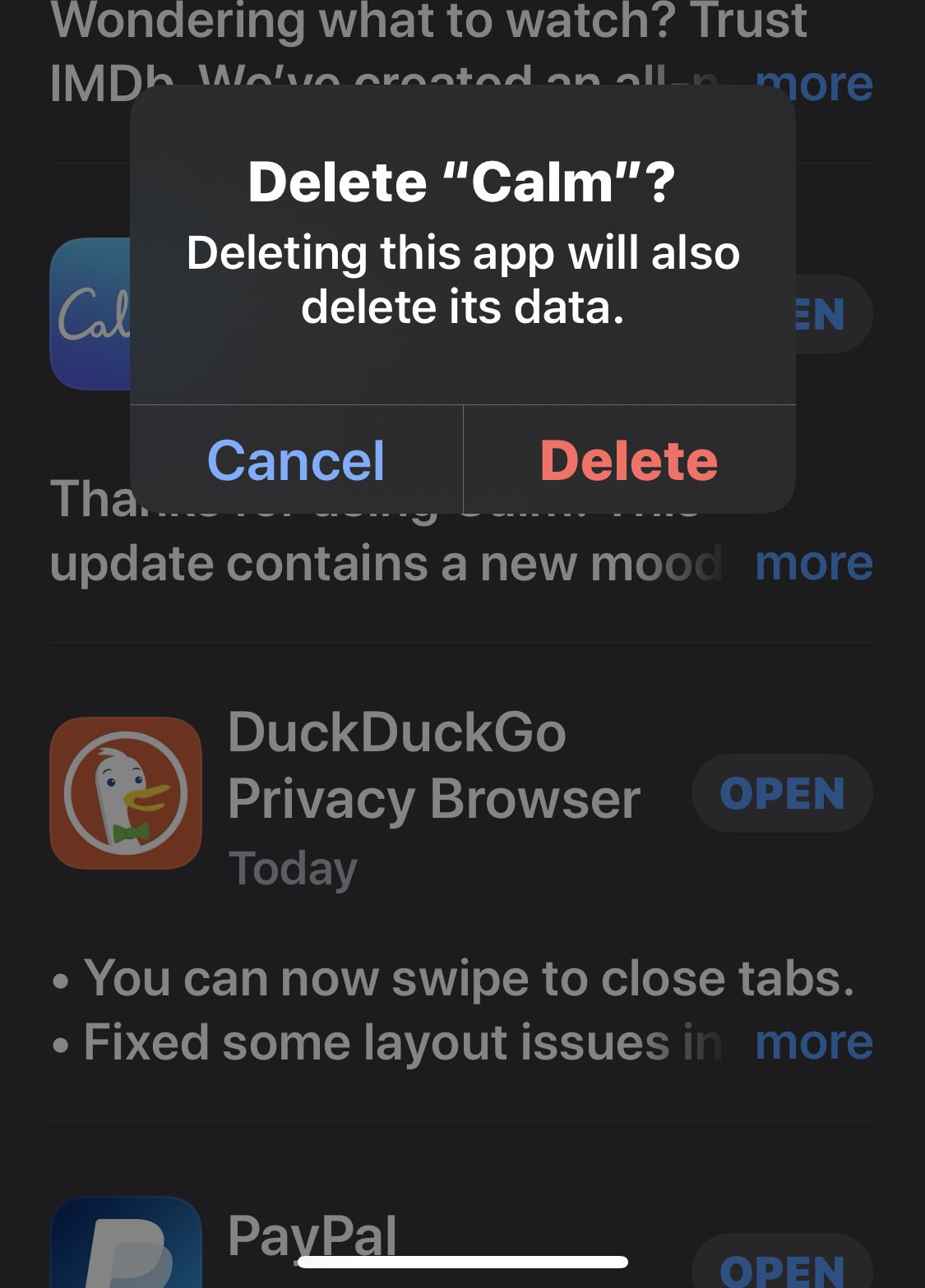
    I didn’t realise this was possible but on reviewing the latest app updates I discovered you can swipe to delete directly from the update section of the App Store on your iPhone.

    Being able to do this is a nice little time saver when I realise an app I haven’t used in ages is being updated and I don’t even need it anymore.

    → 8:00 AM, Dec 18
  • Silicon Valley Season 6 now on UK iTunes

    Link

    Silicon Valley has been one of my favourite TV shows of the last 10 years and the final season is now available on iTunes. Can’t wait to start watching this one.

    → 5:17 PM, Dec 17
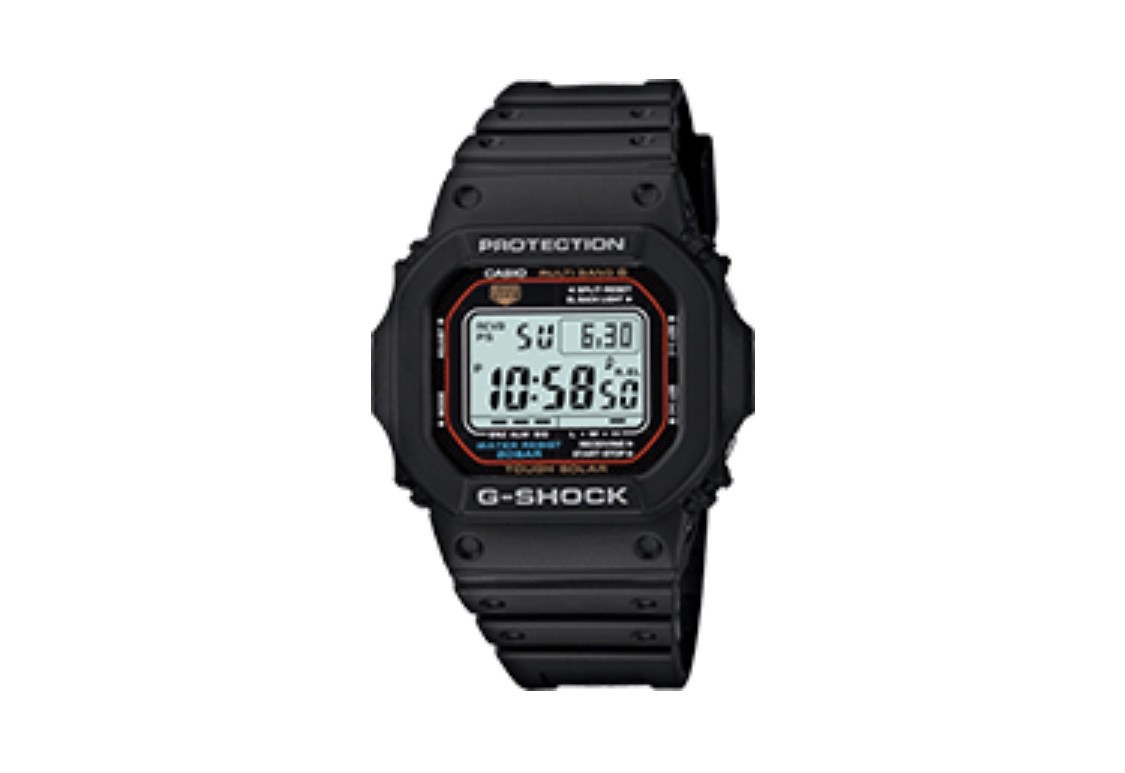
  • Casio G-Shock 5610 - An affordable space watch

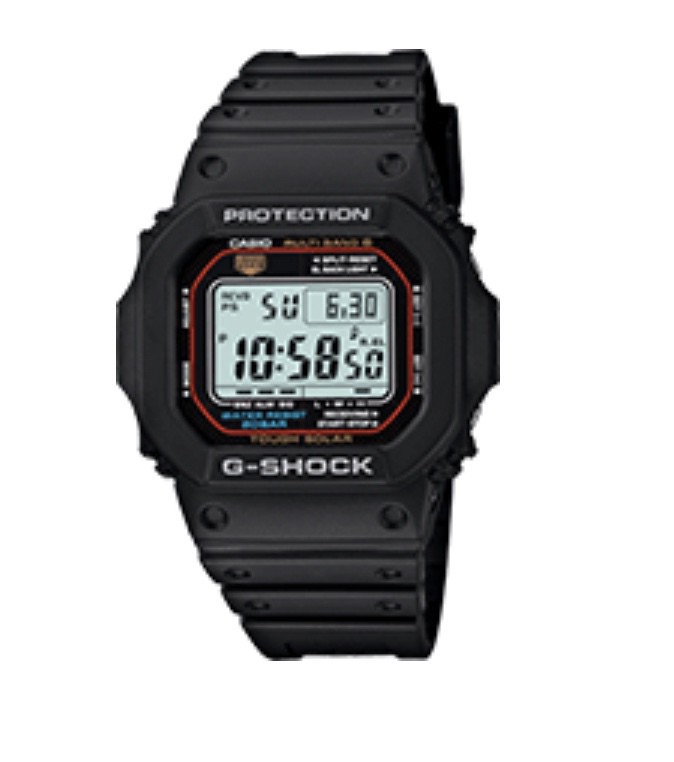
    Two things I’m into are space and watches and more recently I’ve gotten into researching watches that have ended up in space or on the moon. The most obvious watch that comes to mind is my dream watch to own, the Omega Speedmaster but at over £3000 it’s a little out of my price range for now. The good news is that one of favourite watch brands has ended up in space, lots of times - Casio.

    The g-shock 5600 series had been worn into space multiple times and is a great everyday watch.

    The model I picked up to review was the 5610, tough solar for £74. It looks big when you see images but in reality it’s not that big on the wrist so first off don’t be put off straight away.

    This model has a couple of cool additions on top of the 5600, solar powered and the ability to update itself via atomic timekeeping.

    On using it for a week here are some of the takeaways

    • The buttons are recessed so can't be hit accidentally
    • The strap is typical Casio resin and super comfortable
    • It's light enough to forget you're wearing it
    • The illumination is the best I've used on a watch
    • It'll take a beating

    This has to be the best value for money in terms of having a daily watch you can wear anywhere.

    If you’re looking for an everyday watch with a great history then the g-shock is hard to beat, especially if you’re into space. Until I save enough for an Omega, this is my number one space watch.

    → 7:13 AM, Dec 17
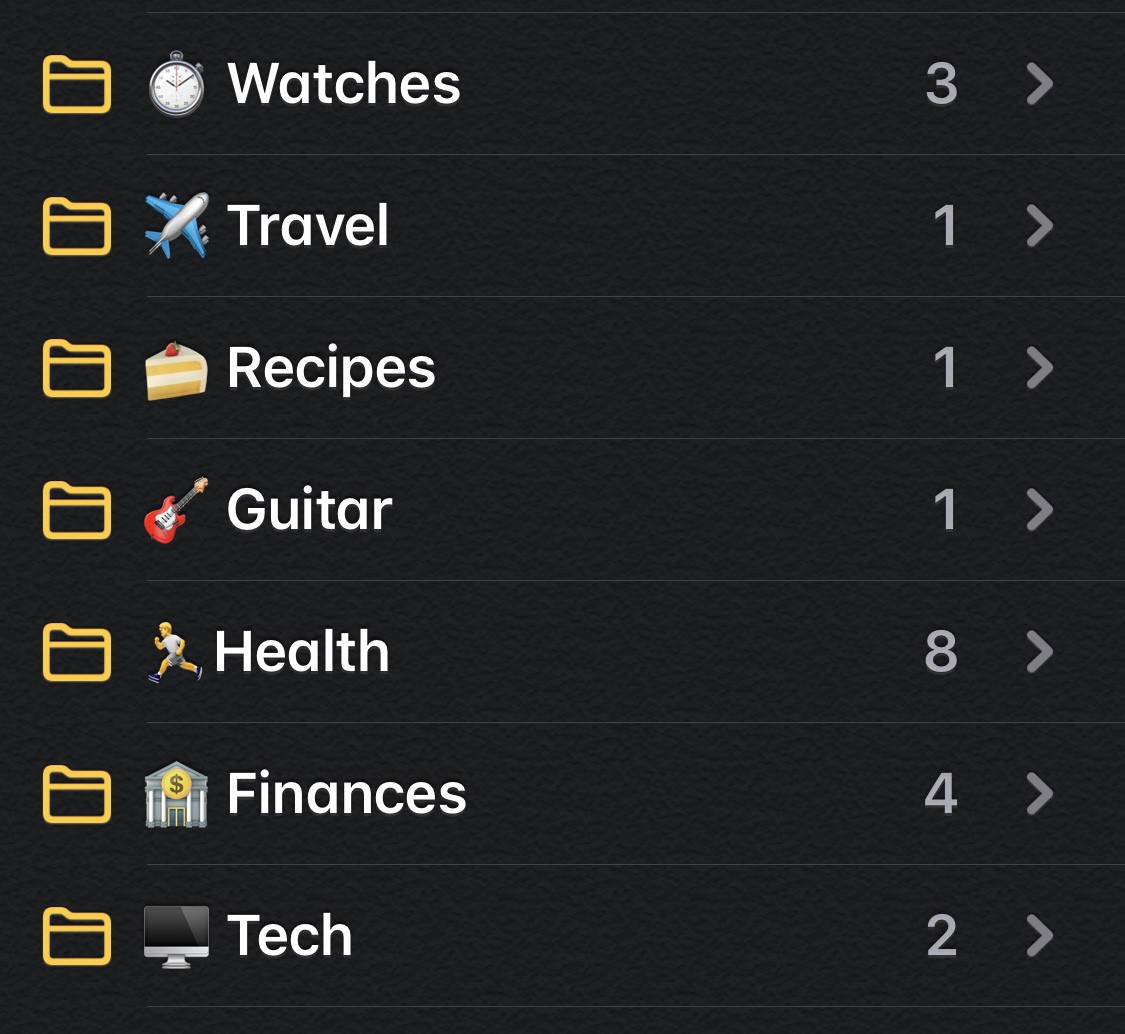
  • Adding emoji to Apple Notes folders

    My apple Notes sync issue seems to have bedded down now and I’m using it again slowly.

    One thing going back is how dull it looked so I added emoji to the folder names.

    I think it looks a lot more inviting, what do you think?

    → 9:11 AM, Dec 15
  • iOS 13, a lot of little paper cuts

    As I’m using the latest public builds of iOS 13 I’m still amazed at the number of UI issues across the system. This actually applies to watchOS too and iPadOS. I’m not trying to pile on as there have been plenty of posts about iOS 13’s lack of stability but simply to share my experiences. Performance wise I’m happy with iOS 13 but the little glitches around the system really have me scratching my head into what the QA actually does and how they test.

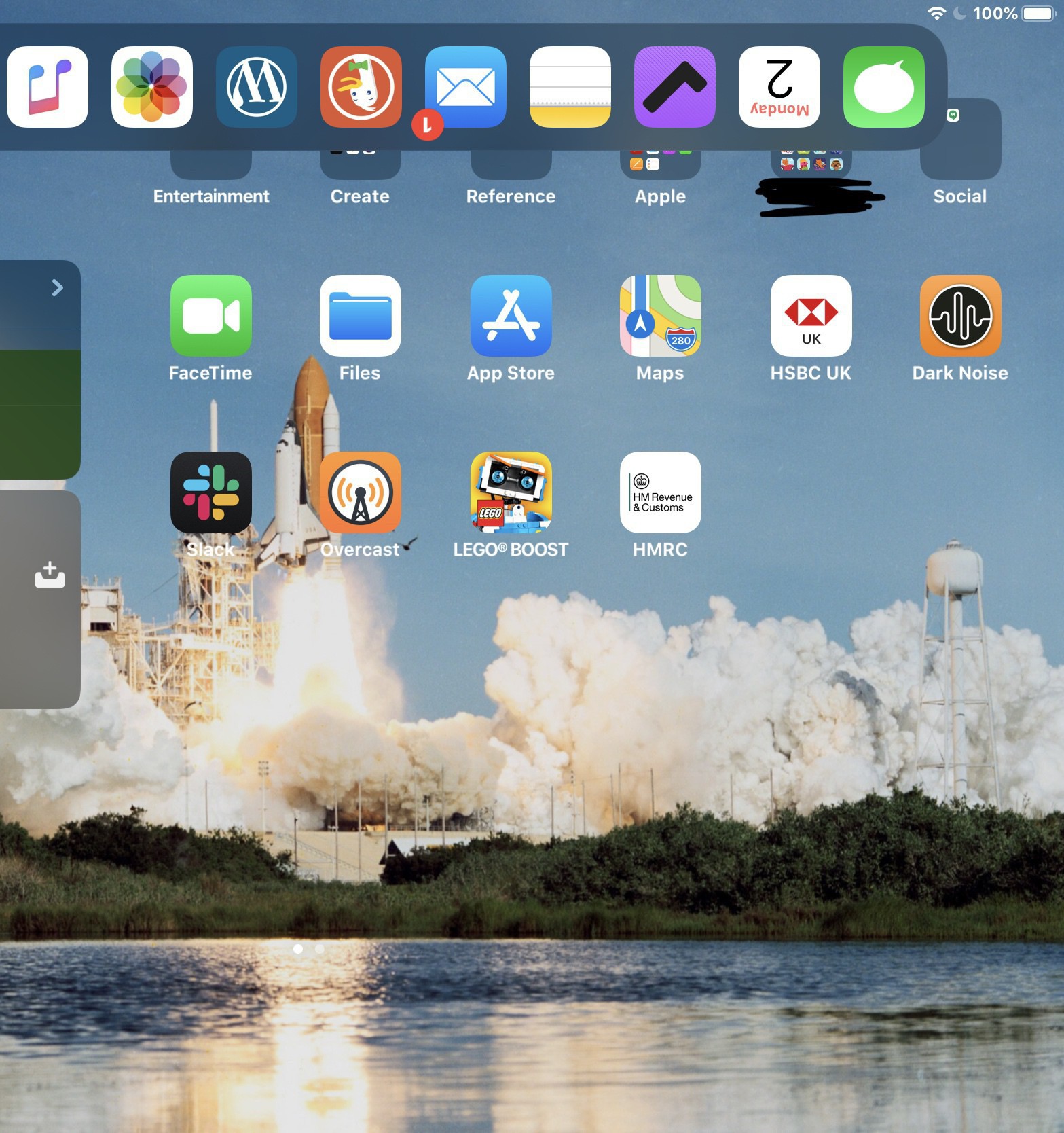
    The main offender is my iPad Mini, which I honestly think has never been tested internally at Apple given the devices popularity. Rotation issues are a daily occurrence for me across both of my iPads but the Mini seems to get stuck in one orientation or the other mode often than not.

    I’m not sure if this down to the performance of the older 10.5” iPad Pro and slower processor of the Mini but I do wonder if this is an issue on the latest iPad Pro and if Apple are testing on older devices.

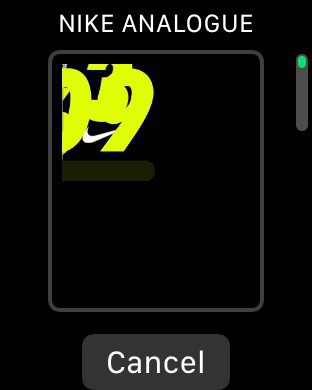
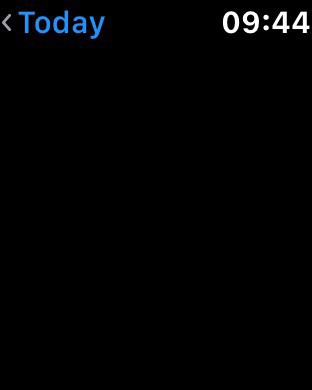
    watchOS has it’s share of UI issues with little glitches like the one above.

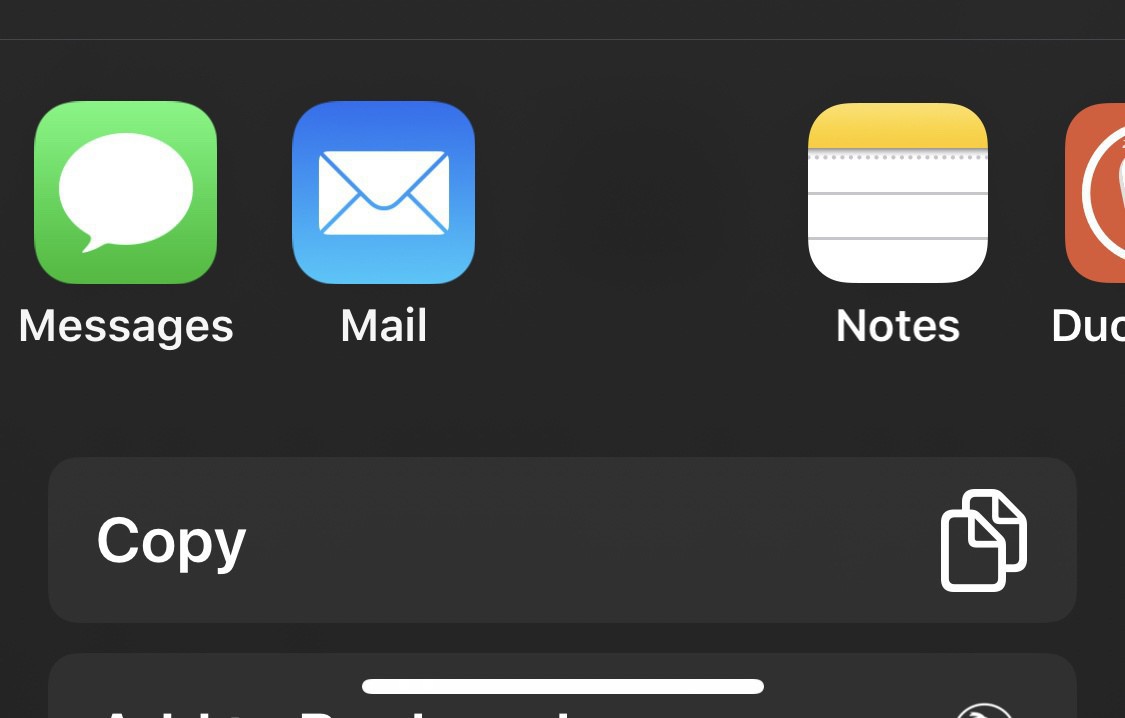
    Here’s a nice share sheet bug that doesn’t show the Reminders icon but if you tap the blank space it opens the app.

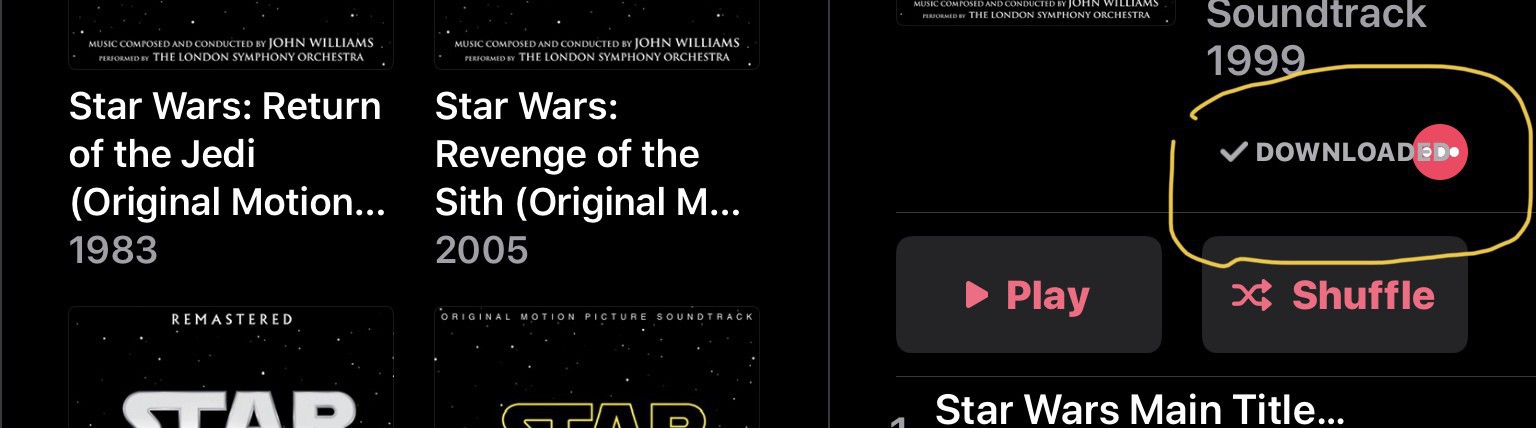
    Apple Music on my iPad Pro is the worst offending app though. This layout issue above occurs in multiple places and I still get issues when using the app in landscape mode. An example of this is when it shifts to album view it resets the left hand pane and takes me to the top of my music again.

    This isn’t really a rant post but I can’t air these bugs with Apple as I get zero response or a fix as these have been going on since beta 1. I gave up reporting bugs or asking Apple for help a while ago, I still haven’t been called back for my Notes sync issue despite multiple promises I would be.

    I’m writing this to get it off my chest and the little hope someone from Apple might come across it and reach out.

    Keeping my fingers crossed that iOS 14 has very little new features and a focus on stability.

    → 8:21 AM, Dec 14
  • watchOS 6.1.1 follow up

    I’m a couple of days in with my series 2 on the latest watchOS and it’s settled down after a shaky start. Battery seems to have taken a hit but performance isn’t any better or worse.

    → 8:05 AM, Dec 14
  • Blogging, a year in review: Where my traffic comes from

    I’m going to write up a few posts on blogging rather than just tech stuff as I thought it would be good to be open about my site and the information may be useful to someone else.

    Over the last year I increased my traffic by 4 times the year before but I still don’t get that much to be honest. In the first post I wanted to share where the majority of my traffic comes from.

    Growing something, especially these days is hard. You can see that the bulk comes from searches (mostly Google), then social media and lastly in the top 3 Wordpress.

    I think that’s an important data point. If you’re using Wordpress you have a whole host of other Wordpress users that use the app to find content and writers. I have over 100 people that follow me on Wordpress and read my stuff. It’s one of the reasons I stay on the platform. I’ve discovered a lot of writers using this method myself and I continue to use the app for reading.

    So I’m small fry a nobody really in the blogging space but it’s nice to look back this year and actually see that my writing is being read and is somewhat useful.

    → 7:46 AM, Dec 12
  • Don’t update to watchOS 6.1.1 on the series 2 Apple Watch

    I’d hold off updating to the latest watchOS version on the series 2 for now.

    Mine was stuck in this boot loop for 45 minutes after the update and after holding down several buttons finally managed to get it out and working.

    Performance is also less than ideal and it seems like it’s taken a backwards step on older watch hardware.

    I’d hold off if you’re happy with your current watchOS version.

    → 7:11 AM, Dec 11
  • My favourite gear in 2019

    I’ve actually not bought that much stuff this year but I wanted to share new gear that I’ve enjoyed and the ones that continue to serve me well.

    iPad Pro 10.5"

    It’s over 2.5 years old now and still my number one daily computing device I own. As you most probably know I use it with the Smart Keyboard and Apple Pencil. I have looked over at the new 11” Pro with envy at times but once I look at the total cost with a new keyboard and pencil it stops me making the purchase. I’ve seen them on sale several times but I’m really content with with my 10.5”. It’s still fast on the latest version of iOS and does everything I need.

    Casio F-91w

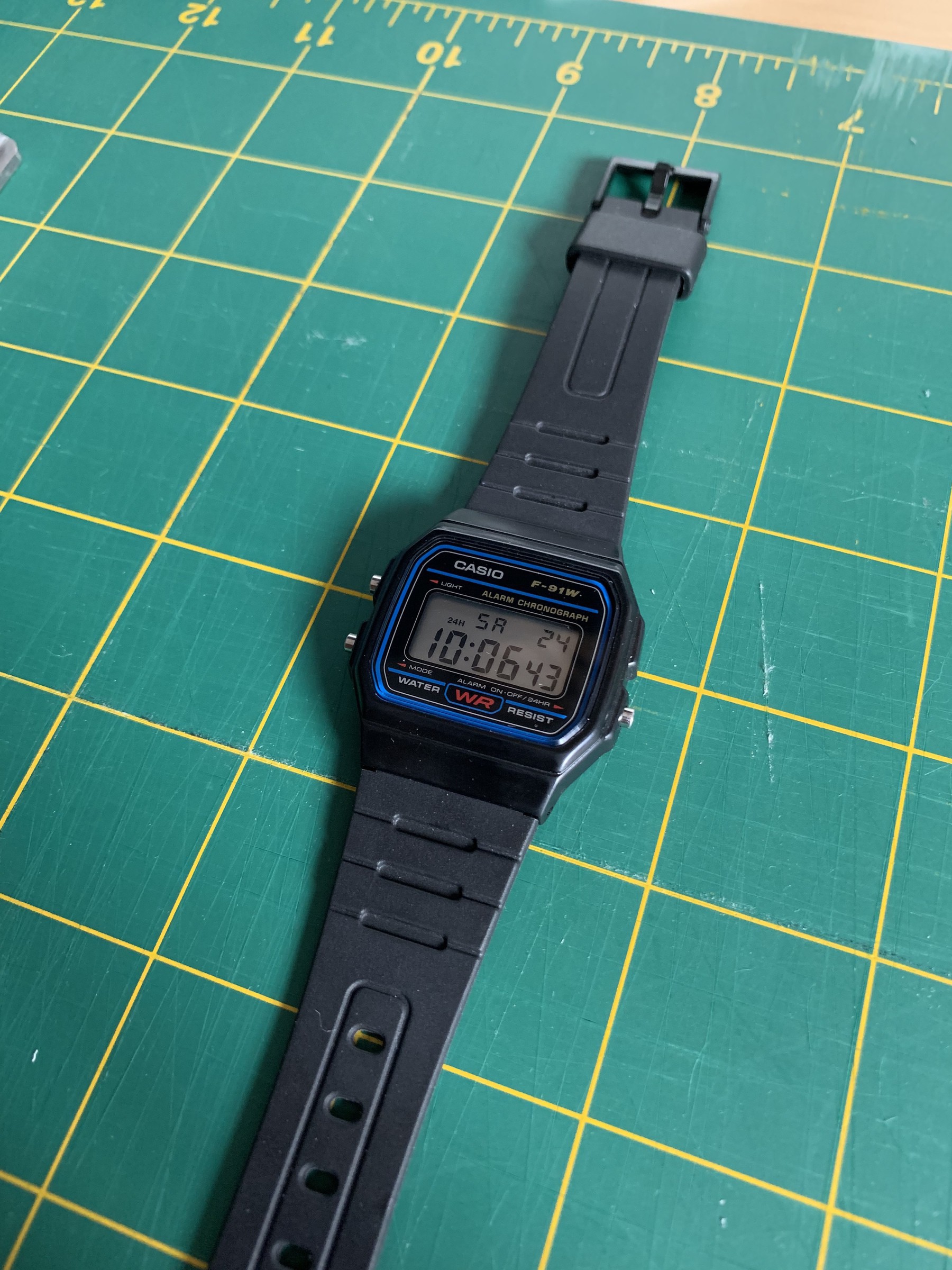
    I’ve been dipping back into the world of watches and my go to has been the Casio F-91w. It looks great, reminds me of my first watch and is comfortable. I like to take breaks from Apple Watch from time to time and this is my favourite one to use.

    iPad Mini 5th generation

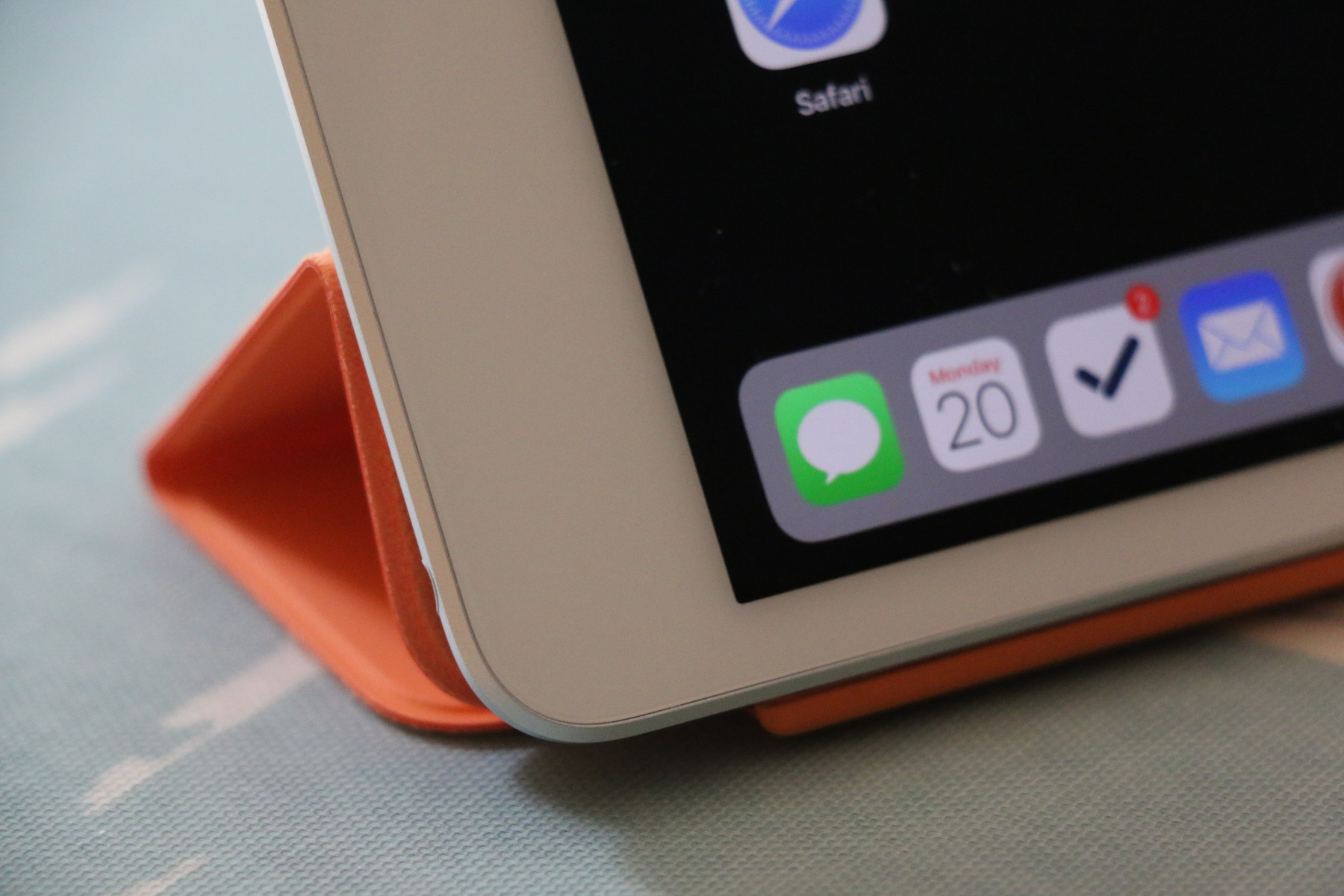
    We still have a 2nd generation in the house but I wanted a smaller iPad I could take with me to client site and use like a field notes book. It’s been a great little device, since iPhone 11 Pro I’ve used a bit less but it’s still my favourite way to read comic books or just browse.

    Yamaha practise amp

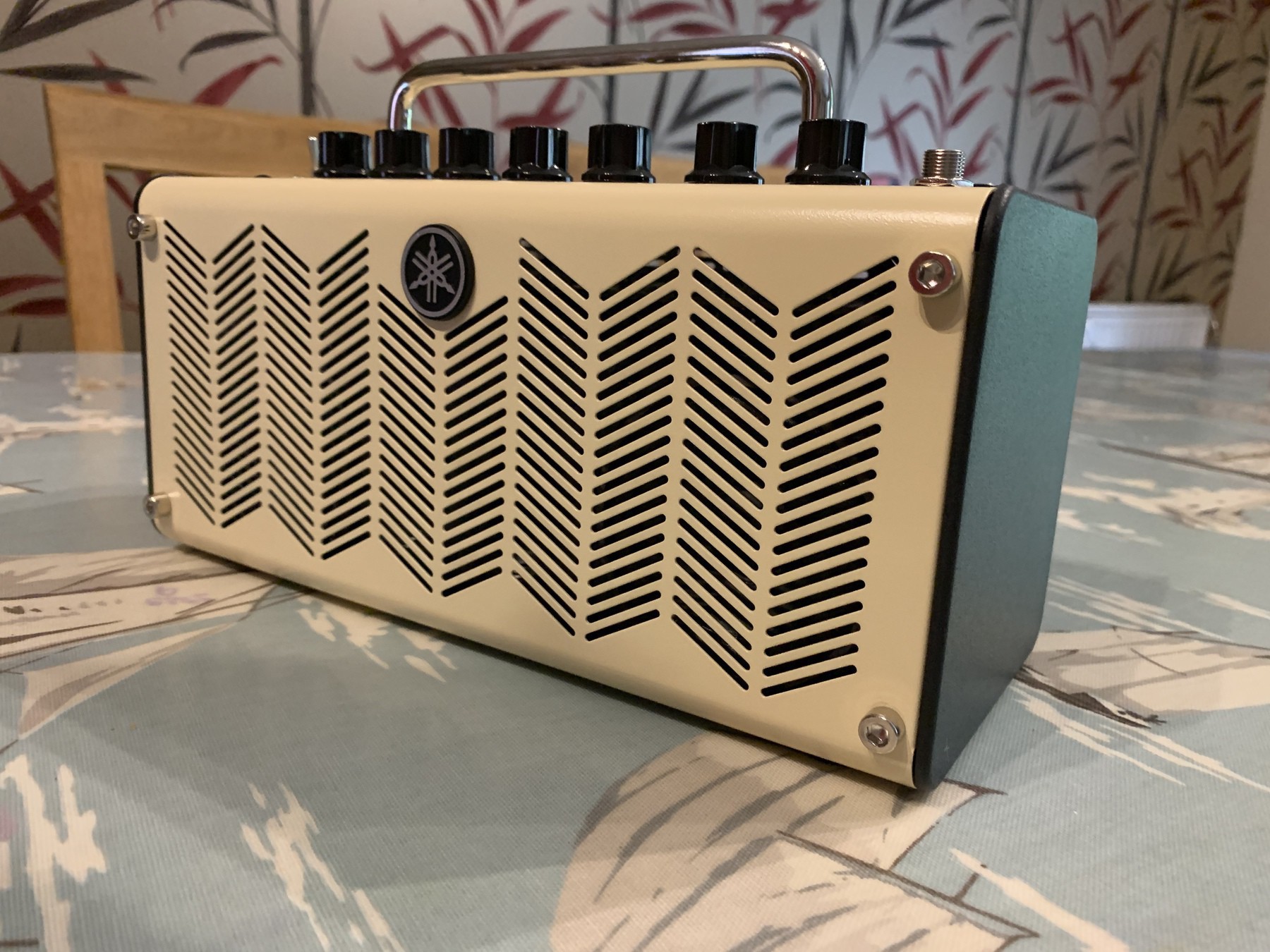
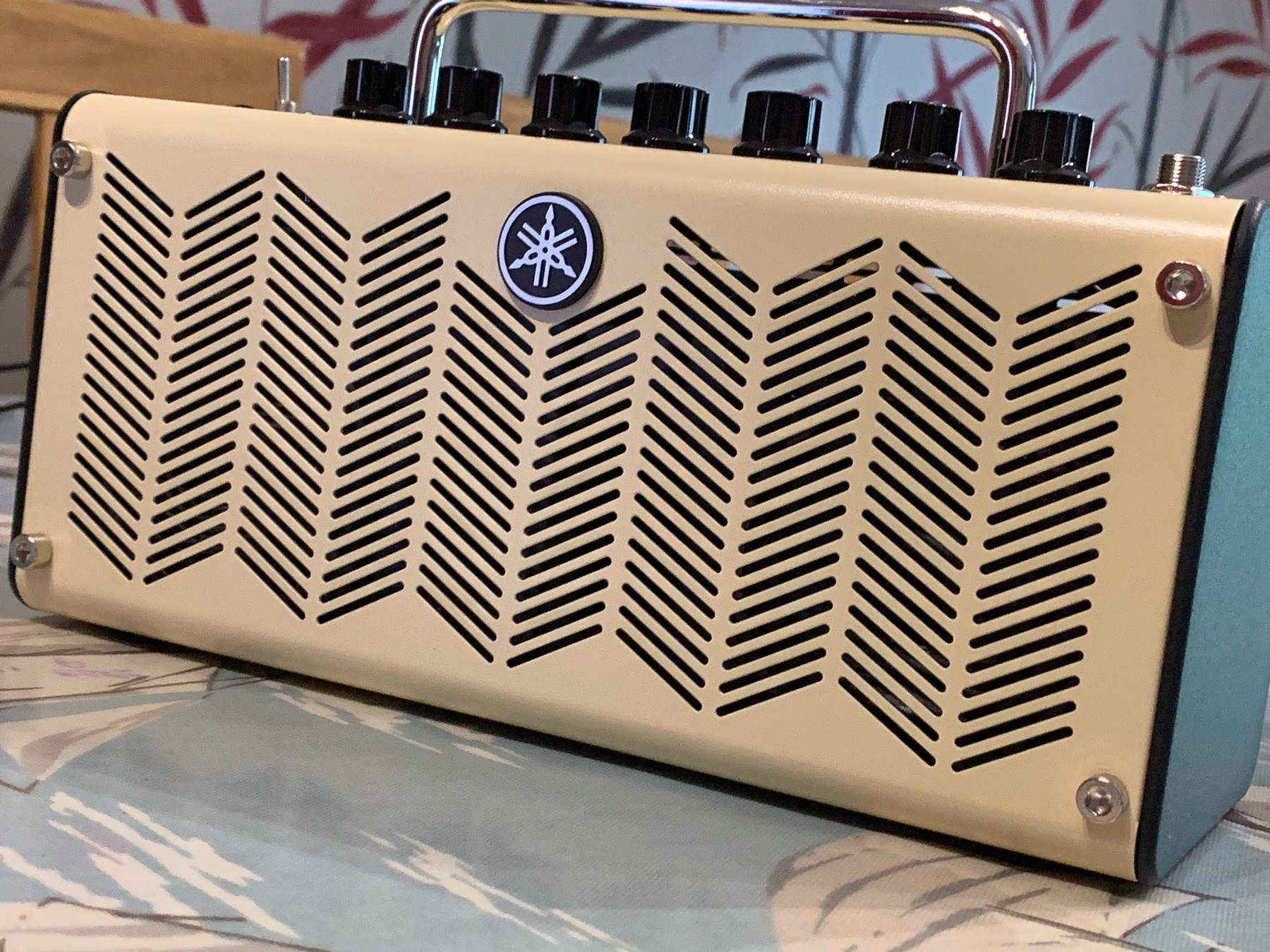
    Probably my favourite purchase this year. It’s light, sounds great and can be plugged into my Mac for recording.

    iPhone 11 Pro

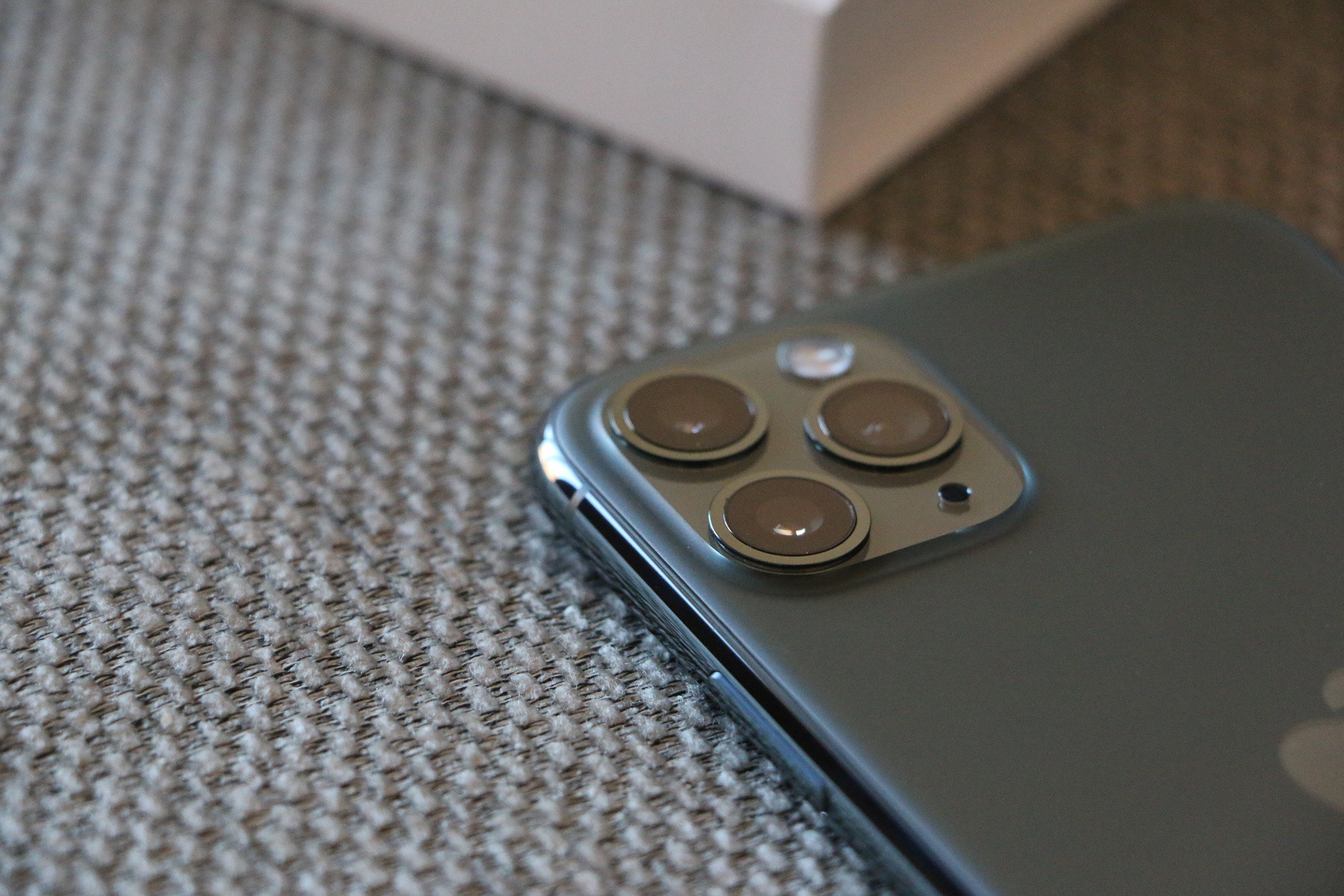
    Without doubt my favourite iPhone and biggest upgrade. For the improved camera and battery life alone it’s been a great upgrade. I’m still not completely satisfied with night mode but that’s more on me than the camera I think. In day to day use it’s replaced my DSLR more than any other iPhone and I’m constantly amazed with how great the image quality is.

    AirPods Pro

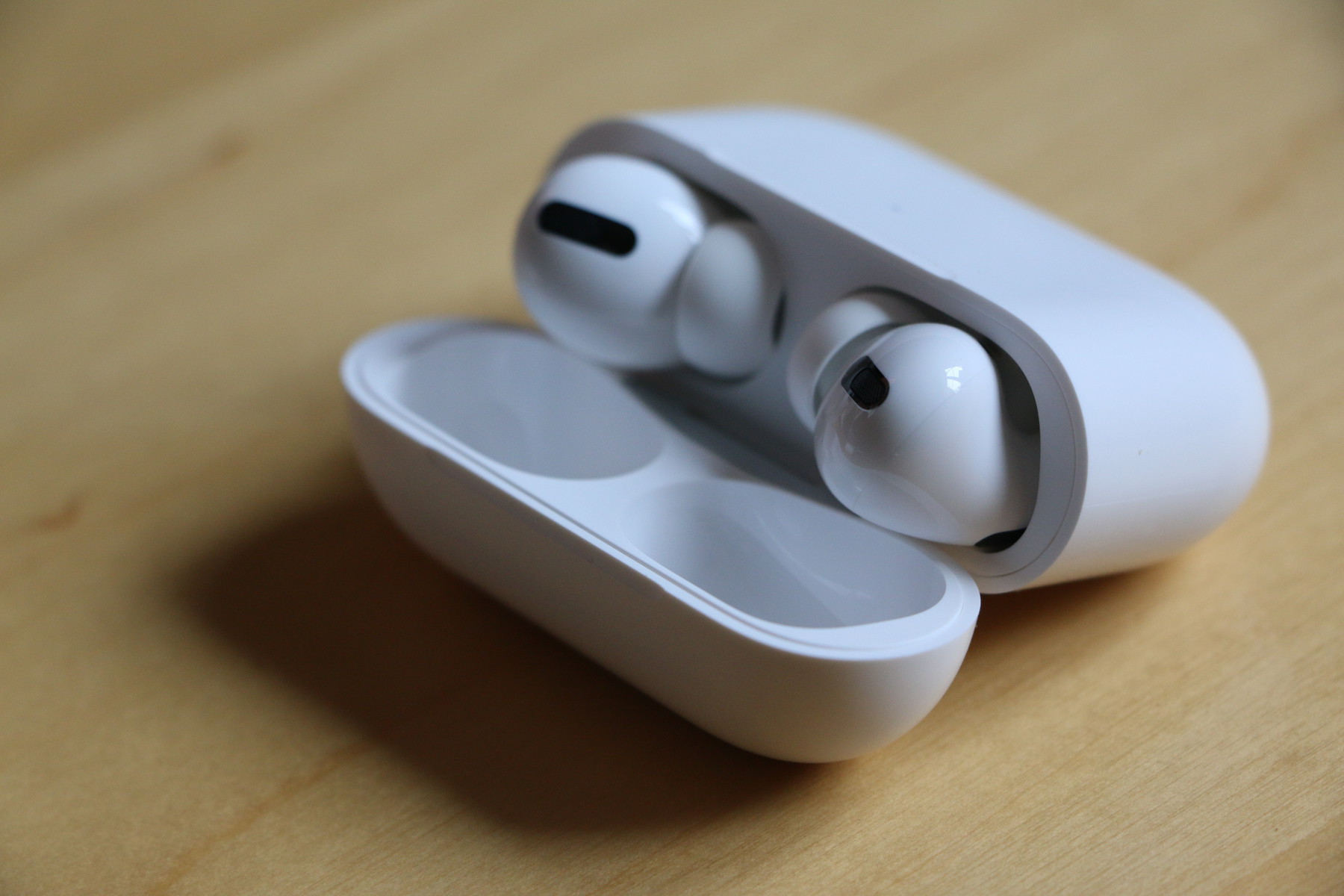
    A fairly new addition but I wouldn’t be without them now. I’ve always liked my AirPods but was itching for noise cancelling and my preferred in ear silicone tips, I got both and am completely happy. They are more expensive than standard AirPods but when compared to Bose QC I think they are well priced. The noise cancelling in my experience so far is on par and sometimes better than Bose. I can’t recommend these highly enough.

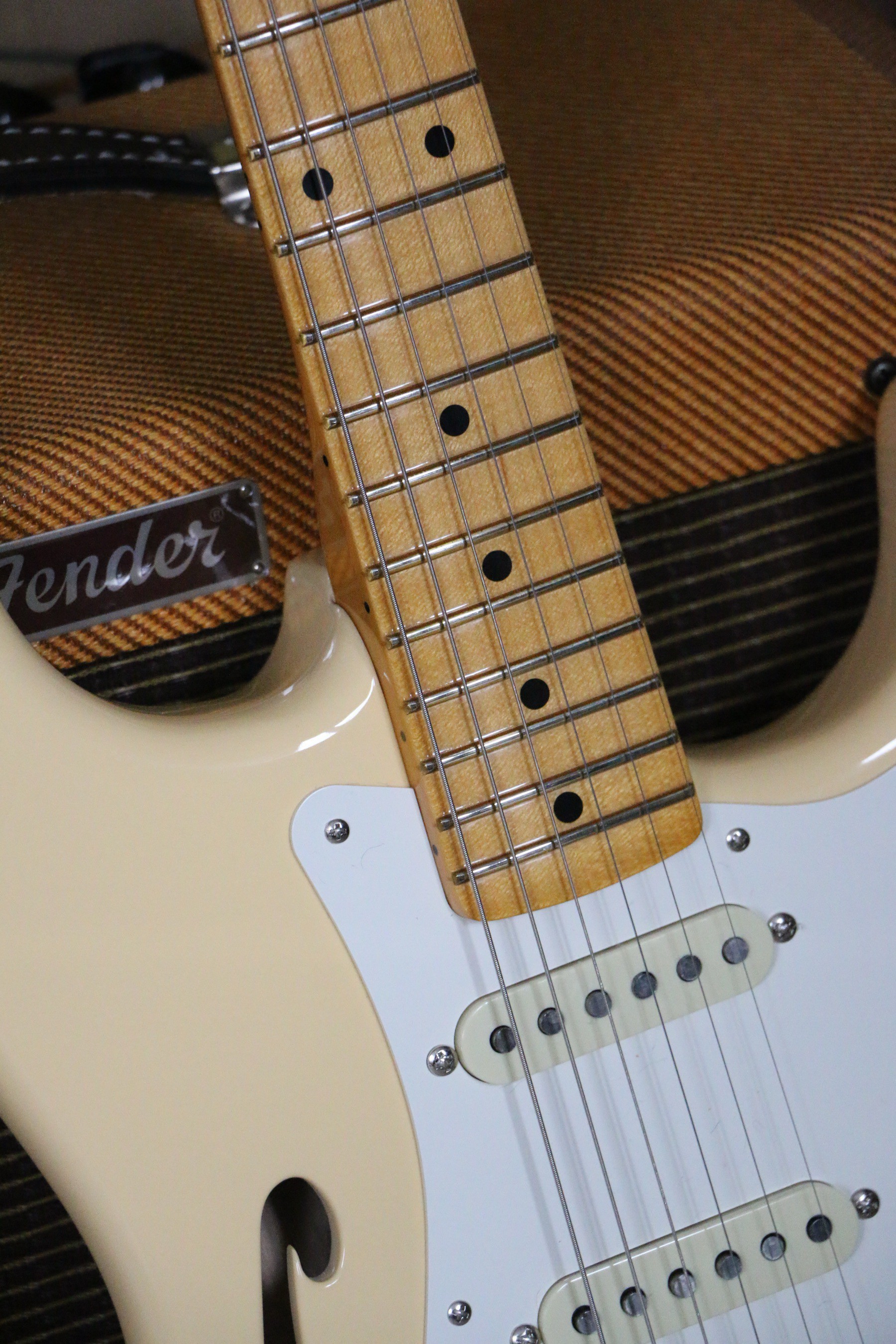
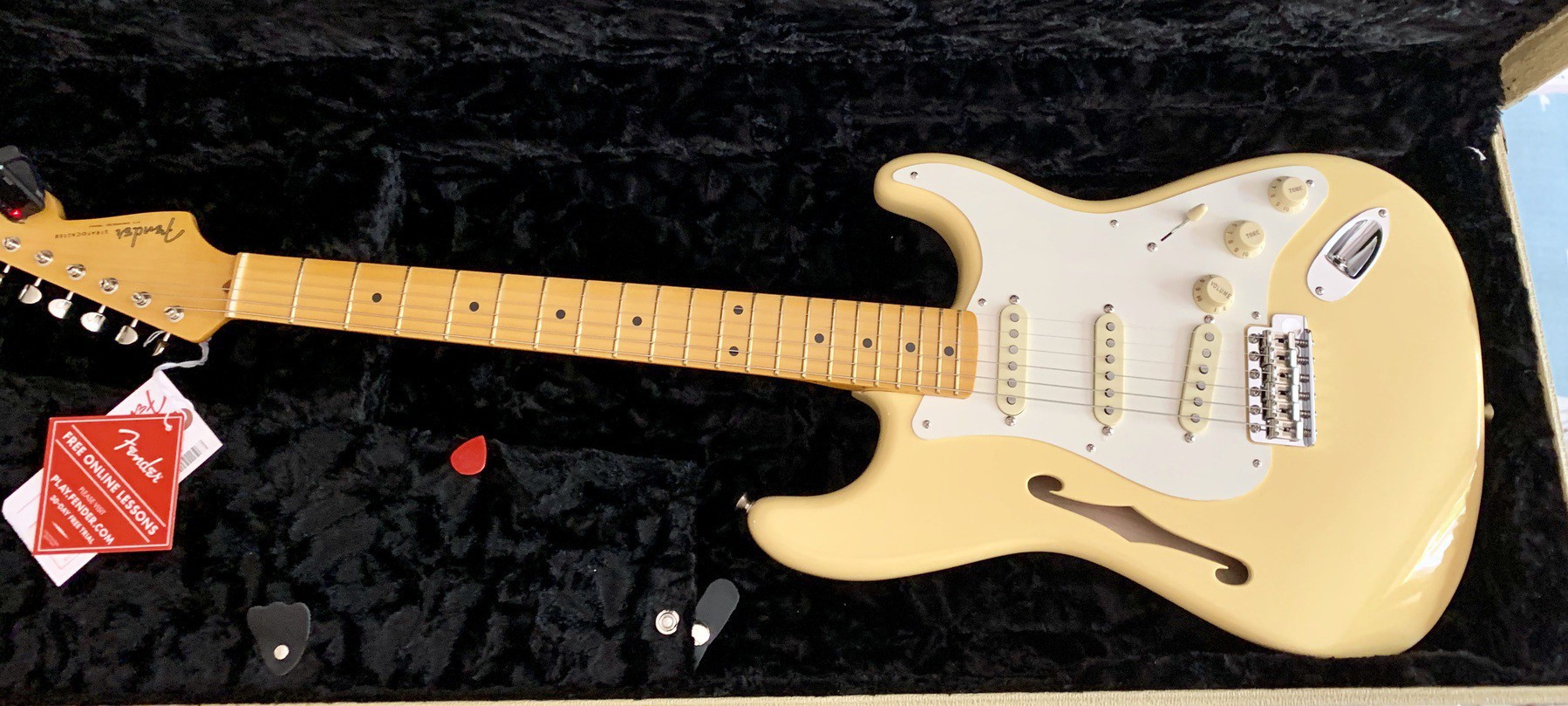
    Fender Eric Johnson Thinline Stratocaster

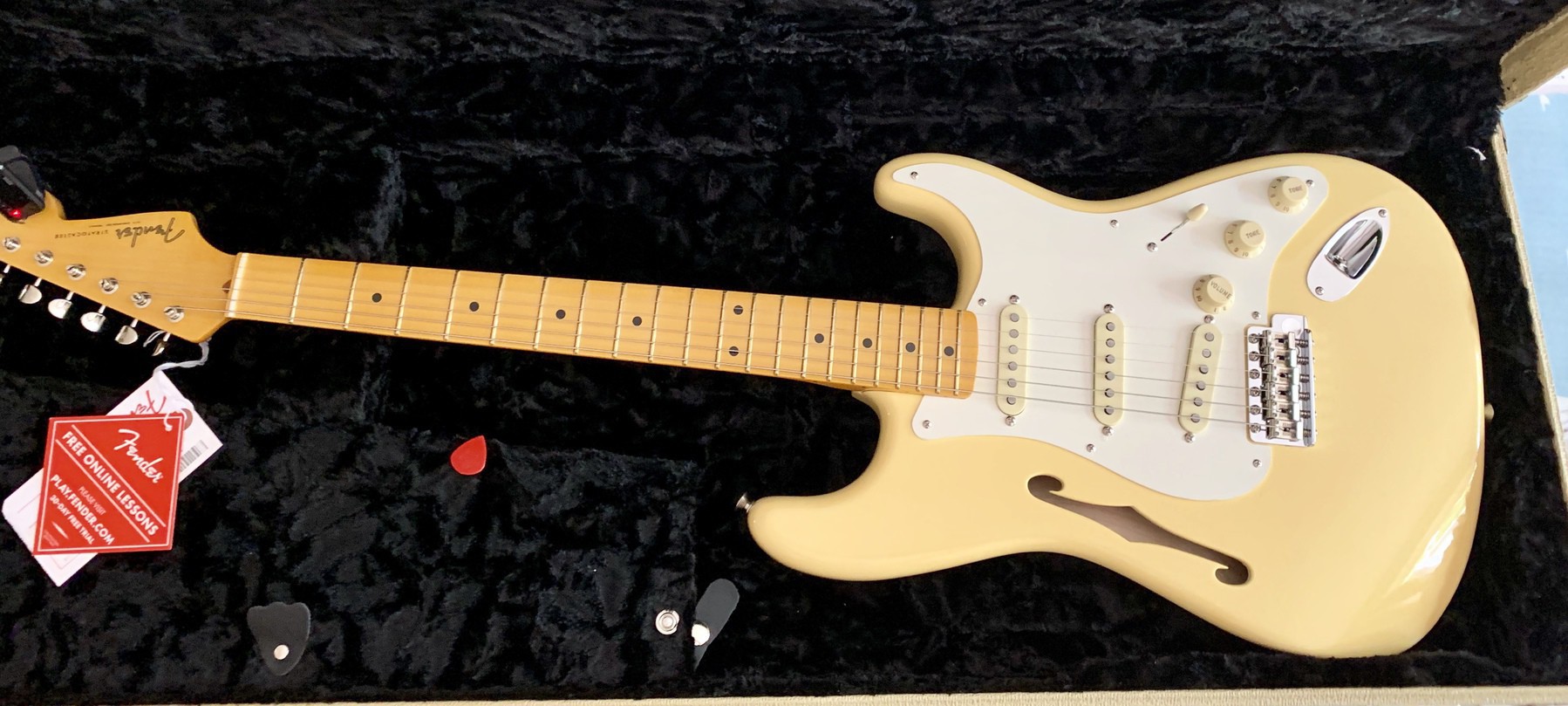
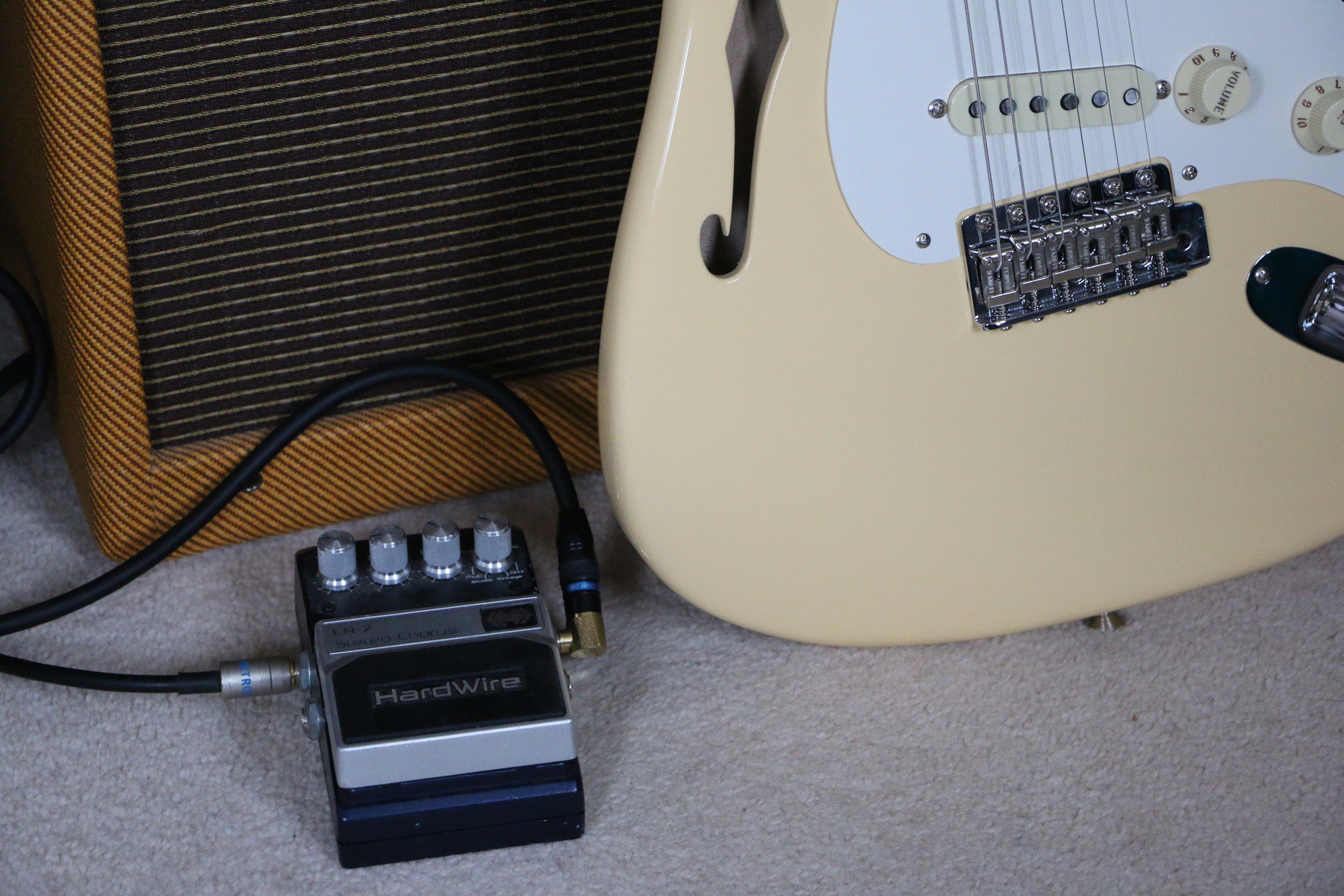
    I’ve not bought a new guitar for years but when I saw a big sale on this model I couldn’t resist. I’ve been wanting a semi-hollow body guitar for years and seeing this one from one of my favourite artists I jumped at the chance to own one. Now I’ve setup to my liking I can’t put it down. It’s light, sounds great unplugged and the neck carve is very comfortable for me. The only downside is the nitro finish is very tacky still so I already have wear and tear but I love the lived in look anyway.

    What’s some of your favourite gear?

    → 6:48 AM, Dec 11
  • My favourite iPhone apps of 2019

    I’ll preface this by stating this isn’t the list of apps that came out this year but the ones I’ve used the most on my iPhone. It’s a mix of things here but all served me well at times in 2019.

    Dark Noise

    I’ve been using this ambient noise app to help me relax or just to have something in the background whilst I work. It’s beautifully designed and offers a load of customisation and shortcut support.

    Link.

    Apple Music

    Continues to be my music streaming app of choice. I’ve dabbled with Spotify but for me the UI offered with Apple Music just matches how I’d like it to work. It mixes the music I’ve purchased over the years with ones added from the streaming service and recently played and recommendations are great.

    Link.

    OmniFocus 3

    An app I’ve used on and off for years but when iCloud started to fail me I switched full time. It can be as simple or complicated as you need and although I keep it pretty simple I’m learning new ways to use it all the time. The backend sync has been rock solid and I have complete trust in the data storage. I’ve been using shortcuts more with it these days and finally settled on a daily workflow that helps me get stuff done.

    Link.

    Reeder

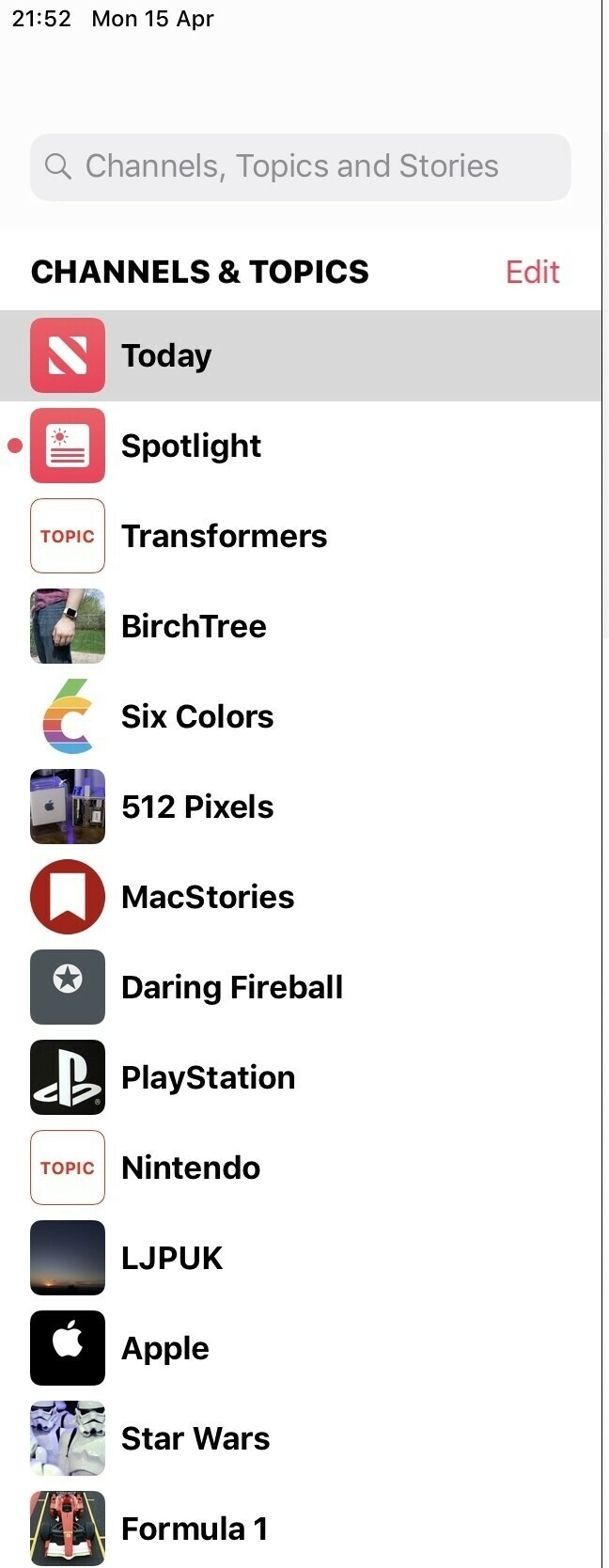
    Now I’m getting back into RSS I don’t think I can go back to using a news app like Apple News.

    Link.

    Pennies

    I’m trying to get better at managing a budget and spend less on gear, this app has been a great way to set a budget cap against categories and stick to it.

    Link.

    Overcast

    Still my podcast player of choice, works great in the car too. User friendly interface and sync across devices is rock solid.

    Link.

    DuckDuckGo browser

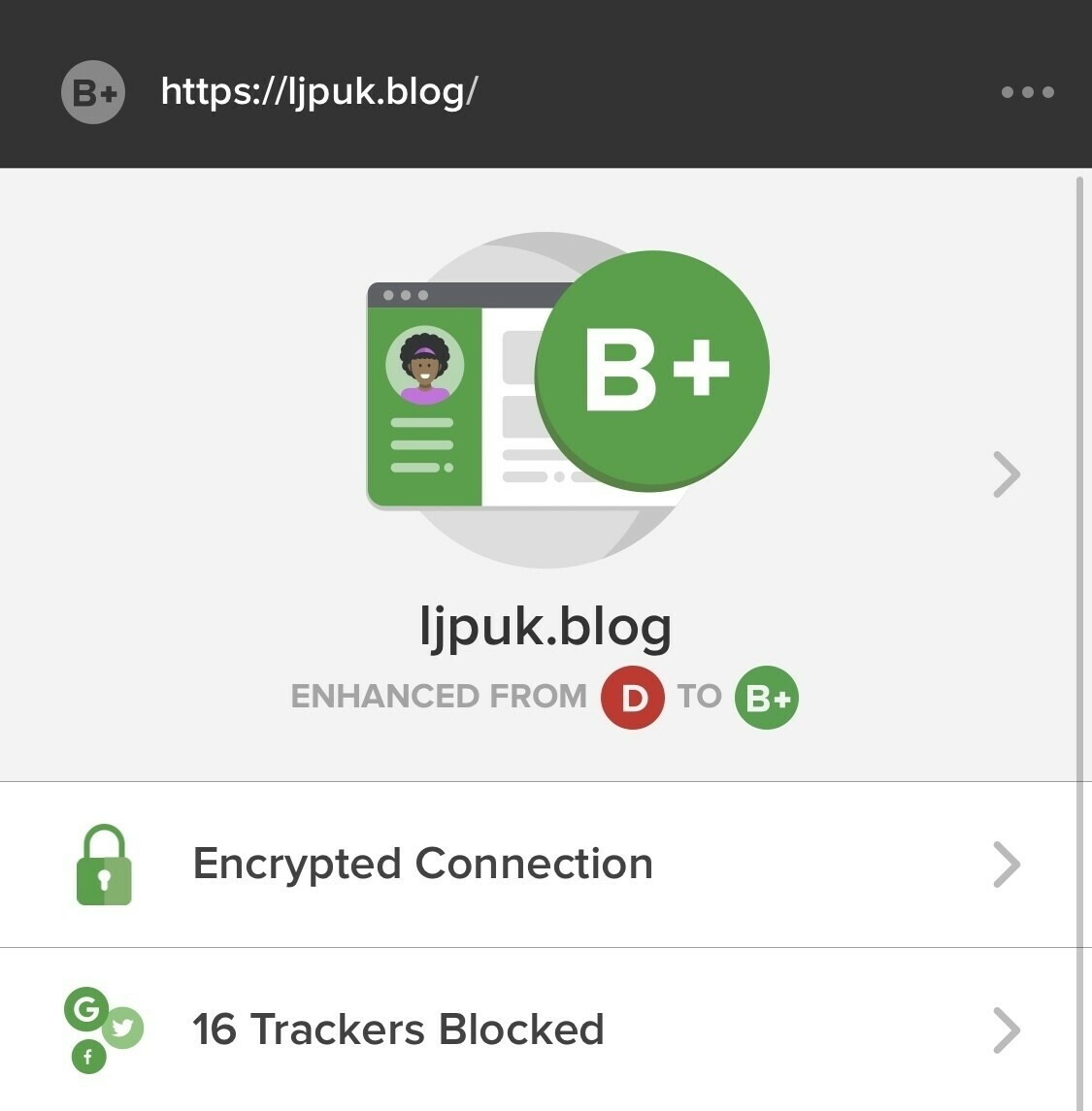
    My go to browser, replaced Safari for almost everything I do. Being more privacy focused is something I’ve been working towards and this browser is the best out there in my opinion. You’ll be surprised at home many trackers are being blocked on your favourite sites.

    Link.

    Eventail

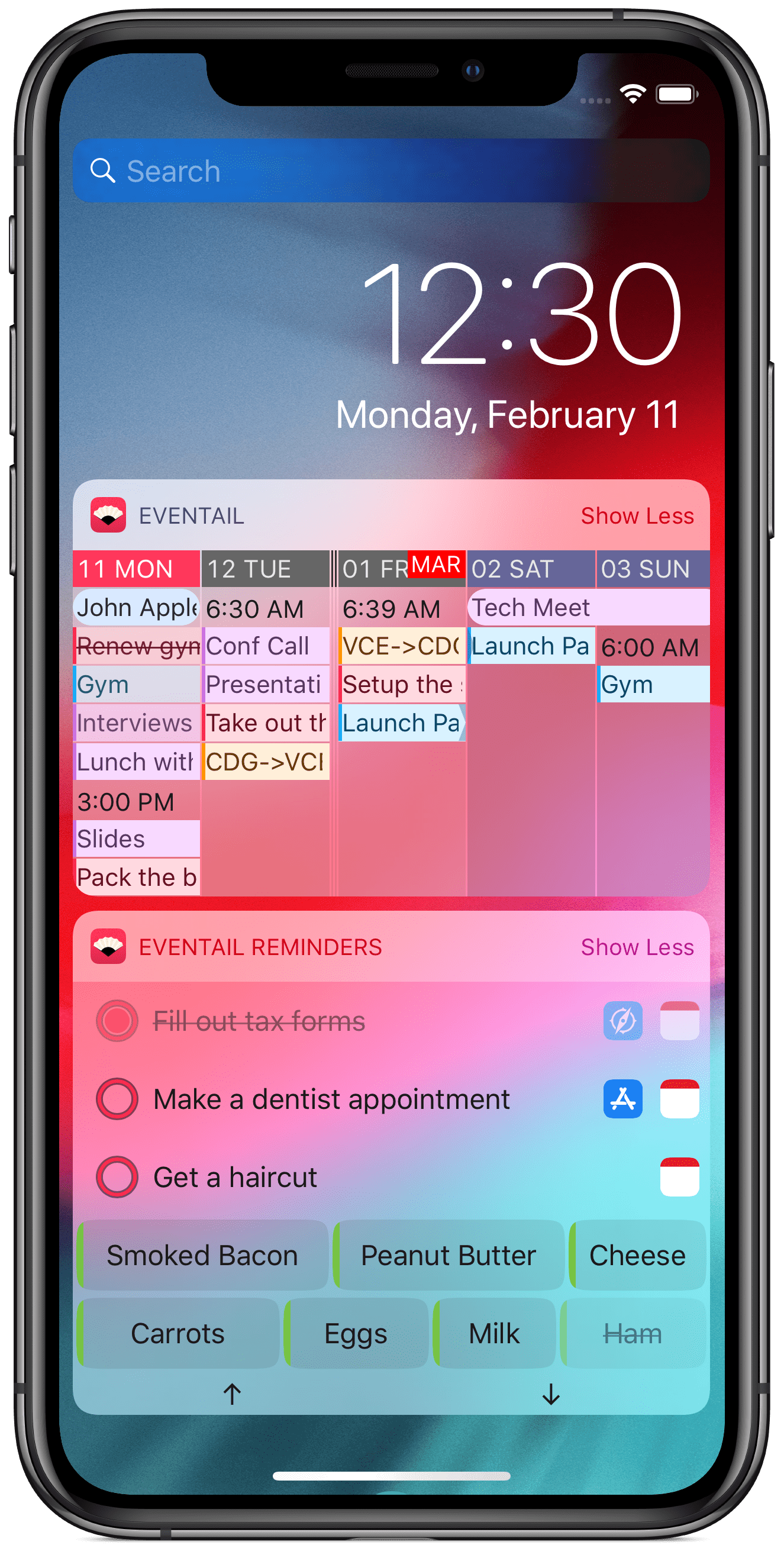
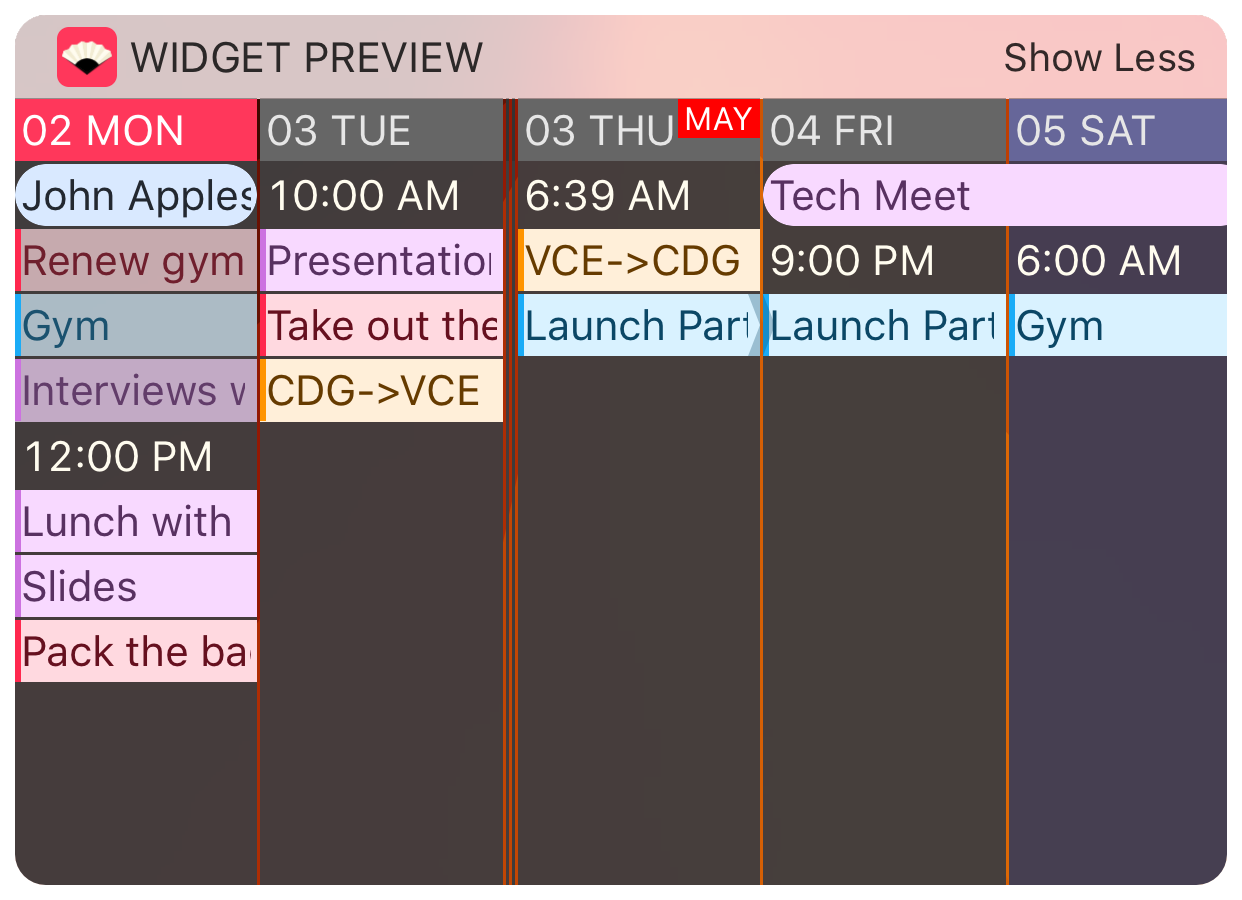
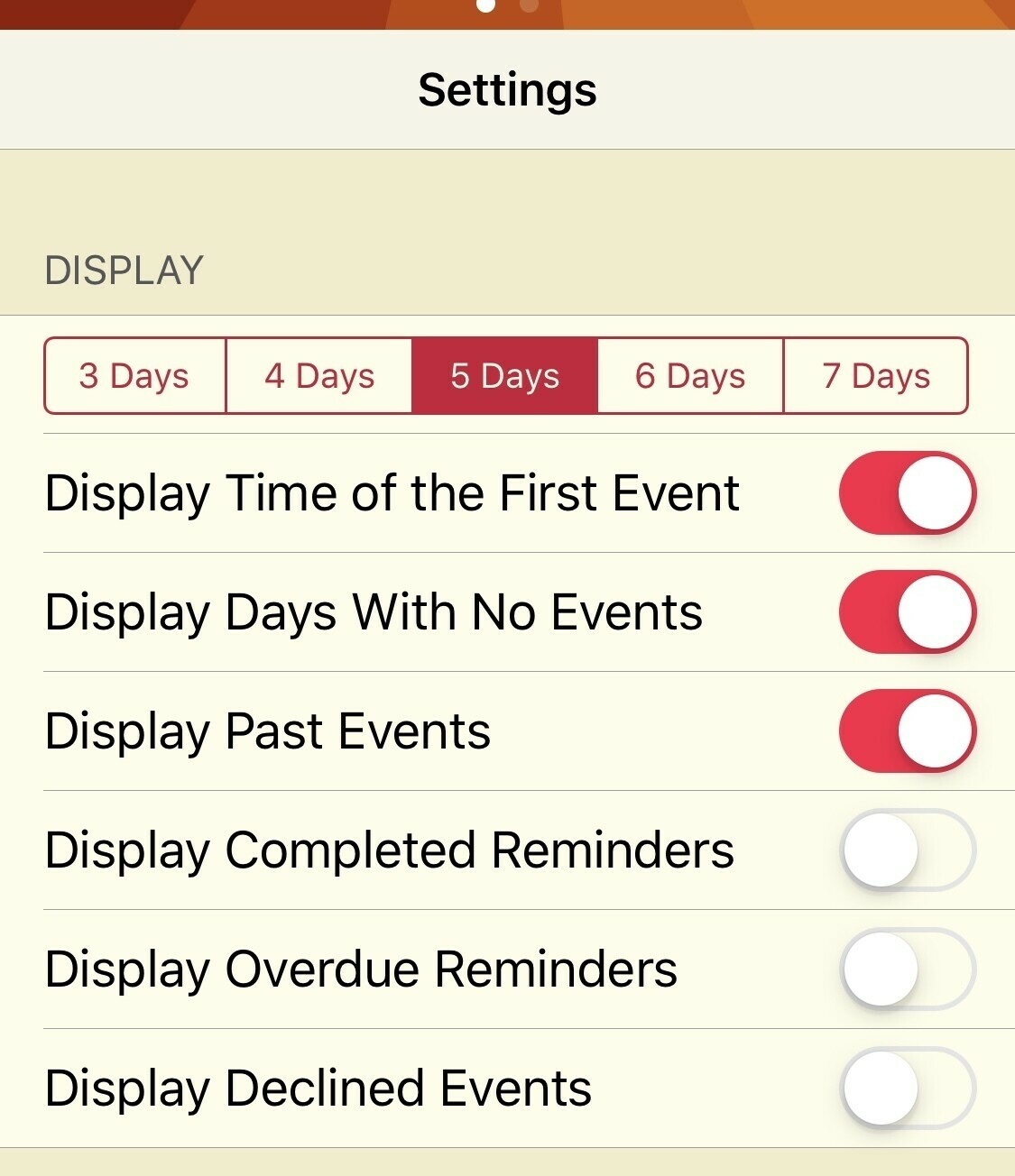
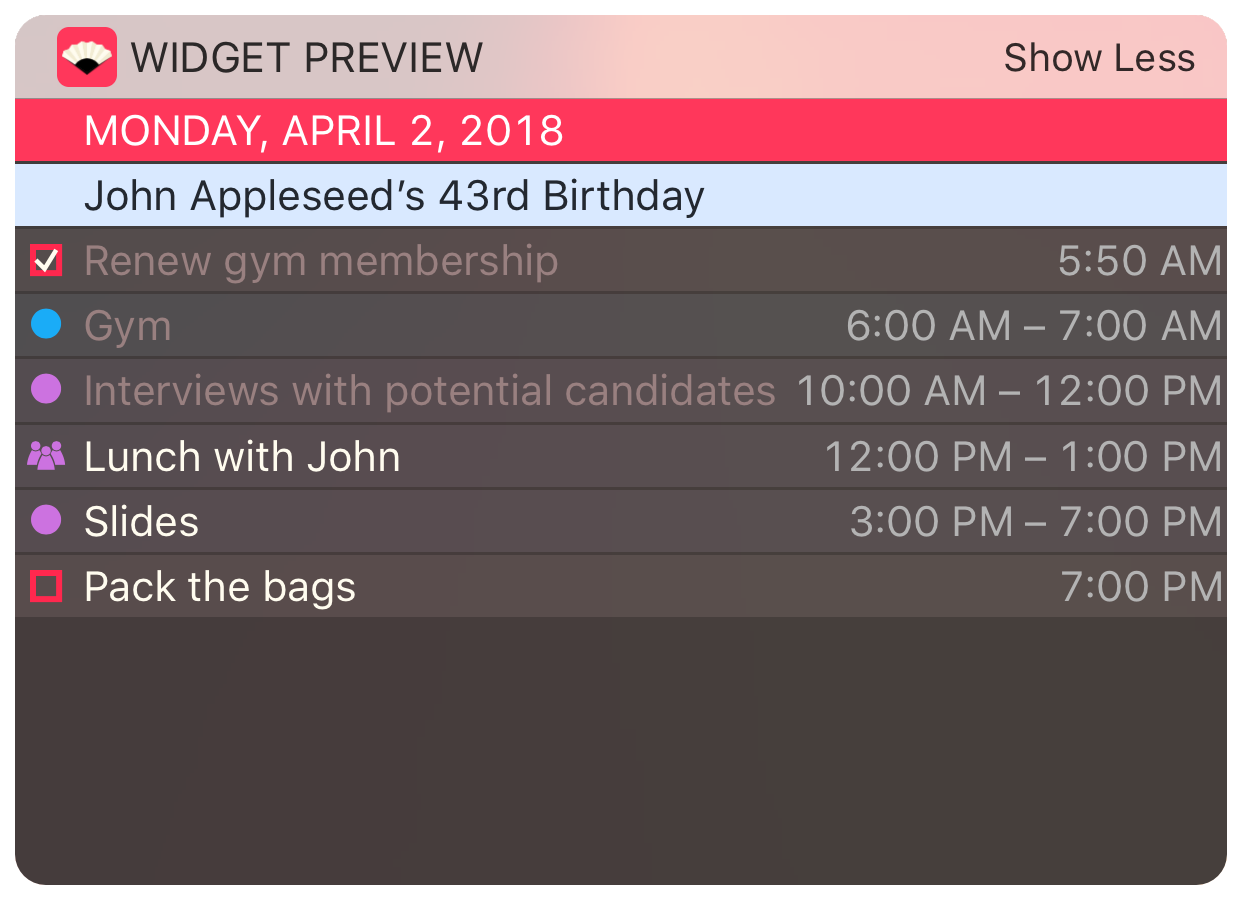
    This is a widget app and it shows me exactly what I need, a 5 day view of my calendar. Can be customised in lots of ways and is worth a look if you have a busy schedule.

    Link.

    What are some of your favourite apps?

    → 7:00 PM, Dec 10
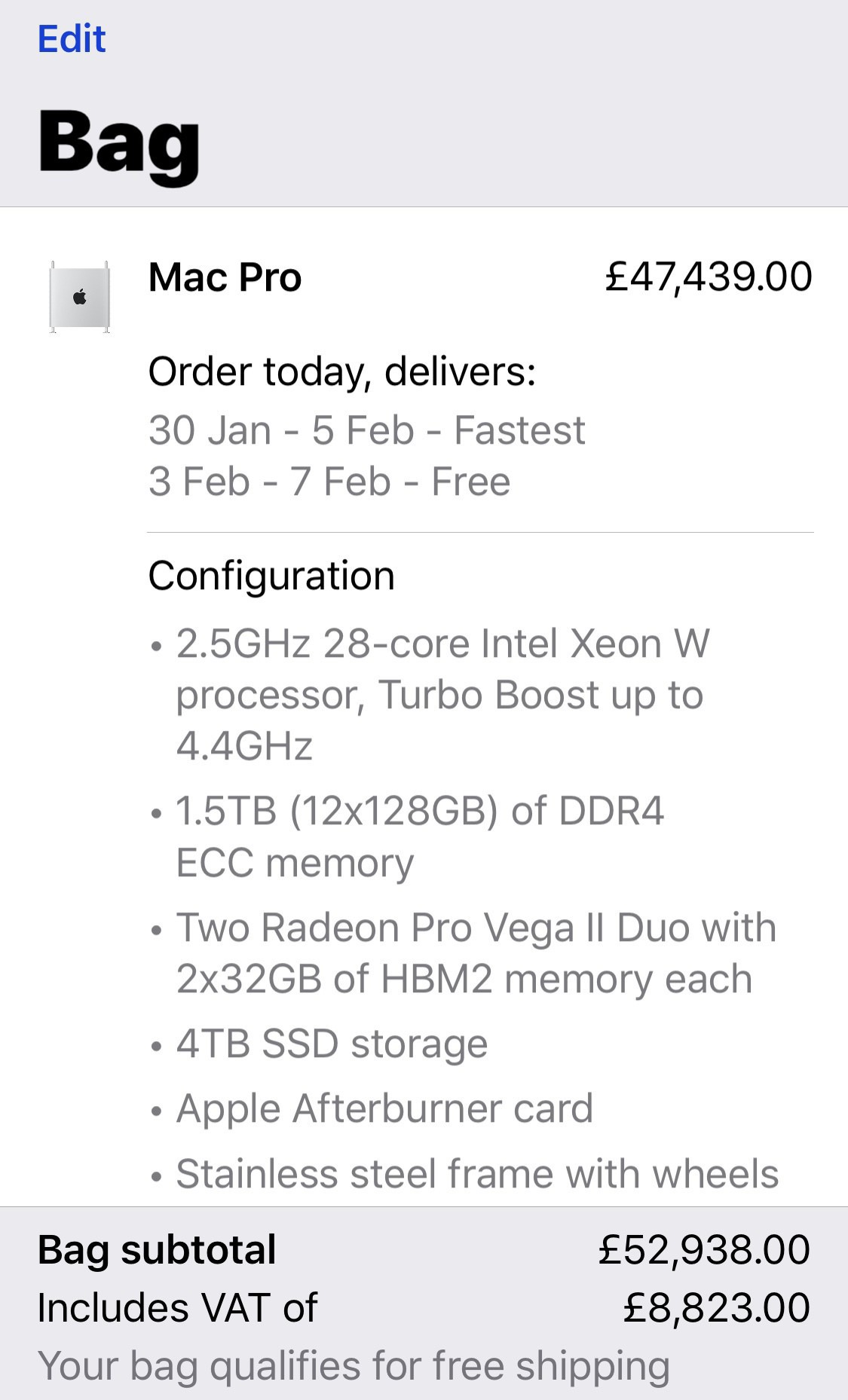
  • How much is a maxed out Mac Pro

    Ok, I can dream LOL. This includes the Pro XDR display BTW.

    → 6:26 PM, Dec 10
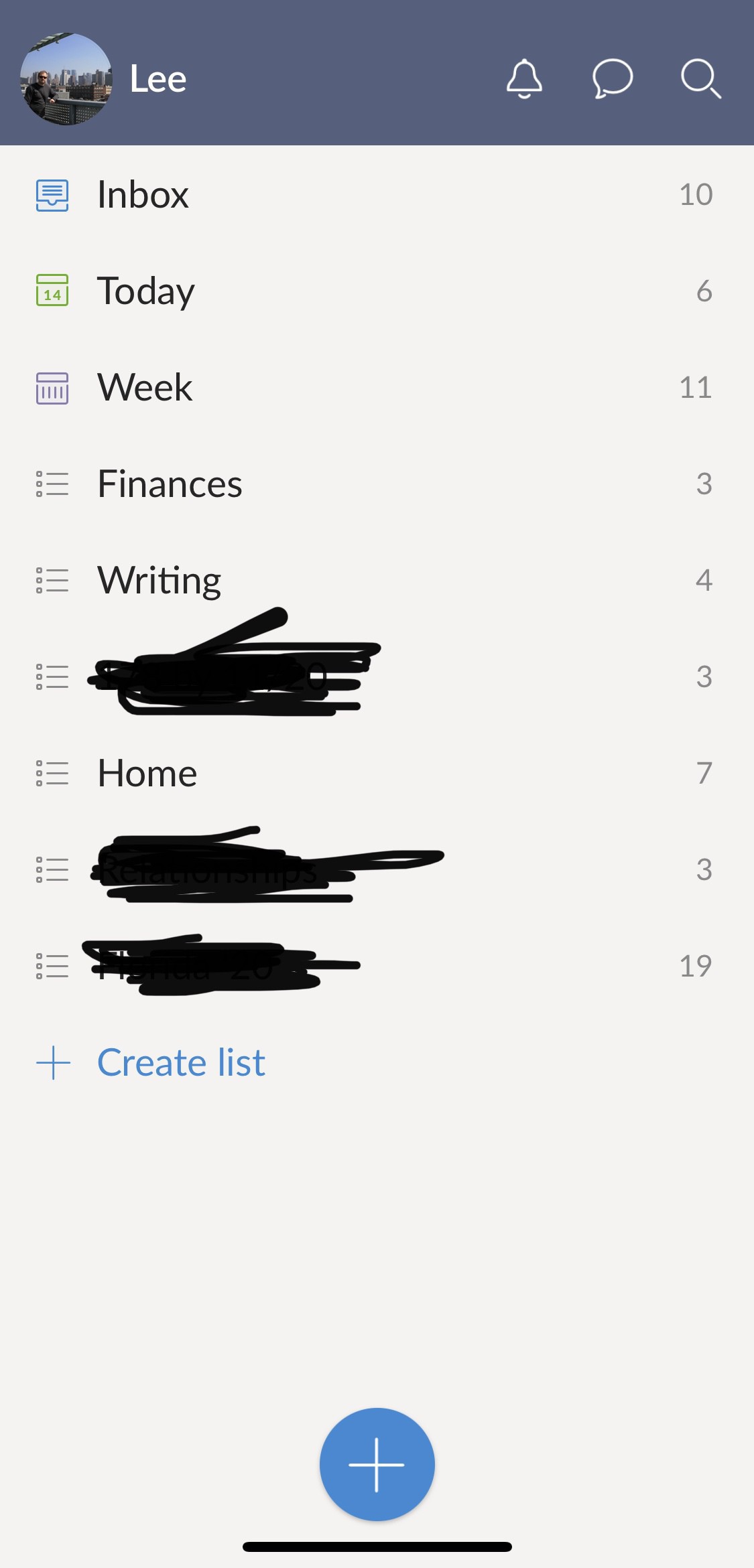
  • Wunderlist shutting down in May 2020

    My first to do app of choice and still one of my favourites, Wunderlist is finally being shut down May 6th 2020.

    Link

    I’m playing around with to do apps again so I’m going to install and test out its replacement, Microsoft To Do. I’m my experience of testing it previously I didn’t like the way it handled due items but I’m going to give it another shot.

    → 7:08 AM, Dec 10
  • Continuing to write on the blog and the most popular types of posts

    Should I continue to blog is something that I’m asking myself as we round out 2019. I don’t pay too close attention to stats but this year my readership has grown nicely over. I’m up about 3 times as many views, which I’m extremely grateful. In 2019 I concentrated more on writing and dropped off on other projects, which enabled me to write more. I also dropped a little of my time spent on social media, this also helped me focus more on sharing my thoughts on my own platform.

    But I keep seeing blogging is dead and people don’t read them anymore.

    What I’ve found is that there is little to no interest in posts like this one but there is an appetite still for guides and how to’s.

    In fact looking at my statistics the top 3 posts have 4 times as many views as anything else and are all related to how to’s.

    I don’t really want to change my writing or blog to become a help site but it’s eye opening. I put more work into more heartfelt posts but no one reads them, maybe these are more suited to sharing on social instead of the blog.

    I’ve just renewed my domain for another 12 months but I think I’m going to spend a few weeks digesting these findings and figure out where to put my energy in 2020.

    I’ve got a few projects I’d like to focus and I’ll have to see where the blog lands in terms of priorities. It’s focus may change in the new year but at the moment I’ll stick to what’s it’s been doing for the last year or so, my random thoughts mixed with Apple stuff 😀.

    Are you running a blog? Are you seeing the same sort of stats?

    → 7:29 AM, Dec 8
  • Apple Watch vs a traditional Watch

    I’ve been wearing my mechanical watch a lot more lately but this week went back to the Apple Watch to see if I’ve missed it.

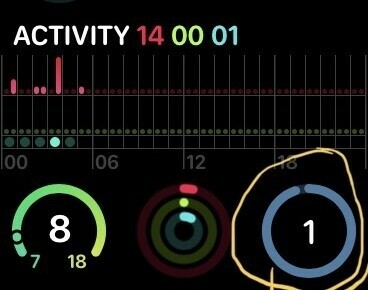
    What I’ve discovered is the health features of the Apple Watch have lost all of their meaning having gotten used to a traditional watch again. I dip in between a Casio Quartz Digital and vintage Seiko Automatic and obviously none of these have any sort of tracking. I’ve set myself some fitness goals and after using the Apple Watch this week I’ve realised that having rings has made no difference. I used to like tracking and try to stick to streaks but I’m just not motivated by them anymore. I’m not sure if I’ll use these to try to help me get to my weight target or just ignore them completely and put my Apple Watch in a drawer.

    The area I have been missing though is on the productivity and practical front. It’s been good to see my calendar on my wrist, it took a little anxiety away for me as I didn’t know when my next appointment was. On the practical front being able to quickly see the time lit up has been nice. The Seiko is old school and can’t be seen in the dark and the Casio backlight isn’t amazing but works. The Apple Watch has been great on these two fronts. These areas also have me looking over at the series 5 given how slow the series 2 has become in day to day use with the calendar and to do apps.

    I need to now think about if I want to be constantly connected to my iPhone or not. Do the activity benefits need to act as a motivator to keep using it or not.

    Lots to think about as I continue on my new journey with Apple Watch.

    → 7:42 AM, Dec 7
  • Pitaka Air for iPhone 11 Pro durability

    I’ve been using the Pitaka case for over a week now and wanted to do a durability check in.

    I really am enjoying using this case and it’s held up well. Fingerprints rub off the texture easily and I’ve noticed no wear marks at all. The only thing that’s happened is on the right hand side below the power button it started to lift away from the phone a little and a gap appeared. I took the case off and applied a little force to bend it back. It’s now back to having zero gap. I did reach out to Pitaka on this but had zero response.

    Overall I’m still happy using this as my daily case, it’s thin and light and adds the grip I want to give me more confidence in using my phone.

    → 7:19 AM, Dec 5
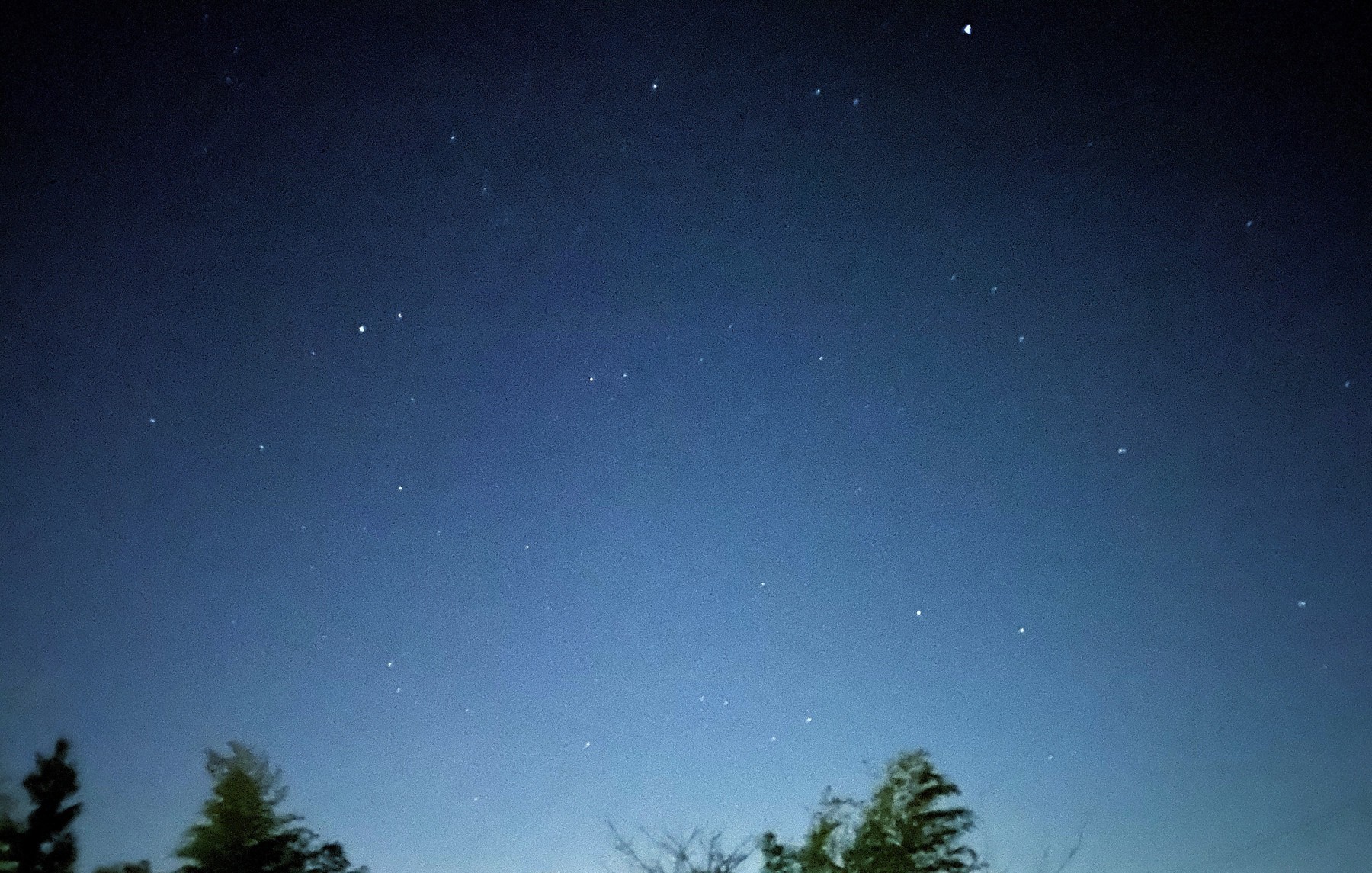
  • #shotoniphone night mode

    Lovely crisp evening last night with a clear sky. Handheld so couldn’t get more than 3 second exposure but I’m tempted to take the tripod up somewhere high and do some testing in the coming weeks.

    → 7:57 AM, Dec 4
  • It’s hard to be productive with an Apple Watch Series 2

    I’m dipping back into the Apple Watch after taking a break but on wearing the Series 2 for a week I’ve come to the conclusion it’s still ok as a fitness tracker but frustrating as a productivity device.

    What I mean here is that if you’re looking at using it for tracking your calendar and reminders it’s pretty much unusable. In my experience on watchOS 6 the Reminders app is a buggy slow mess. In the screenshot above I’m showing you what it looks like for the first 30 seconds or so before any data loads and when it does it’s not in sync with the app on your iPhone. It’s strange that it shows items as overdue that you have already completed. The performance of the Calendar app isn’t much better but it does at least show you the correct data. When I used third party apps such as omnifocus to test that was slow to sync so often items were showing as incomplete even though I had ticked them off on my iPhone.

    The only useful productivity item on the series 2 is having complications on the face showing you your next appointment.

    As a fitness device though the series 2 is still a great device but if you want something to cover everything an Apple Watch should then skip to the series 3 or 4 if you want to save some money and use an older model.

    → 5:26 AM, Dec 4
  • How is iPad rotation still an issue in 2019?

    Ah, my favourite iOS issue is back with a vengeance. With the latest public iOS release my iPhone has been pretty great but on the iPad (especially the Mini) iPadOS is still giving me daily issues that has me actually using my MacBook a bit more. It took me a restart to get rid of the above issue this time, something I was doing on my iPhone at least once a day. iPadOS seems to be getting a little less love internally right now as I can’t believe it’s just me experiencing this. On a side note I’m also getting other issues that appear just on the Mini, which has me scratching my head and wondering if they actually test on physical devices at all.

    → 7:41 AM, Dec 3
  • User hostile YouTube premium

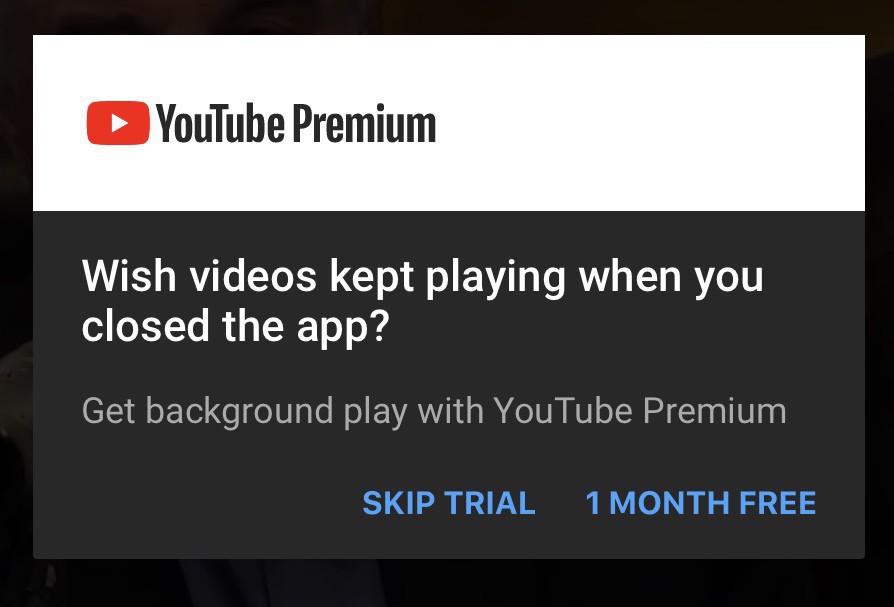
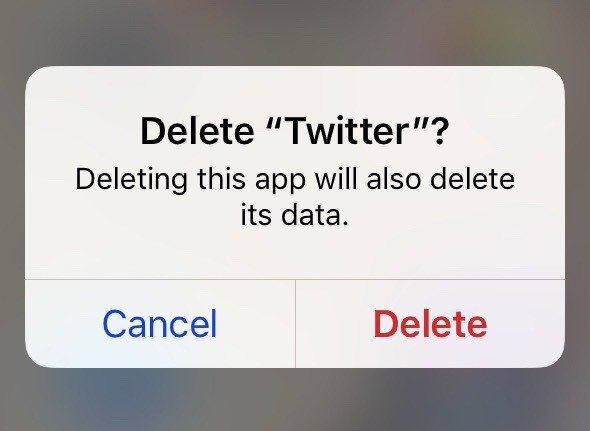
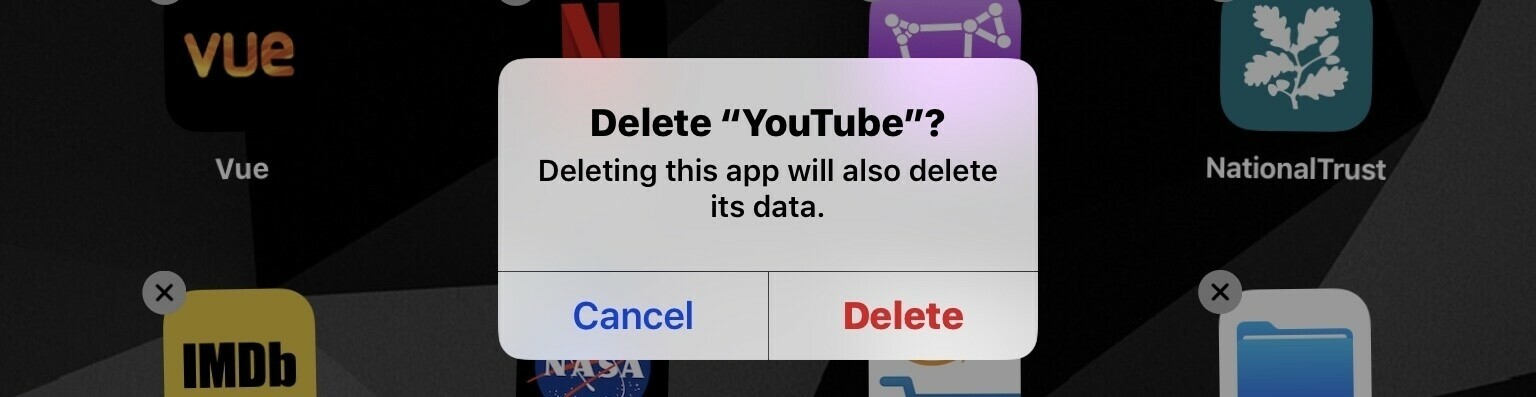
    This was the last straw, watching a video via the iOS app and this message pops up under the video and no matter how much I tap on ‘skip trial’ I get nothing. This is the latest message that got me to delete the app again.

    Here’s another on that pops up when I close the app on iOS.

    How is this not user hostile, I’m not sure why it doesn’t remember my choice instead of forcing me to see these ads almost every time I use the service.

    → 6:11 AM, Dec 2
  • Figuring out what to focus on

    I get lots of random thoughts and ideas throughout the day (I both love and hate this!) that either get written down or forgotten but I’ve been finding it difficult over the years focussing on one side project. Going forward I’m going to do a bit of a mind map brain dump on all of these and figure out what to put time and energy in. At the moment it’ll be the blog, newsletter and something musical as I see it. I’ve toyed with YouTube but I went down that path 10 years ago and didn’t end up enjoying it so that’s definitely out, an easy one to drop. Podcasting is something I’ve enjoyed but I’m not good at or have enough to say weekly so pretty sure that’ll drop.

    But I’m rambling, step 1 will be a brain dump onto paper then I’ll work through it.

    How do you decide what to focus on?

    → 7:23 AM, Dec 1
  • How I’m managing my day with OmniFocus

    I’m a couple of weeks in with using OmniFocus exclusively and it’s actually starting to stick. I wanted to write a series of posts on how I’m using it in my daily life.

    First up each morning I’m looking at what I have on my plate and adjusting the day to suit my availability and energy.

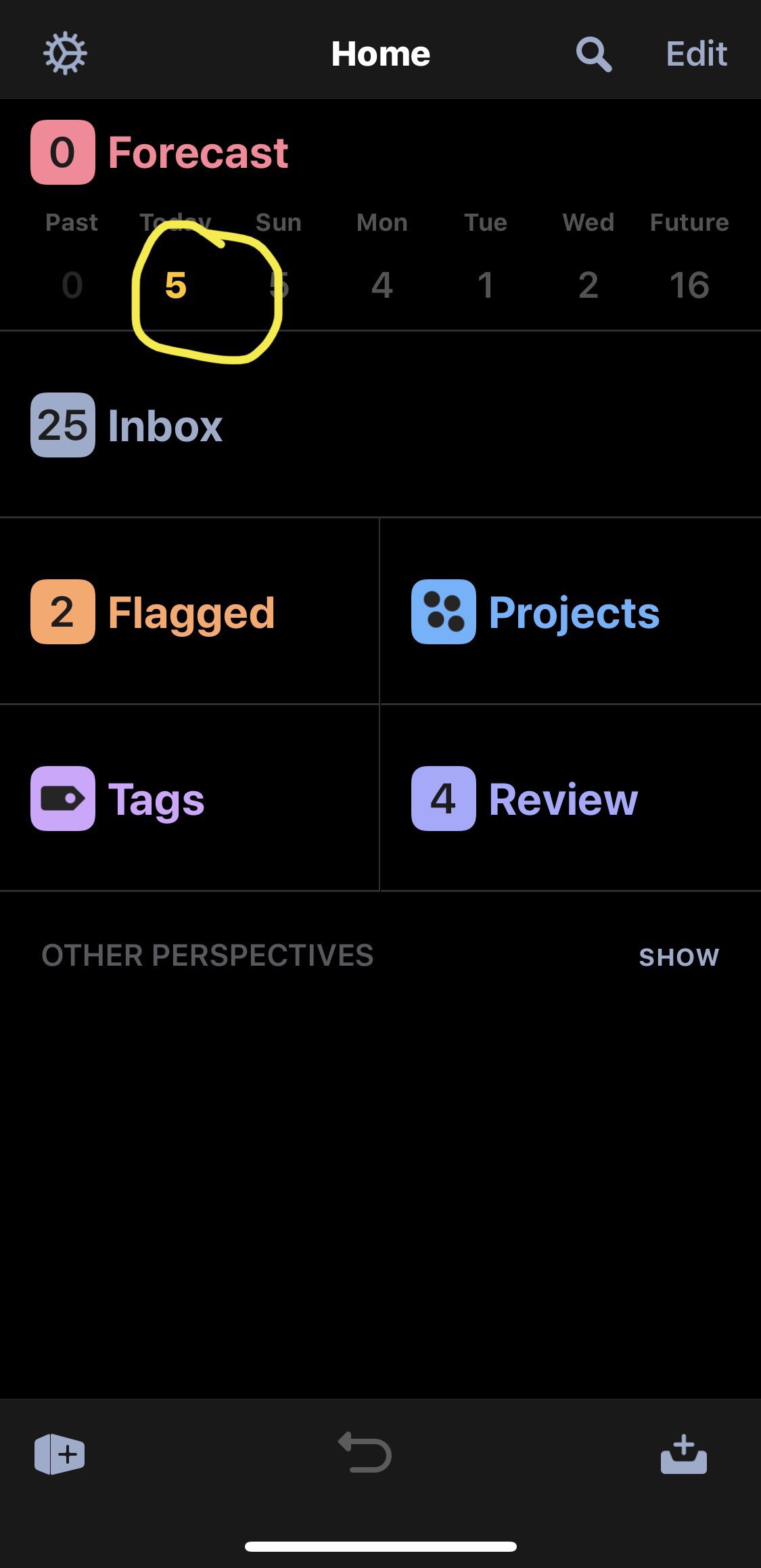
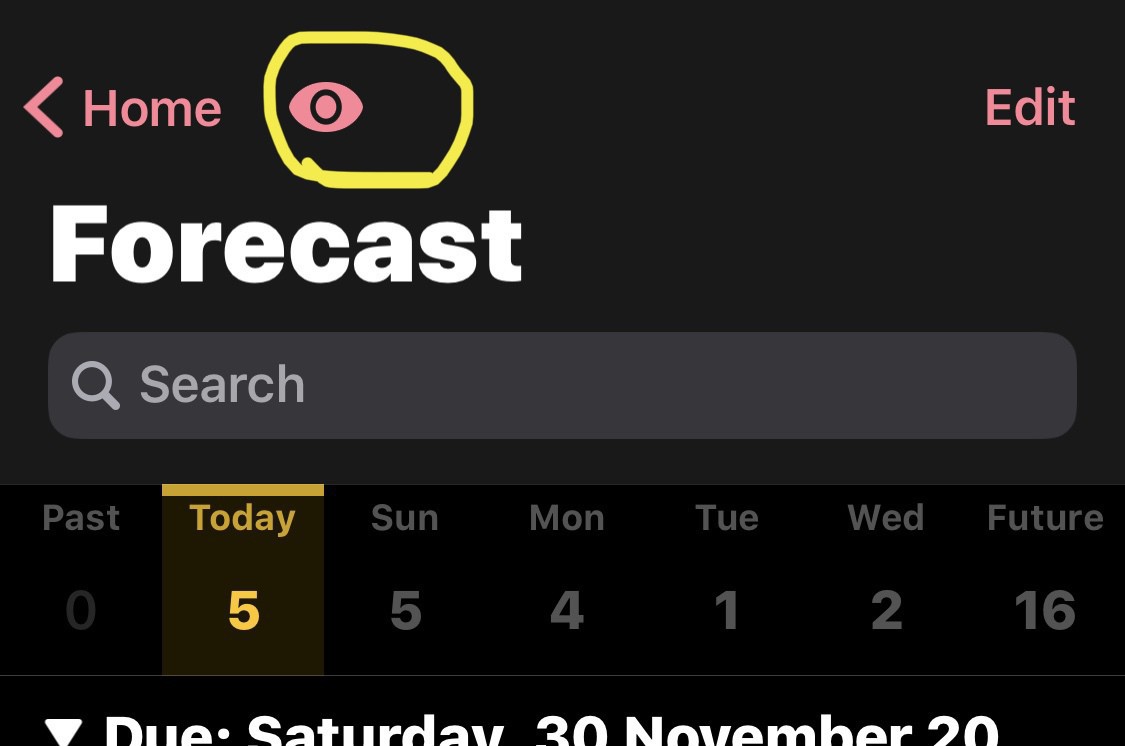
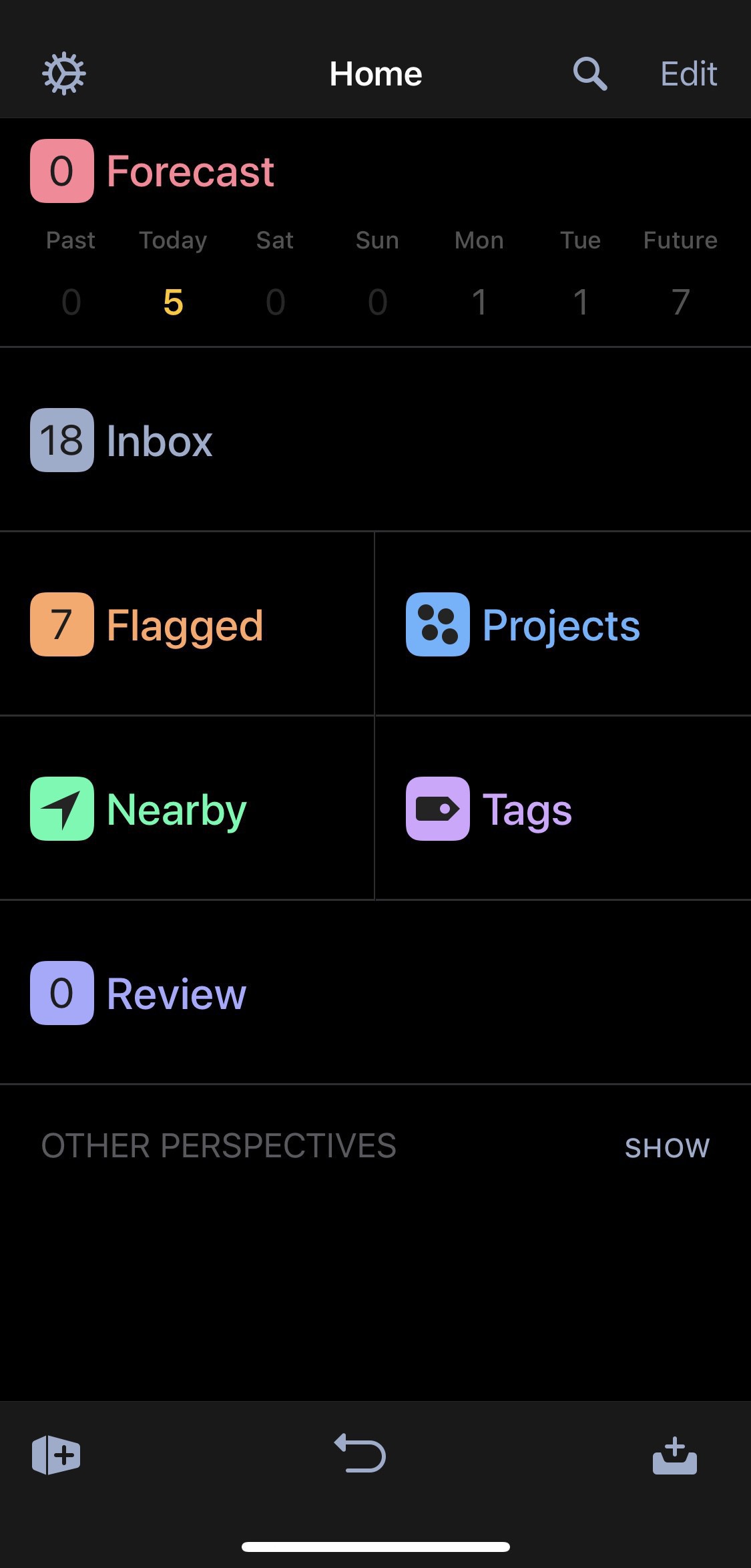
    I tap on the relevant day in the forecast view to drill into the day itself.

    This shows me my agenda and the to do items I have set for the day.

    If there is something on there I’m not going to be able to achieve I’ll long press and move to tomorrow.

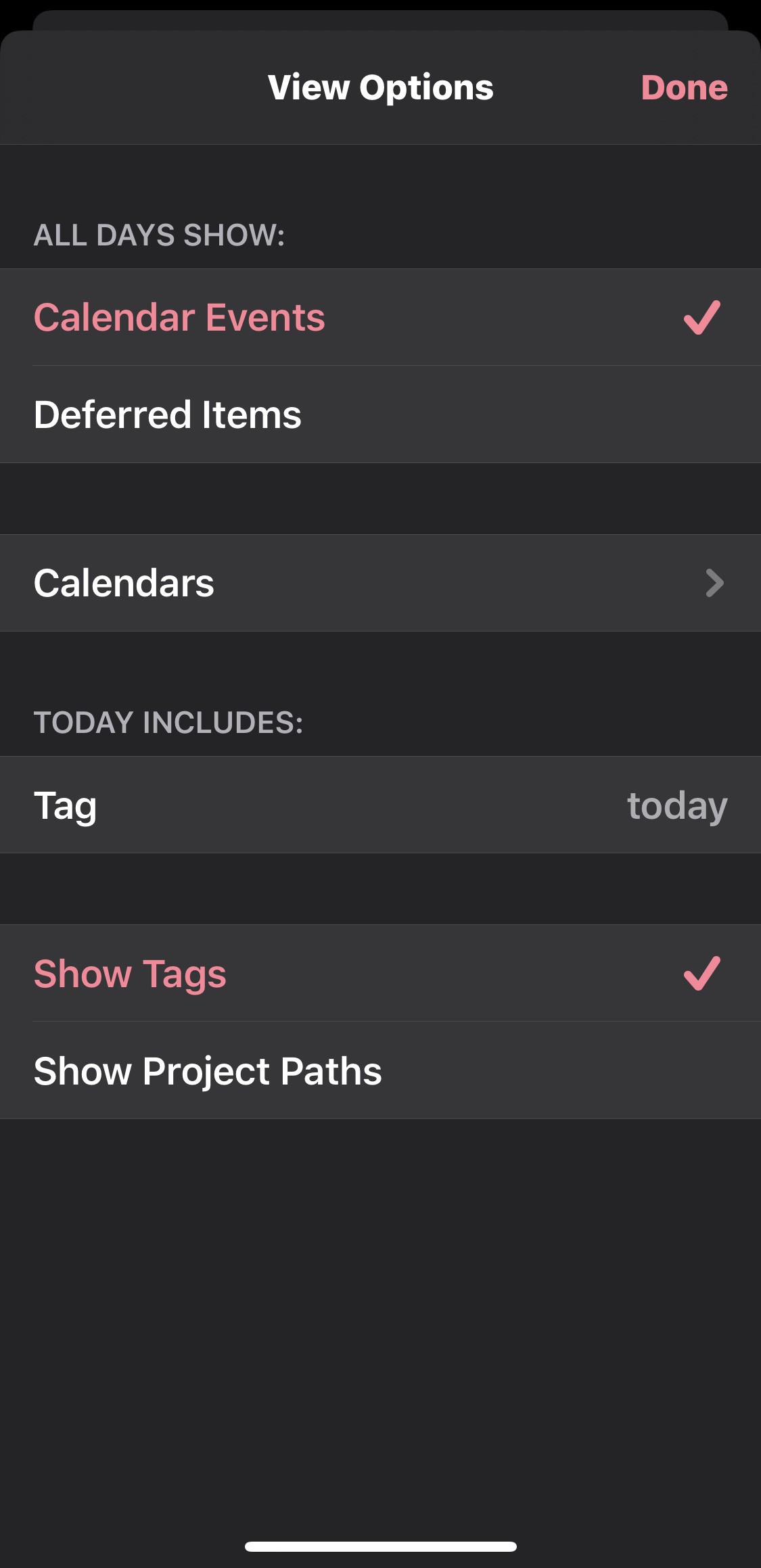
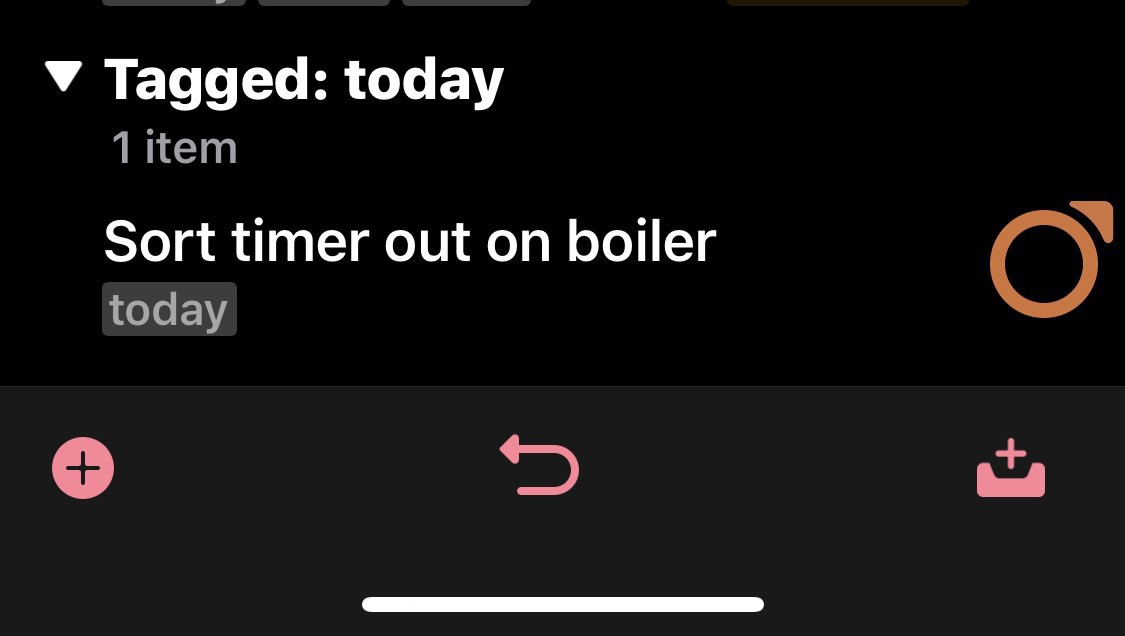
    My forecast view also shows me any items I’d like to get done today but haven’t set a due date or time. I tag these items with ‘today’ and change the view settings to show me them in my forecast view.

    These show at the bottom of the list in the forecast view.

    That gives me a view of the day within the app. To supplement this I also use the widget and the Apple Watch complication to have a quick reference of how I’m getting on.

    So far the data sync has been good but if I’m updating on my iPad and don’t open the app on my iPhone to sync then app notifications do get a bit out of sync.

    → 8:16 AM, Nov 30
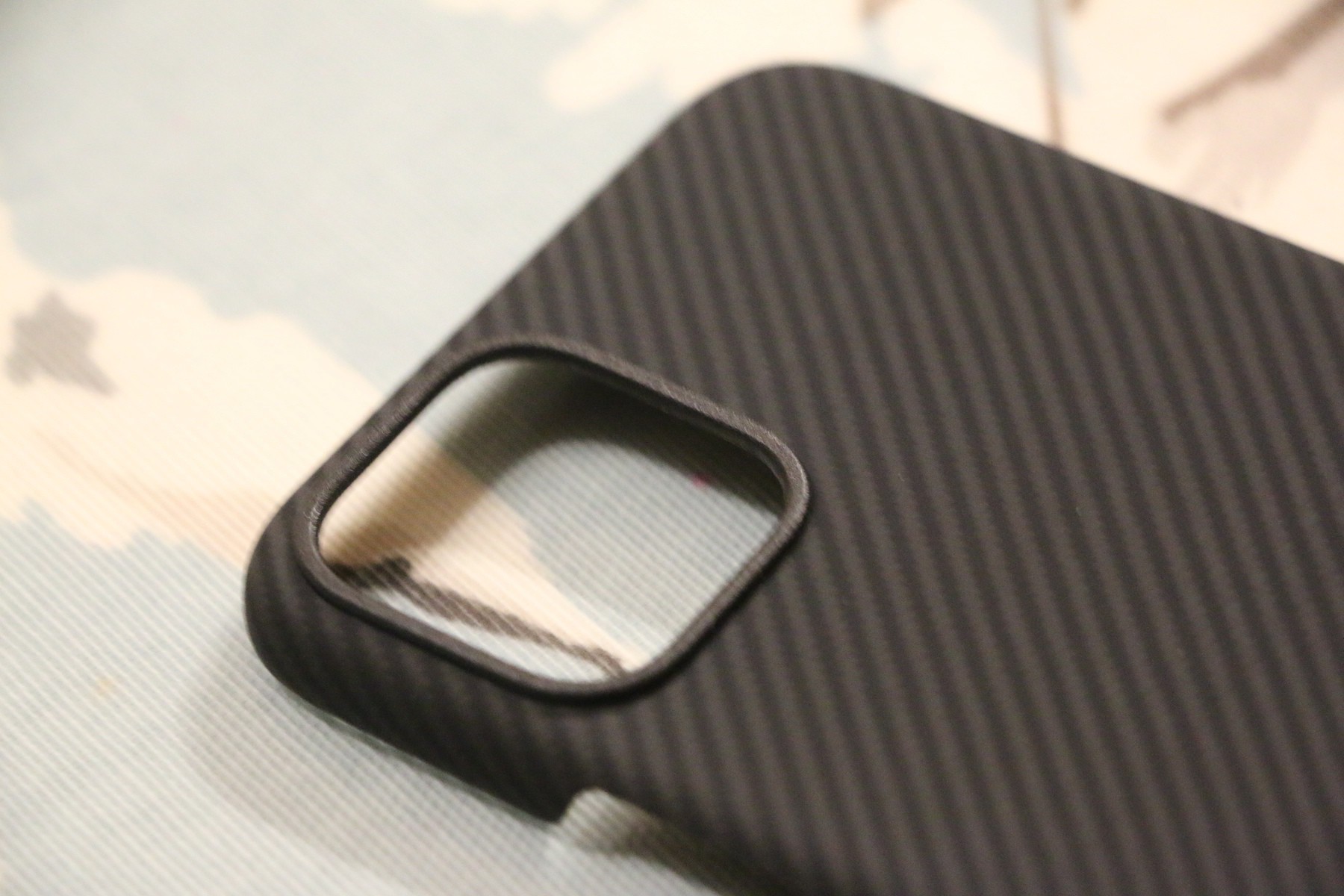
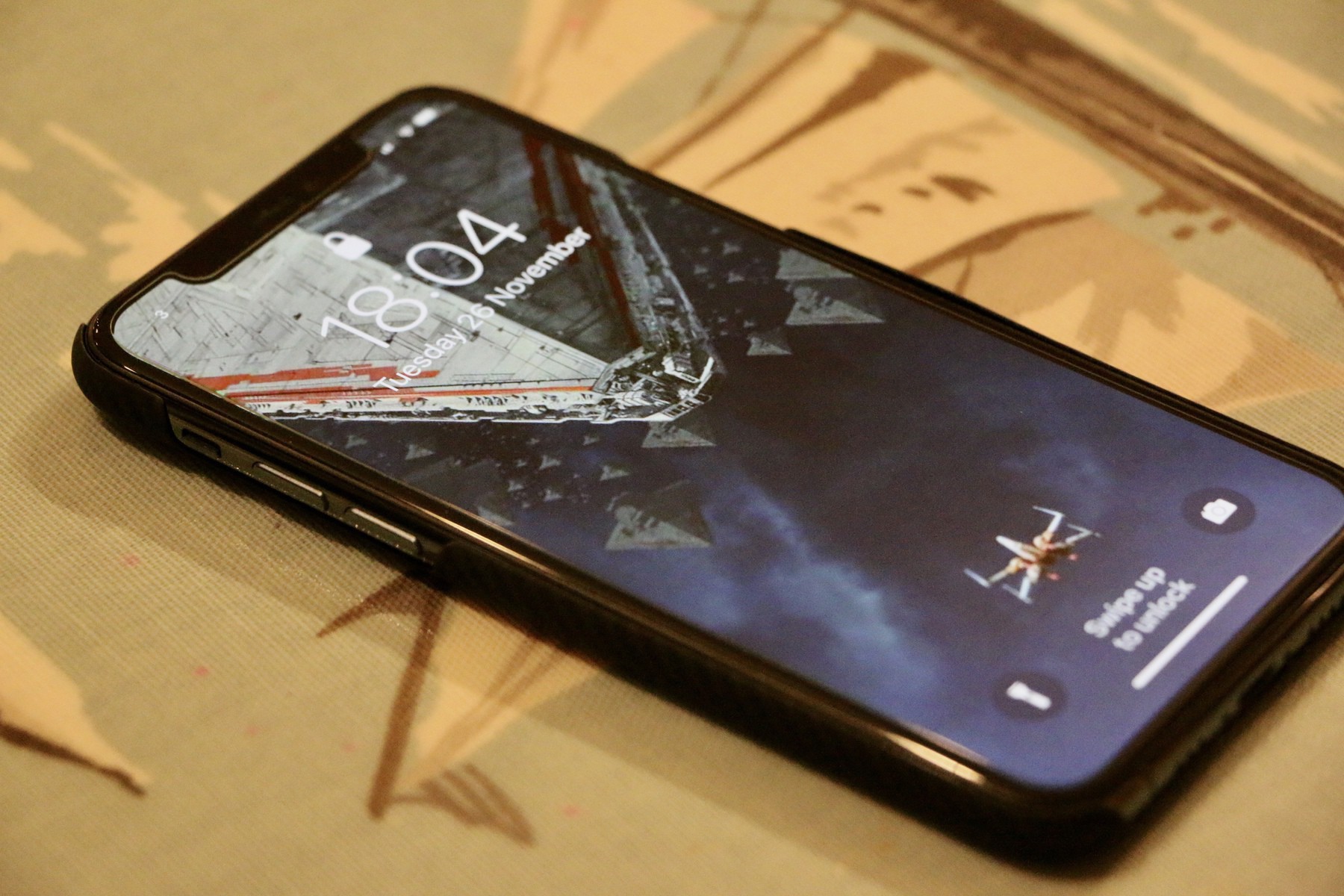
  • Pitaka Air for iPhone 11 Pro review

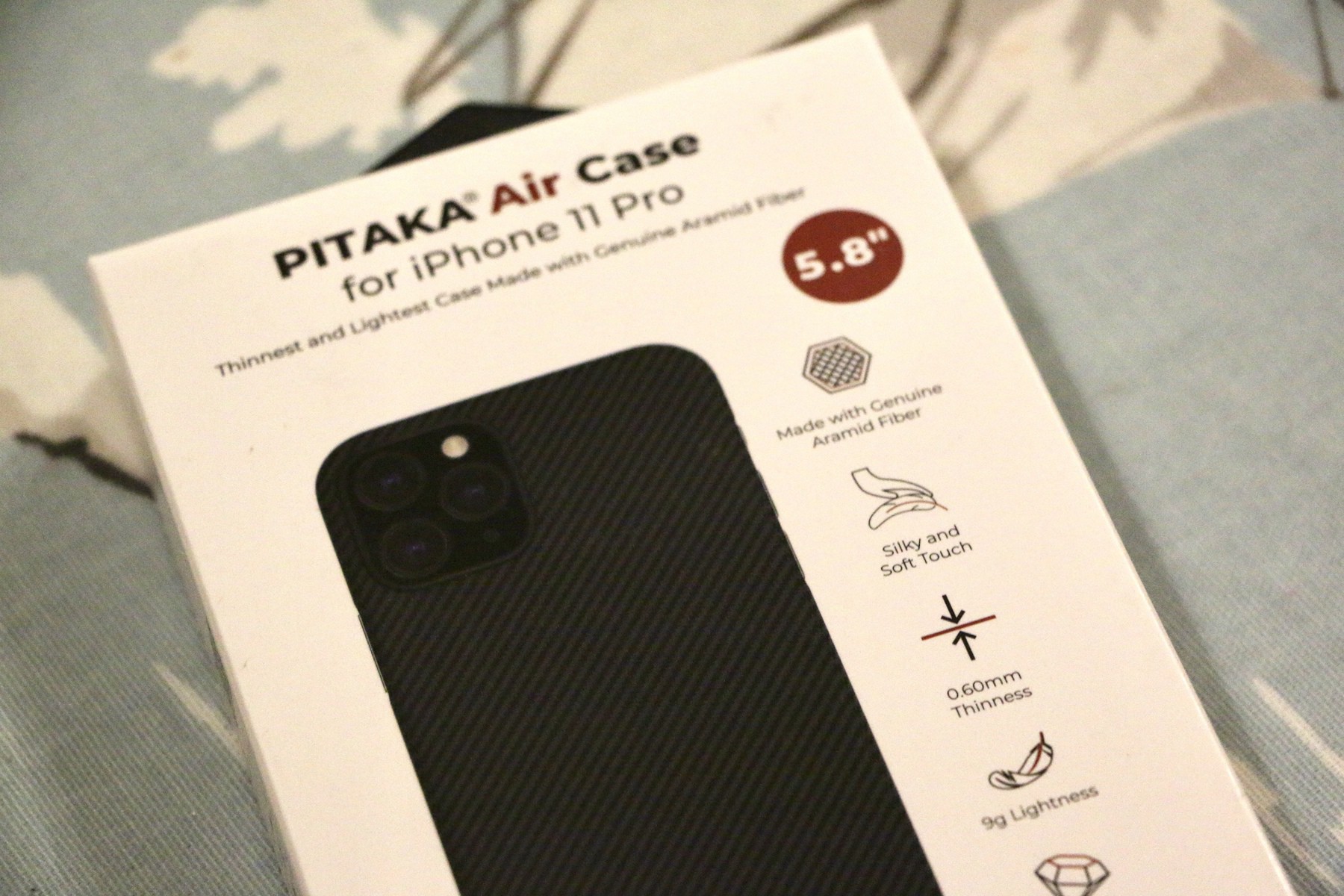
    I’ve been using the Pitaka Air for a few days now and wanted to share my thoughts on what I’m it’s like to use day in day out. I came across this case whilst listening to a podcast and after checking some details on the case immediately knew it was one I wanted to check out.

    It’s on the expensive side (around £50 at the time of writing) but based on my experience it’s up there with the official Apple cases in terms of quality so it’s somewhat justified. It’s also the first case in a while I’ve not thought about taking off once.

    The case itself is super thin, like a few pieces of paper thin and weighs hardly anything. It’s a snap on case and is easy to apply, just make sure you have wiped off your iPhone before putting it on.

    It’s made of a carbon fibre type material that feels tough and the finish hasn’t scratched up at all. It’s got a nice amount of grip and because it’s so thin it doesn’t feel like you have a case on the phone particularly. The finish of the case adds just the right amount of grip and getting it in and out of pocket is easy.

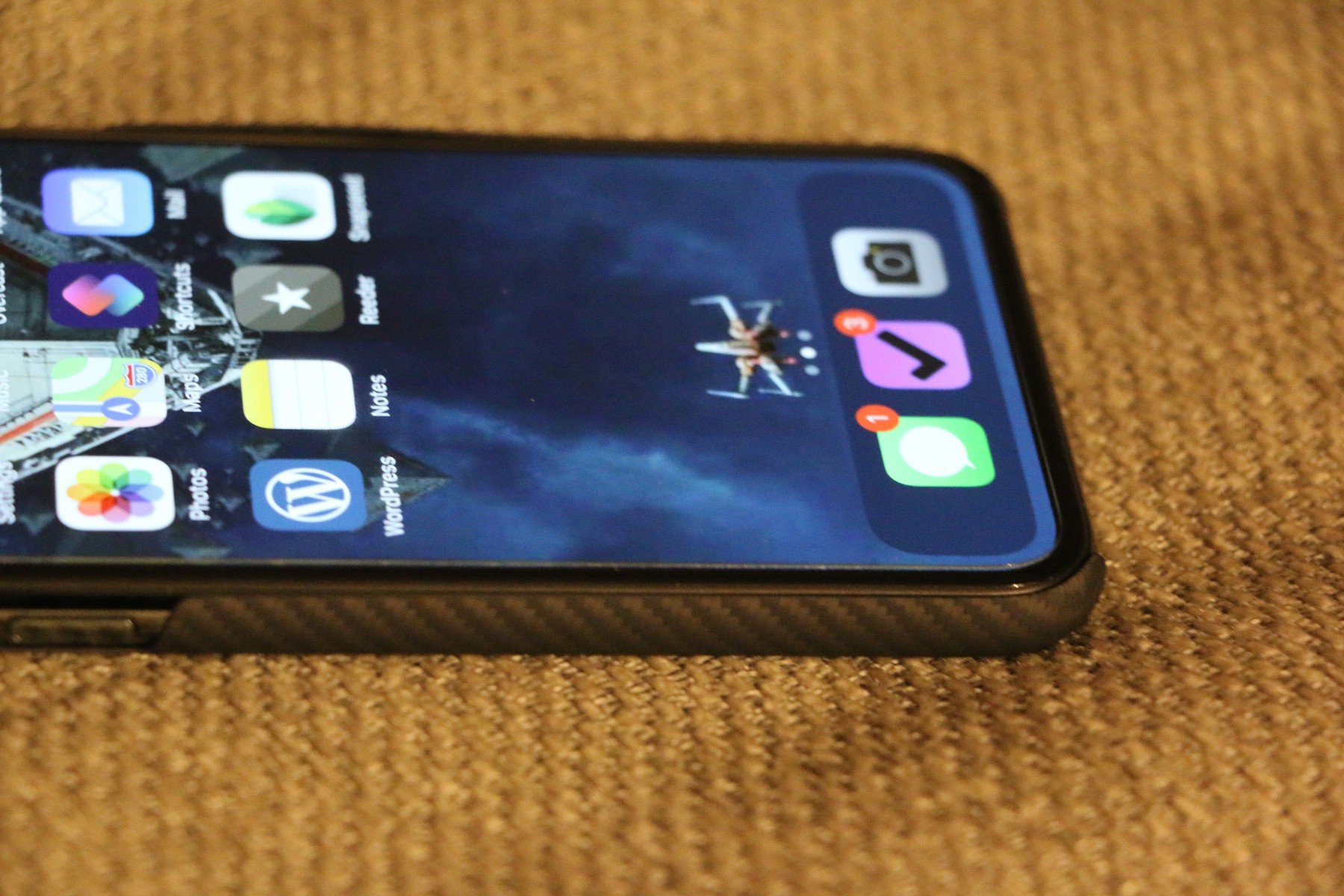
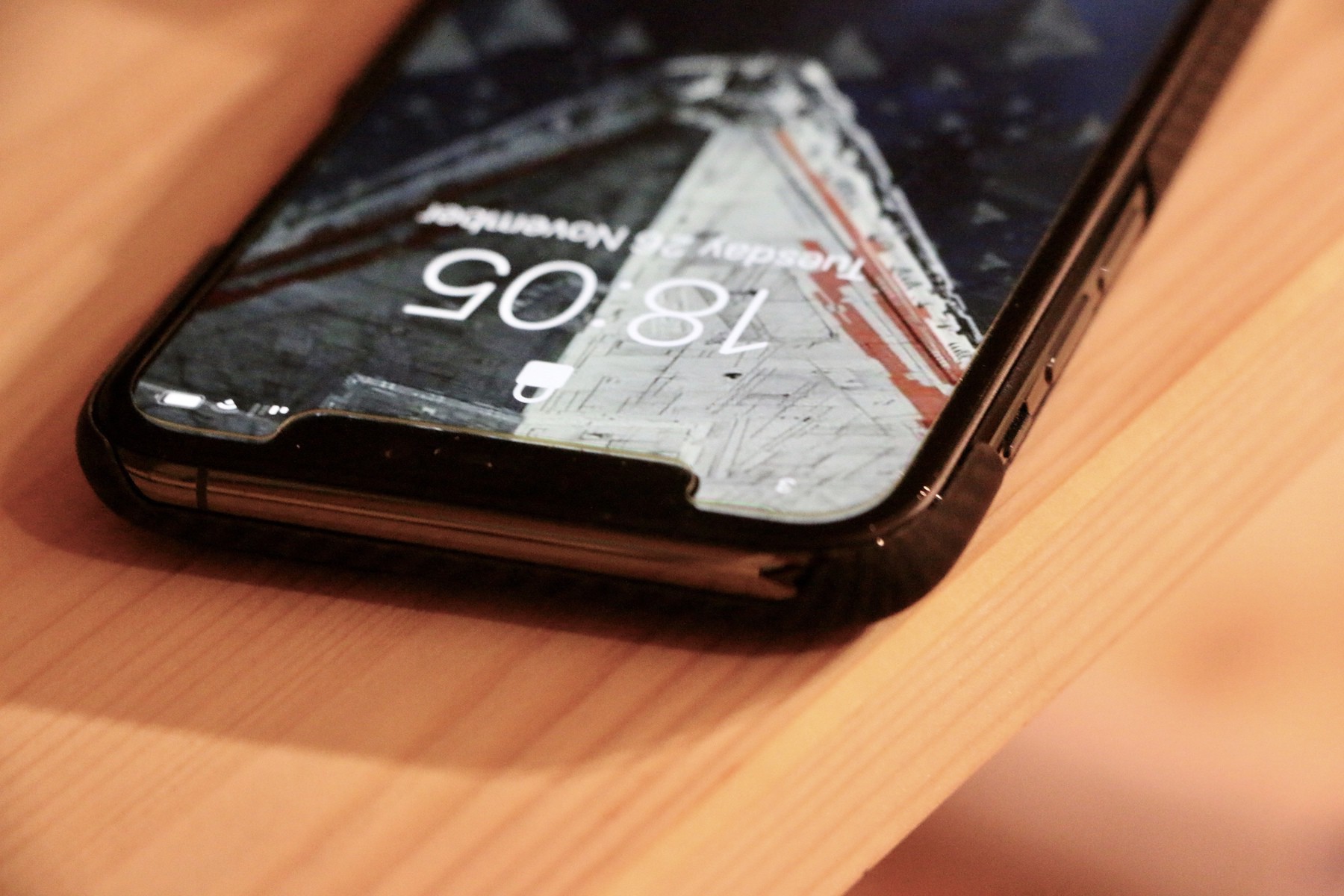
    All of the buttons, some of the top and some of the bottom are exposed. This makes using it easy, no rigid plastic over the existing buttons. I like this approach but it’s no Otterbox, this doesn’t look a particularly drop proof case. I’m perfectly fine with this, I’m looking for something that adds grip but no bulk, this case does that. If you’re after something that gives you more confidence on big drops you’ll want to look elsewhere.

    If you worry about screen scratches you’ll still want to apply a screen protector. There isn’t a lip around the case, which I love. I hate cases that restrict gestures of actually using the device.

    For me this is the perfect case, price aside (an included screen protector would have been nice) it’s the first case in a while I forget is on there. Personally I like the carbon fibre look and the extra grip it adds is all I need really in a case.

    As someone that is usually caseless I’m always looking for something as thin as possible. This case gives a good balance of being barely there.

    If you are ok spending £40+ on an iPhone case and want something to give basic day to day protection then this case really is the one to get.

    → 7:16 AM, Nov 29
  • A shortcut for day trips

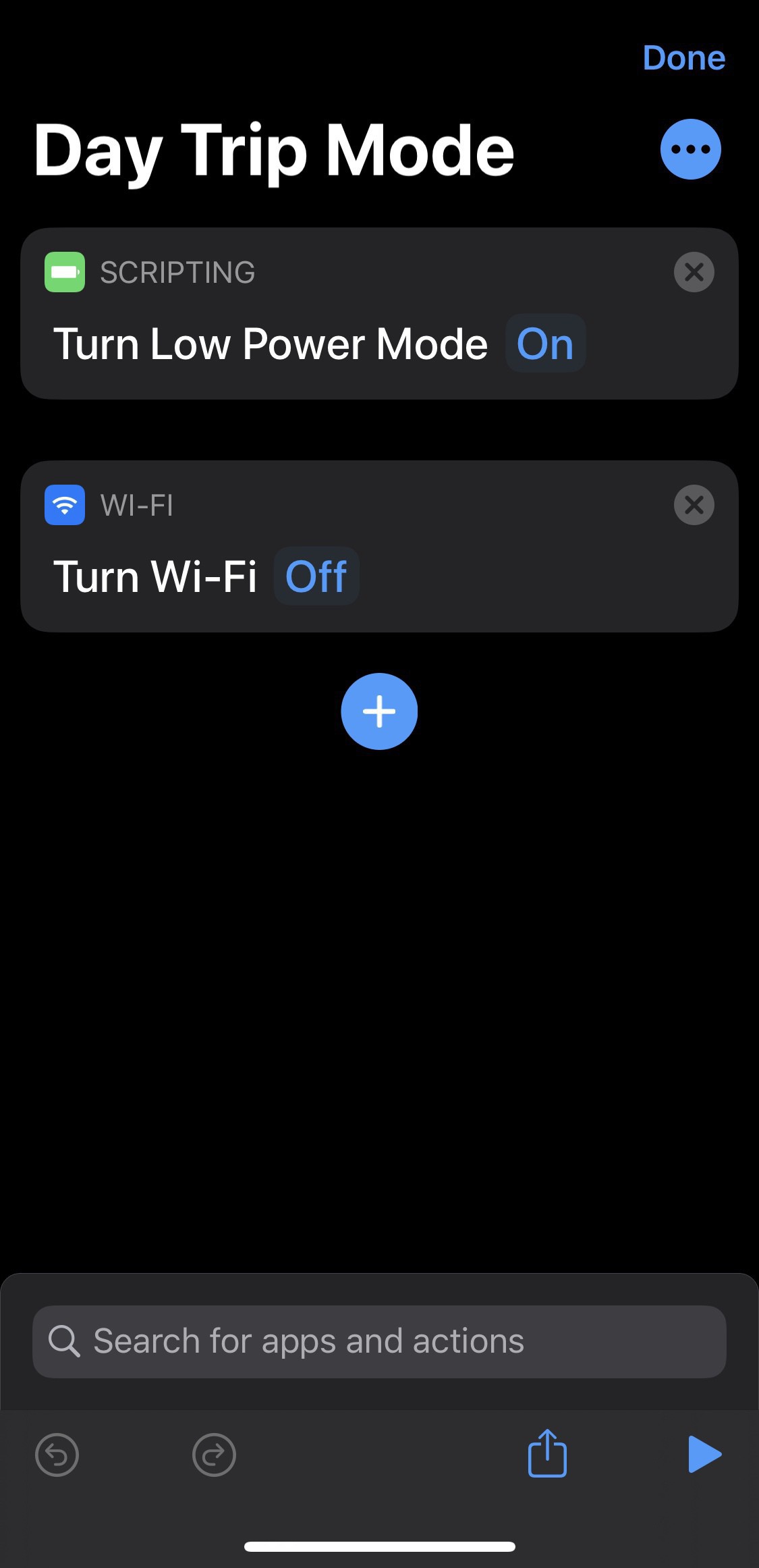
    I’m taking baby steps with shortcuts and this time I’m actually getting it. I’ve tried in the past but I think I was going the wrong way about it. Now I’m starting small and thinking of little time savers for things I do frequently.

    I’m trying to create a shortcut that I enable when I’m out on day trips to help preserve some battery life.

    I’m just a couple of steps in so far as I think about steps I can take to put me in that maximum battery saving day trip mode.

    Here’s the link to the above.

    I’m open to suggestions of what to add.

    → 7:39 AM, Nov 28
  • Giving up on The Mandalorian

    It’s not out in the UK for another 4 months but with the BBC ruining it with spoilers for me I’ve given up waiting to watch it and just going to accept I’ll know what happens. It does sour Disney+ for me a little and I doubt I’ll sign up now until Falcon and The Winter Soldier or Obi Wan Kenobi comes out.

    I’ve no idea why Disney can’t release a smaller amount of content here in the UK or release on iTunes for us Star Wars super fans.

    Of course there are alternative ways to watch, which I’m sure most of the UK fan base are already doing and will continue to do so even with the official launch here.

    Living in a country with so many close ties to the franchise it’s weird to be left out.

    → 10:31 PM, Nov 27
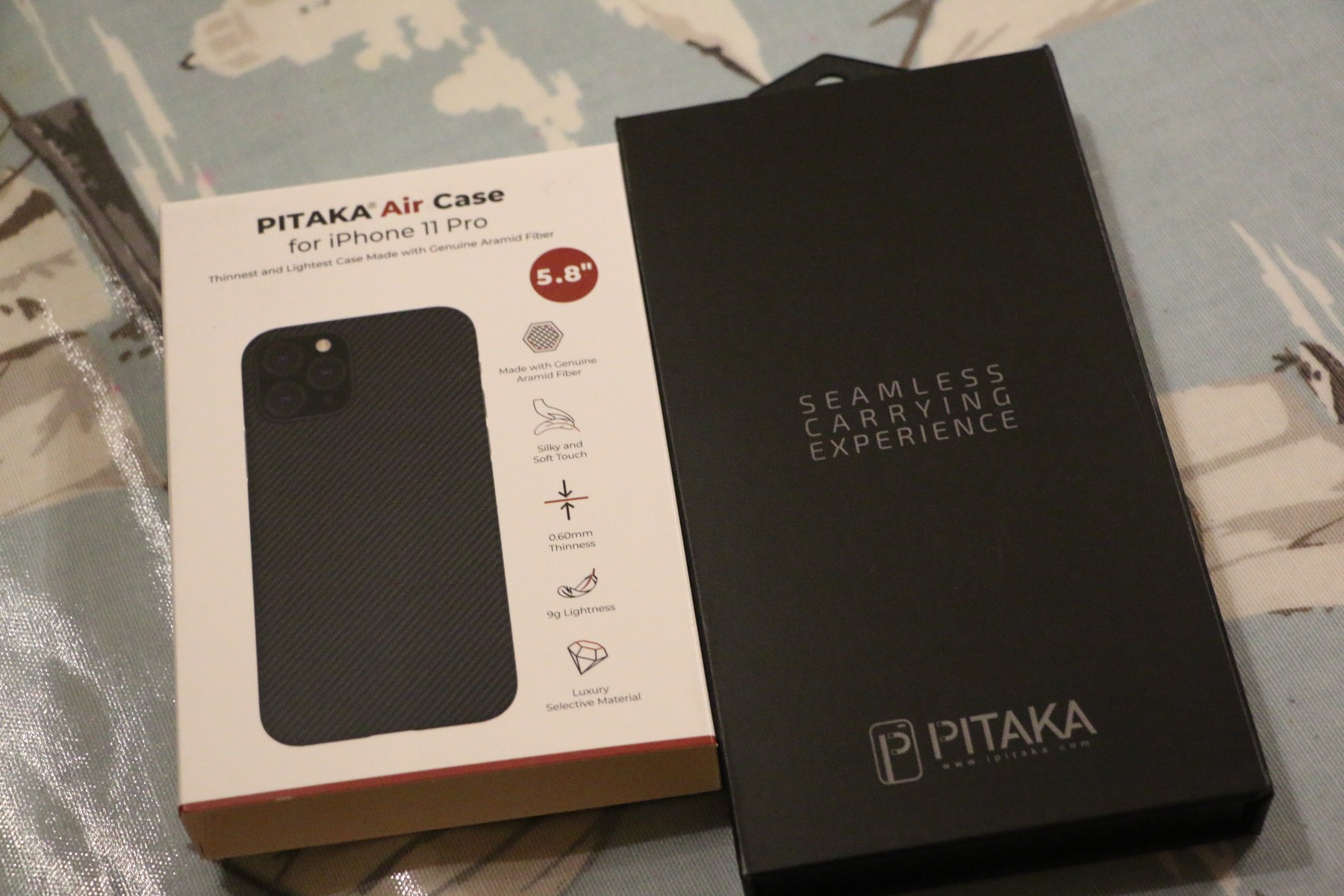
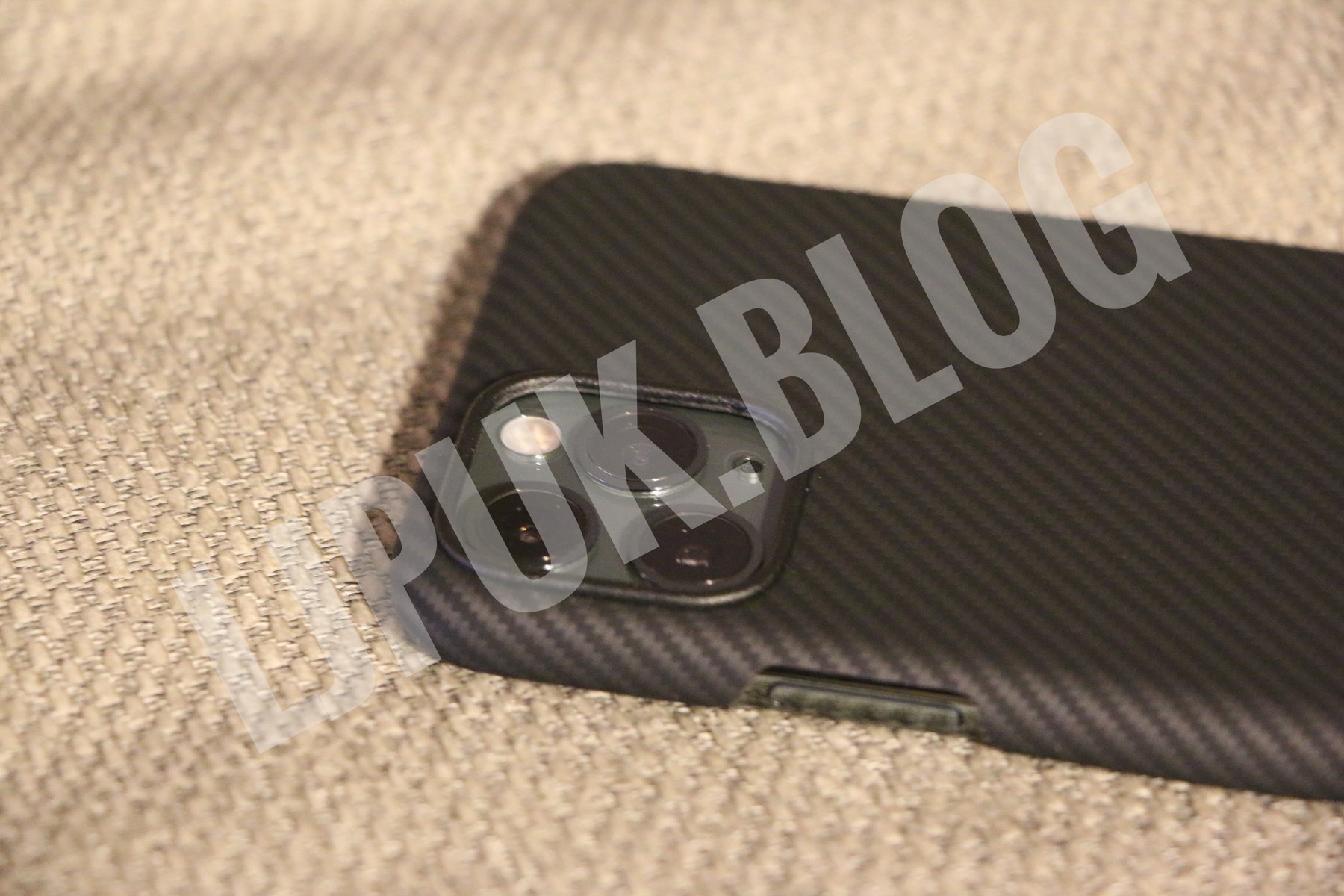
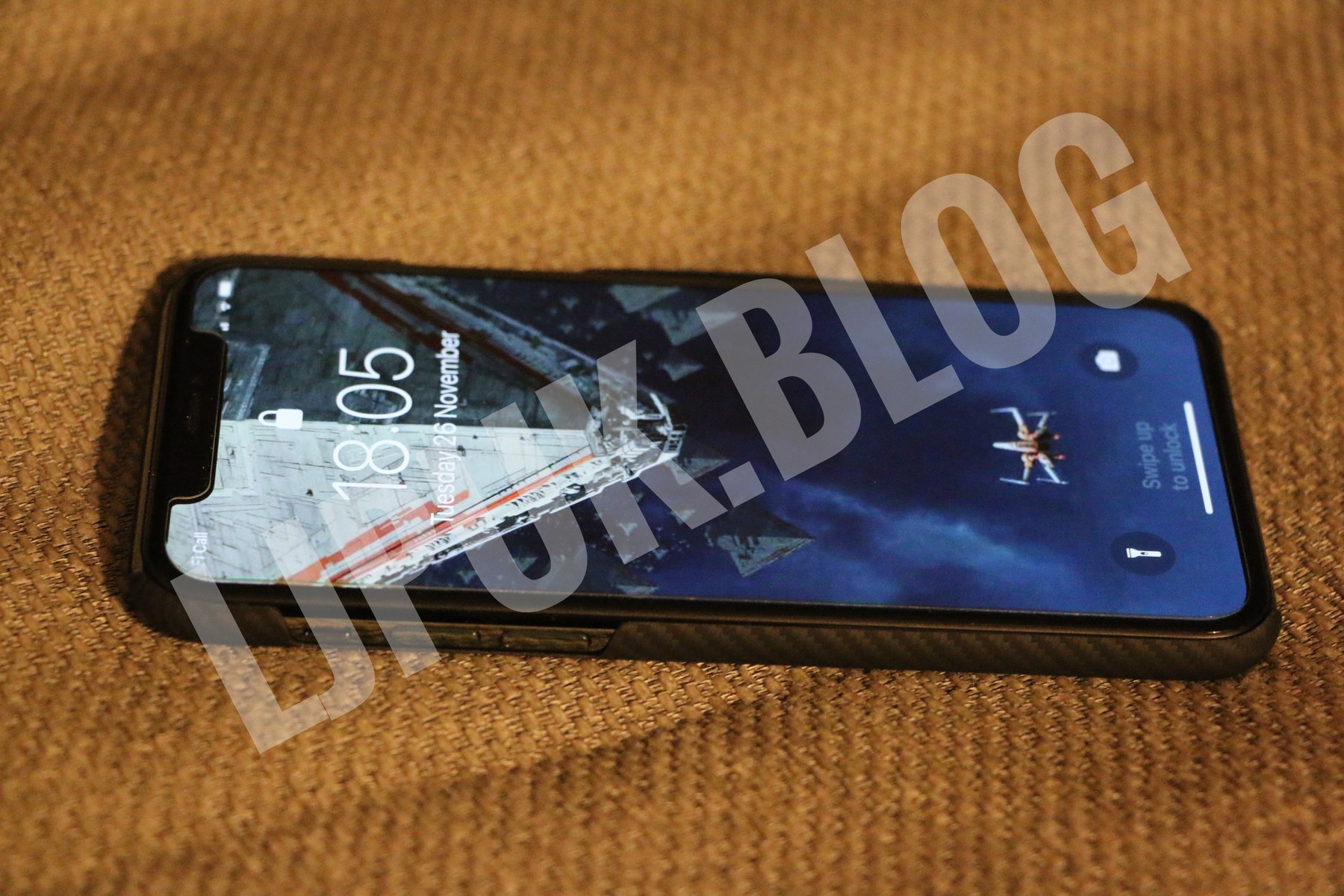
  • Pitaka Air Case for iPhone 11 Pro Unboxing

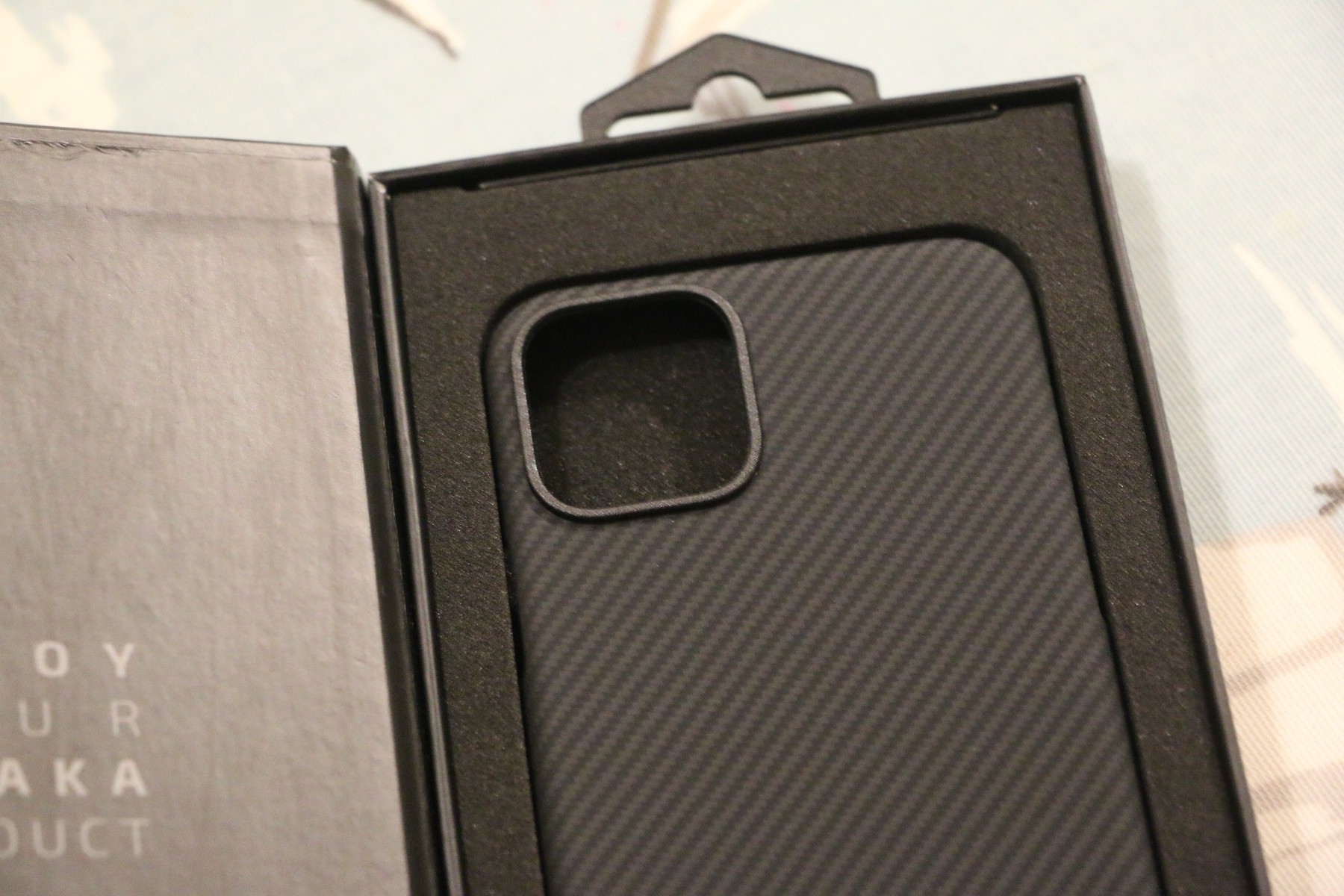
    I’ll have a full review but wanted to post some images now I’ve unboxed. First impressions though, wow this might be best case I’ve ever used.

    → 7:19 PM, Nov 26
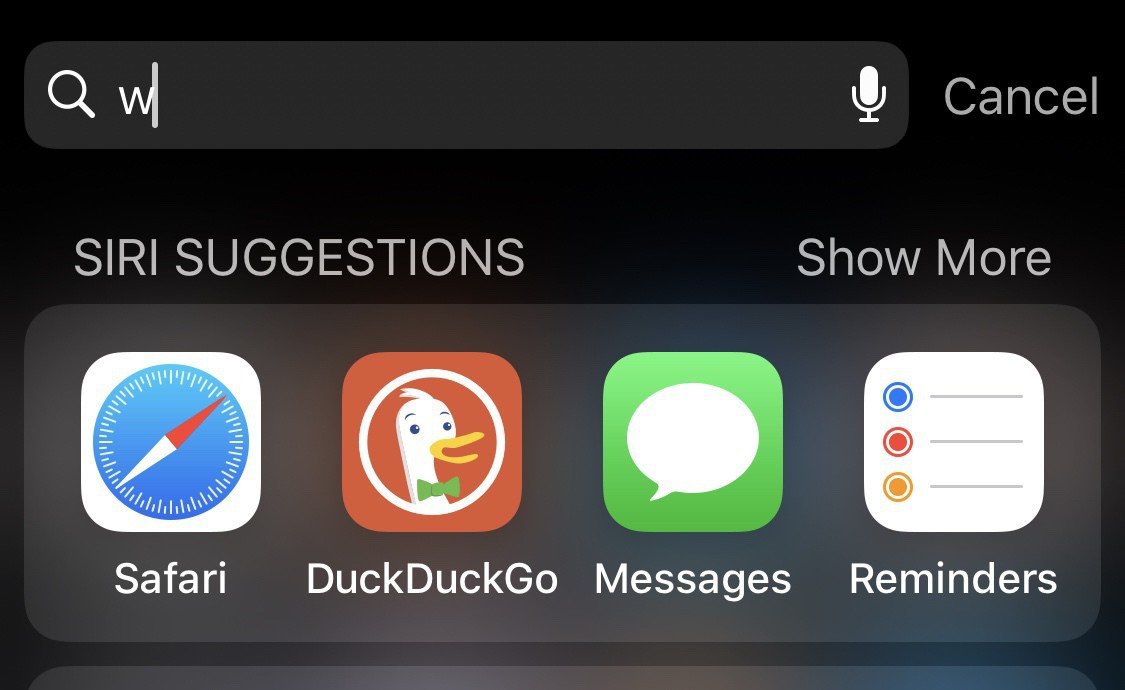
  • Is spotlight on iOS broken for you too?

    This iOS bug just my problem? I know spotlight has it’s moments but I’ve been finding it buggy since iOS 13.2.3 - just me?

    → 9:00 AM, Nov 26
  • BBC puts The Mandalorian spoilers on it’s front page

    Sigh, I’ve done my best to avoid spoilers for The Mandalorian but now BBC continues it’s trend of turning into Buzzfeed by putting spoilers on the main page.

    The site has been getting worse for years but this is a little ridiculous, they may as well run adverts on the site now and give me some of my license money back.

    I’m not going to ruin it but if you want to be as spoiler free as possible you need to disconnect from the internet completely.

    → 8:37 PM, Nov 25
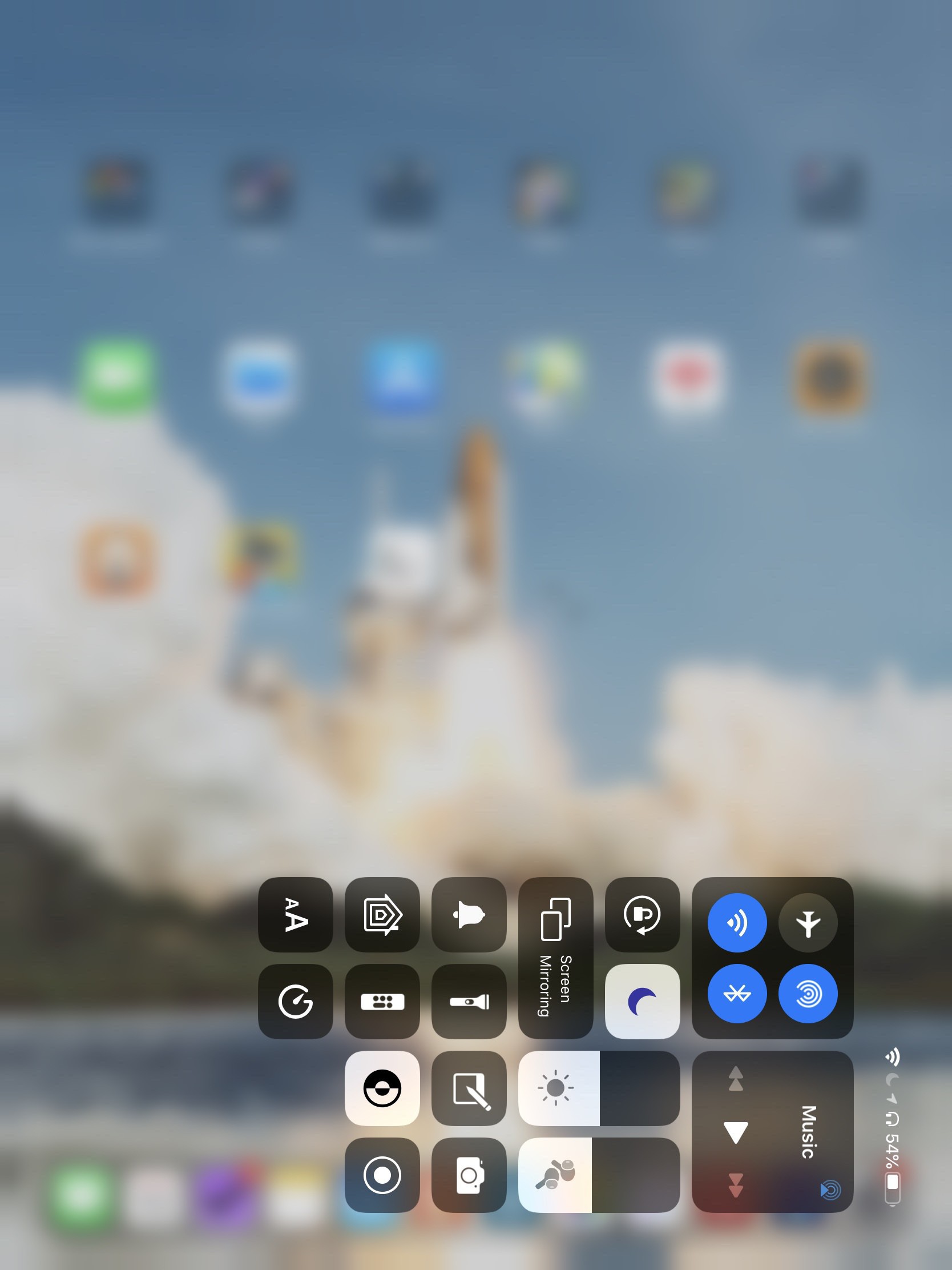
  • How to get better battery life on the Apple Watch

    At the moment I’m using the Apple Watch sporadically whilst I figure out where it fits in my life but have been playing around with settings to test battery life. I’m on a Nike Series 2 and to be fair aside from some lag here and there it’s still a great Apple Watch. The battery lasts longer than the Series 5 I had for a brief period and not needing an always on display I’m sticking to this one when I do use it.

    Here’s a few tips that I wanted to share to get the best battery life out of your Apple Watch.

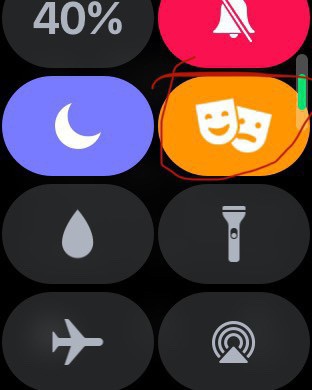
    Use cinema mode

    This is activated by swiping up on the watch then hitting the icon marked above. I use it if I leave my watch on to sleep but also in the day if I’m out and about on a long family day out for instance. It’ll turn off the screen and only be enabled when you tap it.

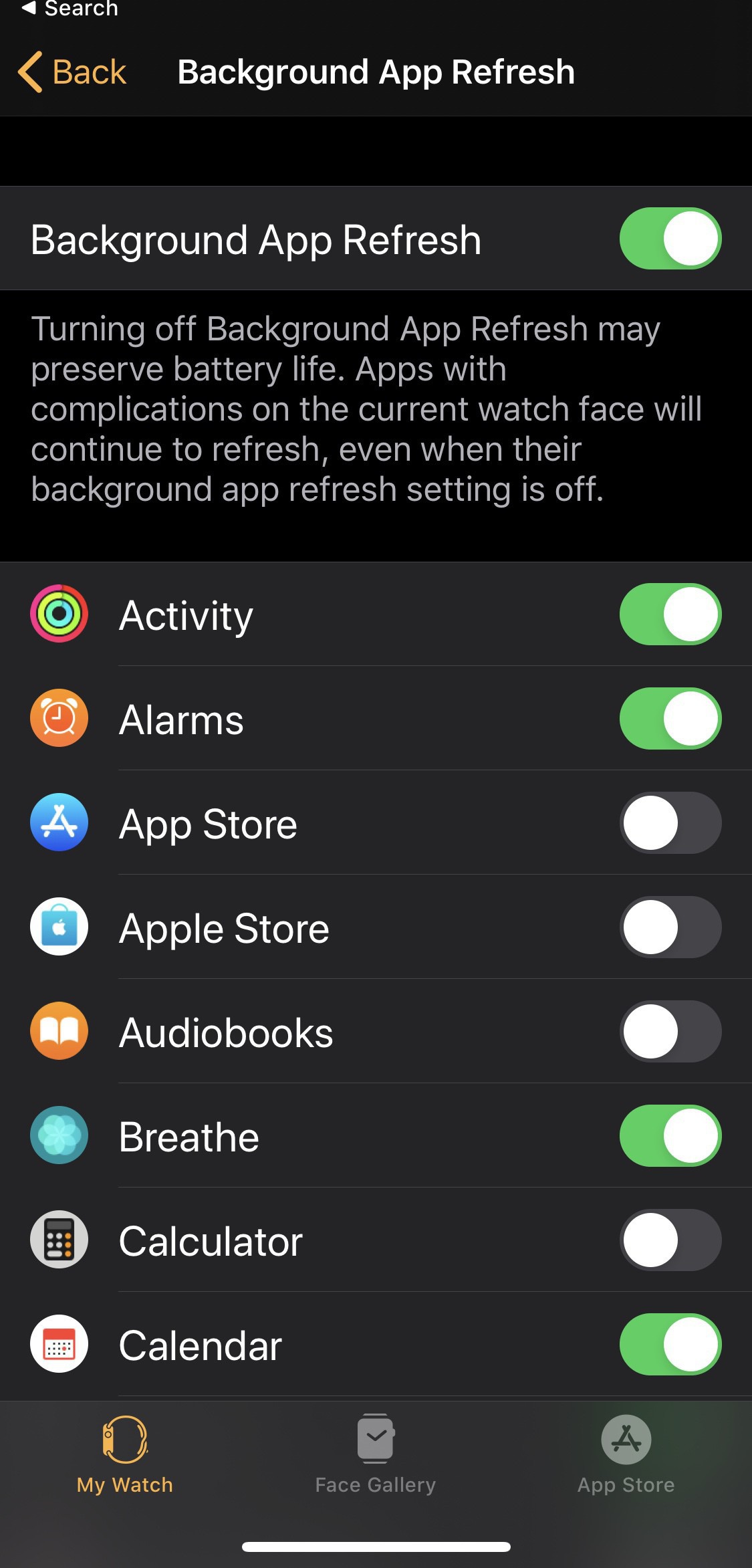
    Turn off background refresh on apps you don't use

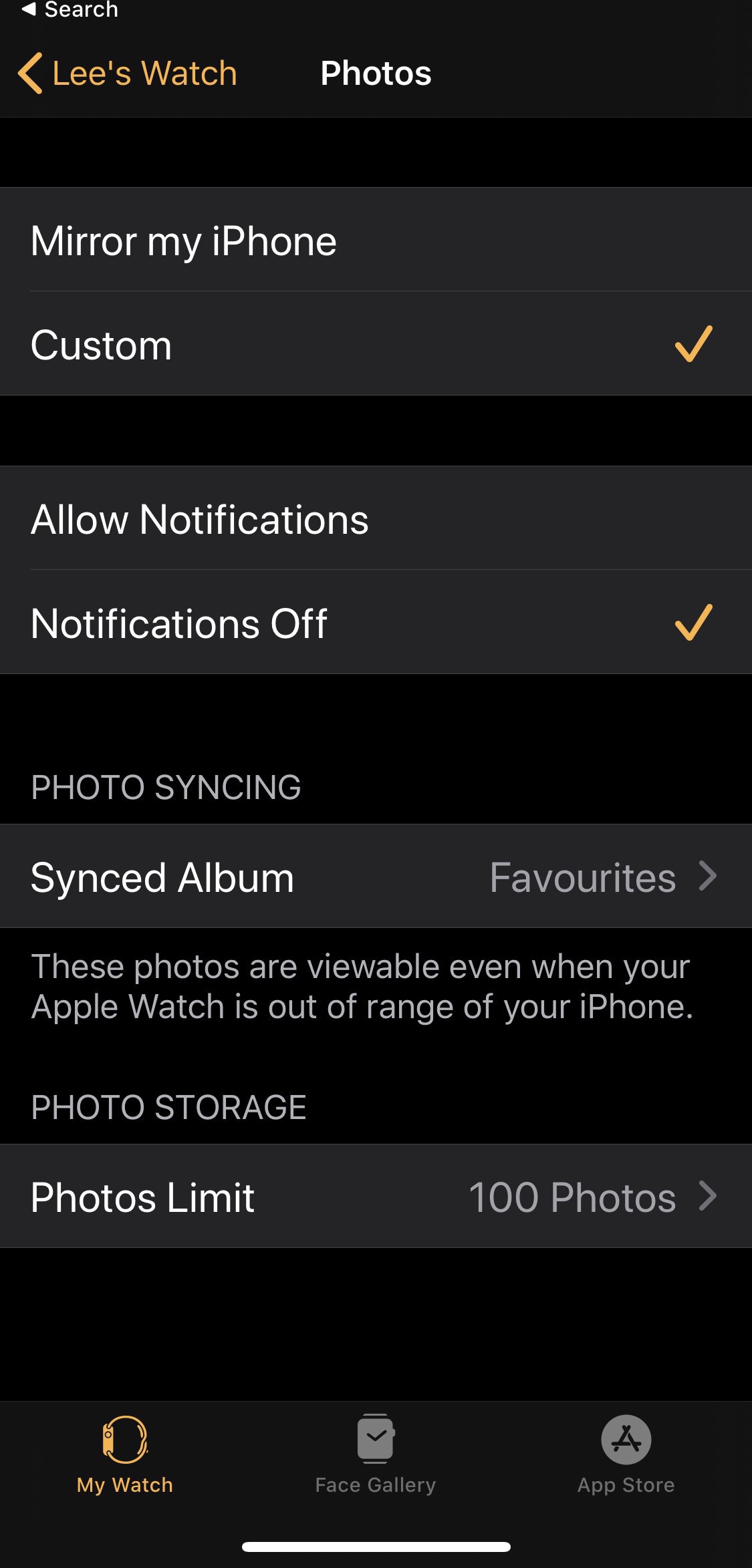
    Within the watch app on your iPhone you can go into Background App Refresh settings and turn off all of the apps that you don’t need to be making updates in the background.

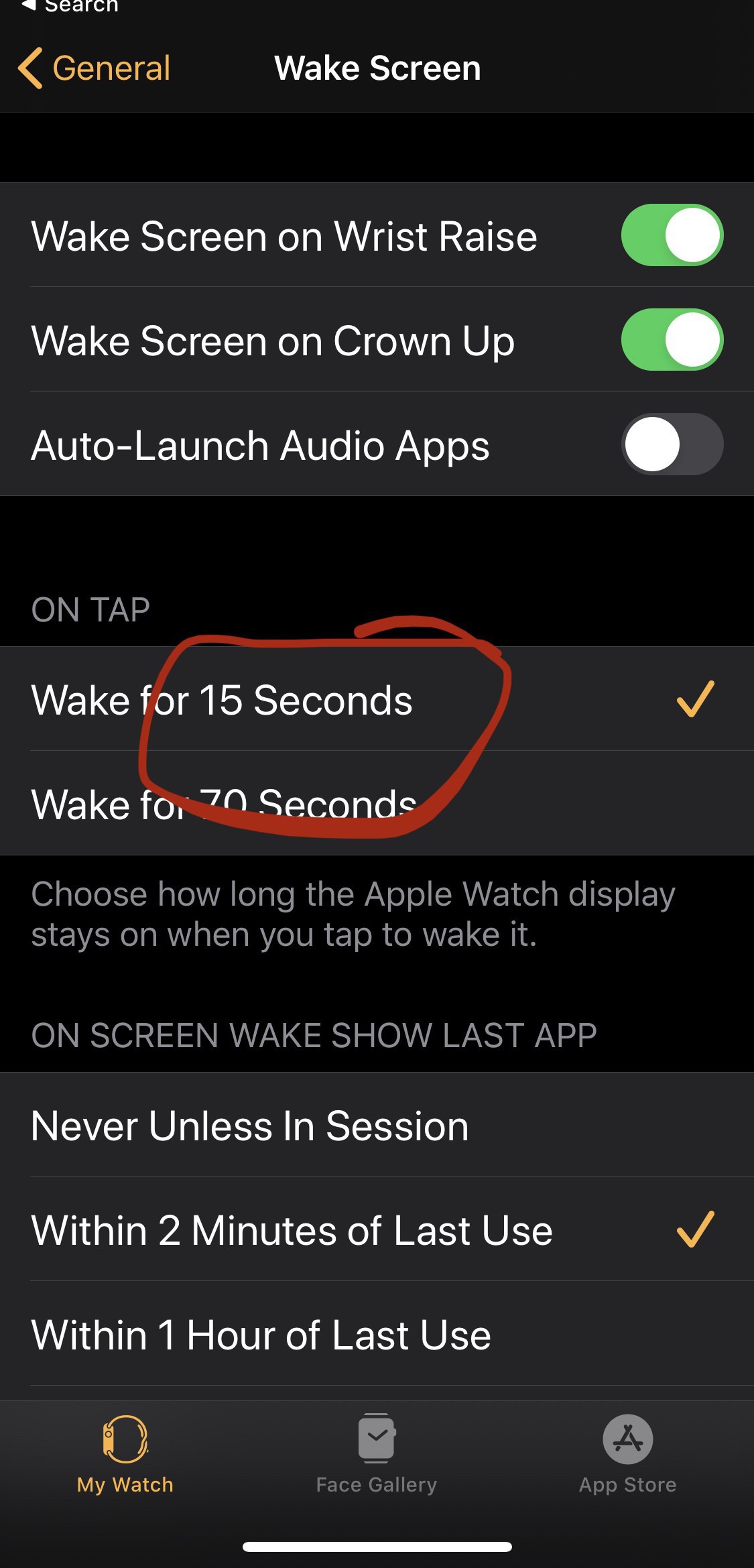
    Shorter screen on time

    Under wake screen settings make sure you have 15 seconds for the on tap settings, the shortest setting.

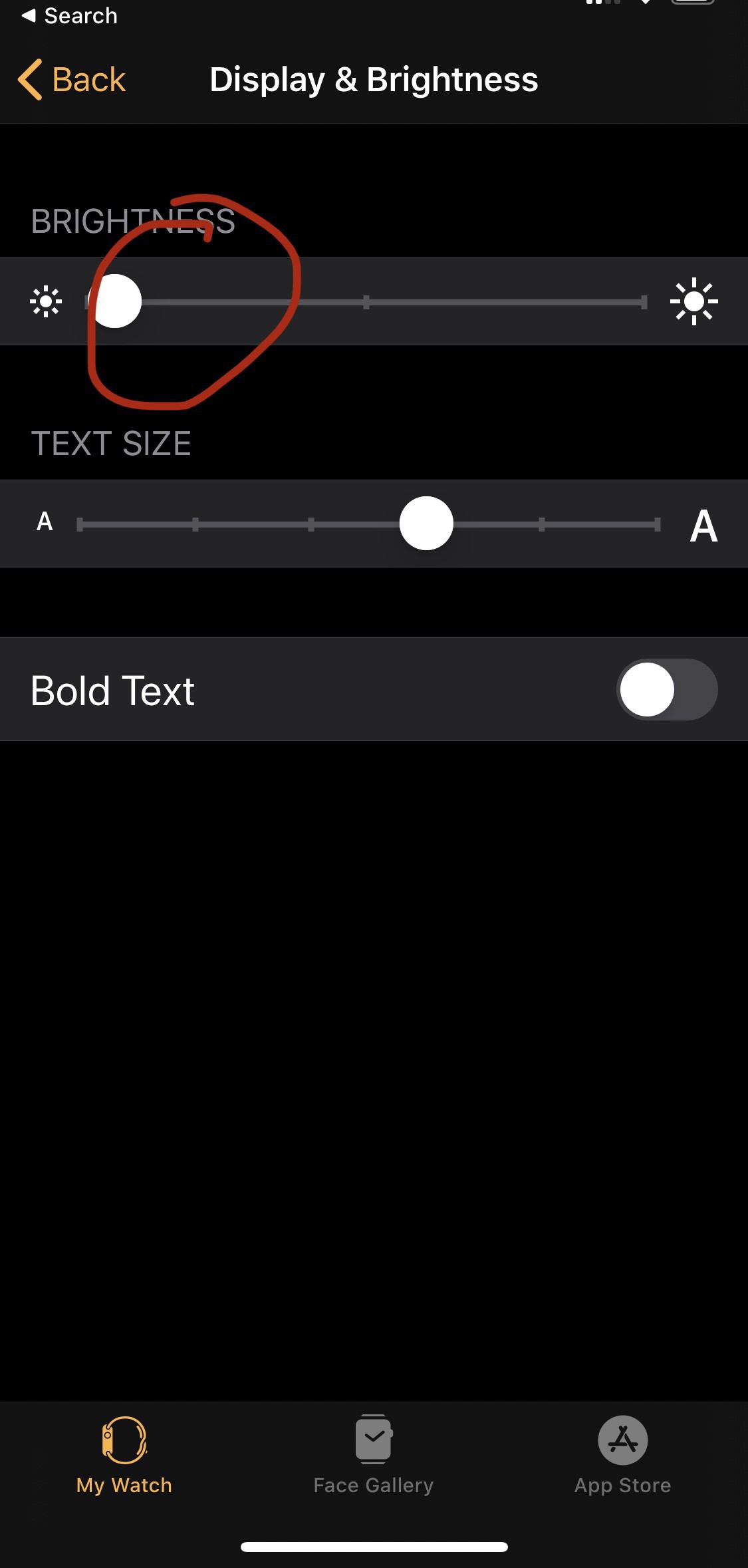
    Turn the brightness to the minimum

    Even on it’s lowest setting the screen is fine to my eyes and will save you a little battery throughout the day.

    Pair down Notifications

    It won’t have a massive impact but on showing notifications you care about is something else that you can do to help. This also helps to avoid too many distractions, I only have notifications for messages and calls.

    → 6:50 AM, Nov 25
  • iPhone home screen (Nov 2019)

    Sticking with a fairly basic home screen this month. Loved snapseed to the main page now I’m using it more and more. Reeder is how I’m catching on any news and my favourite blogs. Omnifocus is my productivity app of choice. Notes is syncing again so I’m testing it out. Finally I’m getting more into shortcuts so I’ve moved that onto my front page.

    My second page is a bit of a dumping ground so not that well organised more reference apps as and when I need them.

    → 1:00 PM, Nov 24
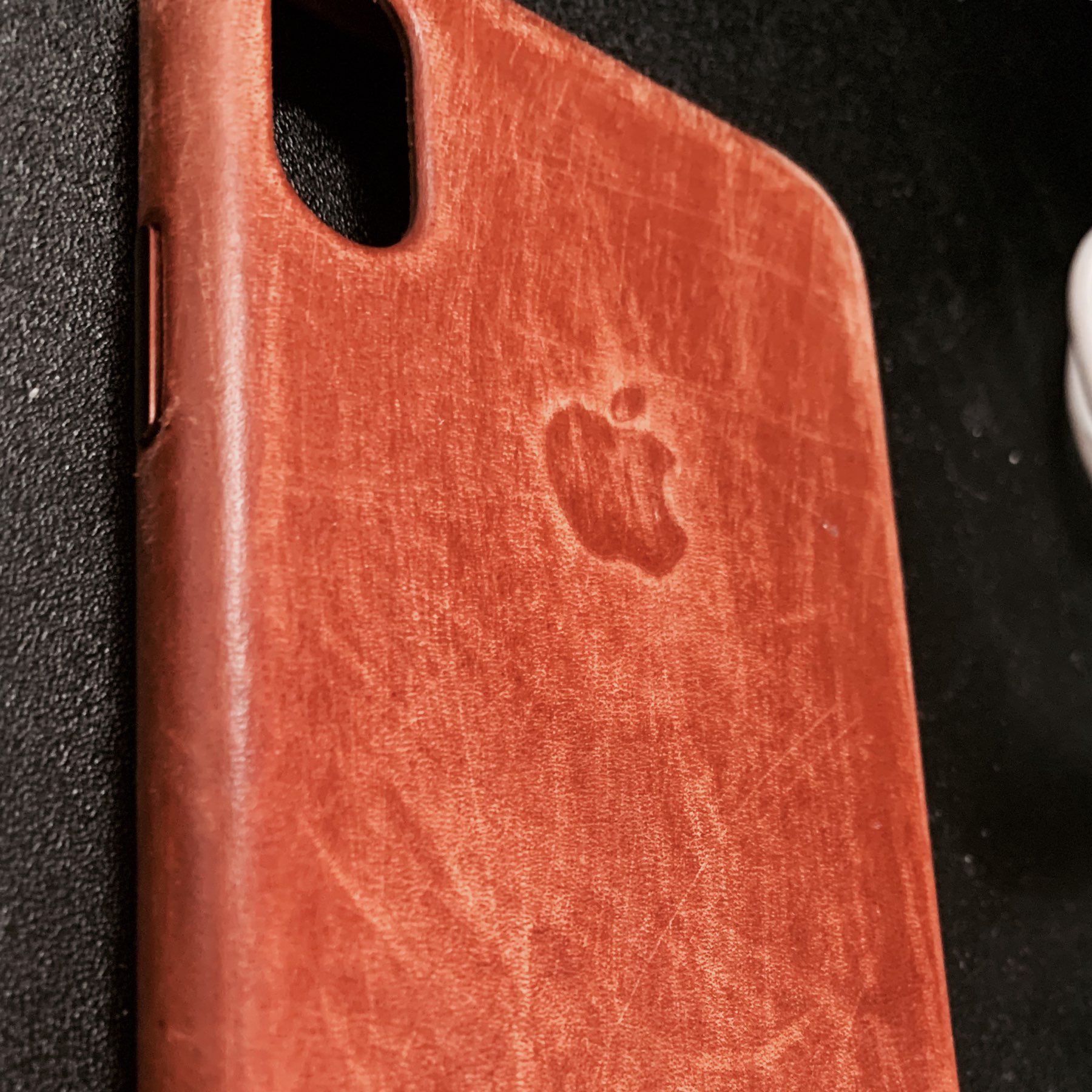
  • Patina on the Apple iPhone 11 Pro leather case

    I’m still unhappy with most iPhone cases but now I’ve been using the leather case a bit more it’s started to develop a nice patina.

    Last year I did this artificially but wearing it in naturally is a bit more satisfying. The Apple cases are a bit slippery out of the box but a few weeks in and they start to wear in. I’m still not completely comfortable having a leather case but for now it’ll do. I’ve got a review case coming in soon that I think will be better, more on this soon.

    → 5:50 AM, Nov 24
  • How to watermark an image on iPhone or iPad

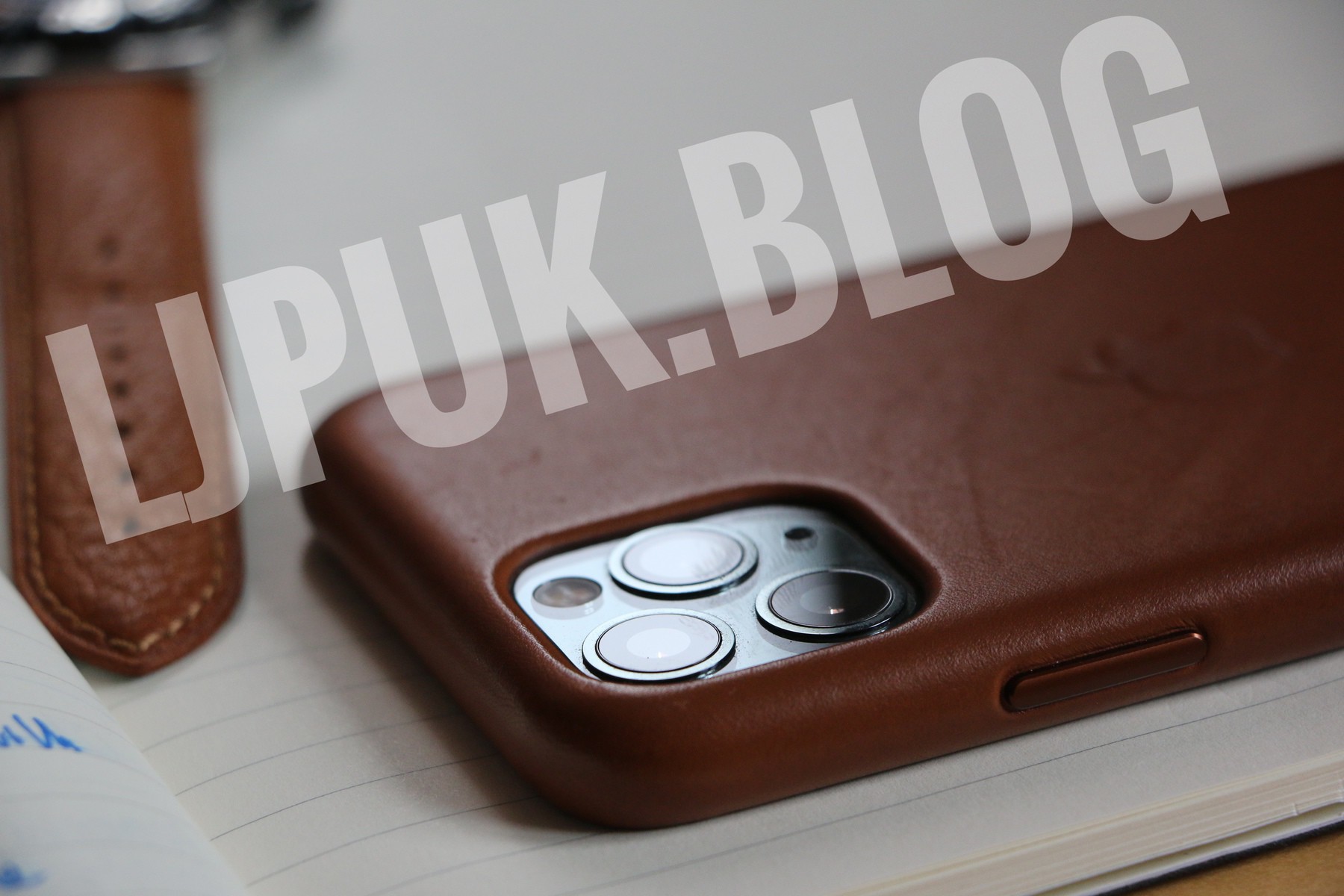
    Seeing my images being used in scams isn’t particularly nice so I’ve done a little experimenting to see how I can start to watermark all of my images I post now.

    I’ve settled on using Snapseed from Google.

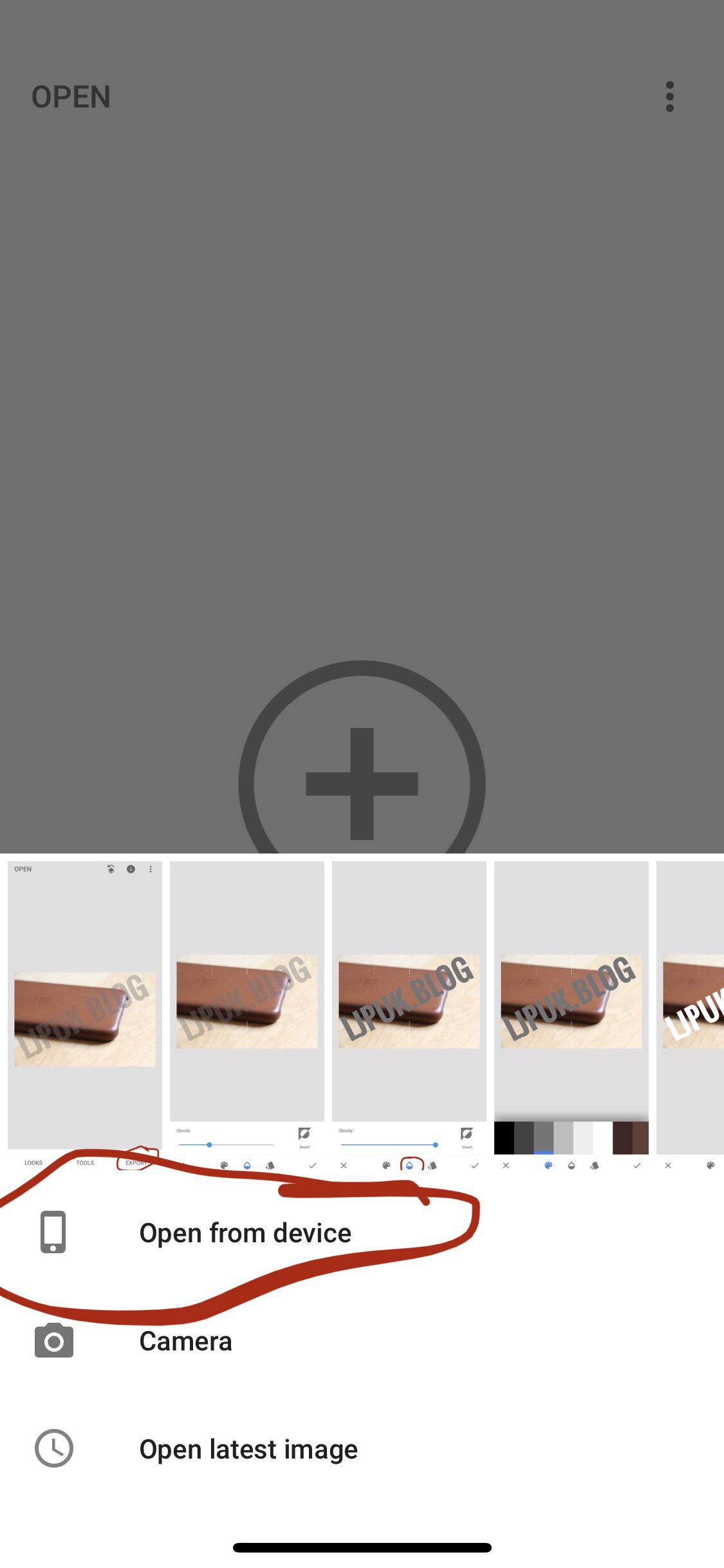
    Once you load the app, add the image you want to add a watermark to.

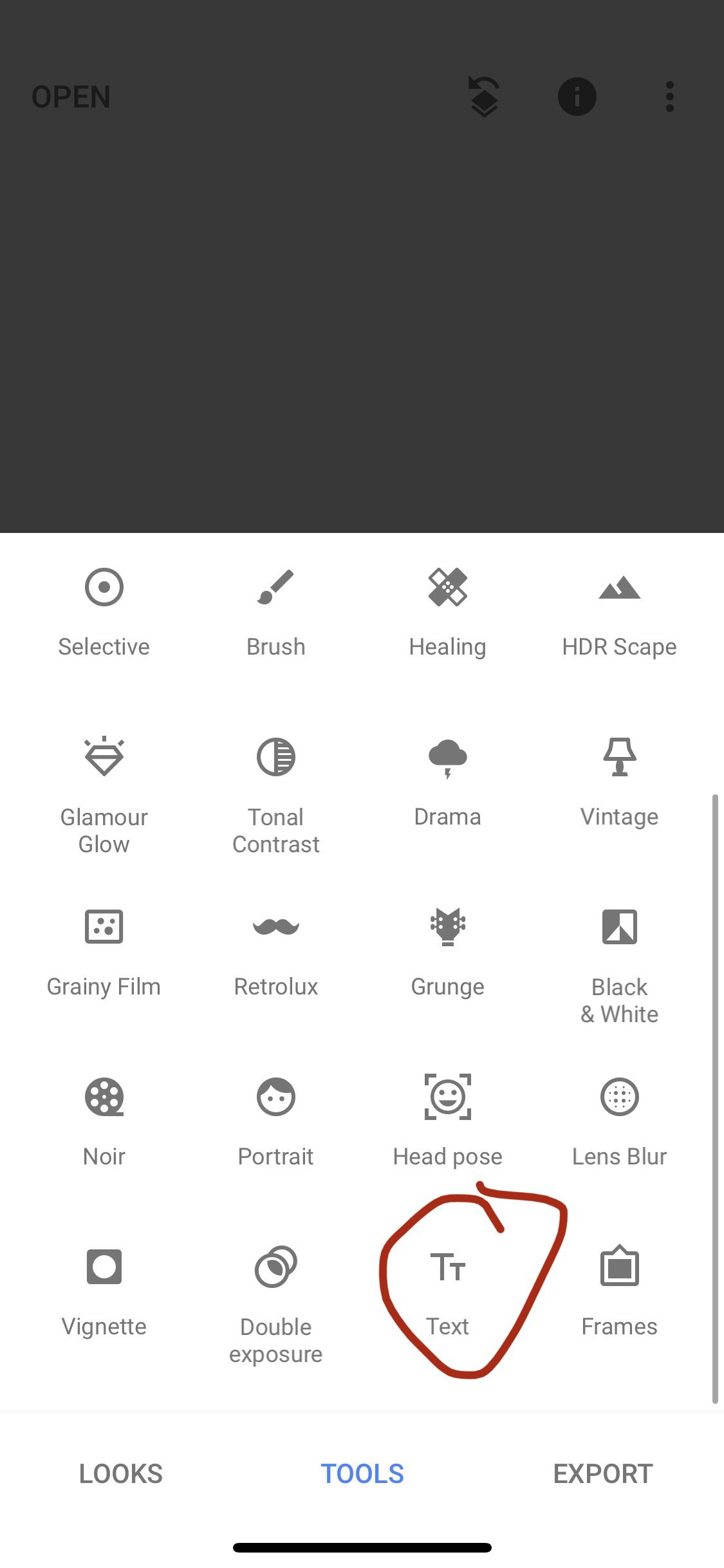
    Tap tools and select TEXT.

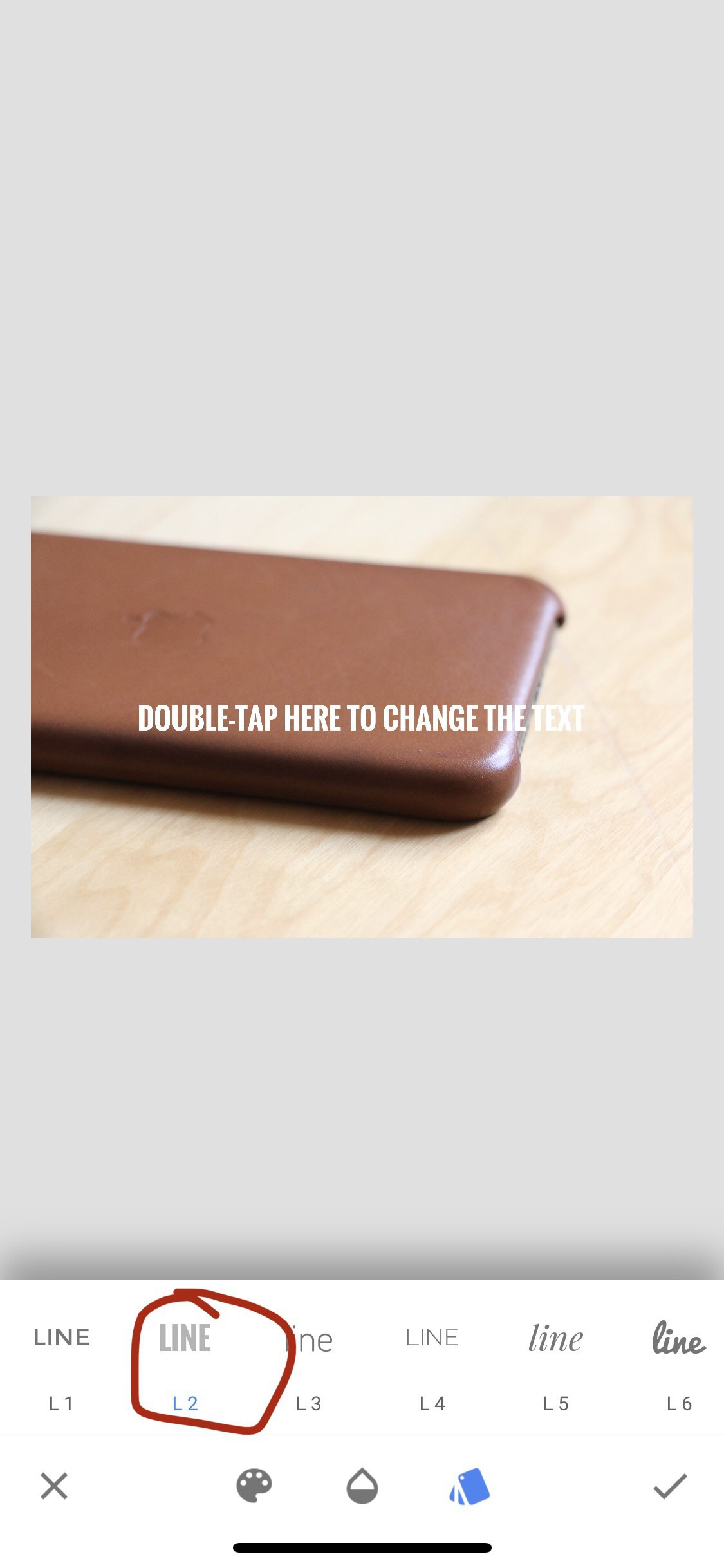
    You can then change the style and double tap to edit the text.

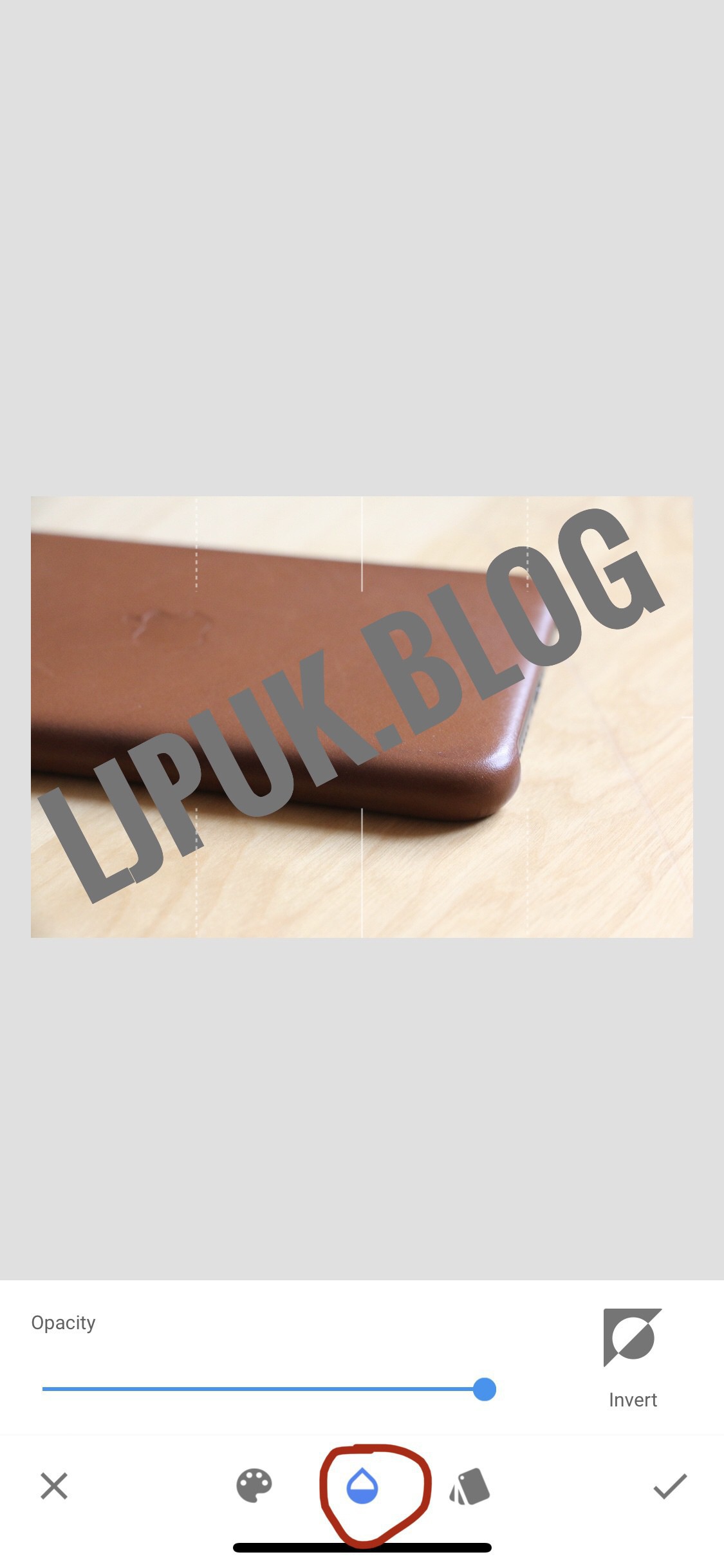
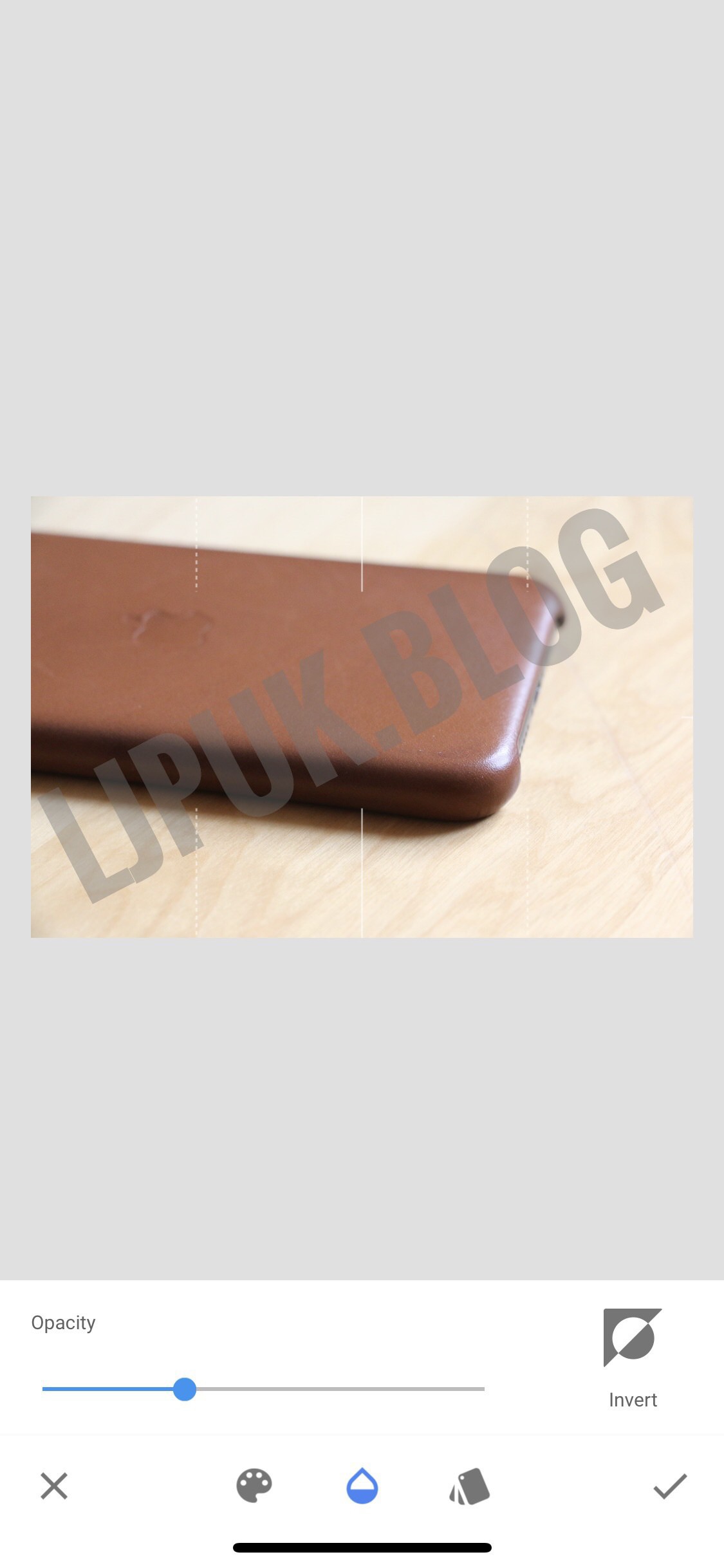
    I then add the text and align how I want it. Then you need to change the opacity by tapping the middle icon as in the image below.

    I’ll then adjust until I’m happy and export the image out into my photo library.

    → 10:41 AM, Nov 23
  • A foldable phone I’m actually excited for

    Wow, how did I miss this announcement - well I know I’m pretty much off the internet right now but I’ve only just caught up on the new Motorola Razr. I’d owned plenty of phones back in the day but the original Razr was and still is an iconic design. At $1500 I won’t be buying one on a whim to test out but it’s the first phone that has me lusting for something other than an iPhone. For me foldable is this form factor, not like the Samsung giving me two phones slapped together but something that is small to go in my pocket but is easy and satisfying to open and use when you want the bigger display. I’ll be doing my best to get on Motorola’s review list to see if I can take one for a spin.

    → 5:51 PM, Nov 22
  • Setting up OmniFocus (again)

    I go away but have found I always come back to OmniFocus (OF). OF still remains one of the quickest ways for me to enter new items to my inbox (I have SIRI disabled) using text entry and using a combination of due times and flagging I’ve been using it well this week and kept on top of things.

    I’m still in the process of sorting myself out and setting some personal goals but I’ve settled on OF. I was going to go all in with Reminders but a few things put me off using Apple apps

    1. Sync has been unreliable across devices for me, especially macOS
    2. I don't have any confidence in the Apple development team to keep the app updated. It'll always be a small part of iOS for Apple and I don't want to wait a year between updates for bug fixes
    3. If you need support, good luck. I'm almost a month in on my second attempt to get my iCloud sync sorted and Apple keep breaking their promises of calling me back with updates or even looking like they care about my data. I'm paying for iCloud storage and Apple aren't taking me as a customer seriously, I don't want to put my life into Reminders then hit a problem and be stuck trying to sort it out on my own

    Ok, rant over.

    So how am I’m setting up OF?

    I’m starting pretty simple and mostly chucking items into the inbox via the app or Shortcuts. Anything that I think is urgent or want to get done today ideally I’ll put a flag against. I can quickly view everything flagged as almost a wish I could get this done today list or a reminder of items that are going to cause me some pain if I don’t get done.

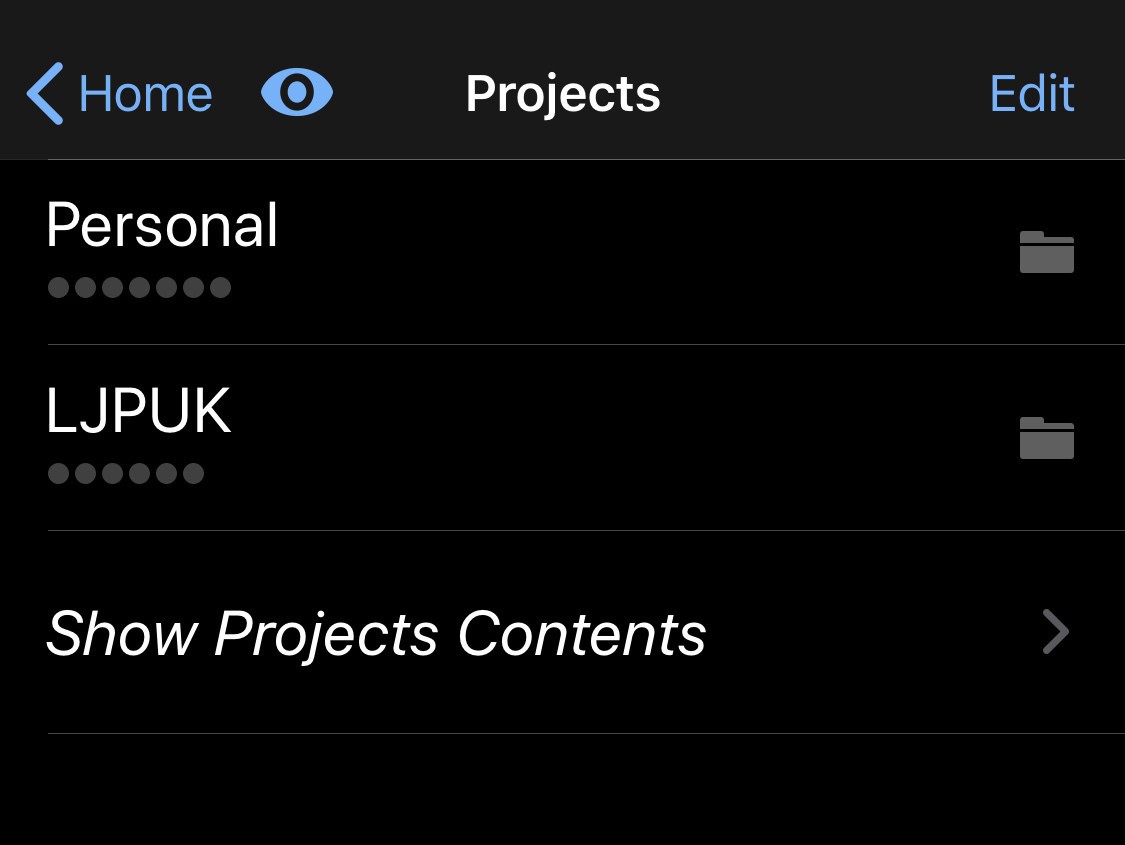
    Project wise I’m using folders to divide my projects into areas of focus. It’s pretty simple for now but I have one for my writing and another for personal, which includes any goals. I’ll share more on this one I’ve got my project structure sorted. I’m expecting it’ll be financial, work etc.

    Everything else in OF I’m pretty much ignoring. The beauty is that it can be as simple or complicated as you need it.

    → 7:42 AM, Nov 22
  • How to fix No Audio error on Apple CarPlay

    I’m not sure if this bug is specific to my make and model of car but I’ve finally found a way to fix this annoying bug. I have a Volkswagen Golf GTE with factory fitted CarPlay and about 50% of the time it would not play any audio. I would turn the volume up and it would say ‘No Audio’.

    I’ve found a fix, well a hack really. If you move into the Media section first then do a new Bluetooth search for your iPhone. Once you have seen the iPhone in the list of discoverable devices don’t tap it. Simply tap app again to go into CarPlay, the audio will magically start working again.

    → 7:43 AM, Nov 21
  • iOS 13.2.3 fixes iOS

    So we’re a couple of months in with iOS 13 and it struck me that after updating to iOS 13.2.3 it seems to have finally settled down. I’m getting far fewer bugs than I did before the update and it’s where it should have shipped back in September. Before this update I was having to turn my iPhone on and off at least once per day due to audio bugs. Now the only time I’m doing that is when I use CarPlay.

    I’ve got one bug that I’m not seeing anywhere with CarPlay. Once I’m done using it in the car the audio app stays on the lock screen even though the app is closed. The only fix is to restart the iPhone.

    I also still experience the odd camera bug when I’m taking photos from the lock screen.

    I don’t use the Apple Watch now so can’t comment on the fixes I needed on the Series 2 when I was using it.

    iPadOS seems ok although I still get rotation issues but they have been there for years now.

    → 7:35 AM, Nov 21
  • How I’ve felt with a week off Twitter and YouTube

    This started as soon as Disney+ came out, see we don’t have it in the UK. I jokingly thought that with my love of Star Wars and the fact I don’t want The Mandalorian spoiled for me I’d see how long I could stay off various platforms.

    First up I’ll address the worst offender- YouTube. It’s impossible to use this service without the algorithm showing you click bait and negative videos. Even if you stick to your subscriptions you’ll have recommendations thrown in your face. I decided this was a big risk and first off deleted it from all of my devices. I have to say that I don’t miss it at all. I use to go down rabbit holes that would either result in my feeling bad or looking at making a purchase (don’t mention mechanical watches to me at the moment …). Cutting myself off from YouTube really has improved my mood and I’m finding I have more time and focus back to my days. The time back is somewhat down to my lack of self control but the mood improvement is definitely down to not being presented with stupid click bait negativity.

    Now onto Twitter. This was harder as I’d developed a habit of checking the slot machine, mindlessly checking my feed when I had a spare five minutes. Deleting the app and using Safari a few months ago has helped curb that little habit but I still checked on notifications. Turns out this habit change has made dropping the service completely a lot easier. I’m over a week now with no Twitter and whilst I do miss the interactions I’m feeling in a better place without it. Twitter has become the place you go to get something off your chest, somewhere to complain. I’m guilty of this too and not being on there I’m not contributing. Yes there is some positive but I’ve found the negative outweighs the positive, especially at the moment. I’ve also found I’m perfectly fine not knowing about stuff as it happens and I’ll check my RSS reader for my news a couple of times a day.

    Quitting these services has been the best move for my mental health I’ve made technology wise for a while and I’m hoping I can stick to it for a while longer.

    → 7:25 AM, Nov 20
  • Fixing Notes sync in iOS 13

    I wanted to post a follow up on my Notes sync issues as I’ve been testing it in the background whilst using other apps. So, first up Apple have never called me back. As I’ve already written about they seem ok with hardware issues but struggle with anything software related. Now I’m not sure if this is training related but even their senior advisors are heavily reliant on a backup software team. They need some more software people in the senior advisor role in my opinion. I still think Apple support is lacking right now.

    So my Notes have stayed in sync over the last week and the speed of sync seems to have improved, yes there is a but here - only if you don’t have folders. I’ve found that in my testing if you have a flat structure then sync becomes a lot more reliable. If you’re have problems then on top of migrating out and deleting everything then start with a flat structure, don’t create any folders. I find that as soon as you introduce folders it goes awry. Sync becomes slow and unreliable, especially on macOS.

    I’d tell Apple if they ever called me back but I think that ship has sailed and I’m not wasting anymore of my time being on hold for them.

    → 7:11 AM, Nov 20
  • Casio G-Shock 5610, a week on the wrist

    I’ve been wearing my trust Casio F-91w on and off for a few weeks now but been looking over at the G-Shock wondering what I’m missing. I don’t need to go into the background of these tough watches but as a fan of space travel it’s the only “space watch” I can afford, yes it’s certified for space travel. The Omega Speedmaster isn’t within my reach anytime soon but this astronaut approved Casio was.

    First off the time and illumination is spot on. Easy to read and lights up the entire screen, something the much cheaper F-91w struggles with. I can see the time clearly at any angle and checking the time in the middle of the night is easy.

    The case is sturdy but not too big but the buttons are harder to press.

    The strap is made of the familiar Casio resin, which I find to be great. Doesn’t get clammy in the summer and is light. The strap on the 5610 is thicker and more rigid than the F-91w so bear that I’m mind. I find the F-91w disappears when I’m wearing it, the 5610 not so much.

    If you’re after a hard wearing digital then you can’t go far wrong with the 5610 but for me it ended up being a little too big for my tastes and I went back to wearing my F-91w.

    → 8:36 AM, Nov 19
  • It’s ok not to post daily

    I’ve put pressure on myself in the past to post something everyday but if you’re not reliant on income from your blog then it’s perfectly fine to post as and when you have something to say. For me I’m on a break from social media at the moment so this is my only outlet. I’ve found I’m posting daily or more because I’m not using social media.

    My posts tend to be more thoughts than epic reviews etc… I like having an outlet that’s mine to post whenever I want.

    Don’t get me wrong my blog doesn’t cause me any stress at all (now I’ve given up thinking about making any income from it) but I still felt like I had to post daily.

    I guess this ramble is just to say if you own your own blog don’t put any pressure on yourself, post when you have something to say and enjoy it.

    (Also experiment with dropping social media for a week and put your thoughts on your blog instead).

    → 8:05 AM, Nov 17
  • Using an iPhone 11 Pro without a case

    I’ve switched cases now almost weekly and not happy with any of them. The thing is that each one frustrates me and takes away the joy of using the iPhone. I should preface this with the fact I have Apple Care +, I wouldn’t contemplate doing this without it.

    My Apple leather has some nice patina now but I still find it slippery, the thicker plastic one I bought I also find slippery and the TPU style whilst grippy makes pushing buttons harder.

    The naked iPhone 11 Pro has some texture on the back so doesn’t slip off my lap and the side rails on the midnight green are a little sticky with the finish applied so feels pretty good in the hand.

    If I’m away on holiday I can see me

    sticking to a case given I’ll be be away from an Apple Store but for the rest of the time it’ll be as Apple intended.

    → 7:59 AM, Nov 17
  • Remembering how great Wunderlist is

    I used Wunderlist quite happily as soon as it came out until it was picked up by Microsoft but in a bid to try to simplify I have installed it and to my surprise it still works as I like it. There’s no overly complicated UX to deal with or loads of options just the basics and a solid backend sync.

    I’ve got a lot going on and after having iCloud issues with Reminders, getting overwhelmed using OmniFocus and not liking the look and feel of Todoist or Things 3 I have gone back to where it started for me - Wunderlist.

    Yes you might think this strange given that it’s no longer really being heavily worked on but I’ve installed it on my MacBook and iOS devices, completed an initial brain dump and feeling the better for it.

    My data is laid out in a logical way to me with a clean UI showing me what’s due today and each of my lists. In the today view the list is organised by the list the item is in so I can see the various areas of importance, I can set repeating items and have reminders that work.

    Aside from being reminded that Microsoft TO DO exists (which pales in comparison to Wunderlist in my opinion) it’s the perfect TO DO app for me right now.

    → 12:29 PM, Nov 14
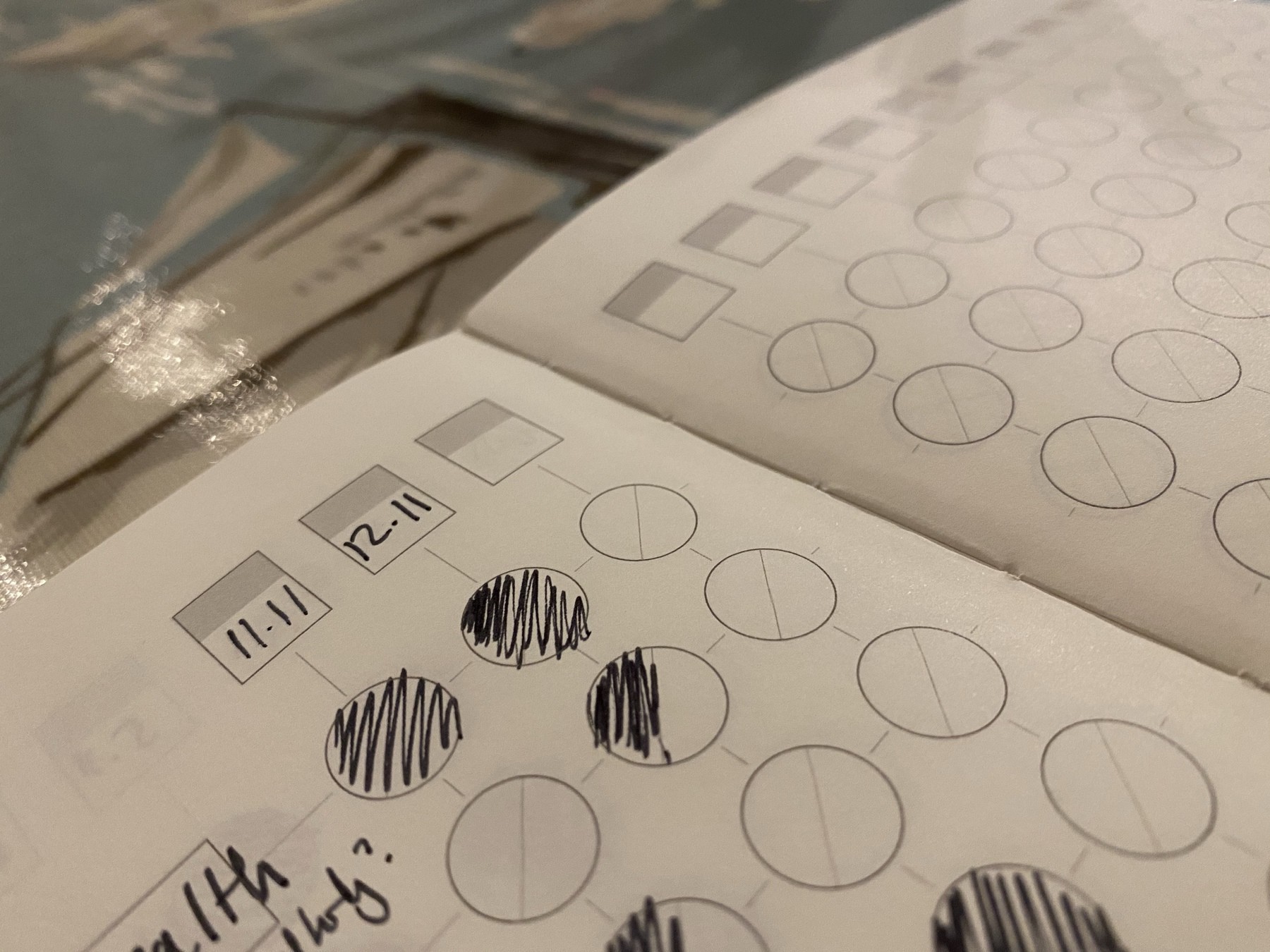
  • Tracking habits using the Theme system by Cortex

    I’ve been using the Cortex Theme System as my journal for a week or so now and the one part that’s starting to stick is tracking habits. I keep track of several habits including things like making sure I’m eating better and exercising daily then marking them off each evening when I sit down to journal. I’ve tried apps to do this in the past but there’s something about writing it down that makes it more real for me and so far so good.

    → 9:00 AM, Nov 14
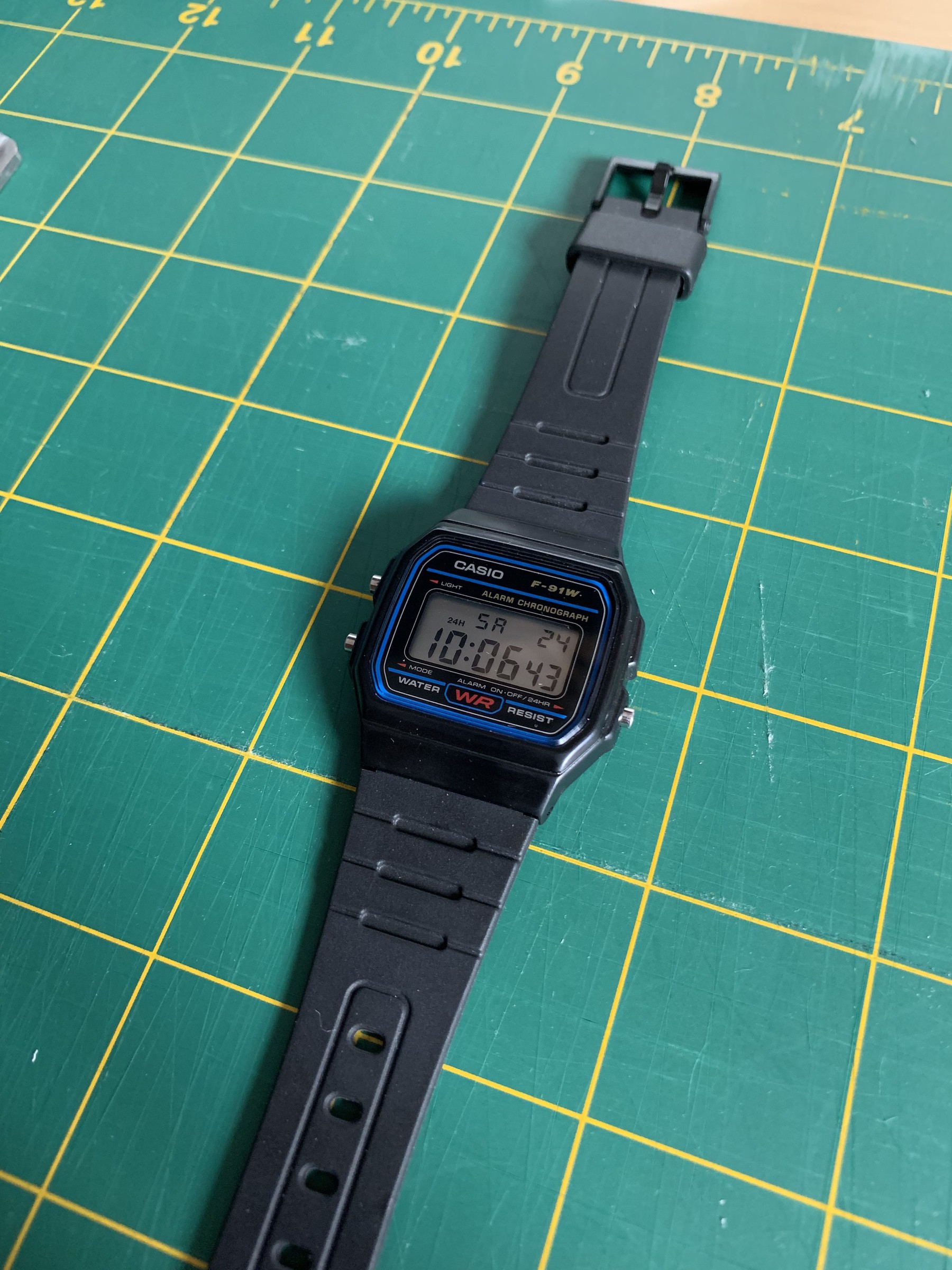
  • Casio F-91w long term review

    It’s hard to have grown up in the 80’s and not have a love for Casio watches. It’s what most of us would have been using when you had your first proper watch. I’ve still got my Master of the Universe and Star Wars watches I had when I was a kid but as soon as I got a little bit older Casio was my jam. Back in the 80’s I had an F-15, which I’ve lost over the years but the F-91w (released in 1991) became my go to watch. This also got lost but fortunately to this day Casio still manufactures them.

    When I was looking at a break from my Apple Watch it was the obvious choice for me. At less than £15 it’s a no brainer if you want a classic.

    I’ve also flirted with a G-Shock but I always come back to the F-91w. It’s so light and comfortable you forget you’re wearing it. I wear it pretty much 24x7 and even at this price point it’s durable. The screen will scratch being plastic but the body holds up surprisingly well.

    The time and date are easy to see and all the buttons are logically laid out.

    The only downsides of this watch are the strap durability and the light. The watch will easily outlast the strap, which tends to crack over time and at this price point it’s often cheaper to get a new watch rather than strap, which isn’t great for the environment. Then the watch light only illuminates from the left hand side making the minutes harder to see.

    Otherwise this is one of the best watches ever made.

    Be careful though and make sure you buy from a reputable store, there’s lots of fakes around. Yes it’s hard to believe but there are lots out there, this watch truly is an icon so I guess even at a low price point there’s money to be made from forgeries.

    I’m no big watch collector (I wish I had the disposable income to be one) but everyone should have one of these in their collection.

    → 9:00 AM, Nov 13
  • Alternatives to Apple Notes

    As you’ll know if you read my blog I’m struggling somewhat with iCloud. I’m now at the point I’ve moved completely away from Notes and Reminders as I’ve lost trust in Apple to both store my data and commit resource to working on the app and support the infrastructure, I’ve still not heard anything back from senior support on my iCloud sync issues despite several promises.

    The two I’m testing my workflow with is Google Keep and Notability.

    Over the last week I’ve used both and can see me using both but for different scenarios.

    I’m using Notability almost just for reference information like flight details or for keeping extended warranty information. An archive of information I need to reference at a later date.

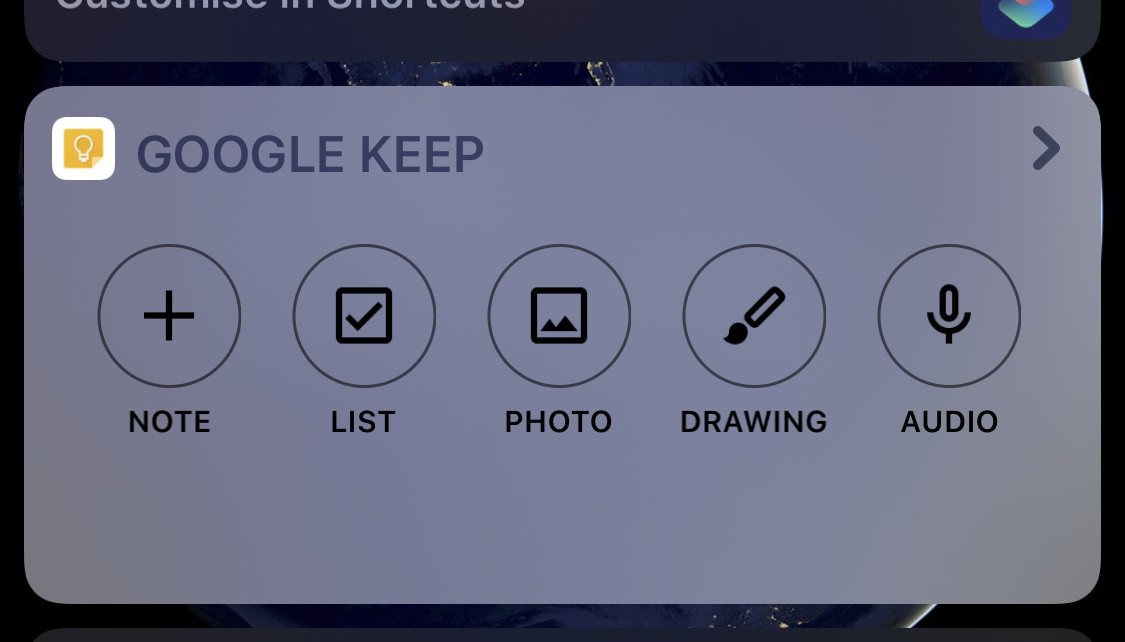
    I’m using Google Keep for quick notes and checklists. I don’t like the UX for Notability for adding quick notes with bullets etc. I can’t seem to quickly get in and out. Google keep is simple and intuitive. It also has a widget that speeds up entry.

    Main downside of using Google apps on iOS for me is their lack of adoption of core iOS features so no dark mode but I can live with that in a notes app.

    It’s a beginning so I’ll update how I’m getting on in a month or so.

    → 8:06 AM, Nov 13
  • Why I cancelled Apple Arcade

    I’ve been a paying member of Apple Arcade for a month but in the end we decided to cancel it. Turns out I’m more of a console gamer (something I always knew to be honest but wanted to give Arcade a go) and spent my time on PS4 or Switch instead. Even with the new additions in Apple Arcade over the weeks we ended up sticking with a few favourites like Sneaky Sasquatch and What the Golf but I couldn’t justify paying a subscription just to keep playing those couple of games.

    We’re having too much fun with the consoles and don’t play mobile enough to warrant the subscription. I may come back when we go on trips maybe and want some different games to play but for now I’m out.

    → 9:00 AM, Nov 12
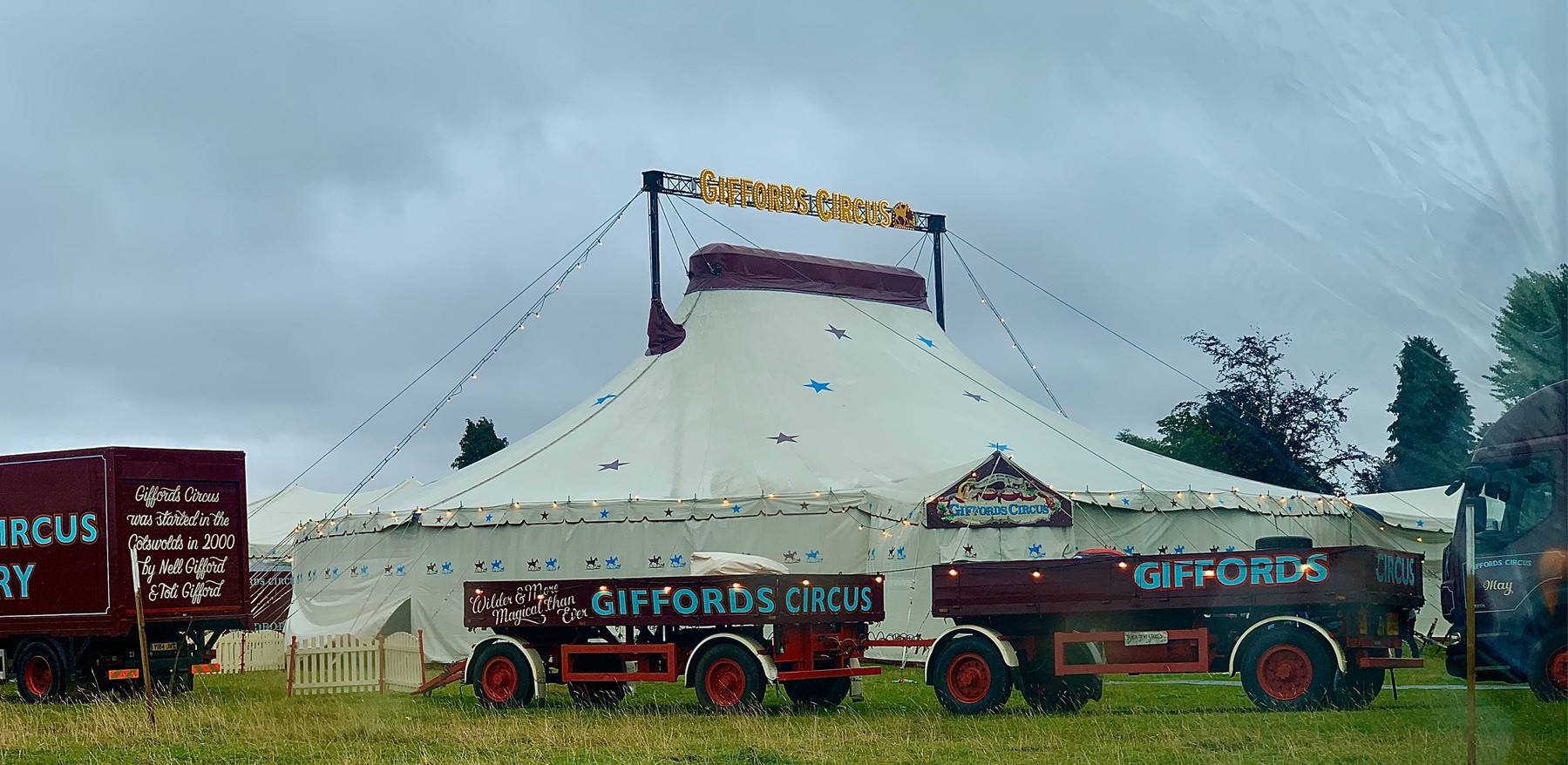
  • Love going to Giffords Circus, 5th year in a row and always brings a smile to my face.

    → 6:36 AM, Aug 17
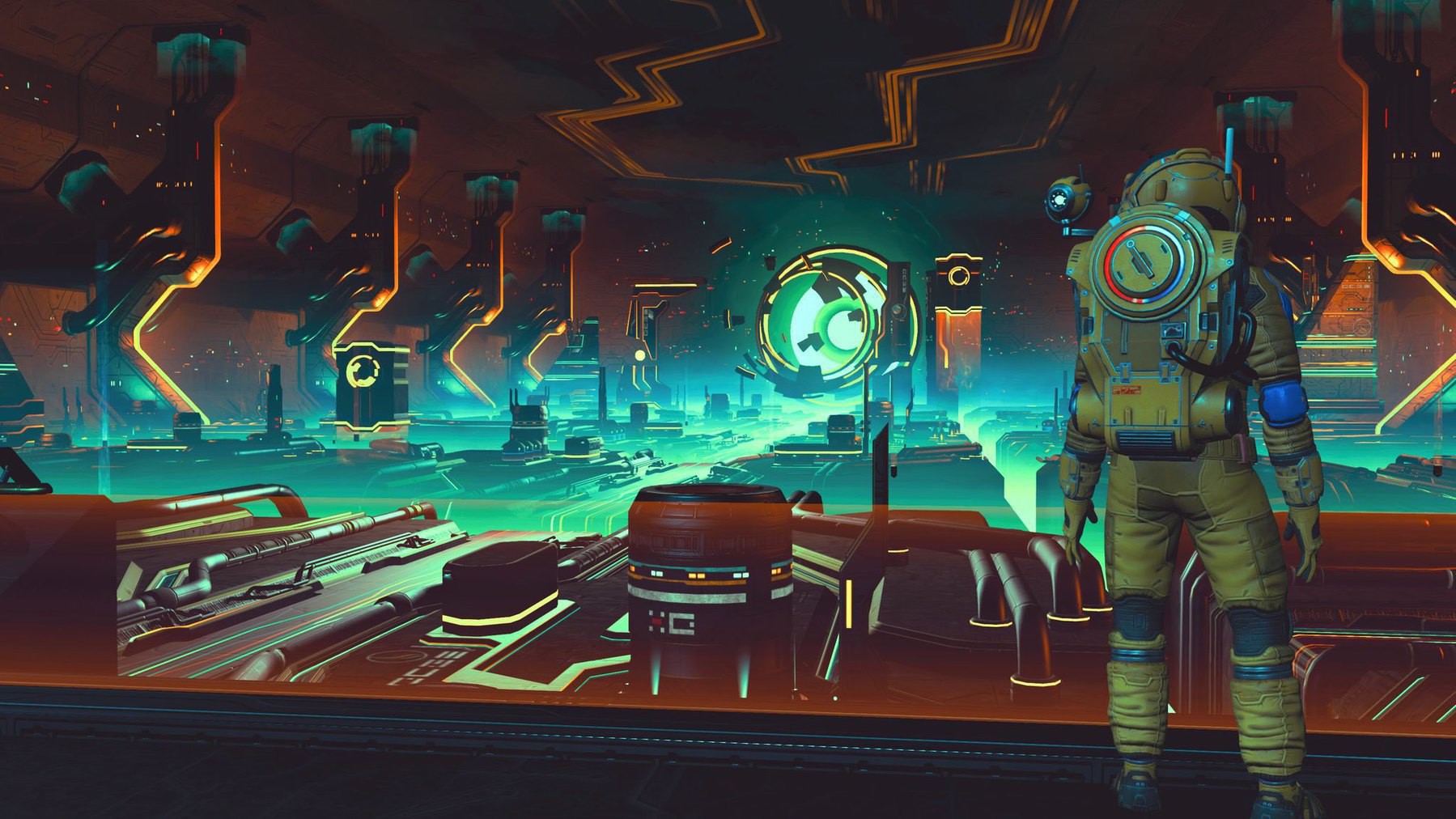
  • Base building in No Man’s Sky

    → 6:49 AM, Aug 15
  • Enjoying the latest No Man’s Sky update

    → 11:03 PM, Aug 14
  • Ready to go into No Man’s Sky

    → 5:21 PM, Aug 14
  • If anyone finds my lightning to 3.5mm adaptor please let me know… 😀

    → 3:59 PM, Aug 14
  • Turns out you can’t do much with an external keyboard cover on the iPad Mini. Too small to be comfortable.

    → 2:51 PM, Aug 14
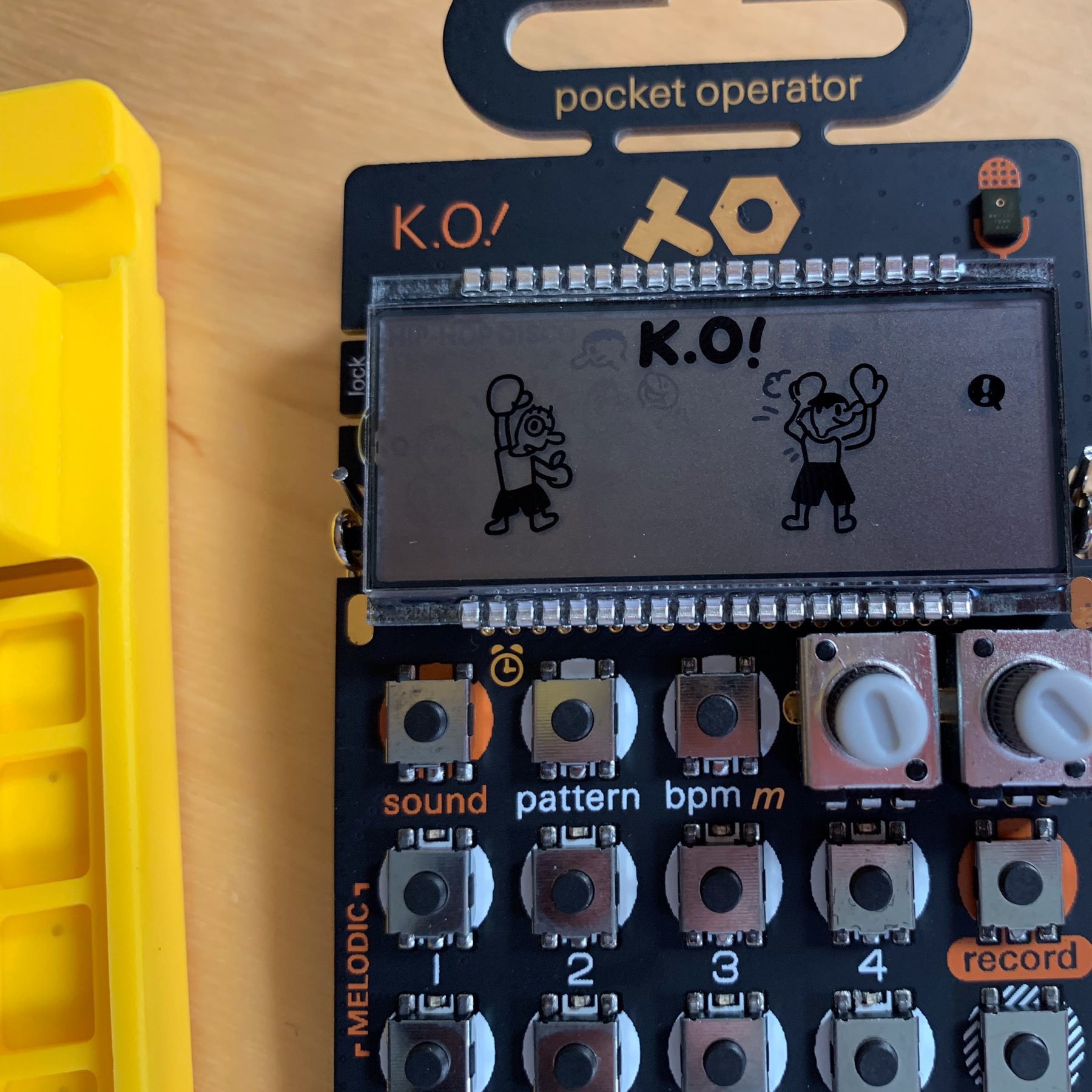
  • Loving this little thing

    → 10:38 AM, Aug 14
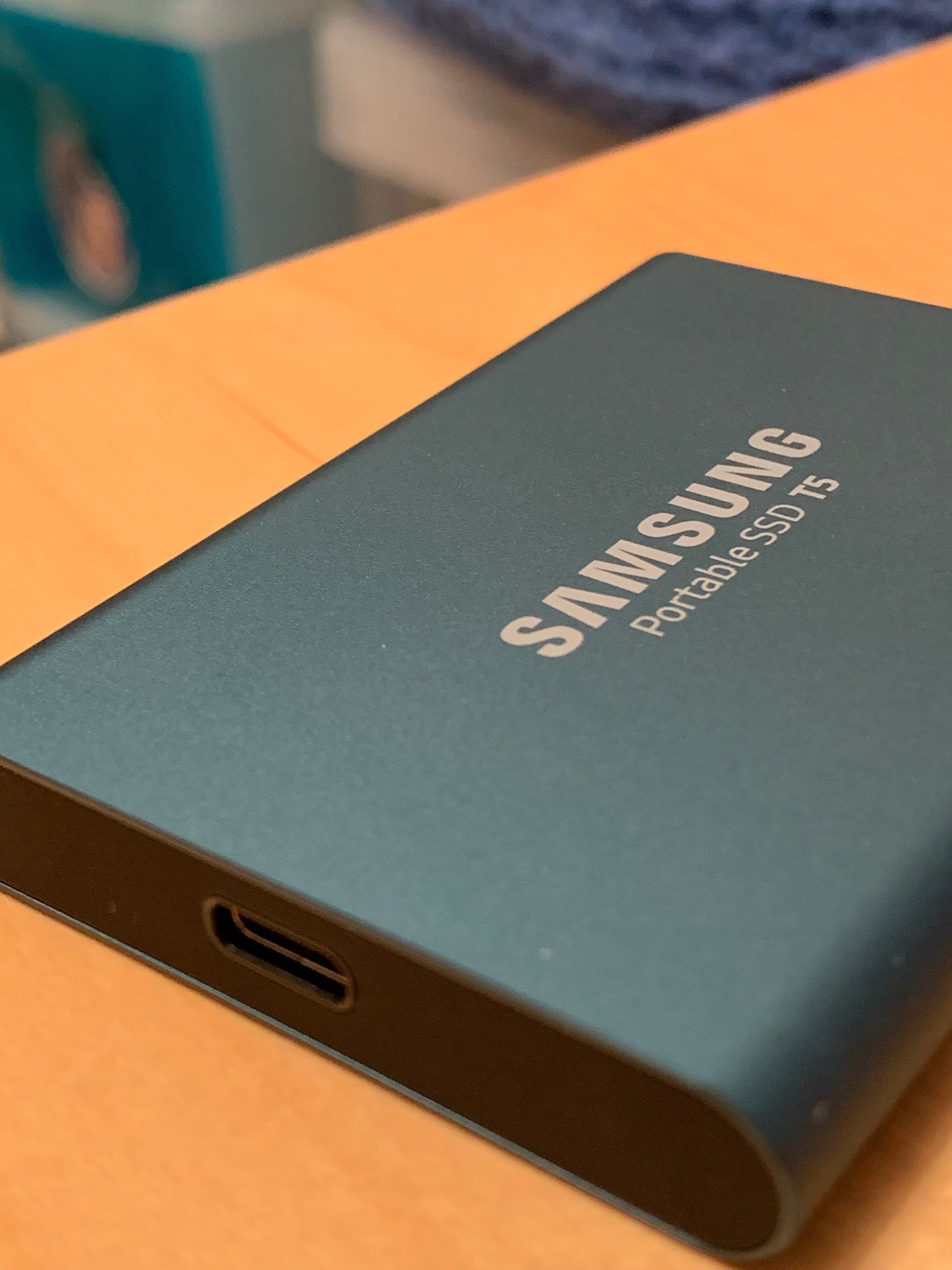
  • Needed an external drive to backup our photos before selling the iMac. Wow this external ssd is fast!

    → 5:57 AM, Jun 7
  • Had another look at a 12.9” new style iPad Pro. Just can’t bring myself to spend MacBook Pro money buy the time I’ve bought the accessories when my 10.5” works well and already have the keyboard and pencil. They are amazing to use though.

    → 5:45 AM, Jun 7
  • I’m done with running beta 1 on my iPhone, caught me out too many times. Still running it on the 10.5 iPad Pro. Using it with a mouse and external keyboard is wild.

    → 5:29 AM, Jun 7
  • Now WWDC is done with I can finally remove the Twitter app off my devices again.

    → 5:28 AM, Jun 7
  • I love this little bar in Reminders on iOS 13

    → 7:39 AM, Jun 6
  • Next post I’m working on. Looking forward to finishing up this one.

    → 5:24 AM, Jun 6
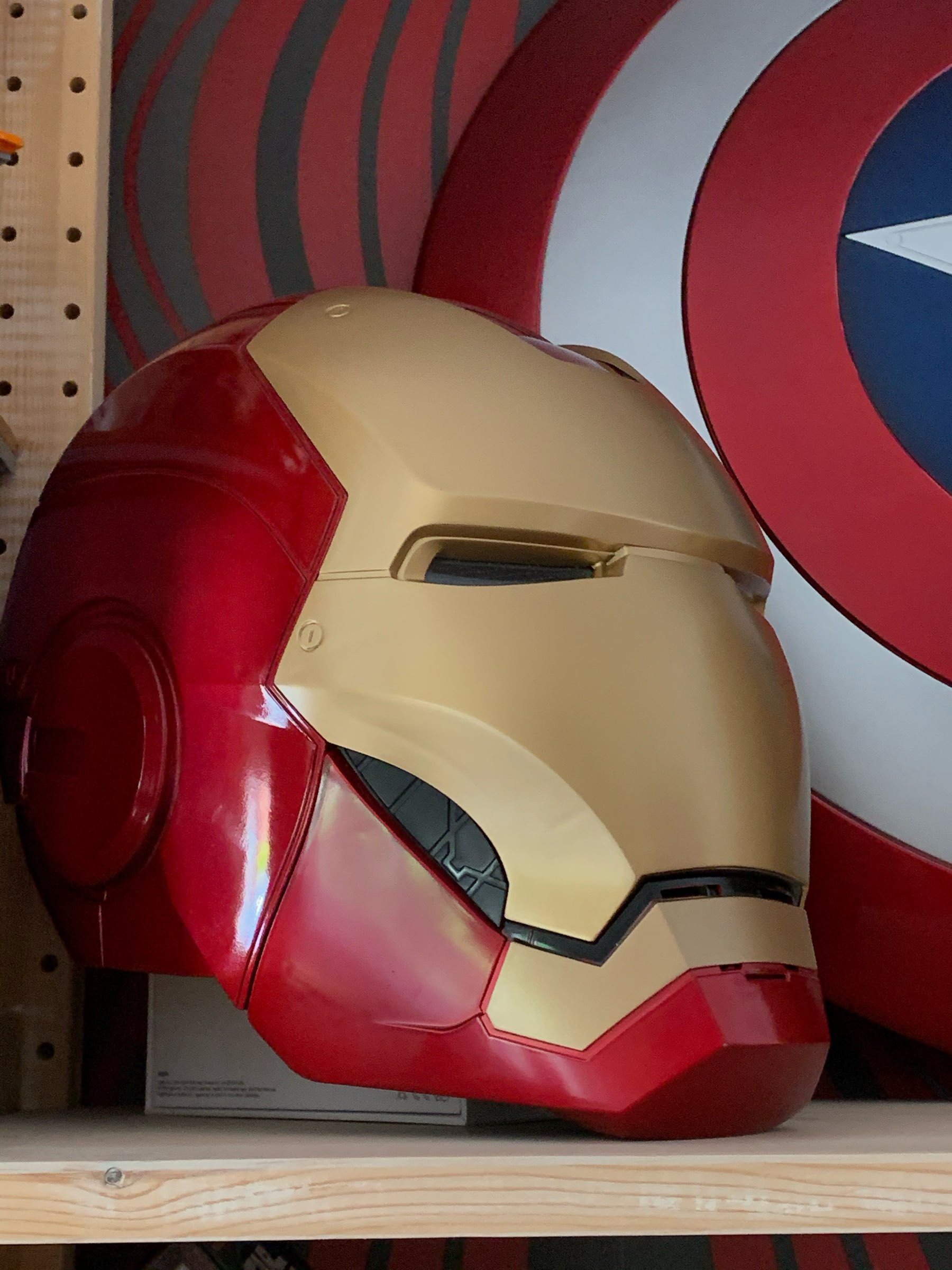
  • iPad Mini box makes a good helmet stand it turns out.

    → 9:23 PM, Jun 5
  • My notes have sorted themselves out now I deleted all of them and started again. Lost all my activity data though. Beta 1 of iOS 13 doesn’t like iCloud. I’m off the betas for now.

    → 8:01 PM, Jun 5
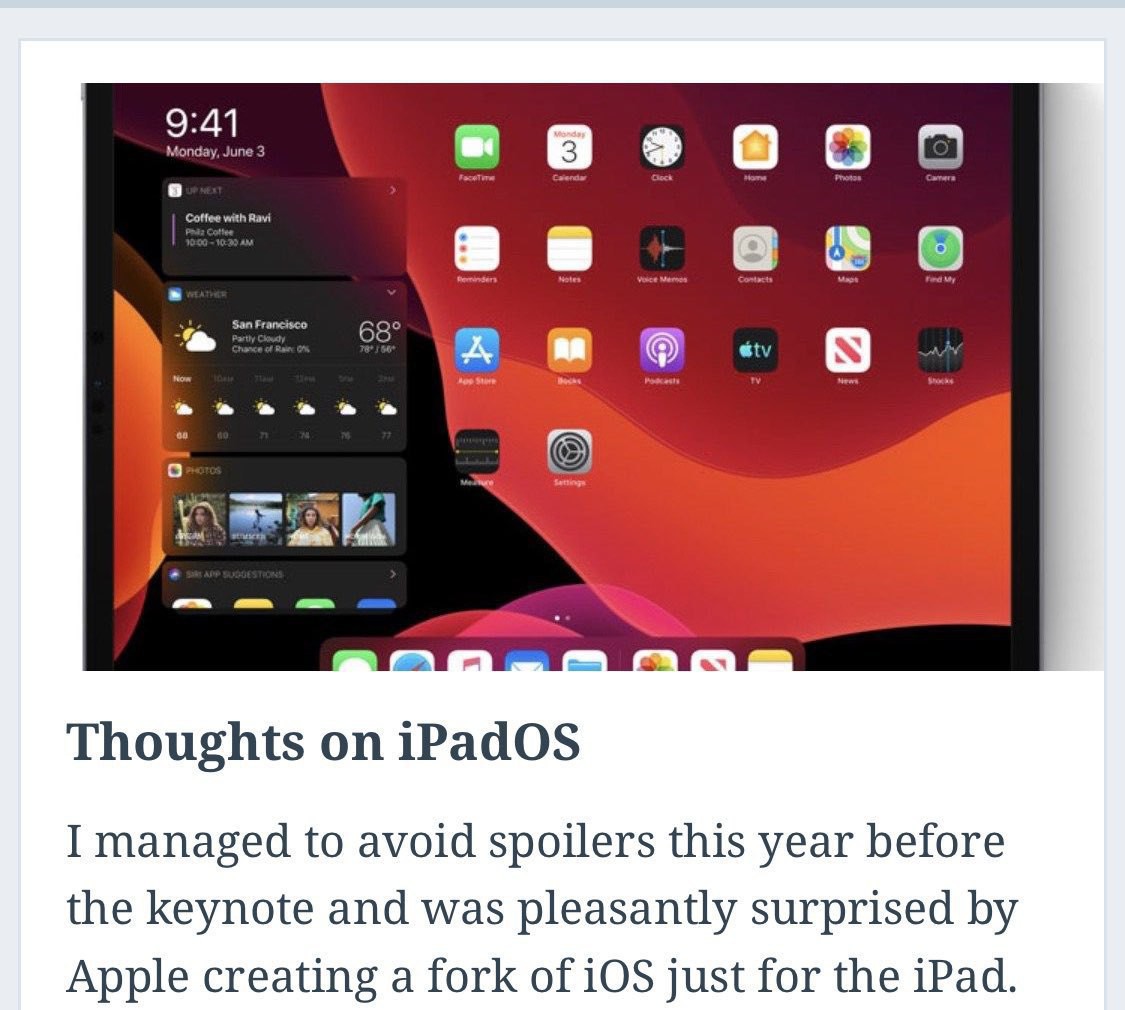
  • iPadOS is pretty stable in my testing this morning. I’m loving the new home screen layout.

    → 7:51 AM, Jun 4
  • Looking forward to seeing all the iPad goodies at WWDC

    → 3:34 PM, Jun 3
  • Happy WWDC kick off. Last day of a stable iOS device for me and can’t wait.

    → 5:13 AM, Jun 3
  • Would anyone be interested in joining my slack room? I’ve had one for a while but now I’m off Twitter as much might be good to communicate.

    → 6:57 AM, Jun 2
  • Any recommendations for an external ssd? I’m leaning towards Samsung.

    → 6:25 AM, Jun 2
  • Was worth a try…

    → 8:14 PM, Jun 1
  • Current iOS lineup

    → 9:56 AM, Jun 1
  • Thought I’d try Revue for doing a newsletter but it just doesn’t work on iPad in Safari for me 😔

    → 6:43 AM, Jun 1
  • Managed to get out for a lunchtime walk. Humid here in the UK today.

    → 2:40 PM, May 31
  • Incoming post on iPhone durability

    → 6:00 AM, May 31
  • Received my first positive feedback on my writing via my contact page, feeling great about my writing and keeping going. Since moving off Twitter I’m even happier I did it now I can see nice real people liking my stuff. Good motivation.

    → 5:50 AM, May 31
  • Managed to get out this morning for a local walk.

    → 10:13 AM, May 30
  • Morning walk

    → 8:56 AM, May 30
  • Devices…

    → 8:19 AM, May 30
  • Now I’m done with Twitter I’m really getting back into RSS. I’ll write up a post on how I’m using it soon.

    → 6:20 AM, May 30
  • Feeling pretty good about moving to micro from twitter so far. Bit of distance helped me realise I don’t need Twitter at all really.

    → 6:11 AM, May 30
  • Step 1

    → 5:43 AM, May 30
  • Morning all. Feeling glad to be part of this community. Been so positive so far and had loads of great advice.

    → 6:25 AM, May 28
  • New desktop amp

    → 5:14 AM, May 28
  • Simple setup

    → 5:54 AM, May 27
  • When you remember it’s a bank holiday 😁

    → 5:53 AM, May 27
  • Loving the new strat

    → 2:48 PM, May 26
  • New guitar day

    → 8:43 PM, May 25
  • Happy weekend everyone

    → 5:39 AM, May 25
  • Thinking about changing up my setup. ljpuk.blog/2019/05/2…

    → 5:05 AM, May 23
  • Lusting after a Sony RX100

    → 9:41 PM, May 22
  • Loving the iPad Mini 5, so much it’s completely got me rethinking my setup.

    → 6:59 AM, May 22
  • So which Micro.blog client are people using? I’m liking Icro

    → 6:44 AM, May 22
  • My new coworker in my home office

    → 6:39 AM, May 22
  • ok, i now a paying member as I want to support the efforts here and give me somewhere to share shorter thoughts alongside my blog. any tips to get started?

    → 6:30 AM, May 22
  • iPad Mini Photography workflow

    Aside from loving the smaller form factor I’m also loving the screen on the new iPad Mini so it made sense for me to use it in my workflow. I’m using it alongside my Canon DSLR to import the images and have an initial run through, deleting those that I don’t like or won’t edit later.

    When I picked up my iPad I also picked up the lightning to SD Card reader. This imports images from my memory card quickly and goes straight up to iCloud. I’ve been taking some test images and testing imports and this iPad Mini is going in my camera bag with me on longer trips.

    → 5:03 AM, May 21
  • Picking up an iPad Mini (again)

    I almost picked up an iPhone 8 to have as a testing device to write about the new iOS but it hit me, I loved the iPad Mini so why didn’t I just use the cash for that instead. A used 8 was going to cost me more than this iPad Mini 5 and I’d get less use out of it.

    The reason my last one went back was the lack of work use but the more I’ve been reading and listening to music and wanting to spend less time on my XS the Mini seemed the perfect device for me. I now have a comfortable device for reading in bed and with the larger than my iPhone display it’ll be my main device around the house. I might even use it in my camera bag to take with me when I want to take the DSLR out for the day.

    → 3:10 PM, May 20
  • #shotoniphone

    Walk out in the local woods this afternoon. iPhone XS, stock camera app and edited with Darkroom.

    → 5:16 PM, May 19
  • Moving back to posting short form using Micro.blog. Makes sharing quick thoughts so much easier.

    → 7:17 AM, May 19
  • Closing my Amazon Affiliate account and a knock back

    I’m trying not to get down about this email. I didn’t start the affiliate account thinking I’d be able to fund all my review units but based on this I shouldn’t have bothered. It’s a bit demoralising to be honest but I’ll try to hang in there but it’s it’s getting harder and harder.

    As an independent creator I’m funding everything myself here but I can’t afford to get review units in, this means I’ll either stop reviewing stuff or carry on reaching out to PR companies that only seem to be interested in YouTubers these days.

    Man, blogging is hard.

    (Sorry, wish this post was a bit more positive)

    → 6:25 AM, May 19
  • Stop messing with your site theme

    This is a message to future Lee and maybe others who are like me. I’ve gotten into the habit again of tweaking my site theme! This is more out of not knowing what to write about than a need but I’ve fallen into the trap of tweaking the look and feel of the site again.

    I’m settled now on this one, it’s clean and readable. It also plays nice with images, something not all themes do well. It’s called illustrar by the way if you’re interested but I wouldn’t recommend you go down the rabbit hole of changing your site theme.

    I’ll be back on the creation bandwagon soon.

    → 5:38 AM, May 19
  • #shotoniphone

    Shot on iPhone XS, stock camera app and edited with Darkroom.

    → 3:27 PM, May 17
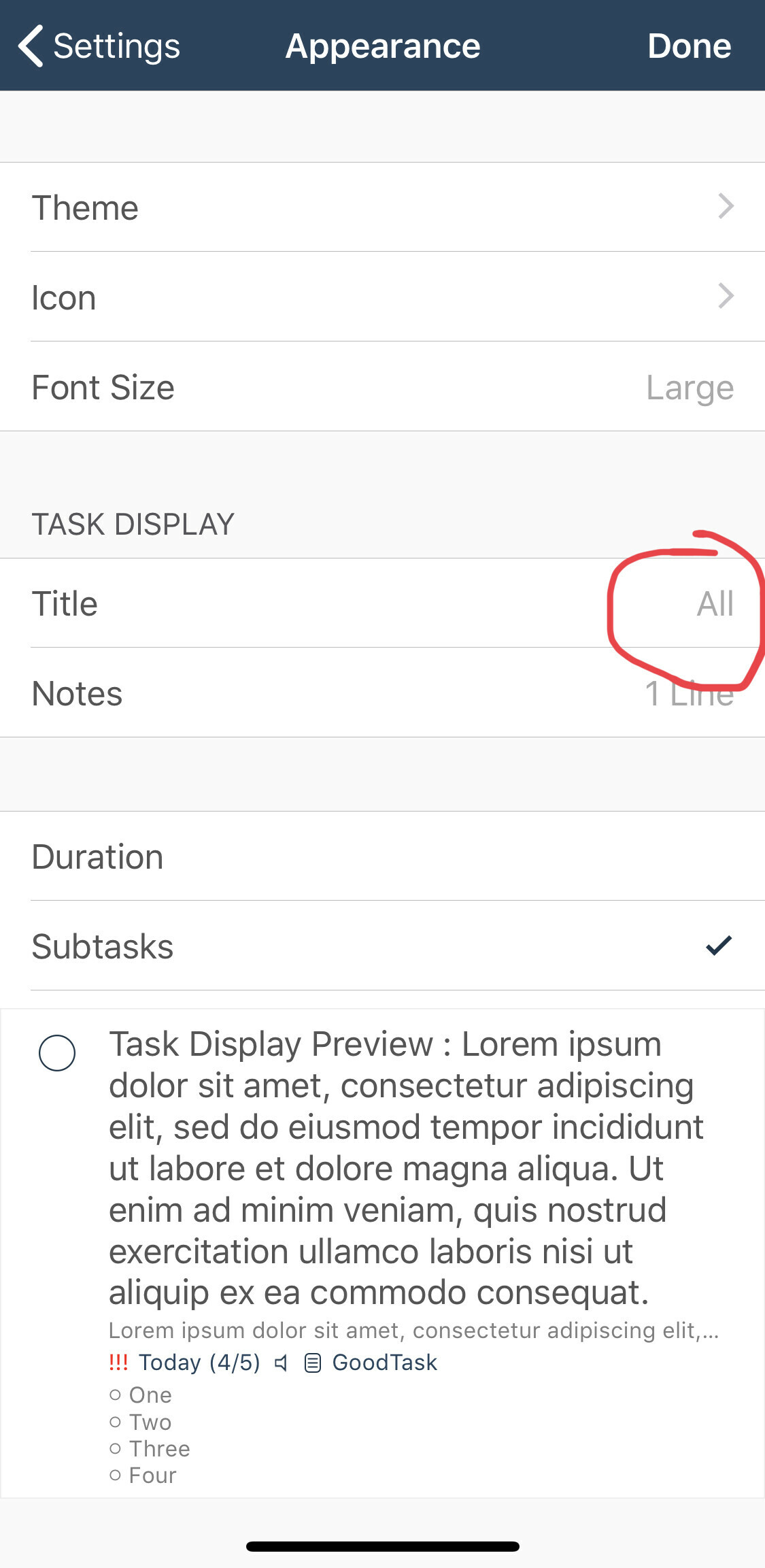
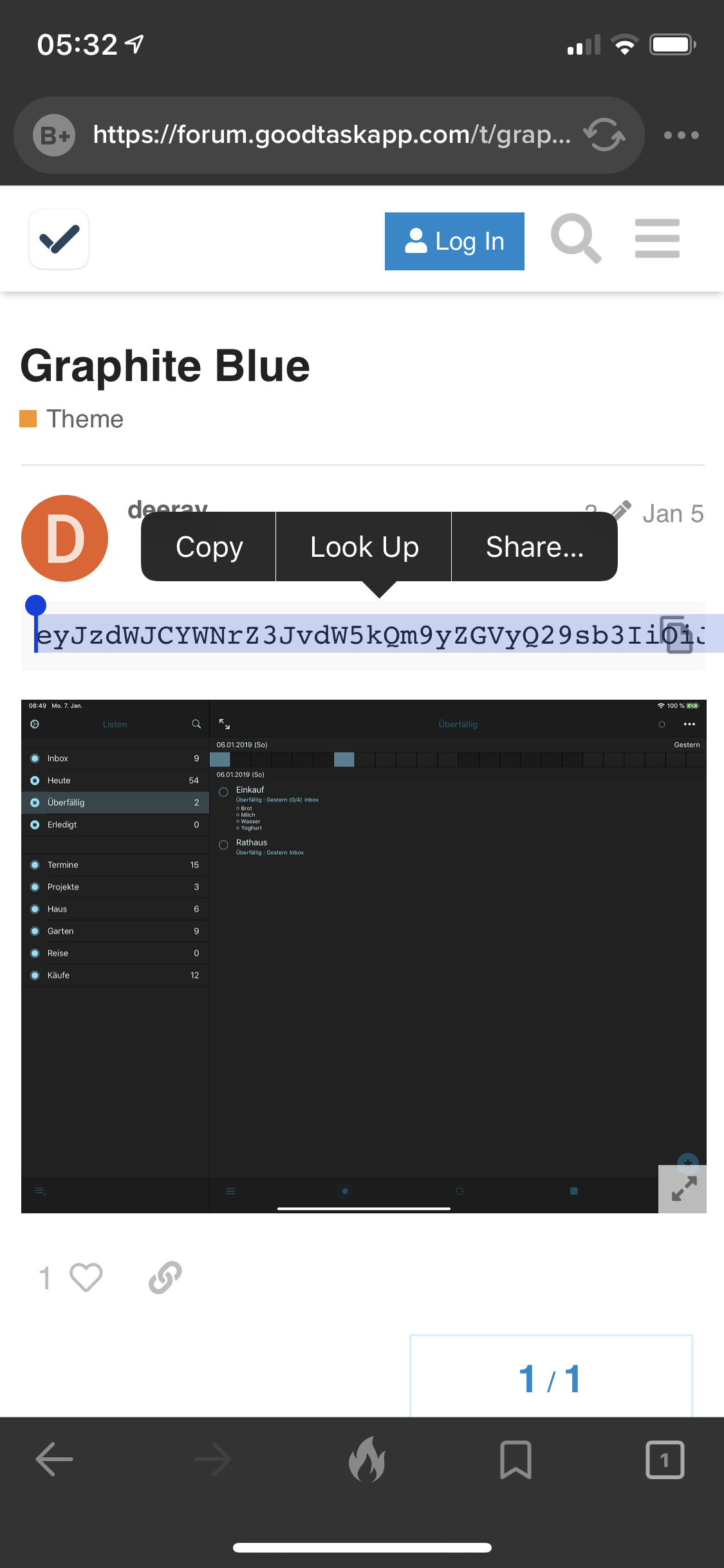
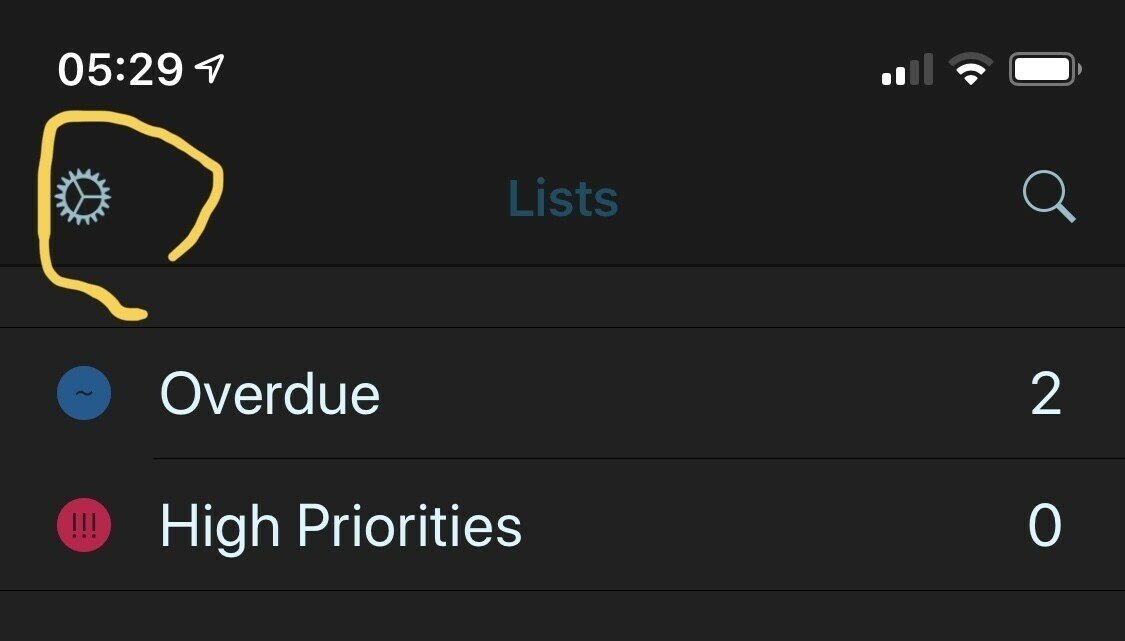
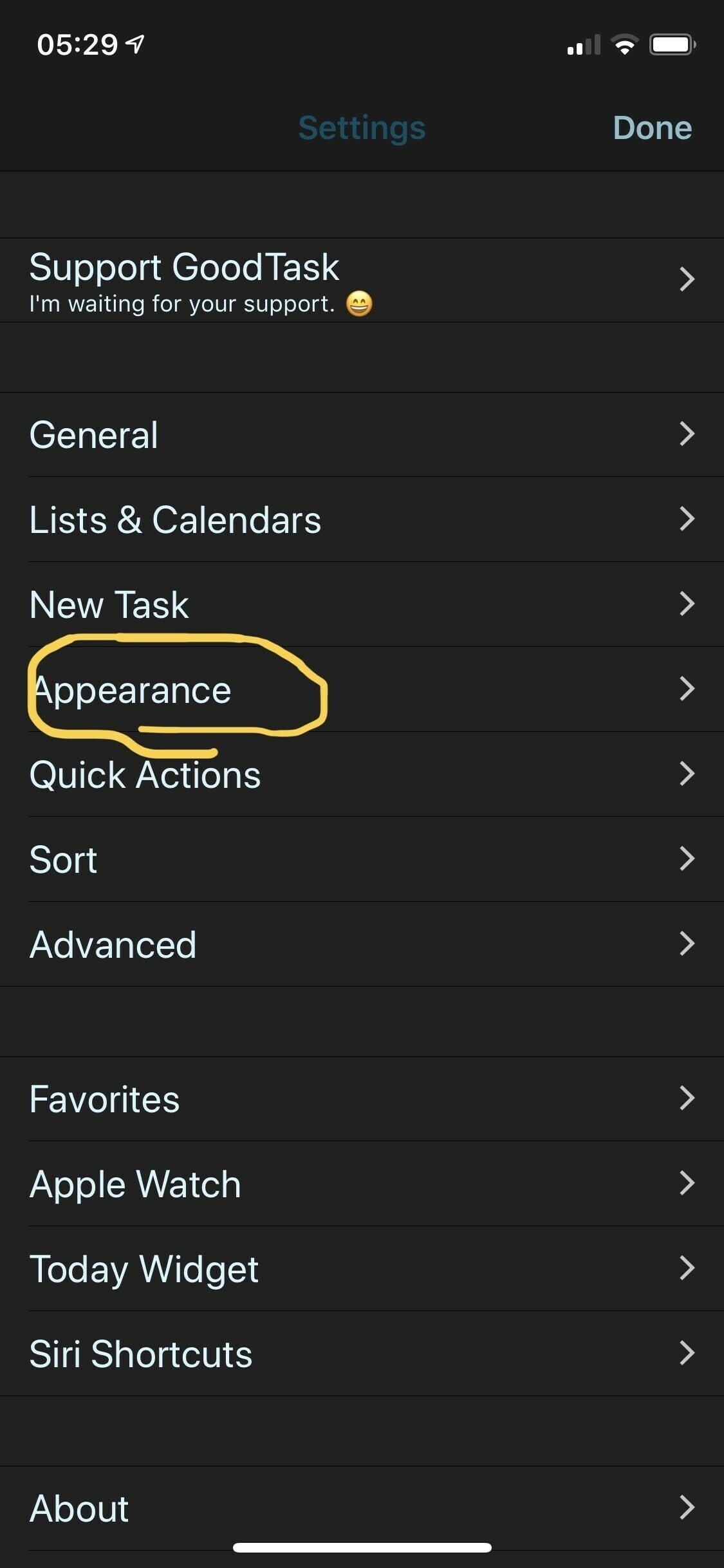
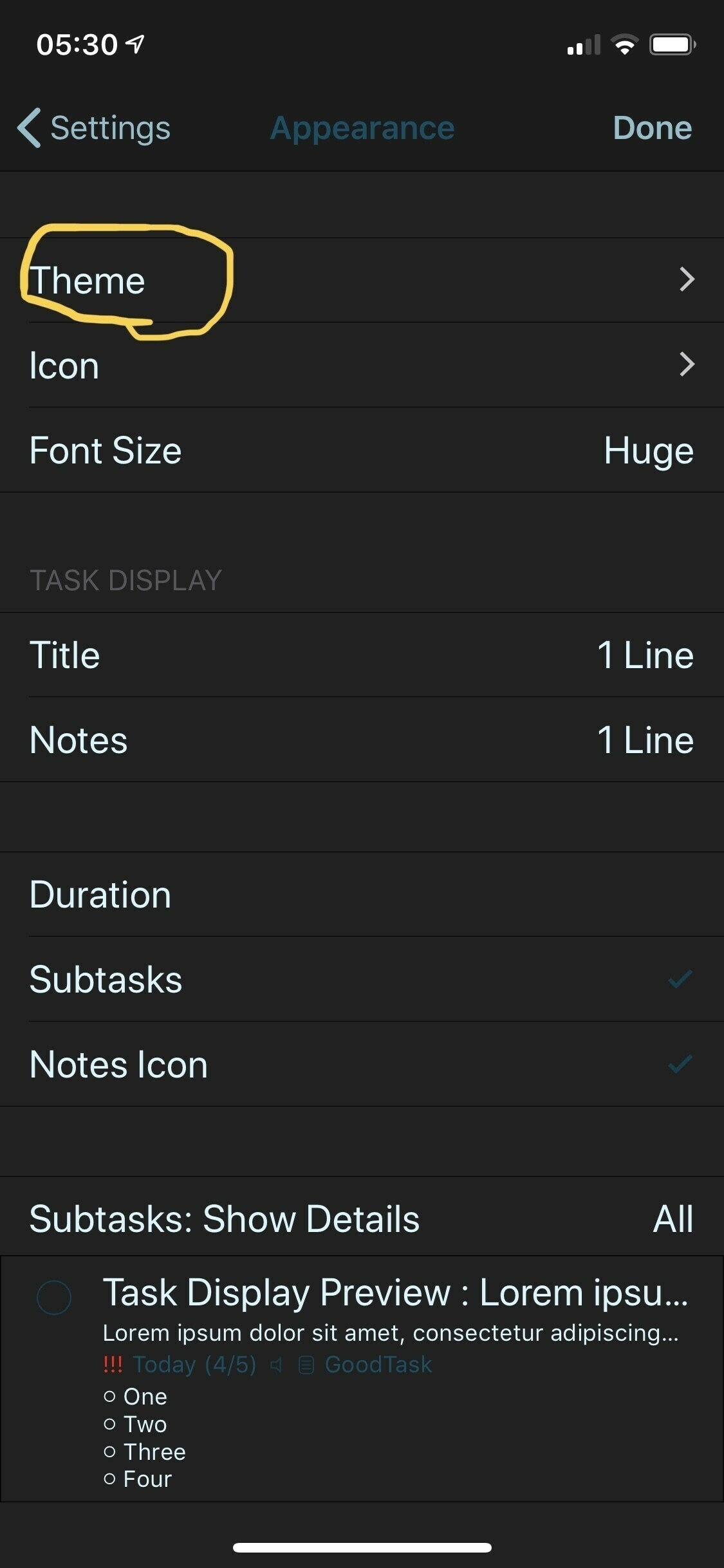
  • How to get GoodTask to display the entire task name

    I knew this should be in there somewhere, I had a play with the settings and now I can see the entire title when viewing my to do.

    I’ll need to test the widget display but this gets me what I want.

    → 6:39 AM, May 17
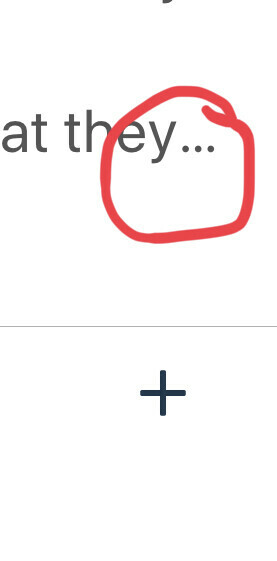
  • A GoodTask change I’d like to see

    I’ve been enjoying my time with GoodTask but I’ve hit a display issue that has me rethinking my app choice. It may seem small but I use a to do system to remind me of things I should be mindful about.

    You can see that when I do this I don’t see the entire text. A lot of apps do this, I stopped using Things because of it. Strangely Apple Reminders is the best at displaying this. Omnifocus also does a good job here.

    I don’t want to make the text smaller with my ageing eyes so if you know a way around it please let me know.

    Update: it’s in settings

    → 6:26 AM, May 17
  • Moving social media to my iPad and being more intentional

    I’m constantly trying to get better at managing my social media time and I thought the best first step (this time!) was to move everything social to my iPad. I use the iPad more intentionally so I’m going to manage social along with my blog in a folder of it’s own. On the iPad I have a blog folder with all of my Blog stuff, it’ll live in there.

    If you’re trying to cut back on your social media a bit then I’d recommend moving it off your smartphone and onto a laptop or tablet so that it’s less of a temptation and more intentional.

    → 6:18 AM, May 17
  • iPhone XS mid term review

    I tend to write about my hardware when I get it and at the half way point in the year. I like to do this to see how my feelings have changed over time and see how it’s holding up to the daily wear and tear. For this post I’ll be looking at my silver 256GB iPhone XS.

    Durability

    I’m on my second XS (read about that in a later section) so the wear and tear will be less than if I’d used it since the launch version I had. I don’t use a case day to day so as expected my stainless steel band shows scratches. I don’t mind this, in fact I like the worn in look. They’re only really there if you look closely but overall the construction that Apple went with for with the X models seems to hold up.

    The screen shows some light scratches but nothing that bothers me. The back glass has a few deeper scratches but on the silver model you can’t see them easily and again they don’t bother me.

    I did drop my last one onto concrete and although the corner had a scratch the glass held up fine.

    Camera

    The camera has been good this year a definite step up from the X, especially in low light. I can’t make my mind up on smart HDR but tend to leave it on. I found especially when comparing to the Pixel 3a they were over brightened to my eyes but with some editing you can get really great shots. The camera is the only reason I upgraded last year and I’m pleased that I did it for the outlay. Remember I sold my X for a good amount so moving to the XS cost me a couple of hundred pounds. This was worth it for me to get the improved camera.

    Any replacements?

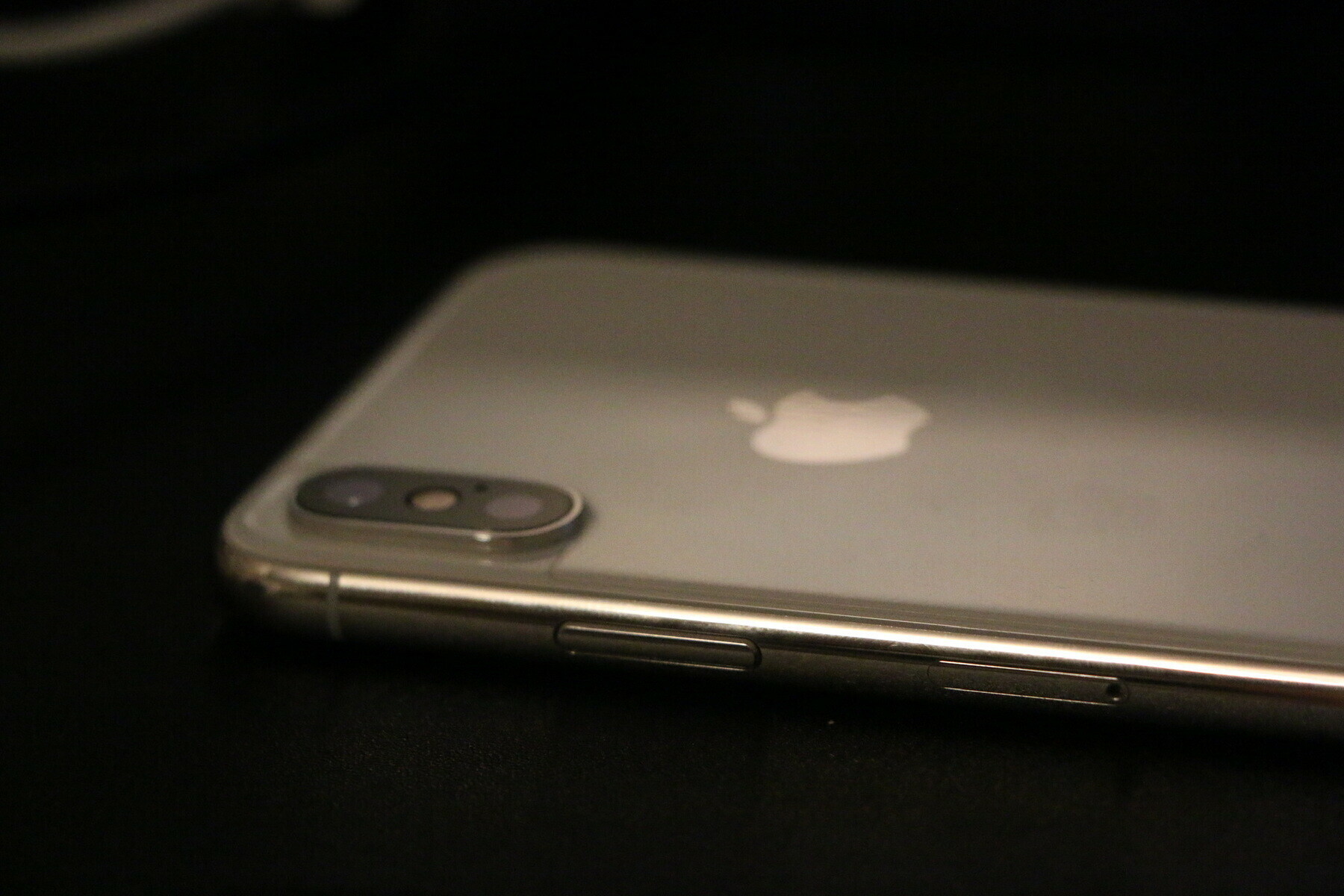
    I tend to get the Apple curse and need replacements, I always get Apple Care+. I’m on my second XS currently, the first being replaced due to the SIM tray keeping working it’s way out all by itself. This was sorted easily over the phone with Apple shipping a replacement.

    Performance over time

    The only lag I’ve found is when I take a picture then go to look at it. I see a slight delay in rendering the image. I’m not sure if this is iOS or my processor but it’s something I’ve noticed on and off over the last year.

    Battery life

    Battery life has been fine, I wouldn’t say any better or worse than my X or 7 before that. I get through a day fine but as I’m home based I don’t tend to need to worry about it. I do make sure though that background app refresh is turned off for almost everything.

    FaceId

    I’ve come to accept that we aren’t getting TouchId back so embraced FaceId this year and on the whole it’s fine. I do get frustrated when I’m in sunlight outside with a hat and sunglasses on and it works maybe half the time.

    My major niggle

    Is a software one. I’ve written about this before but I’ve been calling my emergency contact a lot from my pocket with the XS. I’ve got an open radar with Apple on this one and need to give them some system info to look into it. I’m hoping working with Apple I can help influence getting it fixed.

    Overall thoughts

    I’m glad I upgraded to the silver XS, I like the colour and the camera. It’s holding up fine and I’m not feeling the need to change it.

    → 7:26 PM, May 16
  • Reviewing your stuff

    I’ve not normally actively reached out for review units and apps but in light of testing the Pixel 3a it reminded me how much I like to play with new stuff. If you have a product be it an app, device or accessory please drop me a note via my contact page and I’d love to take a look.

    → 7:21 AM, May 16
  • How I’m using GoodTask

    I wrote that I wanted to stick with iCloud and if you’ve followed me for a while you’ll know that Reminders does my head in. I moved over to GoodTask a little while ago but didn’t commit to using it until a month or so ago. Here’s how I’m using it.

    Apple Watch

    Reminders doesn’t have a new complication so I’m using GoodTask to show me how many items I have due today.

    Today widget

    The widget shows me both my reminders and appointments on one view. This means I can see my day in order and also means I can use one widget instead of two.

    Lists

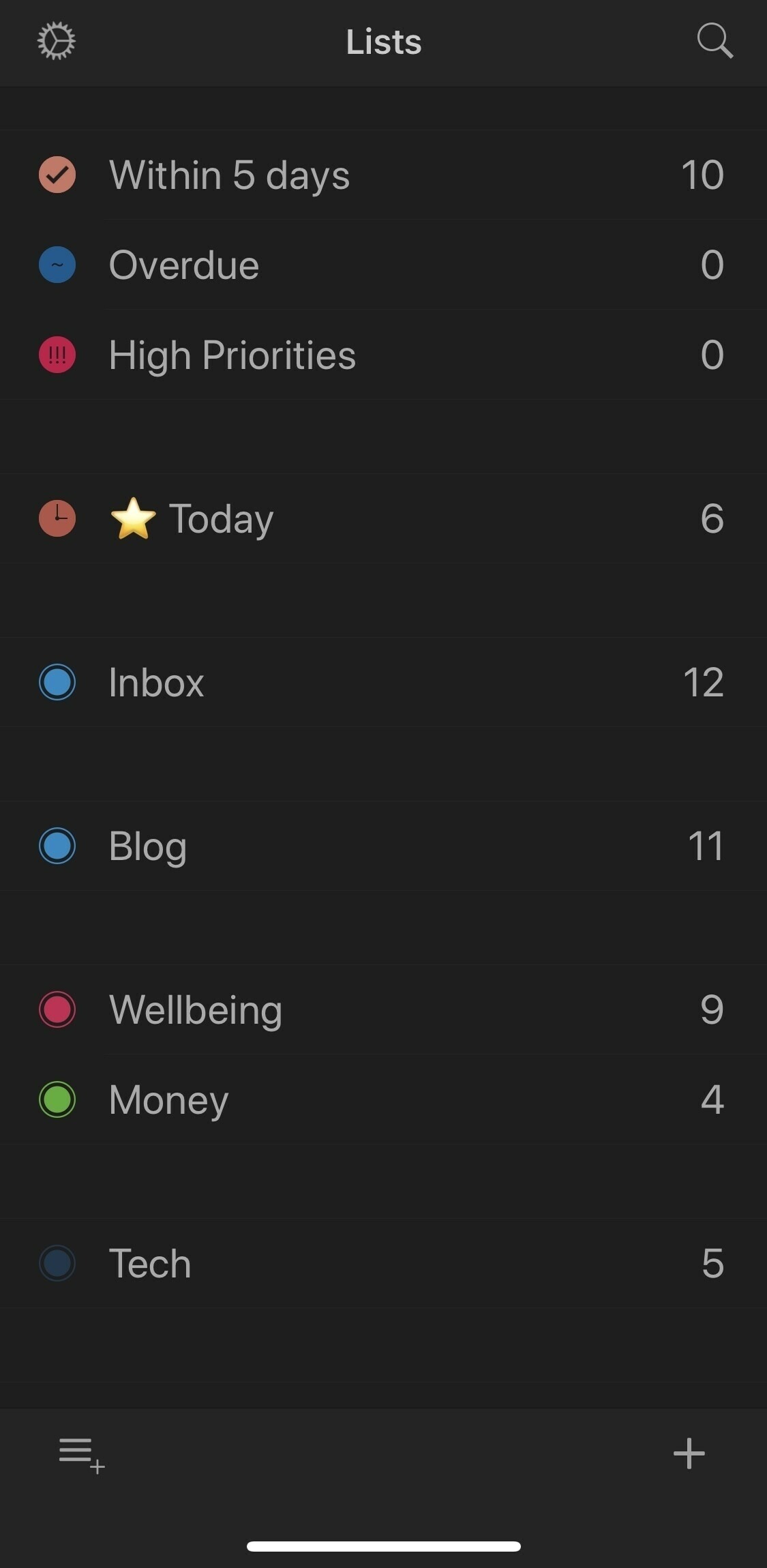
    I’m using lists to categorise all of my tasks. Still getting started but here are my lists so far. I’m also using Overdue, High Priorities and Within 5 days.

    Today with no time

    Using Reminders in the standard app doesn’t let you mark a task due just today, you need a time. I don’t like this to be the only way of doing it. With GoodTask I can mark something due just today and not worry about adding a time element.

    → 5:50 AM, May 16
  • Why I returned the Google Pixel 3a

    I used the Google Pixel for just under a week but in the end I decided to return it within my return window. I wanted to share my thoughts about why I did this. I really feel that even in a week I’ve got a new appreciation for iOS but I’m also more conscious of what’s missing from it. Ultimately spending almost £500 on a device plus accessories when it would be used maybe 20% of the time felt wasteful in this day and age and I feel better having given it a try. Here are few of my feelings:

    • Android isn’t for me, full time at least. I liked the novelty of using another OS but for me it was the nagging that I couldn’t get under control. Even though I turned off everything I could find I was still getting asked to share my location or tune another setting. For someone like me it’s just too many options and I want to just use my iPhone to get things done.
    • Assistant vs Siri isn’t even a competition and I’ll miss it. I’m not the biggest fan of Siri anyway but now I seen how the other half live I’m jealous of some of the things you can get the assistant to do for you. Even more so the way it understood everything I asked of it, Siri has about a 50% success rate for me on iOS.
    • Third party app ecosystem for me works better on iOS. I’ve come to really like apps like Bear, GoodTask and Halide. When I used Android I found myself not really enjoying browsing the Play Store and used Google apps instead.
    • After playing more with RAW and editing my images I realised that the XS (for me) took better images. The Pixel 3a takes a great shot without editing for my eyes but with editing I preferred the XS images.

    Now my tech fund is back and iOS 13 is coming I may be putting it towards an iPad Pro 12.9” soon…

    → 5:17 PM, May 15
  • How I’m using tags in Bear

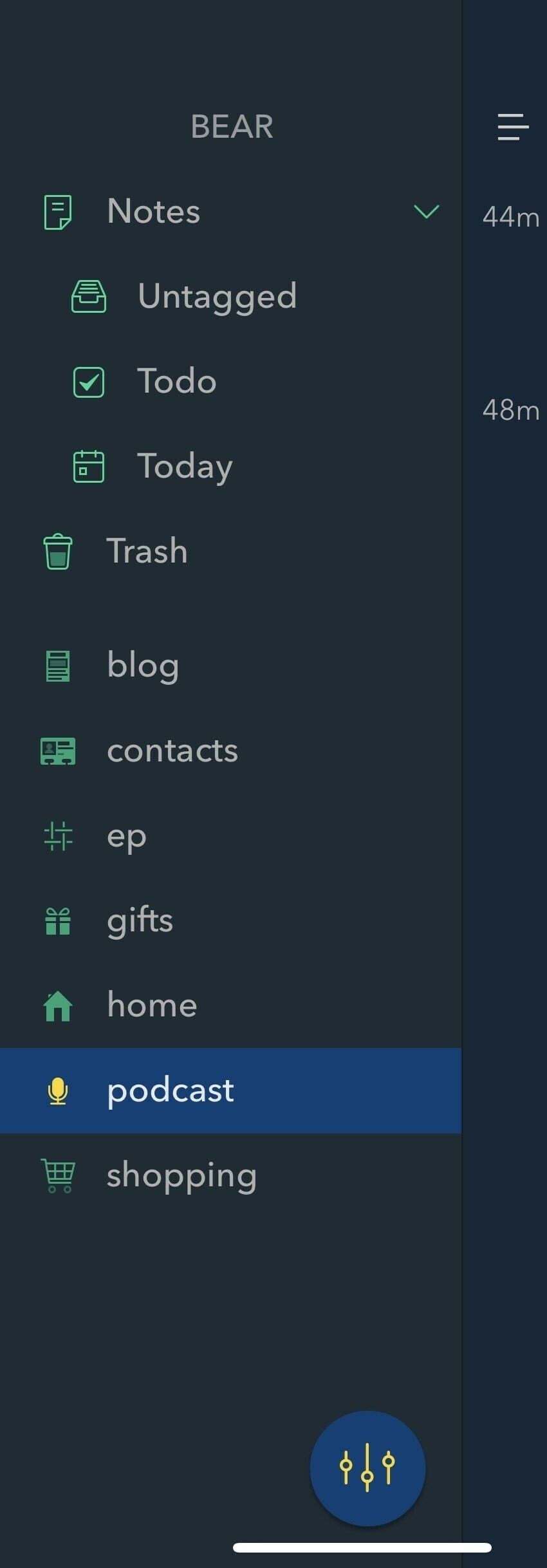
    I’ve come to really enjoy Bear again after a brief hiatus. I tried my best to use Apple Notes but started to find it slowed me down when I tried organising my Notes. The most powerful feature of Bear for me is quickly being able to organise your notes.

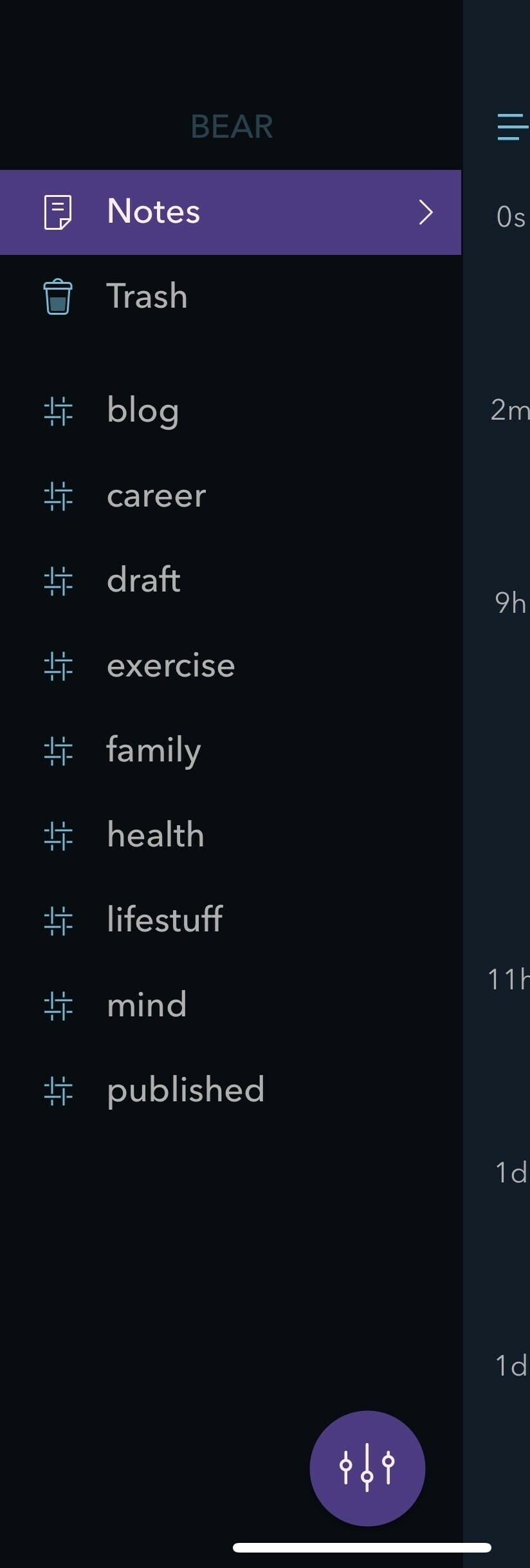
    I’ve found that being able to quickly add a ‘#’ to the end of a note to quickly organise my Notes into ‘folders’. I started with looking at it around my writing in ‘draft’ ‘blog’ and ‘published’.

    As I started to build up my Notes and everything went in Bear more tags appeared. You can see above my total list so far, it’s constantly evolving and I’m enjoying this way of organising.

    → 4:52 PM, May 15
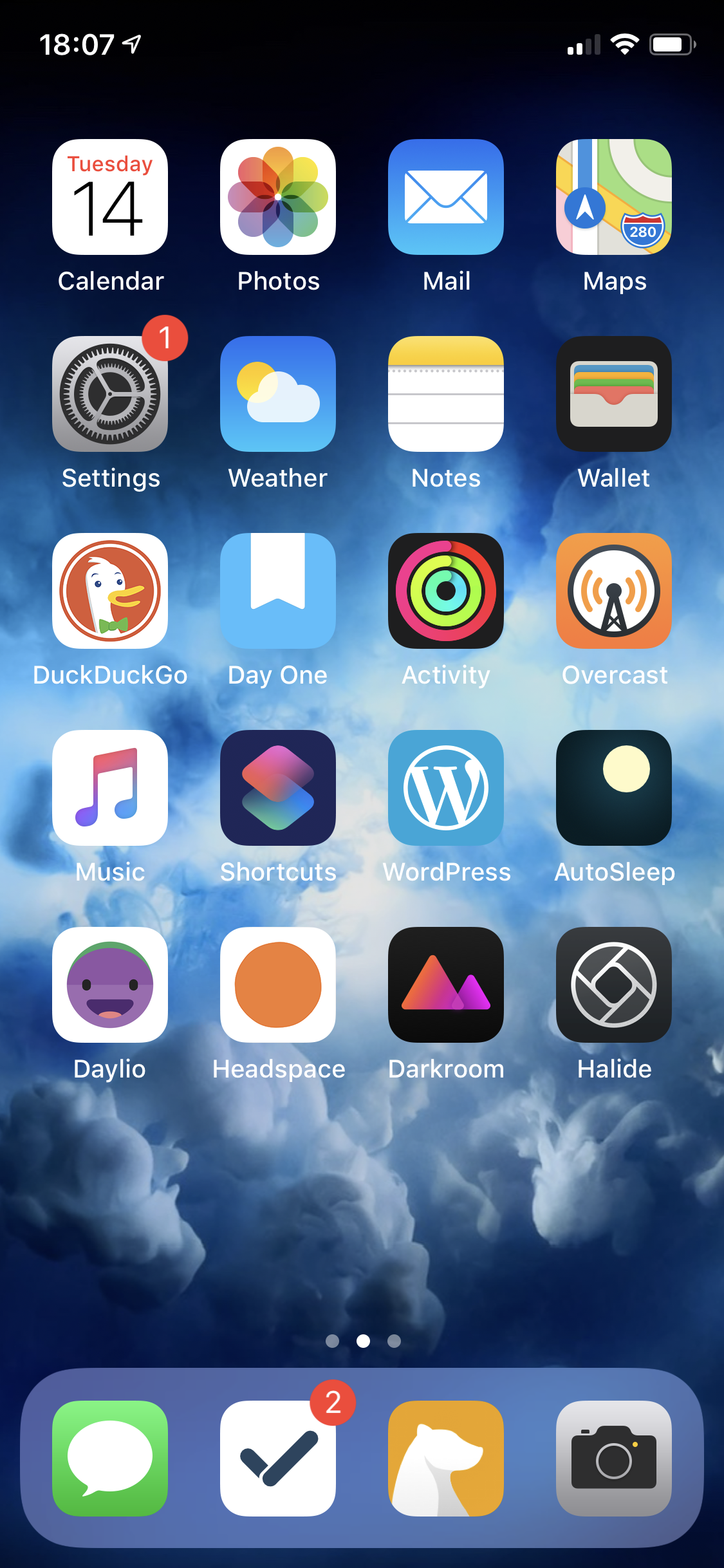
  • iPhone XS home screen

    Refreshed my iPhone and coming back from Android decided to try some new apps.

    • GoodTask for my to do app, well back to using it actually
    • Bear for my Notes
    • Darkroom for photo editing
    • Autosleep to do a bit of sleep tracking
    • Daylio to keep track of how I'm doing throughout the day

    It’s weird after coming back from Android I’m enjoying more third party apps.

    → 5:00 AM, May 15
  • My hopes for WWDC 2019

    We are only a matter of weeks away from WWDC so I wanted to (as it traditional) jot down some thoughts on what I’d like to see from Apple.

    IOS

    As you know I use iOS as my operating system of choice and use it many times a day be it consuming or creating content. The hardware that I use the most is the iPad Pro 10.5” along with the Apple Pencil and Smart Keyboard cover. Using it day in day out I’ve got an appreciation of what it does and more importantly what I’d like to see improved.

    Productivity

    There are enough rumours to make me believe that we are indeed getting a new Reminders app and a small (most probably) update to Mail. I use the Apple Mail app for managing my iCloud and Gmail accounts and to be honest it does everything I want it to. I’m not a power user of mail, I hardly use it to be honest these days but seeing Apple put some effort into their own app would be a positive. I’m more intrigued by the reimagined Reminders app and it certainly stands out as an app that needs an update, something I don’t think it’s seen for 5 years since iOS 7. It’s full (in my use) of UI bugs and if you try to use it on the Mac it’s even worse. I’ll be so happy to see it finally getting some love. It’ll be interesting to see how much it’s changed and if it can finally be my go to productivity app of choice.

    The TODAY view could do with a bit of a clean up and I still get UI glitches but I’m not sure if that’s Apple or the third party developer.

    Dark all the things

    Dark mode on iOS will be interesting, most of the apps I use are in dark mode so being able to see the system in this mode will be great. I constantly blow my eyeballs out when I’m in apps at night and open up Messages to reply to something.

    Audio enhancements

    When I did a podcast I was ok on my own but when I guested I always used my MAC, I’d like some audio enhancements to allow me to record my local audio plus talk to someone on SKYPE for example.

    Apple to embrace external keyboards on iPad

    It’s bad how little the keyboard is being used in some of the Apple apps, the main offender for me is Photos. Every time I use it I get annoyed that I can’t use the left and right arrow to scroll through images. I’ve raised a radar with Apple but to be honest I can’t see how anyone using the iPad for any length of time and an external keyboard wouldn’t get frustrated with this one.

    Ability to shoot in RAW using the in built camera app

    Yes third party apps are great but I’d like to at least see a little toggle in the camera app that allows me to toggle RAW. This can be hidden somewhere in the settings not to confuse but it would be a good addition to the app (for me anyways).

    Apple Music knows what I’ve downloaded

    Every time I set up a new device I have to manually (remember) and download each album that I’ve downloaded in the past. I’d love it to ask me on first start up ‘Do you want to re-download all of your music you did in the last backup’. The iPad interface also needs a bit of work to clear up some of the UI glitches that I still encounter.

    WatchOS

    Generally I’m happy with watchOS and it’s been improved at a good rate of pace but I’d like to see:

    Native sleep tracking

    I can’t believe we are on the 6th iteration of the OS and we don’t have native sleep tracking yet. It’s the one question I get from anyone looking to move from a Fitbit.

    More options or Third Party Watch Faces

    When series 4 launched we got two new ones but it broke some of the older ones, such as changing the bottom complication on Utility to be more rounded. I’m not sure where I stand on third party ones but I’d at least like Apple to put a bit more effort into their own ones.

    Dynamic Complications

    I try not to use too many complications but it would be nice to have dynamic ones, what I mean is if there isn’t a timer set for example it changes to a secondary one like the current weather.

    Keeping my fingers crossed for a big one this year.
    → 3:54 PM, May 14
  • How I’m blogging short form posts from Bear

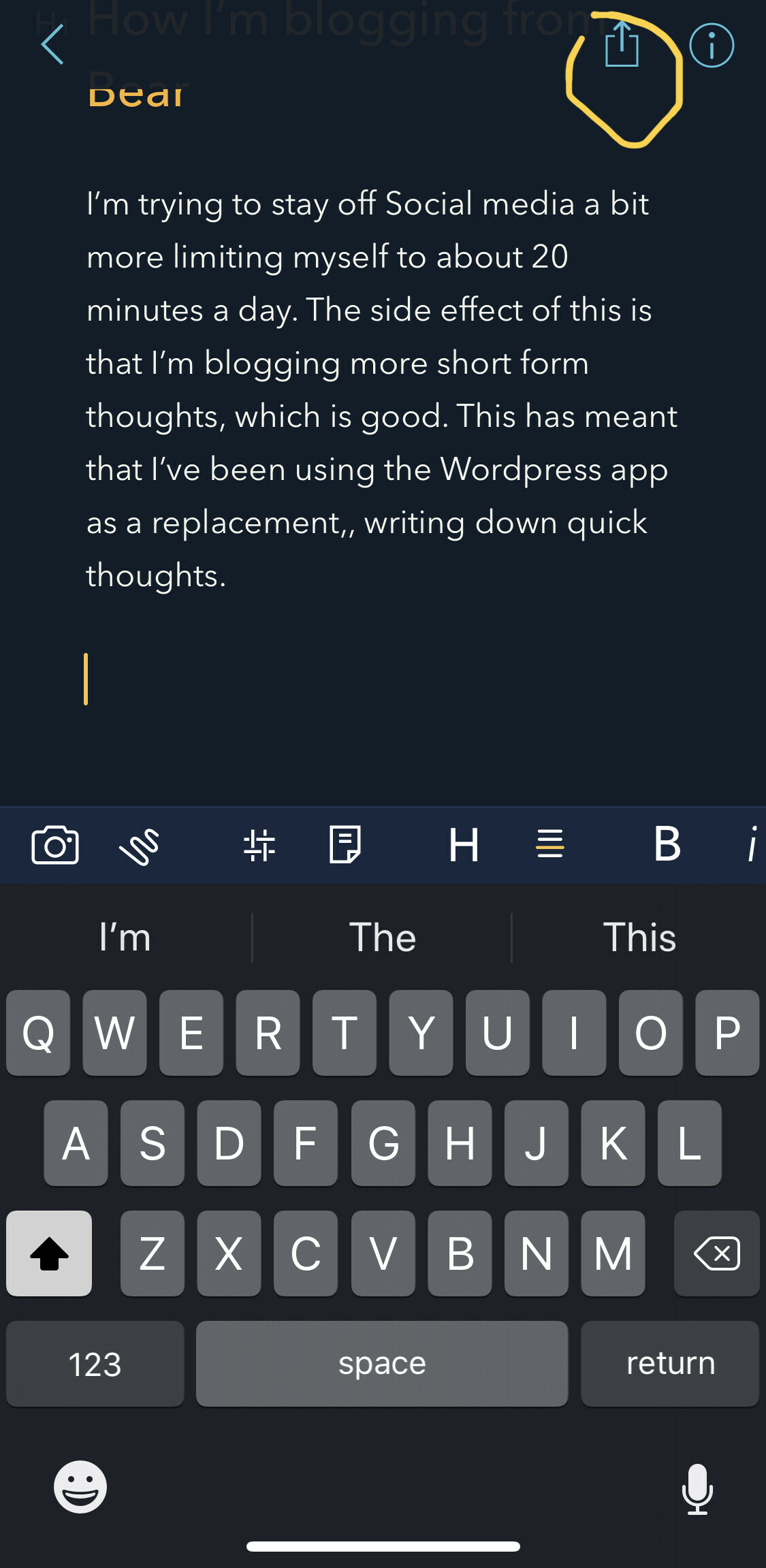
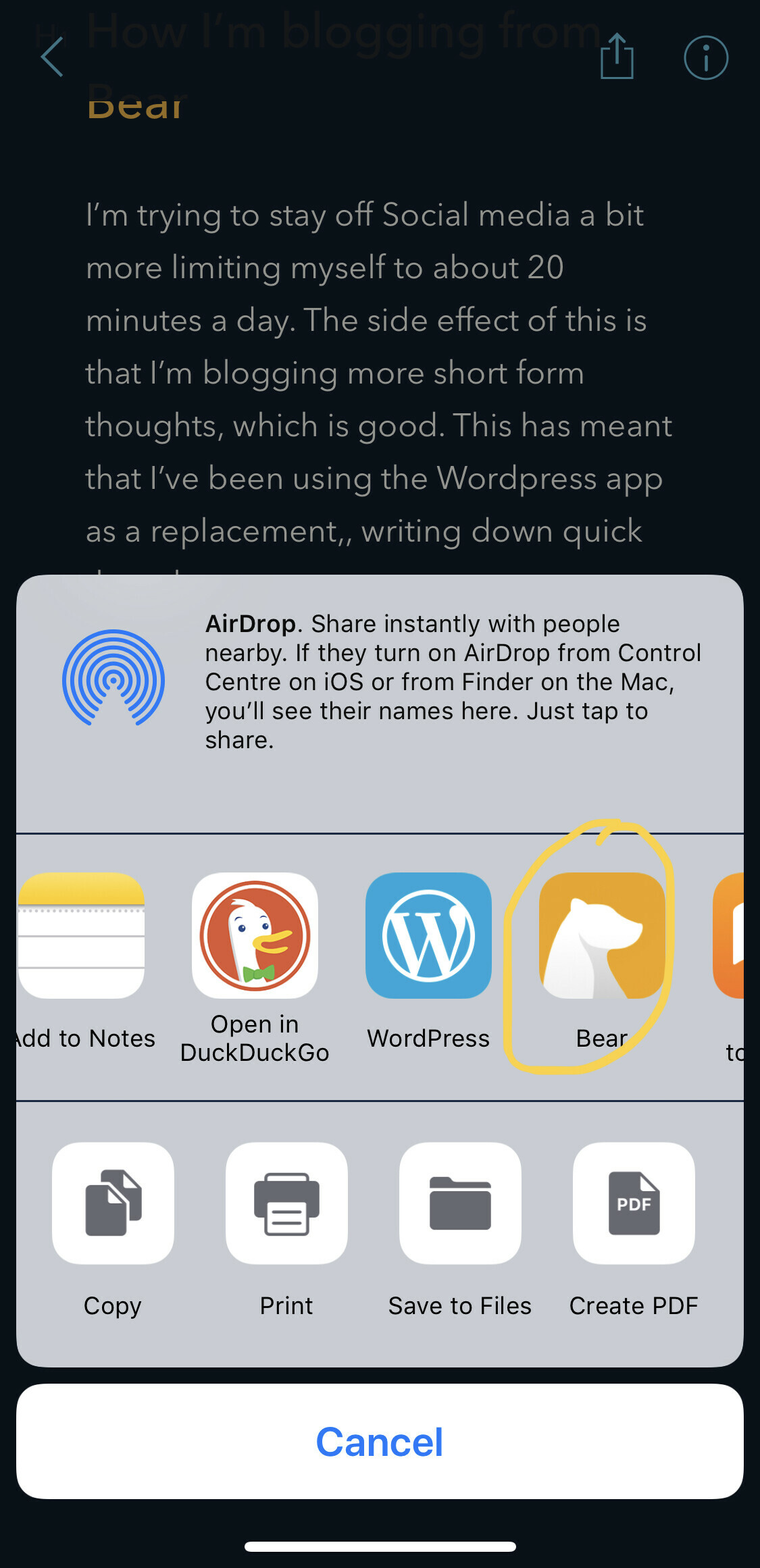
    I’m trying to stay off Social media a bit more limiting myself to about 20 minutes a day. The side effect of this is that I’m blogging more short form thoughts, which is good. This has meant that I’ve been using the Wordpress app as a replacement for writing down quick thoughts.

    With the most recent announcement from Bear and Wordpress that they were more closely integrated I had to give it a go and it’s been working pretty great. After a little hiatus I’m back using Bear, with its tagging and theme options it’s working well with how my brain works. The only downside that I’ve found is that the post when put into the Wordpress share sheet interface doesn’t remove tags so you’ll need to remember to do this yourself. It even works with images, like the screen shots I’m adding below. I’ve found even just in the day using this method it’s going to be a lot smoother than using the Wordpress app itself.

    → 4:52 AM, May 14
  • Moving back to iOS

    I’m back on the iPhone XS after 4 days on Android and I’ve got a lot of thoughts. I’ll be posting up these in a series of posts in the coming weeks but in summary

    • I’m glad to be with my Apple Watch again (it’s Apple lock in at its best)
    • iMessage needs an independent app
    • I’m using more Third Party apps (I’m writing and posting this via Bear)
    • I miss the Pixel always on display
    • I miss Android Notifications
    • The iPhone XS naked is a slippery beast!
    → 3:05 PM, May 13
  • Google Pixel 3a case review

    I’m not a huge fan of cases but the fabric finish of the official Google case hooked me in.

    I picked up two colors

    • Fog
    • Seascape

    Unboxing these is fine, good to see the packing almost all recycling friendly.

    The inside of the case is soft microfiber that will keep your Pixel in top condition.

    We then have plastic buttons with the same colour accents as the phones.

    There are cutouts for the camera and fingerprint reader.

    The only downside with this case is that hole for the fingerprint reader. It’s actually deeper than it needs to be and not big enough. I’ve come to like swiping down on the reader to show notifications. This is tricky with the case on. It’s also not so comfortable to unlock.

    For £35 it’s not a bad price for these cases, I really like the fabric finish and maybe it’ll soften over time. It’s going to offer drop protection and protect the screen as it has a raised lip on the front.

    → 9:14 AM, May 12
  • iPhone XS screen vs Google Pixel 3a

    Switching back and forth between the iPhone and Pixel I was struck with how much narrower the Pixel felt to me when going back to my XS.

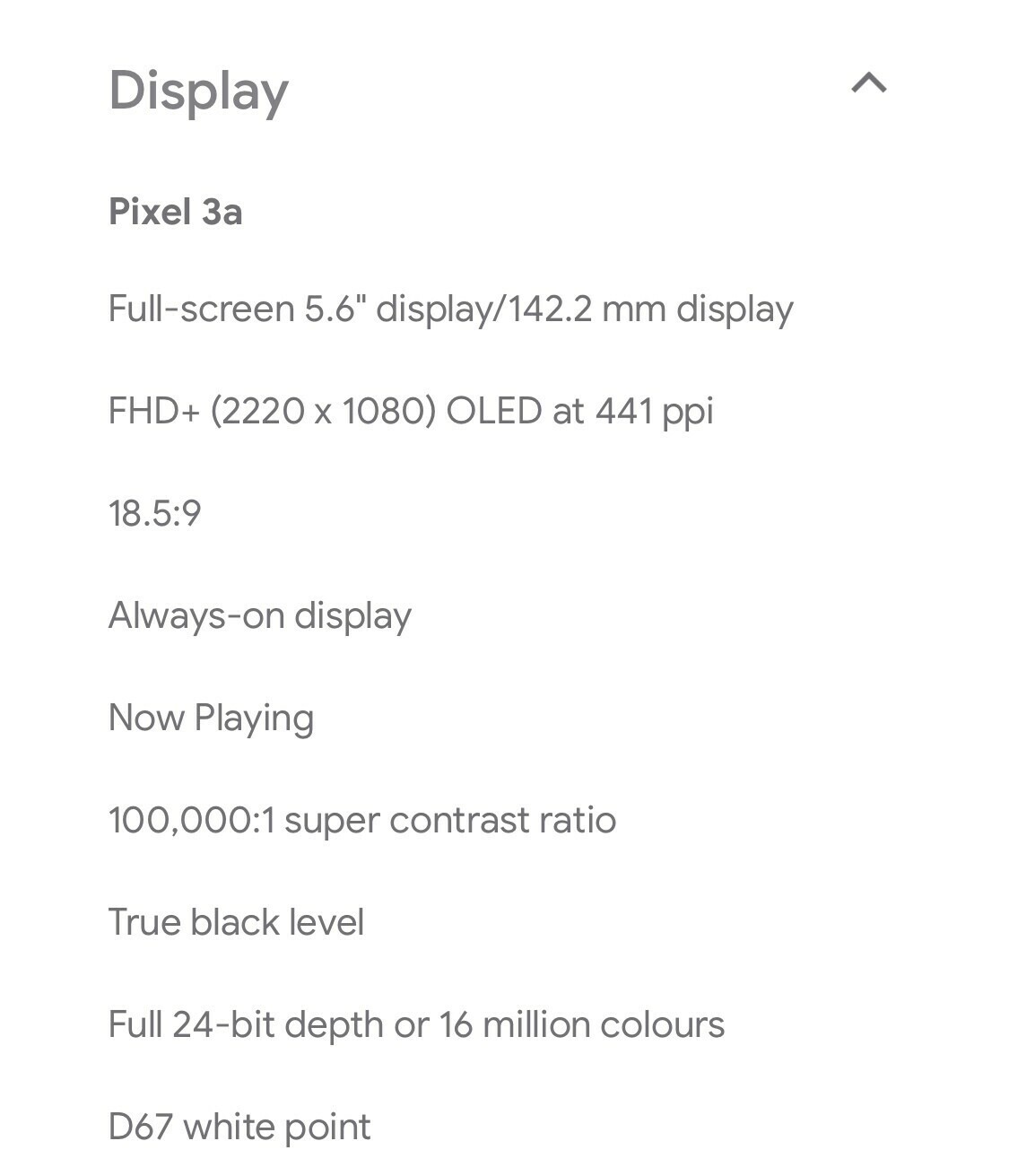
    Now here’s the Pixel 3a

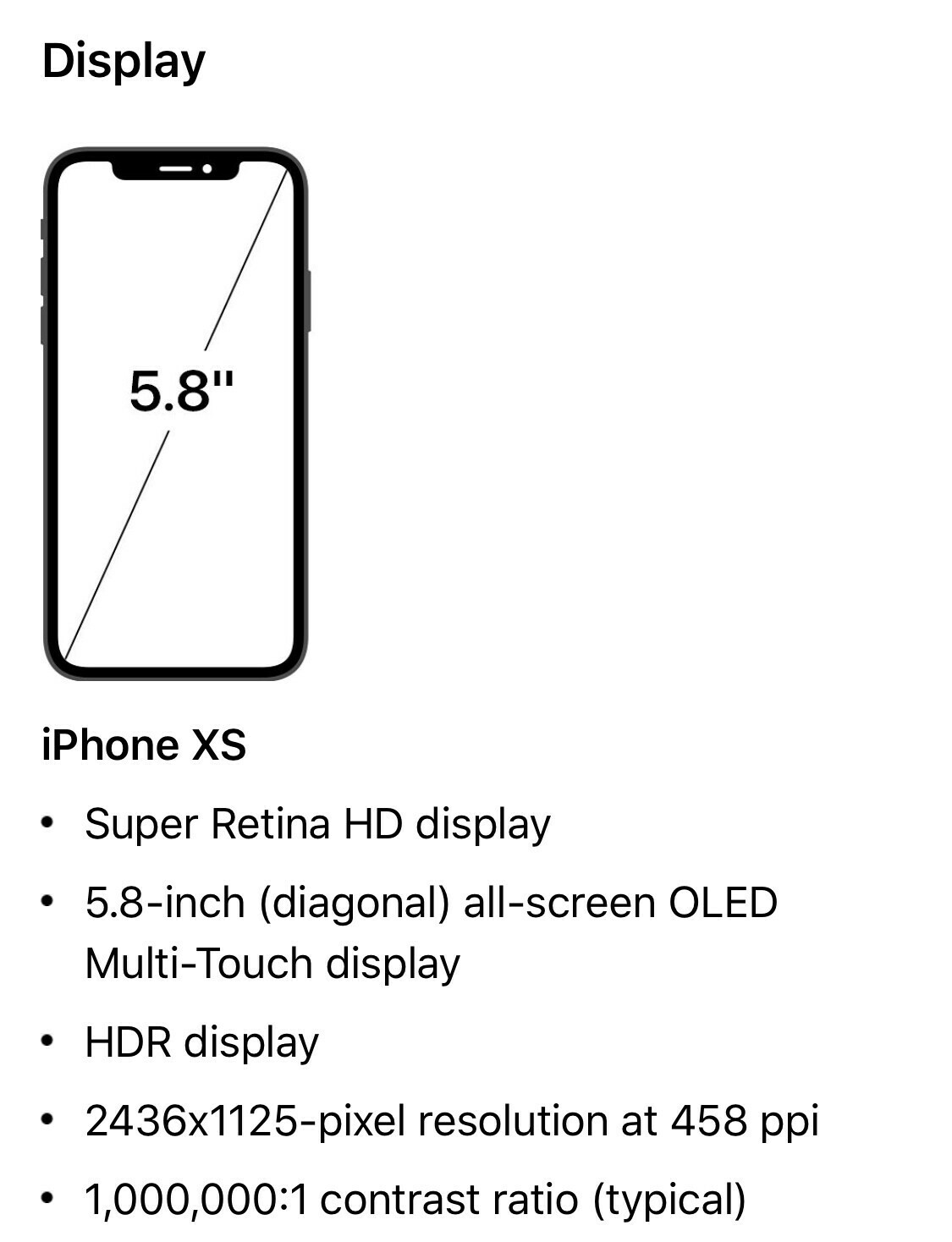
    They are both great displays to my eyes but the aspect ratio of the Pixel and on visual inspection with the 5.8” of the iPhone, the iPhone is both wider and taller. For me this makes it more comfortable to type on.

    What helps Android though for me here is the fact I have a swipe keyboard so I’m not tapping keys but still I prefer the screen real estate of the iPhone XS over the Pixel for general day to day comfort.

    Colour wise they both looks excellent to my eyes and I’m not seeing the price difference.

    You can’t go wrong with the Pixel 3a at £399 for the quality of the OLED it’s packing in my opinion.

    → 6:00 AM, May 12
  • Google Nest Hub review

    To preface this review I need to state up front that I’m new to Android and haven’t been hooked into the assistant for long so your mileage may vary. This is a review from someone that’s lived on iOS for the last 10 years but is gaining new perspective on mobile operating systems.

    When I picked up the Pixel 3a I took advantage of the offer to get a free Nest Hub. I didn’t really know what to expect with it to be honest being a heavy iPad user I didn’t know where it would fit it.

    Setting up is easy and all you need to do is turn it on and manage the setup from the Pixel Home app.

    The construction is great for the price but I would have liked a black front option rather than white. On top we have a couple of sensors and the screen although not huge is clear and looks great when displaying photos.

    On the back there’s a manual switch to disable the microphone if you want to make sure you’re not always being listened to.

    On setting up I was immediately struck with how useless this product might be for me. No Apple Music, only Spotify and Google Music and without my entire photo library in Google Photos it meant my picture frame options were limited.

    I put it in my office and thought I’d see what it can do for me in my day.

    Well, all it became was a clock for me. I asked it to play my YouTube subscriptions but it couldn’t. The only way is either to ask for specific videos or cast from your Pixel. This was ok but my iPad has a bigger screen and is already hooked into my YouTube account.

    After looking at the photos for a bit I realised this is a £119 fancy clock that tells me stuff about the weather.

    Remember this is my experience if you’re totally hooked into Google then I’m sure it’ll be good as a photo frame but I couldn’t get the use out of it and now it’s sat in the box and I’m wondering what I do with it.

    It’ll go back with the Pixel if I ultimately decide to return the whole package.

    → 5:34 AM, May 12
  • How to use AirPods with a Google Pixel

    I’m a big fan of the AirPods and as nice as it is to have a headphone jack on the Pixel it’s also nice to not have to get wires caught in stuff. I hadn’t even thought of pairing my AirPods. Well the good news is that they work (to a point), you obviously don’t get Siri and tapping them doesn’t seem to do anything but I don’t do this even on my iPhone. The one that annoys me a little is them not pausing when I remove one AirPod but that’s not a big deal for me whilst I just use them to go for a walk or whilst I’m doing stuff at my desk.

    • On your Pixel head into 'settings', 'connected devices', then tap 'Pair new device'
    • Make sure your AirPods are in the case and then hold down the button on the back of the case
    • You'll see them pop in the list

    • Tap on the AirPods and you are good to go

    When I fired up Apple Music and started listening they were automatically connected.

    → 9:00 AM, May 11
  • Making your iPhone XS feel like a Google Pixel 3a

    I’ve posted quite a bit about my love for the feeling of the Pixel, it’s warm, comfortable and hopefully more durable than the glass on other phones. My main phone as you most probably know is the iPhone XS but I still find it slippery and hard to grab onto sometimes. Looking through my case collection I’ve had in for review I spotted the Totallee case I had in for review.

    Adding it to the iPhone XS immediately improves the grip and although it won’t make it particularly more durable does feel like an iPhone 5c in the hand.

    It’s got access to the all the original buttons and good sized openings around all of the ports.

    As you know I’m not a fan of cases but this might be a time when I need to suck it up and accept we aren’t getting a new shell from Apple anytime soon so I help myself by adding to what I already have with a case.

    Here’s the Pixel 3a, so gives me that look and feel without the addition of too much to the iPhone.

    → 8:42 AM, May 11
  • Google Pixel 3a build quality

    One thing I’ve seen in some reviews of the Pixel is the cheaper materials being seen as a negative. For me it’s a positive.

    If you’ve followed me for a while you’ll know how much I miss my 5c. I love the feel in the hand of a polycarbonate phone. Glass is fragile and slippery. After using the Pixel I have to say that I prefer picking up and using it than the iPhone XS. Apple are never going back to colored plastic phones but I can dream.

    If you’ve ever used a 5c you’ll know what a pixel feels like.

    It’s comfortable to hold and although I haven’t drop tested it’ll hold up fine. I dropped my 5c a lot and although I had fine scratches on the back and a few chips it kept going. The Pixel will be the same.

    The buttons are chunky and have a nice click to them.

    The only area to be concerned about is the screen. As with any phone it’s the main weakness. If you’re worried about this user a screen protector. Personally I don’t like them.

    My only worry with the Pixel is how to get it serviced if I do break it somehow. With Apple I can just pop to the store but with Google you’re going to need to mail it in. This is fine if you don’t mind being out of a phone for an unknown period of time.

    → 6:30 AM, May 11
  • 3 tips for moving to the Google Pixel 3a from an iPhone

    I’ve been struggling to get my head around Android but something finely clicked yesterday. It’s overwhelming trying to figure out everything straight away but here are a few tips that have helped me.

    Home button

    There’s no home button on either the pixel or iPhone these days but coming from iOS I wanted to get my head around what the home button was on Android.

    No matter which app you’re in tap the little white pill shaped object at the bottom of the screen to go home.

    Quick launching the camera

    Double click the power button to quick launch the camera. If it doesn’t work make sure it’s turned on in settings, system, gestures.

    Launch recently used apps

    When you swipe up from the bottom you get to app switching. There’s a little list of apps here that Google assistant thinks you might like to launch.

    I’ve gotten into the habit of using this and 9 times out of 10 it shows me the correct app.

    What are your tips?

    → 6:01 AM, May 11
  • Google Pixel 3a vs iPhone XS outdoor photography

    Some more photography tests with the new Google Pixel 3a, still super impressed with the quality of images that you get out of it for the price.

    Pixel 3a

    IPhone XS

    Pixel 3a

    IPhone XS

    Pixel 3a

    IPhone XS

    Pixel 3a

    IPhone XS

    I’ll let you choose which you think is best but for me I go between the two as which I prefer.

    → 5:11 PM, May 10
  • Pixel 3a vs iPhone XS indoor photography comparison

    Now I have the Pixel 3a in hand my main driver is photography so expect to see a few posts this week just covering my views on the Pixel. I’ve wanted to try one for ages but now I can get one for under 400 pounds it was a good opportunity to jump on board.

    For these shots I used a range of zoom ranges and speaking of zoom I’ve really missed the 2x zoom from the XS and had to resort to digital zoom on the Pixel. I found that if I wanted something closer it would ask me to go back a bit to focus. Any edits I.e. crops were done with Google Photos.

    Pixel 3a

    IPhone XS

    Pixel 3a

    IPhone XS

    Pixel 3a

    IPhone XS

    Pixel 3a

    IPhone XS

    Overall I’ve been impressed with the Pixel in these shots against the XS. I’ve missed the 2x zoom and that’s why some of the images from the XS to my eyes are clearer. For the money this Pixel has an amazing camera and isn’t 600 pound inferior to the iPhone.

    → 12:30 PM, May 10
  • How to take a screenshot on the Pixel 3a

    Not immediately obvious for me but to save a screenshot on the Pixel you press and hold the power button and volume down for a couple of seconds.

    → 6:31 AM, May 10
  • My Pixel 3a home screen

    I’m still getting to grips with Android but here’s my setup.

    • Messaging seems a mess but I've settled on using hangouts
    • I'm using Google keep to do my notes taking
    • Using Todoist as my task manager whilst I test the Pixel

    It’ll most probably change a bit daily but here’s my starting point.

    → 5:48 AM, May 10
  • Initial impressions of the Pixel 3a

    I’ve had the Pixel 3a for an evening and wanted to share some really quick good and bad things I’ve found about it. This is coming from someone that’s been on iOS since the original iPhone and only uses Android on my day job phone.

    The good

    • Screen is great
    • Feels great in the hand
    • Fingerprint reader is quick and a nice change to faceid
    • Widgets on homescreen
    • Squeeze to use Google assistant
    • Swipe down on fingerprint reader to see notifications
    • Selfie camera gesture, flick of the wrist and it swaps between front and back cameras
    • Swipe keyboard is better integrated into the OS

    The bad

    • App quality, especially productivity
    • Apple music doesn't load my library
    • Play store is laggy
    • App switching not as fluid in the interface

    From a device perspective I’m happy, from a software perspective I’m still getting my head around it. All my negatives so far are from my lack of experience with Android.

    Next up is camera testing.

    → 5:38 AM, May 10
  • Don’t buy your SIM free phone from Carphone Warehouse

    I’ve been browsing around looking at different ways to get a Pixel 3a and came across this return policy for Carphone Warehouse

    Wow, you can’t actually return a SIM free phone at all. This is unbelievable in this day in age when compared to some other stores and their 14 day return policies.

    If you are after a Pixel 3a (or any SIM free phone for that matter) then I’d avoid Carphone Warehouse completely.

    → 5:37 AM, May 8
  • What I’d like Apple to borrow from the Google Pixel 3a

    I wasn’t expecting to watch Google IO yesterday but when I saw the introduction of the Pixel 3a I started to get excited for it.

    I’ve been wanting to get an Android phone for a while but couldn’t justify the cost of the Pixel 3 to use as a reference device. With the introduction of the £399 Pixel 3a I was ready to jump in. I’ve cancelled my order for now until I can try one in store but it got me thinking about what I’d like Apple to borrow from the 3a.

    Colour

    Yes, more colours please across everything. I appreciate we have the XR but I want subtle design changes like the coloured buttons on the 3a white version. Goes without saying I’d like to see this on the iPad too. This also applies to accessories, those woven fabric cases look amazing.

    Polycarbonate

    If you’ve followed me for a while you’ll know I love the 5c. I’d give anything for something that looked like an X design but in a polycarbonate shell. It would be easier to repair, more comfortable to hold, lighter and bring the cost down a bit. I know the 5c didn’t exactly set the world alight but maybe the time is right to bring it back in spirit with a new model. Some will think I’m being silly here but I’d be all over a polycarbonate XS in yellow 😀

    Offer better value for money

    We know Apple isn’t serving the lower priced smartphone market but with sales falling why can’t they dip their toe into this market at least a bit. I’m not saying they could bring us a £399 iPhone Xe but how about £599?

    What are your thoughts on the 3a?

    → 5:21 AM, May 8
  • Falling back to iCloud

    I’ve been playing with a lot of third party productivity apps and you know what I’ve discovered - it’s best to stick with the defaults, at least in terms of data storage. I’ve been missing things because I haven’t been seeing them, I forgot which app I’d put it in (I appreciate this is my problem).

    On sitting back and thinking about what I have to manage going on and how I want my data to be stored, here are the apps I’m using with iCloud:

    • For my Calendar I remain stuck in the default app camp, whilst it isn’t the prettiest I like being able to see the date on my home screen with it’s app icon and it does the basics fine. I don’t micro manage everything on my personal Calendar so fits the bill quite nicely
    • For my Reminders I’ve switched over to GoodTask, it’s a much better interface to iCloud and I like both the Today widget and Apple Watch complications
    • For my Notes I use Apple Notes for everything. I write posts like this one in there, store images or receipts etc.. and food recipes. I like the simplicity of it and the fact I can do both handwritten and typed notes
    • For my Photos I use iCloud Photo Library
    • For my journal I back up DayOne to iCloud rather than sync with their service

    These are the areas that are most important to me.

    The only data in the cloud outside of iCloud that I rely on is Gmail and Blog posts.

    For the first time in a while I’m content with this setup and for me even though the apps are pretty basic I find all the extra functionality in apps like OmniFocus adds unnecessary complication (for me) and I spend more time messing with my systems (and tags I don’t need) rather than actually doing stuff.

    → 11:37 AM, May 7
  • Following your own advice

    Since restoring my iPhone a few weeks ago I’ve fallen back into the trap of the modern smartphone. What I mean by this is having all of the apps I can available to me to use and getting caught up in these Infinity wells, such as YouTube and Social networking. Neither of which are particularly great for my wellbeing these days.

    It hit me this morning whilst browsing Reddit, why am I mindlessly doing this?.

    I want to be more intentional with how I’m using my technology and allow myself to be bored. Enjoy a walk without a podcast in my ears sometimes or just enjoy the warm sunshine on my face in the garden with no desire to see what’s happening on Twitter.

    It also hit me that I’ve written about this before on the blog, many times actually. I’ve written about helping to reduce the time you spend on your phone and also steps I’ve made, such as only checking Twitter once a week but I’ve forgotten to listen to former me!

    This post is a reminder that when I fall into bad habits to step back and think about how I want to use my technology and interact with the world around me.

    So this week I’ll be back to

    • Removing all social networking apps from my iphone
    • Checking Twitter weekly for notifications
    • Sharing smaller posts more, I've noticed good feedback from readers of my stuff lately. This in part because my default is to share here rather than on social media
    • Reducing my podcast consumption (I'm listening to over 20 shows a week!)
    • Leaving YouTube (again)
    • Deleting Reddit apps (again)
    • Doing my best to stick with one to do app and keeping it simple

    And remembering to read some of my earlier stuff

    • Scheduling Twitter
    • Deleting YouTube
    • Doing social on your blog
    → 6:54 AM, May 7
  • The iOS 13 Reminders app

    An interesting post over at Bloomberg about iOS 13 dropped today and I’m more interested in it from a productivity angle.

    An updated Reminders app that better competes with the several to-do list programs available on the App Store. The new app has a main screen with four default sections laid out in a grid: tasks to be done today, all tasks, scheduled tasks, and flagged tasks. Each section has its own different-colored page that users can add items to.

    An update to Reminders is about 5 years overdue and can’t come soon enough. When I read this I thought, great but when I read ‘scheduled tasks’ I started to get a little concerned about what we’ll see. I’m thinking it’s going to simply be a skin on top of what we already have. The current scheduled view is basic and full of bugs and at the moment I have zero confidence they’ll address these issues but simply put a new front end to the content.

    This also means that there will be no way to have a list of tasks due today. What I mean is every task will need a due time as it is today. This is one of my main complaints with Reminders today.

    I’m hoping I’m being my usual pessimistic self and Apple will truly put in some effort into their own apps.

    → 1:41 PM, May 6
  • A new Reminders app

    One of the more interesting points in the iOS 13 article by 9to5 was the mention of a new Reminders app. It’s interesting to me as someone that has tried and failed to use the existing app many times.

    It’s a very basic app with bugs, some of which I’ve had open for 3+ years with Apple. It looks like from the outside there is literally no one working on it.

    The thought of it having a refresh fills me with hope that I can do away with third party apps but I do have to be careful with my enthusiasm given their track record of looking after their own apps.

    For me I’d love to see something along the lines of Things where we can have a scheduled reminder or an open Today list with no time commitments just a list of stuff you want to get done today. In fact I’d like Apple to either Sherlock or buy them outright and be done with it.

    As Apple leans into services I think it’s important for them to put some effort into their core apps and not leave them in limbo only to be updated once or twice a year. I’d also like to see them stripped out of iOS and launched into the App Store like Numbers or Pages. That way we can get (hopefully) lots of updates throughout the year.

    → 7:57 AM, May 6
  • Hasbro Legends Iron Man Helmet review

    If you’ve followed me long enough you’ll know I’m partial to the Hasbro legends series of props. I’ve got the Captain America shield and Infinity Gauntlet but wanted to complete my MCU phase 3 collection with one I’ve been after for a while.

    It’s been out since 2016 but was stopped production for a while. Well this year it came back and I managed to score one using Forbidden Planet.

    It’s wearable and is made up of a couple of parts. The main helmet and removable faceplate.

    The faceplate is attached with magnets and you makes some noise once attached. This’ll need three AAA batteries if you want the ability to do the electronic stuff.

    Once attached the eyes glow, you can adjust the brightness of this if you are wearing it for cosplay. There’s a button inside the helmet to adjust this.

    It’s made up of hard plastic and sports a really nice (but fragile) paint job. It’ll easily scratch so be careful if you want to keep it in pristine condition.

    For me getting a prop you can display for under £100 is a steal and I’m constantly impressed with how good the Hasbro Legends series is for the money.

    Next up, Ant-Man.

    → 6:27 AM, May 6
  • Framing a poster

    I try to surround myself with stuff I love, particularly in my home office. I don’t have loads of space in there but like to get collectibles that give me some joy to own and look at. After watching Endgame I really wanted a poster to hang up. After browsing around I came up with the solution to just do it myself.

    I picked up these two items and it gave me exactly what I was looking for.

    • Avengers: Endgame poster
    • Picture frame

    This’ll obviously work for any A2 poster, I’m thinking about Infinity War for my next one.

    → 6:13 AM, May 6
  • #shotoniphone

    Trip out to Big Pit. iPhone XS, portrait and stock camera app.

    → 2:27 PM, May 5
  • #shotoniphone

    Trip out to Lacock Abbey today, one of the first trips I didn’t take my DSLR and just went with the iPhone XS, HDR is very impressive when it gets it right.

    → 5:20 PM, May 4
  • Using third party iOS camera apps and low light photography

    I’ve tried a lot and have a few installed including Halide and Moment (for RAW) but always find myself just using the built in app.

    I’ve had good intentions to get into mobile photography and RAW but I’m coming to the realisation that I don’t want to mess around too much. I take a picture and then do minor levelling or colour correction using the Photos app I already have installed.

    I’ve found that my main complaint with the iPhone camera is low light and even though the XS is way better than any other previous iPhone I’ve used it still struggles in low light. I was hoping RAW would solve some of this but it hasn’t.

    Any tips for getting better low light photos on the iPhone?

    → 8:00 PM, May 2
  • Using Bear (again)

    I started and stopped using Bear about a month ago but after struggling to organise with Apple Notes I’ve gone back in.

    The main reason I’ve gone back is tags. Folders in Apple Notes is ok but I’m finding that the ability to add a quick tag at the bottom of the page I’m writing on is clicking with my brain more. All the dividers such as ‘gifts’ and ‘shopping’ above are tags that Bear automatically uses to create this structure.

    → 6:51 AM, May 2
  • Funko Avengers: Endgame Captain America

    New desk buddy from the Funko Endgame line.

    → 5:13 PM, May 1
  • Hyper Grape Nike Sport Loop unboxing

    After trying one on in store I really liked the colour but it was out of stock for weeks. On a whim I checked the store app and there it was. Really liking this colour.

    As with the other sports loops if you’ve tried them they are really comfortable and my favourite watch band out there.

    These are available in store and online at the moment.

    → 12:00 PM, May 1
  • Every Apple Watch band ever released

    I’ve been going back to reading forums lately and came across this amazing thread I wanted to share.

    Over at MacRumors there’s this thread where people are posting their bands and also looking back comparing everything Apple have released.

    I find it fascinating but also makes me realise that I haven’t actually bought that many 😀

    → 6:03 AM, May 1
  • A look back at iOS 5 folders

    I’m in the process of getting ready to reset my original iPad but thought it would be fun to look back at the older design a little bit. When using it I was struck with how much I prefer the pre iOS 7 folder look.

    This is how it looked, I think the darker background and clear division of content looks a lot cleaner than what we have now.

    I’m not a huge fan of the smaller semi transparent look of iOS 7. Yes I can swipe though multiple pages of apps within the folder but for me it’s a lot more user friendly in iOS 5.

    This isn’t an old man yelling at the clouds but a look back at different elements of iOS in a nostalgic fashion.

    Overall I love iOS these days but I’m looking forward to comparing old app versions and seeing how far (or not) we’ve come.

    → 5:33 AM, May 1
  • How to get photos off an original iPad

    Yes, I’m revisiting some old tech and first up is my original iPad from 2010. It’s full of family photos so when presented with iOS 5 and no iCloud photo sync I needed to have a think about how this was going to work.

    Here’s how I did it but you need a Mac to plug it into. You’ll need to plug in your iPad and fire up Photos. If you then open Photos on your iPad you should see the iPad show up in the left hand pane on your Mac.

    I created a new Album on the Mac photo library called “old iPad”. I then selected the iPad and selected all of the photos it showed me was on it. I then simply imported and picked the “old iPad” album to import into.

    These are family pictures so I created an iCloud photo share and moved the images up to the cloud to share with others. Not idea but the best I could do with the older iOS.

    → 9:16 PM, Apr 30
  • My original iPad

    Wow, it starts up. On iOS 5.1.1! let’s see what happens once I get it all back setup.

    → 7:48 PM, Apr 30
  • How to unsubscribe from an RSS feed in Reeder 4

    It may be that it’s early and my brain hasn’t woken up but when messing around with Reeder 4 this morning it wasn’t obvious to me how I unsubscribed from an RSS feed I’d added.

    1. Go to the 'All Items' view

    2. Long press the RSS feed you want to unsubscribe from

    3. Tap unsubscribe

    → 7:13 AM, Apr 30
  • iPhone XS home screen

    This months home screen update. No huge changes here, updated to match my iPad one from the other day. Most distractions moved to the second page and I’m now using screen time to limit certain apps to 30 minutes a day, such as Micro.blog.

    → 5:03 AM, Apr 30
  • Slowly moving my reading back to RSS.

    → 9:30 PM, Apr 29
  • What’s up with the Apple News Today view?

    I’ve given up using Apple News, mainly because of the Today view that is constantly broken for me.

    Mine only shows everything from days ago not today. Even though my sites themselves have newer stories the Today view never updates.

    I’ve got back to actually reading the sites via the DuckDuckGo browser.

    Anyone else?

    → 4:35 PM, Apr 29
  • I spend time trying my best to write thoughtful posts and my most read one is “how to factory reset a Sonos 1”. Guess it’s good I’m helping others in a small way…

    → 6:04 AM, Apr 29
  • Bumblebee hits iTunes

    One of my favourites from last year, Bumblebee has been released on iTunes today. As an 80’s kid growing up on the original cartoon series this really does feel like an extended live action episode.

    Check it out.

    → 5:34 AM, Apr 29
  • IPad Pro home screen (April ‘19)

    Thought I’d post an update to my home screen on my iPad Pro 10.5”. Recently newly setup my warranty replacement so this is pretty new, literally just got to setting up today.

    As you can see I’m still using Emoji for my folders

    • Social
    • Apple
    • Creative
    • Stuff

    Then just the apps that are used more often on the home screen and my dock.

    Apps are pretty consistent but moved back to OmniFocus. Despite rumours of a refreshed Reminders I have zero confidence in Apple’s ability to create a good app these days so I’m sticking with third party for my productivity. I am sticking with Notes however as it does everything I need it to and sync is reliable.

    → 4:36 PM, Apr 28
  • Second viewing of Avengers: Endgame. Still loved it. Less anxious watching it this time so I could just sit back and enjoy it completely.

    → 7:42 PM, Apr 27
  • Going dark

    I’ve been playing with my blog theme for a while but have settled on a darker look to the site. After spending less time on social media I read blogs, in a browser! What I’ve noticed is that mine blew my retinas out if I browsing early in the morning. On the back of this you’ll see my site is now sporting a darker look that’s easier on your eye balls.

    → 7:17 AM, Apr 27
  • One change to my morning routine that’s improved my day

    I’ve made a slight tweak to my morning routine that seems to be having an overall positive effect on my day. I’ve been journaling for a while but only in the evening. After listening to an episode of The Automators on the subject I added a new Reminder that simply asks me to write down something I’m grateful for each morning at 7:30am.

    Instead of picking up my iPhone and digesting news of social media I think of something that I’m happy about of grateful for in my life. I get on with day afterwards but starting off with something positive is a nice way to kick things off.

    → 6:28 AM, Apr 27
  • iPad Pro 10.5 vs iPad Mini

    I used a mini for almost two weeks before moving back to the 10.5. I didn’t use the 10.5 once in that time as I was waiting for a warranty replacement.

    Two things I’ve noticed. Confirms my love of the iPad Mini as a book reader. Reading comic books however feels better on the 10.5 to my eyes. Secondly I’d forgotten how great Pro-motion is for both scrolling and writing with the Apple Pencil.

    I’m missing the smaller form factor of the Mini. I think I’ll look at picking up a cheap one used just to utilise it as a reading device.

    → 5:36 AM, Apr 27
  • Avengers: Endgame soundtrack now on Apple Music

    It goes without saying, don’t listen to this unless you’ve seen the movie.

    Listen on Apple Music

    → 11:43 AM, Apr 26
  • So many thoughts on Endgame, so much processing to do. Looking forward to getting my thoughts out there in a couple of weeks.

    → 5:53 AM, Apr 26
  • Why I returned the iPad Mini 5

    As you know if you’ve been following me lately I’ve enjoyed using my 5th generation iPad Mini so it might surprise you to find out I’ve returned it for a refund.

    Here’s why.

    Using it as Notebook had been great as I wrote up a few days ago but with an increasing focus on security I’m now limited on where I can store my notes. With this use effectively taken away from me for work use I’ve lost the major selling point.

    With me realising it was the form factor I enjoyed but couldn’t effectively use it for work note storage I thought the best option was to return my 5th generation and get my almost £600 back.

    What I think I’ll end up doing is getting a refurbished 4th generation and save myself over £300. The performance is going to be fine for my use case where I’ve enjoyed using it like comic books and as a kindle alternative.

    For now I’m back on my 10.5” iPad Pro, just had a new one through on Apple Care + so I’ll be using it again as my device.

    → 8:28 PM, Apr 25
  • Avengers: End Game initial impression

    It stuck the landing, a long but satisfying end to the Infinity Saga. So many thoughts but don’t want to ruin it for anyone yet.

    → 5:52 PM, Apr 25
  • Schedule your Twitter time

    You know I struggle with social media, I got into Twitter pretty deep and needed to get out and regain some headspace. I’ve done a few steps to help this including unfollowing everyone and removing the apps from my iPhone.

    What I’ve found is that the best way (for me) is to schedule in my social media time. I have a reminder to log into Twitter every two weeks and in that time I check my notifications and DM’s. I then spend this time to reply to any that I have.

    I’ve found that this has started to help me be more creative in my writing as I’m not constantly plugged into others opinions. It’s also allowing me to take time to just be bored and have some quiet time.

    → 5:40 AM, Apr 25
  • Fooled myself thinking I could remove all writing apps from my devices and rely on the Wordpress app. Well I’ve got loads of ideas for posts and finding I can’t keep up using draft posts within Wordpress. I’m back on the iA Writer bandwagon.

    → 8:36 PM, Apr 24
  • Using the iPad Mini 5 as a notebook

    I’ve finally gotten to use my new 5th generation iPad Mini in work meetings and to manage my day. I’ve used it exclusively this week instead of my paper notebook. I want to drop paper completely given I travel with work and also there’s only so much space in my home office to put the old ones.

    My setup is Noteability for the note taking app and then the Apple Pencil.

    I had my doubts going in but I have been pleasantly surprised by how good the experience is. Writing in portrait had me worried but on using it I shouldn’t have been. It is more cramped obviously than a bigger iPad but it’s comfortable and been very good in use.

    I’m using folders within noteability to organise my notes by project etc and now I’ve been using it this week I think that I won’t be going back to paper. In work meetings I always felt a little conscious pulling out the bigger iPad and with this notebook sized iPad Mini it’s almost perfect.

    Another positive for me is travelling with a laptop is sometimes tiring and having a smaller iPad to put in my bag that I can use for reading on the commute and also use in work for notes is ideal for my use case.

    So would I recommend, yes. If you’re looking to move to digital notes then having the iPad Mini with a pencil is the perfect companion to use in your work day.

    → 12:02 PM, Apr 24
  • Started listening to digital minimalism, interesting so far. After staring it though I’m suddenly noticing everyone with their heads in their phones.

    → 7:14 AM, Apr 24
  • Just be you

    Something changed for me in the last year with my writing and based on feedback I’m getting it’s for the better. When I started blogging back in 2008 I stuck to a niche (at the time it was guitars) then I moved into technology a little while later based off the back of my freelance stuff.

    What I’ve found though in the last year is that I’m writing more personal (posts like this one) and not worrying about sticking to any sort of niche, just writing about what I’m passionate about or is on my mind.

    I blog as a creative outlook, I make zero money off the back of this blog and I don’t see this changing with the move towards attention grabbing headlines and click bait. It’s pretty liberating not to be in that business keeping up with the latest and just write at your own pace on your own schedule.

    I guess what I’m trying to say as I’m starting to ramble is if you have a personal blog just BE YOU. Write about your passions be it the latest gadget you love or the most recent movie you’ve enjoyed.

    Also as I use social media less and less I think this has also had a knock on effect on my writing style. Where before I just shared everything on my Twitter account I’m now defaulting to using my blog and keeping it on my own site. It’ll be shared to social but the content stays with me.

    I’d maybe start with taking say a two week break from social media and share your thoughts on your blog instead and you’ll see your traffic increase and your blog become more personal.

    → 6:03 AM, Apr 24
  • Why I deleted YouTube from my devices and stopped using the service

    YouTube has become worse for me over the last few years both as a distraction (all on me) and becoming a hive of negativity, humble brags, encouraging people to waste money and fake theories. It was a real eye opener when I used it signed out for a week but worse than that my own suggestions are also polluted with these same videos and awful thumbnails.

    YouTube’s algorithm for encouraging this kind of content has gotten out of hand and I don’t want to be part of it. As I’ve written before I’m glad I stopped growing my channel about 7 years ago now I’ve seen what content YouTube encourages you to create. The way to grow is to be extreme!

    I thought that I have my subscriptions that I mostly enjoy and as long as I only use it on our TV watching only those things I think I’ll be ok but when the app defaults to recommend and the first thing I see is “how I blew £2000 at (insert store name here)” I’d had enough. The content I watch I can get in podcast form so I’ve just subscribed to the podcast feed in Overcast instead.

    I’ve now deleted it off all of my iOS devices, unsubscribed to all channels and deleted my account from our LG TV.

    → 8:32 AM, Apr 22
  • Using the iPad Mini to read comic books

    I’ve been enjoying my time so far with the iPad Mini 5th generation and have finally had some time to sit down and read some comic books.

    For me the go to app is Marvel Unlimited. I pay a monthly fee to read pretty much whatever I want. One of the appeals for me of the Mini is how easy it is to hold in one hand and enjoy reading.

    The laminated screen on the iPad Mini is a massive upgrade over my previous 2nd generation and with the addition of True Tone makes the Mini a great device for consuming comic books. All of the Marvel ones I’ve read look good and even with my ageing eyes I’m able to read the text without having to zoom in. Viewing angles are also really good and even outside it works but obviously you’re going to struggle with direct sunlight behind you.

    The portability over the 10.5” makes the Mini my go to reader now and I can comfortably hold it anywhere. If you’re into reading primarily I’d definitely recommend an iPad Mini over the regular iPad.

    → 5:51 AM, Apr 22
  • Get your Earth Day badge today

    No excuses not to get this one, all you need to do is any workout for 30 minutes today to get a badge in activity. I got the 2018 one so need to remember to get out and do my 30 minutes walk today.

    → 5:37 AM, Apr 22
  • Back to deleting social media apps off my iPhone (aside from Micro.blog) to allow me to update my blog like its my social feed. Just keeping them on my iPad Mini. Going back down the rabbit holes of social and too much information. Reddit also gone from all devices.

    → 9:49 PM, Apr 21
  • Turning off comments

    I’ve been getting so much spam recently that outweighed the good ones so I’ve followed most blogs and turned off comments on the blog. I have had them on and off for a while but whilst managing spam today I’ve turned them off for good.

    Thanks to everyone that has commented in the past.

    → 1:26 PM, Apr 21
  • Using the iPad Mini as a Kindle alternative

    A big draw for getting an iPad Mini for me was using it to read. I find the larger iPad (my 10.5”) a little cumbersome to use comfortably. The screen is great but find I read less. Well, since getting the Mini I’ve almost read a book already. I use iBooks so made sure I had my current library and travelled with it yesterday.

    I found the screen to be great both indoors and outdoors (avoid direct sunlight). The advantage over a Kindle for me is I have a device I can obviously do more on. I chucked my headphones on and used Apple Music and away I went.

    The screen vs e-ink should tire your eyes more but for me it’s fine and I appreciate the backlight.

    Paired with the Smart Cover I’m finding the iPad Mini to be a great, light book reading machine.

    → 6:08 AM, Apr 21
  • First day with the iPad Mini

    So I’ve had my first day of using the iPad Mini 5th generation and I have to admit I’m really enjoying using it. I did some travelling and made sure I had my iBooks downloaded so I relaxed a bit reading. My other uses today have been writing a couple of shortcuts and this post.

    I’m using mostly in portrait and typing is pretty easy. In fact I’ve hardly used my iPhone today, just as a camera actually.

    → 7:45 PM, Apr 20
  • A shortcut to create a food diary in DayOne

    Since getting the iPad Mini weirdly I’ve been doing a lot more with shortcuts. I’ve been playing around this morning after downloading Rosemary Orchards one to help prompt you for DayOne journal entry. One thing on my list was to do one that creates a food diary.

    Here’s my starter for ten shortcut to let you take a photo and put it into a DayOne diary called ‘Food’. I find that the action to do this often leads me to not eat some cake or something else I don’t want to right now, it adds a delay and hoping helps break a bad habit.

    Get the shortcut.

    → 8:32 AM, Apr 20
  • Building a prompted shortcut to help me with daily journal practice. Hoping I can get it to ask me daily questions and put it my well-being journal in day one. Planning out with pencil and Noteability before I dive in.

    → 7:04 AM, Apr 20
  • Do older iPad Mini accessories work with the new one?

    I doubted the answer I got in the Apple store today when I picked up my 5th generation iPad mini but when I checked against my 2nd generation, they were right.

    I have tried the Smart Cover and Leather case for the 2nd generation iPad Mini on my 5th generation and they don’t fit. I picked up a white Smart Cover for my new mini and I’m glad I did. The magnets feel a lot better than the 2nd generation, which although the size is ok it doesn’t stick to the side of the iPad very well.

    You can see here it’s not fitting the leather case.

    2nd generation Smart Cover is the right size but magnets don’t work.

    → 5:41 AM, Apr 20
  • The 5th generation iPad Mini

    It’s in the house finally, I picked up a 5th generation iPad Mini that I want to use for social, comics, making notes in work meetings and reading. I’ll write more posts when I start to use it more.

    → 7:32 PM, Apr 19
  • All the rumours are true - Cuphead is very hard… I’m about ½ an hour in and not completed a single level but having fun. It’s one of the most unique games I’ve ever played.

    → 6:10 AM, Apr 19
  • Using the Nintendo Switch to watch YouTube

    As I’ve already shared my iPad is going on a repair trip so I went over to my Switch as my consumption device. What I’ve found is that it makes a pretty good little TV.

    First off I can only use YouTube and you can get it from the Nintendo store on the Switch itself.

    The screen is good enough to enjoy your subscription but where it fell down was audio. The speakers are really quiet and I’m often on full blast to hear it. The speakers are on the back, not an ideal placement.

    First thing I’d like to see on Switch V2 is front facing bigger speakers.

    Navigation is fine using a mixture of the buttons and taps. If you tap the video it brings up the controls available, such as B to go back to the video list. I found in scrolling with my finger I was accidentally tapping and loading videos. You need to use the left stick to navigate the app really then A to load your video.

    So overall you can use the Switch to watch YouTube pretty easily and it’ll do me fine until the iPad comes back.

    → 11:39 AM, Apr 17
  • Since packing up the iPad and putting it away to send back I’ve been using the Switch to watch YouTube. It’s a great little device for playing games and watching content.

    → 8:32 AM, Apr 17
  • Nintendo Switch durability after 2 years

    It’s been a couple of years since I’ve had a Switch and thought I’d share how its holding up.

    Overall it’s still in great shape, it’s been taken with me on holiday and work trips and when at home lives in the dock under the TV most of the time. The screen has had a protector on it given its plastic not glass and after recently taking it off is scratch free.

    From this image you can see some signs of wear, which is what I have in various places on it.

    The kick stand is still intact although has fallen off a couple of times. You can also see the wear around the screw hole.

    The back shows some wear exactly where your fingers sit when holding.

    I’d read stories about the top plastic components breaking off or cracking, mine are completely fine.

    So overall it’s in great shape, in fact it’s held up better than my Apple gear has over the last couple of years.

    I love this device and hoping Nintendo are bringing us a Mark II with a glass screen and some more performance to allow for more high end ports, such as Star Wars Battlefront II and maybe bigger joy con options but I’ll keep these thoughts for another day.

    → 6:02 AM, Apr 17
  • My MacBook keyboard is broken

    I was waiting for this day, yes the dreaded keyboard failures on the new flatter Apple laptop keyboards has finally hit my 2016 12” MacBook and I’m really glad I still have Apple Care+.

    The key I’m having issue with is TAB, when I went to use it today it was stuck down and flat to the laptop. After a bit of tapping it came back to life but doesn’t feel like the rest of the keys.

    Looks like I’ll be contacting Apple Care tomorrow to get this one sorted out.

    → 7:36 PM, Apr 16
  • Apple News stops syncing between devices

    I’ve been using Apple News on and off for a while but in the last month or so it’s gotten bad for me. Check out what’s happening with mine.

    Here’s my channel list on iPad

    Here’s my channel view on iPhone

    As you can see they aren’t in sync, which coincidentally only started happening when I looked at how News looked on macOS, which had a completely different list of channels.

    This one bug alone makes it unusable for me.

    Another issue I have is that in the Today tab I’m getting stories from 2 or 3 days ago and nothing from today.

    This both means that I’m not using Apple News anymore.

    Anyone else?

    → 9:14 AM, Apr 16
  • When I say use my devices less I really mean my iPhone. I want to be more present and allow myself to be bored. I still have the apps on my iPad because when I use it I’m in a different state.

    → 6:44 AM, Apr 16
  • As an experiment I’ve taken all of the optional apps off my iPhone in a bid to use my devices less. When I picked up my iPhone to check Twitter and remembered I have no social apps on there I meditated instead 🤗

    → 6:42 AM, Apr 16
  • I’m having a lot of problems with Apple News, watch this space for a post.

    → 10:08 PM, Apr 15
  • Dropping writing apps

    I’ve dabbled with lots of writing apps over the last few years on iOS, from iA Writer to the full on Ulysses. What I’ve come to the realisation now is that they don’t fit in with my workflow that I use across my devices.

    What I’ve found is that I often either posted directly to the Wordpress app via the share sheet or copy and pasted into the Wordpress app. So I just cut out the middleman and just used the Wordpress app for a bit.

    It’s stuck, I now only use the Wordpress app to do all of my writing, like this one. I can create new posts when I get an idea and save as a draft or be spontaneous and write up a post, again like this straight out my brain and onto the blog.

    Anything that is a random thought or observation I’d share on Twitter I now share to the blog via the Micro.blog app.

    → 9:02 PM, Apr 15
  • Using a second generation iPad Mini in 2019

    We’ve had our iPad Mini 2 for a while as you can see and here in 2019 it’s still in daily use but it’s starting to show it’s age with iOS 12. I’ve been very tempted to upgrade our family one but it’s serving it’s purpose and for viewing video and kids games it’s still fine. Where it shows it’s age though is switching apps and swift playgrounds. If you’re thinking of getting an iPad Mini in 2019 I’d avoid anything other than the 4 and 5 iterations. The original iPad Mini, 2nd and 3rd generations should be avoided in my opinion even though you can pick them up relatively cheaply now.

    → 12:30 PM, Apr 15
  • After looking at different journal options decided to stick in with DayOne, it’s a nice app and shouldn’t force myself to stop using it. I’ve signed up to premium as a trial to see what adding multiple journals does for me.

    → 11:29 AM, Apr 15
  • My blog isn’t currently available in Apple News and requires a financial investment from me to make it happen. At the moment I can’t make this happen with my current financial situation but still debating if anyone wants access within News?

    → 5:06 AM, Apr 15
  • Checking Twitter less

    Today I set a Reminder:

    I’m hoping this gets me back to only checking Twitter weekly. Between snarky responses and getting lost in threads containing negativity I need to get it back off my phone and get some headspace back.

    → 9:23 PM, Apr 14
  • Lots of great Star Wars content over the last few days at Celebration. Been good following along with the live streams. Highlights for me EP IX trailer and design of Star Wars talk.

    → 9:18 PM, Apr 14
  • iPad Air vs iPad Pro 10.5”

    I’ve been following the reviews on the new iPad Air particularly as someone that uses the 10.5” iPad Pro and wanted to put down my thoughts on which one might be best.

    First off the screen size and accessory support is exactly the same. That means you can use the same smart Keyboard Cover and first generation Apple Pencil.

    For me there are only two important points to help you make your decision.

    The speakers are different between the two models. The 10.5” has the same 4 speaker technology that came with the previous 12.9” iPad Pro and it sounds really great. If listening to music or watching movies on device is important to you then get a 10.5” iPad Pro.

    Now let’s look at performance. The 10.5” has the A10X, which in my experience still keeps up with anything I’ve thrown at it. That’s editing podcasts, video and my blogging. I don’t notice any slow down and it’ll be good for at least the next 5 iOS versions. The Air has the A12 Bionic that’s in the iPhone XS series. This isn’t the same as the A12X in the more expensive Pro series. It’s a fast chip and it’ll be good for years to come. If you’re going to use your iPad for a lot of music production or video production you might want to consider the iPad Air (that’s if you can’t stretch to the Pro).

    For most people the Air will be the default iPad to get but if you can pick up a refurbished iPad Pro 10.5” don’t write it off, it might serve you better and save you some cash.

    → 8:00 AM, Apr 14
  • Where’s R2D2 in Star Wars Episode IX?

    I loved the new trailer but there’s an absence that fills me with a little dread for one of my favourite characters in the franchise - Where’s Artoo?

    The only thing that I can think of is that after Luke’s passing in The Last Jedi he shut down (or worse), which I’m hoping isn’t true as he is such a classic character that has had little to no screen time in the sequels. Although his interaction with Luke in The Last Jedi is one of my favourites and the only time I see the old Luke back in the sequels.

    On the plus side with the gang together in this one a lot more we’ll see lots of Chewbacca and Threepio.

    → 10:30 PM, Apr 13
  • The Millennium Falcon goes back to it’s roots in Star Wars Episode IX

    A main character and one of my favourites in the Star Wars series, the Millennium Falcon looks to be going back old school with it’s look in Episode IX.

    You can see the larger circular radar dish last seen in The Return of the Jedi is back and with Lando back at the controls in the trailer I can’t wait to see this scene on screen.

    → 12:30 PM, Apr 13
  • A look at Rey’s lightsaber in Star Wars Episode IX

    As you know I share my passions on the blog, one of these and a massive influence on me is Star Wars. I wanted to highlight a few things I noticed in the new trailer for Episode IX, well the stuff I think is interesting anyways.

    First up is looking at Rey’s lightsaber, which we know from the events of The Last Jedi was broken in half and needed to be repaired.

    Well in the first teaser we can see the repair and it looks like it’s pretty much intact, which is great as someone that wanted to see that one last until the end of the saga.

    You can see here that although blurry the grip is maintained but there is a repair as shown above that is keeping it together.

    You can also see the repair in this shot, which is a little more covered but shows a repair where it got broken in the last film.

    It’s going to be interesting to see how it actually gets repaired but for now we know what it’s going to look like in Episode IX.

    → 8:50 AM, Apr 13
  • My 2019 iPad setup

    I’ve been talking a lot about new iPads over the last few months and thought it was about time to share my setup as of April 2019.

    Which iPad?

    I’ve dabbled with getting a Mini and new Pro but ended up back where I’ve been happy with my setup - the 10.5” iPad Pro from last year. Mines a 256GB in space grey and although I’m on my third with warranty issues I’m still completely satisfied. I’m really starting to be more conscious of my impact on the environment and buying tech I don’t need isn’t a good thing. Also keeping what I have is the best I can do, more on this at a later point.

    Accessories

    My iPad tends to have the Smart Keyboard permanently attached and my original Apple Pencil is still going, which is also attached via the pen clip I’ve added.

    In daily use

    It’s still my main ‘computer’ and I’m either writing posts like this, consuming video or doodling notes or sketching.

    Moving forward

    I’m keeping my 10.5” going forward, based on my experience with faceID on the XS I think I’ll get frustrated with a new Pro. With the Mini I’m very tempted but can’t justify getting another iPad just for 30% of the time so I’ll park that one too for now.

    → 6:30 AM, Apr 13
  • Switching back to an iPhone 7 Plus

    I went back to a 7 Plus for a day in a bid to remove pain points from using an iPhone XS daily but in the end went back to the XS, here’s why.

    • To my surprise I missed True Tone
    • The camera on the XS is so much better indoors that the 7 Plus
    • The wider frame upset my RSI

    So I’m back to my XS hoping Apple can fix the dialling in my pocket issue and that Apple are looking to improve faceID.

    → 9:35 PM, Apr 12
  • Sharing to your Wordpress blog from Bear

    After recently making the switch over to the notes app Bear I needed to see how good my options were for exporting over to my blog. Well in a nutshell, there aren’t options for posting directly to your Wordpress blog I.e. there is no integration.

    The only option (from iOS) is to use the share sheet and pick Wordpress, this is the same as I would do if I were using say Apple Notes.

    This definitely has me rethinking my choice of moving to Bear and will start to look at alternatives such as Ulysses and Drafts.

    → 1:57 PM, Apr 12
  • Will Disney+ stream in 4K HDR?

    Yes, major news for those of us that have only previously purchased MCU movies in 1080p on iTunes.

    The Disney+ service will be available on a wide range of mobile and connected devices, including gaming consoles, streaming media players and smart TVs, and will adjust to the best possible high-definition viewing experience based on a subscriber’s available bandwidth, with support for up to 4K HDR video playback. An unprecedented amount of content will also be available to fans for offline viewing.
    → 6:51 AM, Apr 12
  • All of The Simpsons will stream on Disney+

    Disney buying Fox meant that they also had The Simpsons. Well if like me you’re a fan (up until season 13 at least) the good news is you’ll be able to stream them on Disney+.

    Disney+ announced that all 30 seasons of The Simpsons will be available on the service on day one.
    → 6:23 AM, Apr 12
  • What Marvel shows are on Disney+?

    Most of the rumours were true and the line up of Marvel shows look great.

    • The Falcon and The Winter Soldier, a live-action series with Anthony Mackie returning as Falcon and Sebastian Stan reprising his role as Winter Soldier
    • WandaVision, a live-action series with Elizabeth Olsen returning as Wanda Maximoff and Paul Bettany reprising his role as The Vision
    • Marvel’s What If…?, the first animated series from Marvel Studios and takes inspiration from the comic books of the same name. Each episode will explore a pivotal moment from the Marvel Cinematic Universe and turn it on its head, leading the audience into uncharted territory.
    • Marvel Studios’ series Loki starring Tom Hiddleston
    → 6:19 AM, Apr 12
  • When will Disney+ launch in the UK?

    In short it’s vague, I’ve asked for a roadmap but doubt I’ll get it. The service itself seems great but might be a while before we get it here in the UK. My best guess is we will need to wait at least an additional year.

    It’s disappointing not to get it on day one given I’m a massive Star Wars and Marvel fan but not much I can do on that one except wait. I’ll update the post once I get some info.

    Following its U.S debut, Disney+ will rapidly expand globally, with plans to be in nearly all major regions of the world within the next two years.
    → 6:14 AM, Apr 12
  • How to stay up to date with Star Wars Celebration at home

    This week marks the start of Star Wars Celebration in Chicago, something definitely on my bucket list but not this year unfortunately. There’ll be some big announcements and panels for this one and here’s how I’m keeping up to date.

    First off you can check the official site. This’ll show key timings and events. The key ones for me are

    • Episode IX panel + trailer: Friday 12th @ 11am-12pm (Chicago time)
    • Galaxy's Edge theme park updates: Saturday 13th @ 11am-12:30pm (Chicago time)
    • Jedi: Fallen Order Game: Saturday 13th @ 13:30-14:30 (Chicago time)
    • The Mandalorian: Sunday 14th @ 11am-12pm (Chicago time)

    Events and a live stream of the show (hosted by the Star Wars show) will be on their YouTube channel.

    → 5:09 AM, Apr 11
  • How to stop your iPhone XS dialling in your pocket

    Argh, my iPhone XS has been dialling my wife from my pocket multiple times a day and after doing it again today I needed to figure out why. Doing a quick dig around and looking at the lock screen I came to the conclusion it’s happening from my lock screen.

    Somehow my emergency contact was being dialled, not sure if my phone was unlocking before going into my pocket or a key combo or what but I’ve had enough.

    Here’s what I’ve disabled on my iPhone

    • Tap to wake (from accessibility)
    • Auto Call (from emergency SOS)

    Not ideal turning off tap to wake but removing my emergency contact From my iPhone isn’t an option.

    I’ve also decided to go back to an iPhone 7 Plus to test this more. (More on this in another post).

    → 9:12 PM, Apr 9
  • #shotoniphone

    Straight off the iPhone XS.

    → 6:06 AM, Apr 9
  • Avoiding Avengers:Endgame spoilers

    So close now so I’m in full avoid any possible spoilers mode. To aid in this I’ll be pretty quiet on social for the next few weeks. Here’s the plan.

    I’ve muted this hashtag

    I’ve unfollowed any Marvel and muted journalists I follow that report on movies.

    I’m also going to be posting my social feed from my blog.

    How are you avoiding spoilers?

    → 6:02 AM, Apr 9
  • #shotoniphone

    Spot the ruins of a Castle here in Wales?

    Shot on iPhone XS and edited with Darkroom.

    → 7:06 AM, Apr 8
  • Enabling Todoist vacation mode

    I’m trying out Todoist again and when messing around I discovered vacation mode.

    I don’t know how new this feature is but it’s potentially very useful. Being away from work allowed me to do a bit of a brain dump but I didn’t want to be reminded of chores when away. This vacation mode puts everything on hold until you’re ready to get back to it.

    → 6:50 AM, Apr 8
  • Building my Bear notes setup

    Somethings clicked for me with the notes app Bear. I’ve used it before but since trying Drafts and trying to get my head around workspaces I went back to try Bear and it suddenly makes sense for me. With its iCloud sync and support for the Apple Pencil and Attachments it fits my need for a better looking Notes app than Apple Notes.

    The main reason I’m using it is tags - it’s really pretty simple. Every time you create a note add a tag to help organise.

    Here’s my setup (so far), you can see that I have already started to organise my notes by tags and when I tap on any of them all I see is the notes with that tag. This is something I struggled with when using Drafts and gave up trying to get my head around with how workspaces worked.

    The main tag I’m using is ‘blog’, anytime I get an idea (like this one) I start a new note with my heading of what I want to write about and add the tag ‘blog’. When I’m in the mood to do something for the blog I can simply tap the ‘blog’ tag and see everything I’ve started on.

    Just like in this image.

    Another tag I’m finding useful is ‘reading’ where I’m importing entire articles from the web to keep and read later then delete of have as reference. This is done via shortcuts, I’ll write up a post on this in the coming weeks.

    Are you using Bear? How is your setup?

    → 7:32 AM, Apr 7
  • Spider-Man: Into the Spider-Verse now available in the UK

    One of my favourite films of 2018 is now available in iTunes in the UK.

    This is maybe my favourite Spider-Man film of all time and I’m really looking forward to seeing what it looks like in 4K HDR given the visual style of it. This is a must watch for any comic book fan.

    → 5:46 AM, Apr 6
  • I failed creating a journal in Apple Notes

    If you’ll remember last week I wrote down how to move from DayOne into Apple Notes, well I’m back with DayOne. I have to say it’s nice too, Apple Notes just wasn’t built to hold massive notes full of images and text. I’m talking 800MB single notes here, the performance just isn’t workable.

    If the large Journal note is the last thing open I found Notes would either crash out or hang on reload. If I left it long enough it would load but it’s just not a workable solution unfortunately. Basically if I did load I needed to move away from it as soon as possible so I could actually use the app.

    Viewing images wasn’t ideal if you wanted to check on events and even though I thought Photos could give me this it also fell a bit short.

    Anyone else tried and succeeded?

    → 2:08 PM, Apr 4
  • How to import themes into GoodTask

    I’ve been tinkering with GoodTask for a few weeks now and recently discovered the joy of being able to create and share themes. This is really unique and you can make GoodTask look just the way you like it.

    Importing Themes on iOS into GoodTask is based on a text string that you can simply copy to the clipboard and use in GoodTask.

    First off select the theme you’d like to import. I picked up mine from the GoodTask forums. Once you have found one you like copy the long text string above the image in the forum.

    Now head into GoodTask and follow these steps.

    The theme is picked up because it’s in the clipboard.

    Let me know which theme you’re using.

    → 5:36 AM, Apr 3
  • Keeping social on a blog?

    I started using Micro.blog a little while ago now and although I don’t use it as a Twitter alternative, I do use it to post small updates to my blog. When I experimented with it a while ago I found that being off Twitter so much more helped me be more creative and gain more followers to my blog as my content went there instead.

    My main issue with this was the lack of interaction as readers don’t tend to like to comment on blogs as there are more barriers to entry.

    So I’m going to make the following changes for a month or so so see what happens and if I get some more headspace back.

    • Delete the Twitter apps from my iPhone
    • Check Twitter once or twice a week (instead of multiple times a day) for interactions on my content
    • Post updates to my blog from Micro,blog, not long form but smaller updates on how things are going

    See you on the blog.

    → 5:58 AM, Apr 2
  • Holding off on the iPad Mini 5 for now. As much as I’d love one I can’t justify the almost £600 for something I won’t use all the time. They looks pretty sweet though.

    → 9:23 PM, Apr 1
  • iPad Mini now available in the UK for store pickup

    If you’re after an iPad Mini then good news, they are now showing up for in store pickup. I’ve been watching this all week but everyday they haven’t been in stock has been another day I can have a rethink. After being keen to get one straight away I’m holding off now. I’ll pop in and have a play with one in a few weeks maybe but for now I’m good with my 10.5”. Between using my iPhone XS and the 10.5” I suddenly realised although I love the form factor it’s a bit excessive at the moment for me financially at the moment to spend on something that sits between my phone and iPad.

    → 7:47 AM, Mar 30
  • Using Apple notes as a Journal

    I’ve been slowly growing tired of trying third party apps on iOS. I’m not sure if it’s me getting older or trying to consolidate my data in one place but an area I needed to look at was journaling. This is something that I’ve been using DayOne for but not being a premium member It’s becoming a pain as I need to manually remember to backup and manage my entries.

    That got me thinking about using Apple Notes as a journal. I use it for everything else so why not? The first thing I needed to do was to figure out my folder structure. I had plans for an elaborate setup but in the end kept it simple. I created a folder in Notes simply called Journal. Then within this folder I created a note called Journal 2019. I also pinned it and then added the notes widget to my today screen so that I can quickly get at it. Every day I create a new entry with the date and just jot down my thoughts along with any images I want to add to the day. It’s pretty simple but will always be in the order of latest first. I can also add as many images as I want, something I can’t do in DayOne without paying and giving them my data. There were two areas I wanted to address. The first was searching, well after testing I’m happy with what Notes gives me. Secondly images, I can add but if I want to look back I need to see all of the text too. DayOne is great for showing just images but I’ve decided I can just use the photos app for this. That’s how I’ve initially setup but now I am looking at shortcuts to let me quickly jot down my thoughts rather than fire up Notes every time. I’m happy I don’t have to remember to manually export and backup but now I need to figure out how to get my DayOne into Notes.
    → 6:21 AM, Mar 29
  • watchOS 5.2 released

    watchOS 5.2 came out last night and if you’re in the UK it’s now on…watchOS 5.2 came out last night and if you’re in the UK it’s now on par with the health features of the software released back in October in the US. It’ll be interesting to see if sales improve here because I imagine maybe some people were waiting for the new functionality to be released before making a purchase.

    For a just over 400MB update I was pleasantly surprised at how quickly it updated. Maybe took 10 mins, now sure what Apple did but I hope they are all that quick going forward.

    → 6:47 AM, Mar 28
  • Creating more shortcuts

    Looks like my shortcut to share to Wordpress from Apple Notes went down well, thanks to everyone that shared.

    I’ve got a list that I want to work on so watch this space.

    → 6:36 AM, Mar 28
  • Waiting on the iPad Mini 5

    It’s been a strange week with the iPad Mini release date seemingly moving day by day. It’s extra strange that Apple haven’t announced it officially as far as I can tell. Amazon have now moved their release to 29th March from 28th earlier today. I’m still on the fence about getting one but am keen to check out drawing on one to see if it really can become a field notes book for me.

    → 10:54 PM, Mar 27
  • A shortcut to publish to Wordpress from Apple Notes

    After playing around this morning with Apple Notes publishing to Wordpress and with help from Greg Morris I think have a Shortcut to enable it.

    Here’s the link.

    Let’s you select your note, then asks for Title and tags. It’s pretty rudimentary as this is a first draft but let me know if you use it and make it better.

    Note that I’m writing in Markdown when I write the post that I want to publish so that I can create the formatting and links myself. Sharing a Note with an embedded URL or formatting is a little buggy.

    → 7:58 AM, Mar 27
  • Testing again

    This is a Markdown post from Apple Notes

    Giving markdown within Apple Notes a go to post to my site.

    Here’s a link test.

    → 7:49 AM, Mar 27
  • # This is a Markdown post from Apple Notes Giving markdown within Apple Notes a go to post to my site. Here’s a [link test](http://ljpuk.blog).
    → 7:38 AM, Mar 27
  • Testing Ulysses for blogging

    Here’s another app for a writing workflow I’m testing. This is shared from Ulysses directly to my Wordpress site. If it’s worked I’ll see this there.

    → 7:34 AM, Mar 27
  • Home screen update

    Made a few changes to my workflow so wanted to share a revised home screen.

    • GoodTask: giving it another go as I'm determined to only use iCloud for my data and the Reminders app isn't fit for purpose and pretty neglected at this point
    • Apple Notes: now in my dock as I'm using it for journaling and writing
    • That News icon!! Sigh.
    → 7:08 AM, Mar 27
  • Apple Notes does more than I remember. Sharing to the blog via the share sheet means I can now use it for my writing workflow. Not just need to figure out my journal one. Doing a note per year seems the way to go I think.

    → 7:00 AM, Mar 27
  • Posting to Wordpress from Apple Notes

    Believe it or not this post was written in Apple Notes and posted to me blog via the share sheet. It’s pretty simple to do and I’ll be writing up a how to, this is my ‘hello world’ moment for Apple Notes and Wordpress publishing.

    → 6:55 AM, Mar 27
  • A recurring Apple Watch workout bug

    About 50% of the time I take a walk I get this in my activity app.

    Anyone else?

    → 7:57 PM, Mar 26
  • iOS 12.2 improves Apple Care + visibility

    This is a nice change I’ve just found. If you go to the settings app, then general, then about you’ll now see Apple Care + coverage.

    → 7:00 AM, Mar 26
  • Looking at an iPad Mini today and I’m again wishing Apple started us at 128GB instead of 64GB. Don’t think I can justify an extra £200 for 256GB. Got my 10.5” at 256GB so if I stream most stuff I think I’ll be ok on 64GB.

    → 6:42 AM, Mar 26
  • A new Apple

    Yesterday’s Apple keynote was certainly different and to be honest a little disappointing in places. I’m not breaking down everything but here are some of my initial thoughts.

    News+

    This seems like a good deal and if and when it does hit the UK I’ll be giving it a go. I used to subscribe to a few actual magazines, yes they used to come in the mail and I’ll be curious to see how they translate over to digital. I’m a little skeptical that publishers will put effort into Apple News long term but I guess we’ll just have to wait and see on this one.

    Credit Card

    Here’s where I start having problems with Apple. A credit card is useful and the benefits and rate that Apple are offering look good but it was the keynote presentation that felt wrong. Cheering and applause for a credit card seems wrong at an Apple event to me. This is especially bad for me when on the other hand they say they are very conscious of their environmental impact but are now encouraging us to buy more stuff. I’m not sure how to feel about this new Apple just yet.

    Arcade

    Based on the games shown and my general interest in games on iOS this isn’t very compelling to me. I think it’s a good idea but for me gaming is on consoles not iOS.

    Apple TV+

    This was pretty painful to watch and the point I dipped in and out whilst doing other things. I feel this should have been a trailer for each show not a presentation by each star. There was a highlight reel but didn’t give me much of anything. Not compelling me to subscribe based on what I saw. Don’t think Netflix are going to be too worried. Let’s see what happens over the next year on this and unless I missed it I didn’t see any pricing or dates.

    What got missed?

    I’d have liked to have seen a focus on service packages like an increase in iCloud storage and Apple Care+ as a package for one monthly fee.

    All I can say to summarise it is I’m glad it’s over and roll on WWDC.

    → 6:07 AM, Mar 26
  • Using Ferrite to record guitar

    Feeling inspired by playing my favourite guitar today I realised that I could record my ideas onto my iPhone using Ferrite over the voice memos app. It’s great to be able to record ideas quickly and organise them, something this app does better than anything I’ve tried.

    Nothing fancy just into my Boss Katana Mini then into the on board MIC on my iPhone.

    Don’t think of Ferrite just for podcasting give it a go if you play an instrument.

    → 1:31 PM, Mar 25
  • Looking at various retailers does look like the iPad Mini 5 is going to be in stores tomorrow. Shame as some said 25th but I will keep an eye on the Apple Store today and let you know if I spot it. I’m still 80% certain I’ll end up with one and a Logitech Crayon.

    → 6:41 AM, Mar 25
  • Get a view of your week with Eventail

    I’m trying to get better at being more productive and keeping an eye on what’s happening over the coming week. I tend to focus on the current day and not look ahead and plan for things happening over the week. Staying in the moment is great but sometimes I feel more relaxed or prepared for the week if I know what I’m up against.

    For the last couple of weeks I’ve been trying out an app called Eventail.

    When I say app I actually mean a supercharged Today widget.

    It’s completely configurable and for me I use it to display just my Calendar events for the next 5 days. It doesn’t give me times but just an order of what’s happening each day.

    I can also tap on any of the days to give me a view of the day in detail if I’d like.

    What’s even better is nothing leaves your device so privacy isn’t an issue.

    There are also options for showing Reminders but I’m yet to dig into this one at the moment.

    If you’re using iCloud for your Calendar then I’d definitely recommend giving Eventail a look.

    → 6:00 AM, Mar 25
  • Using Fantastical as a task manager

    I’ve used Fantastical on and off for years but with it’s ability to display calendars and reminders all in one view I thought I’d give it a go. The beauty of using this is that you stay in the iCloud bubble and not having to manage data elsewhere.

    Things I like about it

    • The widget displays a full calendar if you expand it out. It's great to be able to quickly see the entire month and each days events if you click on a particular day
    • Natural language, just like Todoist you can type things like "put bins out every Thursday at 2pm"
    • Dark mode (because...)

    Things I don't like

    • No ability to create a Reminders list
    • No ability to reorder Reminders lists
    • Apple Watch app doesn't show Reminders due today

    Did it stick?

    For me, no. As a calendar app it’s second to none, it’s pretty great. But, if like me you are trying to use Reminders too then it’s going to be a frustrating experience if you value the same items in my ‘things I don’t like’ list above.

    → 6:36 AM, Mar 24
  • Buying back my childhood (with vintage Star Wars toys)

    If you follow me on Twitter then you’ll know I love Star Wars and growing up in the 80’s I had my fair share of Kenner figures and vehicles.

    I recently found a load of my old stuff but I lost quite a few figures and also some I never had bought for me. Thanks to eBay and local antique shops I’ve started to pick up some vintage figures.

    Now I’m a lot older and have an income I can get the ones I missed as a kid. I’ve got a wish list but am very aware of a lack of storage space.

    Are you picking up old toys you missed as a kid?

    → 10:43 PM, Mar 22
  • Disabling my Patreon account

    I’ve been trying and failing to do my best to support the site via Patreon. With this in mind and the demoralising support page showing $0 every time I check it I’ve decided to disable my Patreon account completely and remove the option to support my writing. I’d rather it not there than remind me of how little independent writers can get to support their work.

    As I’ve said before don’t expect to support your site via supporters with so much free content out there and social media taking away most of the space that blogs previously inhabited.

    → 7:27 AM, Mar 22
  • Do you use Apple News?

    I’m genuinely interested, at the moment my use has switched a bit to Reddit but I’m tending to move back to Apple News just now.

    My main reason for asking is that this blog isn’t currently available and I’ll need to make an investment in my wordpress plan to enable it.

    So, my question is - would you like me to add the blog to Apple News?

    → 6:05 AM, Mar 22
  • Which iPad Mini should you buy?

    As you know I’m excited for the launch of the new iPad Mini but now it’s time to decide which one to get.

    Storage?

    This is 64GB or 256GB, which is a large jump and if your budget allows go 256GB. Between storing movies and games it’ll fill up quickly. For me I want to use it as a field notes book and also photography. I’m going 256GB so that I don’t have to worry about running out of space.

    WiFi or Cellular?

    I’d love to go cellular this time but can’t justify the cost increase so I’ll just tether to my iPhone. If you tether then I’d save over £100 and get the WiFi model.

    Colour?

    The other one we have in the house is space grey so I’ll go white this time. I find a white front better if you do a lot of doodling and note taking. The black borders on the space grey make me feel boxed in. If you find the white borders distracting then go space grey otherwise get gold or silver.

    → 7:22 AM, Mar 21
  • New watch bands

    Apple have released new bands today along with the AirPods. I’m liking the new colours. Here’s some but there have been refreshes across the entire line.

    → 2:41 PM, Mar 20
  • Captain Marvel shield baseball cap

    I needed a new cap to replace my ageing hockey one so after watching Captain Marvel I fancied a shield one.

    Well the good news is that you can get one, although it’s not officially licensed.

    It’ll take a little while to get to you if you’re used to next day shipping (around two weeks) but it was worth the wait.

    I can’t post the link as it’s now been taken down, I expect it’s because of the license issues but if you do a search on Amazon you’ll see a lot more.

    → 8:30 AM, Mar 20
  • Using the iPad Mini with your camera

    The more I’ve thought about the potential use cases for a new Mini the more I’m getting excited to have one. One area I’ve always enjoyed on iOS is photography. Be it browsing and editing images through to importing from your camera.

    The 10.5” Pro has been my day to day iPad and goes in my camera bag with me about half the time but with a new Mini my camera bag is going to get a bit more space available to me.

    The thought of being able to 100% take my iPad with me is going to be great, especially at events and holidays as I can throw my images onto the iPad on the go.

    This is great for backup and just getting into my iCloud library as soon as I can.

    I’ll report back when I get one.

    → 7:28 AM, Mar 20
  • When is the new iPad Mini out?

    Cancelled my online order in favour of going into the store. I did some digging and although Apple don’t seem to state when its in store John Lewis are showing 26th March.

    → 7:19 AM, Mar 20
  • CarPlay reliability issues

    I’ve been using CarPlay since I got my new Golf last year and it’s been solid until the latest version of iOS, 12.1.4.

    What I’m finding is that I’ll be using it and it’ll suddenly disconnect my iPhone and go back to the ‘connect iPhone to use CarPlay’ message on the VW in car screen.

    I’ve gotten used to a ‘no audio’ message that requires a restart but this is stopping me using it. To fix it I need to reconnect the cable.

    Anyone else experiencing this?

    (For reference this is me using it on a 2017 VW Golf GTE).

    → 7:40 AM, Mar 19
  • Why I’m excited for the new iPad Mini

    Along with a new Air, Apple introduced a new iPad Mini yesterday. The most surprising thing for me though is I’m more excited for this new Mini than I was for the new iPad Pro introduced last year.

    A notebook

    As you know I use my iPad in work and play and take it with me for client visits. Having a smaller iPad with pencil support is enough to make this an instant buy for me. The 10.5” isn’t exactly massive but being able to have a field note iPad is going to make taking notes on the go a lot easier. When you’re karting around a heavy Dell laptop on top of its power supply every ounce helps.

    Replacing our 2013

    We’ve had a second gen iPad Mini since 2013 and it’s become very slow. My daughter has started to use swift playgrounds and it’s almost unusable on it. I’m pretty pleased that it’s still going after 6 years but it’s definitely showing it’s age.

    Comics

    I’m a big Marvel Unlimited fan and have a more portable comic book reader is going to be ace.

    So I have my justification for a new Mini, it also means I don’t have to pick up a new pencil given my 10.5” one will work.

    I can’t wait to get one to review.

    → 6:13 AM, Mar 19
  • The 10.5” iPad Pro becomes an Air

    Apple surprised us all with a couple of new iPads yesterday, an Air and Mini. As far as I can tell my beloved iPad Pro 10.5” has morphed into the new iPad Air. This makes some sense given we have new 11” and 12.9” Pro’s and keyboard and pencil support is now available on the Air.

    It’s a good buy and should be the default iPad that most people buy in my opinion.

    Here’s the full detail.

    → 6:03 AM, Mar 19
  • I’m not expecting to see much of Thanos in Avengers End Game (mild spoiler post)

    The new trailer is out and it’s a good one.

    Doesn’t give much away (well a few things, I’ll do these in a separate post) but I’m not expecting to see Thanos much. He’s done his deed and in no mood for a fight. Looking at this trailer my best guess is using the Quantum Realm to go back and get the infinity stones before Thanos.

    Not too long to wait.

    Here’s the trailer.

    → 6:40 PM, Mar 14
  • Building my GoodTask setup

    I’m feeling like I have a bit more headspace now I’m less active on social media and to my surprise it’s allowed me to focus on trying one productivity app at a time. This might sound strange but when I was on Twitter daily I’d look at others and their apps and get FOMO (Fear Of Missing Out). This would inevitably lead me to trying other apps.

    Well since last week I committed to using iCloud (for privacy reasons mainly) and when I saw Reminders wasn’t up to scratch I started using GoodTask. I think my problem in the past was I didn’t stick with one app long enough but now I’m not seeing others feeds I’m not tempted to switch apps.

    I’m keeping it simple so far and still in the process of moving everything in from OmniFocus. As you can see I’ve split up by Reminders lists so far, I’ll be sharing more as I go but this is stage 1.

    I’ll share more on creating smart lists at a later point once I get my head around them.

    Are you using GoodTask? Any tips?

    → 6:47 AM, Mar 14
  • A simpler home screen

    Now I’m taking my break from Twitter I’ve taken the apps off my iPhone and simplified a little.

    The main new workflow is using GoodTask for my productivity. I’ve settled on iCloud and using the Reminders backend with a better front end makes the most sense for me at the moment.

    I’ll report back on if GoodTask sticks and any new apps I’m testing next month.

    → 7:35 PM, Mar 13
  • My 3 year old Apple Reminders bug

    I just noticed that I passed the three year anniversary of a bug I raised when trying to use Reminders on macOS. There been no update since and it’s marked as duplicate, like a lot of them do 😀

    Mine actually stops me being able to use Reminders on macOS.

    It’s a great one too. When I create a new list it doesn’t apply the name to the right hand window as you can see above.

    I really hope Apple is throwing Reminders away and starting again on iOS 13. As someone that tried (I’ve moved on now) to use Reminders to get things done it’s pretty embarrassing how bad the app is.

    I’ll be posting iOS 13 wish list stuff soon but expect Reminders to feature.

    → 6:11 PM, Mar 13
  • Making notes for an iOS 13 wish list. I’m at about 5 new things I’d like to see, mainly all iPad.

    → 6:28 AM, Mar 13
  • Podcasting alone is hard

    When I started doing my little solo podcast it was easy, I had a few topics to discuss and could just talk unscripted. However this became difficult after a few weeks and has since been put on hold.

    Being motivated to continue on your own is harder that it sounds, well it was for me. Without someone to bounce ideas off it became difficult to both come up with topics and the motivation to go the extra mile (working late into the night after a day of work and family life).

    This is also true for having someone to push you and have a schedule not to let them down.

    So I don’t discourage a solo podcast but it didn’t work for me, I like to talk to others and have a good time.

    On that note if anyone wants a guest or start a tech, Marvel or Star Wars podcast let me know 😀

    → 6:05 AM, Mar 13
  • WordAds earnings

    If you’re reading my blog you’ll know that I briefly flirted with ads to help me pay for keeping the site running. As much as I love my passion projects I’m struggling a little to keep them going with paying for hosting etc.. anyway that’s not what I wanted to highlight.

    I started to dig into how much revenue I could potentially earn with Wordpress ads (WordAds). You get the ‘perk’ of being able to add these to your site if you hit a threshold (don’t ask me what this is, I don’t know) or join a premium membership like I have done.

    I’m a small blog that gets a few thousand page views a month but I get good engagement (this means nothing to ad companies). Looking at larger ones it looks like to even earn around £60 a month you need around 75,000 page views a month and to even start to think about it as a living you’ll need around 6 million a month.

    That’s a great reality check for me and reminds me why I enjoy doing it as a hobby as I can’t image the click bait I’d need to do to get anywhere near that.

    If you’re a smaller content creator then making money from ads isn’t the way to go. You’re better looking at Patreon (ignore my current failing attempt please) and memberships.

    For me, it’s a wake up call and a rethink.

    → 6:12 PM, Mar 12
  • Captain Marvel soundtrack

    As you most probably know I enjoyed Captain Marvel and been listening to the soundtrack pretty much on repeat this week so far. It’s got a nice mix of classical, synth and guitars, here’s the Apple Music link.

    → 11:17 AM, Mar 12
  • Apple needs to explain this one

    Listening to a podcast yesterday and then reading this article I feel Apple need to get ahead of this one. If they are sharing data to Foursquare everyone I use Apple Maps I want to know why.

    I don’t see any of this on their privacy page.

    → 7:14 AM, Mar 12
  • Stepping back

    You’ve maybe noticed I’ve been quiet on Twitter for a few days, well I’ve not engaged with it for almost a week now and I have to say that I’m feeling better for it. I feel like my mind is less busy with racing thoughts and I’m allowing myself to be bored instead of picking up my phone and checking my feed.

    This might continue for a while. I’m unsure whether I’ll actually come back at this point.

    I’m still posting to my blog, something I won’t be dropping anytime soon.

    I’ve dropped the podcast for now, I’m sorry but I’m just not into sharing what I’m doing on iOS right now, I guess I’m becoming less enthusiastic about technology right now and seeing it more of a tool to get through my day rather than something I want to actively promote. Being honest here I also don’t have the time. I found myself in moments of free time engaging in other activities and the podcast was last on the list. I don’t see the point in doing it if my creativity isn’t there for it.

    I’m in a couple of slack rooms, which has mostly replaced the need for Twitter. I’ve also got a slack room myself, I’ll share details on this if anyone wants to join in maybe.

    I’ve also become less and less interested in YouTube and deleted the apps from my iOS devices. At this point I only watch my subscriptions on the TV.

    Reddit has also gone from my iOS devices. It’s become a major time suck for me.

    I’d recommend everyone take a break from at least your social media for a week, like me it might give you some interesting insights.

    → 6:09 AM, Mar 12
  • So posting to Wordpress from micro isn’t really working for me. Think I’ll actually sign up and get a full blown micro.blog account.

    → 5:46 AM, Mar 12
  • Wow F1 looks great in 4K HDR. Enjoying the new series on Netflix. Just a pity they didn’t have the actual season coverage.

    → 11:14 PM, Mar 9
  • How many end credit scenes are in Captain Marvel?

    I won’t be posting spoilers on my site but this is useful non spoiler information that I think is useful. As with almost all of the MCU we wait for mid and end credit scenes, in Captain Marvel there are Two. One at the mid and one at the end credit sequences.

    I won’t be telling what they are.

    → 7:17 PM, Mar 9
  • Captain Marvel trip

    I’m pleased to report that Captain Marvel is awesome. I’ll post up my thoughts soon.

    → 5:04 PM, Mar 9
  • I’m aiming to write up a post about dropping Twitter for a bit. It’ll be around posting to alternatives such as small slack communities and Micro.Blog linked to my wordpress site and also my well-being, which is for the better right now.

    → 6:52 AM, Mar 9
  • Installing and deleting Memento

    I’m trying different apps that stick to iCloud and have installed both Memento and GoodTask.

    Well I was planning to try out Memento this week but after reading their privacy statement I started to have second thoughts.

    On looking at their faq I saw this

    Expired certificates don’t fill me with confidence.

    I’ll skip Memento and head over to GoodTask and Fantastical.

    → 6:30 AM, Mar 8
  • The best screen protector for Nintendo Switch

    I’ve tested a few different screen protectors for the Switch but after recently needing to change it I found my favourite.

    Why use a screen protector on the Switch?

    I really don’t like screen protectors on my iOS devices but on the Switch I thought it was necessary. The screen itself is plastic so it’ll pick up scratches easily. This added to the fact you could scratch it just getting it into and out of the dock forced me to make the decision to get one.

    The screen protectors

    So I started off with a cheap plastic screen protector which lasted me about 6 months before changing it. I was clear for the most part but picked up scratches really easily.

    Second was still plastic but a little more expensive and it held up until a week ago.

    None of this matters now I’ve found my favourite. The Orzly Premium Tempered Glass Screen Protector.

    I found it easy to apply, it comes with two in case you mess it up and looks good.

    In the pack you get a cleaning cloth and also a sticker to get the dust off your screen before applying.

    I did have to lift it off once to get rid of a little dust but thankfully it went back down ok so only used one protector.

    Here’s the Amazon link.

    → 7:30 PM, Mar 7
  • How to download audiobooks on iOS

    I’ve mostly stopped listening to podcasts but still using audiobooks to help me on my walks or in the car. I get all of mine via the Apple Books app.

    Here’s how I’m doing it.

    → 2:15 PM, Mar 7
  • Adding (and removing) ads

    I upgraded my Wordpress site to a premium site today and saw the options of adding some monetisation options as a test. Well, as soon as I saw my site in DuckDuckGo I removed them.

    As you can see I went from 1 to 16 just by adding word ads to my site. Now I'm back to my 1 (just for sharing posts to Twitter).

    It's hard to make any money from your site, I'm back to no ads and looking to just get on and create good content.

    → 6:03 PM, Mar 6
  • Getting tempted by a new iPad Pro

    As you know I’ve been happy with my 10.5” but after getting frustrated with my MacBook again and trying the 12.9” for a bit in store I’m tempted. I’ve added up the prices and accessories and my eyes are watering so looking at used deals now.

    I’ve worked out if I sell my MacBook I’ll get about ½ the cost of a 12.9”, I’ve also seen companies like MusicMagpie getting in used 2018 models now, in fact I almost picked up a 11” but held back after going back to my though of keeping the 10.5” and joining the multi-iPad lifestyle.

    Watch this space, I’ll let you know if I see any good used deals along the way.

    → 12:14 PM, Mar 6
  • Looking at my storage use across my iPhone and iPad just reinforces for me the lack of 128GB model. Wish Apple would drop 64GB and replace with starting 128GB to give us at least some better value for money.

    → 7:36 AM, Mar 6
  • I’m stepping back from Twitter for now and concentrating on posting short micro posts like this or longer ones that end up on my blog. I need some headspace back and feeling like I’m spending more time consuming than creating.

    → 5:57 AM, Mar 6
  • How to backup DayOne

    Following on from my post on how I use DayOne I thought I’d show you how I back it up.

    → 5:54 AM, Mar 6
  • How I use DayOne

    I’ve been using the journaling app DayOne since 2011 and it’s one of the only apps from that time I’m still using. As you most probably know I change my mind like the weather but this app has stuck with me.

    First off I should explain that I don’t use their sync service. Journaling is very personal and it’s not I don’t trust DayOne but the less data I have out there the less there is to potentially lose. I used the import from DayOne classic function to move my data into the new app. I then backup manually by exporting to JSON and saving into an iCloud folder. I’ll do a post on this method soon.

    I use DayOne in one of two ways.

    Firstly I’ve found that I add images to remember day trips out, things I want to remember like first time as a family we went on holiday along with an image for each day and what we did. This has become my main use, a photo log of our life.

    Secondly I’ve started more recently to try and look on the bright side of life and write down three positive things that happen each day.

    Over the last 6 months this is where I’ve come to realise that I use this app for only these two purposes.

    It’s become a habit for me and something that I (almost) daily make sure I do.

    Do you journal or use DayOne?

    → 5:46 AM, Mar 6
  • iOS 13 needs to embrace the keyboard

    After going back to my MacBook for a bit it’s become painfully obvious to me that iOS is severely lacking in the keyboard control department.

    I’d gotten used to using my keyboard again for navigation and coming back to iOS I’m struck with how little is supported. It’s also important for those of us encountering RSI issues with iOS and want to keep our hands on the keyboard rather than constantly reaching up.

    I’m not talking third party apps, which on the whole make an effort but Apple apps.

    My main wish list app is Photos, there is no keyboard support that I can see. I’d expect navigation through the photo library but nope nothing.

    Reminders and Calendar the same.

    Mail is serviceable but basic, same for Notes.

    I’ve raised radars with Apple on all of these but not expecting any responses but it’s all I can do to flag it up with them. I’m sure they are perfectly aware of this but it’ll be down their list on the product roadmap favouring adding more services over software quality.

    Now I’m starting to think more about iOS 13 this has moved right up my list above a home screen redesign. If Apple want switchers from macOS to take it seriously it needs to embrace the keyboard.

    → 7:02 AM, Mar 5
  • iOS 12.2 update

    I’ve had so many little UI niggles lately I though I’d finally use my developer account and jump into the beta on my iPad and iPhone.

    So far I’ve only really noticed a couple of things.

    News got an Apple logo instead of the company name, it also got a new app icon.

    I’m not sure what to think about this one, it doesn’t really say News to me. I don’t think I like it.

    Secondly even though it’ll be logging more information at an OS level it seems snappier than the public release. Where I notice it most is in app switching.

    Here’s a post on all the changes, my one is about things I’ve personally found when using it.

    → 6:35 AM, Mar 5
  • Apple Watch Series 4 at six months

    I picked up the series 4 Apple Watch at the end of September 2018 and now at a few weeks before 6 months with it I wanted to share my longer term testing thoughts.

    I picked up the silver aluminium model, 44mm. I was going to treat myself with a stainless steel version but couldn’t justify spending almost double the price. It’s frustrating that Apple force cellular on the stainless now adding to the overall price. To change things up though I went for silver rather than my traditional space grey.

    Durability

    One thing to bear in mind here is that I’m on my second one due to warranty replacement. The issues I had was around heart rate tracking on a workout, it just couldn’t keep it locked. My new one is probably 3 months so not going to be a full view of the durability over the whole time period. Mine has held up well, shows no signs of wear on the body and the screen is scratch free. With the addition of a ceramic back it is also scratch free. I’ve had the original watch and series 2 and they both showed scratches on the back and the screen. In theory the screen is the same glass but in my experience it has held up better.

    New screen size

    The immediate thing you notice when trying on your new series 4. If you’re coming from a 42mm I didn’t notice any difference to the way it felt on my wrist but I did notice the increase in screen size in use. You quickly get used to it however and it’s not large enough to force an upgrade from a 42mm series 2 or 3 in my opinion. The new watch faces are ok but I haven’t really settled on them. It also makes the older ones worse, the rounded complications on the bottom don’t sit well with me and I end up having less data than on my series 2. I’m hoping we get a better range of options soon.

    Speed

    Wow, it’s a fast watch. Massive upgrade from my series 2, which felt laggy almost every time I used it. Having skipped series 3 it was the main reason I upgraded. There’s no lag in anything I’m doing even after 6 months of watchOS. I’m not seeing any need to upgrade this year based on the performance of the processor in the series 4.

    Bands

    The only new band I have is the white one that came with it. The good news though all of my old 42mm still work so it’s not been an expensive six months for me in terms of picking new ones up.

    Is it worth upgrading?

    From an original or series 2, yes. From a series 3 then no. I wouldn’t upgrade for the slightly bigger screen but I would for the performance gain, that’s if like me you use your watch every day.

    If you are considering an upgrade or even a new purchase then get into a store and try both sizes. I went 44mm so that older bands wouldn’t go to waste and I think the size looks fine on me but with the old 38mm becoming 40mm maybe that would suit you best.

    You might also want to shop around a bit as there may now be deals given we are around 6 months from an update and series 5 potentially. (And don’t forget you can trade in your old one directly with Apple).

    → 6:55 AM, Mar 4
  • Location services and weather apps hate my iPad

    This one image sums up my ongoing issues with location services and the iPad. I have no idea what’s going on but I’ve restored multiple times and weather apps always seem to struggle on iOS and my iPad, especially when using the widget.

    Here’s another example where Dark Sky sees where I am but gets the weather measure wrong between the app and widget. It should be 8 not 47.

    Here’s an example of what most weather widgets show me.

    I literally have no idea what’s going on, all my settings look fine.

    Anyone else? I’m going to move onto the beta and give it a test before raising a radar with Apple.

    → 7:50 AM, Mar 3
  • Using a HomePod as a soundbar replacement

    Our Sony soundbar has been playing up for a while but I decided we needed to replace it when the speakers started to stop working well at low levels. The infrared had already broken so it was time.

    I looked around and without spending £600 Plus I just couldn’t find something that I liked. It hit me whilst looking, why don’t I just use the HomePod from our kitchen. One prerequisite here is the Apple TV mind you. We have been using one for years so was ok in that department.

    Setting up

    So the way this works is via AirPlay. Put your HomePod to where it’s going to live under your TV then head into settings on the Apple TV. You need to look for audio settings and select the source to be the name of your HomePod. Also deselect the HDMI, which seems to be the default.

    What's it sound like with one HomePod?

    I put the HomePod near the centre of the TV. On listening to Star Wars, New Hope I was immediately impressed with how clear the voices and effect music was. I heard sounds in scenes I’d never heard before and I’d been watching Star Wars since the 80’s. Where it fell down for me was in scenes with a lot of music. Star Wars has a great score and the orchestra plus voice and effects was a little too much. I found the score to be put to the back and drowned out a little.

    What about two HomePods?

    This is were it was a game changer for me. I grabbed my HomePod from the office and put them in a left and right configuration. The first thing you need to do before using is create a stereo pair. You can do this by using the Home app and tapping create stereo pair. Once you’ve created a stereo pair that’s it.

    I fired up the same scene from New Hope (escape from the Death Star in the Falcon) and wow, what a difference. A few things stood out. First the speech was clear but I could now hear the music clearly too. Second the width of the stereo effect was unlike anything I got out of my soundbar. Wide and even background sounds were audible. In this scene I could still hear the tie fighters flying around the Falcon whilst the scene was set inside on Han or Luke. Lastly the bass, two homepods make for a massive increase in bass even over the subwoofer in the soundbar. I moved forward to the final battle against the Death Star and I realised I could now hear the engines of the X-Wings whilst inside with the pilots, it’s going to be great rewatching the entire series before Episode 9 comes out.

    Would you buy a HomePod over a traditional soundbar?

    This is an interesting one. The issue with using a HomePod is that you can only stream to it if it supports AirPlay. So as an example I can’t listen to my PlayStation 4 on the HomePod. This means that the solution isn’t entirely fulfilling my needs at home unfortunately but I’m definitely using it to enjoy movies for now until I see the need to replace to cover my gaming. I’ve started to use my PlayStation with headphones anyway so I’m going to try to stick with this setup and see how it goes. If you have one or two already then I’d say set them up with your Apple TV ASAP. If you are in the market but don’t have one I’d say stick to the traditional route and get a soundbar. This gives you the most flexibility.

    Please Apple can you make a soundbar with the HomePod tech in it pretty please.

    Update

    After using it again now the power has been off all night I’ve realised something really basic that’s not happening. Whenever you restart the Apple TV forgets the output and defaults to HDMI. This is going to get annoying real fast, I’ll raise a radar.

    → 11:17 PM, Mar 2
  • #Shotoniphone

    Halide (raw) + Darkroom on iPhone XS.

    → 8:41 AM, Mar 2
  • Photography apps I’m using

    I’m getting more and more into spending time editing and using RAW on my iPhone rather than just stick with the stock camera app. It’s a great app but I want to push my iPhone and see what it can do. Here’s my current list of camera apps on my iPhone XS. I’m planning on testing Spectre and writing up a little review, Halide I’m already appreciating and Darkroom is the best editing app I’ve used. I’m aiming to leave my DSLR at home a little more and using the RAW and zoom capabilities of my iPhone more over the coming months.

    → 8:37 AM, Mar 2
  • Appreciating the Star Wars prequels

    It’s 20 years ago this year that we saw the first of the prequels and as time has gone on I’ve come to appreciate what George Lucas was trying to achieve even the execution wasn’t all to my liking.

    When I saw them originally I was in University, an original trilogy fan and had high expectations. The special editions had launched a year earlier in the cinema and fever pitch for a new set of Star Wars movies was at peak level.

    On the first viewing I left somewhat confused. I didn’t think I liked it. This was a new experience for me. Loving the franchise and it being such a big part of my growing up I suddenly had some disappointment with my favourite movie series of all time. Even though I loved Qui-Gon and Obi-Wan I didn’t particular like all of Anakin’s back story (I was also confused why he created threepio) and it felt somewhat silly in places. But as the years have gone on I’ve seen it in a new light. This particularly changed when watching them with my daughter who for the first time sat down and watched Episode I completely engrossed. Then it hit me to relax and enjoy it for what it was - a film for a younger age group that takes you away to a different galaxy. I love Return of the Jedi and as a 7 year old watching it in the cinema completely engrossed I’m sure there were older generation rolling their eyes at Ewoks (I love them BTW).

    Doing a rewatch of the series this year with my family before EP 9 I’m reminded how much I enjoy the last 45 mins of Episode I. Dual of the fates is one of my favourite music pieces and the fight between Qui-Gon, Obi-Wan and Darth Maul remains one of the best lightsaber battles in the series. It’s also the first time in years that a Jedi and Sith had encountered each other.

    I have to admit that Episode II is my most disliked Star Wars movie and I struggle to get through it but I appreciate the story Lucas is telling, just the execution doesn’t land with me.

    I had high hopes for Episode III back in the day and it somewhat delivers. I like Palpatine and he really does shine throughout the prequels but this appearance is one of my favourites. I’m not a huge fan of the ‘noooooooooo’ moment at the end and still confused as to the end of Padmé but I can let them go. Shoehorning in Chewie also feels a bit off but seeing one of my favourite characters in the franchise again is ok with me.

    So, now I’m older and (supposedly wiser) I can sit down and just enjoy them.

    → 7:50 AM, Mar 2
  • Latest iOS Todoist update

    I’ve been an on and off user of Todoist for years but the latest update might make me stick around. The main thing I’ve always liked about the app was it’s straightforward UI and flexibility. I can do a fee form ‘today’ or have specific time reminders. That’s the best of both worlds for me.

    The latest update introduces a few things that really improve its use (for me).

    First up is a checkbox next to each item. Sounds simple but improves both the use and look of the app. If you want to go back to swipe to complete you can (it’s in the general settings) but this is now the default behaviour.

    Next up (I think I’m right on this one) there’s a little more space around elements. Hitting the create task icon seems like there’s a bit more room in this latest update.

    Lastly the text seems a little larger or bolder to my eyes, a nice visual improvement.

    I’m only just getting into the latest update but as you can tell I’m happy with the little tweaks and I’ll be giving it another go.

    → 6:30 PM, Mar 1
  • How to bring back swipe to complete in Todoist

    Personally I really like the addition of checkboxes in the latest Todoist update but not everyone does so the good news is whilst you can’t remove them you can go back to swiping to complete.

    → 7:02 AM, Mar 1
  • Star Wars- Always

    Came across this great fan edit video today and it gave me chills. It’s one of the best videos I’ve seen showing all timelines and bringing on a central theme of the force in this case.

    If I didn’t know it was a fan edit I’d swear it was from Lucasfilm to be shown as Celebration in a couple of months.

    I’m hoping that Disney take note of this.

    → 6:17 PM, Feb 27
  • The iPad and RSI

    When I started working on an iPad full time I was sold on the flexibility of the device but as time has gone on I’ve started to find issues with RSI. When I’m doing something heavy like updating my productivity app, editing images and editing a podcast I found I ran into shoulder issues. The constant need to keep moving my arm up to do actions have become an issue. It’s got me rethinking my entire setup, well for a bit anyway. For consumption the iPad was much better than my laptop but using it full time has had me struggling a little.

    I’ve decided to make a change and switch back to using my MacBook for a few months for some of the heavy lifting to see if it helps. I’ve also noticed that using the iPad without the Smart Keyboard cover and just the glass on my lap helped so I’ll be adjusting my use a little to start using that method of input or the Apple Pencil.

    Along with some shoulder exercises and general getting out for daily walks I’m hoping to move forward positively and address this.

    So I’m back to the MacBook probably 70% of the time for a bit and I’ll report back on how it’s going.

    Anyone else run into these issues?

    → 8:19 PM, Feb 25
  • A minimal iPad Pro home screen

    Now I’ve posted iOS Only going through my iPhone setup I wanted a quick share of my iPad Pro 10.5” home screen.

    I’ve kept it pretty minimal with my most used apps at the bottom and then a clean desktop. I’ve talked about most of the these apps on the podcast but a few differences. I have the Apple Files app in the dock as my iPad is more of a production device so wanted quick access. My other app that I used a lot on my iPad is Marvel Unlimited. I pay for a monthly subscription and frequently read rather than go on social media.

    I’d recommend clearing your home screen down to this and give it a go, you might find it annoying or less distracting…

    → 9:00 AM, Feb 21
  • Thoughts on a foldable phone

    I haven’t watched all of Samsung’s latest event but I did see the new Galaxy Fold, what a name… anyway a foldable $2000 smartphone is something I wanted to comment on.

    My first impression when seeing it on the livestream was, wow that’s just two phones stuck together. It’s kind of cool to see something folding out to a bigger screen but this isn’t the implementation that makes sense to me. I’m sure on video I could see a folder or crease at the middle point that would just be distracting. I believe that sliding additional screen from the side is the way we’ll see this implementation. Think of a scroll that you roll out, not unlike the LG foldable TV that was announced earlier in the year at CES.

    I’ve got to give it to Samsung for trying here and getting something out but it looks like a terrible implementation to my eyes.

    Now with that price I have to think it’ll sell in the hundreds rather than millions here. Looking at the global smartphone slowdown this isn’t the answer, it’s high end luxury and the sales will show it. It’s a party piece to show off not something to use as a daily driver. However it’s good to get it out there and get some in the wild to see how it takes off and get some real world testing completed.

    I’m not entirely sold that foldable is the future but whatever it is, this isn’t the end implementation. It’s a baby step, a stepping off point something that gets the technology into the hands of users that are willing to give it a go. For me it still looks like two phones stuck together, I’ll be waiting a while for the ‘scroll phone’.

    → 6:02 AM, Feb 21
  • IOS Only: What’s on my iPhone

    Managed to get a podcast done (applause please…) now we have one feed again. I did a ‘What’s on my iPhone’ episode to get ready for inviting others on.

    IOS ONLY PODCAST FEED: Here’s the link to my podcast feeds

    Here are my home screens to go along with the episode.

    → 12:31 PM, Feb 20
  • Getting my gear on. Been ages since I sat down and enjoyed playing guitar but feel like I need to get it setup and get back playing again. Need the distraction from working.

    → 7:08 AM, Jan 27
  • I’m still finding my feet here on Micro.blog. I’ve added a link from my Wordpress and will continue to write longer form there. I’m not sure what I write in short form will get traction but the community certainly seems friendly so far. 🤗

    → 6:10 AM, Jan 27
  • Downloading some Nintendo Switch games, starting off with Sega Megadrive Classics. Need a little break from the PlayStation.

    → 9:47 AM, Jan 26
  • When I’m using the micro.blog app it can take 30 seconds to show my timeline. Normal?

    → 7:14 AM, Jan 26
  • Found all my old Kenner Star Wars stuff, so many great memories. All cleaned and added to my geek shelves.

    → 5:40 PM, Jan 25
  • Ok, Micro.blog experts. What clients do you recommend? I’m using the official one at the moment. I’d like a dark mode.

    → 3:25 PM, Jan 25
  • Going to be clearing down my 12” MacBook to sell. Not I’m doing iOS Only podcast and using my 10.5” iPad Pro full time I really want to swap it for a new generation 12.9”.

    → 3:19 PM, Jan 25
  • Patina coming along nicely on the iPhone XS case. I run it with no case most of the time but it’s like a bar of soap sometimes.

    → 2:47 PM, Jan 25
  • Finally got around to sorting our a subscription to Micro.Blog now I’m moving away from using Twitter as much. Been posting to my Wordpress site already but wanted to show support for the platform, now I’ll use this as my social feed.

    → 11:23 AM, Jan 25
  • Totallee iPhone XS case review

    I’ve had a love hate relationship with cases for years and always end up using the iPhone naked but I might have found my perfect case (not quite, see my update at the end of this post). I’ve been aware of thin cases for a while and used the cheaper ones on Amazon on and off but always felt they lacked quality control or were slippery. I’ve also been aware of Totallee but they weren’t easily available in the UK. Well now they are on Amazon UK and I picked one up straight away.

    I’d always loved my iPhone 5C and have been after something that gave me that look and feel. This case gets me 80% of the way there. It’s thin, adds hardly any bulk and apart from the metal buttons looks like it’s part of the iPhone. It feels in hand just like my 5C did, that’s if you go for the jet white or black finish.

    All ports and switches are easily accessed and I haven’t experienced any issues with wireless charging.

    I’m not brave enough to drop test my iPhone XS but looking at the protection prospects it should be ok from low level drops and will definitely protect it from scratches.

    I love the feel of the iPhone without a case but it’s so slippery with the glass back. Sometimes it’ll even come off the wireless charger overnight or fall of a sofa. This adds a nice texture for both holding and keeping it put where you leave it.

    UPDATE (15th Jan 2019)

    It’s broken so I’ve done an Amazon return, another thin case problem as with the cheaper cases out there. Can’t recommend unless you NEVER take the case off.

    UPDATE (4th Feb 2019)

    I used the Totallee 2 year warranty to make a claim and got a new one posted out to me, great customer service.

    Amazon link.

    → 10:00 PM, Jan 9
  • Can you put an Apple leather case in the washing machine?

    Yes and no 😀

    Here’s my saddle brown before the washing machine. I’d already sanded off the the wax finish and added some oil to speed up the patina process. I thought it looked great and certainly improved the grip of the case.

    Here’s my case after a run through the washing machine (along with all my watch bands and silicone case).

    I think it looks great (looks better than the photos in person) and the wash seems to have taken off the oils that I put in there via my hands and oil I’d purposely put on it it.

    I dried it off with a hairdryer and it went back to the light colour. Also note that wash has improved the feel of the case and made it really grippy.

    Im glad I did it, remember your results may vary and don’t go in expecting perfect results.

    → 1:30 PM, Jan 9
  • How to turn off shuffle in the iOS 12 music app

    Believe it or not this isn’t as straightforward as you might think if you aren’t looking beyond the end of your nose.

    To turn off shuffle make sure you have the current track playing full screen as per the image on the left (see above).

    Swipe down a bit and there is the shuffle button. Tap to disable shuffle.

    → 7:30 PM, Jan 8
  • Find your most listened to artists, songs and genres in Apple Music

    Wow, this amazing shortcut developed over at MacStories is phenomenal. If you want to see your most listened to artists, songs and genres in a calendar year get it now.

    → 5:46 PM, Jan 8
  • Traffic update

    I’m really pleased with the performance of the blog since moving to Wordpress.

    The traffic has built steadily and after a record December I’m already seeing growth in the first week of January. One of my goals this year is focus, so I’m going to be more consistent on the blog and other creative outlets. If you build it they will come, right?

    → 9:00 AM, Jan 8
  • Totallee jet white case for iPhone XS (unboxed)

    Just a few images of the unboxing experience until I can spend a few weeks reviewing.

    → 3:00 AM, Jan 8
  • New year, new(ish) home screen

    New year so thought I’d test some new apps and share my first home screen of 2019.

    Things 3 and NightCap are two new apps that I’m testing and seeing if they fit into my workflow.

    Things 3 was meant to be a test of the dark mode but it looks so good it might become part of my daily routine.

    NightCap is a photography app that I’m hoping allows me to get better low light images and astronomy photos.

    Oh, also trying to use Micro.blog more so for their app for quick posts to here.

    → 6:30 PM, Jan 7
  • Things 3 dark mode (wow its a pretty app!)

    I thought I know I’ll finally get around to testing Things 3 dark mode - now I’m rethinking my productivity workflow!

    It’s just such a pretty looking app. Maybe not as efficient for quickly entering and marking repeating reminders but it’s one of the best looking apps out there.

    I’m going to do a little experiment and use it alongside my main to do app (OmniFocus) and see where it takes me.

    → 6:42 AM, Jan 7
  • Apple bringing airplay to smart TV’s

    This is pretty exciting stuff from Apple. The AirPlay page at Apple has had an update and it now states that AirPlay 2 is going to be a standard that TV’s can come with. I’m assuming this will need new hardware so I might be out of luck with my 2017 LG but fingers crossed it’ll be software enabled.

    AirPlay 2 has already hit speakers I think but the TV portion is new.

    Apple is really starting to go all in on services.

    → 6:19 AM, Jan 7
  • Apple opens up iTunes

    Wow, I’m in shock over this announcement by Samsung. So iTunes, movies, TV shows and AirPlay 2 all coming to Samsung TV’s this year. Never thought I’d see the day but looks like Apple are going all in with services. It’s great to see and looks like their own content will be available across a lot of different devices.
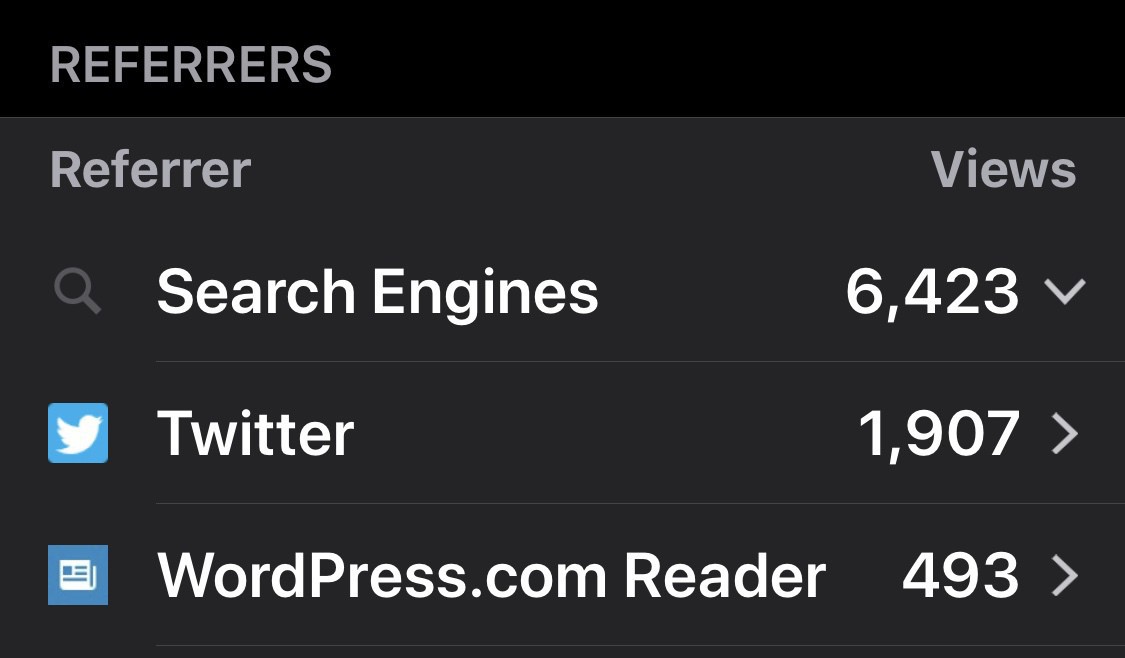
    → 6:55 PM, Jan 6
  • Your cellular iPad Pro might be bent

    I really wanted to stay off the iPad bend-gate train but after this post from Apple I had to add my comment.

    So first off wow, Apple have added their own support page for bending of the new iPad Pro. Something I don’t think I’ve seen since the days of the iPhone 4 losing signal if you held it wrong. This is on par with Tim Cook recently explaining that people getting cheaper battery replacements has meant that fewer people bought new iPhones this year. Good info but not necessary.
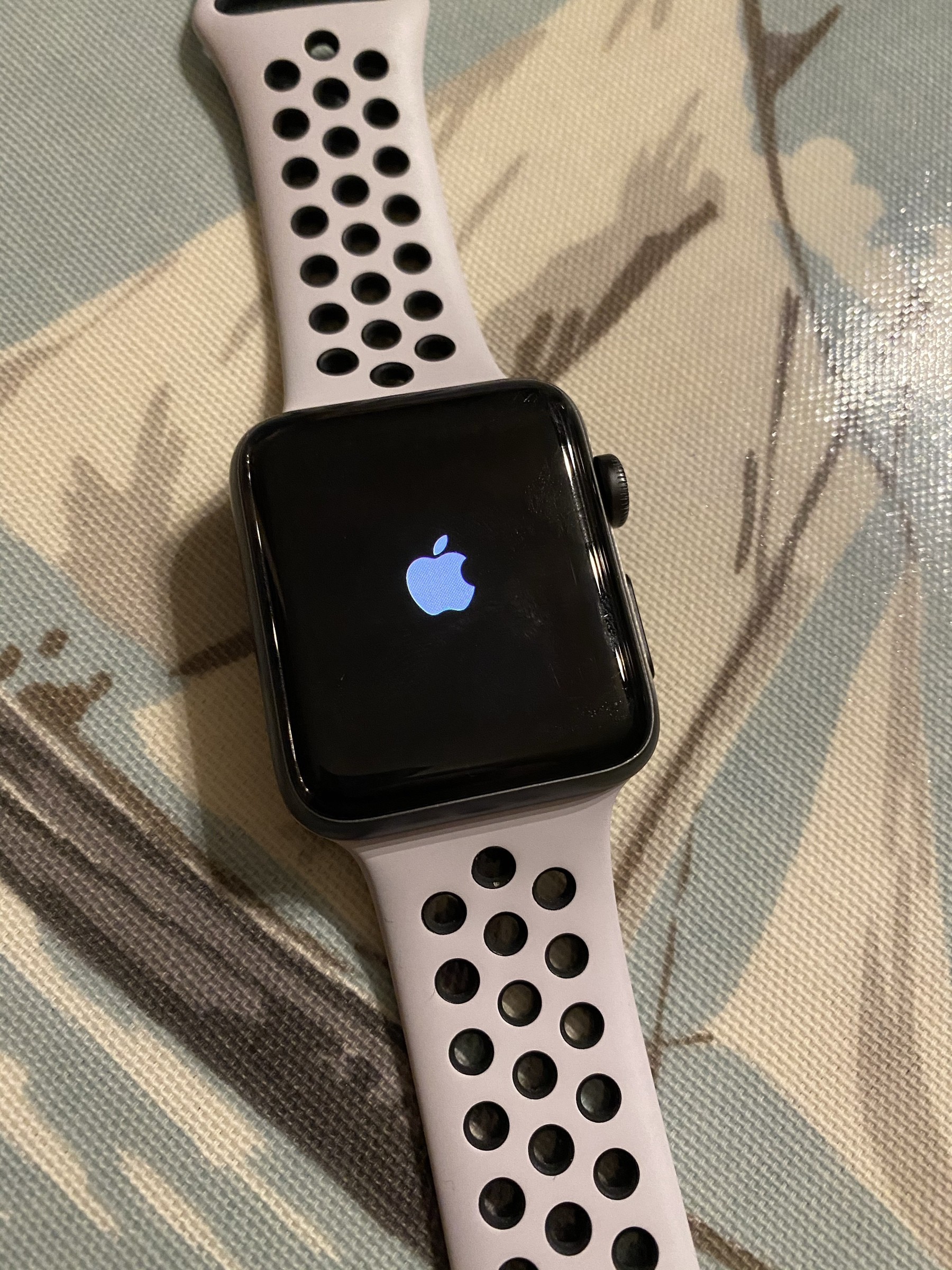
    Secondly it shows us that only the iPad Pro with cellular are affected. Again good info but why call it out. They could have silently been replacing in store within 14 day return policy rather than call it out.

    I’m all for transparency but it seems Apple are doing a less than ideal PR job right now.

    BTW I appreciate this is a little negative but I really am trying to put more positivity out there this year just had to get it it off my chest.

    → 6:18 AM, Jan 6
  • Don’t use an Apple Store for servicing your products

    Over the last year I’ve come to the realisation that I don’t actually like going to the Apple store. I used to go weekly as it was close to work and found browsing for 10 mins to be a pleasant experience but stood in line for an already late running genius appointment I had an epiphany, I dislike getting service at an Apple store these days. It took me a while to realise it but in the last few years it’s become somewhere I dread going.

    Today at Apple

    At my local store there isn’t a great deal of space and in the last few months what space there was to wait for an appointment has been taken up with today at Apple spaces. I’m not knocking Apple for running courses, it’s great but not all stores have the space for it. I found I was just loitering next to the guy doing the course, not ideal for either of us.

    Online and in store are two different businesses

    Maybe not technically but it certainly feels like it. Over the last few years I’ve been sent to the Apple Store by online only to be turned away. Most recently I had a problem with my leather loop band and was told online to go to the store to swap it out. On turning up I was told there were no appointments and online shouldn’t have sent me to the store. If online tell you to go in store make sure you don’t or take a record of the conversation. In my experience if it’s online then stay online don’t try to get service in store.

    Appointment availability

    This is slowly getting worse in my area, if online try to book for you or you do it yourself then it can sometimes be two weeks before you can get something. It’s worth noting if you go early without an appointment you should be ok getting same day if it’s emergency like a smashed screen.

    Running tests

    Regardless of any tests run online the genius will need to run them again. If you’re even thinking about going in store just go don’t attempt to resolve online first.

    Forget it if you have an Apple Watch issue

    The stores can’t do much when it comes to the Apple Watch, it’s better to deal with this via online.

    My advice - stick to online

    After this realisation I decided that I’ll only deal with Apple support online and avoid their stores as much as humanly possible.

    I’ve had a few issues with my iPad and series 4 Apple Watch and dealing with online is much easier. Often it follows this process

    • Chat online with their staff
    • A box is sent next day via courier
    • Pack up your device and take it to the courier the same day
    • It'll go to Apple that same day, be looked at next day and typically you get it the day after that. So about a 3 day turn around, which I think is great

    The only exception that would get me to a store is a broken screen.

    What are your experiences of using an Apple Store at the moment?

    → 10:04 AM, Jan 5
  • Getting a nice amount of traffic redirected from Micro.blog - thanks everyone.

    → 8:26 AM, Jan 5
  • #shotoniphonexs

    Quite pleased with this iPhone shot that I got whilst at Bristol Zoo this week. This is just beyond 2x zoom on the XS. This means it has a little digital but mostly all optical zoom using the second lens. Little grainy when you zoom right in but a very satisfying shot and for once I think I framed it well.

    → 8:09 AM, Jan 5
  • Blogging in 2019

    Every year I ask myself about the state of blogging. In this age of social media it’s often forgotten about that people still have them. Personally I’d rather put my content (that I value) somewhere that’s mine and share from social rather than build up content on someone else’s platform. Throw away comments are fine on Twitter but a post like this one will always be put on my blog.

    I don’t think blogging is anywhere near dead and will come back around once the social media frustrations are drawn out. I’m already seeing a decline in people using social media, especially FB and before I deleted my account saw hardly anything from friends.

    My focus for 2019 might shift a little towards podcast or video but a blog will always be the backbone of my content, somewhere everything hangs off.

    → 7:32 AM, Jan 5
  • My latest iPad Pro problem

    Here’s the second shipping box sent to Apple in 4 weeks for my 10.5” iPad Pro. I love this device and missing it already, I’ll most probably work from iPhone than use my MacBook until I get it back next week.

    Last time I had a replacement because of a bright white area developed on the screen. This time when I press the home button the screen gets some light bleed at the edge.

    This is why I always buy Apple Care +.

    → 8:26 PM, Jan 4
  • So now I’m going to add some focus to the podcast, what frequency would you like to see? I’m thinking weekly but maybe more depending on news breaks etc. Also thinking of adding a guest spot that I’ll do every month. Thoughts?

    → 7:16 AM, Jan 4
  • How to change to bold text on iOS

    I’ve been bumping up the font on iOS slowly over the last year or so but after switching my Apple Watch to bold text (and preferring the look of it) thought I’d do the same on iOS. I’ve done this on my iPad and iPhone and prefer the look, I’ve also been able to reduce the font size back to normal.

    The keyboard is the biggest change that I’ve gotten to terms with but it’s much easier for me to see now with my older eyes.

    Apps (well most of them) support this mode, some apps (looking at you Amazon) don’t seem to support bold everywhere.

    Anyone else using this?

    → 7:37 AM, Jan 3
  • Trying out a bolded text approach to iOS. I’ve been bumping up the font but thought I’d give bold a go instead.

    → 7:25 AM, Jan 3
  • Thinking about a theme of rather than resolutions for this year. It’s an interesting take on resolutions to remind yourself of a North Star or guiding principle to follow.
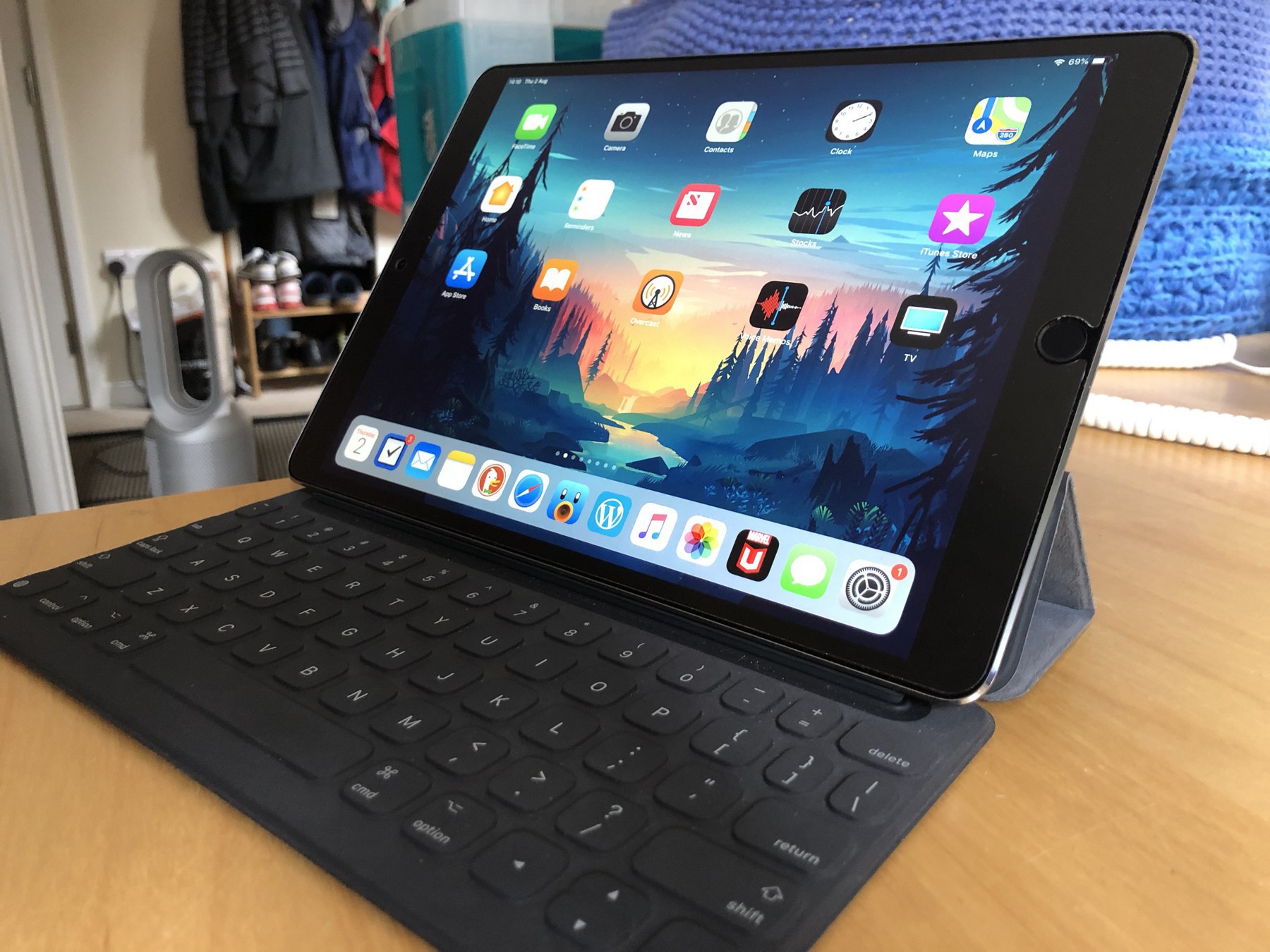
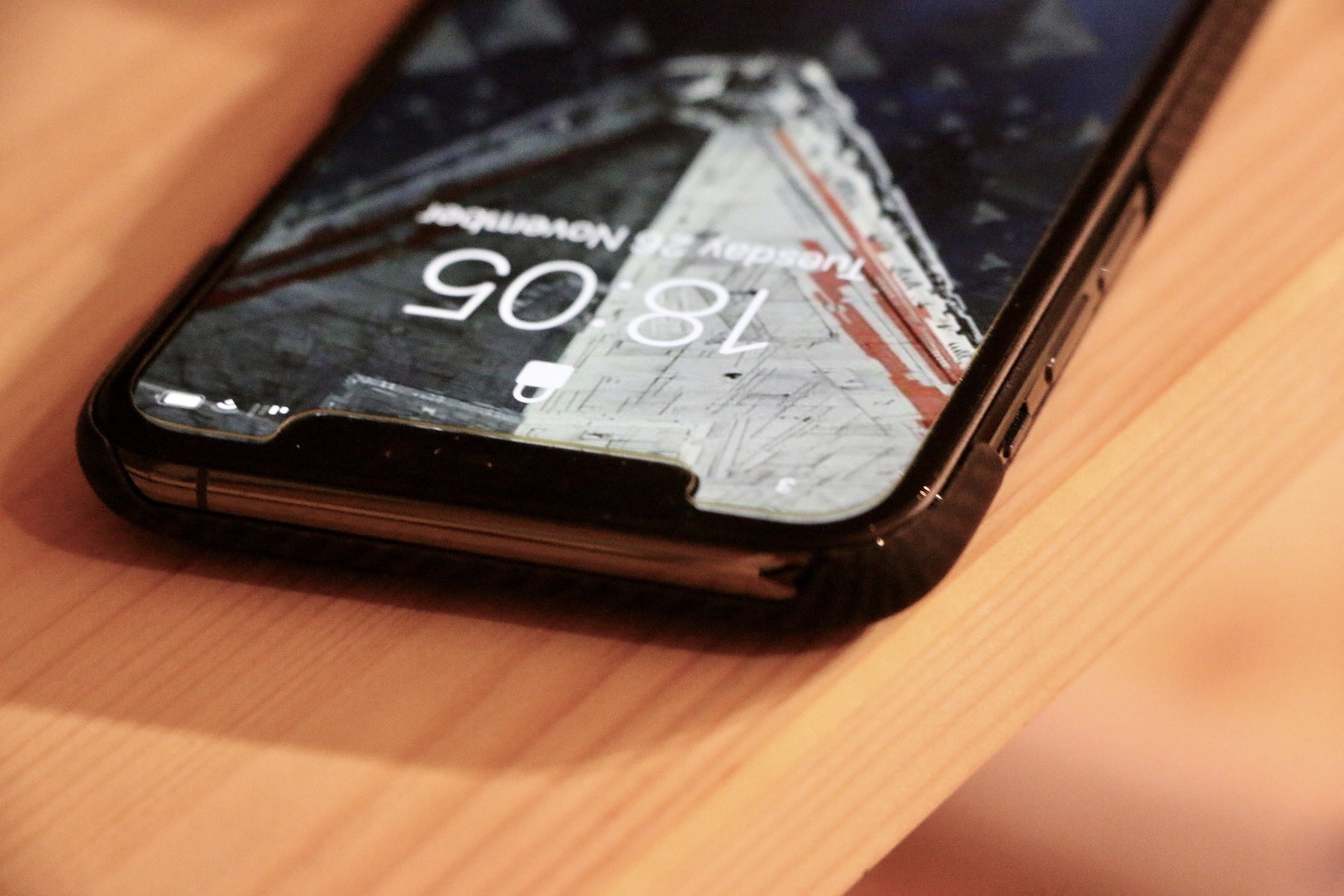
    → 7:24 AM, Jan 3
  • Here’s my first (of many hopefully) from Micro.blog in 2019. I’m wanting to concentrate more on writing content than consuming so figure spending less time on Twitter is a good place to start.
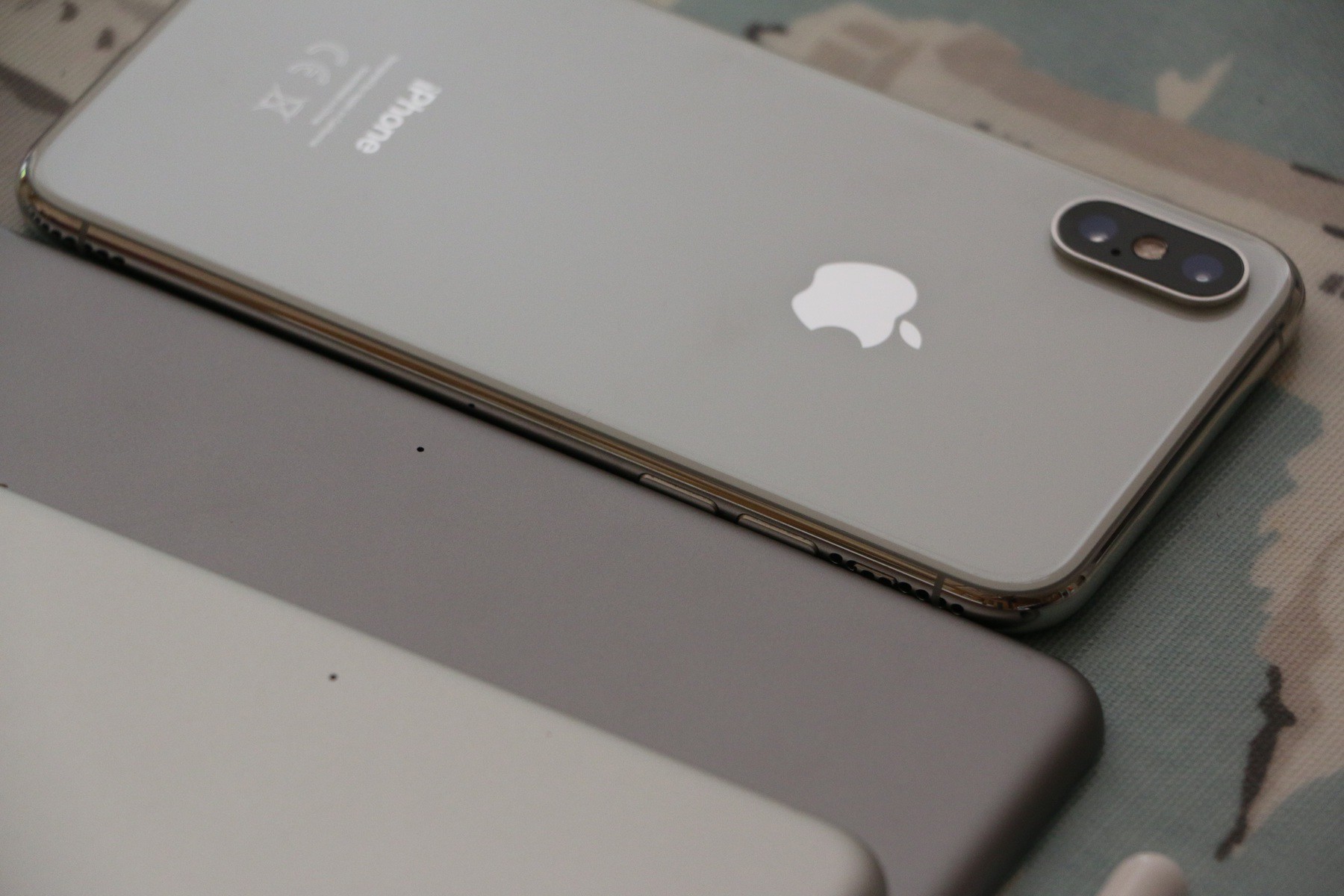
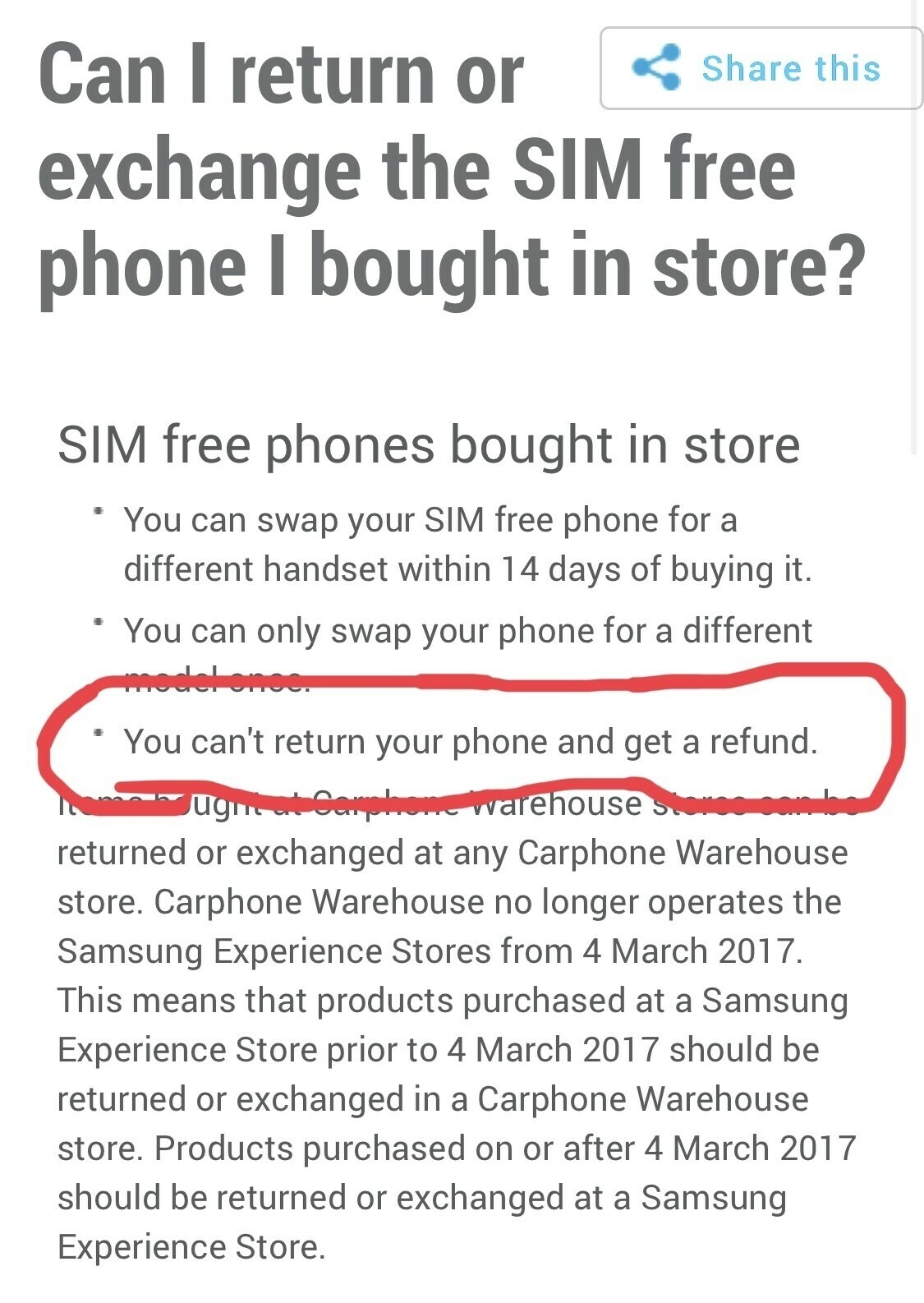
    → 6:18 AM, Jan 2
  • Making it big on YouTube

    Turns out a headline like this one would get me better traffic on YouTube than something I wanted to be more positive such as ‘How to set up Apple News’. A goal of mine has been to share more but based on my testing of YouTube their algorithm really does skew towards the negative and extreme. As someone that wants to put out positive helpful content in 2019 it seems that YouTube isn’t a place for me.
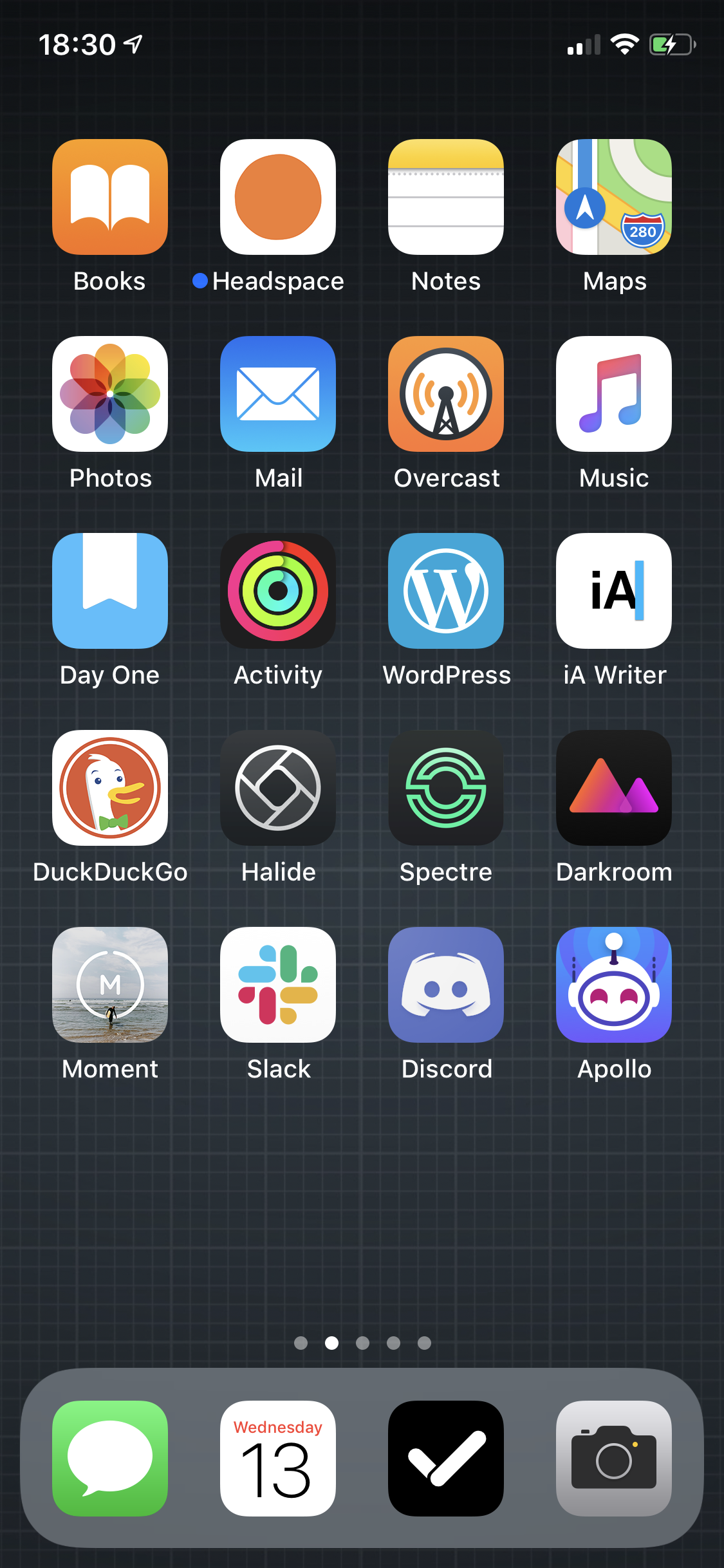
    Here’s a little test, yes the viewing numbers are small but check out the view comparison. If you want to get any sort of traction (and don’t have a large community already) you’ll need to create negative or divisive content to get any sort of views. When I started a guitar channel back on 2008 it seemed that helpful content was all I needed to put out but that isn’t cutting it in this day and age of fake news.

    It’s got me rethinking some 2019 goals of mine.

    It might be a pessimistic view but please let me know what you think.

    → 6:13 AM, Jan 2
  • iPad Pro screen light bleed

    I’ve not long had this replacement iPad from Apple but noticed some light bleed near the home button. This is made worse when the home button is pressed… my Apple curse continues.

    I’ll update as I get through the support process.

    → 3:12 PM, Jan 1
  • RSS
  • JSON Feed
  • Micro.blog