← Home About Archive Search Also on Micro.blog
  • Nice trip out to a nearby ship graveyard.

    → 9:34 PM, Aug 8
  • Day 4 Peace, #mbaug

    → 5:00 AM, Aug 4
  • Bug #mbaug

    → 5:10 AM, Aug 3
  • Very odd to post a negative review on the App Store because it doesn’t work on iOS 14. I feel for the developers that have to put up with users like that.

    → 7:42 AM, Aug 2
  • Wordpress or Micro.Blog for my writing

    Now I’ve got a good feel for M.B I’ve learned a lot about it vs Wordpress. I think I’m still going to be here but will post to my wordpress blog. I’ve got readers reaching out and I’m also finding that for longer form posts I prefer the Wordpress app. My main takeaway is I love this community and looking forward to continuing posting here.

    → 7:05 AM, Aug 2
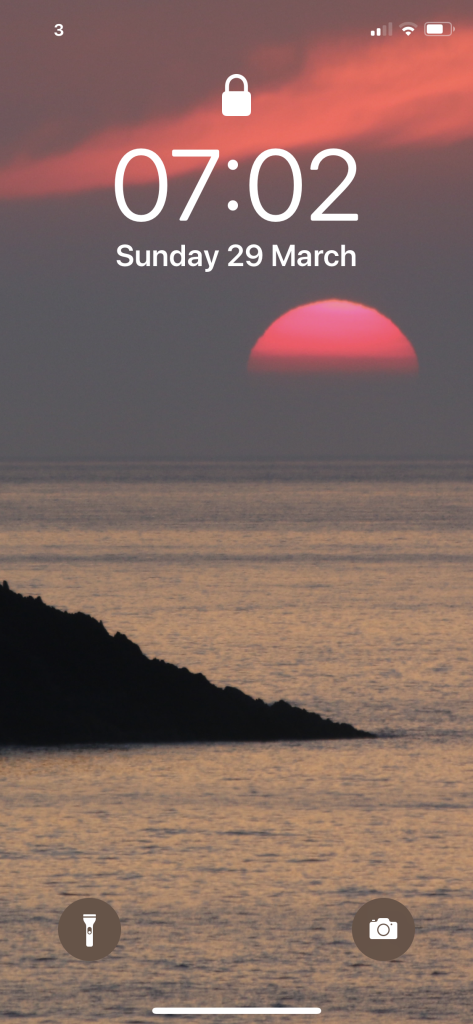
  • Sunset FLOATING on the sea in West Wales. #mbaug

    → 6:53 AM, Aug 2
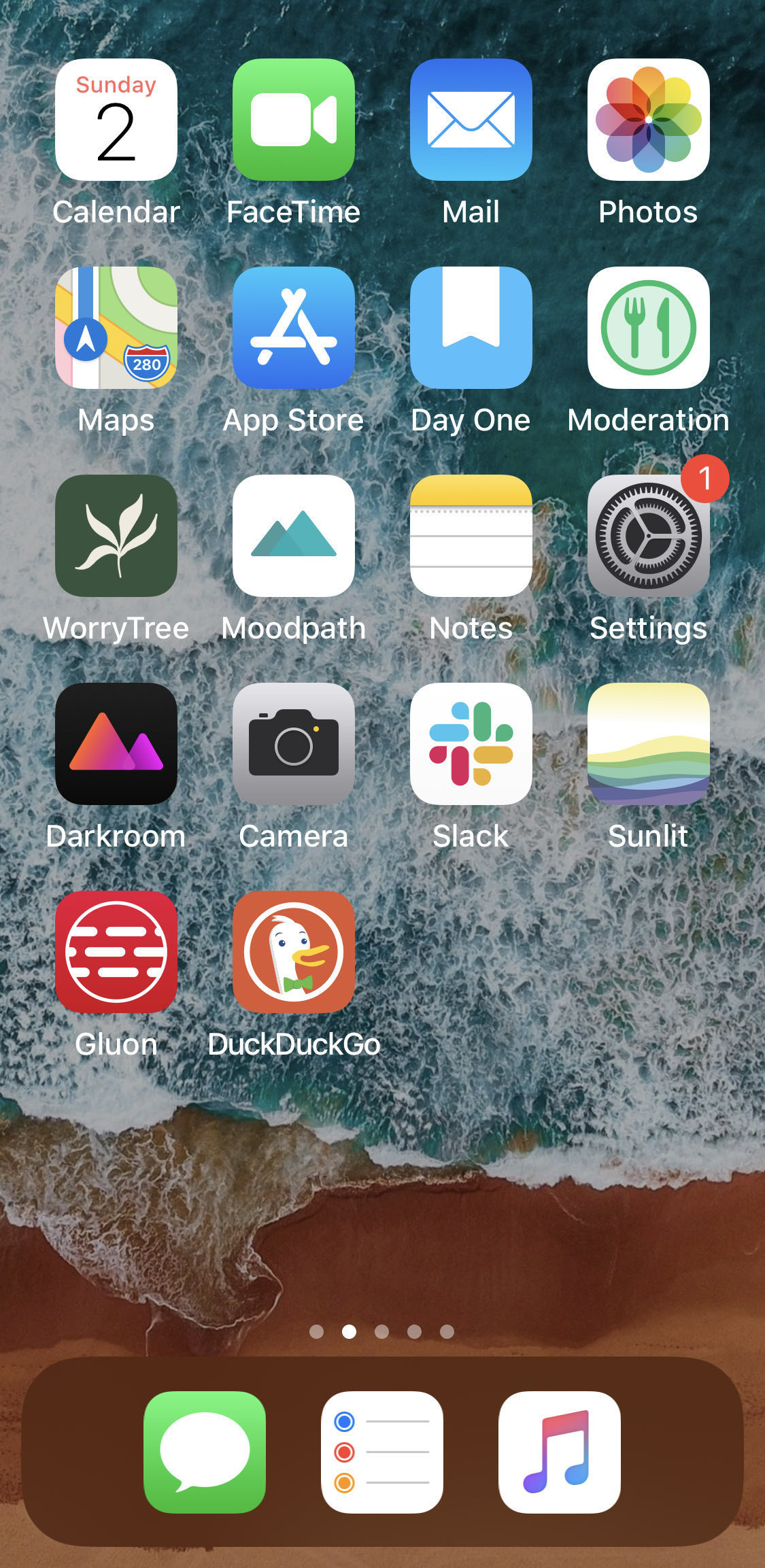
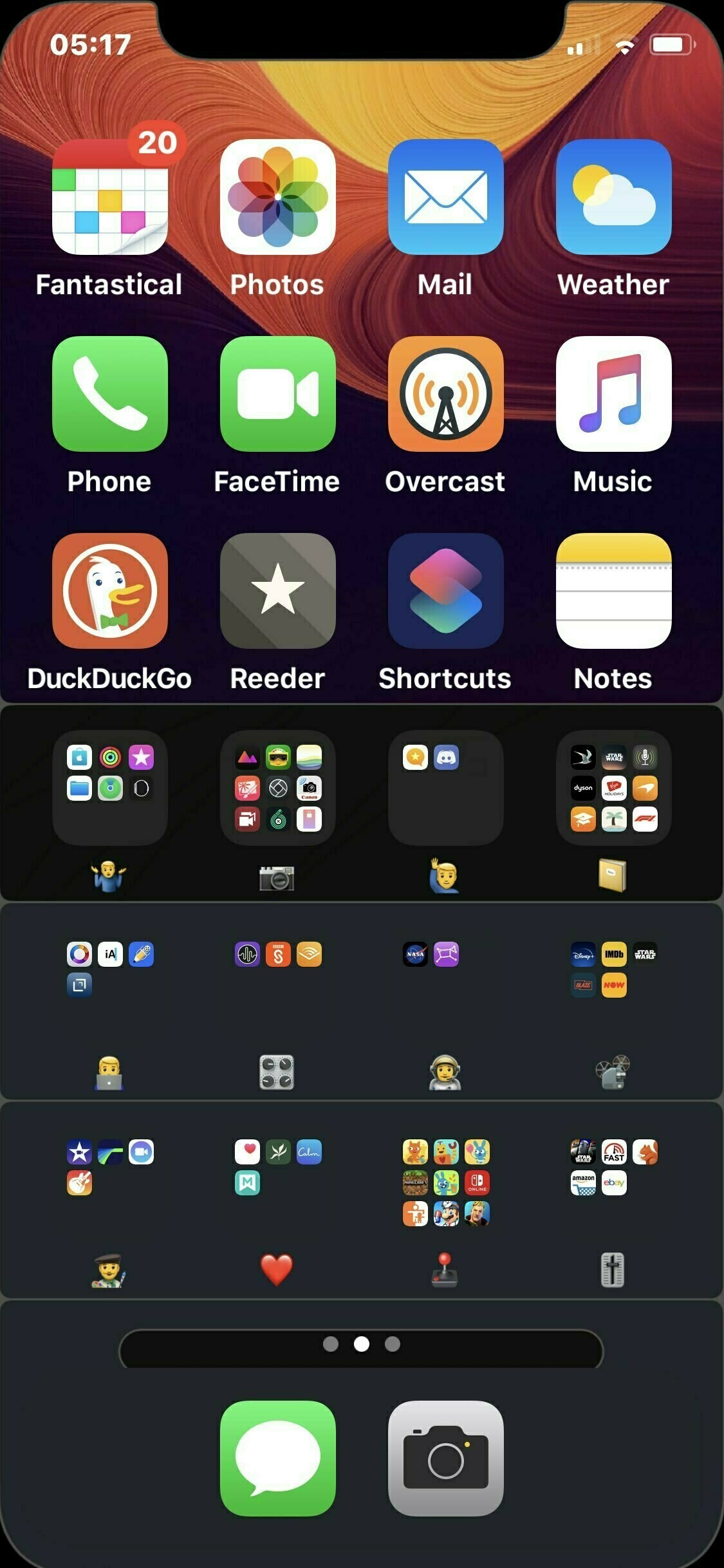
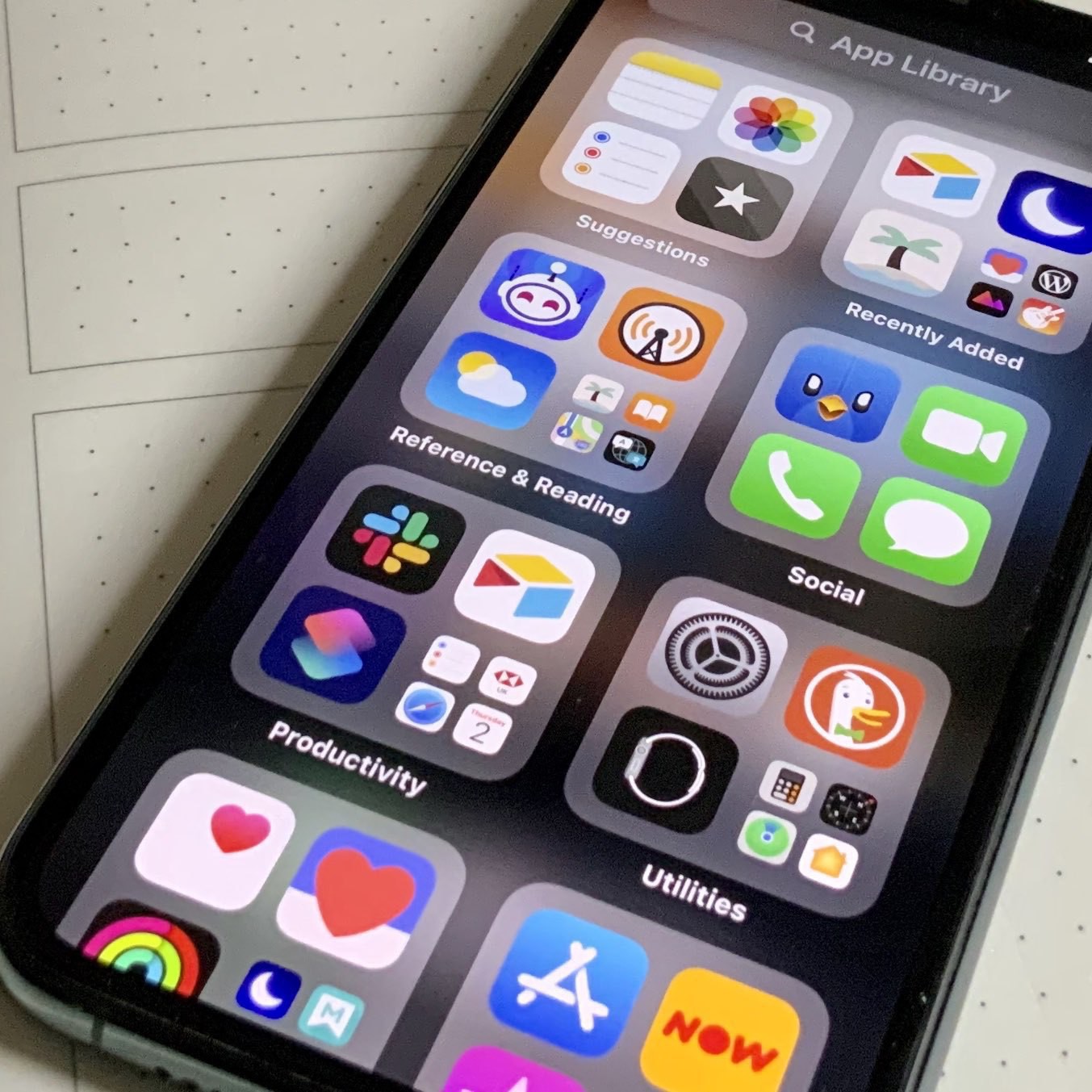
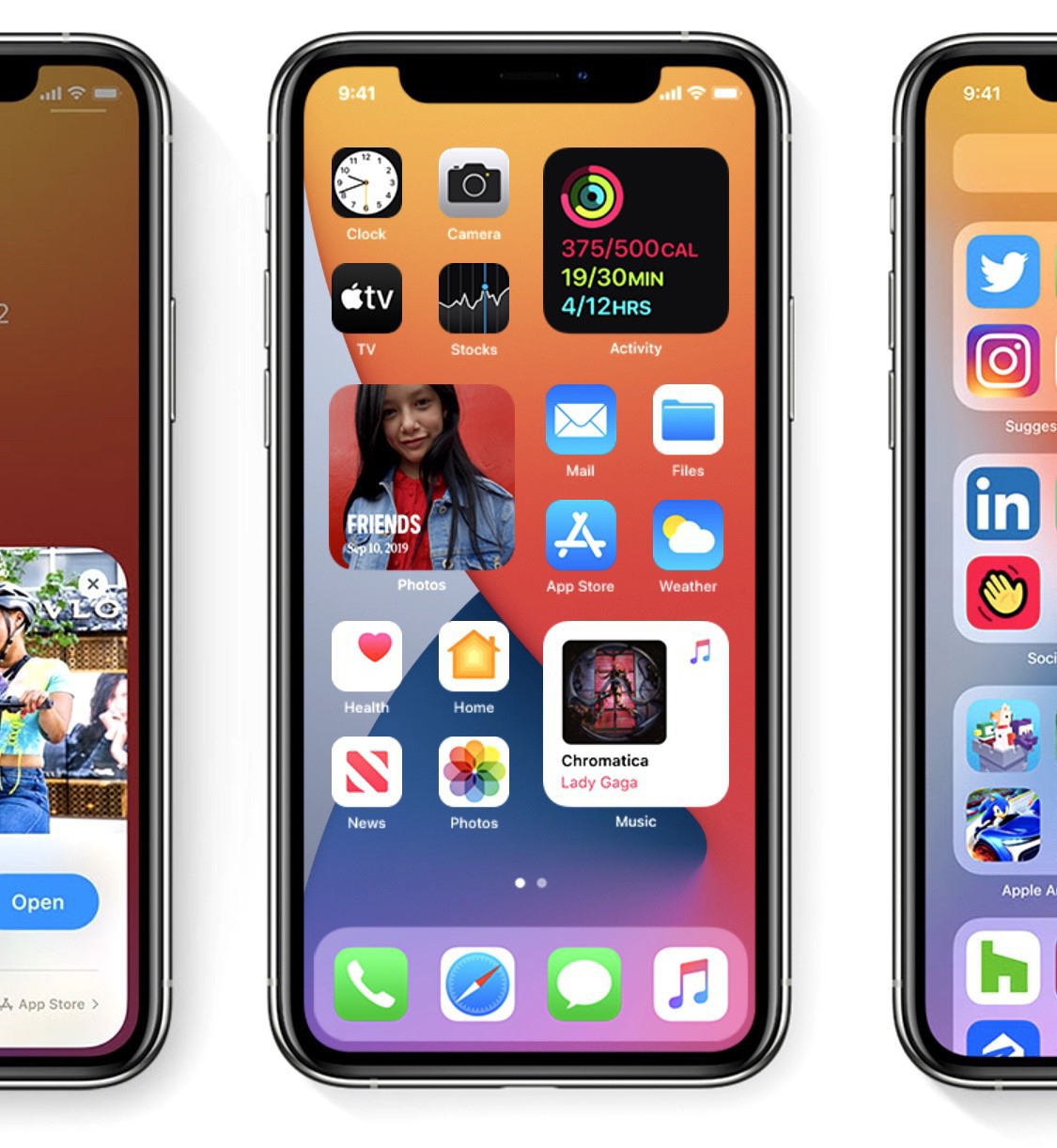
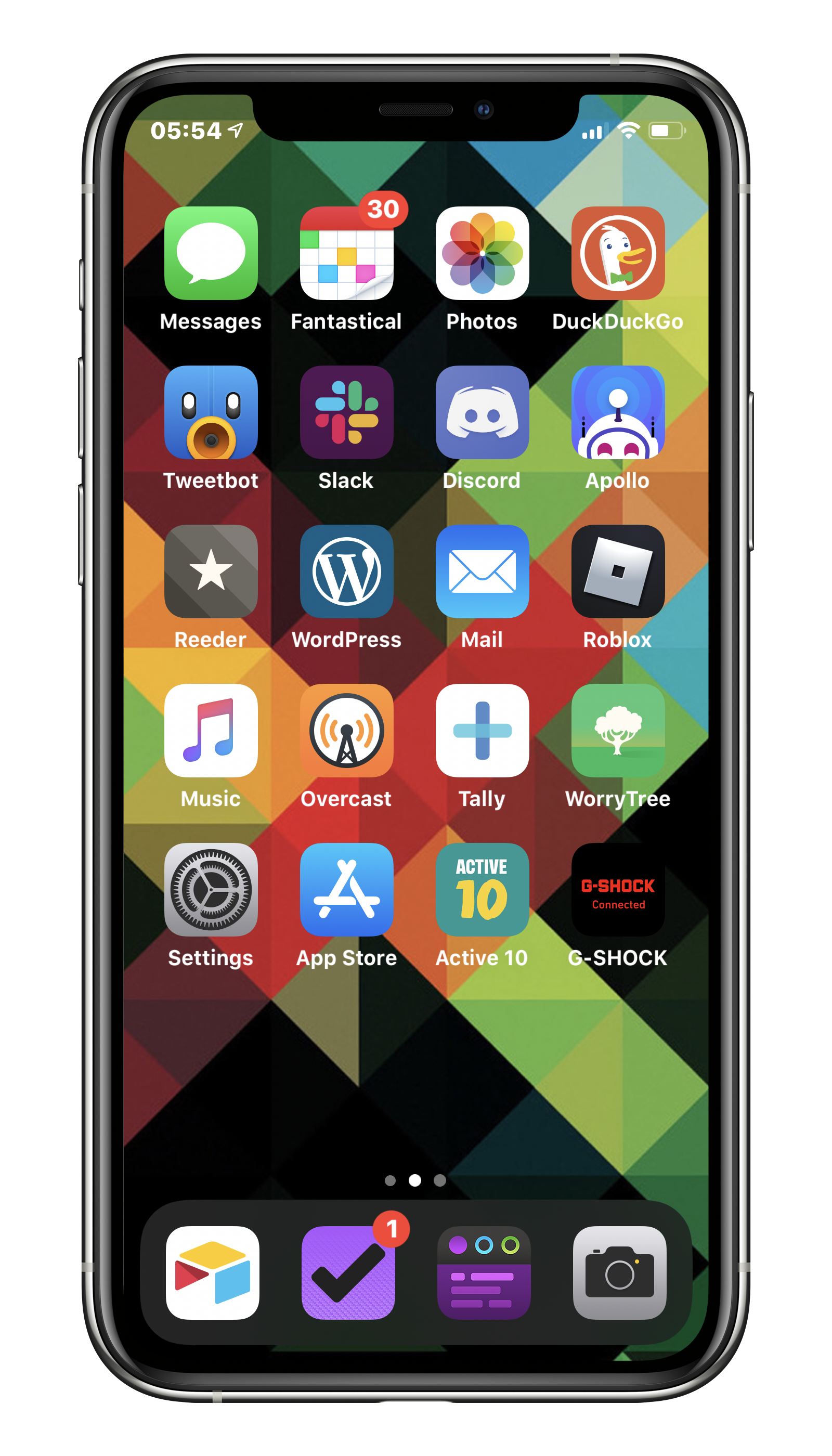
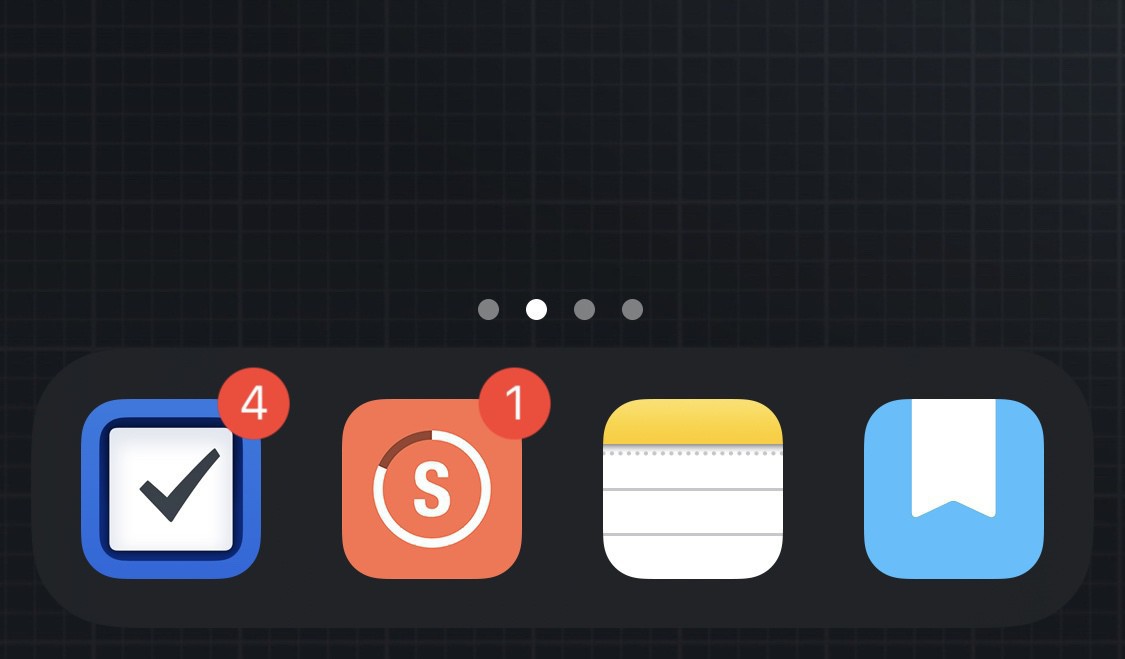
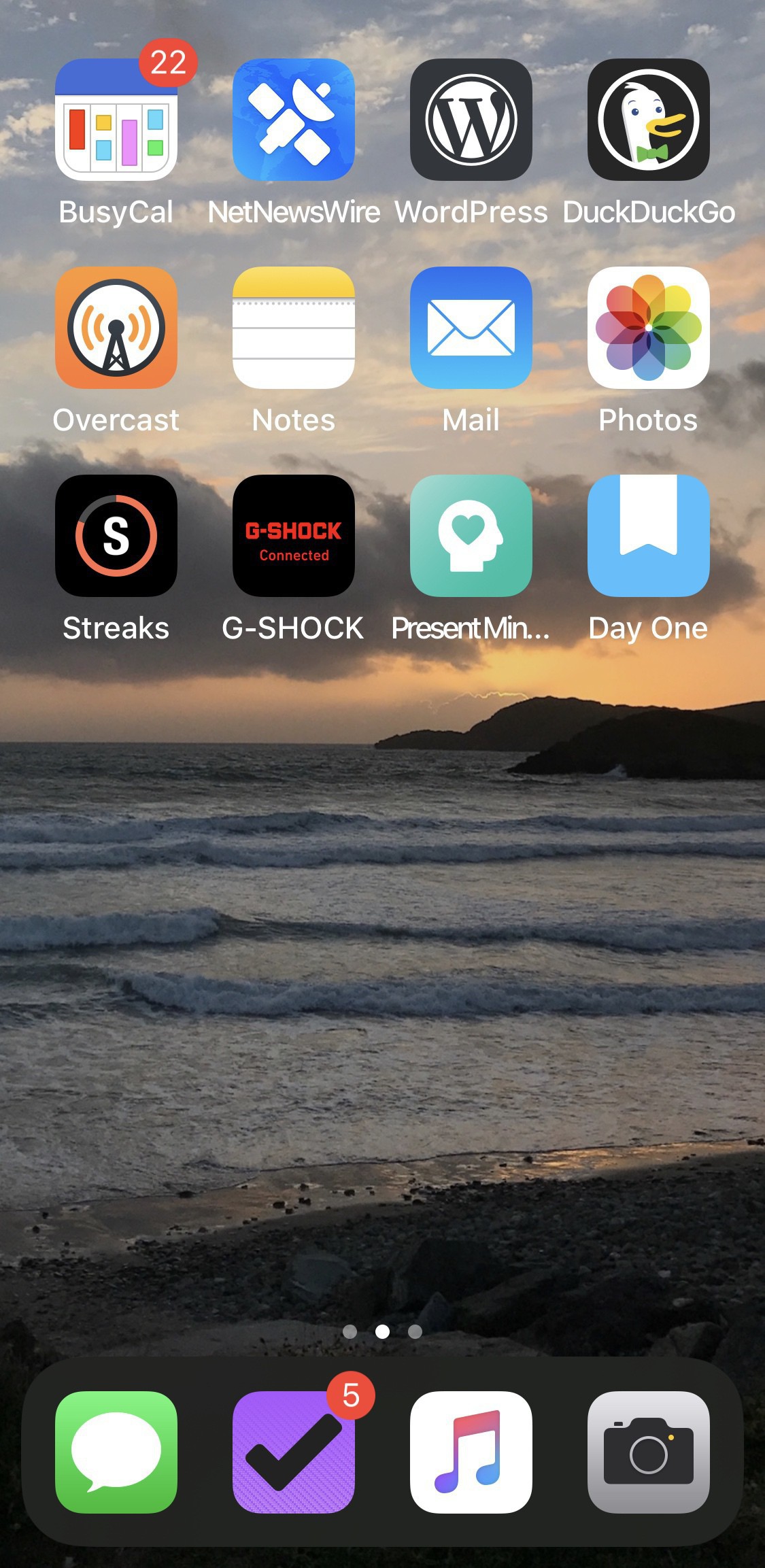
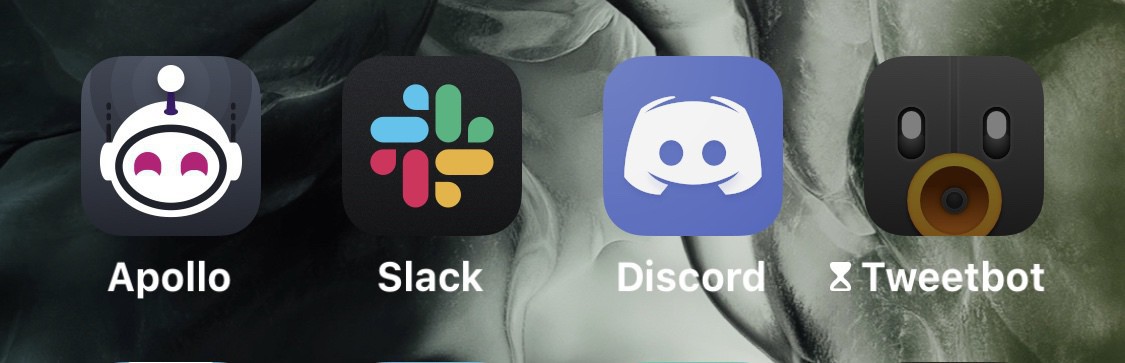
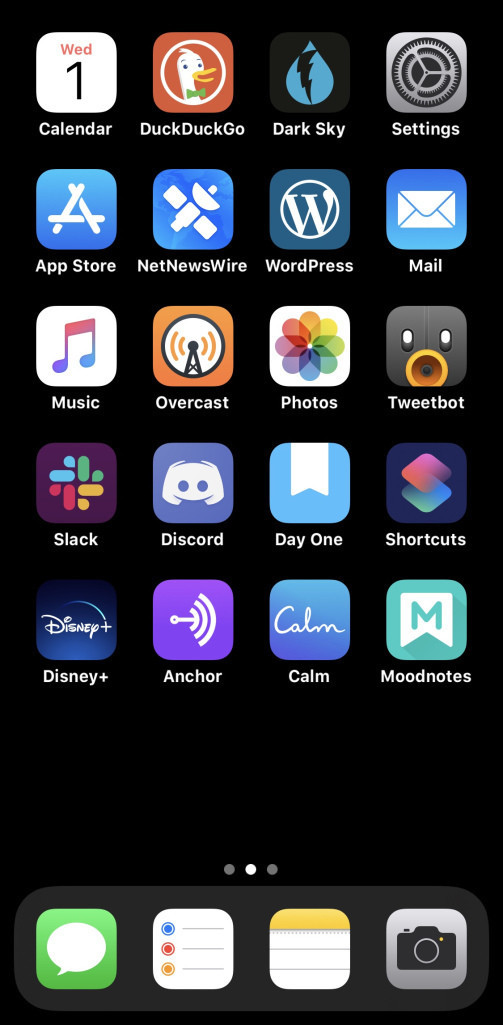
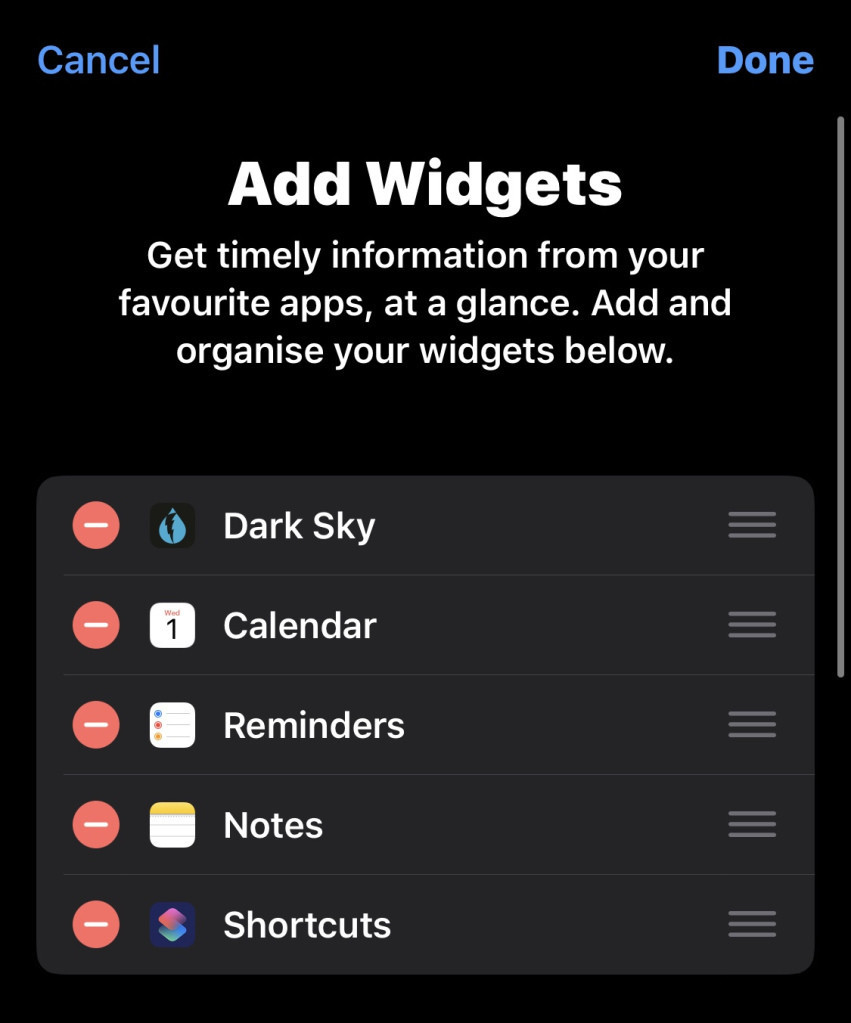
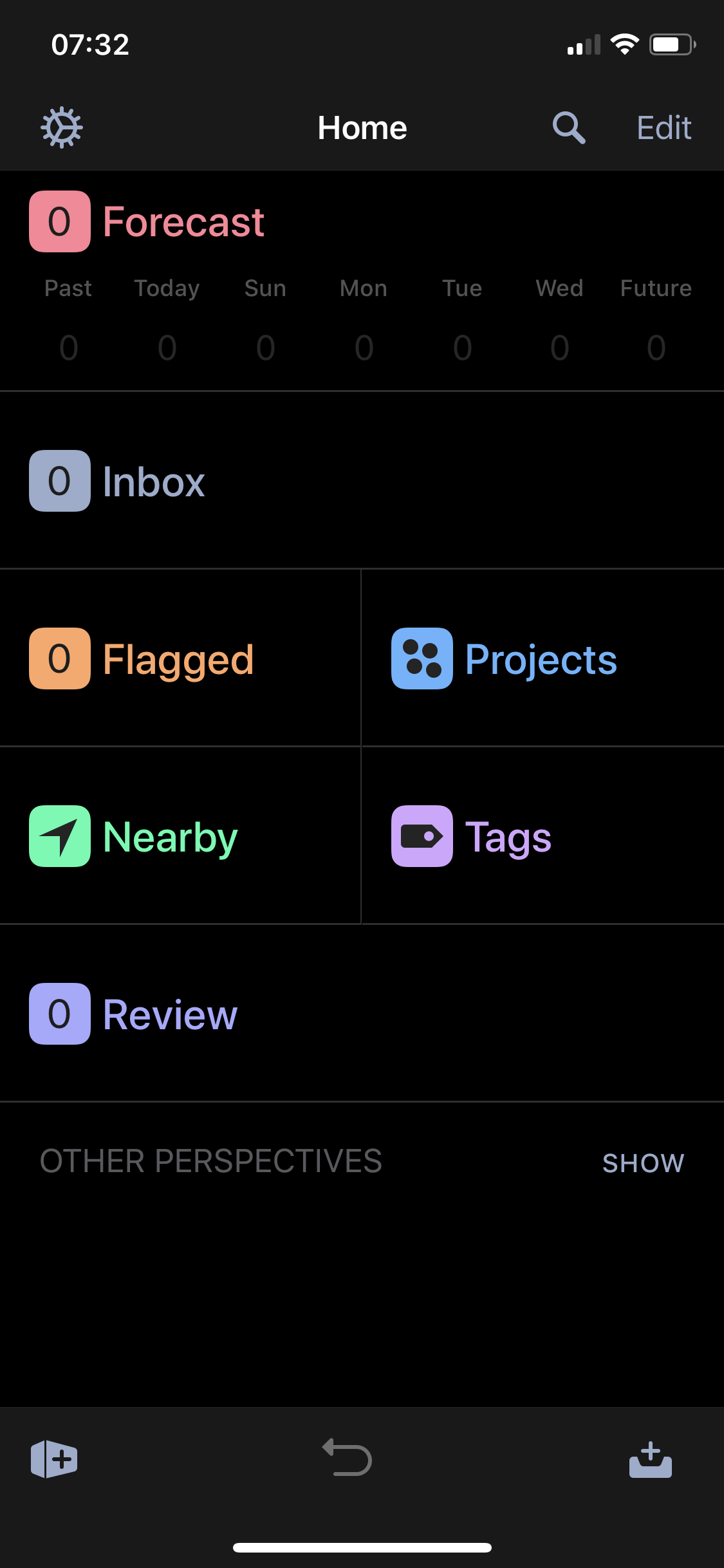
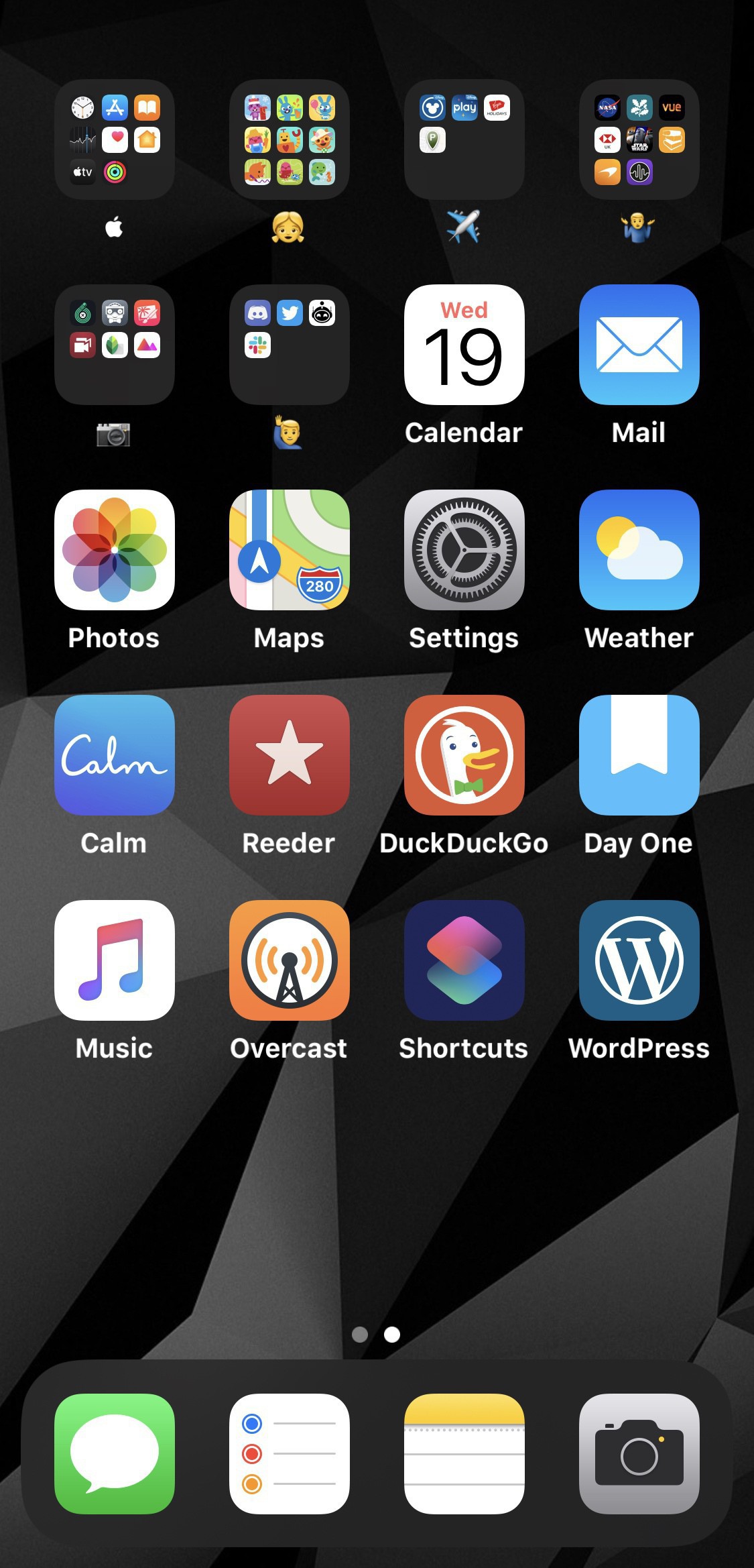
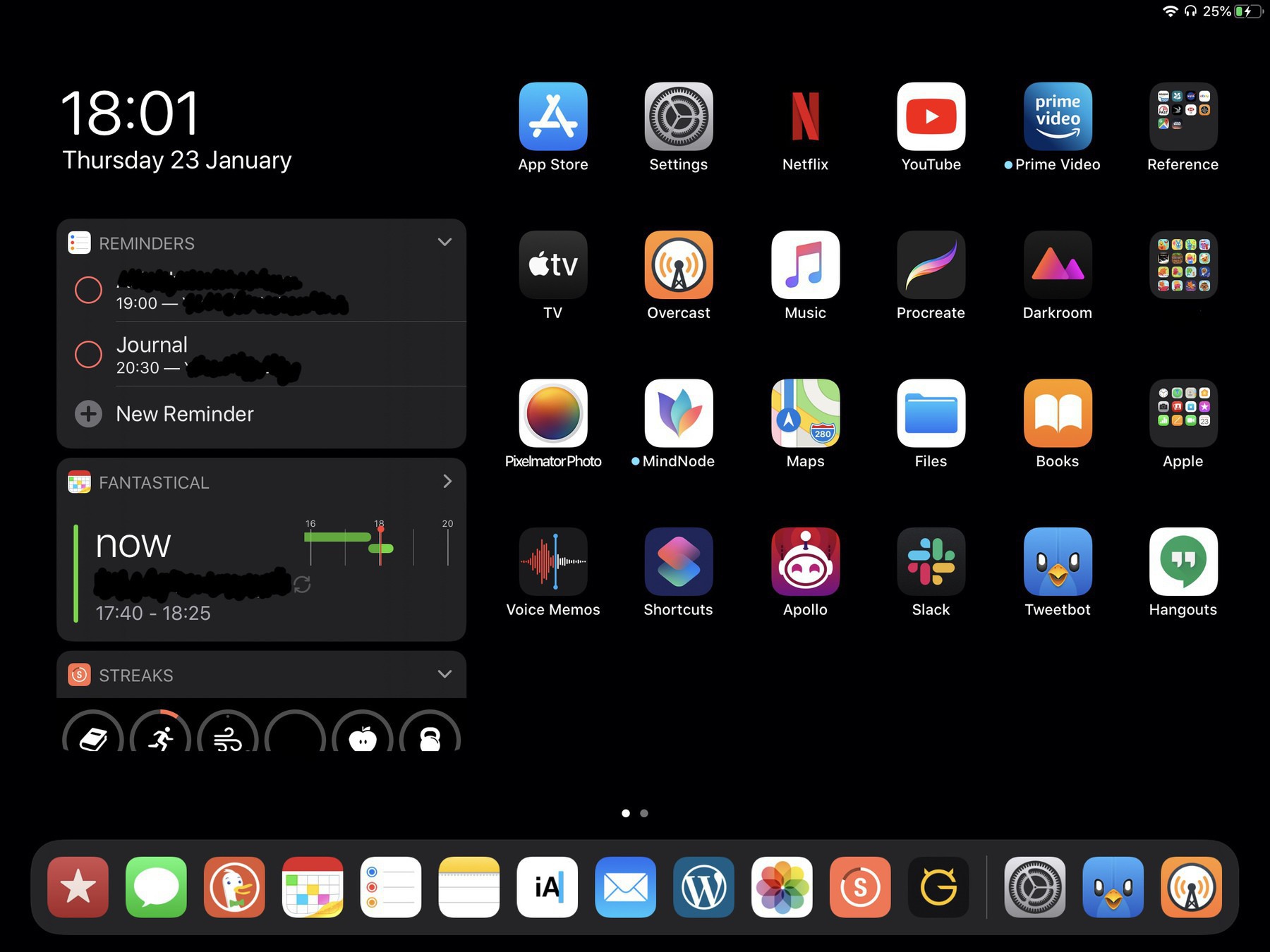
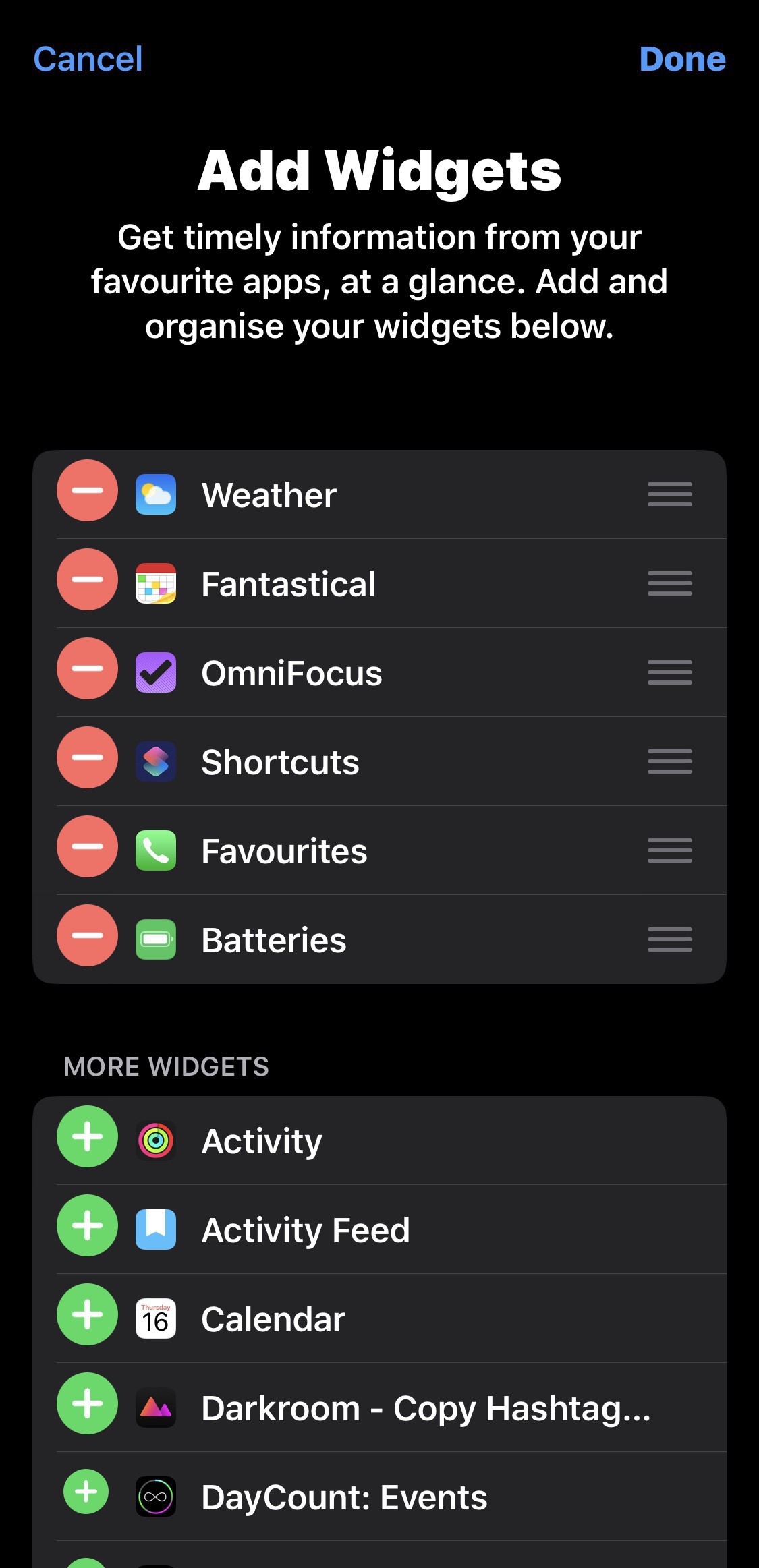
  • Going for a pretty simple iPhone home screen these days. Just to tools to get me through the day. Some mental health, no news or podcasts, more photography.

    → 6:25 AM, Aug 2
  • I’ve been doing a lot of trimming down of the media I consume lately. Even podcasts I’ve listened to for years I’ve realised that some of my unhappiness is coming from the influence of others. I’ve always got an earbud in and I decided to be ok with being bored. I’m finding I have more time to form my own thoughts and my mind feels a little less active.

    → 6:04 AM, Aug 2
  • Thinking about a new setup

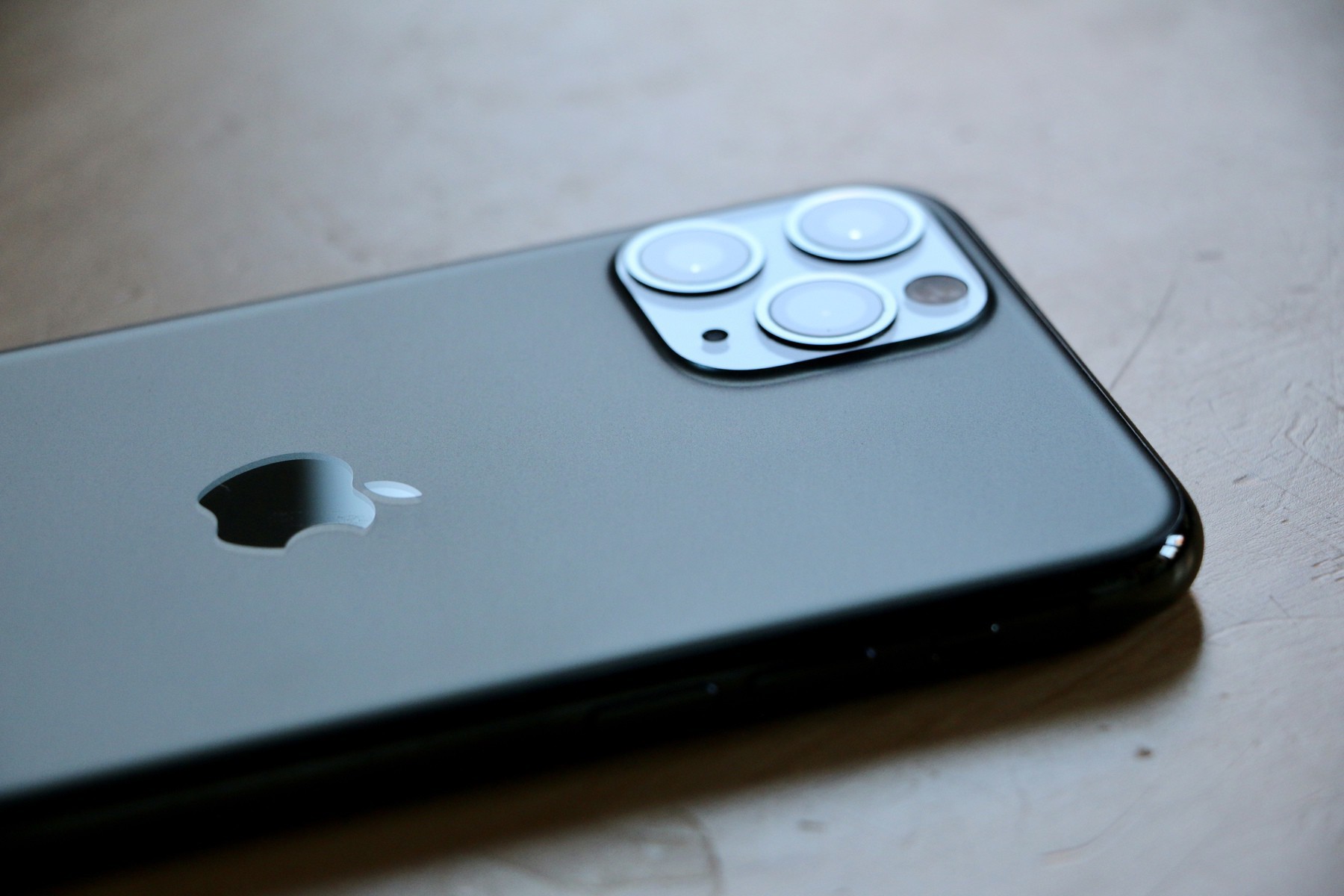
    I’ve been doing a lot of thinking about simplifying my setup and with my daily issues around FaceID still after all this time I’m tempted to make a change. The main reason I stay on the flagship (in this case 11 Pro) is all down to the camera. I spend all that money on a new phone each each just for the camera upgrade. This got me sitting down and thinking about how I could stop this cycle, maybe I need to change the way I think about the camera. As good as it is it still won’t beat a dedicated camera in my opinion.

    Maybe I go for a compact great camera and a phone where I’ll be happy unlocking and using but can still take those shots to remember a moment.

    As with a lot of things in my life (and something I wish I didn’t do) I’m probably overthinking and will torture myself with the choices, overanalysing everything.

    But, I’m thinking I may change my setup.

    Sell the 11 Pro. Get an iPhone SE 2020 or Google Pixel 4a. Get a Sony RX100.

    This way I have a great little camera plus a phone with a good enough camera to catch those unplanned events.

    Anyone else use this method or can recommend a small great camera?

    → 5:55 AM, Aug 2
  • Floating #mbaug

    → 5:40 AM, Aug 2
  • Gluon might be my favorite M.B client.

    → 8:11 AM, Aug 1
  • I’m enjoying being here at Micro.Blog, the only real criticism I have is related to performance. Not sure if it’s just my internet but an take up to a minute to see my feed, sometimes discover never loads and posts to my blog can take up to 5 minutes to appear.

    → 6:59 AM, Aug 1
  • Another one for #mbaug this time of year I’m using at the International Air Tattoo and I’m definitely missing it. My camera would be pointed up most of the 4 days I’m using there.

    → 6:31 AM, Aug 1
  • Starting off the August Photo challenge with something I quite often look up at and still inspired and in awe of. 📷 #mbaug

    → 5:40 AM, Aug 1
  • Trying to go cross-platform.

    After a day’s play I’ve completely given up on using Google services, iOS apps are old and not up to date. Some very wierd differences around what you can do on the web and what you can in app. Going cross-platform seems Microsoft might be the way to go… didnt think I’d be saying that …

    I’m not completely going in with Microsoft yet but will be testing out OneNote, Outlook and MS TODO on iOS.

    → 5:59 PM, Jul 31
  • Any Google Cal and To Do users out there? On iOS the app is pretty terrible and doesn’t integrate with the Calendar app at all, which seems weird. Showing a sign of how committed Google are to actually update their apps?

    → 10:19 AM, Jul 31
  • Anyone using Micro.Blog on Android? First party app available? Picking up a 4a most probably so want to be as cross platform with everything as I can.

    → 5:03 AM, Jul 31
  • I just cant seem to get my M.B to appear in a Google search, not sure if it’s something I’m doing wrong? With Wordpress I felt like I was creating for everyone but I’m a bit walled into M.B at the moment. Anything I’m doing wrong here?

    → 5:56 AM, Jul 30
  • A trail of failed projects

    Feeling like there is a host of failed creative projects following me around and writing is the only one that’s stuck with me. I enjoy writing about passions and sharing my experiences. Experience is also telling me which ones to keep going and which ones to drop. I’m going to be doing some planning on what I can do and put effort into given the current situation and my energy levels with balancing work, family and hobbies. Being realistic about what I can get done is going to be something I need to be honest with myself about. Watch this space but I’ll be making decisions on which I’m dropping and which are staying.

    → 5:15 AM, Jul 30
  • Be careful going between iOS 14 and iOS 13. After days of downloading messages from iCloud all of my messages across all of my devices have been deleted.

    → 11:48 AM, Jul 29
  • My thought at the moment is sell my 11 Pro and get SE+Sony RX100. That way I get the phone I want and a very small lightweight camera to take with me pretty much everywhere. Probably won’t go through with it but good thought experiment.

    → 5:34 AM, Jul 29
  • FaceID seems less reliable for me lately on both iOS 13 and iOS 14. If the SE had a better camera I’d jump over to one but I’d miss the 2x zoom way too much I think. I’m ok with it on iPad Pro but am ever since the X never really liked it. When I switched to the 7 again last year for a few weeks I lived the fact I could be unlocked as soon as I picked it up with my thumb.

    → 5:29 AM, Jul 29
  • For those you into TO DO apps, which one do you find is the most reliable from a sync perspective? Reminders is good to sync quick but the app isn’t great for trackpad support and omnifocus is now failing to sync across devices reliably.

    → 1:50 PM, Jul 28
  • I think moving between task managers is some kind of sick hobby for me these days… Reminders too frustrating with no right click support. I am using the magic keyboard about 80% of the time now and really miss having more keyboard and trackpad support.

    → 12:00 PM, Jul 27
  • Wishing I was at the beach.

    → 6:33 AM, Jul 27
  • Sometimes it’s just good to stop and take a breath. Took this with my Canon 70D and kit lens. Even though I use my iPhone more for me you just can’t beat a DSLR, forces me out of the house too 😀

    → 5:53 AM, Jul 26
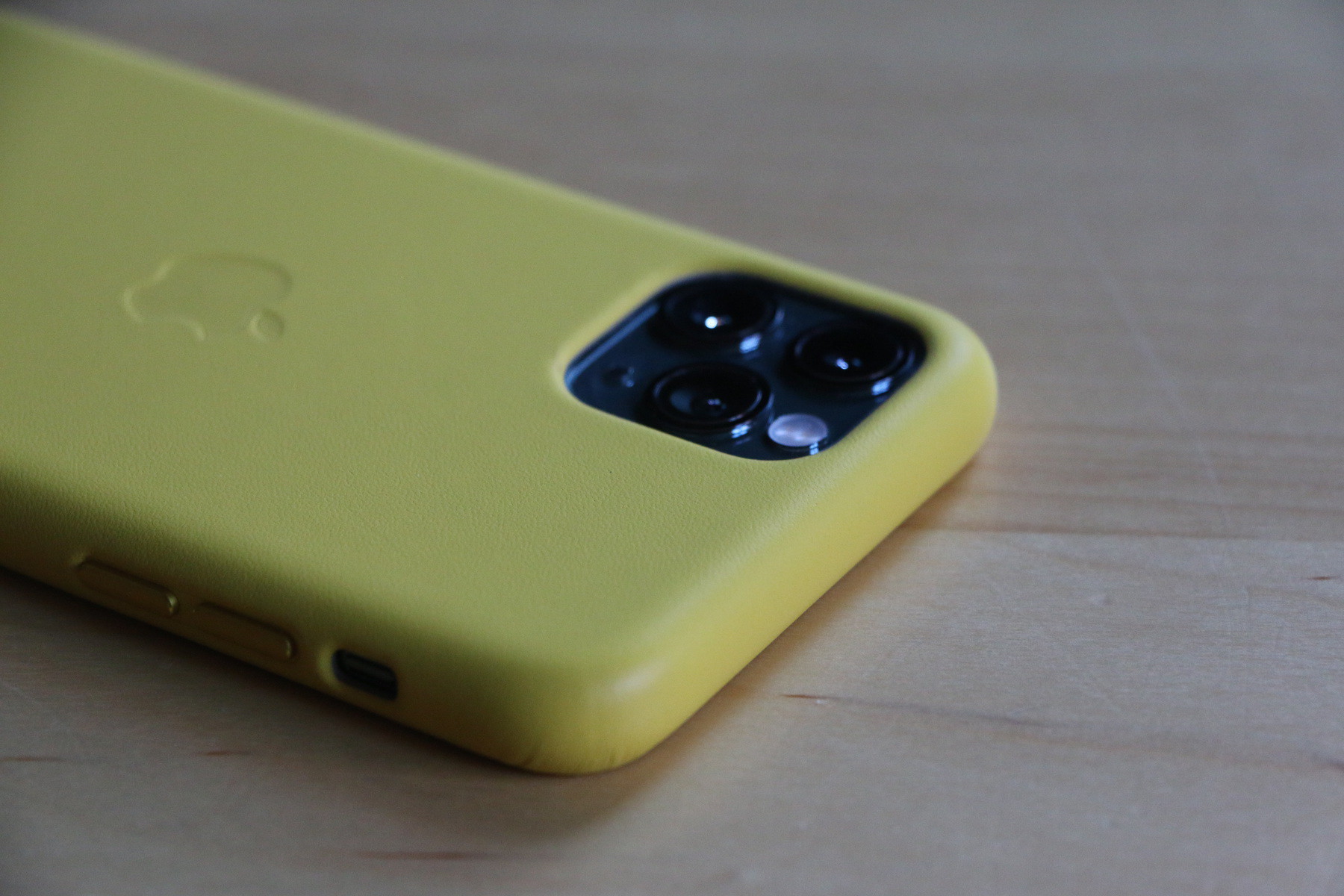
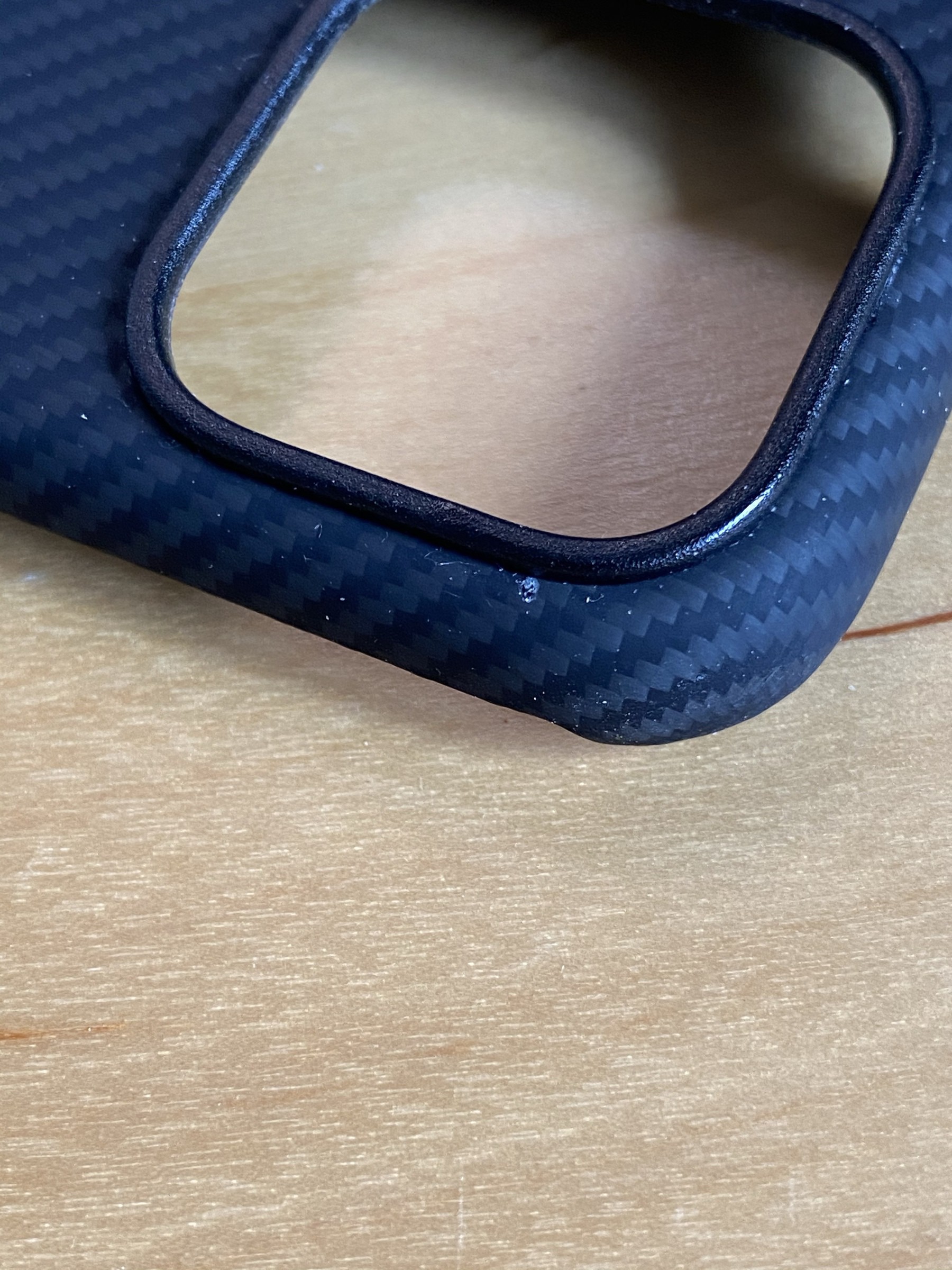
  • I don’t usually use a case but really needed some colour at the moment.

    → 8:54 PM, Jul 25
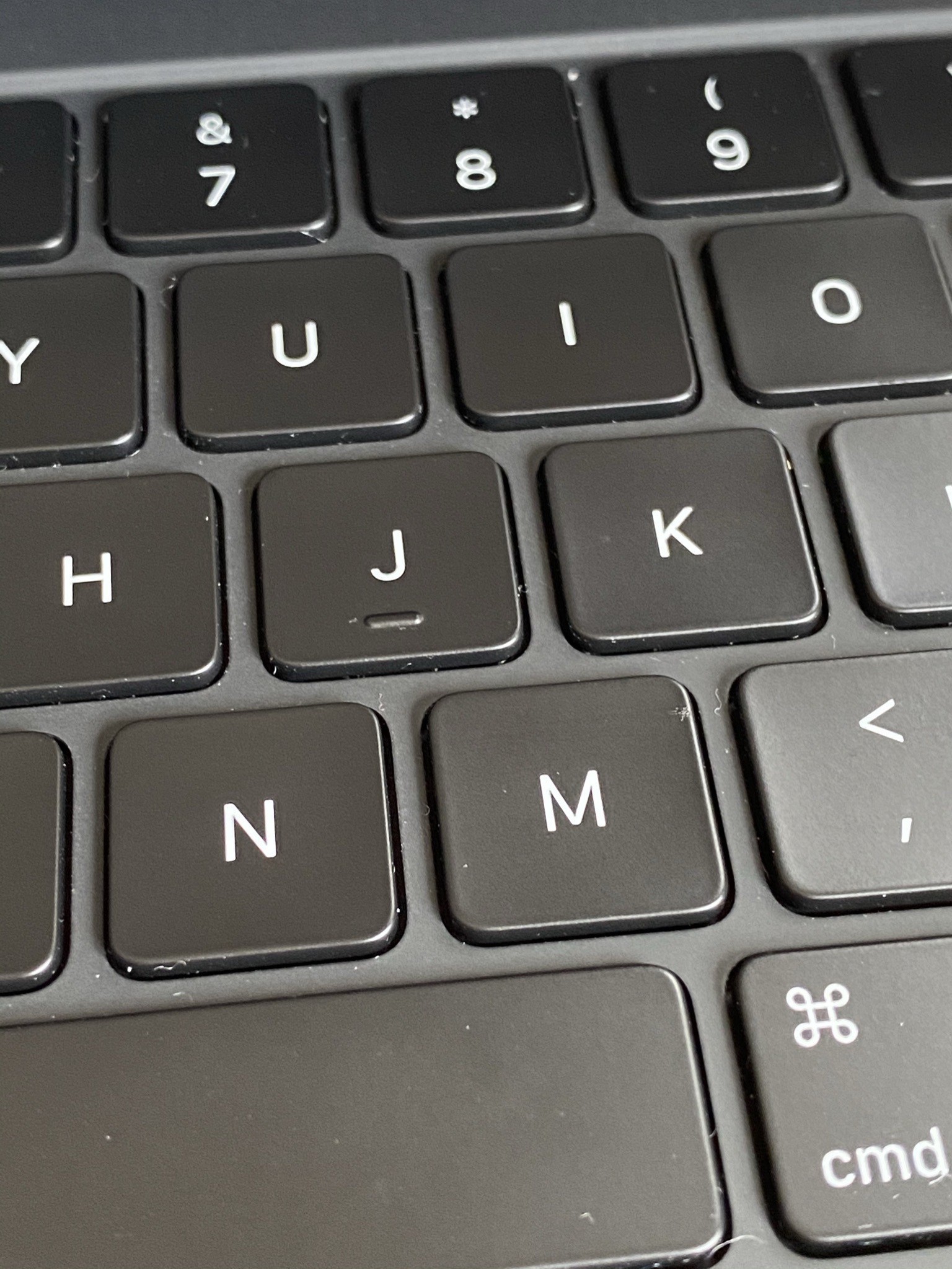
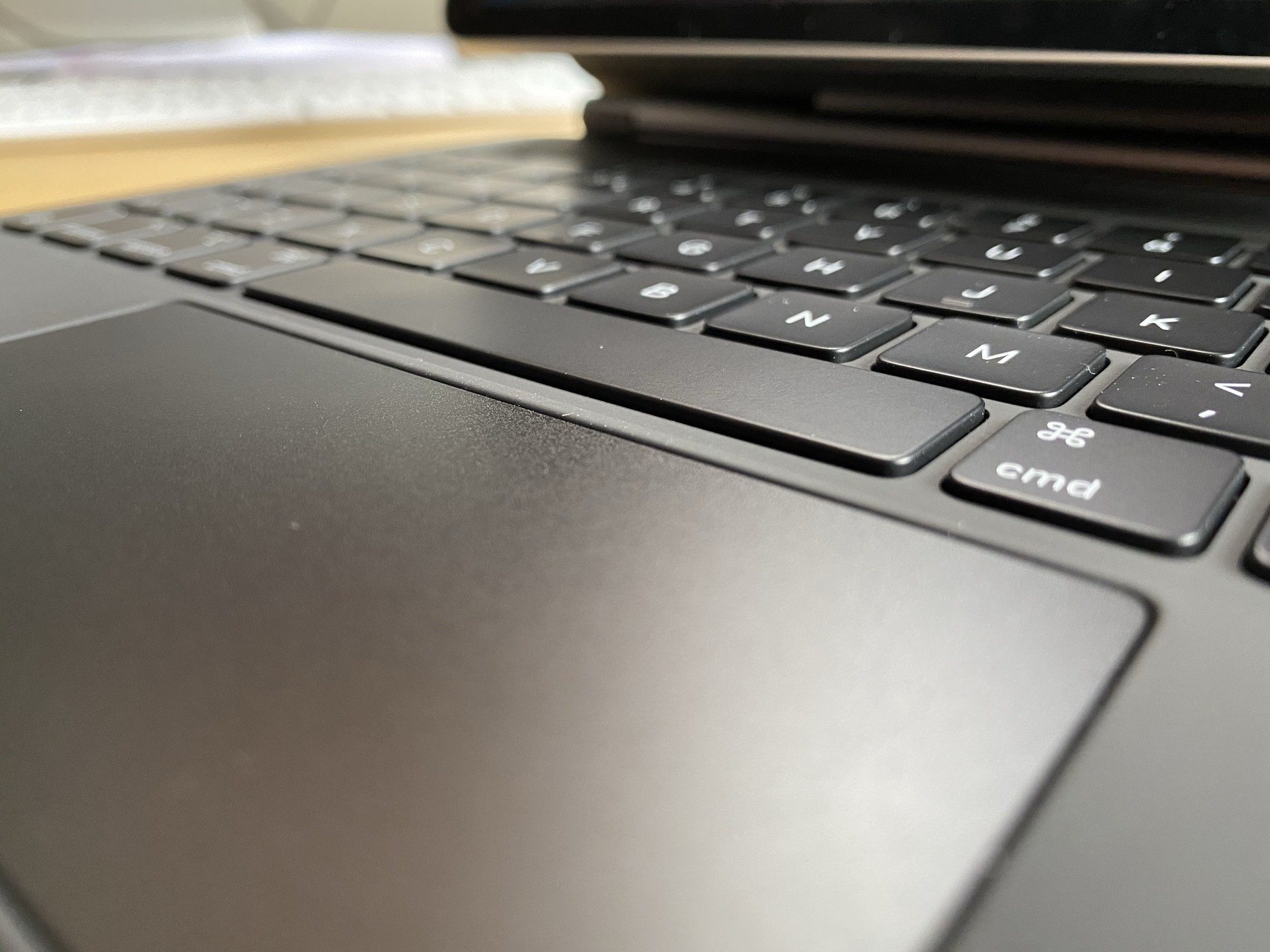
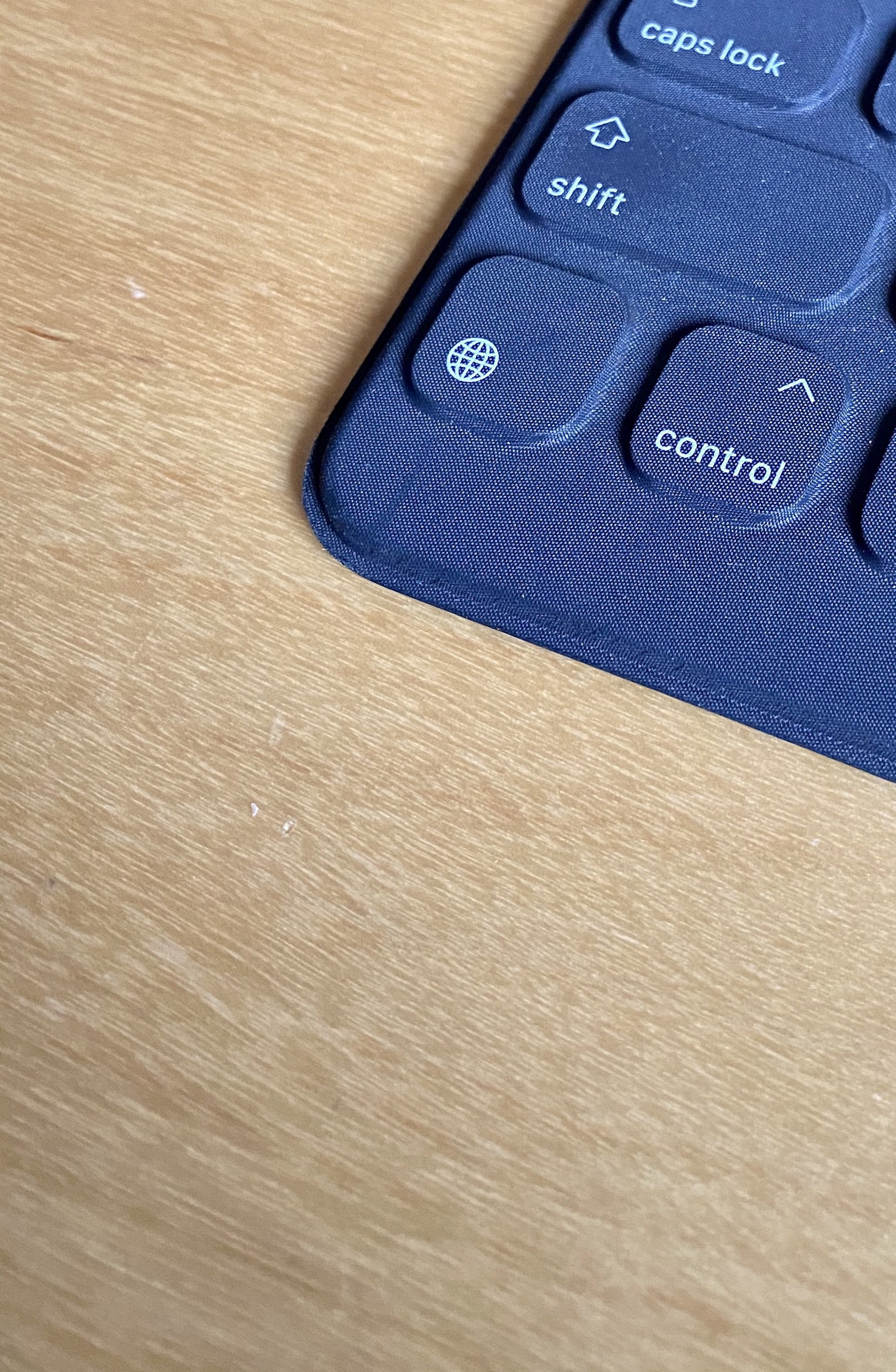
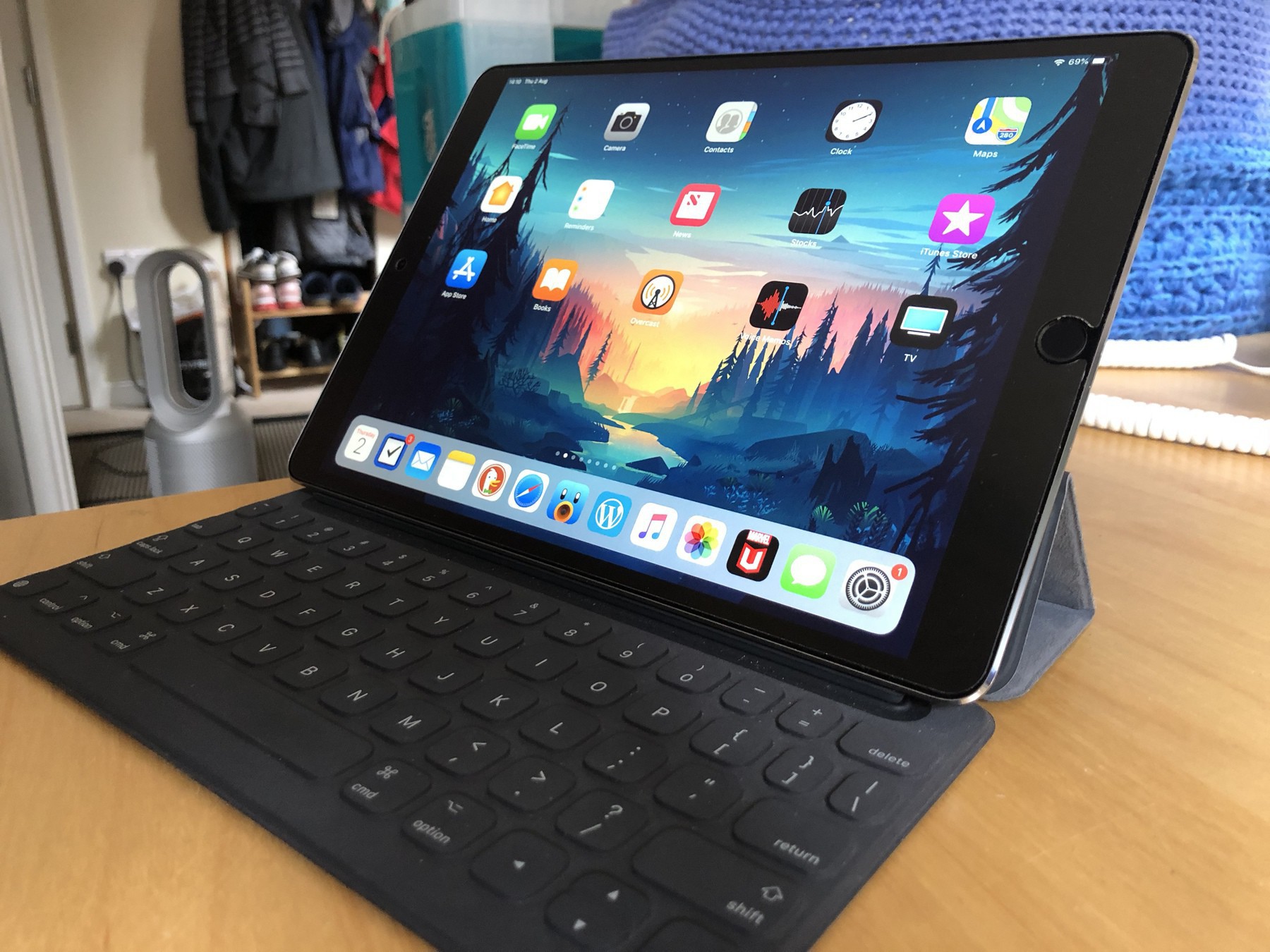
  • I REALLY like the keys and travel on the Magic Keyboard for iPad Pro. All works really well and I have the smaller 11” one.

    → 8:51 PM, Jul 25
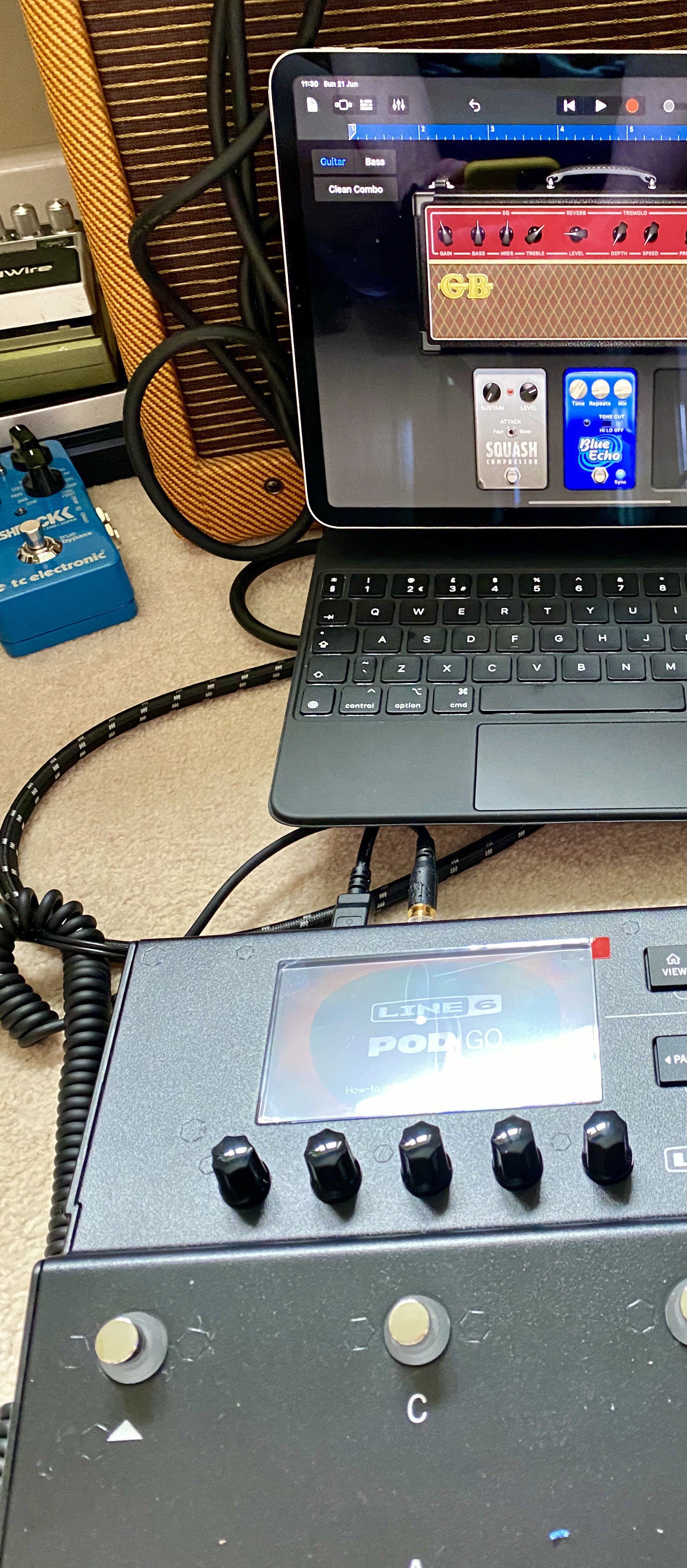
  • Recording onto the iPad from the Line 6 Pod Go is totally possible now I’m using usb-c. Very much enjoy this setup.

    → 11:49 AM, Jul 25
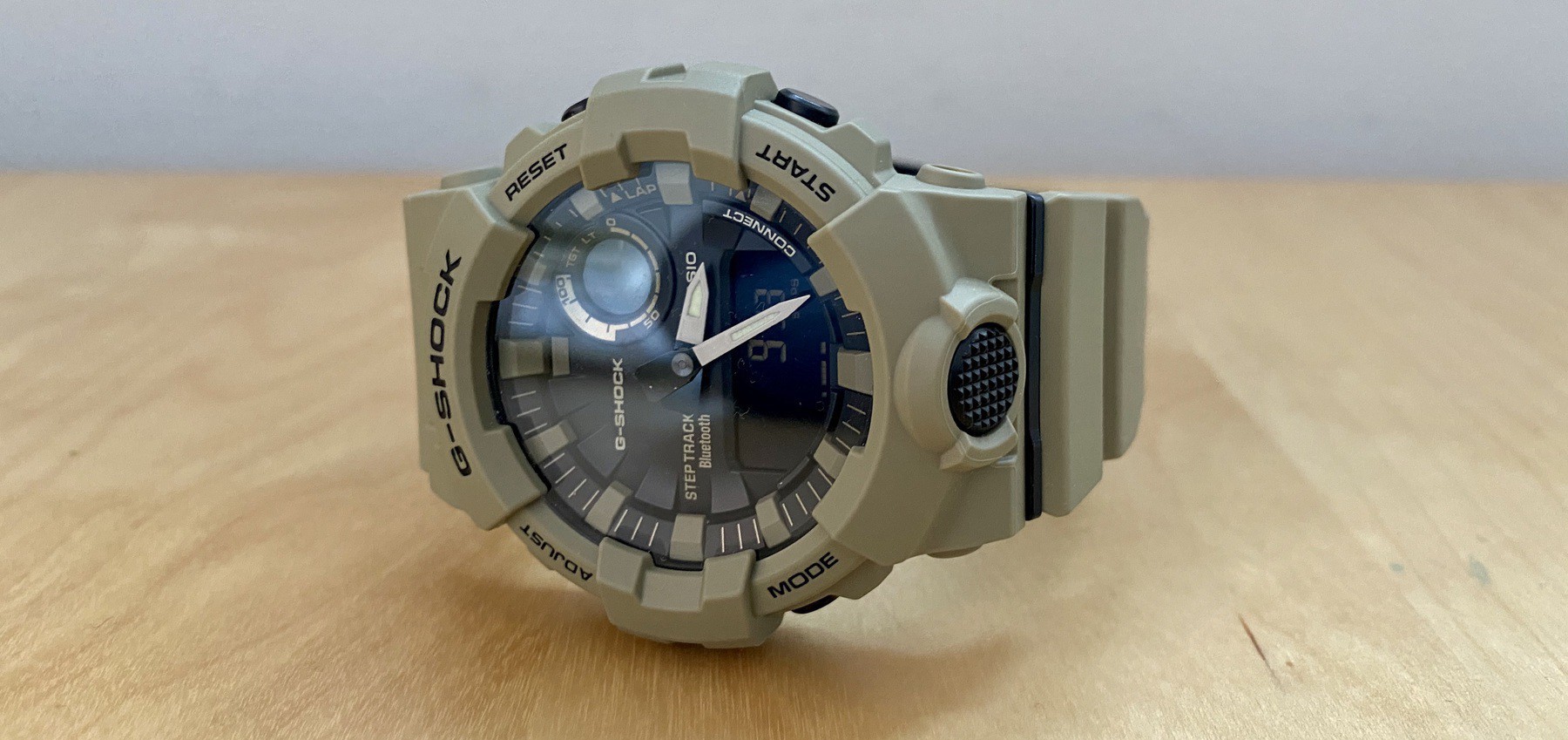
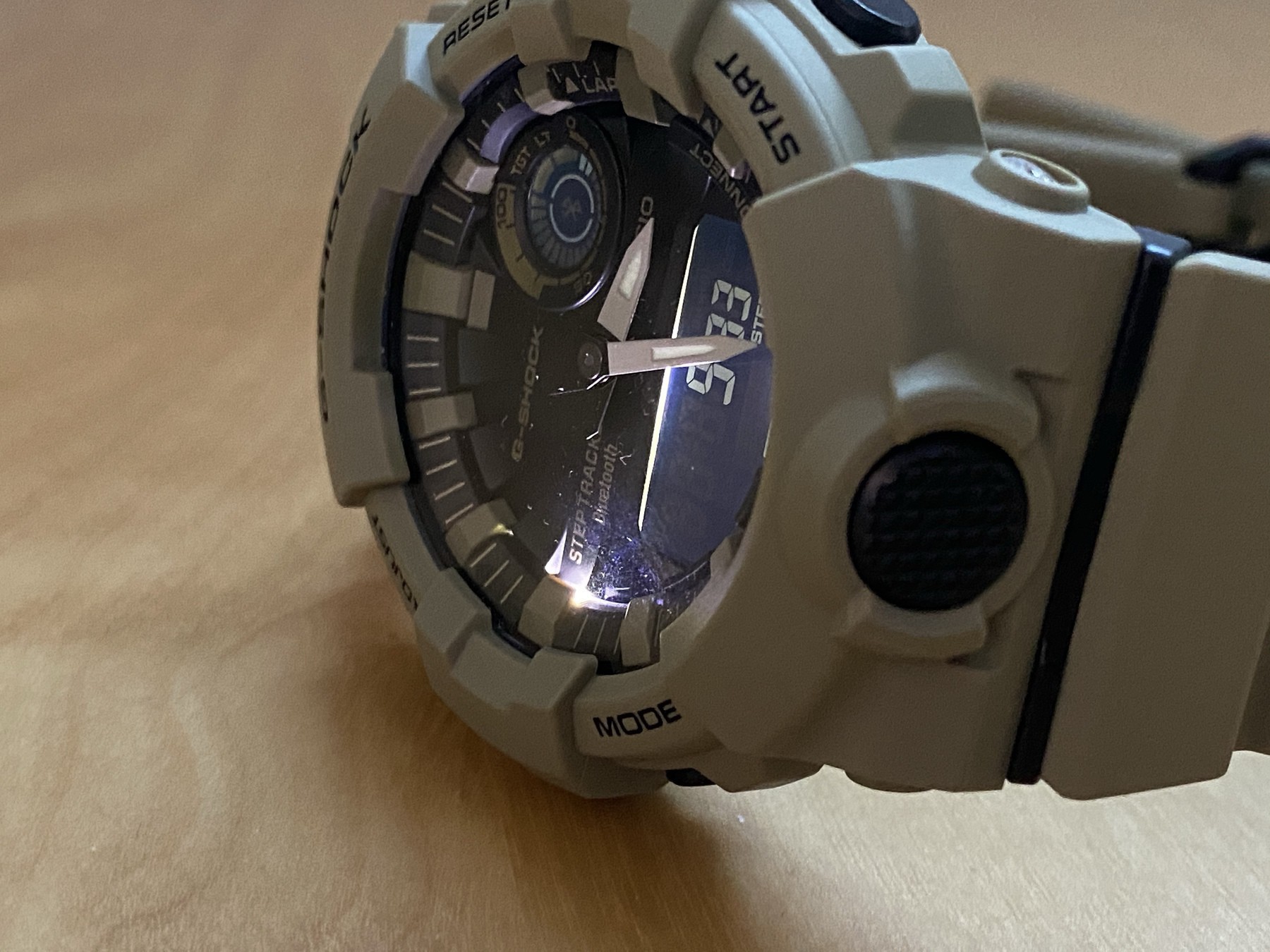
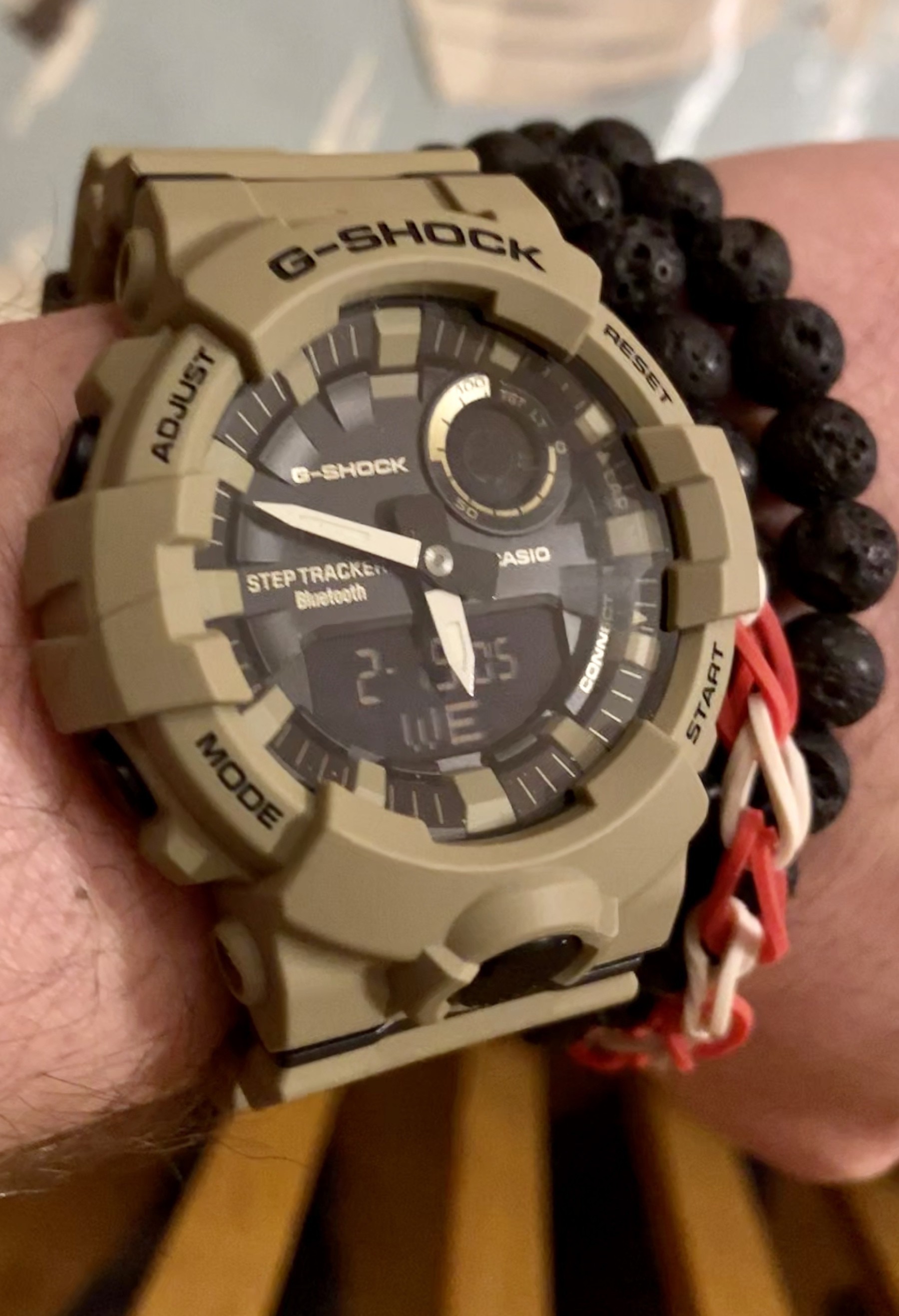
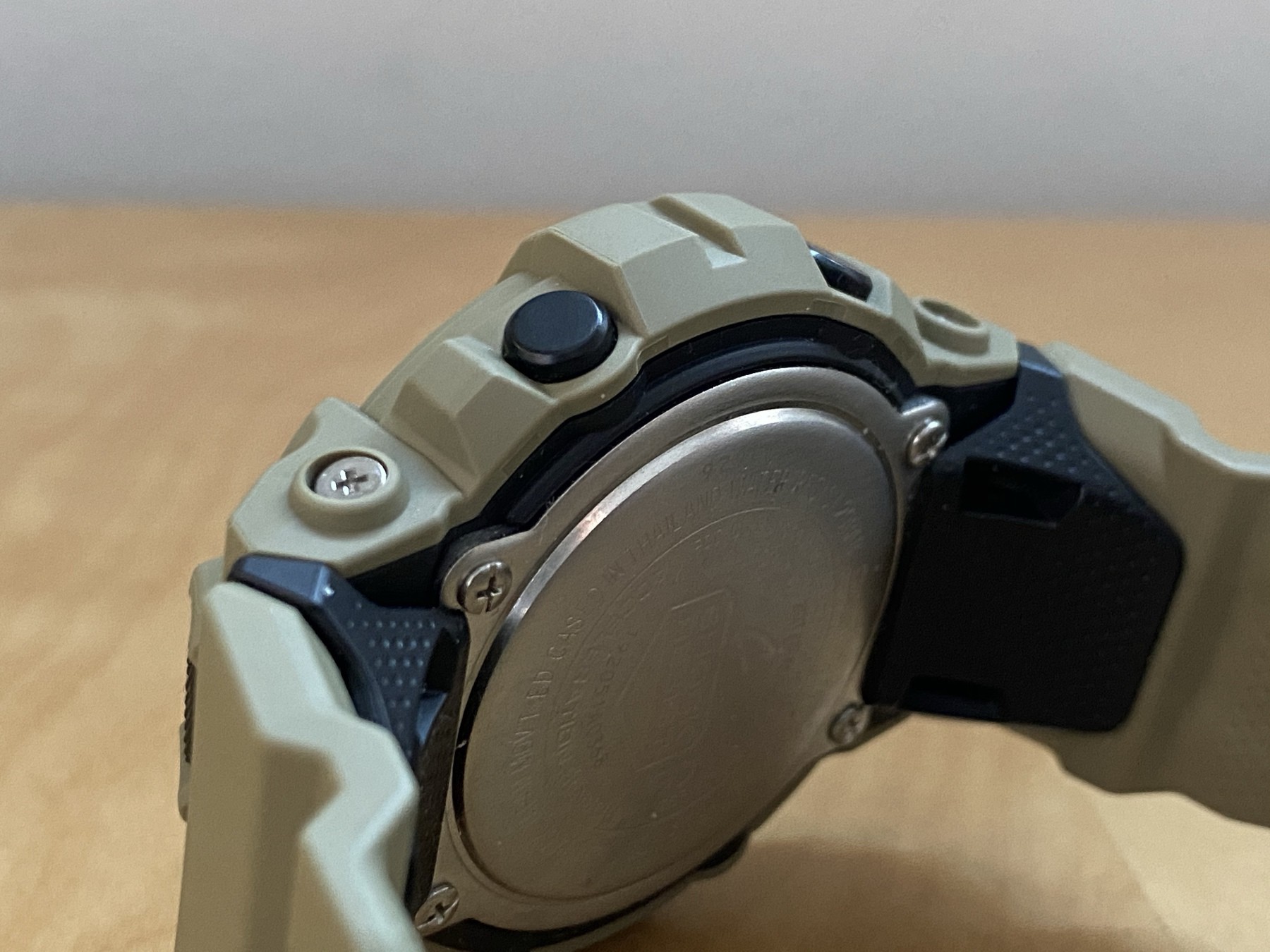
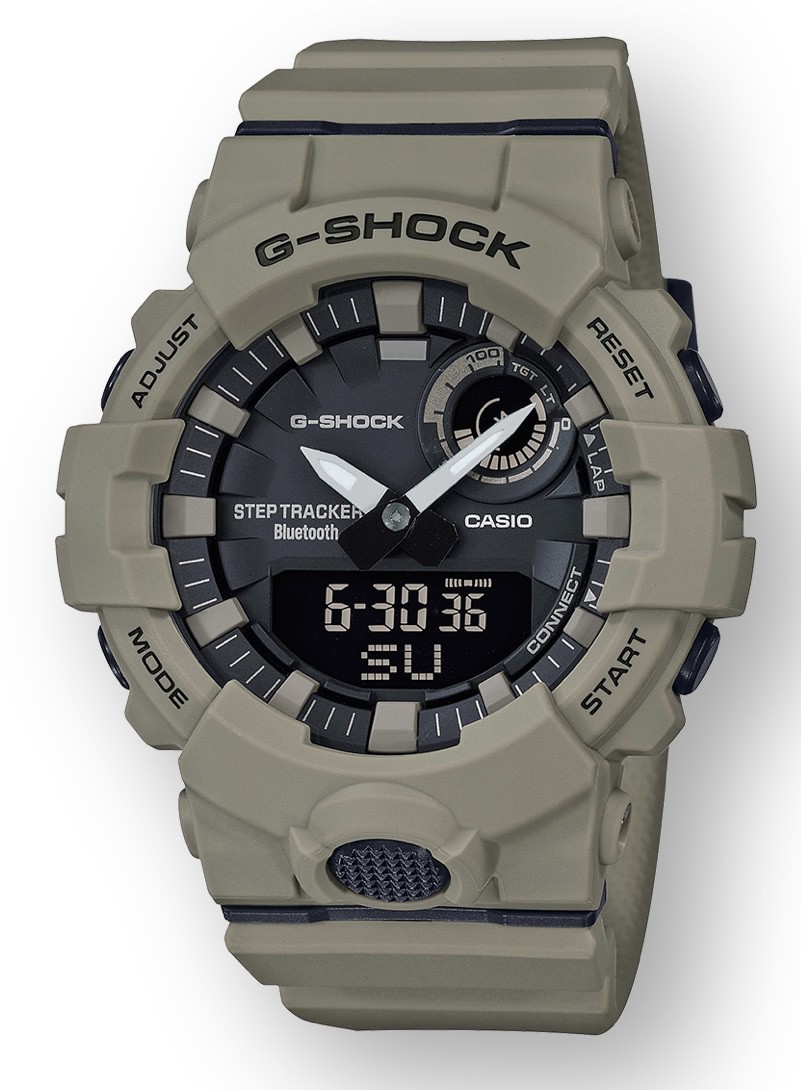
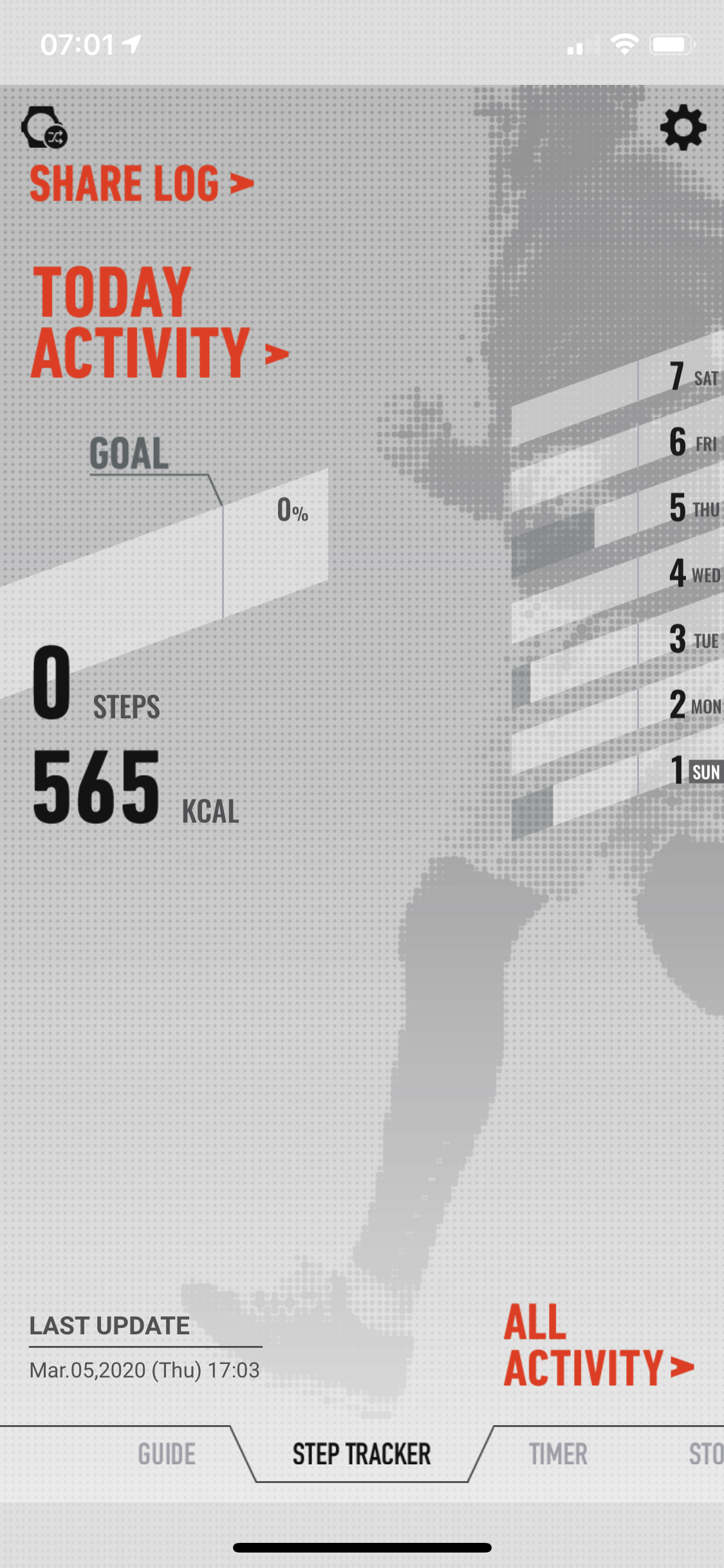
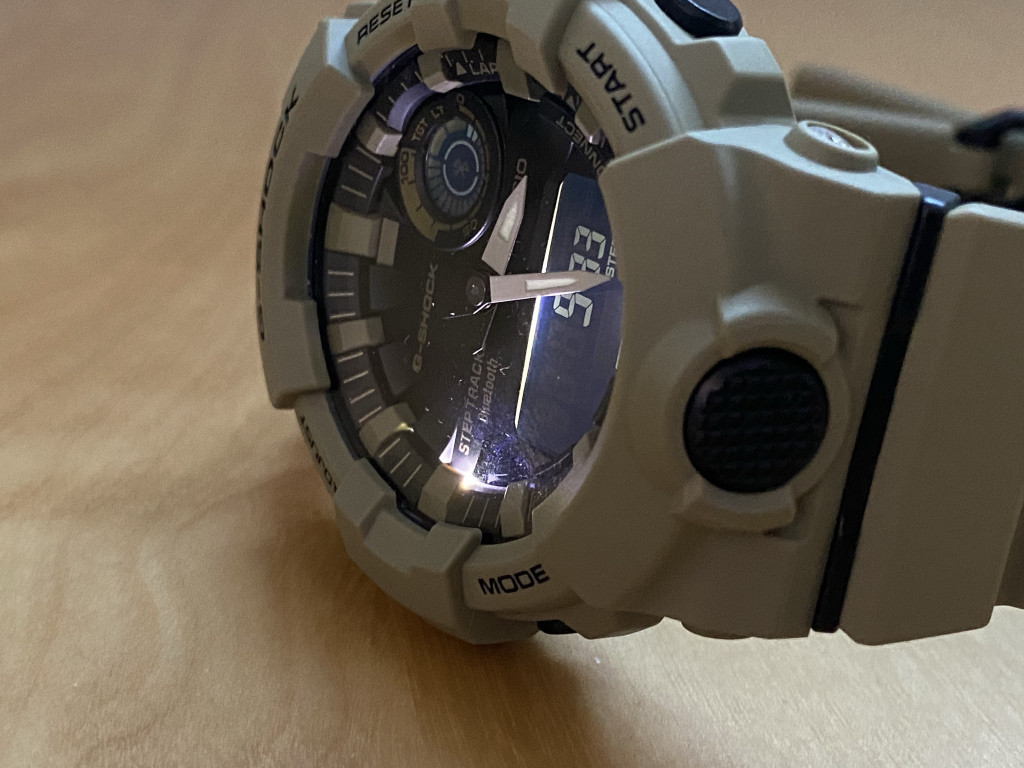
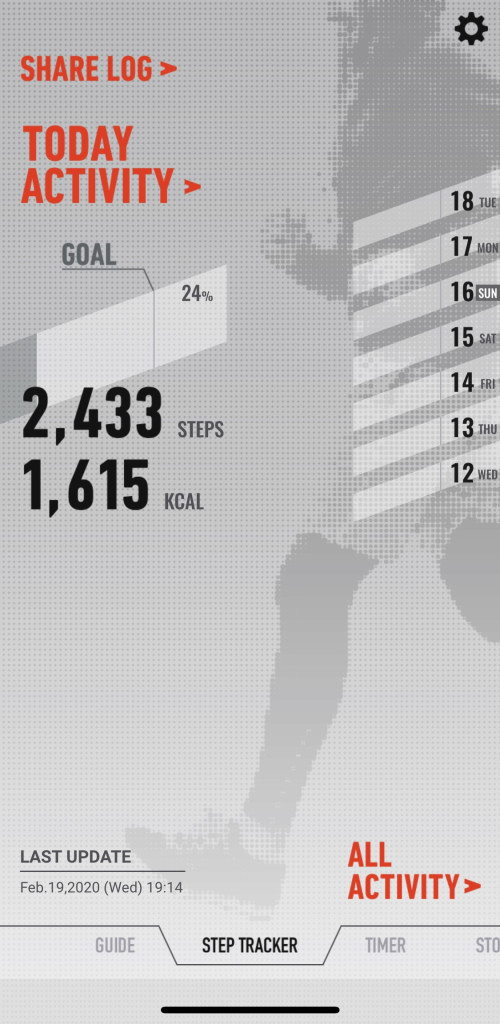
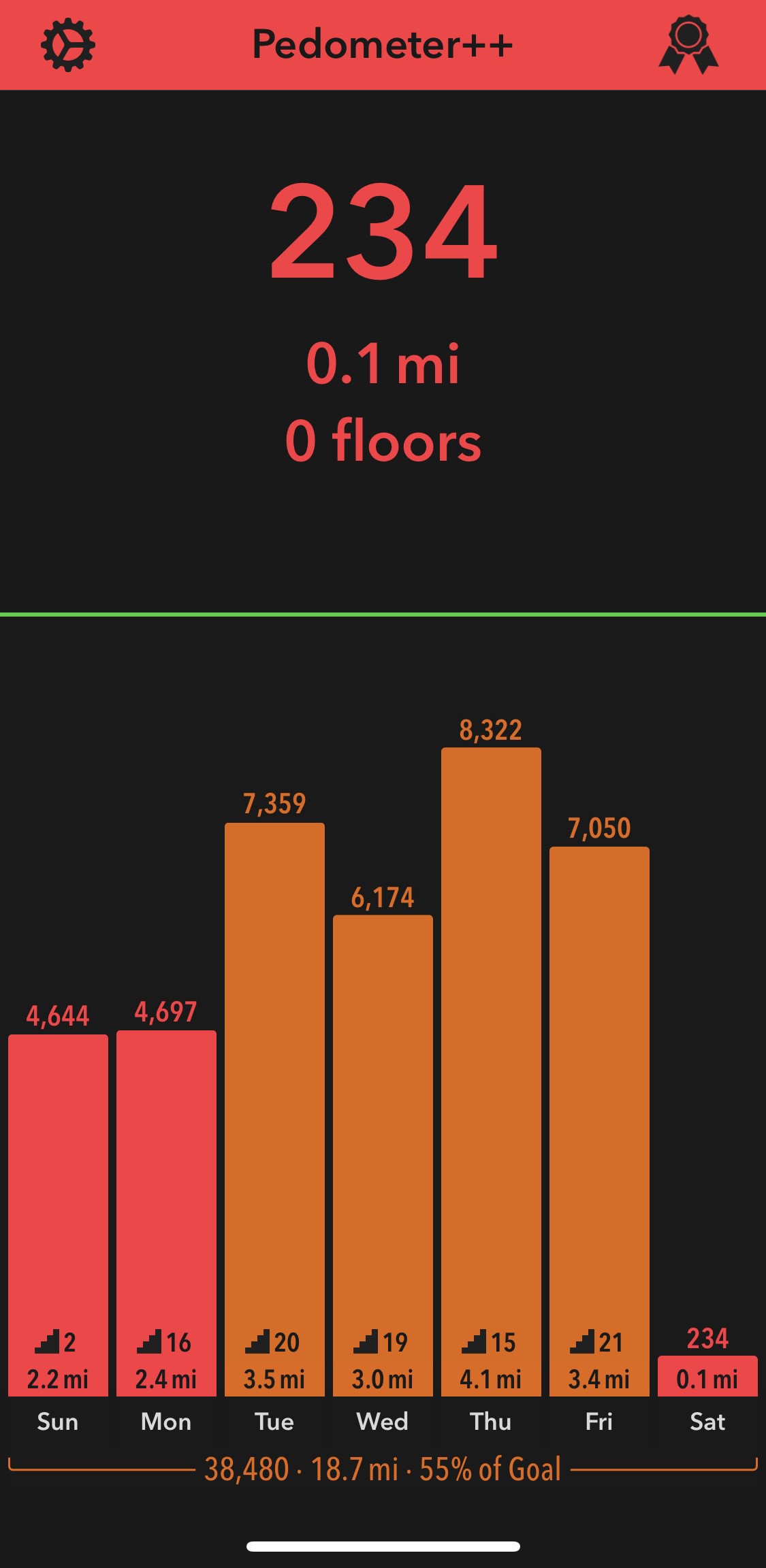
  • My pedometer, Casio GBA-800. Thought I’d wear it to see how much I’ve been moving around lately. It’s not good, the number of steps that is not the watch.

    → 5:41 AM, Jul 25
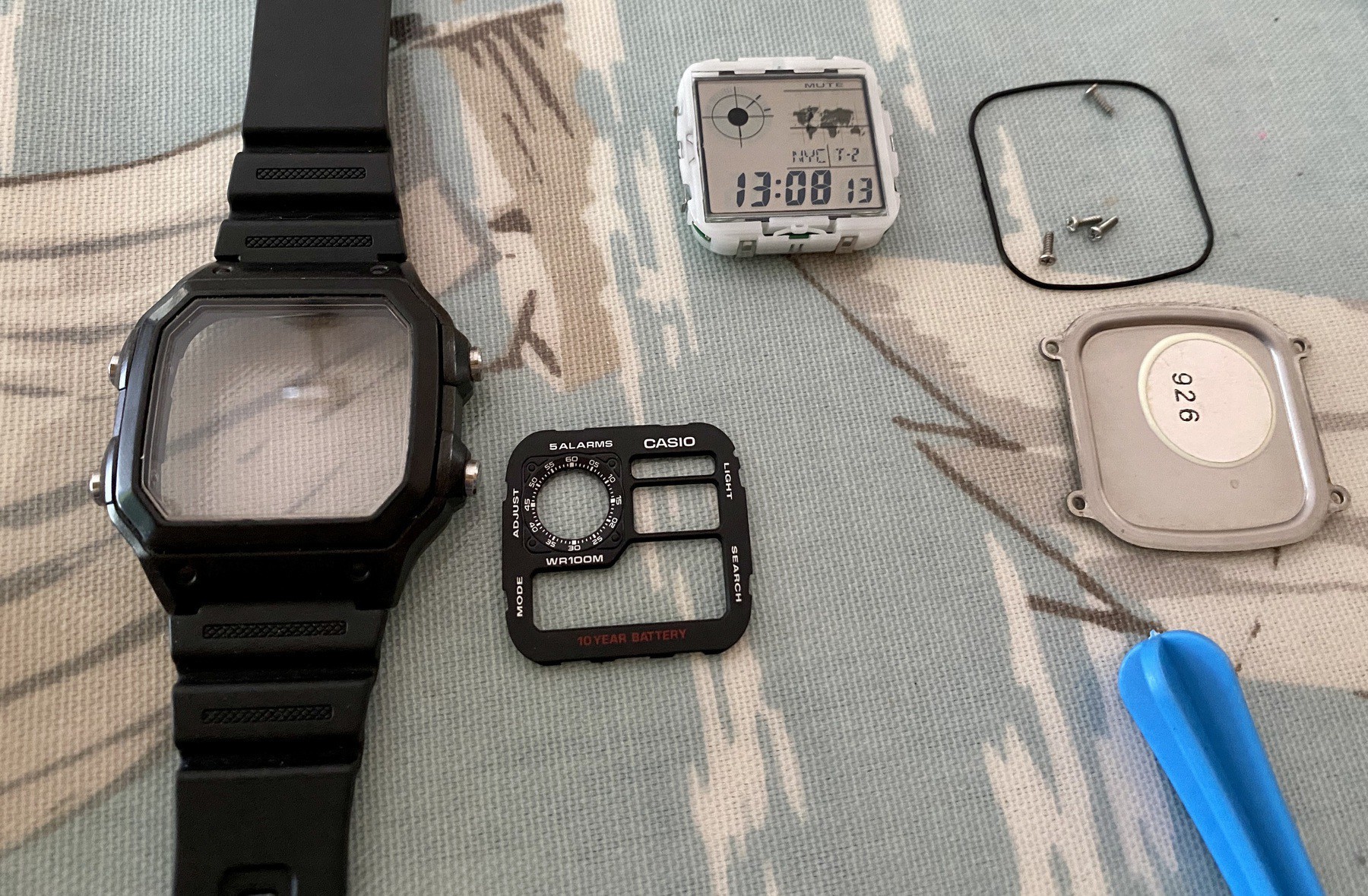
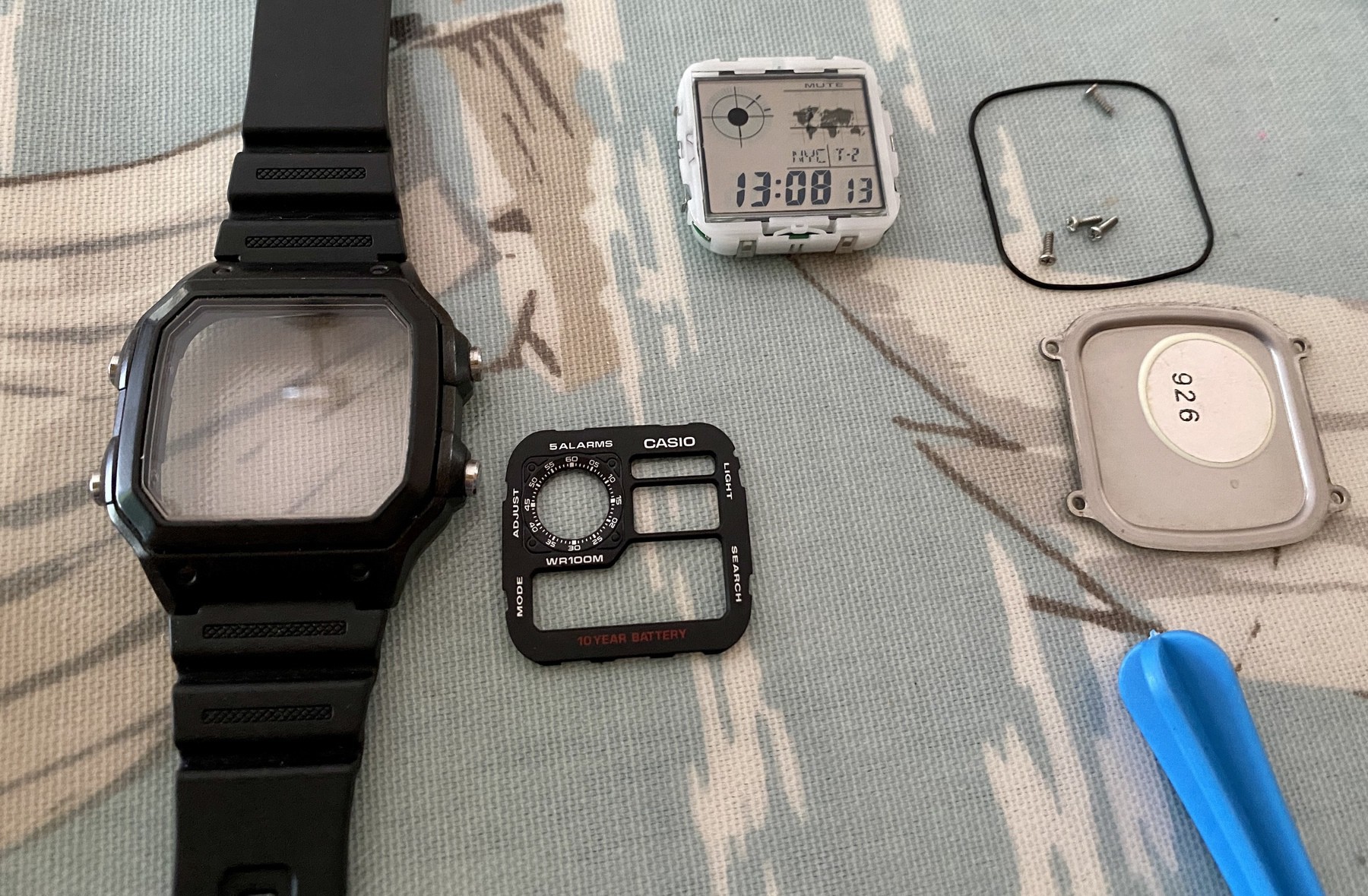
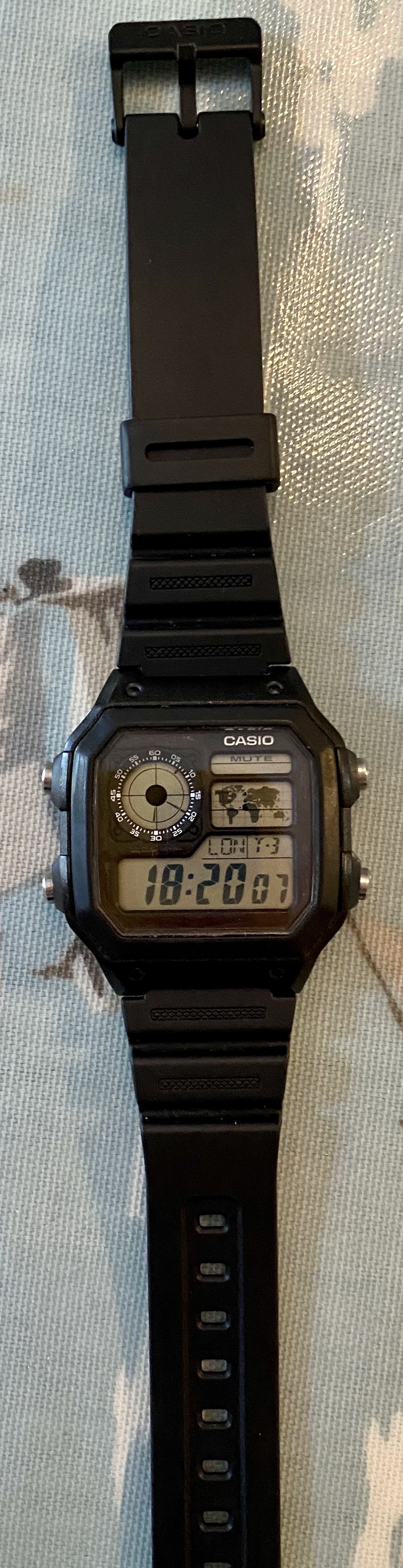
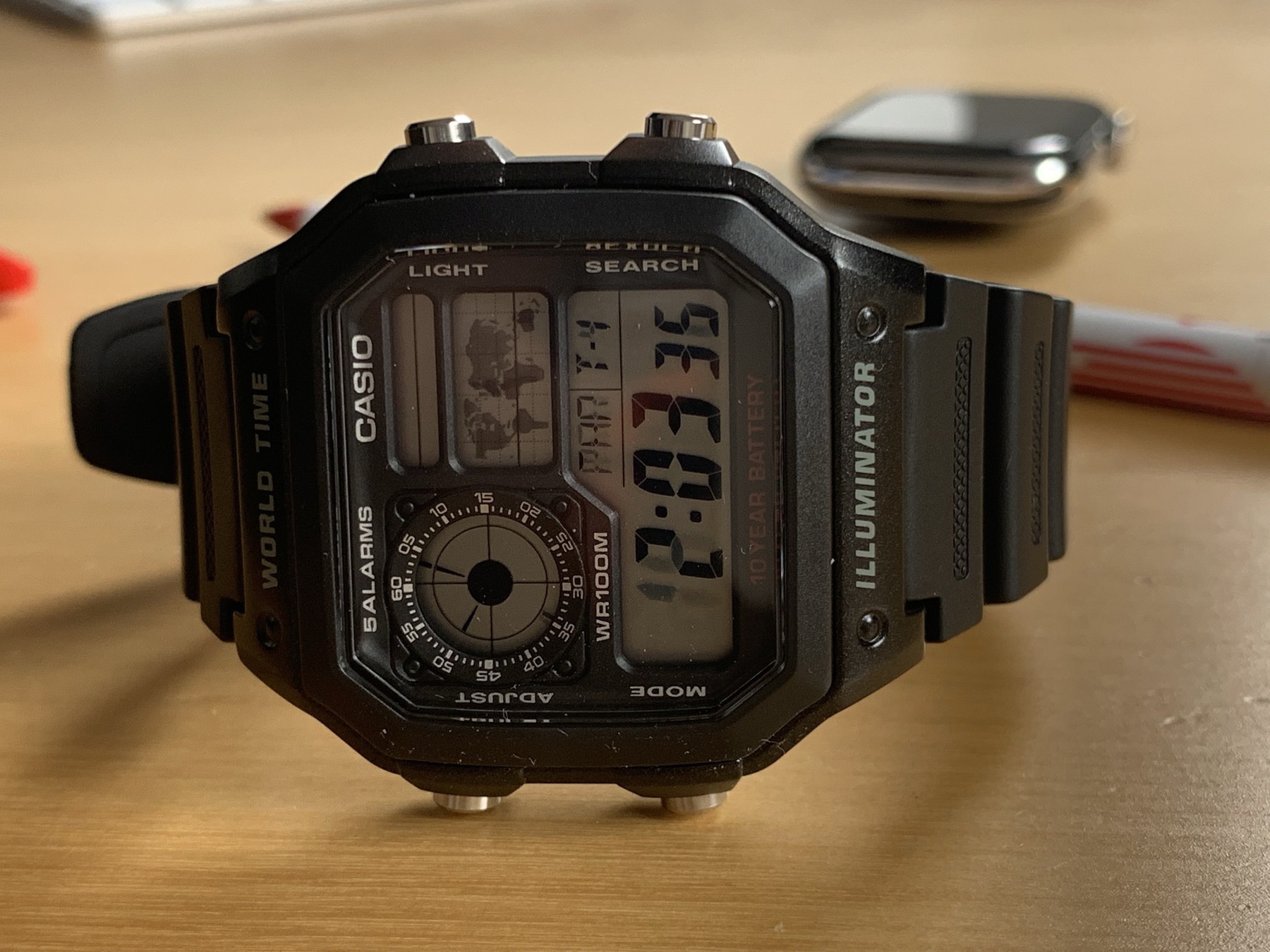
  • Modding a Casio AE1200 is pretty fun.

    → 9:58 PM, Jul 24
  • Sunlit 3.0 is awesome

    → 7:21 PM, Jul 24
  • Finally got art of Rise of Skywalker. Love these books. Art of Rebels is on the next to buy list.

    → 5:20 PM, Jul 24
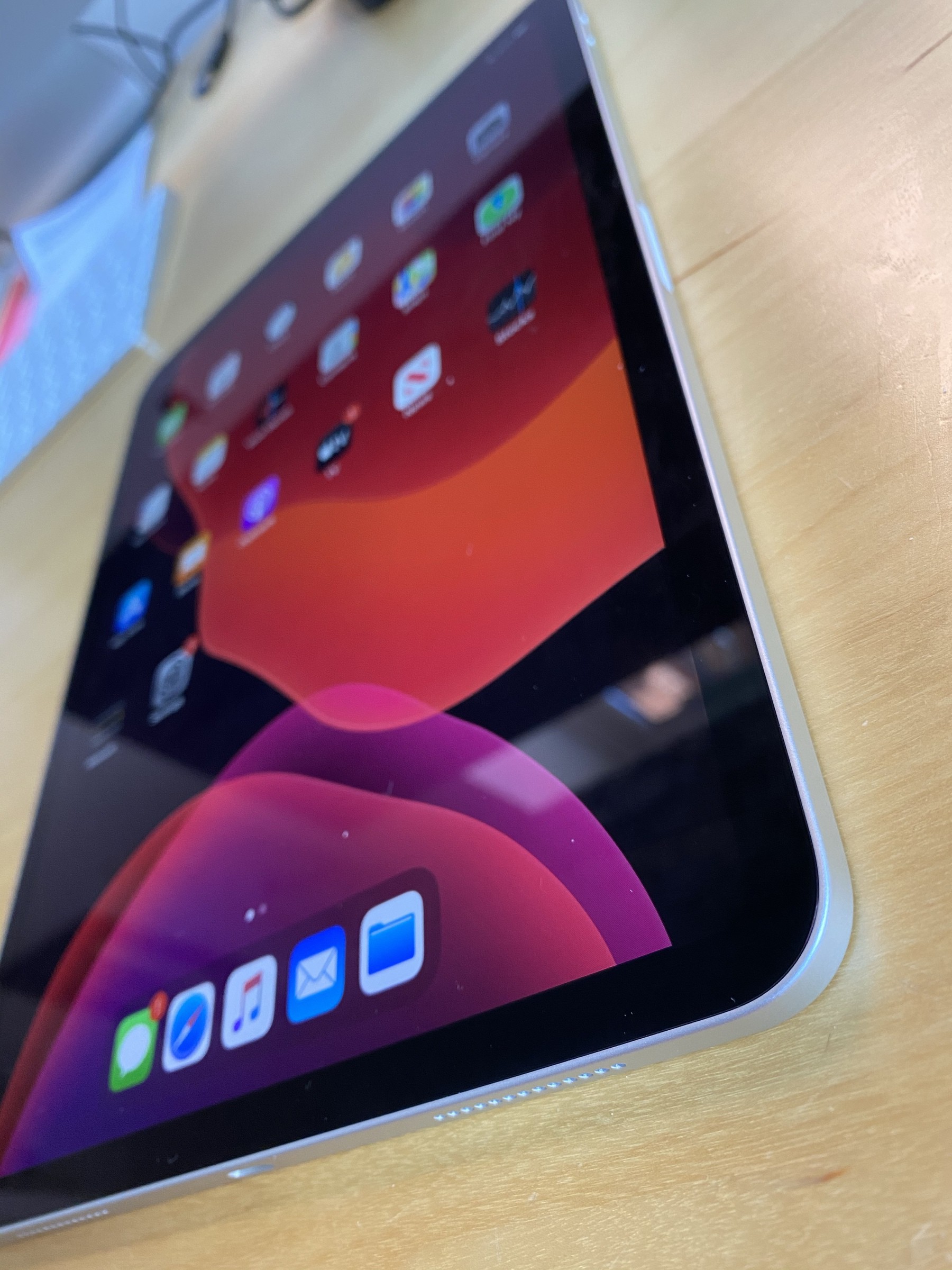
  • My flexible computer of choice

    → 5:00 AM, Jul 24
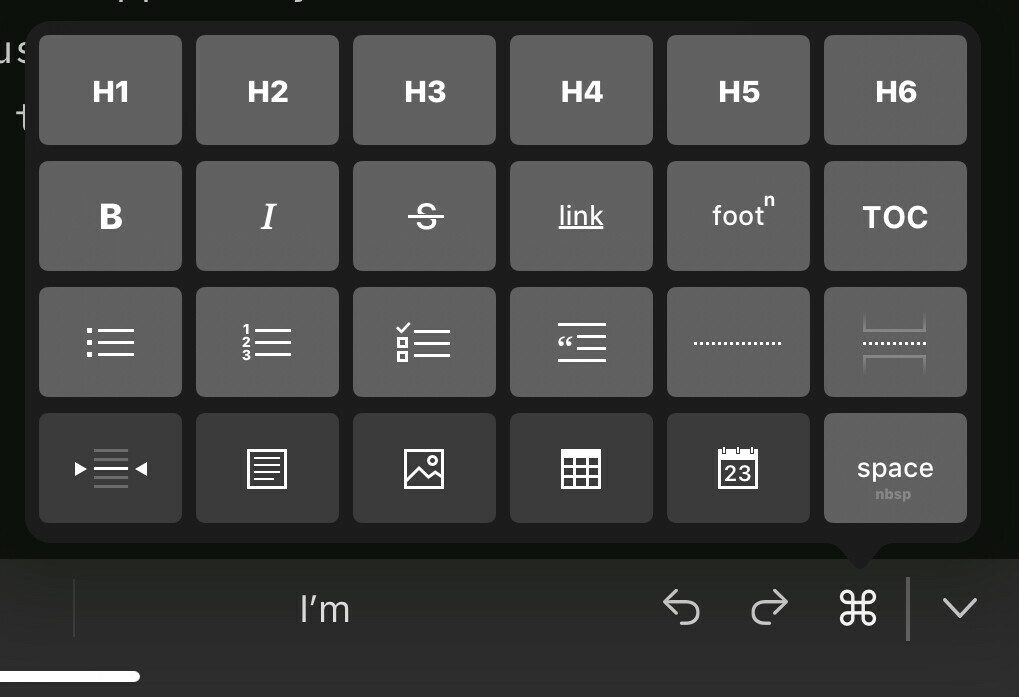
  • Posting from iA Writer

    Posting from iA Writer to Micro.Blog

    I’ve written up on how I have been posting to Micro.Blog from Apple Notes and thanks to some advice from Maique I gave iA Writer a go. This app has always been my go to writing app but for some reason I forgot it was there (I’ll blame my iOS 14 testing...) and this is the first post that I’m testing - fingers crossed.

    I’ve used the iA Writer app on my iPad (with cloud sync if you’re curious) to write this post and with the URL above I used the text function within iA.

    For the images (fingers crossed again that they worked) I used the same selection and picked the image icon. This then let me select the screenshot and embed it above.

    I’m already sold on this workflow so I’m dropping Apple Notes for iA when posting longer form to Micro.Blog. I then used the same share sheet and picked Publish.

    This takes you to a new post within the browser, you can then edit to add tags and publish your new post.

    → 9:47 AM, Jul 23
  • How to post to Micro.Blog from Apple Notes

    As you’ll know if you follow me I have recently gone all in on Micro.Blog both as a blogging and social networking platform. I have though found the app choices not great if you want to write longer form posts like this one. They are great for less than 280 chars but if you want to write longer I struggle to use the Micro.Blog app.

    Here’s how I’m posting.

    I go into my ‘Writing’ folder in the Apple Notes app on my iPad or iPhone, do my title and start to write up the post.

    I cannot embed images into the post and also hyperlinks are like this ljpuk.micro.blog/. Once I’m happy with the post I will use the share sheet icon in the top right of the note and pick the Micro.Blog extension. I can reformat as I need to and add tags then post directly from there to Micro.Blog.

    The drawbacks of using this method of Apple Notes is that you cannot add text to the URL i.e. replace the long address with alternative text and it cannot handle images within your post. I still need to test if I can write in Markdown within Apple Notes then use this same method to get around the URL sharing issue but it still won’t fix the image embed that I’d like to be able to use for traditional how to’s etc.

    If you have any tips on this please let me know.

    → 9:22 AM, Jul 23
  • wow, turns out it’s really easy to write a longer form post in Apple Notes and use the Share Sheet to post directly to Micro.Blog 👍

    → 8:22 AM, Jul 23
  • Subscription Fatigue

    I’ve never really felt subscription fatigue before but in these trying times I’ve needed to look closely at my finances and figure out what I can both let go of services that I don’t or rarely use and ones to get into to help others where I can afford to. It’s uncertain for a lot of folks in terms of careers and their livelihood and the first step for me to watch my outgoings was to look at the iOS App Store and the subscriptions that I had on-going - some of which I’m ashamed to say that I completely forgot I was paying.

    Thankfully most were monthly so I cancelled everything apart from my Apple Music and iCloud subscriptions. With the Reminders improvements and widgets in iOS 14 I’m confident I can let subscriptions like TODOIST go and use Apple apps. If it doesn’t work out I’ll fall back to OmniFocus where I have already paid for the app. I’ve also started to use Apple Notes for my writing, something else that I was paying a third party app for, even though I hardly used the app. I can post from Notes to Micro.Blog easily enough - even if it means copy and pasting to and fro apps.

    In terms of platforms I’ve been dropping ones that bring complication or negatively impact my wellbeing. I dropped my blog plan at Wordpress, deleted Twitter and invested in Micro.Blog, a platform where I can blog, share my thoughts and have genuinely great conversations. Not that I don’t have great interactions with some on Twitter but the negative outweighs the positive, especially since I started doing my own podcast. I also find the app infuriating and I cannot go near the news right now, I don’t have a choice with it being thrown at me in the official app.

    Recently I’ve also been hearing a lot of membership options on podcasts and to be honest it’s helped me trim down my queue. Not that I have an issue with podcast membership, I don’t and support several but when I hear hosts seemingly throwing their money away or being rude to listeners then I just can’t support them. Whilst I do listen occasionally it annoys me when I hear hosts talking down to people trying to help, or seem to spend a large amount of money on unnecessary purchases.

    With TV services I’ve stuck to buying movies on iTunes and subscribing to Disney+, I dropped Netflix and don’t pay for Amazon Prime. For me as a massive Star Wars fan I get everything I need here - if anyone fancies starting a Star Wars positive podcast let me know…

    I think that’s it for tech related subscriptions, how are you feeling or managing these with everything going on the world right now?

    → 8:21 AM, Jul 23
  • Twitter 😔

    I logged into Twitter to check if I had any DM’s. Within 2 minutes of using the app I felt the platforms negativity getting to me. I literally scrolled my feed for 30 seconds and saw insults and bad news. Deleted and reminds me why I stopped. Will need to create a contact page on Micro.Blog so I can say bye to ever logging on again.

    → 5:43 AM, Jul 23
  • I think listening to productivity podcasts and courses is genuinely bad for my mental health

    I think listening to productivity podcasts and courses is genuinely bad for my mental health. There’s no “right way” just the way that works best for your brain and if you’re using software as a second brain there’s no perfect app or solution. I think that’s where I’ve fallen down. I’m on pen and paper now and not tracking much stuff in terms of habits, activity etc and feel better for it. This isn’t long term but just a break from listening to others who seem to have their life in order when I don’t. I’m constantly looking over at others who seem to be achieving when I’m not and it brings me down, all my fault BTW. Maybe this is an early morning ramble but I’m slowly backing away from too much technology and noise in my life.

    → 5:35 AM, Jul 23
  • Putting the Apple Watch back in the drawer

    I’ve put my Apple Watch back in the drawer, with changes around home working now I’m just not motivated to use it. It’s actually making me feel worse using it these days to be honest. I’m definitely moving to a mindset of it being a negative for me at least to track everything instead of just being human and let it be. I know I need to move more so I track a habit of getting out for a 30 minute walk around the block. I find that I tend to go through all of the health data too much if I wear one and it makes me feel more anxious. Anyone else dumped their Apple Watch to take a step back to a quieter tech life?

    → 6:00 AM, Jul 22
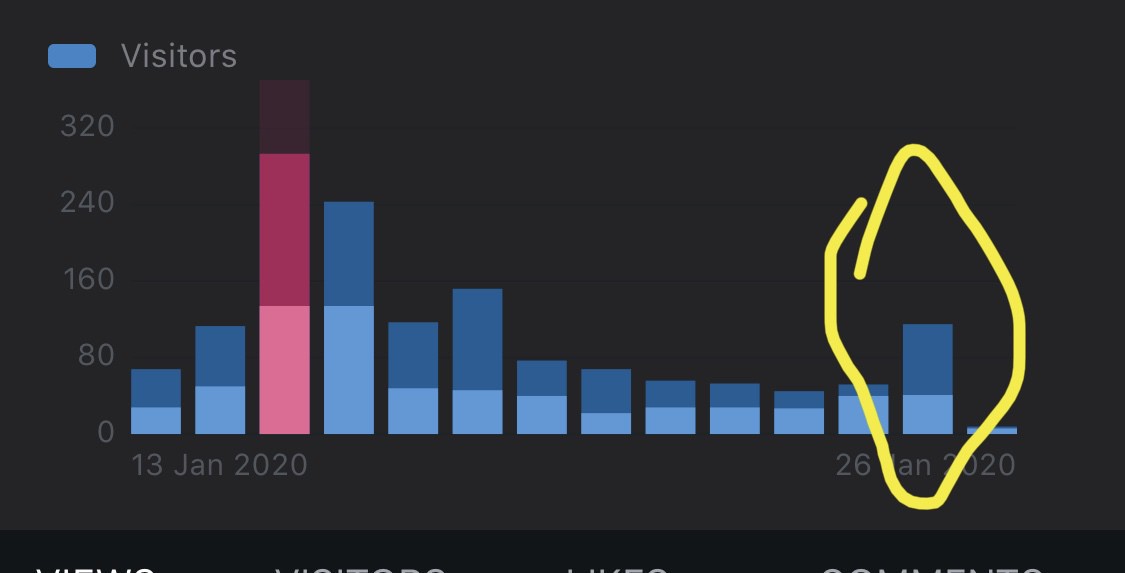
  • Not being able to see site statistics on Micro.Blog is pretty liberating coming from Wordpress. Not that I would obsess over them but it’s nice not being reminded about how good or bad I’m doing.

    → 5:46 AM, Jul 22
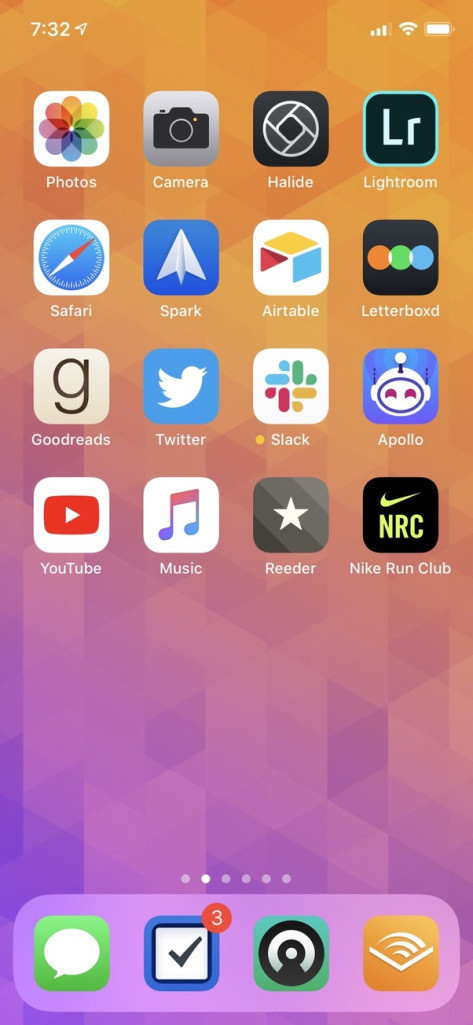
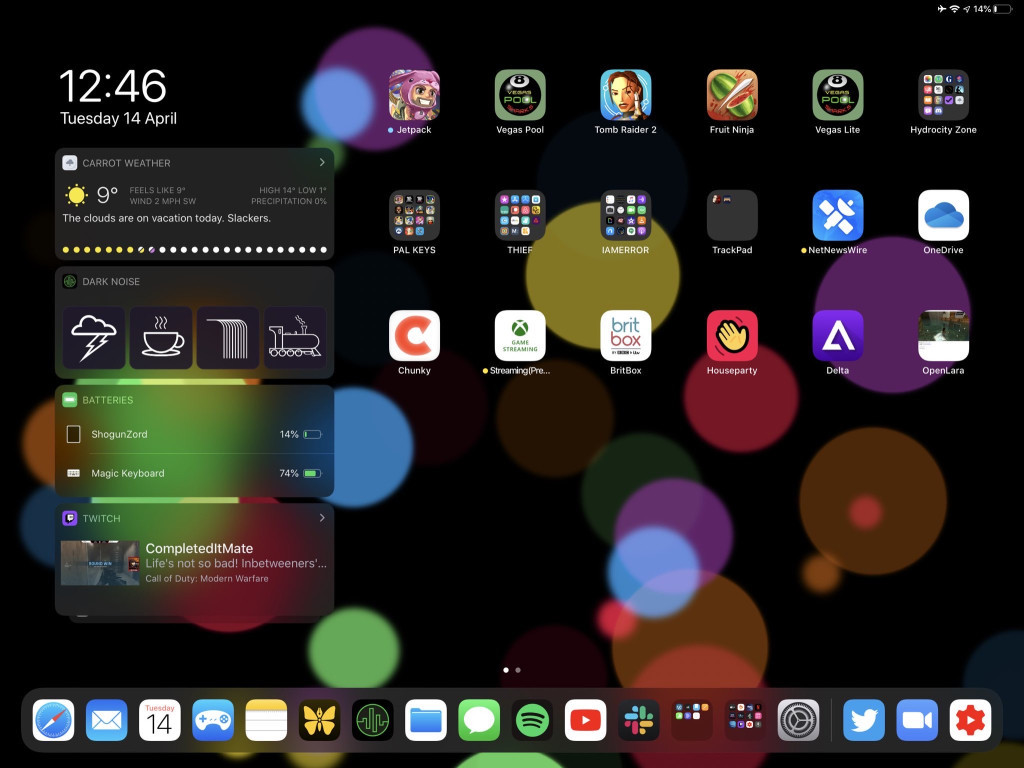
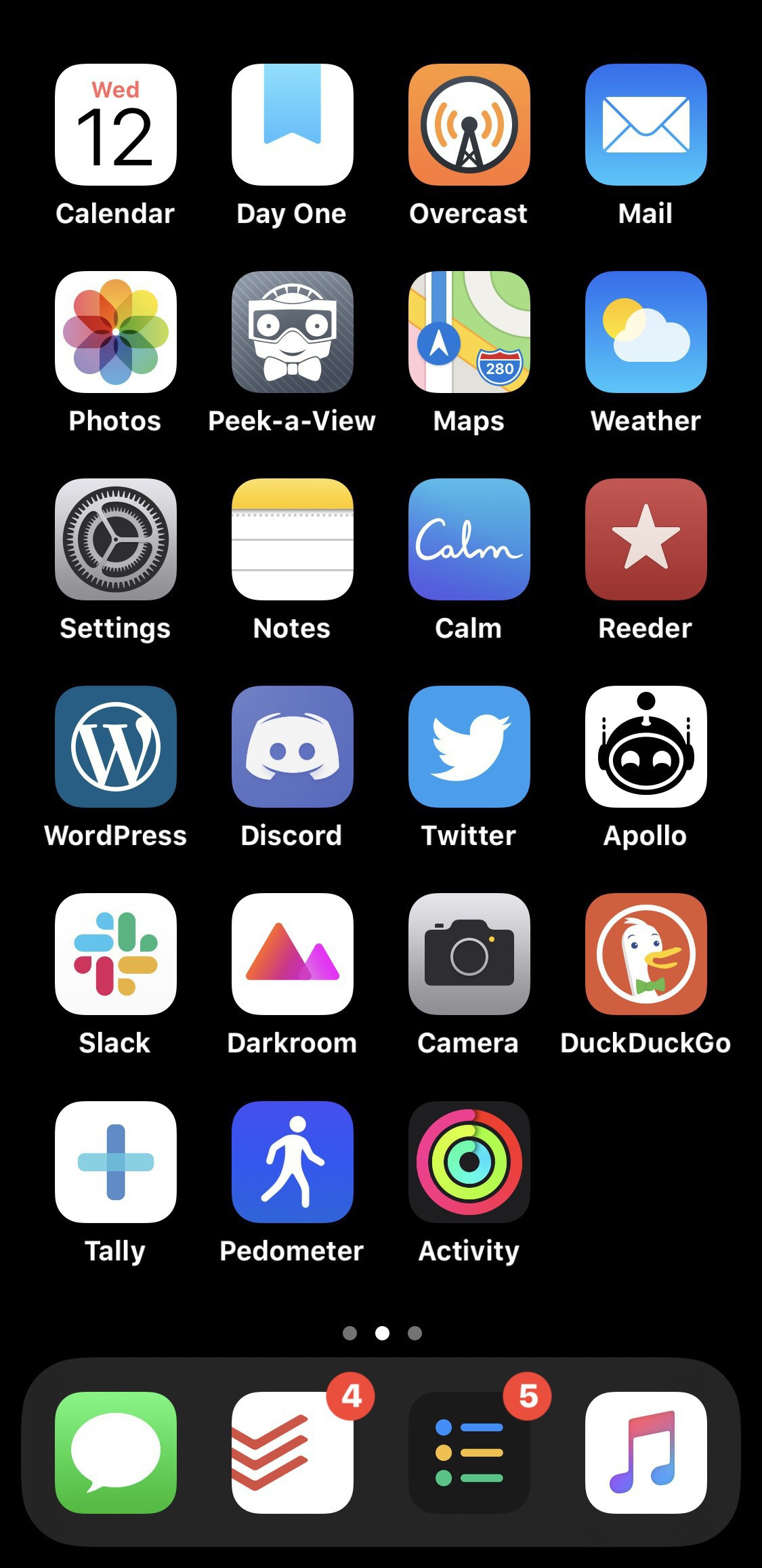
  • I definitely miss the app library in iOS 14, I had to move back to iOS 13 to get something stable and setting up home screens feels fiddly again, amazing how quickly the brain adjusts to a new feature. Anyone on the beta liking app library? Here’s my current iOS 13 setup.

    → 5:21 AM, Jul 20
  • I sometimes forget the beauty around where I live here in the shire but it’s time to get out there walking daily again and get into a bit of a routine. Fallen off the wagon big time for the last few months. I’ll get back out there sharing photos from my iPhone I think, photography is a passion of mine.

    → 5:08 AM, Jul 20
  • Stopping using YouTube

    I’ve stopped using YouTube completely over the last couple of weeks and I have to admit that I don’t really miss it, I also feel like I have some more headspace. The main reason I stopped using it was the suggested algorithm pushing me towards the more negative content and the thumbnails that gets clicks really annoys me. There only so many face palms I can take. The tech space is particularly bad with this and I just had to say stop for my own wellbeing. Give it a try, you’ll find you suddenly have a lot more free time.

    → 5:01 AM, Jul 20
  • Moving from Wordpress to Micro.Blog

    I’ve finally got myself together and moved from Wordpress to Micro.Blog 👍

    I’ve been with Wordpress for years but recently I’ve started to review where my content is going and who I want to support on the internet going forward. I was already getting a bit fed up of Wordpress with the app updates seemingly wanting to set the block editor to be the default with every app update and a constant reminder to upgrade my plan wherever I seemed to navigate on the site. This lined up nicely with my decision to come away from Twitter and come back to a more socially responsible place to share my thought, somewhere I’m not the product and own my content.

    When thinking about my options I always came back to Micro.Blog. It allowed me to continue to post my shorter and longer thoughts, allowed for interaction and was somewhere that lined up with my own values.

    I signed back up and gave it a test and was impressed so I went all in. I exported all of my posts as XML from the admin pages on Wordpress, imported them into Micro.Blog (via the posts page) and cancelled my Wordpress plan. I am also going to cancel my .blog domain to be the micro.blog one instead. I like this URL and it also shows I’m supporting a worthy platform.

    I’m only a week in but already feeling like I have a bit more headspace, feel great about supporting this platform and had nothing but great interactions with the community.

    → 4:43 AM, Jul 15
  • My use of the TOT app on iOS

    For years now in work I’ve had a simple text app (Notepad++) on my work PC to keep little references, meeting logs, notes and how to’s - I treat it like post it notes or a scratchpad. I’ve never really brought this over to my personal devices but since using TOT I’ve started to do the same across iOS.

    I used to use Notes but since it’s big update a few iOS versions ago even that seems too heavy for this function. Well, I’ve been using TOT now for a couple of months and found it’s become this scratchpad. I can only have 7 notes at any one time, which to be honest fits my use case. I want somewhere quick to jot down some thoughts and move on.

    I’m using it for a daily check list of things I want to accomplish today, posts like this one that I can paste into Micro.Blog, things to remember for later and so on. These are notes that aren’t meant for the long term just a temporary storage area.

    Not everyone likes to work this way but it fits with how I like to jot things down quickly.

    → 4:32 AM, Jul 15
  • Now I’ve moved over to Micro.Blog I’ve got a new RSS feed over at LJPUK.micro.blog/feed.json thanks in advance to those who follow me over to the new feed.

    → 4:21 PM, Jul 14
  • Moving to Micro.Blog from Wordpress complete, took about 45 minutes to export all of my posts from wordpress, import into Micro.Blog and let the blog update. I’m actually thinking of keeping my .micro.blog domain and leaving my old one behind completely.

    → 3:16 PM, Jul 14
  • Finally gotten around to importing my wordpress content into Micro.Blog, worked amazingly well. Looking forward to building more content here.

    → 2:42 PM, Jul 14
  • I’m having a serious think about whether I continue with my iOS Home Screens podcast with the changes to iOS 14. The invention of the App Library and widgets kind of does away with giving your iPhone your own personality. I love widgets and the app library but I think it gives us less to talk about. I’ll be giving it a break at least until public release of iOS 14.

    → 6:49 AM, Jul 14
  • How to speed up the Apple Watch Series 2

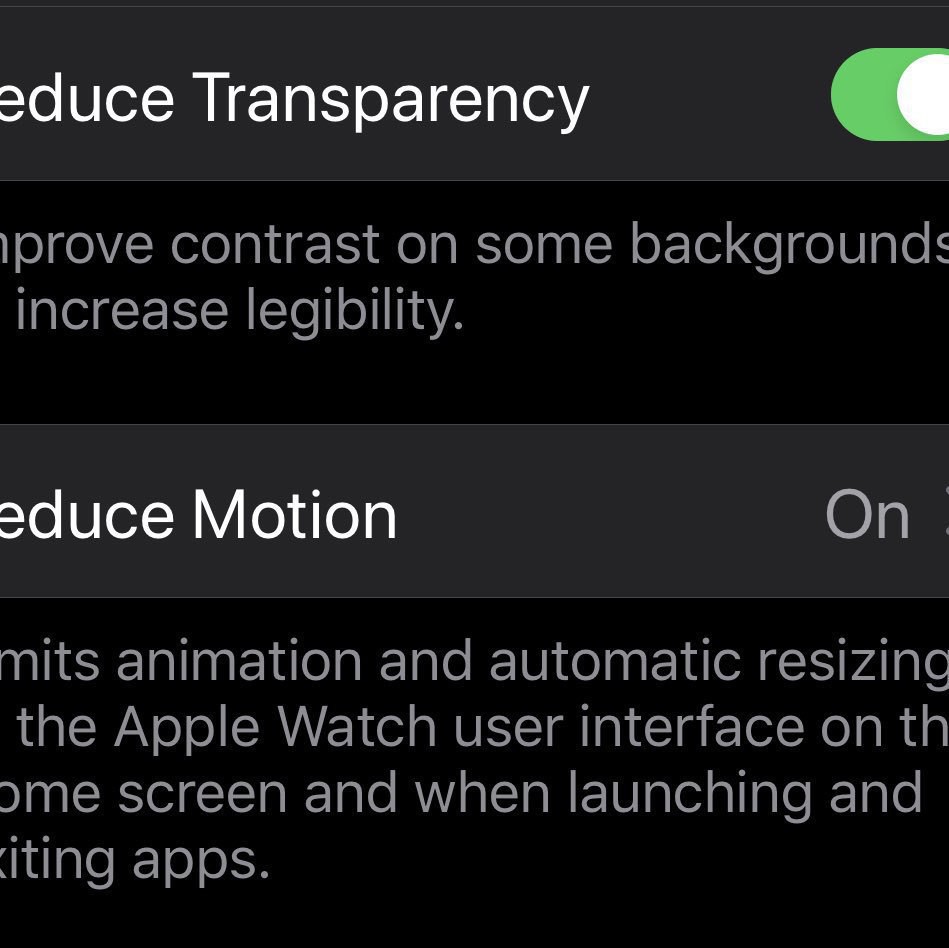
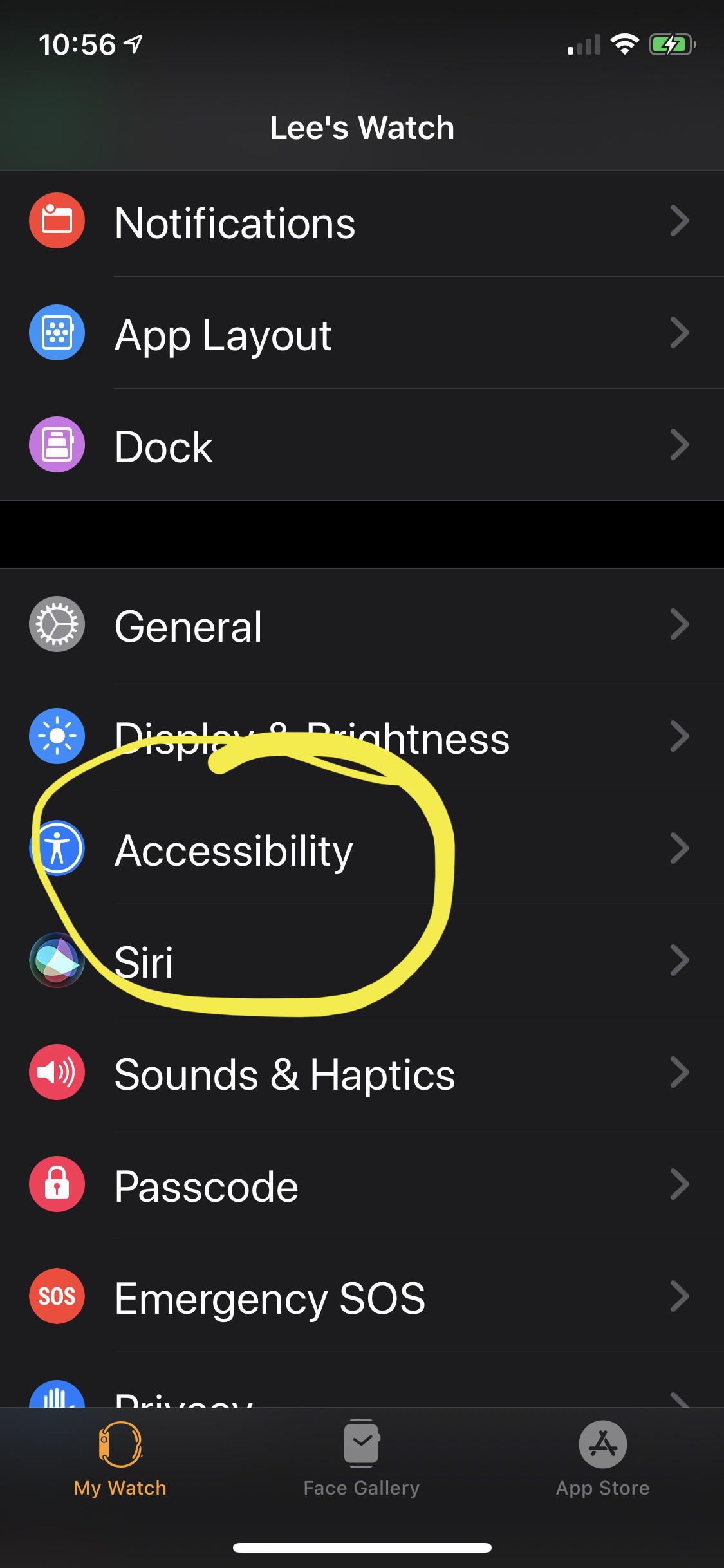
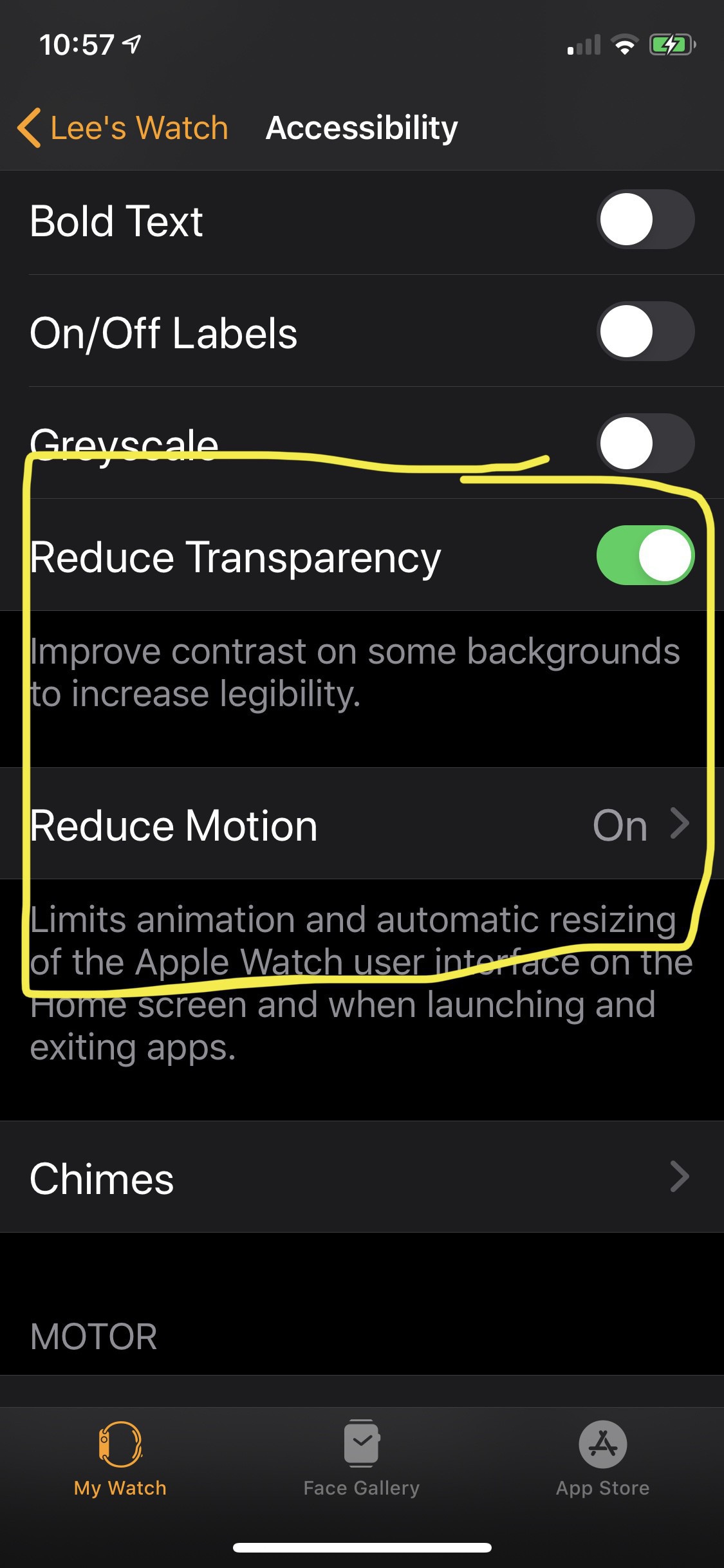
    I’m trying to get more active and blown the dust off my Apple Watch Series 2 to give it a test to see if it helps motivate me. I’ve found that the user interface is pretty laggy on the series 2 but you can speed it up with some accessibility settings. Turn on reduce transparency and reduce motion.

    → 6:43 AM, Jul 14
  • Those of you that write longer form posts in Micro.Blog - what app do you use? Found some strange behaviour (constant scrolling when typing) in the official app. Seems to be once it hits 300 character (ish) mark.

    → 4:49 AM, Jul 14
  • Moving back to iOS 13

    After another day of my iPhone 11 Pro overheating I decided to go back to iOS 13. It’s amazing how quickly you get used to things in iOS 14. I’m missing the app library and widgets the most. Not seeing my day as I open the device and now swiping to left of home again seems old already.

    I move around iOS versions so much I’m not missing data at all thanks to iCloud, so no stress there.

    I’ll keep an eye out on the feelings on beta 3 but for me at least some rogue process was spinning up my CPU and even on restart it would kick back in, note I’m not complaining this is beta.

    → 4:47 AM, Jul 14
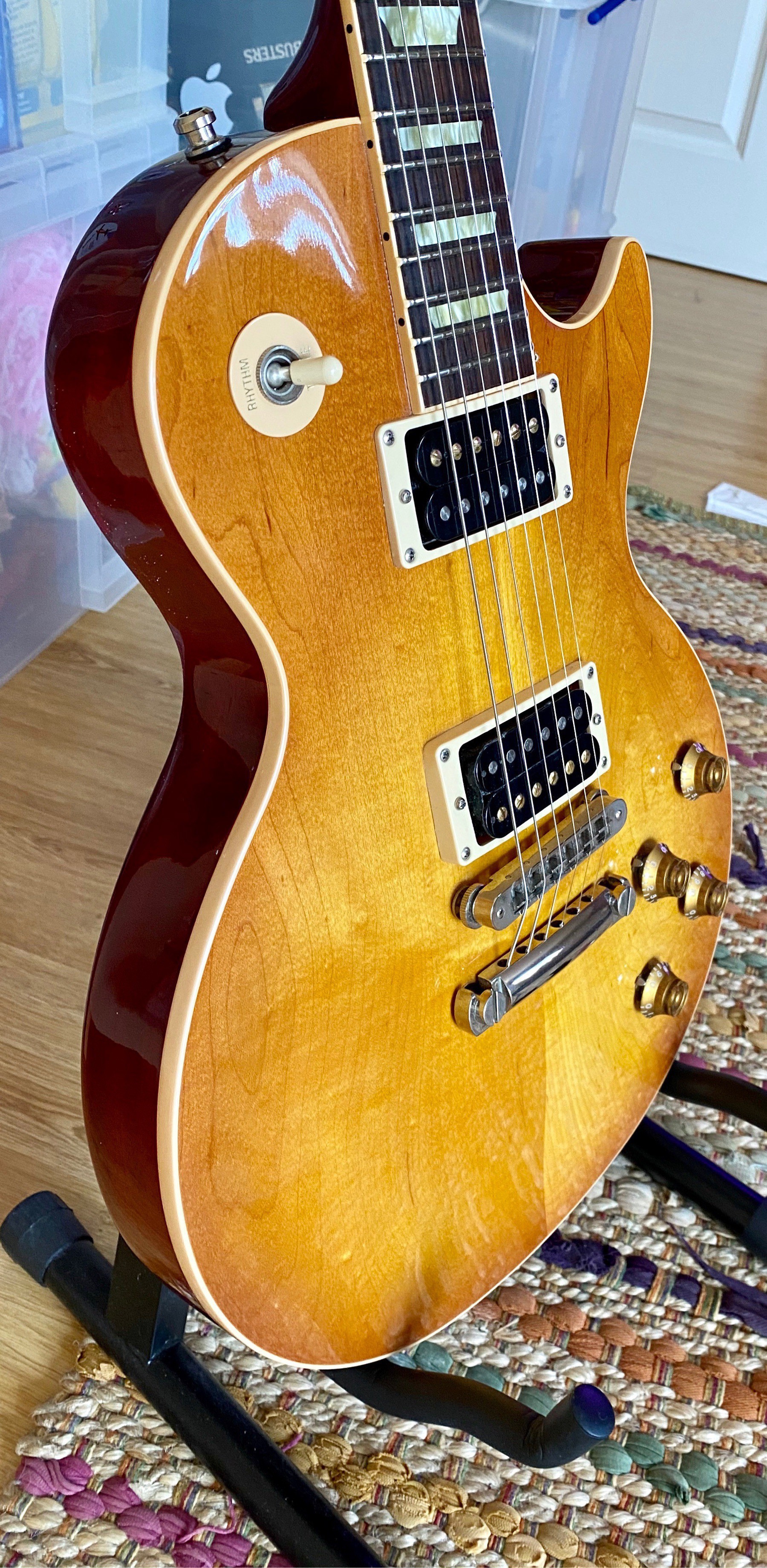
  • Cleaned, fretboard oiled and new strings. All ready to get back into playing.

    → 9:23 PM, Jul 13
  • Fired up my Audible subscription again to take a break from so many podcasts and start to listen to some great Star Wars novels. Starting with Ahsoka.

    → 9:37 AM, Jul 13
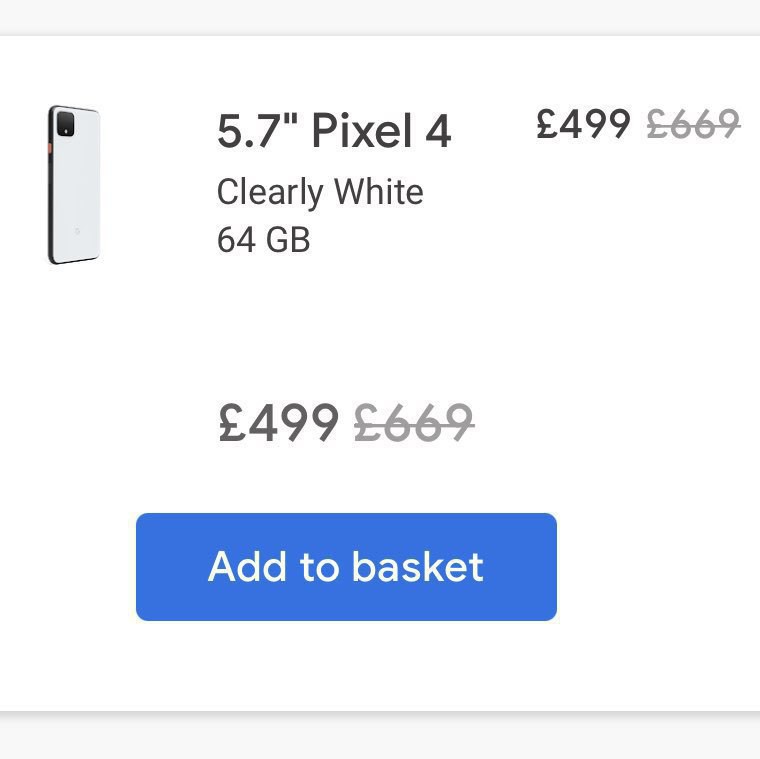
  • Tempted to pick one of these up. Been looking for an Android phone to start to play with. Pixel 3a was great in the time I had one a year ago or so.

    → 9:34 AM, Jul 12
  • Is the Apple Watch series 2 worth buying in 2020

    I’ve been using the Apple Watch a lot less in the last few months but when I do it’s the series 2 I’ve had now for years. It’s scratched up a bit but the battery is still fine and it does the job when I want to track a workout. This got me thinking if the series 2 was still worth it in 2020. I previously said somewhere (I’m getting old so can’t remember where…) that it wasn’t but the more I’ve used it this week I’ve changed my mind. It won’t be getting the latest watchOS 7 and yes the interface is a bit laggy but if you want something to track your steps and walks I now feel it makes a good option vs something like a Fitbit. At less than £100 used you can’t got wrong now in my opinion. Yes the series 3 is faster but still doesn’t drop in price too much if you’re on a budget and don’t want to invest too much in the Apple Watch to see what it can do for you.

    So I’ve changed my mind and now recommend the series 2 IF you can find one less than £120 and you want to start tracking your steps.

    → 4:35 AM, Jul 12
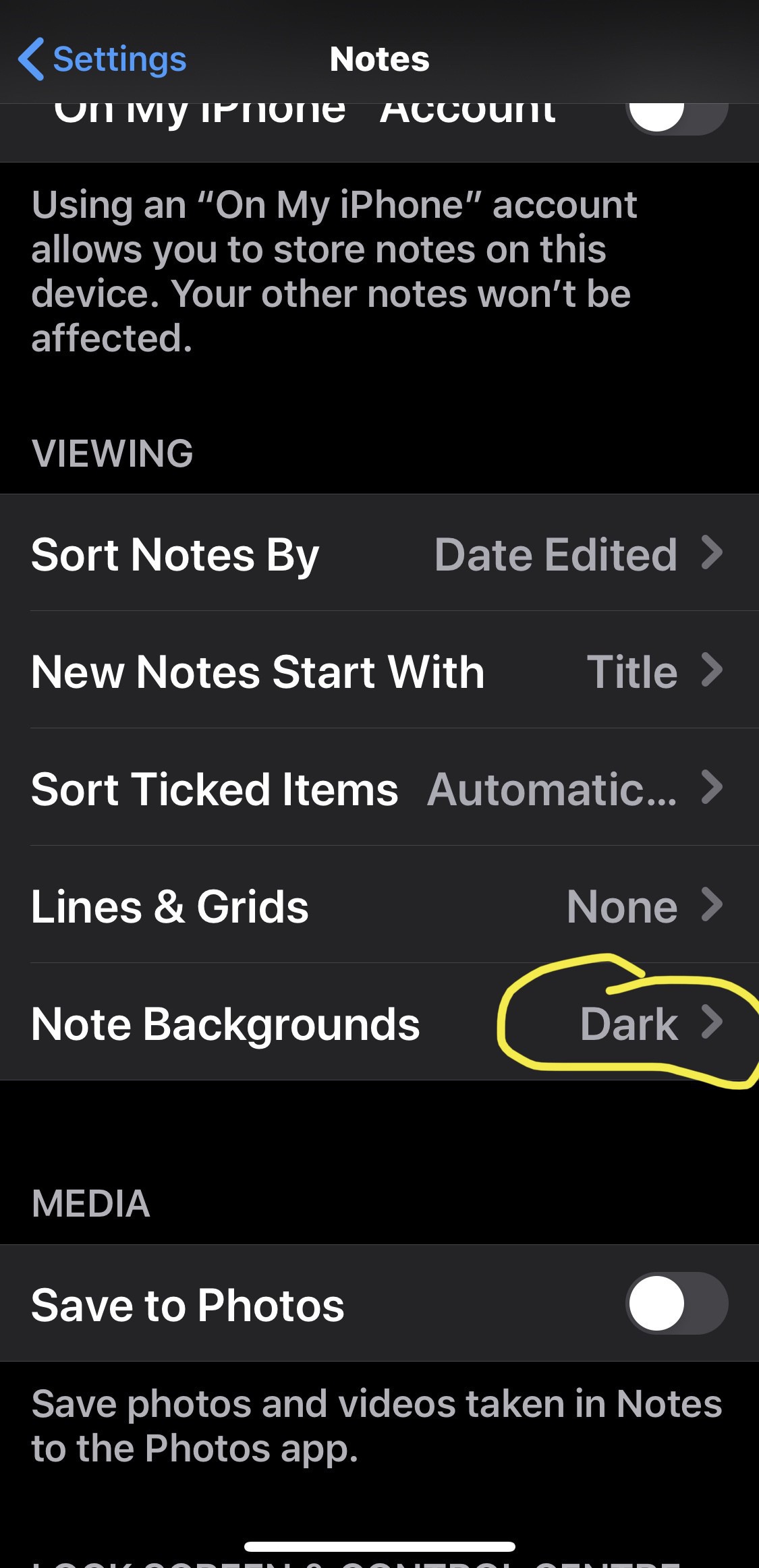
  • Another thing I’ve noticed I prefer the widgets in light mode so back using light mode again. Quite refreshing having used dark mode since it was released.

    → 6:25 PM, Jul 11
  • The more I use iOS 14 the more I realise that I’m probably good using Apple apps for Mail, calendar and reminders. The widgets make so much difference to my workflow. As soon as unlock I know what I have to get done.

    → 6:16 PM, Jul 11
  • Moody…

    → 5:59 PM, Jul 11
  • Managed to sit down and play F1 2020 with the sim setup, wow the handling is very much improved over 2019. Looking forward to getting into it more.

    → 5:58 PM, Jul 11
  • For me I’ve found that reminders and calendar are all I need, with the new widgets showing me what’s on today it’s completely changed my workflow for the better.

    → 6:08 AM, Jul 11
  • On widgets, if you rely on a pre iOS 14 widget then I’d hold off on updating to iOS 14 public beta. I’m finding it hard to get on test flight beta apps at the moment so say if you use OmniFocus and can’t get on the beta to use iOS 14 widgets you’re out of luck.

    → 6:07 AM, Jul 11
  • Did a complete restore to iOS 13 and then back to my beta invite for iOS 14, seems like it’s resolved a lot of my little bugs I had like widget location and not knowing if the phone is in light or dark mode.

    → 5:40 AM, Jul 11
  • Looking at my RSS feed from Micro.Blog my profile image is always upside down. Anyone else experiencing this?

    → 5:36 AM, Jul 10
  • iOS 14 Home Screen

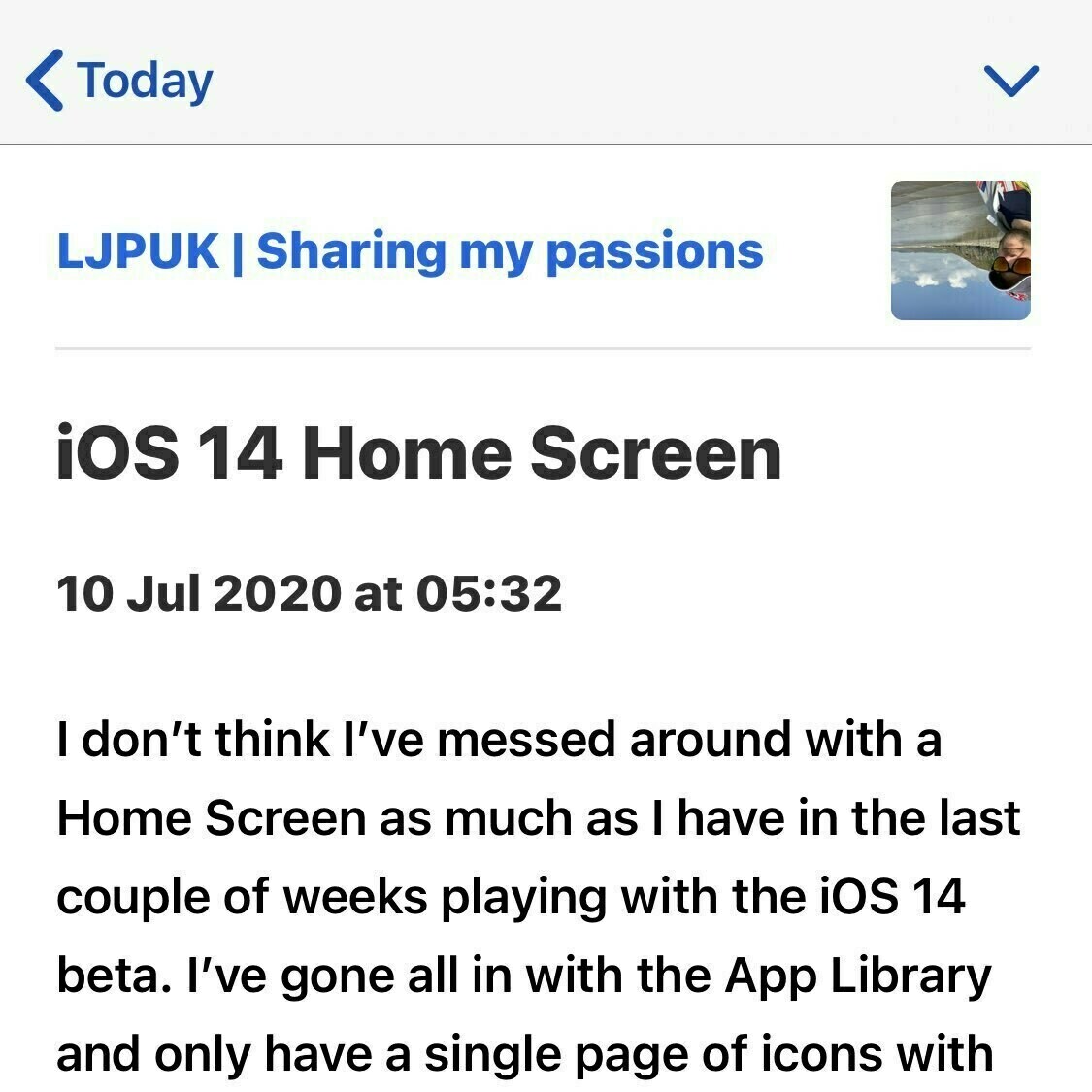
    I don’t think I’ve messed around with a Home Screen as much as I have in the last couple of weeks playing with the iOS 14 beta. I’ve gone all in with the App Library and only have a single page of icons with my second screen going straight into the library. In terms of the old today view I only have the battery widget. On my main screen I’ve got calendar, reminders, fitness and weather.

    → 5:32 AM, Jul 10
  • newbie question, are your posts here searchable via Google? Wondering what to do long term with my existing blog at the moment.

    → 11:08 AM, Jul 9
  • Adding the new search plugin was amazingly easy from the settings. This is a cool place to blog, looking forward to the test drive.

    → 8:05 AM, Jul 9
  • My favourite “computer”…

    → 7:34 AM, Jul 9
  • Using a series 2 Apple Watch in 2020

    I’m still struggling with my Apple Watch these days in terms of should I use or not, are we tracking too much about ourselves etc. With this in mind I haven’t upgraded my series 2 properly for years and it still works for tracking walks. No watchOS 7 and slowness of the interface has me wondering what to do but I feel if you’re looking for a Fitbit alternative then the series 2 might be worth a go. You can get them for £100 or less used and they are still fine as a pedometer or tracker for walking. I do like I say wrestle with using one but I need to get more active and lose a bit of weight so may need to commit to it keeping me honest about how little I actually move these days. I’ll keep you updated on my journey with my series 2.

    → 6:02 AM, Jul 9
  • I now prefer my Micro.Blog site template to my blog template… time to give importing a go.

    → 5:33 AM, Jul 9
  • Looks like I can use Icro app to add this functionality for muting keywords 😀

    → 5:19 AM, Jul 9
  • I’m probably misunderstanding some functionality of Micro.blog but can you mute keywords from showing in your feed?

    → 5:15 AM, Jul 9
  • Exported all of my posts from Wordpress ready for a migration test to Micro.Blog. Not sure I’m brave enough to test it yet.

    → 6:02 PM, Jul 8
  • Posting exclusively on Micro.Blog

    As you might have seen on Twitter, I’m moving my social onto Micro.Blog as a test for a bit as I am feeling completely worn out by the attitude and way that free social platforms (and video sharing) sites work. Rewarding negativity and outrage isn’t a service I want to support so I’m slowly making moves to come off them.

    I’m going to posting to my Micro.Blog exclusively now for a bit to see how I get on and if it sticks I might even move the blog over.

    See you there.

    → 5:31 PM, Jul 8
  • Another week with the Apple Magic Keyboard

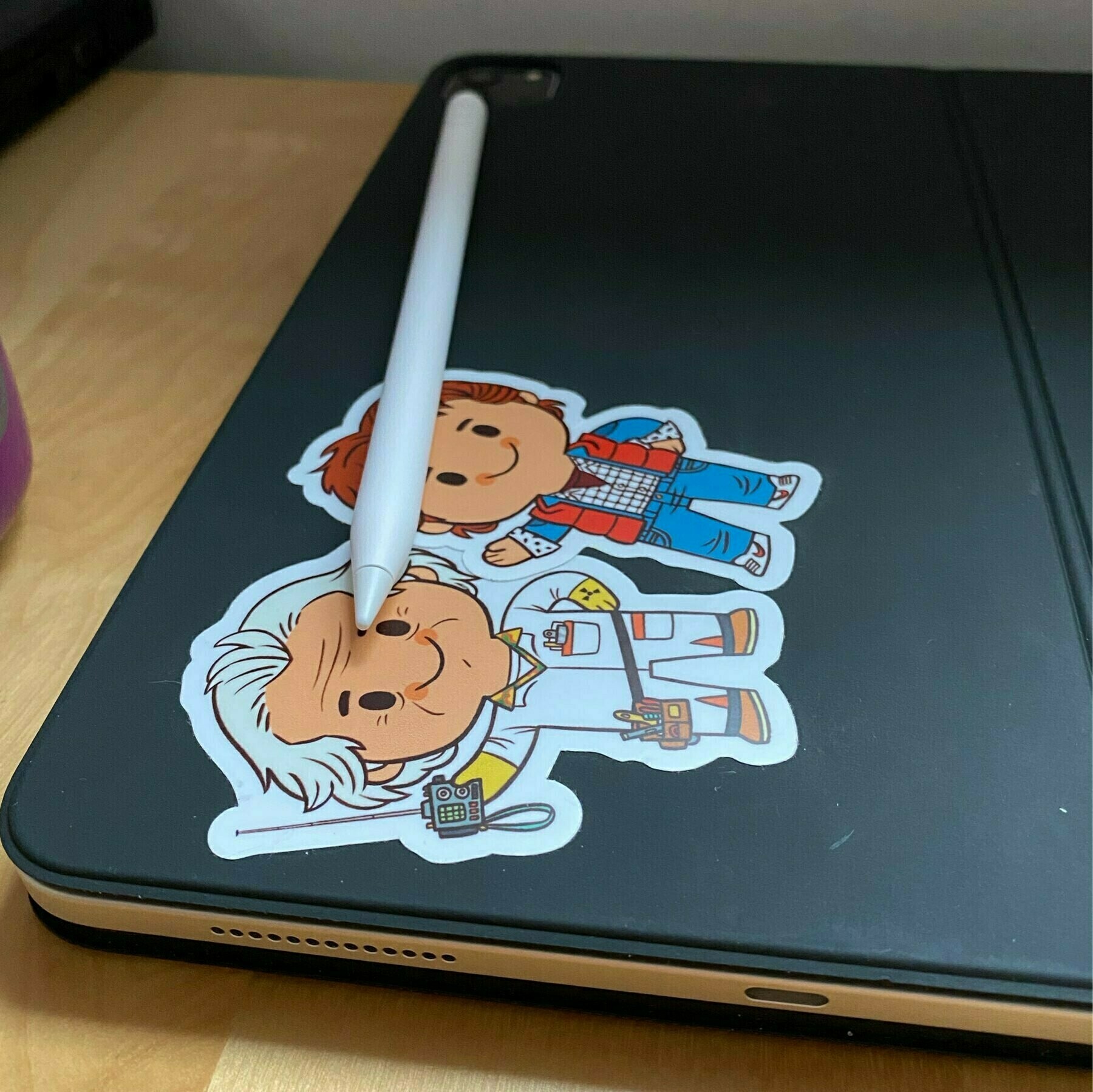
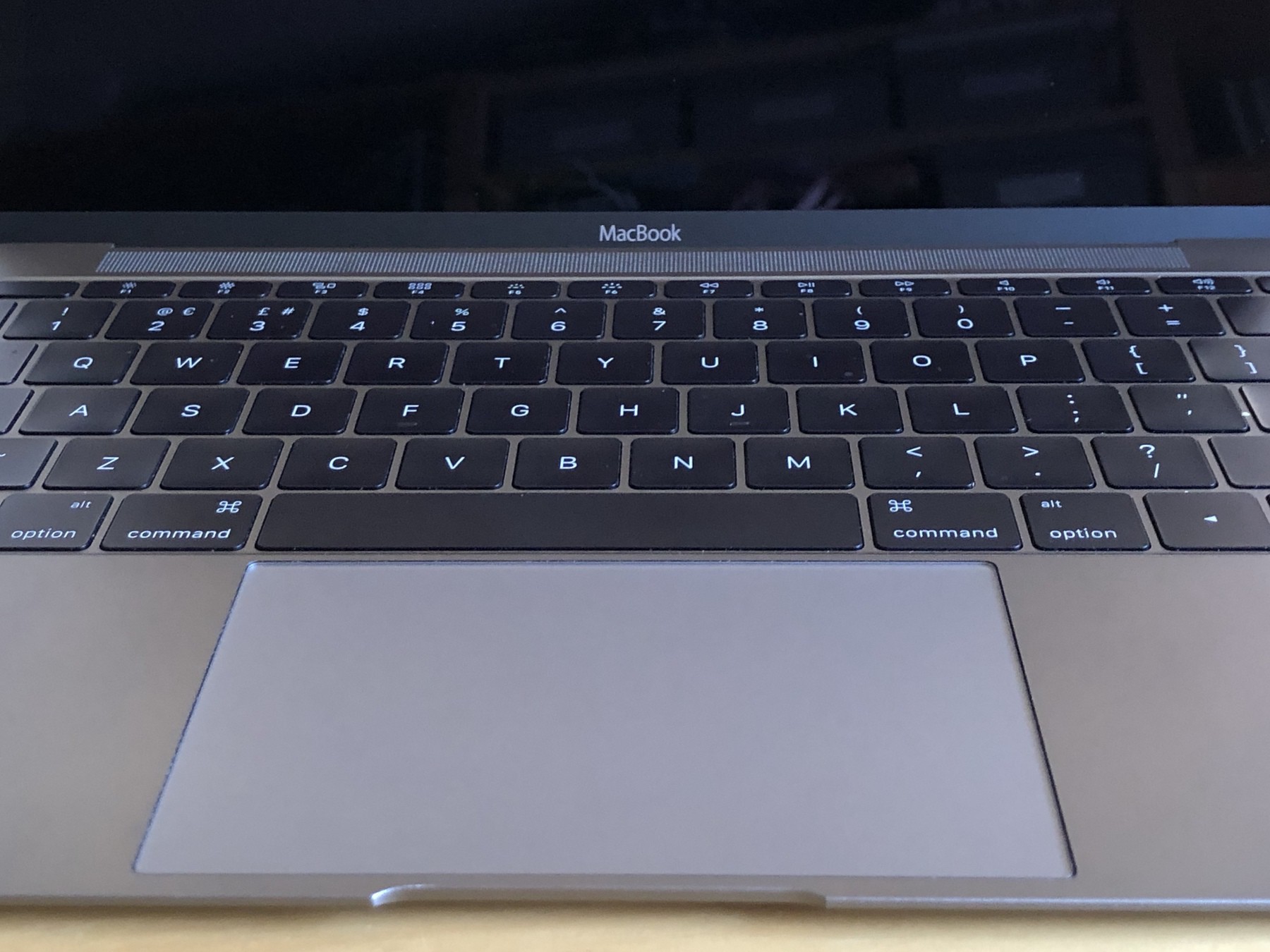
    Another week down using the iPad Pro and Magic Keyboard and it’s quickly becoming my favourite setup. I have the 11” model so stays attached to my iPad and I use it lots of times over the day. I still don’t particularly like the material this is made of and the colour is a bit boring (stickers being added to mine each day!). In fact I tried to use my 12” MacBook the other day and really hated the old flat keyboard on that one, I really like this new key feel and travel on the magic keyboard.

    It’s expensive but if you are looking to have a main machine then I’d definitely recommend picking up the iPad, Pencil and Magic Keyboard at once. I love the flexibility of this setup and does everything I need it to.

    → 5:23 PM, Jul 8
  • If I moved my blog to micro.blog would I still be limited to 280 characters? I still want to write longer form posts.

    → 4:35 PM, Jul 8
  • The new App Library in iOS 14 is really changing the way I interact with my iPhone. I have one page of apps and just that library. Nice 2 page setup.

    → 4:17 PM, Jul 8
  • Still got my blog on Wordpress but will start to think about how I move it over to Micro.blog. Any good reading on how to do this one?

    → 4:13 PM, Jul 8
  • Giving Micro.Blog another go, I’m pretty much done with other social platforms. Hi again.

    → 4:10 PM, Jul 8
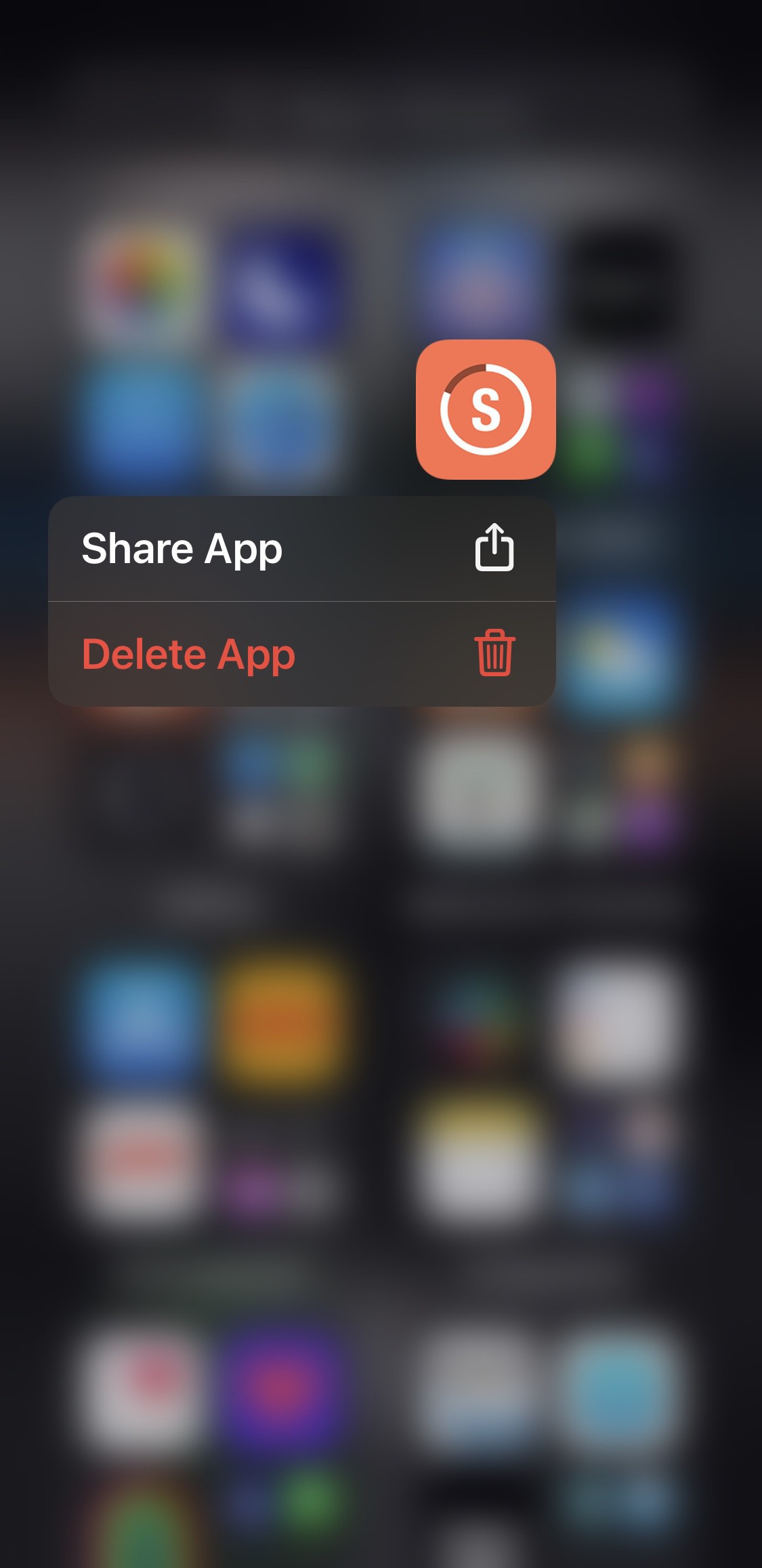
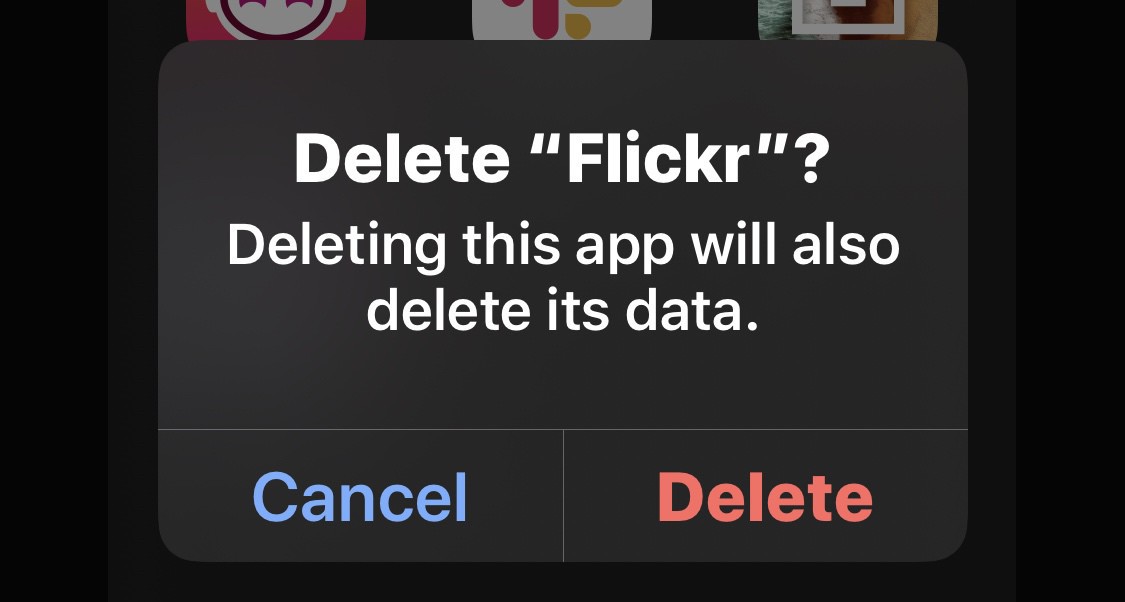
  • iOS 14: you can now delete an app straight from the App Library

    An issue I raised like plenty of others I’d imagine, in beta 2 you can now delete an app via the App Library rather than having to add to the Home Screen first.

    → 5:08 AM, Jul 8
  • Slack is slowly replacing Twitter for me

    I’ve become more and more aware of the negative effects that social media and YouTube are having on my mental health lately and as you may have noticed I’m becoming less and less active on them. What has been good though is the introduction of Slack into my life. I’m in a few different slack rooms now, all of which contain most of the people I interact with on Twitter but with no manipulation by the companies that run them.

    I’m finding that I’m much happier when I’m in Slack and in positive interactions than logging into Twitter and feeling bad after I’m done more than good. Don’t get me wrong, I do have good interactions on Twitter but they are outweighed by the way I feel after being on there.

    I do have my own little slack room but I don’t want to add another place for people to check but if you’d be interested them let me know.

    → 6:55 AM, Jul 7
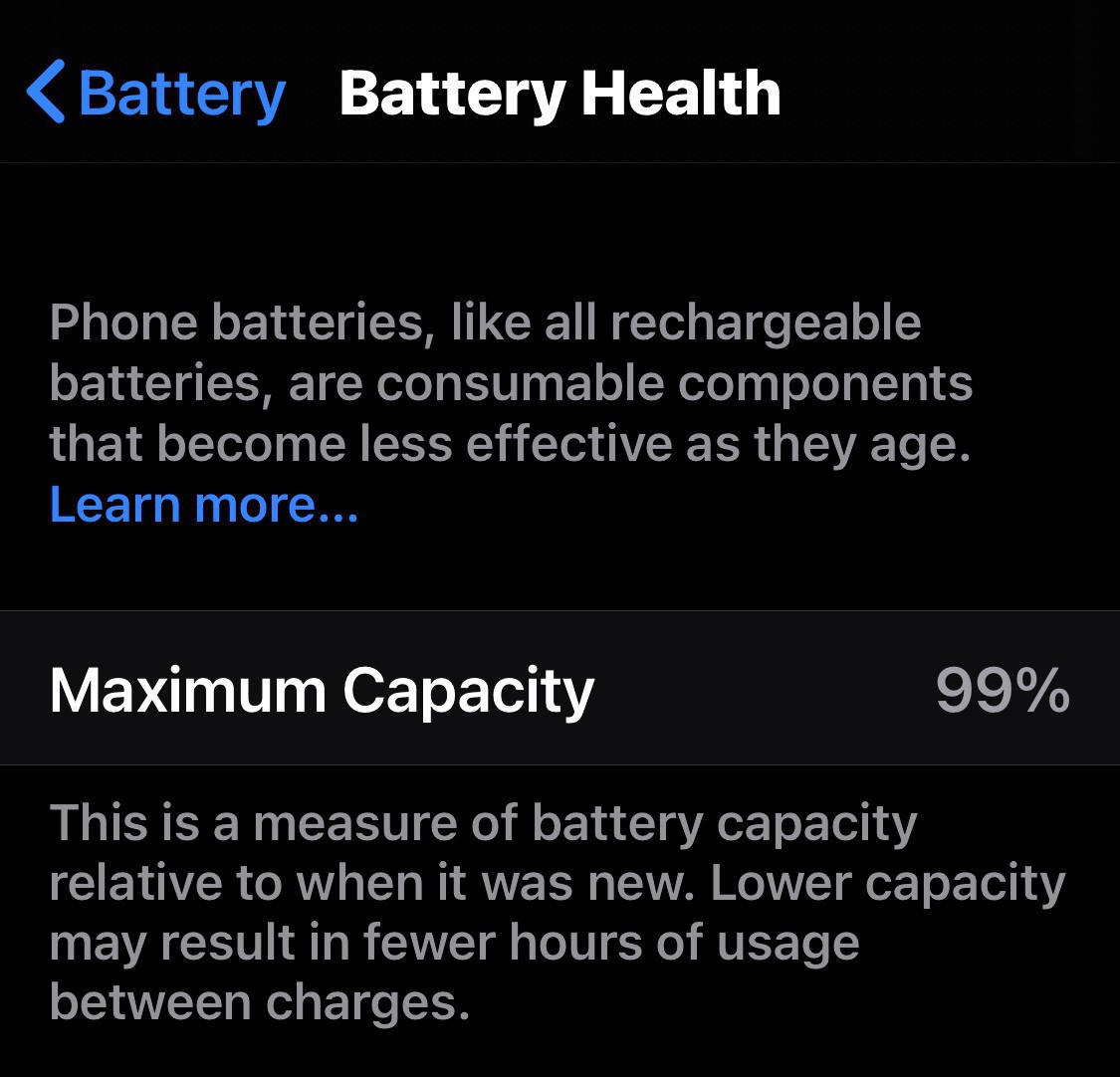
  • iPhone 11 Pro battery health after 10 months

    Almost 10 months in and I was surprised to see I’d lost only 1% of battery health.

    When I had the XS at the same point it was at least 5% lower than this. The only thing I’ve done different with this one is I’ve never used wireless charging, only cables. There also a battery optimised setting to change a bit more intelligently so wonder if this was the reason.

    How’s yours faring?

    → 6:38 AM, Jul 7
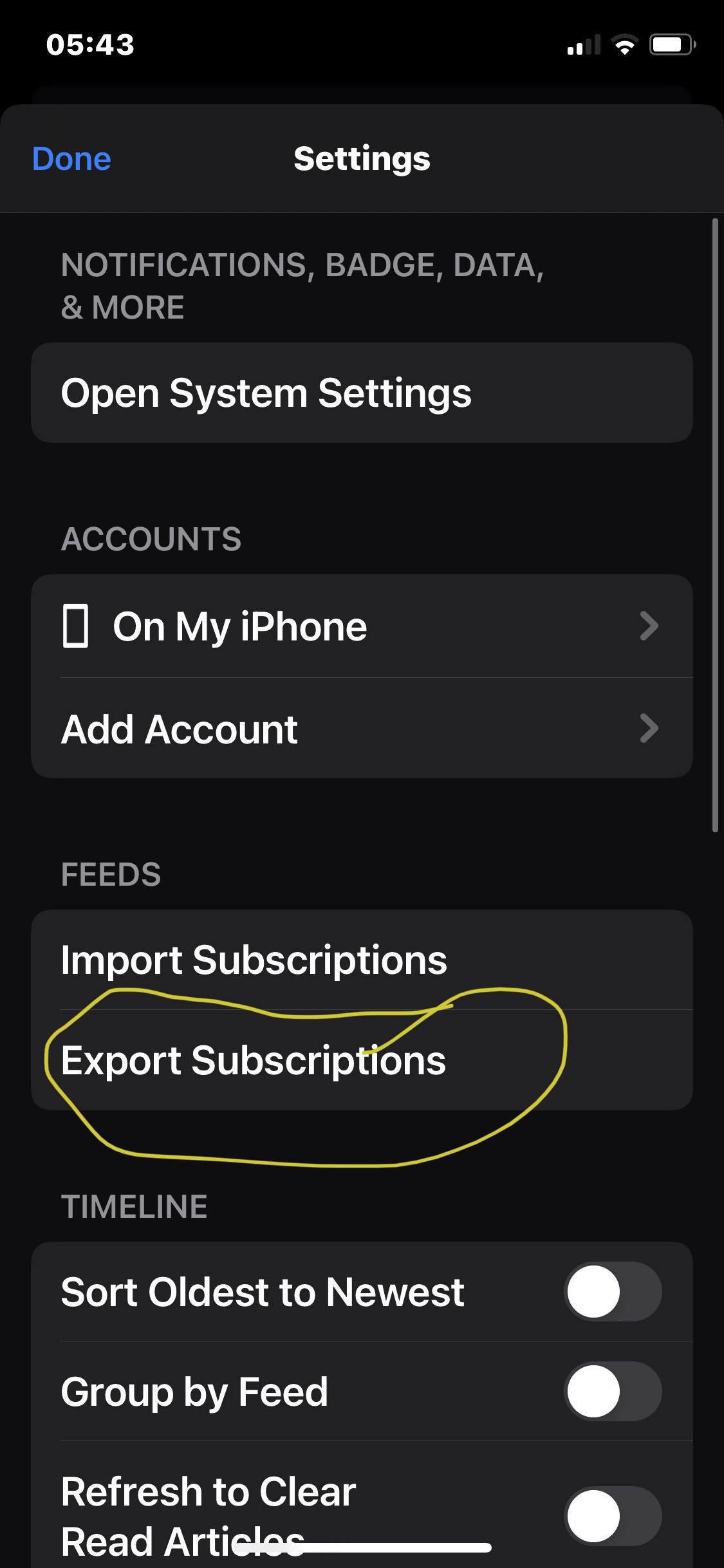
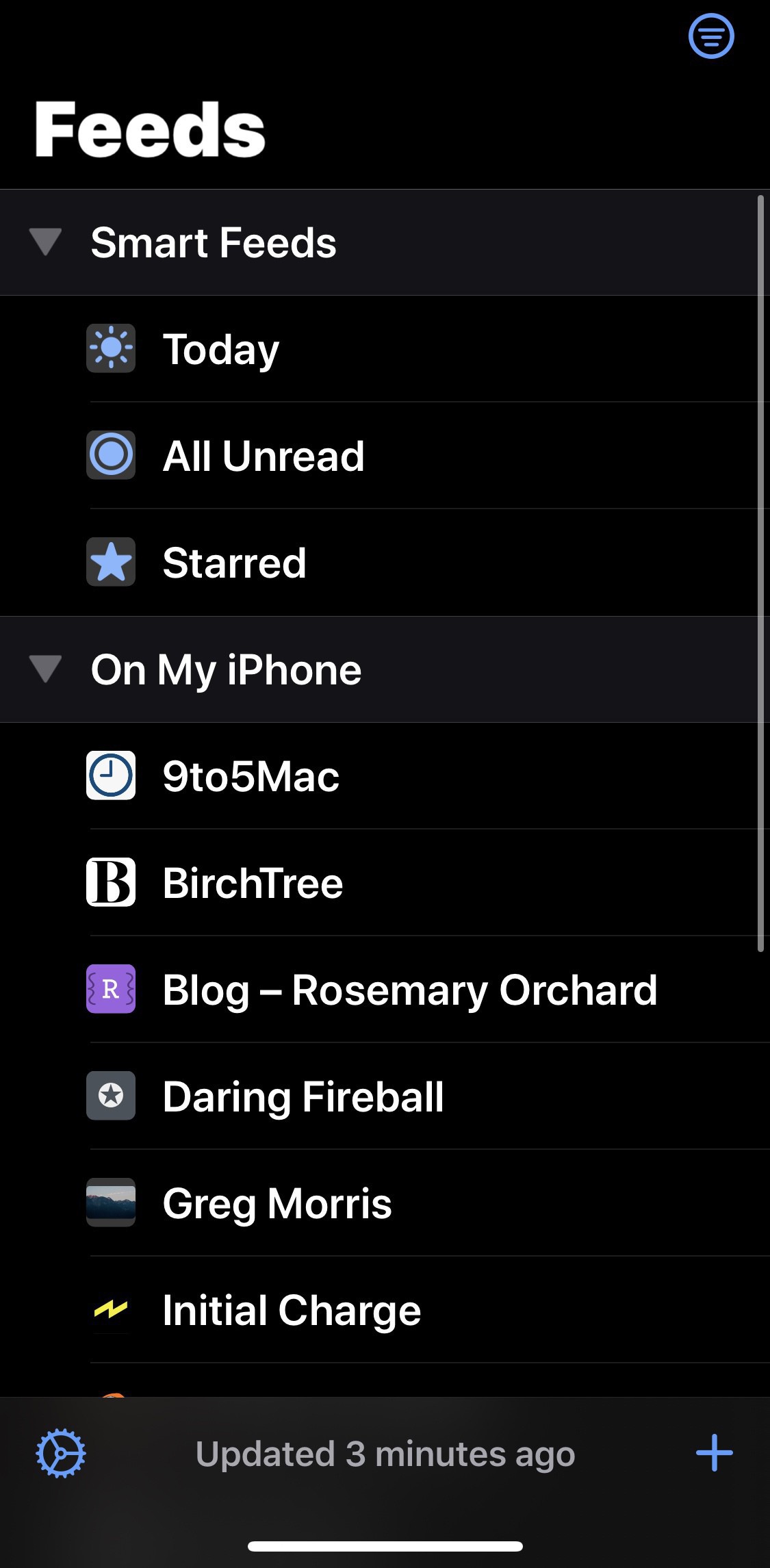
  • How I manage my RSS subscriptions manually across devices using NetNewsWire

    Since making the decision to engage less in social media I’ve become a big fan of RSS again and have my reader of choice NetNewsWire installed across all of my iOS devices.

    I started curating my feed on my iPhone only. Once I was happy I then used the export option to save to my iCloud.

    On my iPad I then use this export to sync my feed. When I add new feeds I export and reimport again. The only issue with this is that when you reimport you’ll need to remove all of your subscriptions first or you’ll have duplicates.

    I know this isn’t perfect but is free and saves a sign up to an RSS management app.

    → 5:50 AM, Jul 7
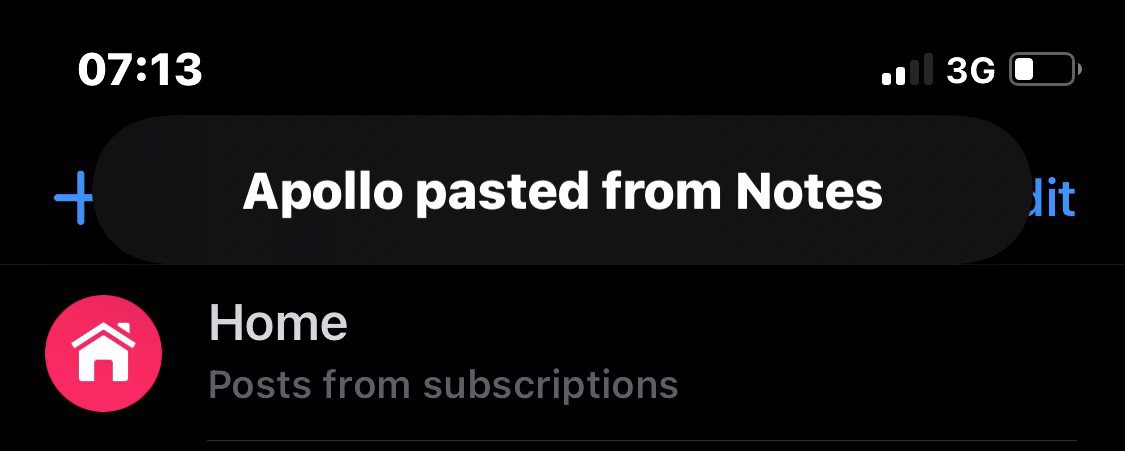
  • Apps using your clipboard in iOS 14

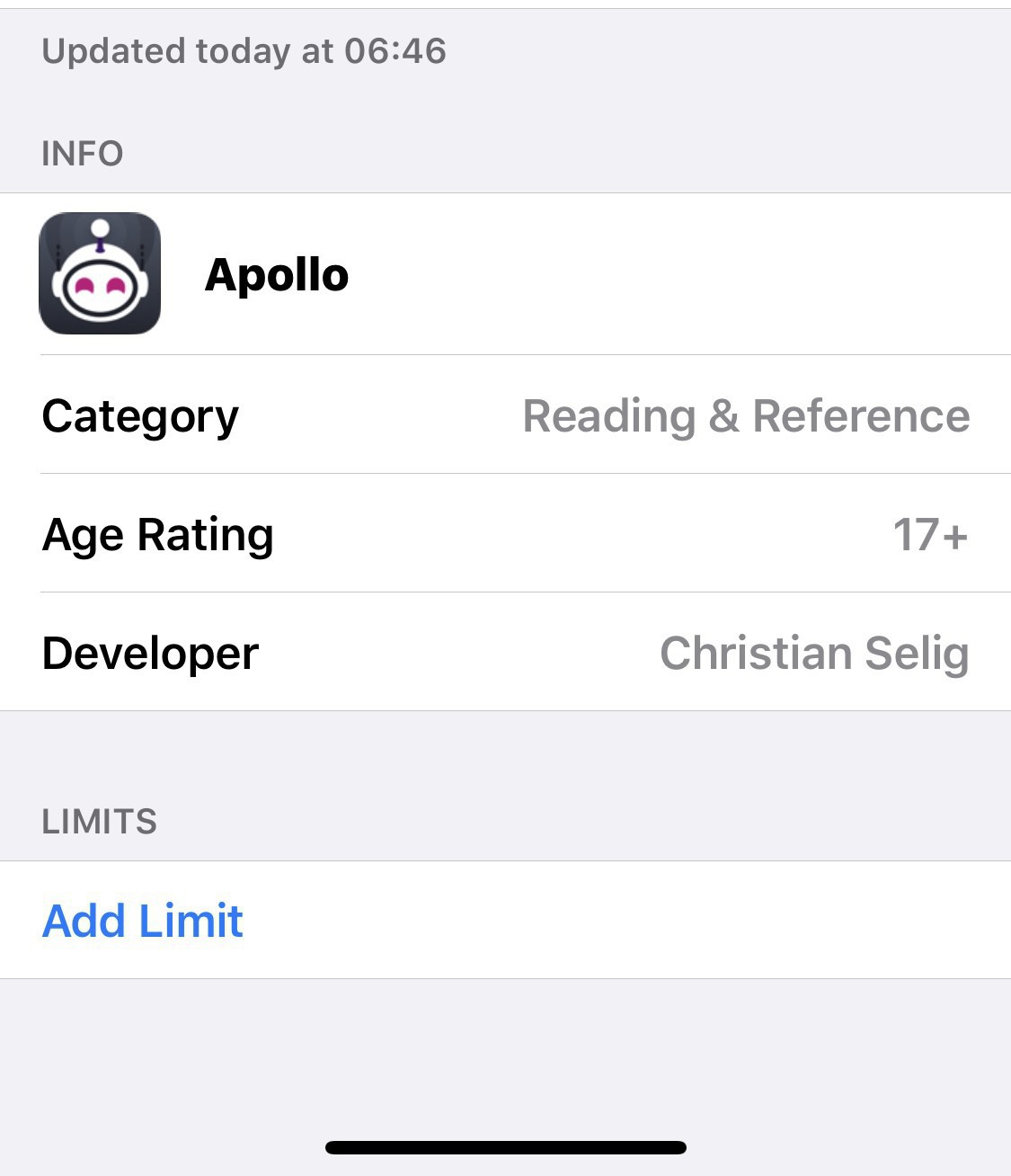
    Another day, another warning for apps that use your clipboard. I trust Apollo but wonder why they are taking my clipboard at all. I think there’s info here that needs to be shared by the development community as to why they are using our clipboard. For me it’s a lack of understanding so I’m not targeting any developers, just want to know why in general for any app that shows this message.

    Anyone else on the beta finding they are suddenly aware of their data being shared between apps?

    → 7:22 AM, Jul 5
  • How to blog more

    I thought I’d revisit this one after coming into taking another little social media break. I truly believe if you want to blog more then come off social media. I don’t mean delete your account, I mean delete the apps on your phone and replace them with your blogging platform app.

    Anything you were going to share on social media would probably be best thinking about a bit more and turning into a blog post.

    I also believe that coming out of the version of the world the social media companies want you to see isn’t a bad thing either.

    I find that having less influence on what I’m told I want to see and influence from others helps me form my own opinion and come up with different takes on stories I want to write about.

    Give it a go, 30 days with no social media but only blogging.

    → 6:15 AM, Jul 5
  • Why use a third party fitness app on the Apple Watch?

    I’ve been using my Apple Watch very rarely outside of going for walks these days and one of the things I’m asking myself is - should I use a third party fitness app for my walks instead?

    I find the built in workouts app to be just fine for my use and reading the privacy policy on apps like Strava where your data is sold I don’t see why anyone would use a third party.

    Am I missing something here? Why do you use a third party app?

    → 5:27 AM, Jul 1
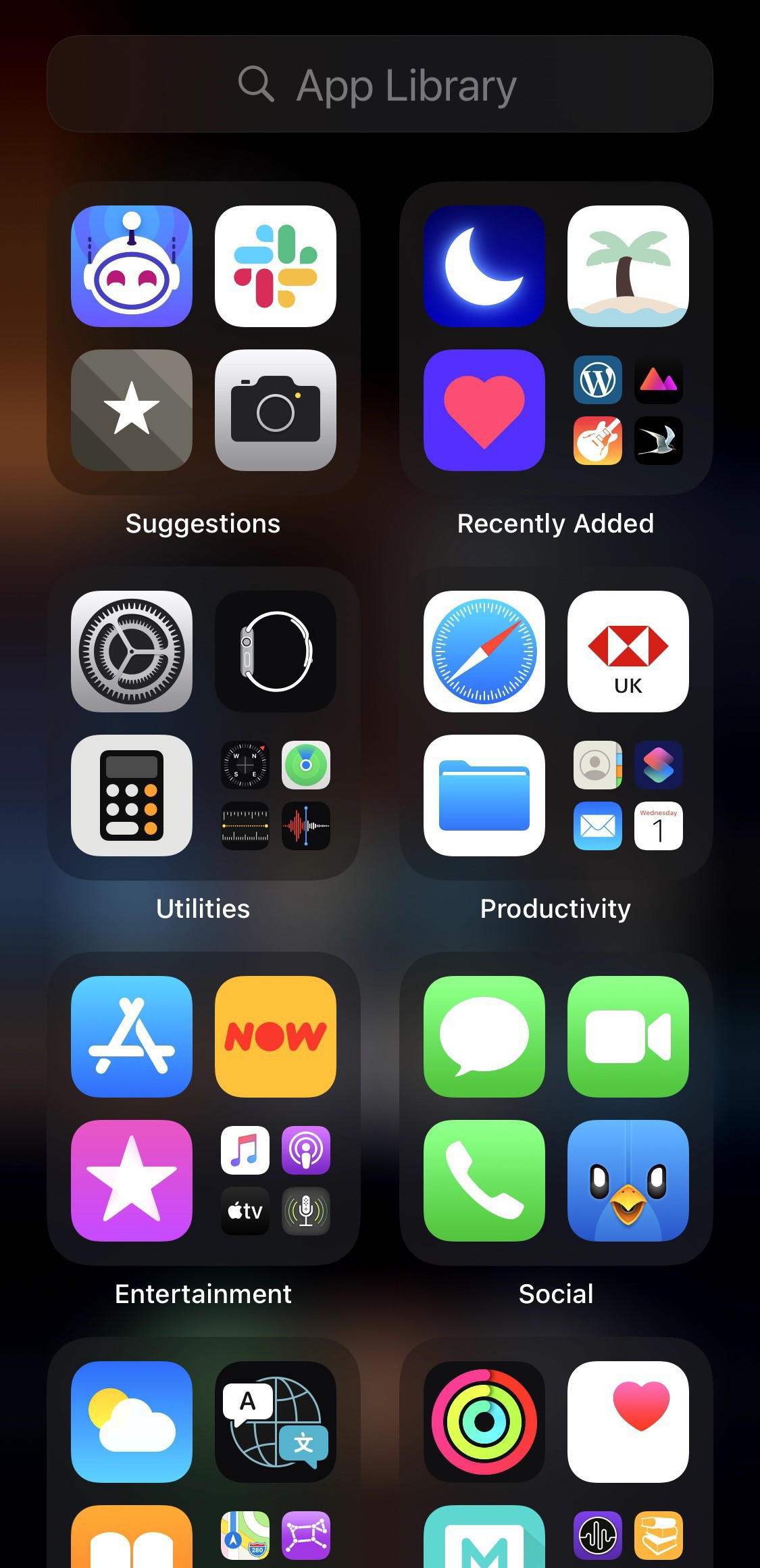
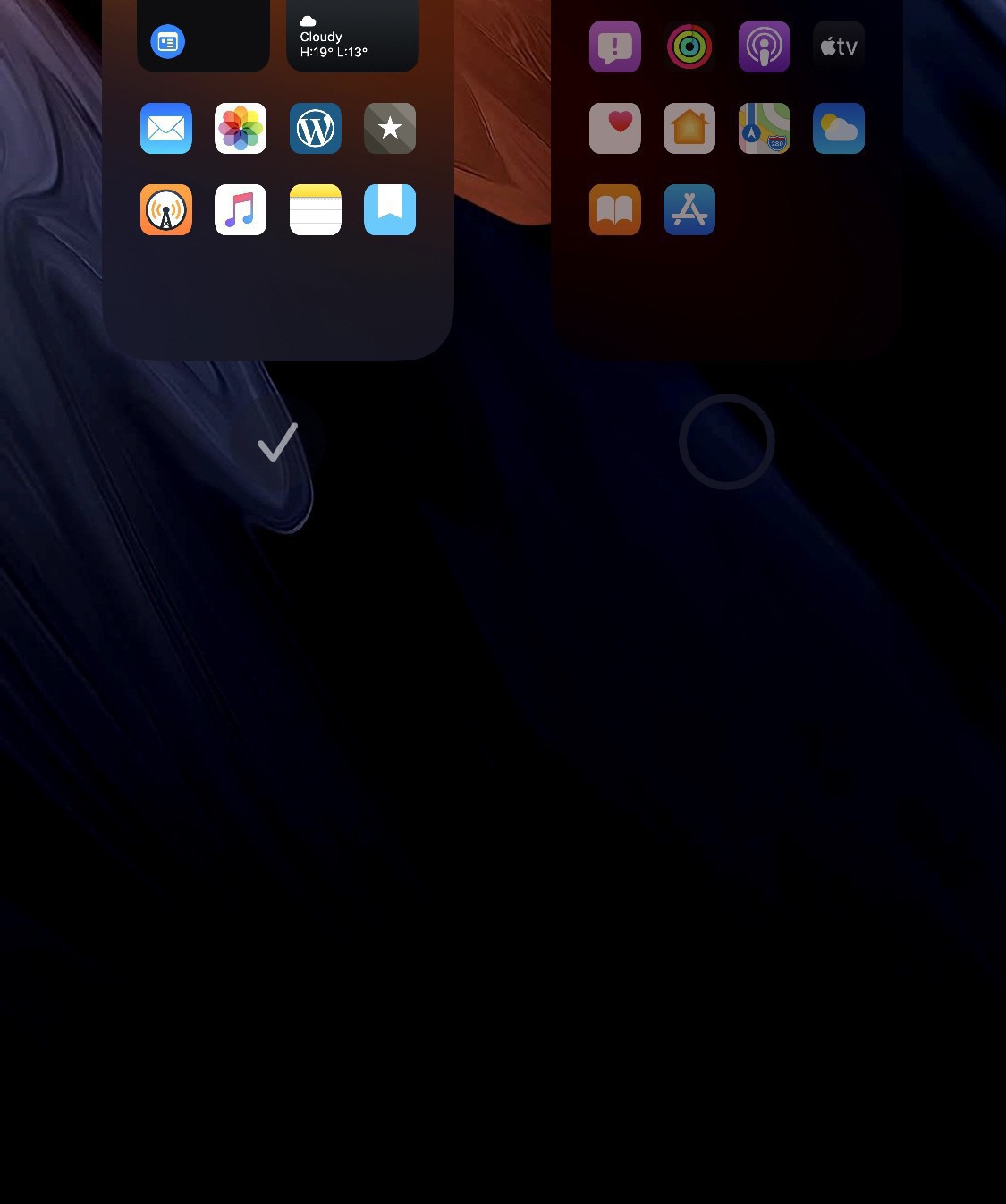
  • iOS 14: App Library

    A week in testing iOS 14 and I’m loving the new App Library feature. My setup now involves one home screen and then the App Library, no more other pages of apps. This feature allows you to let iOS manage your app organisation and for me at least has encouraged me to install more apps.

    When I swipe over I get all of my apps organised by category.

    To do this I simply turned off all of my home screens in the edit home screen setting.

    This has been working quite nicely for me and can’t see me going back to multiple home screens.

    Now I just need Apple to bring it over to the iPad.

    → 5:05 AM, Jul 1
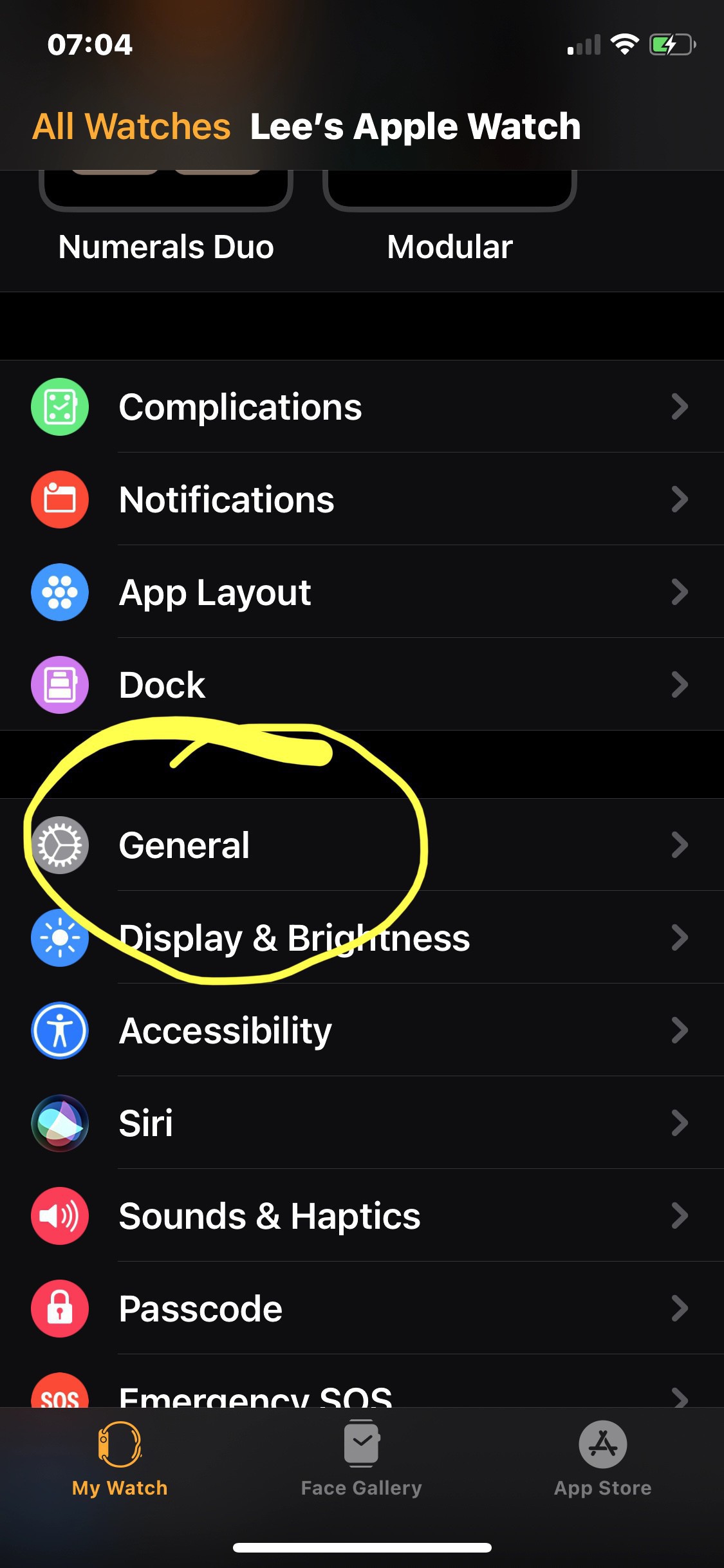
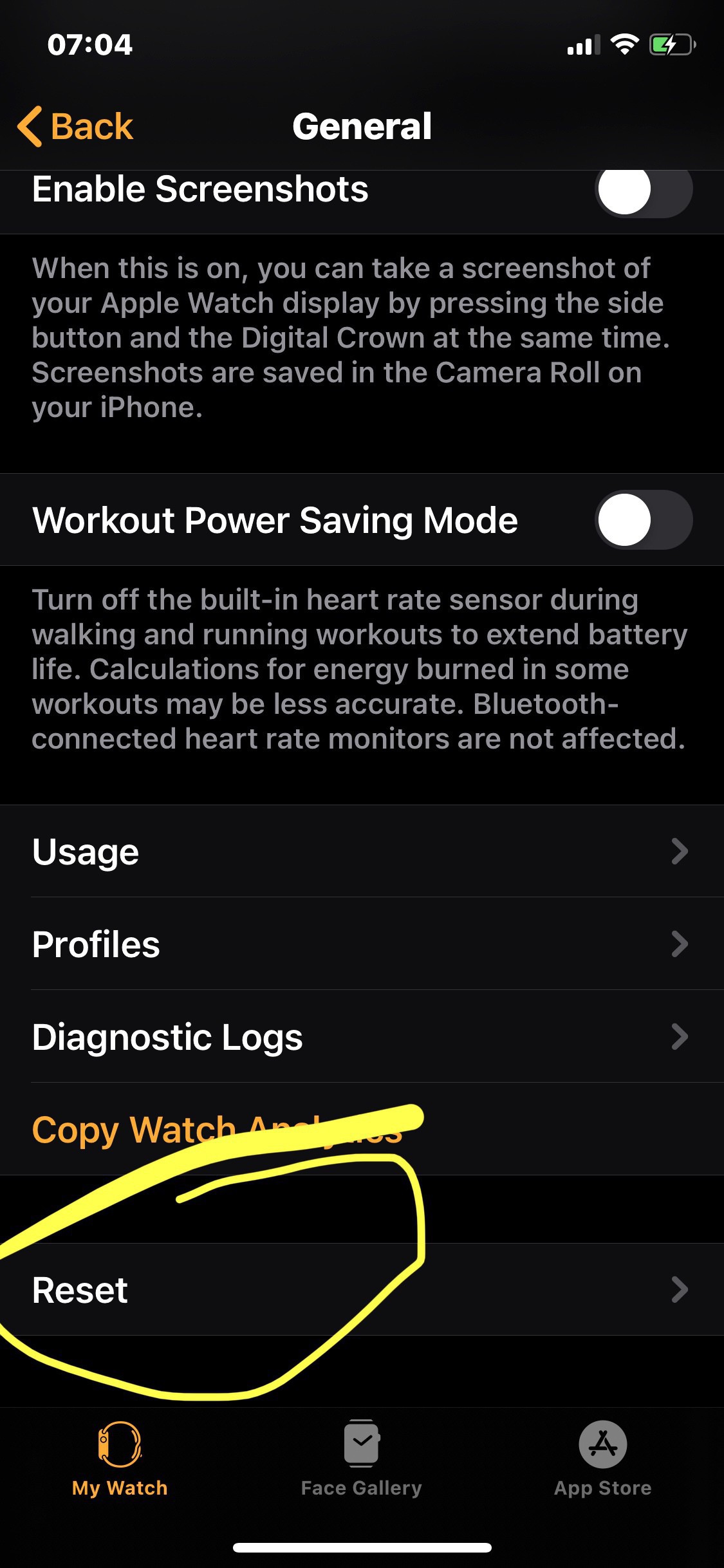
  • How to unpair your Apple Watch in iOS 14

    When you switch up to iOS 14 you’ll notice that the watch app has lost it’s old unpair option so when I decided to take a break from using it I had to dig around a little.

    It’s now within the erase settings as follows.

    Once you entered your password you’ll see the following.

    → 7:08 AM, Jun 27
  • iOS 14: how to customise the Reminders widget

    I’m very much enjoying iOS 14 and wanted to start to share how to customise the Reminders widget.

    Add the widget and then long press and tap ‘Edit Widget”.

    I like to change this view to see how many items I’ve got due today. So I tap list and change.

    You can change the list displayed to meet your own needs but personally I use TODAY because for me this seems most relevant to have on a widget you want to see most often.

    → 5:51 AM, Jun 27
  • Breaking the Animal Crossing habit

    When Animal Crossing came out I was obsessed and it was a nice escape from the world around me. What I’ve found in the last week though is I put my Switch in the drawer and stopped playing. I’d developed a habit of once I’d gone for my early walk I’d play animal crossing for an hour before starting my work day. It was becoming a grind for me and almost a habit, I’d actually stopped enjoying playing it. I’d mindlessly walk around my island picking fruit and flowers then selling them to make bells to pay off my mortgage!

    I’d stopped playing and being creative but it turned into something that felt a chore.

    I’m glad to see Nintendo are bringing in the option to go diving and I’ll probably dip (sorry) back in to check this out but for the most part I think I’m done.

    Don’t get me wrong I very much enjoyed my time and it was a great distraction from the state of the world in 2020 but I won’t be hooked in every day grinding away.

    → 5:27 AM, Jun 26
  • Moshi iVisor for iPad Pro review

    I’ve not been a fan of screen protectors but after seeing a few people with matte finishes on their iPads I wanted to jump in with my 11”.

    I picked up the iVisor and I have to say after a week in I’m impressed.

    As you can see it’s a matte finish and installed bubble free as promised. You can take kit off to wash under the tap but I’m not ready to try that out yet.

    The quality looks high and once I started to use it I can see why it’s more expensive.

    With us being in summer now and even though we aren’t out and about I’m using it outside in the garden and the finish helps to keep off reflections. It does have an impact on clarity but not too bad to want to take it off. I now personally prefer a matte finish on my iPad screen.

    Using the pencil also feels better to me than using the naked screen. There is a little more friction and the texture feels good, not like paper but again better than the glass.

    I didn’t have a concern about scratches but that’s obviously a nice side effect of switching to a protector.

    At over £20 for one it is on the pricier side but I recommend spending a little more to get the Moshi.

    → 5:36 AM, Jun 25
  • iOS 14: widget first impressions

    I don’t think I could go back to iOS 13 now after beta testing iOS 14, it’s made the iPhone home screen so much more alive and interactive. I’ve not gone overboard with my widgets but now settled on one large one that is ‘stacked’. This stacking means that I added the medium sized calendar, followed by reminders. I then dragged reminders on top and hey presto I have a stack I can scroll through. I then simply added weather, notes, music and battery.

    They aren’t updating super reliably at the moment but I’m so impressed with the implementation.

    As a side note this beta 1 seems really stable, much more than iOS 13. I think Apple have taken the negative feedback on board from last year.

    Can’t wait to start seeing more of your setups.

    → 5:05 AM, Jun 25
  • WWDC: Putting Home Screens podcast on hold (for now)

    After the WWDC 2020 keynote and working through all of the home screen changes I’ve decided to put the podcast on hold for a couple of months. There’s so many great changes to how we can customise the look of our devices now to make them our own I felt that talking about the iOS 13 way to do it wasn’t that interesting given most of us are excited about widgets and app libraries.

    Even a day in my home screen is working completely different for me, I want to chat with guests about their iOS 14 setups.

    Thanks for subscribing (if you are) and also for listening to the current episodes. I hope you agree that’s it’s better to focus on the future of how iOS 14 will change the look of our home screens.

    I may do a few solo episodes talking about the changes, my experience and how to setup - sound interesting?

    → 9:53 AM, Jun 24
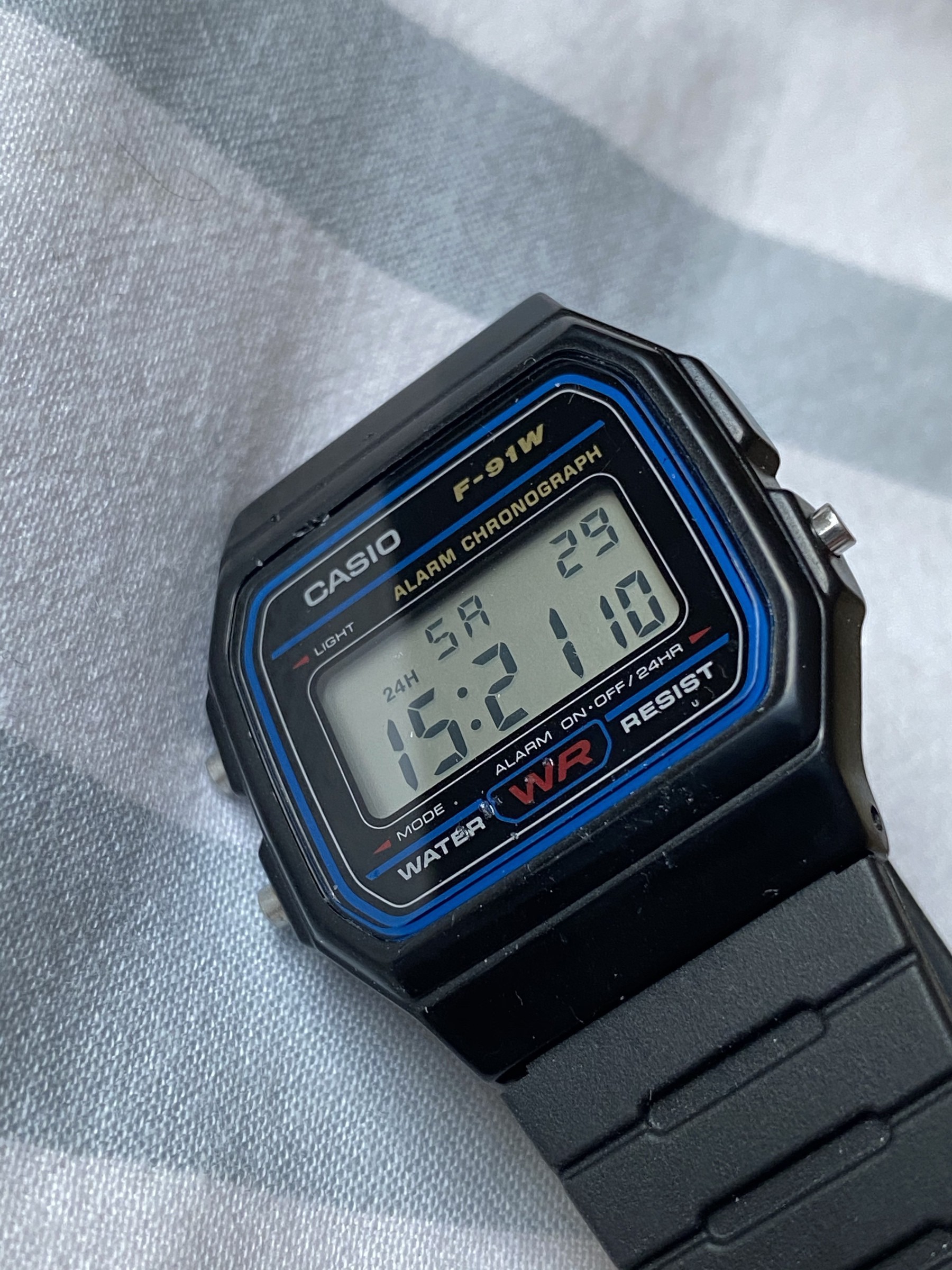
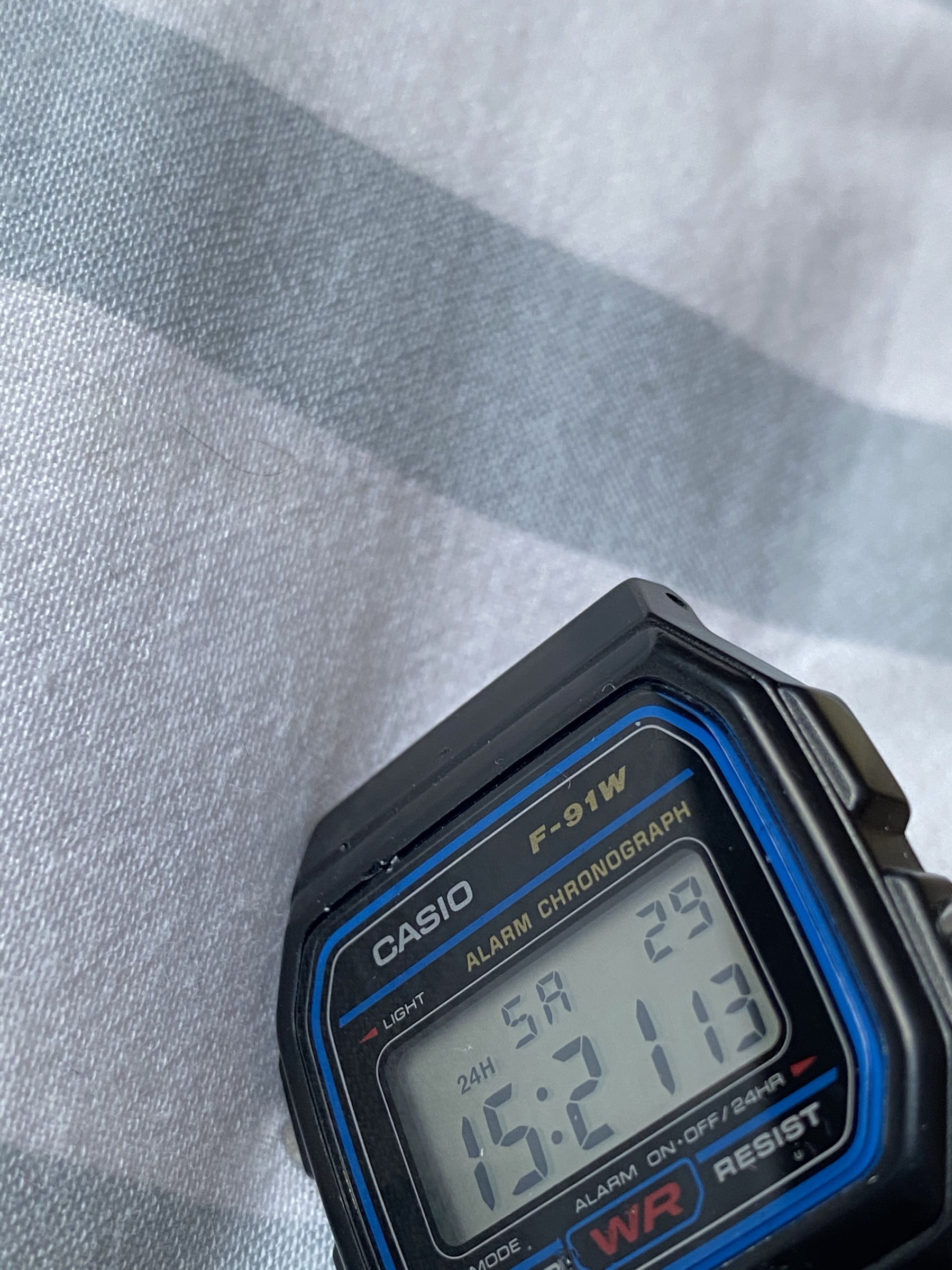
  • A minimalist watch

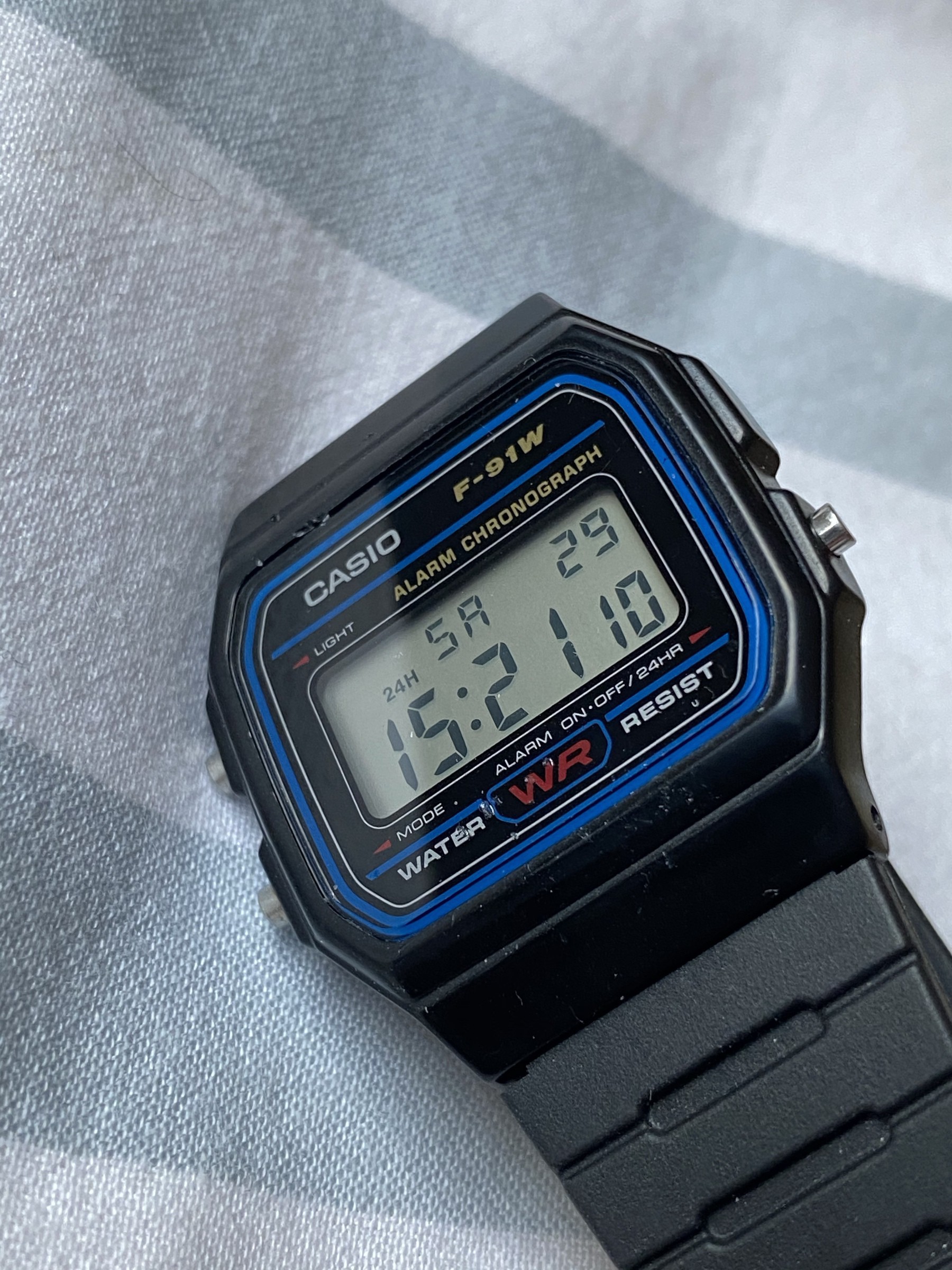
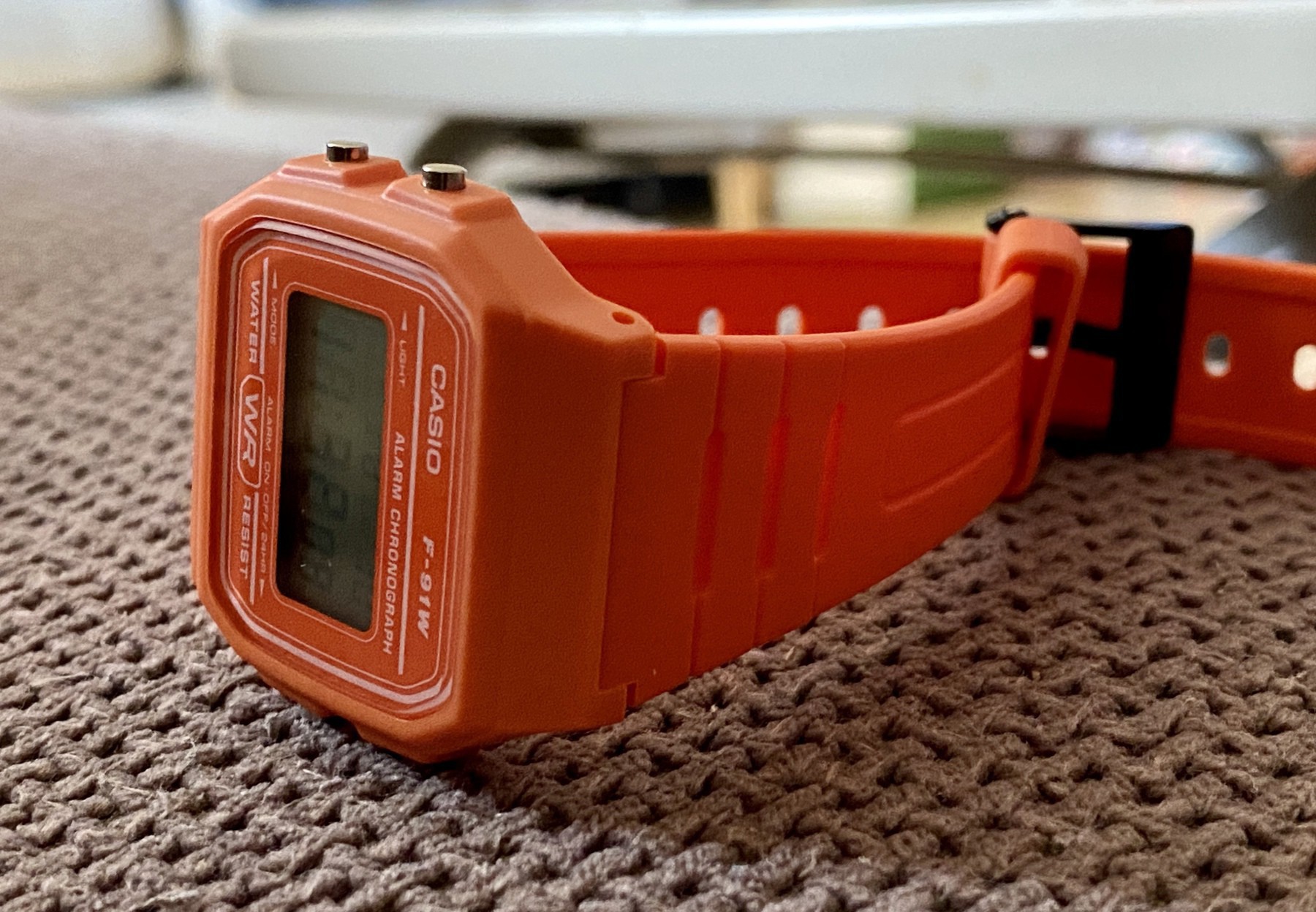
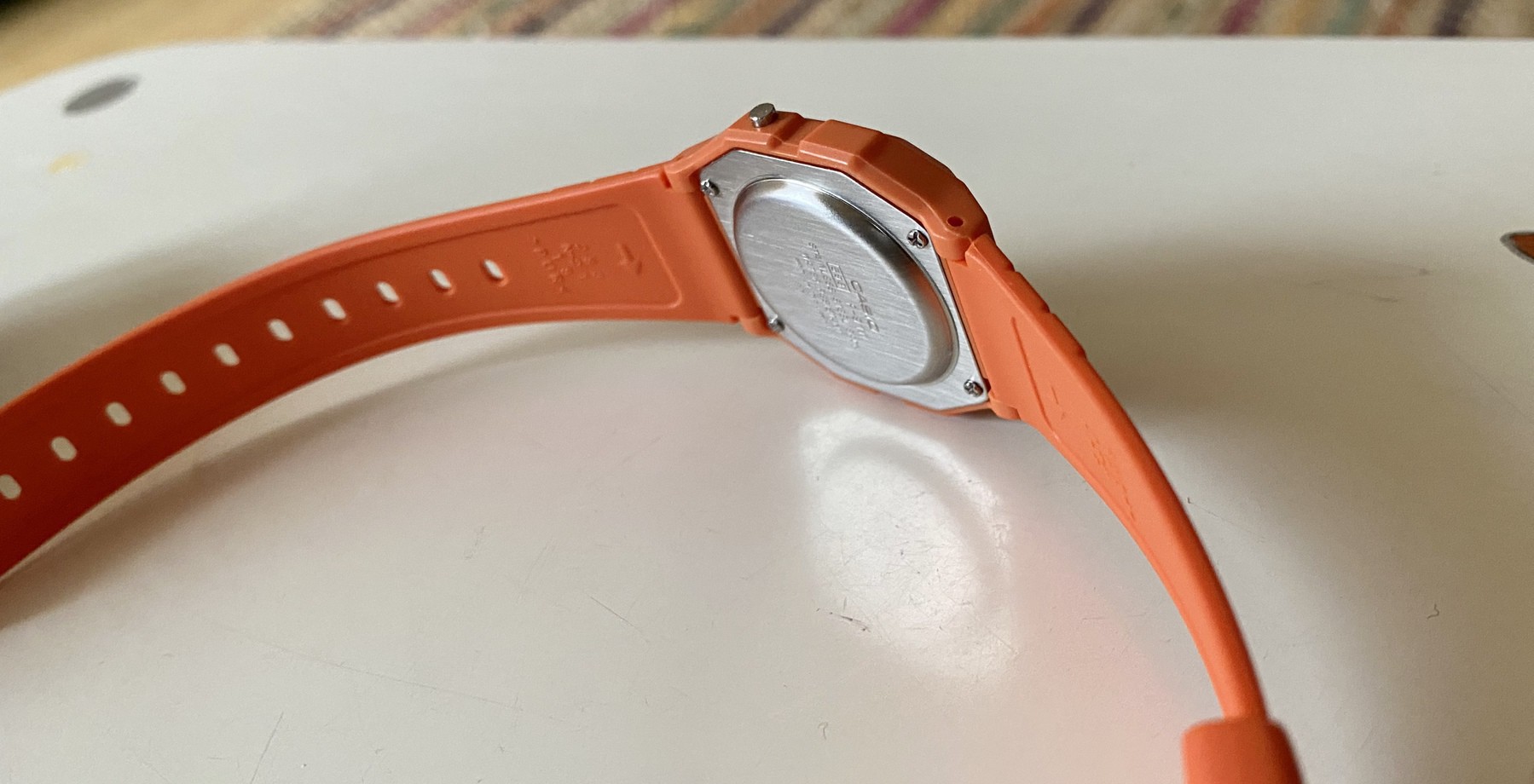
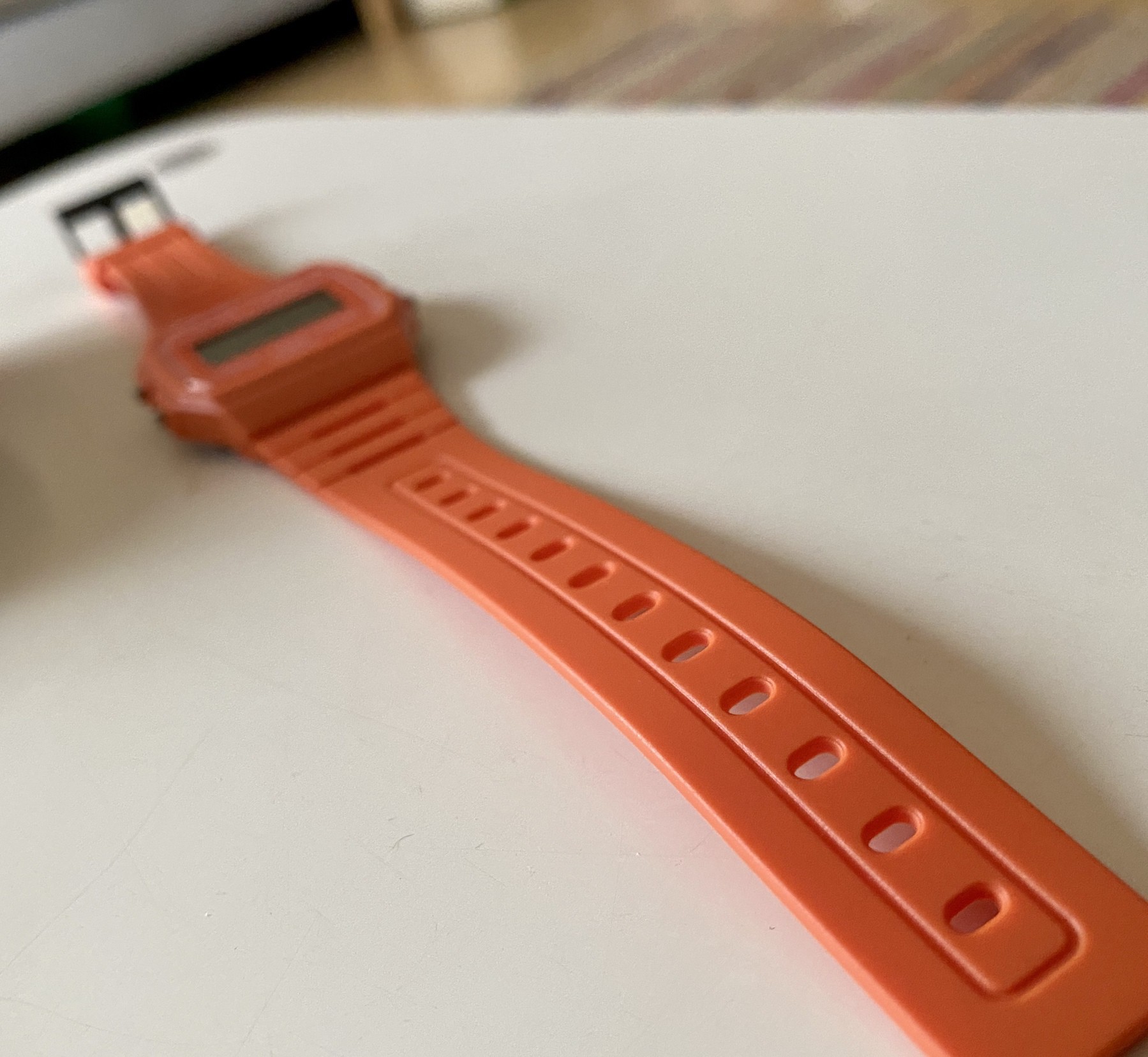
    I’ve been going through a bit of a resurgence in my love of watches over the last six months or so and starting to think about how I can share one of my other passions on my blog. My first post is around finding that one watch that is both minimal and functional. After looking through my collection I settled on the Casio F-91w as my favourite minimal watch.

    It’s got everything I need (date and stopwatch) and is light and small enough that I don’t even notice I’m wearing it.

    The only thing I miss is being able to see the time at the same time as running the stopwatch.

    At less than £20 this is the perfect watch to buy if you want to get away from a smart watch or just start wearing a watch again.

    → 4:57 AM, Jun 24
  • WWDC: Which Apple Watches can run watchOS 7?

    With a new software release we usually lose a few models and with watchOS 7 we lose support for the series 2. watchOS 7 supports the 3, 4 and 5 models only.

    → 9:17 PM, Jun 22
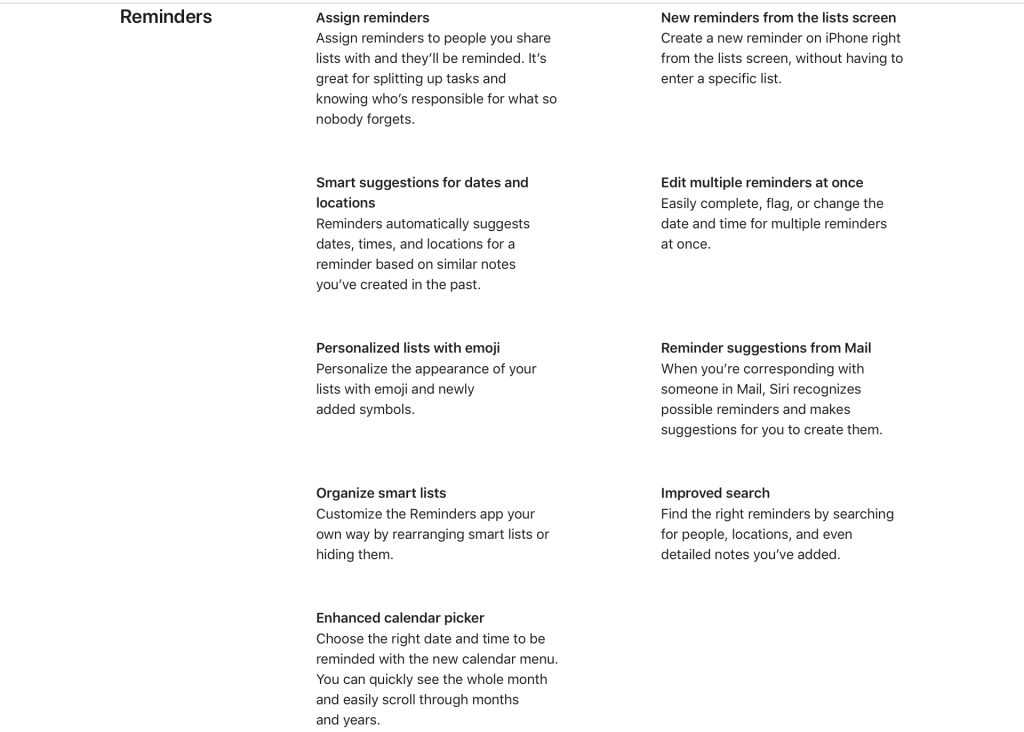
  • iOS 14: What's new in Reminders

    Some nice looking little Reminders updates, nice to see development continuing so I’ll give it a little test as I work through my iOS 14 content.

    → 9:04 PM, Jun 22
  • WWDC '20: Apple previews iOS 14

    I always love to watch the keynotes but get lost in the details so always like to paw my way through the Apple info afterwards.

    Apple has now created it’s iOS 14 preview page and I look forward to reading through it all as I digest the massive feature dump from today’s keynote.

    → 8:57 PM, Jun 22
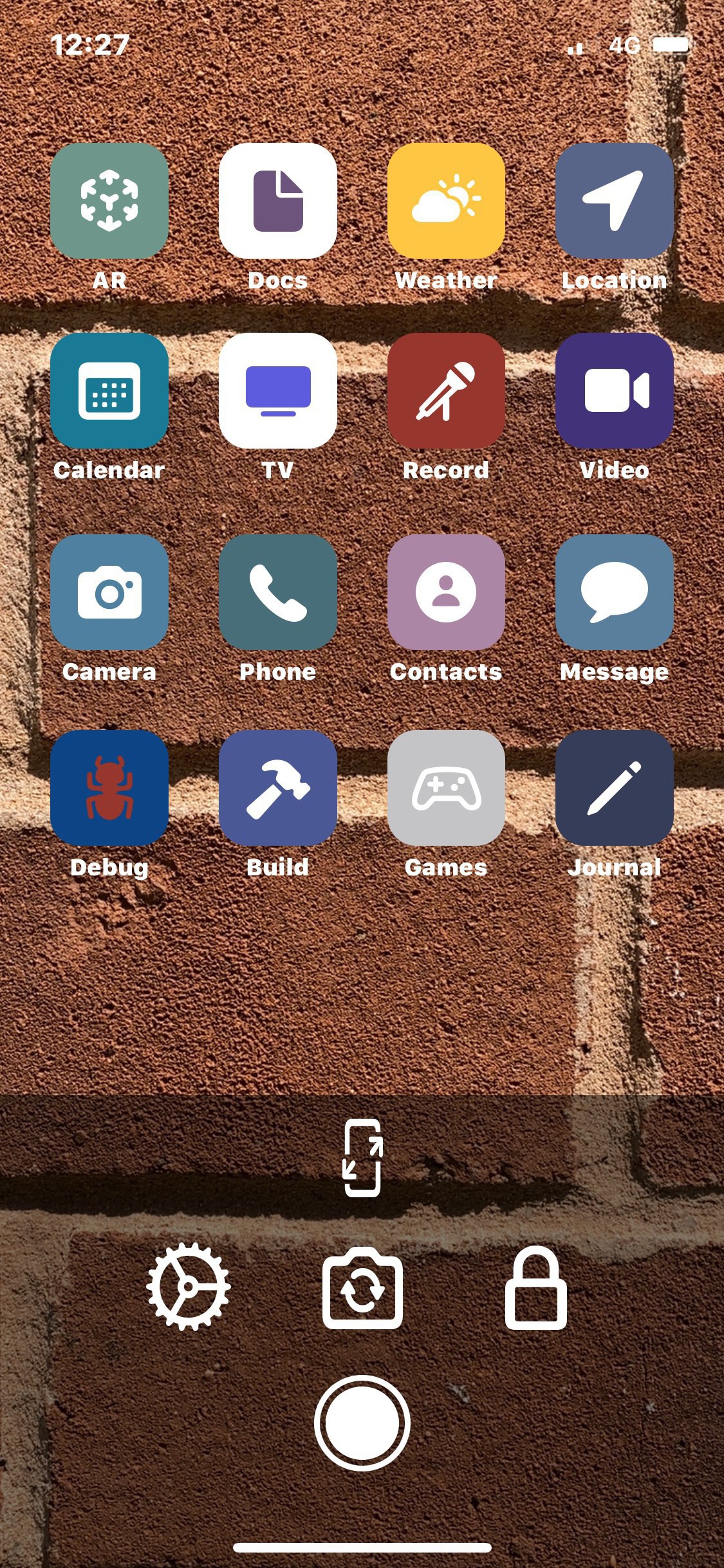
  • Lockne, an app to help you create a great lock screen and wallpaper

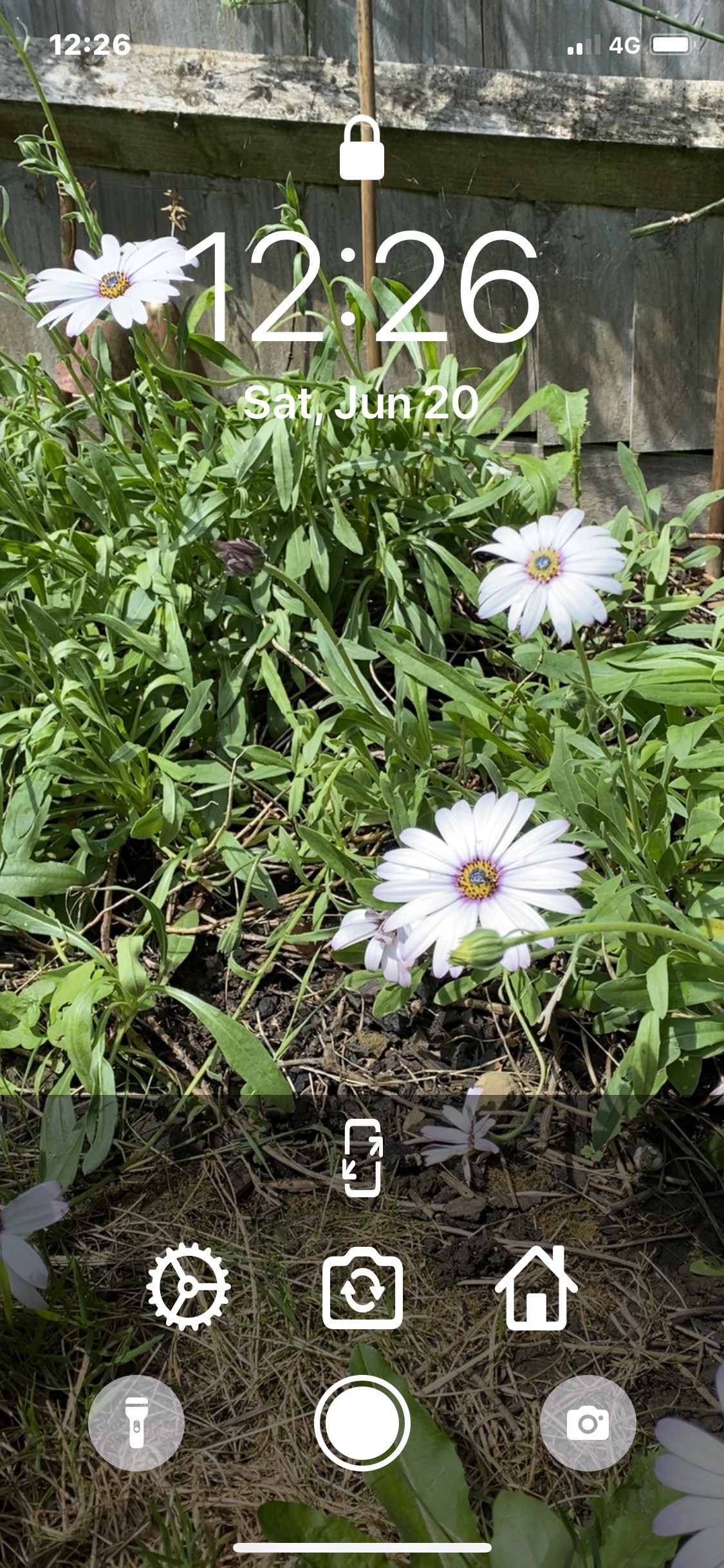
    Lockne is a great little app that I can’t believe hasn’t already been done, it’s a really useful utility app that every iPhone user could do with. If you’re into changing up your wallpaper every 5 minutes (like me) then you need to check it out.

    Developed by Jonathan Ruiz this is an app that lets you visualise what your home screen and wallpaper would look like in real time and then allows you to capture what you saw within the app.

    The UI is simple and intuitive and for me the only place I would change it would be to move the settings icon somewhere else or make it smaller, other than it’s perfect for what the app is trying to achieve.

    Once you are happy with how it’ll look then simply hit the circle to take a photo as you would within the camera app.

    You can switch between lock screen and home screen by tapping on the far right icon, in this case above hitting the lock icon shows you what it might look like as a lock screen rather than the home screen as above. In my testing whilst writing up this overview I experienced no bugs and performance is really good. I’ll be using this app quite a lot going forward in my pursuit for that perfect wallpaper.

    I think it’s great to see utilities like this still being made, one that feels like the creator wanted to use themselves so went out and did it. It’s important to support apps like this one and I gladly spent the £2.99 to support it.

    → 6:41 AM, Jun 21
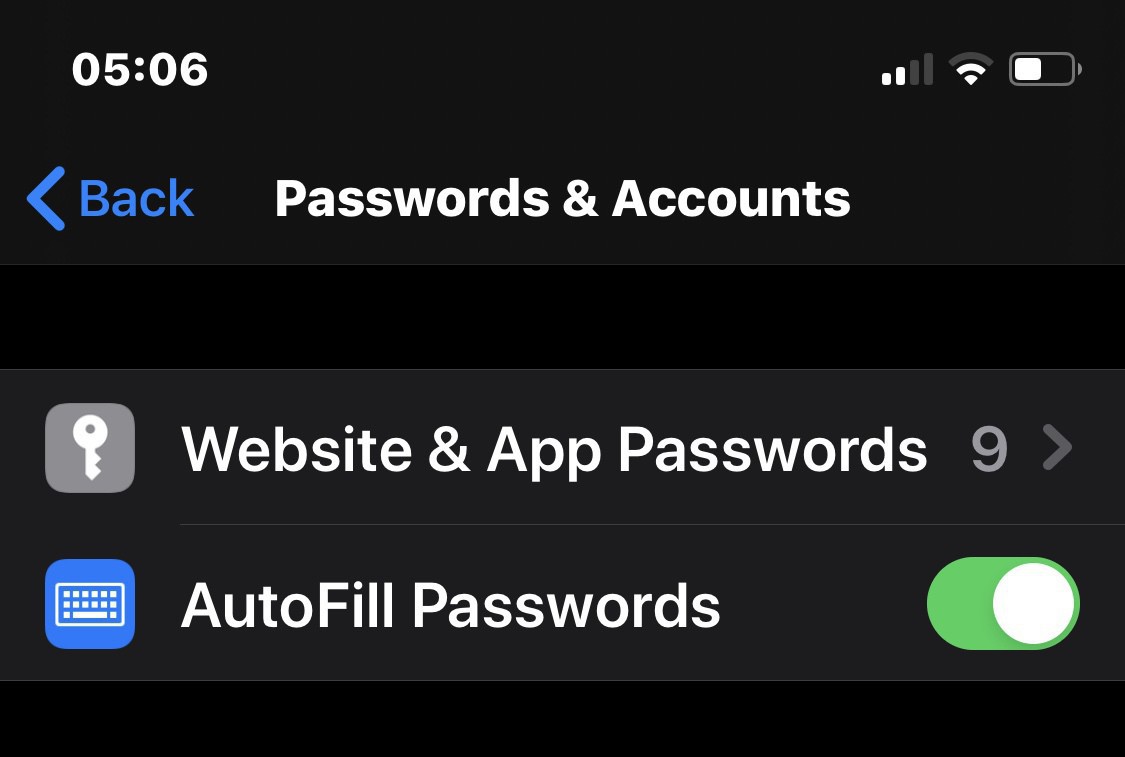
  • Don’t use iCloud Keychain as a password manager

    I should have learnt my lesson totally trusting my data to iCloud given my track record but the latest failing got me thinking about my password management habits. They are shocking to be honest, I’ve kept an Apple Note with some in (not written any down on paper) and relied on iCloud Keychain. As you can see above it lost almost all of them in the most recent iOS device restore.

    I’ve been using it as a password manager when I should have used a dedicated app.

    I’m open to suggestions as I start to review options to moving to a dedicated app.

    → 5:12 AM, Jun 20
  • Supporting third party developers

    With this Hey and Apple argument still on going it made me rethink a few things and take a step back and review the way I think about apps. I’ve always tried to do my best to support developers but more recently I realise I’ve been trying to use Apple’s own apps a little too much. Seeing the power and frankly bullying from Apple around their App Store guidance it got me really reviewing what core apps I’m using and that I should be using as many third party (and cross platform) apps that I can.

    This is to both support other businesses and to reduce my reliance on iOS. I’m not switching to Android but putting all my eggs in one basket isn’t sensible if my view changes and I have to say that it might should Apple continue down this defensive path.

    So, I’m going to do my best to share more app releases and reviews from third party developers going forward. If you have an app idea or want me to offer advice or reviews then please reach out to me on Twitter or on the contact form on my blog.

    → 4:56 AM, Jun 20
  • Magic Keyboard for the 11” iPad Pro - First impressions

    I like to quickly write down my thoughts as I use a product rather than write up a big review so here are my first impressions of the Apple Magic Keyboard for the 11” iPad Pro. I’ve had the 2020 iPad for a couple of weeks and enjoying it but it didn’t feel complete as I was waiting for the keyboard to arrive and today it did.

    Even on the smaller iPad Pro it’s got some weight to it but for me at least it’s fine to carry around with the iPad like I did my Smart Keyboard cover on my 10.5” iPad Pro.

    Before even plugging it in the build quality feels amazing (as you’d expect for almost £300). The keys are good, more travel than my 12” MacBook so I’ll need to adjust but enjoying the typing experience. The hinge to hold up the iPad is stiff and that’s a good thing, the trackpad is also a little stiff to click - but it’s only day 1.

    Here’s a summary of things I’ve spotted from my first hour with this new setup

    • It really highlights the apps that embrace the setup, if your app doesn't have secondary click support I cant use it - I'm currently working out which of the apps I use are good or bad in this respect (would you be interested in a post about this?)
    • My writing style means my hands are quite high so my nails are hitting the bottom of the docked iPad, I just need to adjust to this - no big problem
    • I like the flexibility of using whichever method I feel like - keyboard, trackpad, undocked or pencil, it's one of the main reasons I love the iPad so much
    • The trackpad is actually bigger than I was expecting on this smaller iPad and I'm enjoying using it
    • The keys feel cramped to begin with but I'm getting used to it
    • I miss the function row that I had with my MacBook
    • It feels a little top heavy on the lap but totally doable for me I don't think it needs to be a desk only accessory on the 11"
    • I wish the hinge had some more angle to it but understand why not - it would topple over...

    Using this setup really makes me appreciate my choice to stick with the iPad and means that I have so much flexibility. I’m looking forward to seeing what iPadOS 14 brings up in terms of iPad support even more now.

    → 12:17 PM, Jun 19
  • Getting your devices ready for WWDC

    It’s that time of year when those early adopters amongst us trash our data and devices with beta software for a few months. Every year I tell myself I’m not doing it and always end up enrolling in the developer program again. I’m preparing for this year I’ve gone all in and installed iOS, iPadOS and macOS betas across all of my devices.

    I’m embracing it this year and planning to write up more of my thoughts on the new software versions and its impact on my workflows.

    Almost all of my apps use data in the cloud so I never even back my devices up. This makes restoring non stressful knowing all my data is either in iCloud or a third party. If you’re new to the beta train then make sure you have an iCloud backup before doing anything! And if you can also do it make sure you’re photos are exported out somewhere separately.

    → 5:32 AM, Jun 18
  • Tips for using an iPad Pro with a mouse and keyboard

    First off here’s my setup so you know what I’m relating this post to

    • 2020 11" iPad Pro
    • Bluetooth vertical mouse (with scroll wheel, left and right mouse buttons)
    • Apple keyboard (taken from an iMac)

    Since getting my new iPad with USB-C I’ve been plugged into a USB hub with attached mouse and keyboard way more than I did when I had a lightning equipped iPad and finding new ways to work with it everyday. These might seem like a small list (I’ll be adding as I discover more) and if you’re used to using it this way may seem basic but I’m hoping others like me using it properly for the first time will find it useful.

    MOUSE

    • Left click the little white bar at the bottom of the screen to go HOME
    • Make use of the right click in apps as you would the right click to access options on an element on the MAC, you'l be surprised at the number of apps that have this feature enabled
    • Don't forget to use the scroll wheel in Safari and apps, it even works in the iPadOS settings app

    KEYBOARD

    • CMD+H to go home
    • If you're using a MAC keyboard then the function keys work (brightness and media controls)
    • Hold down the CMD key within apps to get shortcut help
    • CMD+TAB to bring up multitasker (then use CMD+Q to quit any apps you want to close)

    If you have more please let me know and I’ll test and add them to this page.

    → 8:03 AM, Jun 16
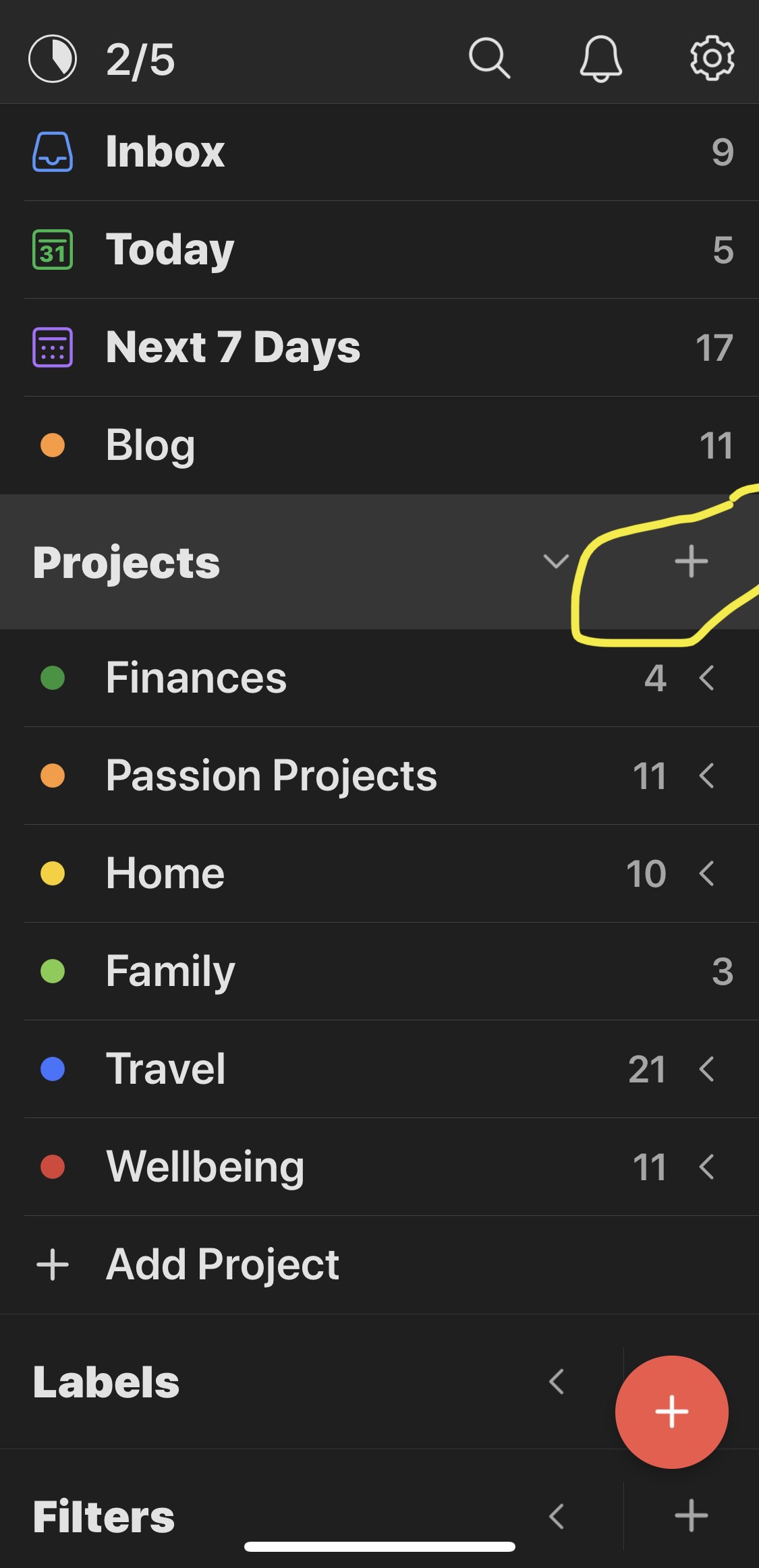
  • How I’m using tags in OmniFocus

    I’ve been using OmniFocus on and off for years but after reading this article on MacStories and revisiting how I was using tags it’s finally clicked.

    I was using a project for almost everything, I had one for my creative projects and others for Home or Family etc. Taking a step back things like home and family aren’t really projects but categories. This is where tags come in.

    I’m now using tags for everything that goes into my system. What I’ve changed is to use projects for actual projects like my podcast or my blog. Basically where I have a goal and need to break it down into tasks.

    What in finding since switching over to this method is I’m using the tags section of the app to view all of my tasks.

    So far so good and I haven’t even thought about switching apps in the last couple of weeks whilst playing around with OmniFocus again.

    → 6:25 AM, Jun 16
  • IPadOS 14 wish list

    We are less than a week away from WWDC’20 and after moving back to the iPad full time I thought I’d have a think about what I’d like to see in the next version of iPadOS.

    Keyboard enhancements

    Ability to remove the typing suggestion bar at the bottom when a keyboard is attached.

    Multi-user support

    I know this comes up a lot but after moving my iPad Mini 5 back into the family rota it got me thinking again why can’t we have multi-user support like on macOS? I’d love to be able to log into an iPad and see all my stuff or be able to hand it over to a family member without thinking about losing anything.

    Better external monitor support

    One thing I’m loving about the new iPad and USB-C is the ability to dock into my home office setup and instantly have a 34” monitor, keyboard and mouse. The issue for me is that the resolution support isn’t great so you get the iOS interface in the centre with big black bars on the left and right hand side of the screen.

    Podcasting improvements

    As a lot of people have documented you can’t record your local audio and also have a Skype conversation with others. This makes recording on the iPad with others almost impossible without spending a large amount of money on USB interfaces.

    Improved Files app

    The files app is pretty basic and does these basics (like creating folders and renaming files) well but I’d like to see the option to be able to change the view to list (more like Finder on macOS).

    A change of home screen

    I think the days of icons on a home screen are very much a dated idea and I’d love to see more of an Android approach where I can add more widgets and place then wherever I want to. I just see a few on the left and I can scroll but I’d prefer to have the option to add cleaner versions in different places on the home screen.

    Apple competing with their own apps

    I’ve been saying this for years but I want Apple to split out their apps from the operating system and let them compete in the App Store. Google do this and they actually update them, if you use Notes/Reminders/Mail/Calendar etc.. you need to wait for an operating system update to get an update. I’d love to see Apple pull their core apps out of the operating system, put dedicated teams on them and let them compete like they do with Pages and Numbers, I don’t see why they cant do this with the likes of mail and let us see more updates.

    So here are some of my hopes, what are some of yours?

    → 7:40 AM, Jun 15
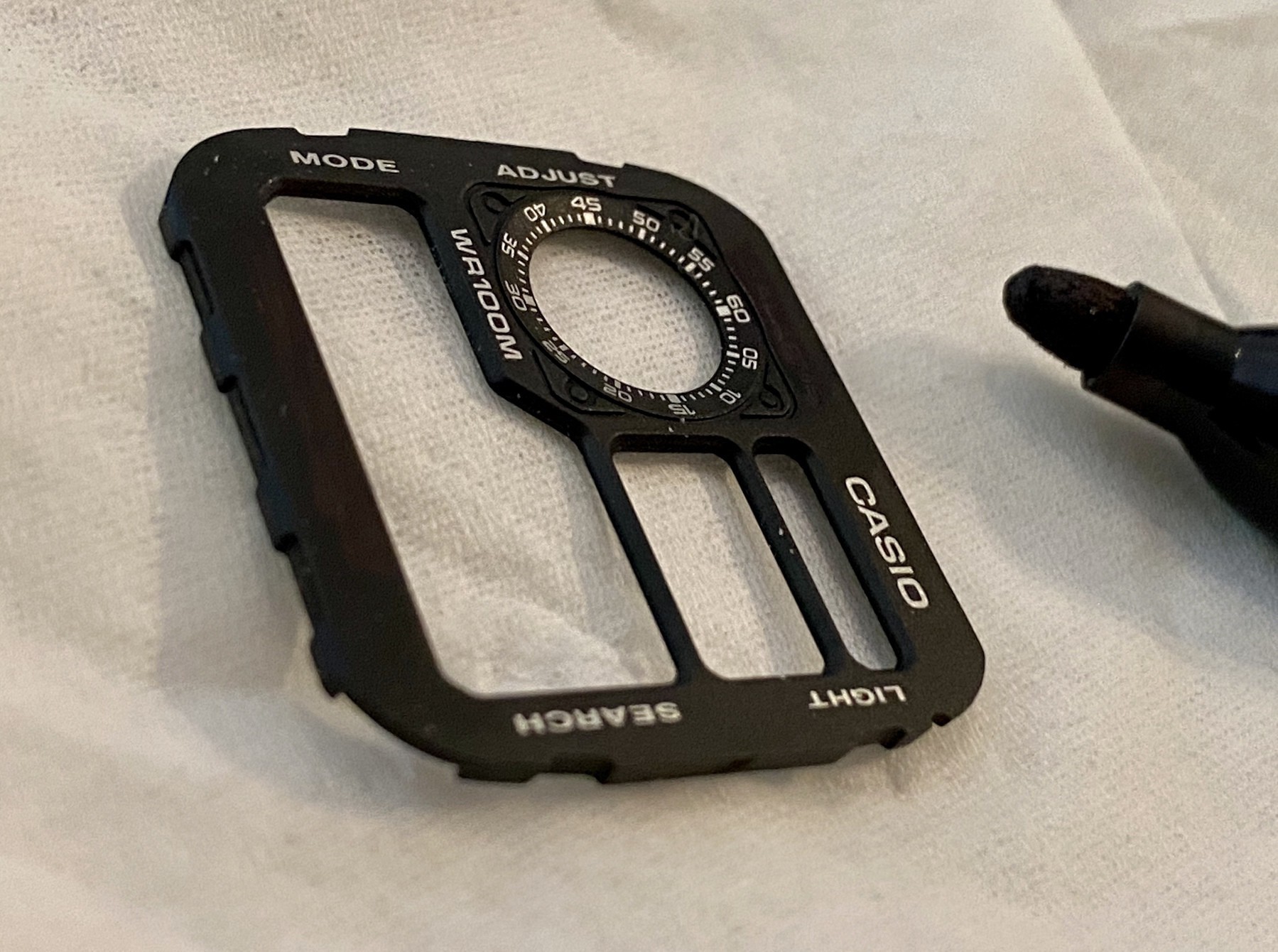
  • Casio AE1200 Mods

    One of the great things about Casio is that at less than £20 there’s a chance to made it your own through some simple modding.

    I’ve been wanting to mod my AE1200 for a while so whilst I had 30 mins to spare I decided to have a go.

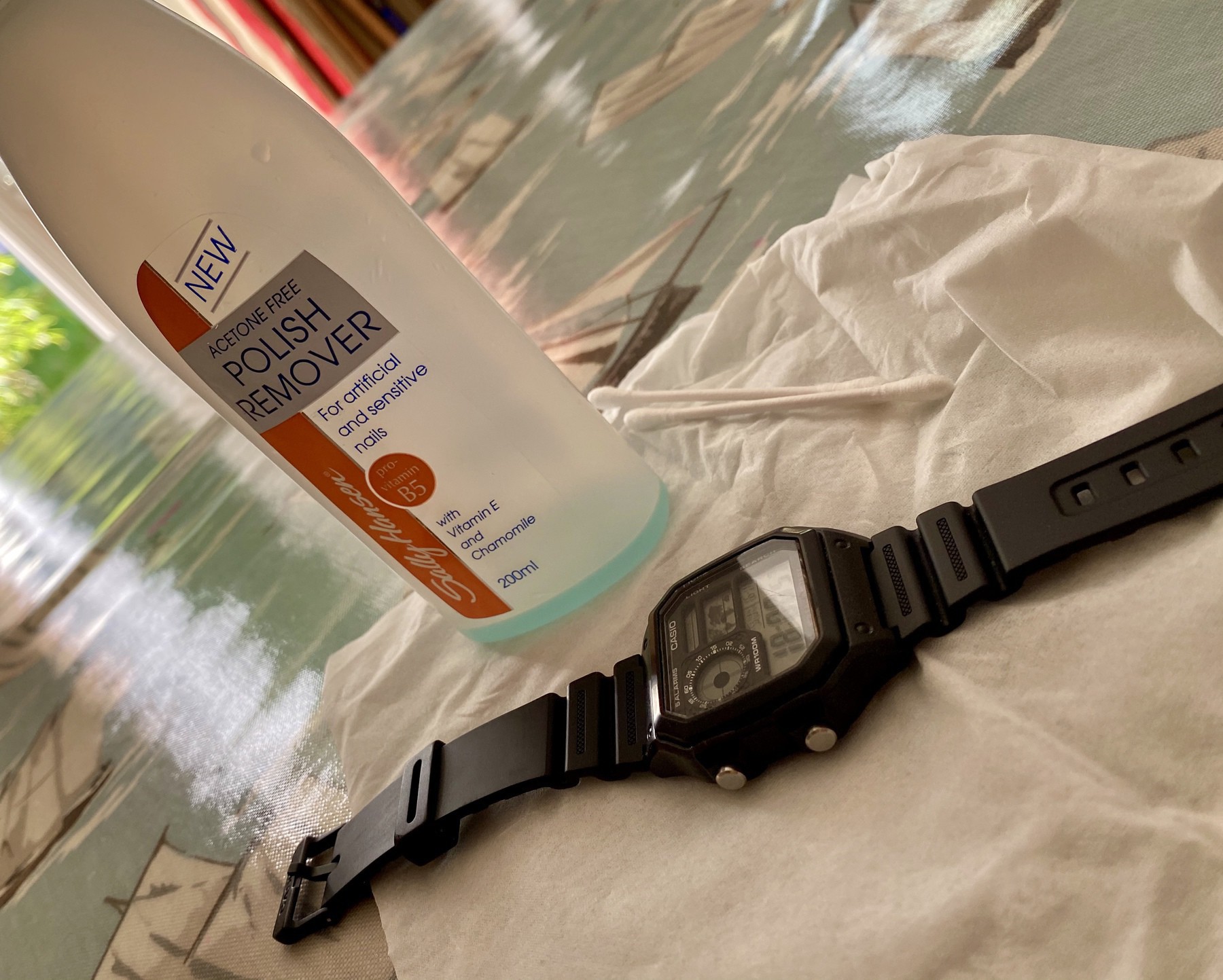
    All I used was a small screwdriver, a sharpie, spudger, some nail varnish remover and a cotton bud.

    First thing I did was to remove the white text from the case above and below the display, with a cotton bud and nail varnish remover and it came off pretty simply.

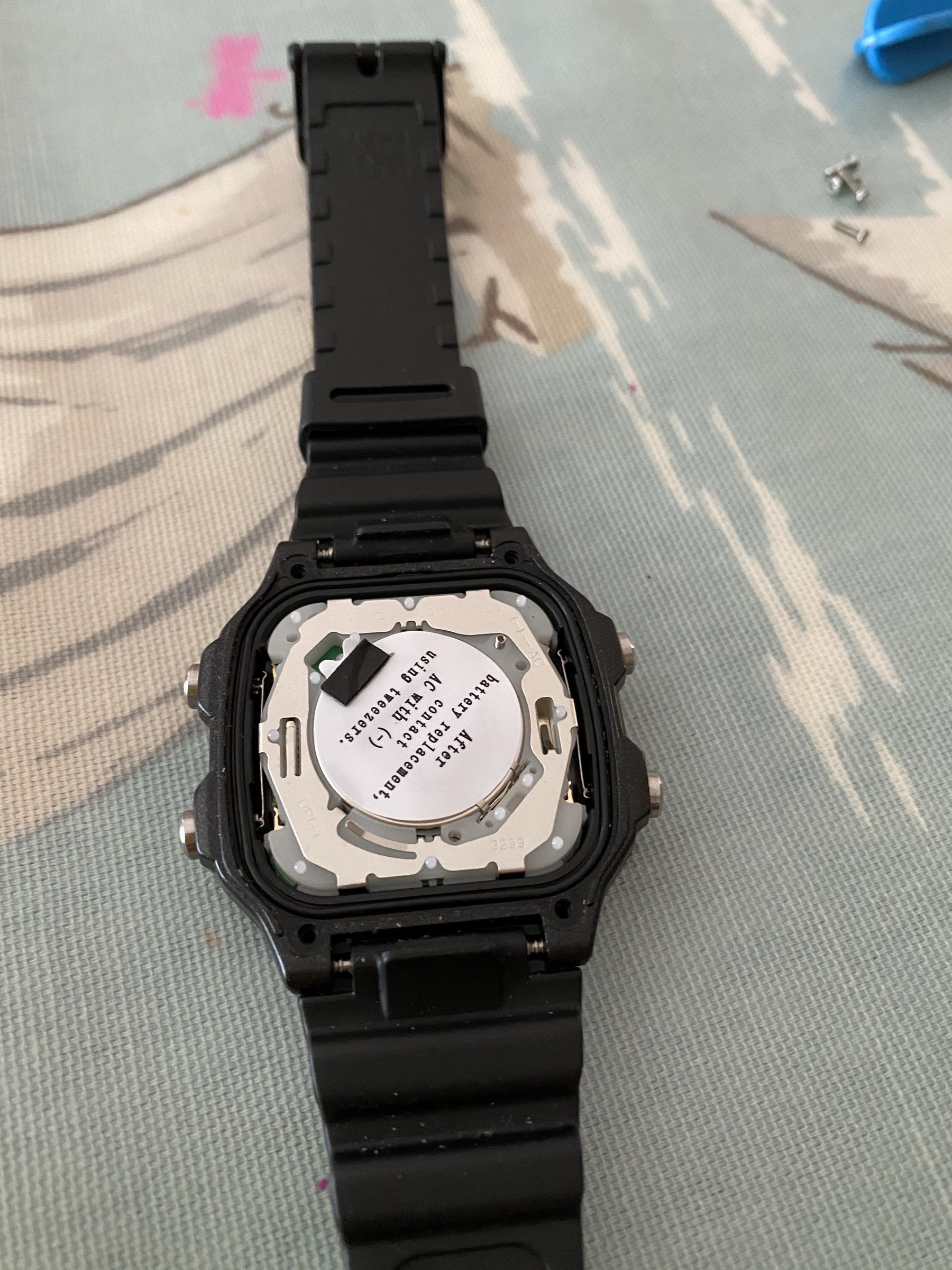
    I then had to take the watch apart to get at the front template with all of the text on. It’s just 4 screws holding the back on, don’t forget to keep the water seal safe when it comes off.

    Use the spudger to take out the unit and the front plate will come out easily.

    I tried nail varnish remover again on the text I wanted to get rid of but it didn’t work so I removed it with a sharpie.

    After I was done I simply reversed the process and got it all back together.

    I’m pretty pleased with my first mod on the AE1200.

    You can see where it started off in my review.

    → 8:37 PM, Jun 14
  • What does the PS5 look like?

    Wow, this thing looks wild. I’ve been a fan of PlayStation since the original and always loved the design (yes, even the PS3) but this is something else. Love the white and black contrast and that controller looks great. Good to see the relaunch of the media controller and the digital only release alongside is a smart move. I could see it being a bit fragile with those thin edges but we’ll just have to wait and see on that one.

    Check out the video here.

    → 5:02 AM, Jun 12
  • How to put a 2020 iPad Pro into recovery mode

    I always like to restore my new iOS devices to a fresh iOS install when I get one from the factory, but like the iPhone X it’s not obvious how to do this on the 2020 iPad Pro.

    You’ll need your Mac to connect your iPad to.

    1. Power down your iPad by holding down the power button and volume up button at the same time then swipe to power down
    2. Once powered down hold down the power button and volume up at the same time and plug in the USB-C cable
    3. Keep holding until you see the restore image on your iPad

    The Mac will then ask you to click restore and it’ll go ahead and download the latest iOS version and restore the iPad as new.

    → 7:18 AM, Jun 11
  • Switching to the 2020 iPad Pro

    If you’ve been following along you’ll know I destroyed my beloved 10.5” iPad Pro a couple of months ago. Since then I’ve been using a combination of a MacBook, iPhone and iPad Mini. This worked well but I’ve been missing the larger iPad screen. When our family iPad mini 2 stopped being able to run the apps we needed the mini 5 got reset and put into it’s place (Apple, please can we have multiuser support in IPadOS).

    I decided to finally put in an order for a new iPad. I decided to go for the 2020 iPad Pro 11” in silver 256GB. I contemplated the 12.9” but in the end the added cost and size put me off. I use my iPad mostly in tablet mode and for me portability is the number 1 priority.

    On first opening I was shocked at how big it felt and to be honest still does. A couple of months with the iPad Mini and I really came to love the form factor. This actually feels like a 12.9” to me right now, I’m loving it.

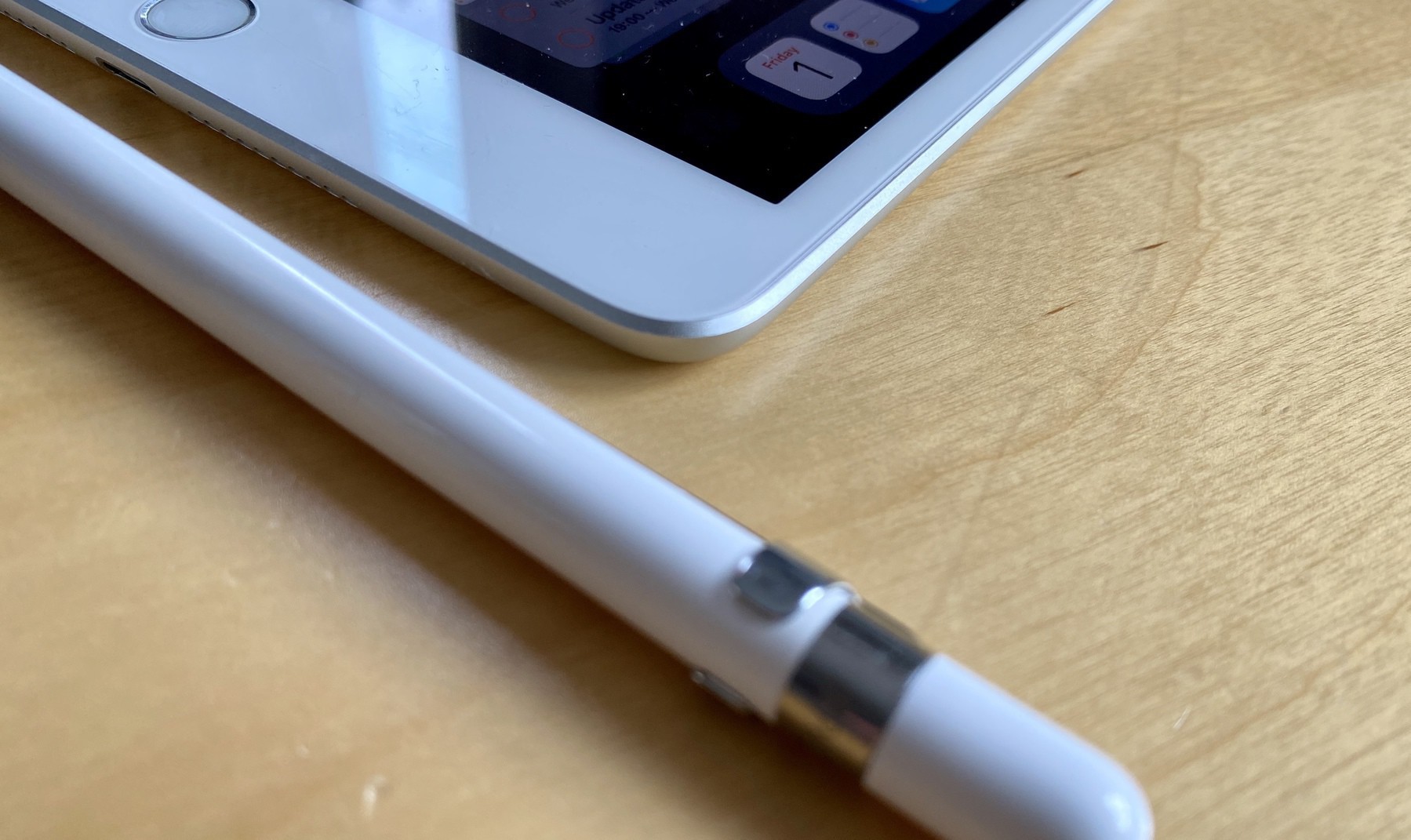
    I also picked up the 2nd generation Apple Pencil and a smart folio.

    I’ve switched a lot of my personal journaling and productivity over to the iPad from my iPhone and finding I’m using the Apple Pencil a load more. I’ve found that with it attached to the side it’s always there and charged. I’m making more notes (especially in work) than I did before and I can’t believe how much better Pencil 2 is. The decrease in weight, matte finish and shorter stem means it feels a lot more like a errrr Pencil.

    Battery life is a lot better than my years old iPad Pro 10.5” was so added bonus.

    Performance is great as you’d expect. I haven’t got a 2018 to compare with but it feels slicker than my 10.5” but to be honest in my day to day use I’m not seeing much. I don’t game on it or do video editing but will soon be recording music so I’ll see how it handles and report back.

    The only real downside so far is losing my home button and TouchID. I’m finding that unlocking my iPad with FaceID is slower and I’m constantly blocking the camera. This is teething problems for me rather than the iPad but wasn’t something I thought I’d have issues with.

    I’m only a few days in but really liking the new form factor and Pencil. I’ve also ordered a Magic Keyboard so I’ll report back with how I’m doing.

    → 5:24 AM, Jun 10
  • Should Apple release the workouts app on the iPhone?

    As someone that wrestles daily with wearable tech it got me thinking about how good the Apple Watch workouts app is and wondered if there’s a case to put it on the iPhone without the need to own an Apple Watch. Apps like Strava can track your runs without a watch but I’m not comfortable giving them my data. If Apple could give us a privacy focussed Strava then I’d be into using it.

    What do you think?

    → 7:16 AM, May 31
  • Using iOS and macOS every day

    As you most probably know I’m bigger iPad’less at the moment and have fallen back to macOS for a lot of my production stuff. My current setup hardware wise is as follows:

    • 2016 MacBook 12”
    • iPad Mini 5
    • iPhone 11 Pro

    What I’ve realised is that with the current creative projects I have going on these devices are working a lot better than I expected and I’m less and less interested in spending the money to get a 2018/20 iPad Pro.

    Here’s how I’m currently working.

    Writing

    This is something that is probably 50/50 between an iOS device and macOS device. This post I’ve written up using TOT (review coming soon…) i.e. I want to write something up a bit longer form so I went for my device with a keyboard attached. The posts that come from my iOS devices are shorter where I want to quickly get something off my chest or share some cool links.

    Podcasting

    I have to be honest and have completely given up trying to podcast from an iOS device. I can’t afford the additional hardware I need when I have a Mac in front of me that is better (for me) at this task. Even when I recorded the audio into my iPad or imported audio files then I still struggle to edit on the iPad Mini. I tried Ferrite but I just couldn’t make it work for me. I find that Garageband on the Mac just works better for me in terms of efficiencies as I literally edited one podcast in an hour compared to half a day on the iPad and I still wasn’t happy with the result. My other issue with using an iPad for podcasting is that my podcast requires guests, this is a nightmare on iOS and I find an already out of my comfort zone activity is made more stressful when using something I’m not completely happy with.

    Photo Editing

    I take a lot of images on my iPhone and DSLR and have found that my iPad Mini or iPhone is where the editing happens. My MacBook just isn’t up to running the Photos app well, I have 8GB ram and it can’t keep up with my 40,000+ photo library. I end up just flying through them on iOS.

    Consumption

    iOS is the hands down winner here, whilst I have watched Disney+ and YouTube on the Mac I much prefer the lay back form factor of the iPad here although I am missing a larger screen for video. I tend to listen to music evenly across the platforms with my Mac connected to the office HomePod in the day and then my iOS devices in the evening.

    Guitar

    I’ve recorded using an iPad and MacBook and there isn’t a lot between them but I prefer macOS simply for the reason that I prefer to use Logic Pro to edit. That way I’m not transferring any files around. I plug in my MIC, record and edit all in the same app.

    Comfort

    I quite like the keyboard on the MacBook now I’ve adjusted to it and for writing longer posts it’s the best experience for me in the current setup. I like also being within a fingers reach away from the trackpad, which helps my RSI. Having the iPad is a big win for my RSI also as I can simply take it with me and lie on the sofa or even pop outside in the garden and still get stuff done. If the monitor support was better on iPad I’d say it’s a winner overall but I can’t get over the black bars on the iPad when plugged into an external display.

    Summary

    So my overall setup here is something I’m really happy with right now. I have three devices that adjust to me, I prefer smaller devices and when I want the bigger display I plug my MacBook into a dock attached to a 32” widescreen monitor. The only thing I miss is a larger iPad display for watching video. I’m tempted to actually have a go at repairing my 10.5” iPad Pro somehow and have that as my larger iPad rather than spend £1000+ on a new setup that won’t fulfil all of my needs.

    → 6:54 AM, May 30
  • Home Screen - May 2020

    Quite a few changes since I last posted and I’m wondering if I should do another episode about the changes?

    Main takeaway is Fantastical (mainly because the widget is great), worry tree (for obvious reasons…), Tot, AirTable and Tally.

    → 6:01 AM, May 30
  • Home Screens with Matt Birchler

    Another great guest up this week in the form of Matt Birchler and we go through a number of new apps that I am now using just in the short time since recording the show.

    • Show Link
    • Matt on Twitter

    Home Screen:

    → 7:56 AM, May 29
  • Apple Watch Series 5 and third party apps

    Since using the series 5 somethings happened I wasn’t expecting - a much better experience with third party apps.

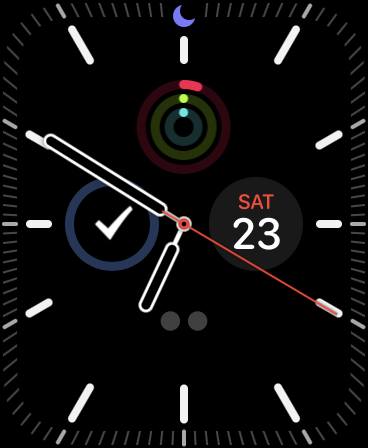
    I’d tried to use third party apps on and off in the past but sync or performance always turned me off. Using the series 5 has me excited to use them on my wrist again as they perform really well. As you can see above my watch face (Meridian) is pretty simple and I’m using

    • Activity
    • Date
    • Things
    • Streaks

    As I build a new system for myself I’m trying to keep a few apps core to the way I manage my goals and tasks.

    I’m only at the beginning and I’ll be posting how I’m using them all soon once I’ve created a framework and it’s settled down.

    → 6:54 AM, May 23
  • Apple Watch Series 5 battery life

    I’ve had a full day with a fully charged Apple Watch Series 5 with the following

    • Always on display
    • 3 workouts lasting a total of 35 minutes
    • Occasional check of task list or setting a timer

    At the end of the day I’m on 34%, in comparison to my Series 2 where I’d be on about 50%. So we’re looking at 15-20% less with the always on display, which to me doesn’t seem too bad.

    I’ll be charging overnight as I don’t go as far as sleep tracking. This means that as long as I end the day with 15-20% I’m good. Obviously haven’t tested a long day out somewhere yet but I’m hopeful it’ll get me through it ok.

    What are your experiences?

    → 9:45 PM, May 22
  • Apple Watch Series 5 first impressions

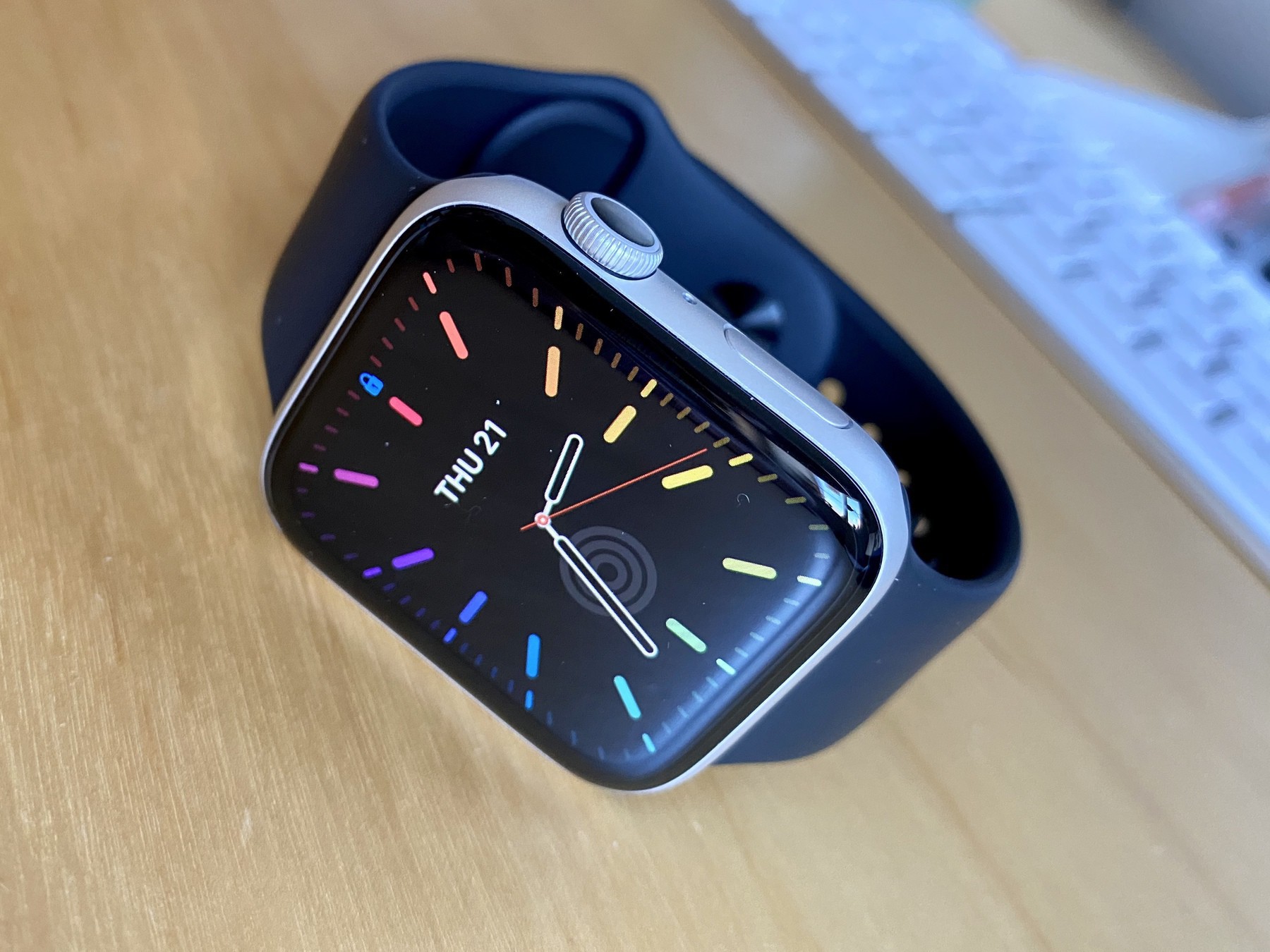
    I’ve decided to try to take control of my weight and thought I’d dig out my Apple Watch series 2 to give this whole rings things a good go. I’ve owned one since the original but in the last year I’ve all but stopped using it.

    When put my series 2 back on a week ago I started to get on a run of walk and ring completion streaks and started to enjoy it but the series 2 was getting slow to use. The workout app was slow to start often missing the beginning of my walk and I’d get lag everywhere in the UI.

    I decided to trade my series 2 back to Apple (£60) and use a little work discount to upgrade to the Nike Series 5 in silver. I paired it with my original black sports band, 5 years old and looks as good as new.

    I love the black/silver looks and some of the new faces look great.

    I’ve been using it for a day and I have to say that moving from a series 2 is a massive jump up. The hardware is more refined, that bigger screen is amazing and the speed improvement is huge. Having worn a mechanical watch or digital for a while I’m also appreciating the always on display. Something I’m still getting used to having and still find I’m raising my wrist like I still have the series 2.

    I’m glad I went aluminium too, having briefly owned a stainless steel series 4 the lower weight makes it feel more like a sports watch.

    I might write something up on my activity progress but first impressions are great so far.

    → 5:54 AM, May 22
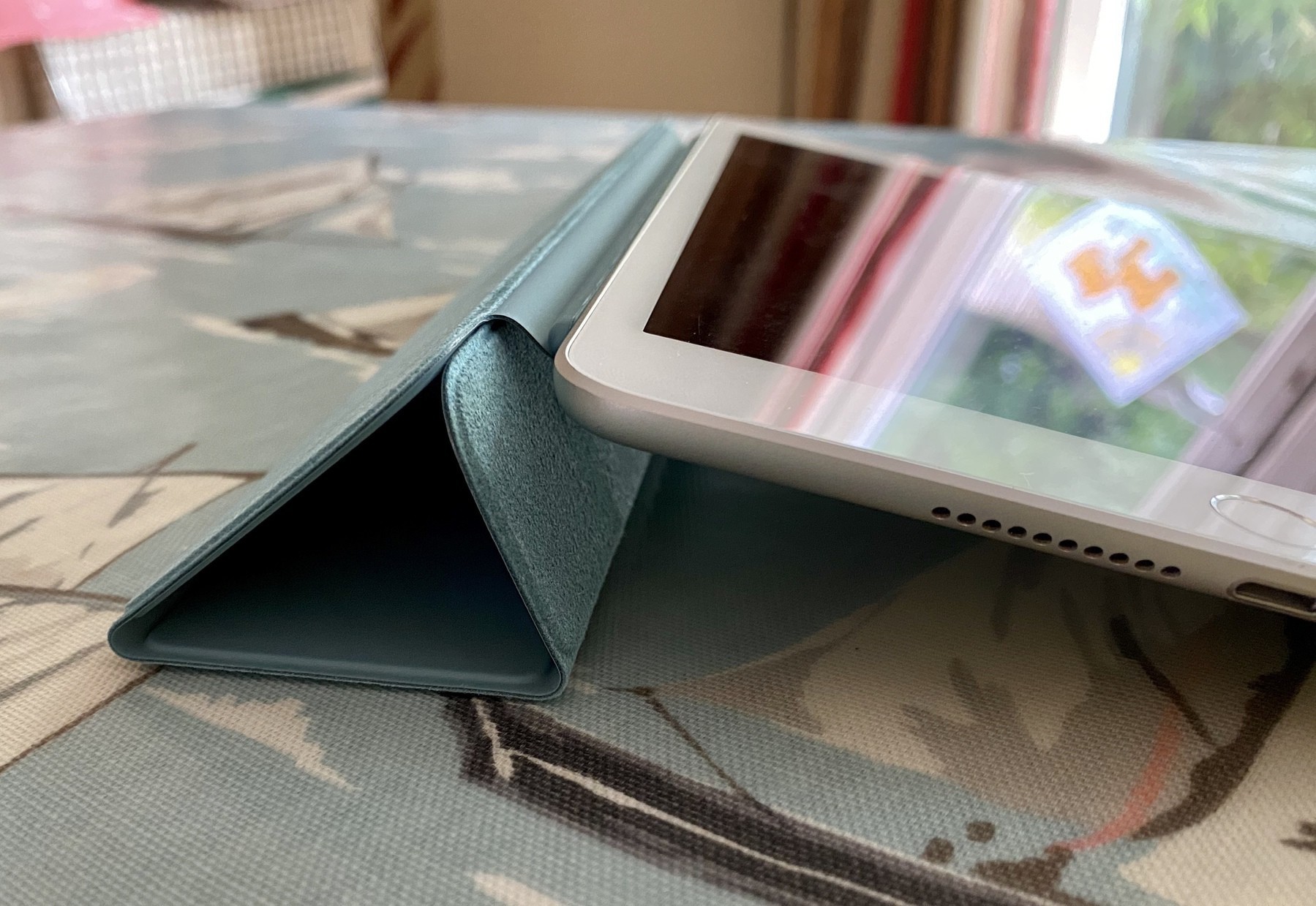
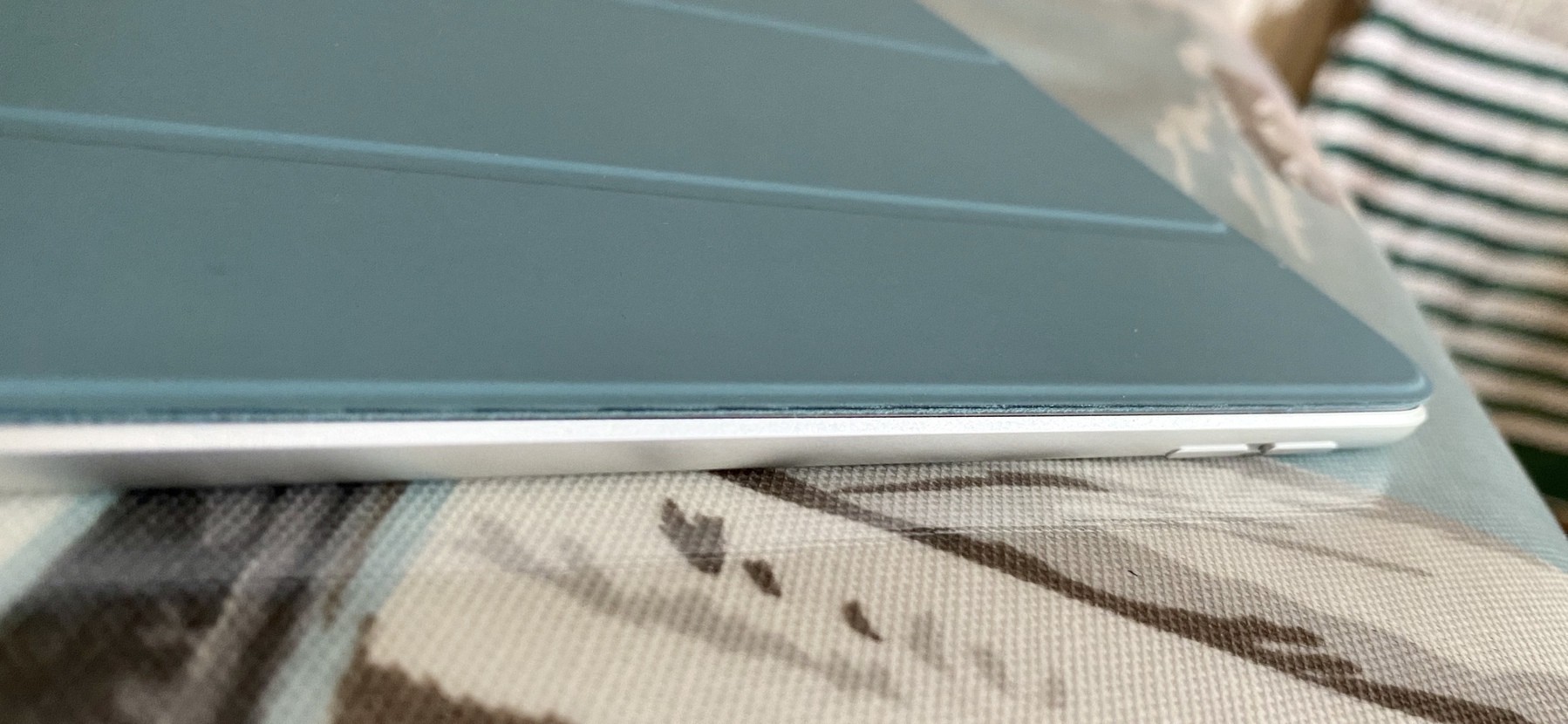
  • iPad Mini Smart Cover (cactus)

    Now I’m using the mini pretty much full time to complete the look for the journal I picked up a Smart Cover.

    I really like the colour and these covers although expensive are great. I like the feel of the soft material on the inside when it’s folded back and you’re using it in book reading mode.

    → 6:21 PM, May 18
  • Using the iPad Mini as a journal replacement

    I’ve really gotten into the iPad Mini recently and it’s become my go to daily iPad. One area that I’m only just experimenting with this but I’m seeing if it can replace my paper journal.

    I started journaling again a month or so again and when running out of paper on my last one I thought why don’t I give the iPad Mini a go.

    The notebook I was replacing was the same size as the iPad Mini but the space to write was smaller due to the bezels so I opted for apps rather than use the pencil.

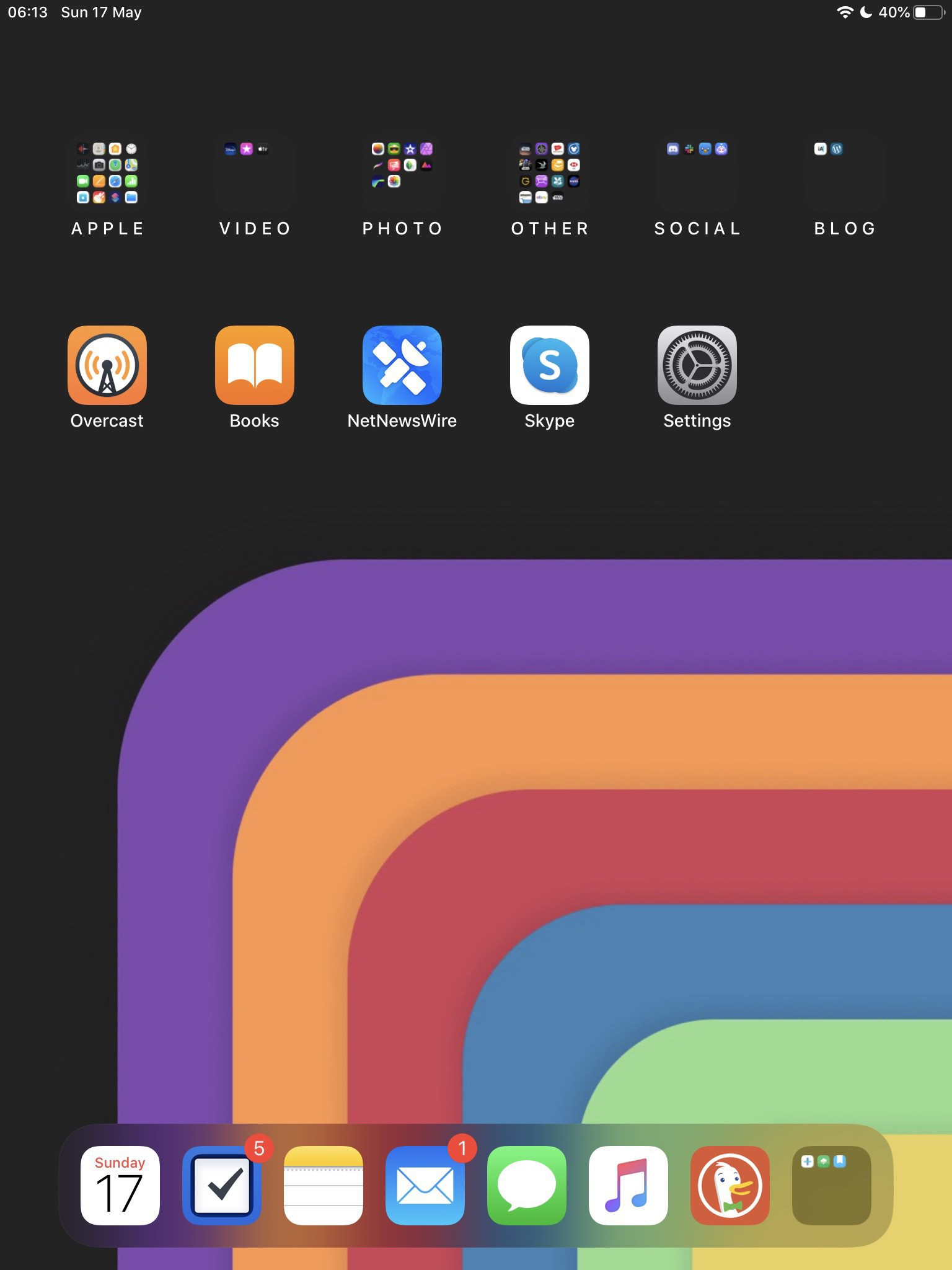
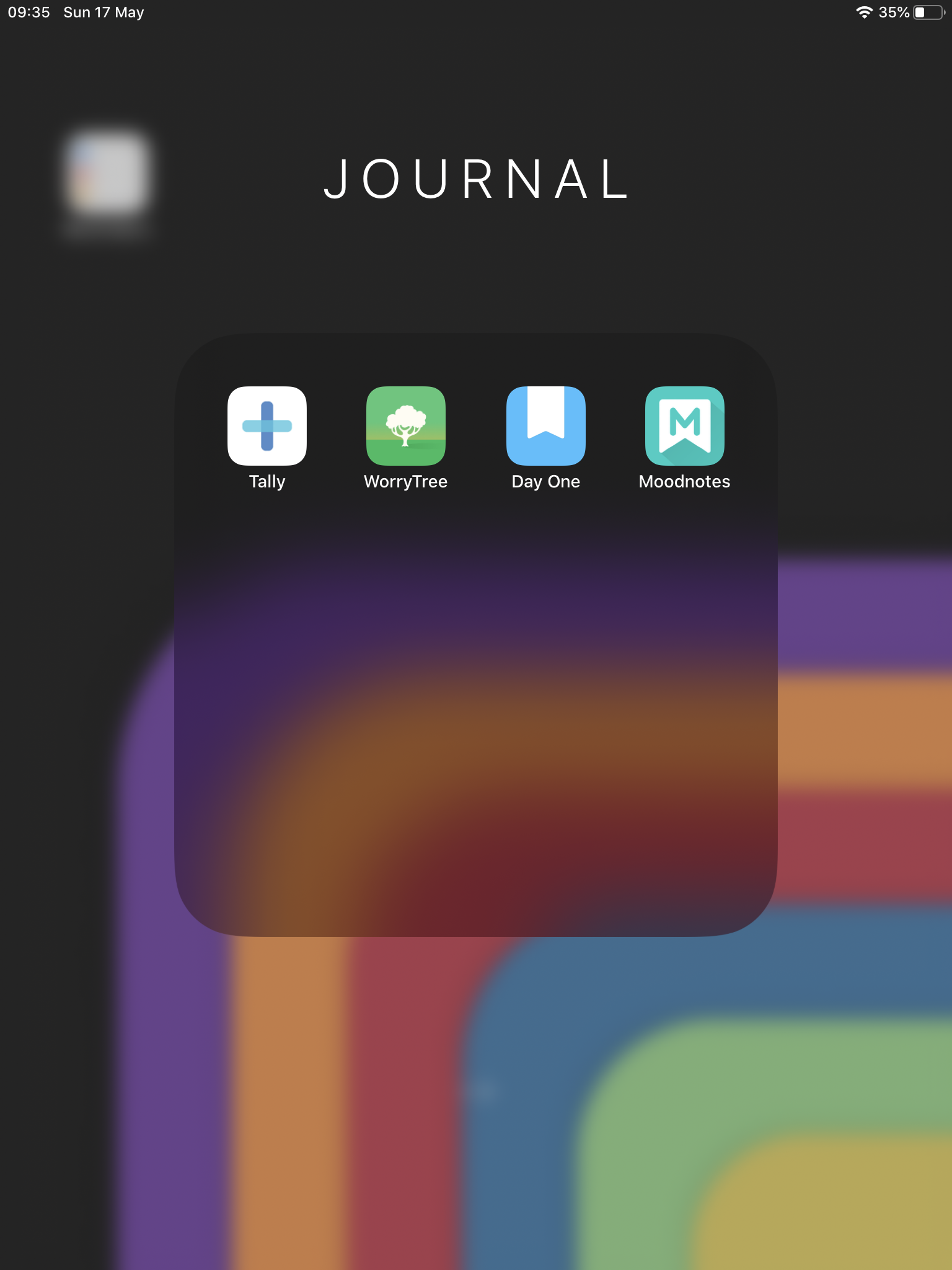
    My home screen isn’t much changed with this aside from a new Journal folder on my dock.

    (See Matt’s amazing wallpapers here).

    Apps

    Tally

    This app allows me to track times I’m doing something I want to stop or making sure I’m sticking to good habits. These are things like making sure I eat 3 bits of fruit a day or go out for 1 walk. It’s also stopping me from bad habits like tracking the number of times I’m picking my nails or fingers (mainly when I’m anxious!).

    Worry Tree

    This app is a new discovery and helps me deal with anxiety by using CBT methods. It’s something that has helped me review any worries I might have or deal with uncertainty.

    Day One

    Everyone’s favourite journaling app and aside from still saving off memories I use templates to log how I’m doing at the beginning and end of the day. I ask a series of questions like “Write down 3 positive things that happened today”.

    Mood Notes

    This is an app to track mood and commentary anytime you want to reflect on how you’re feeling.

    This is going to be an interesting experiment I think so I’ll report back.

    → 6:33 AM, May 17
  • Ludovico Einaudi records an album with his iPhone

    Ludovico Einaudi is one of my favourite artists of all time and I recently discovered that he has recorded an album at his home with an iPhone whilst in lockdown.

    Check it out on Apple Music here.

    → 8:14 AM, May 14
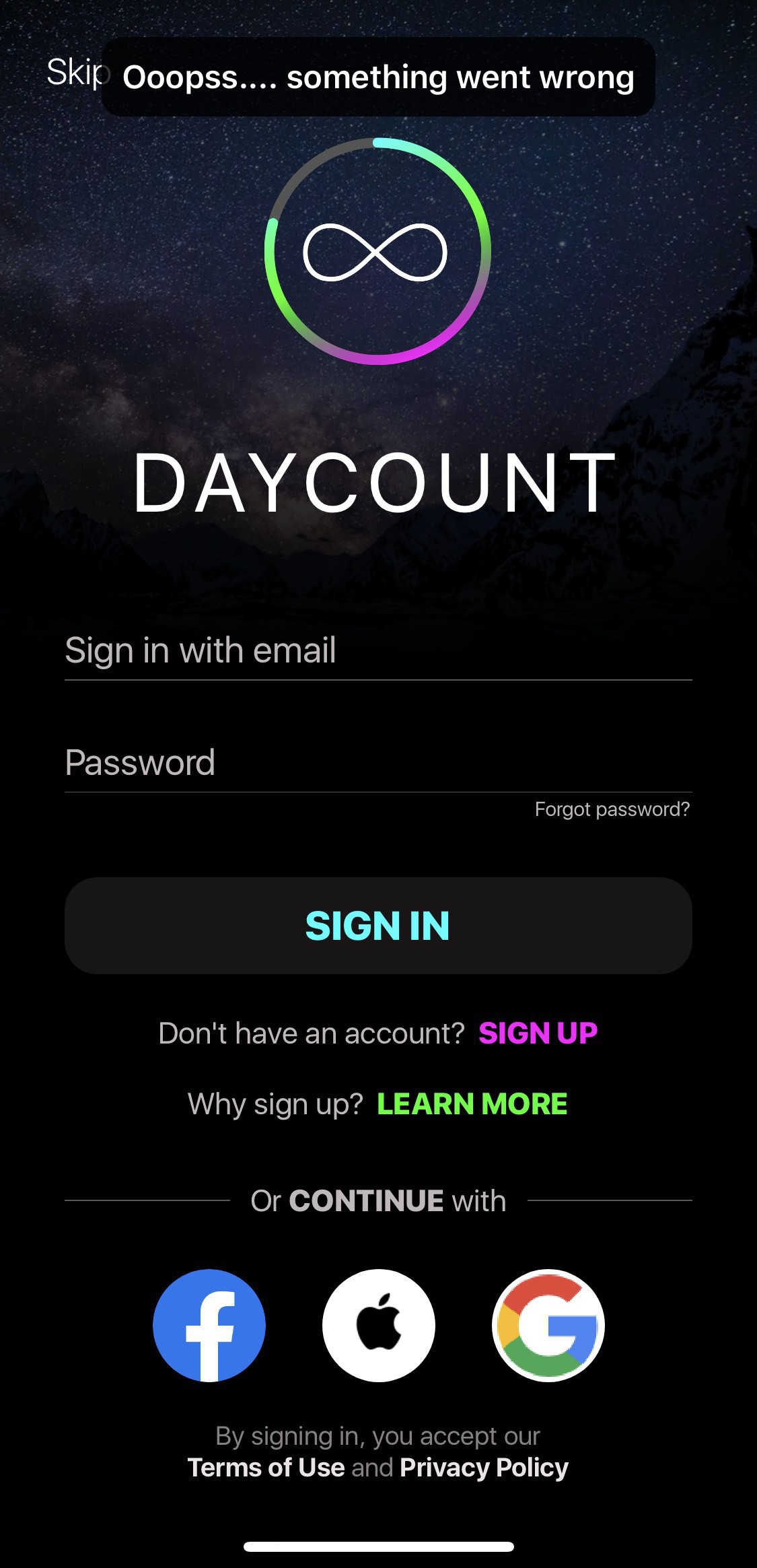
  • DayCount ruins it’s own app

    Here’s a not so nice app story for me, appreciate I’m in the minority that uses this app but it’s had a change to move your data away from being local to on their server.

    The beauty of this app was it’s simplicity in allowing you to see how long since something or to record streaks.

    I’m not keen on moving my data so I’m deleting the app.

    It’s a sad day for an app I’ve used for so long but there are alternatives so I’d recommend you start looking for one if you want to keep your data local.

    There is a skip button but as you can see above it’s non functional.

    → 6:07 AM, May 13
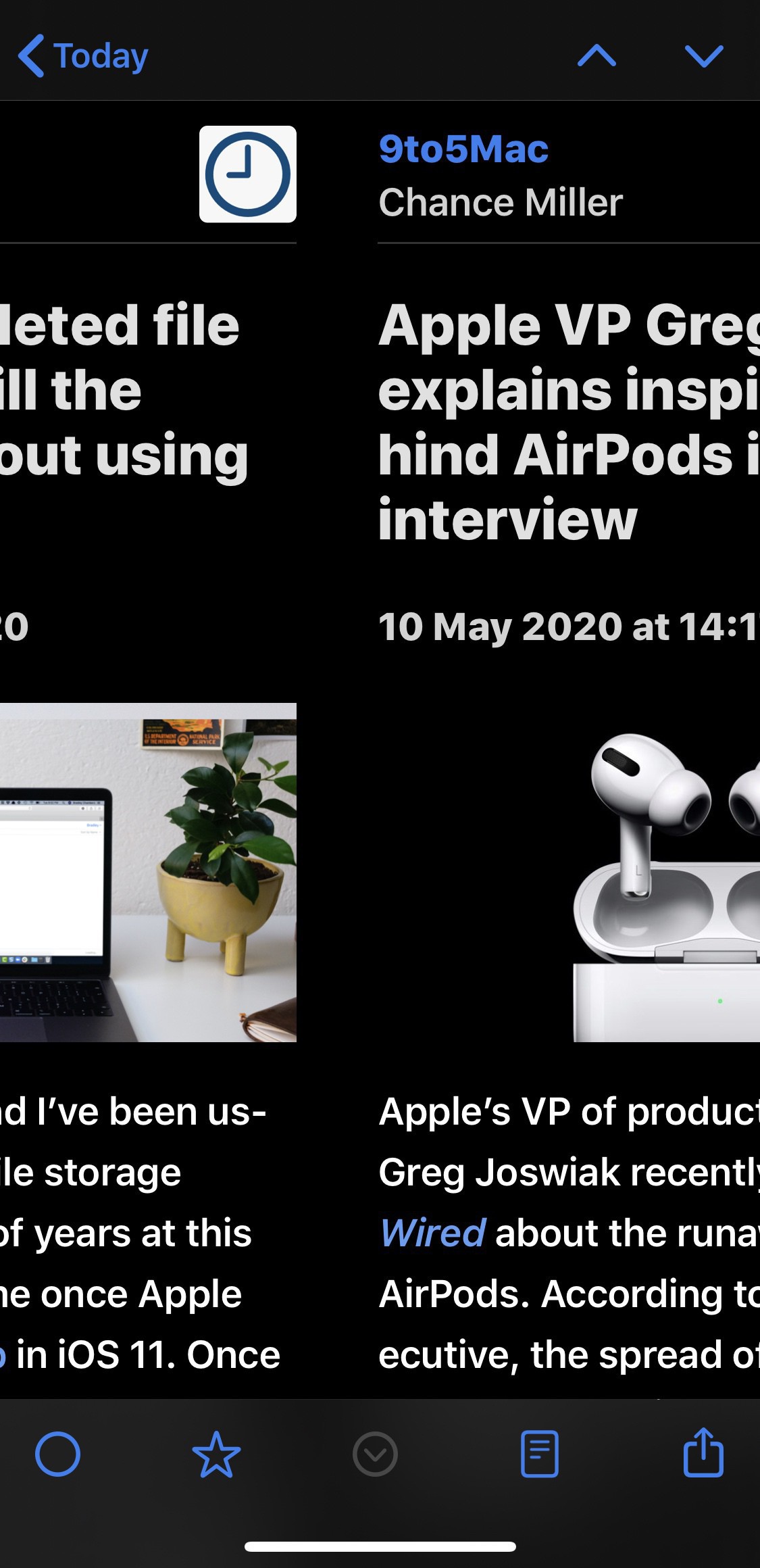
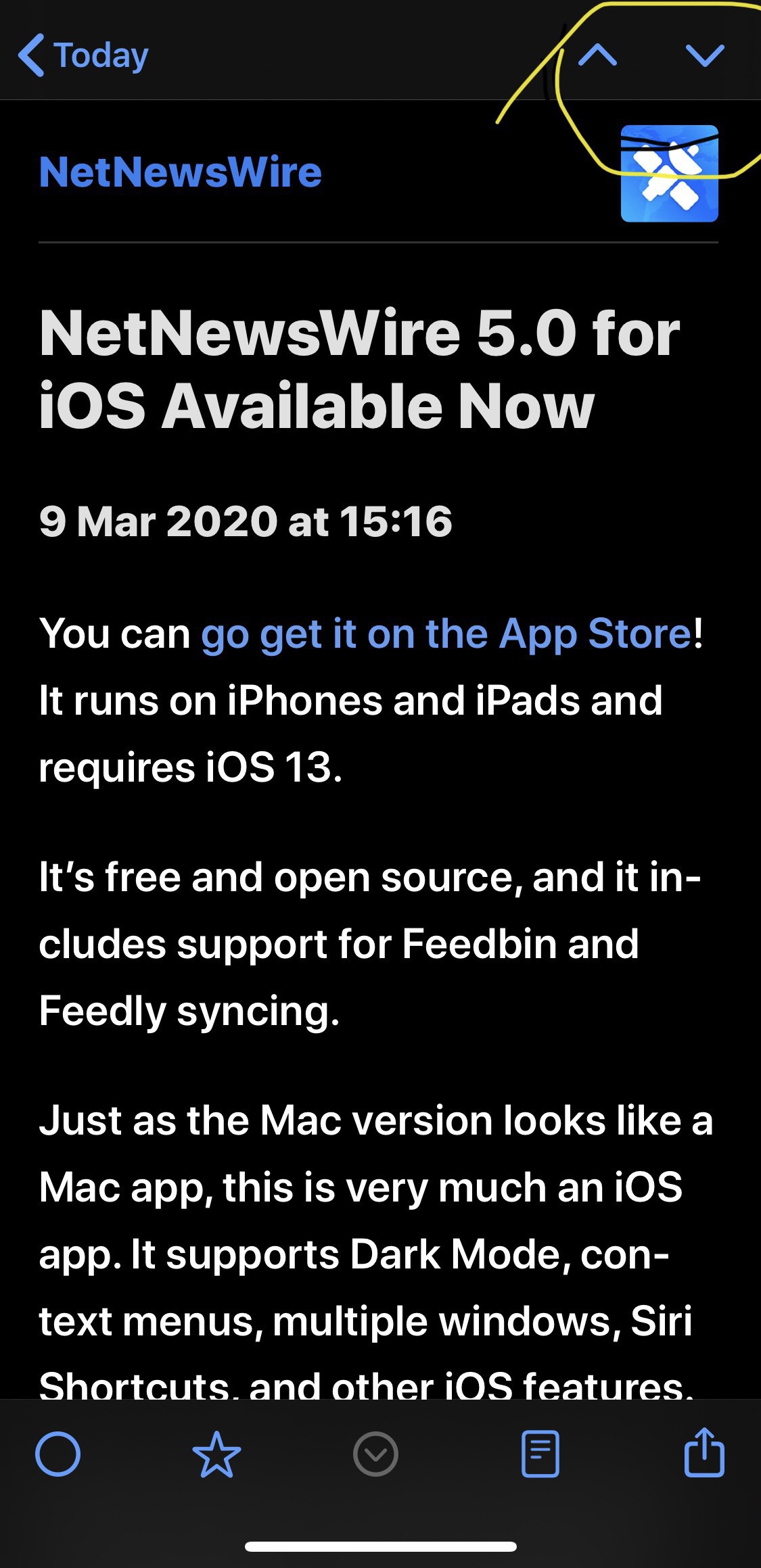
  • How to quickly move between stories in NetNewsWire on iOS

    NetNewsWire continues to be my RSS reader of choice now I’m back on a current generation iPad Mini. I love it’s clean look and speed but I’ve only just discovered that you can quickly move between the stories by swiping left and right.

    Whilst you’re reading a story you can simply swipe to move to the next or previous in your queue.

    → 5:03 AM, May 11
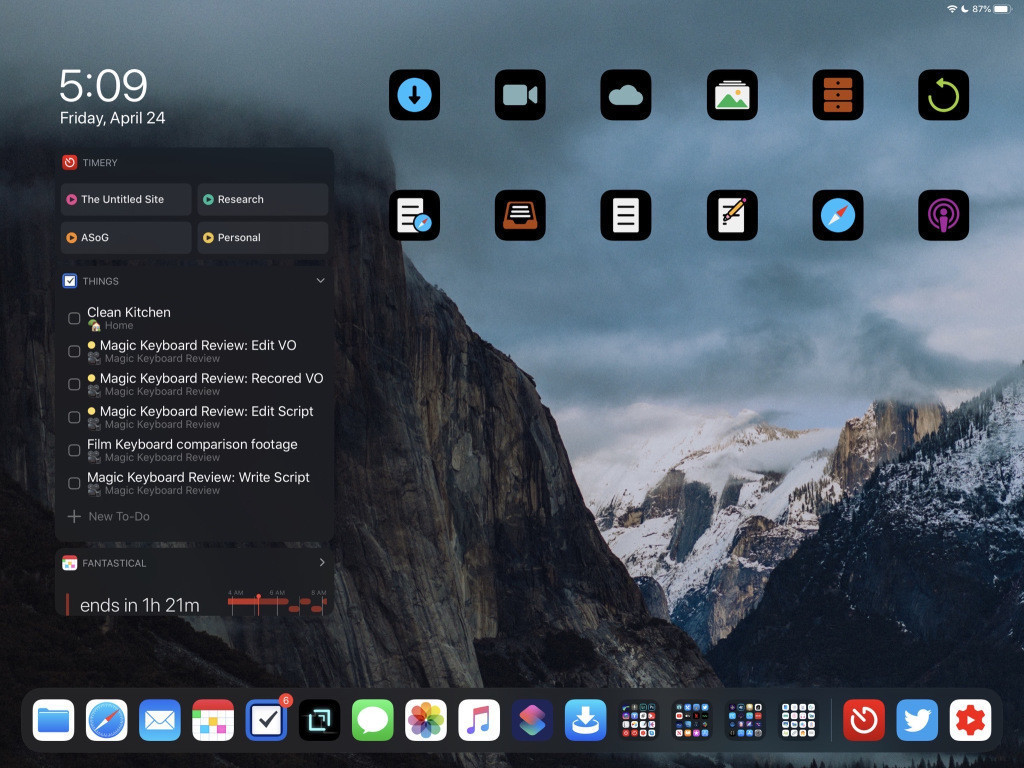
  • Home Screens Episode 3, lots of shortcuts

    Had the pleasure of talking to Chris Lawley about his setup on the iPad this week, a great conversation and given me lots of ideas on how I can get more out of my iPad.

    Here’s Chris’s home screen

    Links

    • Chris’s Site
    • Home Screens

    → 6:19 AM, May 10
  • Simplifying my setup and slowing down

    Not sure if you’ve noticed but I’m hardly updating the blog at all these days. This is in part due to simplifying my iOS setup with an iPad Mini replacing my iPad Pro. I’m now using an iPad Mini 5 as my iOS device of choice and my MacBook 12” for podcasting. I’ve found I’m consuming more and creating less, from a writing perspective. I’m thankful I don’t rely on my writing to earn so am lucky in a way I don’t need to write about news to make a living right now.

    I’m able to do my day job and still take on creative projects as a hobby.

    I obviously only have so much time in the day for this so I’ve slowed down on the writing and putting energy into the Home Screens podcast instead. These days I have very little time for my creative outlet and trying to focus on one.

    I’ll still post here but I’m no longer thinking of it as something I need to do daily, I’ve taken the pressure off myself to feel that I need to.

    → 5:36 AM, May 8
  • Moving back to Reeder for my RSS feeds

    After moving back to my iOS 12 iPad Mini I needed to make a choice with one of my favourite apps. I’ve been using NetNewsWire for reading my RSS and loving it but it doesn’t work on iOS 12. I needed to switch back to Reeder 4. Once I started using I remembered two areas it beats NetNewsWire for me.

    • Navigation: when reading all of your feeds you can simply swipe up and down to move between stories
    • You can turn off the unread article counts

    These two features are keeping me using Reeder on my iPhone now both devices are back in sync on the same app.

    → 8:54 AM, Apr 30
  • Using an iPad Mini 2 as my daily device

    I’ve been using my iPad Mini 2 (from 2013) again as my daily iPad and wanted to share some more experiences of using it. In terms of what I’m doing I’m still finding lag but it’s not really bothering me too much now.

    For me an iPad replaces a Mac so I’m using it for photos, messages, reading books, watching video, music and browsing. It’s handling all of those ok even on iOS 12 in day to day use. I’m using the on screen keyboard to write posts and any input. I’m using my wired headphone or streaming to the HomePod for music.

    I’m missing iOS functionality that you get with iOS 13 like dark mode and mouse support. I also can’t use some of the Apple apps including Reminders so I’m back on a third party to do app again. I also miss the Apple Pencil so moved back to good old pen and paper, oh and TouchID.

    My iPhone does a lot for me but my eyes are feeling strained not having a larger iPad so moving up even if only a little is helping me ergonomically. I can switch positions ok and that helps to keep me in check.

    So for a 7 year old piece of hardware it’s still pretty amazing to me I can still get away with using it as my main device.

    → 8:52 AM, Apr 29
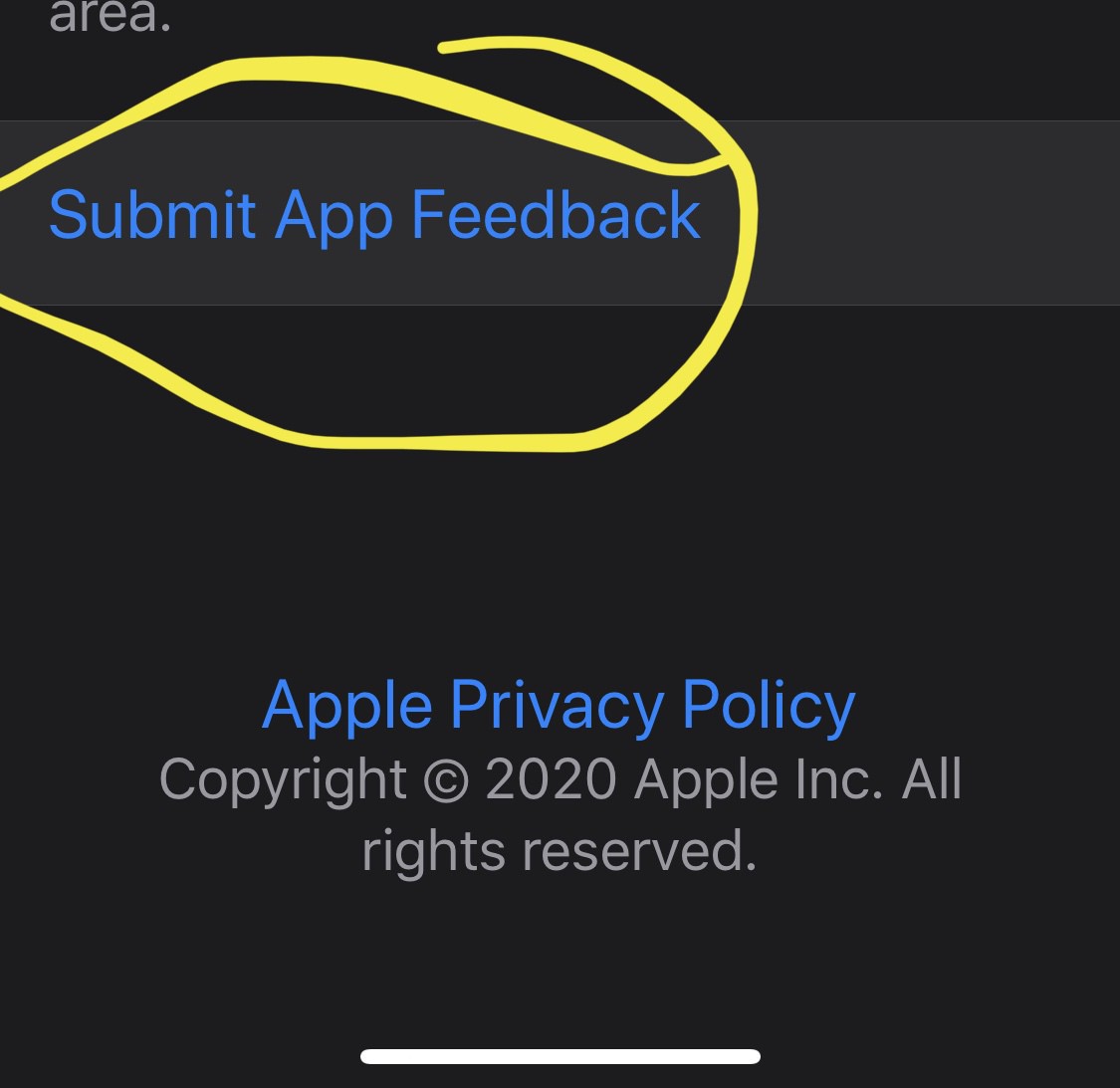
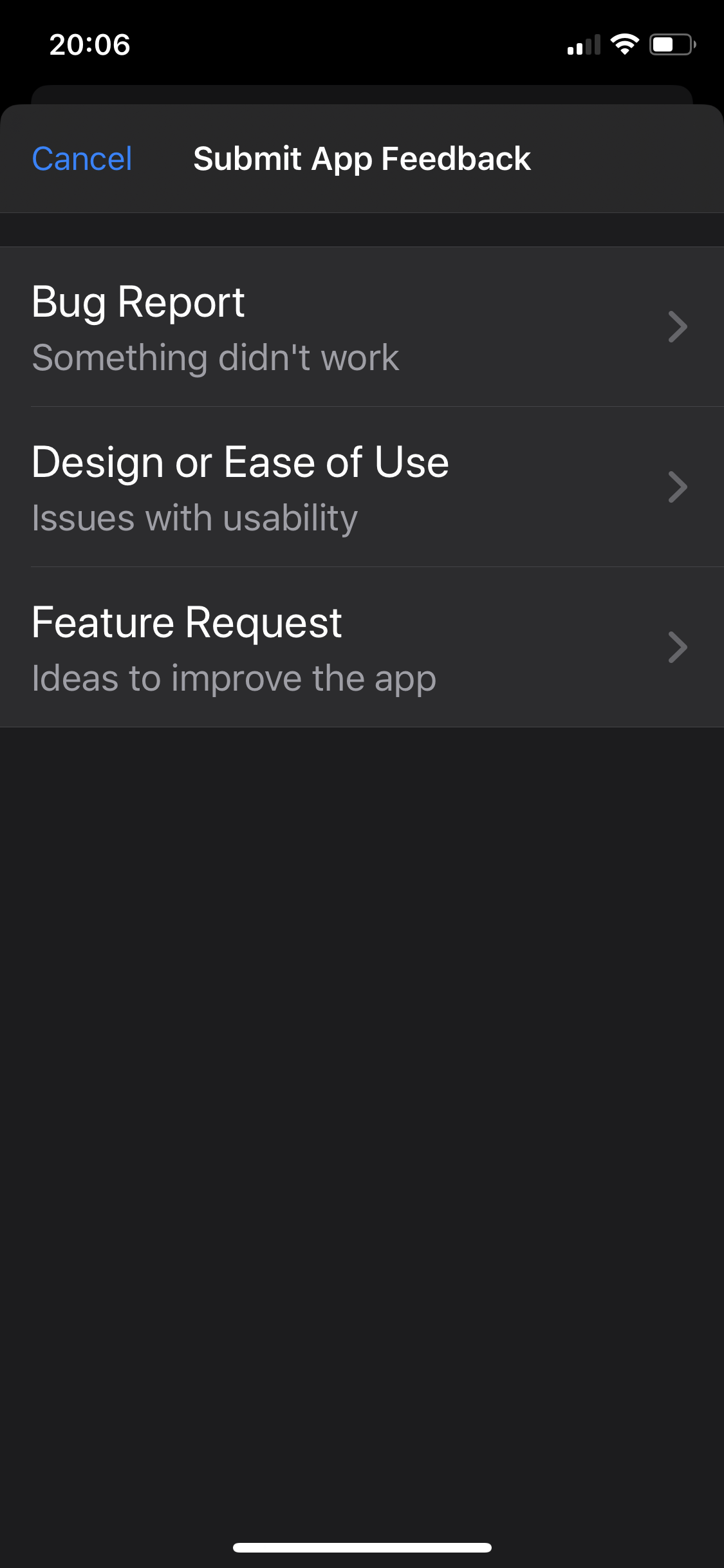
  • Apple allowing feedback within apps

    Along with dark mode in the latest Apple Support app update we get a new addition I hope is a thing to come to all of Apple apps. It’s something that Google does really in their apps, give the chance in app to offer feedback.

    → 9:06 PM, Apr 28
  • Can the MacBook replace my iPad?

    I’ve been using the MacBook as a replacement for my iPad now for two weeks and wanted to share my updated view on how it’s gone in that time, adjusting back to a laptop and macOS.

    As far as the hardware goes I’ve been impressed with the 12” MacBook, even the keyboard has grown on me (no sticky keys yet). I’ve not babied it and used it inside and out in the garden and I’ve pushed the 8GB Ram and to be fair it’s held up well.  The only area that frustrates me is using Photos, it runs like a snail compared to how it runs on iOS, maybe I should have gone with 16GB Ram but for 80% of what I’m doing (including podcast editing) this base spec machine has been fine and worked well. I’ve appreciated the USB-C and now when I’m at the desk I go into a Dell hub connecting my MacBook to a keyboard, mouse and 34” monitor. All works really well and has been great to use when podcasting in particular where I can have a lot of windows open at the same time, something I can’t do on iOS.

    Where I’m starting to struggle a little is with some RSI and shoulder strain from using a laptop for my day job and now in my spare time. I didn’t realise how much the iPad had helped my RSI over time. I can use it in many different ways and am able to change my position to make using it more comfortable and this is why the MacBook falls down for me as an iPad replacement. I don’t have any particular issues with macOS and in some of the ways I work (especially file management) the Mac beats the iPad but I’m just not using it as much and therefore creating, something my Apple devices have always enabled me to do.

    I miss the flexibility of the hardware, the pencil and the apps on iOS, using the Mac feels like work to me and I’m just not wanting to sit down and use it to do something creative - it just isn’t as much fun as using my iPad.

    I’m going to have to count my pennies and I think I’ve finally decided on my setup. An 11” 2020 iPad Pro (1TB), Apple Pencil 2 and the new magic keyboard. My reasoning for not going 12.9” is I had a 1st gen pro and ultimately sold it on as I use it in tablet mode most of the time and found it to be uncomfortable for me on the sofa etc… I also have this bigger setup that I can dock it with and use a bigger screen as and when I want to. As I said I still have to count my pennies so don’t be surprised if I end up with a 2018 12.9” if I end up being able to get a good deal used but my intention is to go 11.

    It’s been a good experiment to go back to macOS but I’m ready to go back home to iOS.

    → 8:16 PM, Apr 26
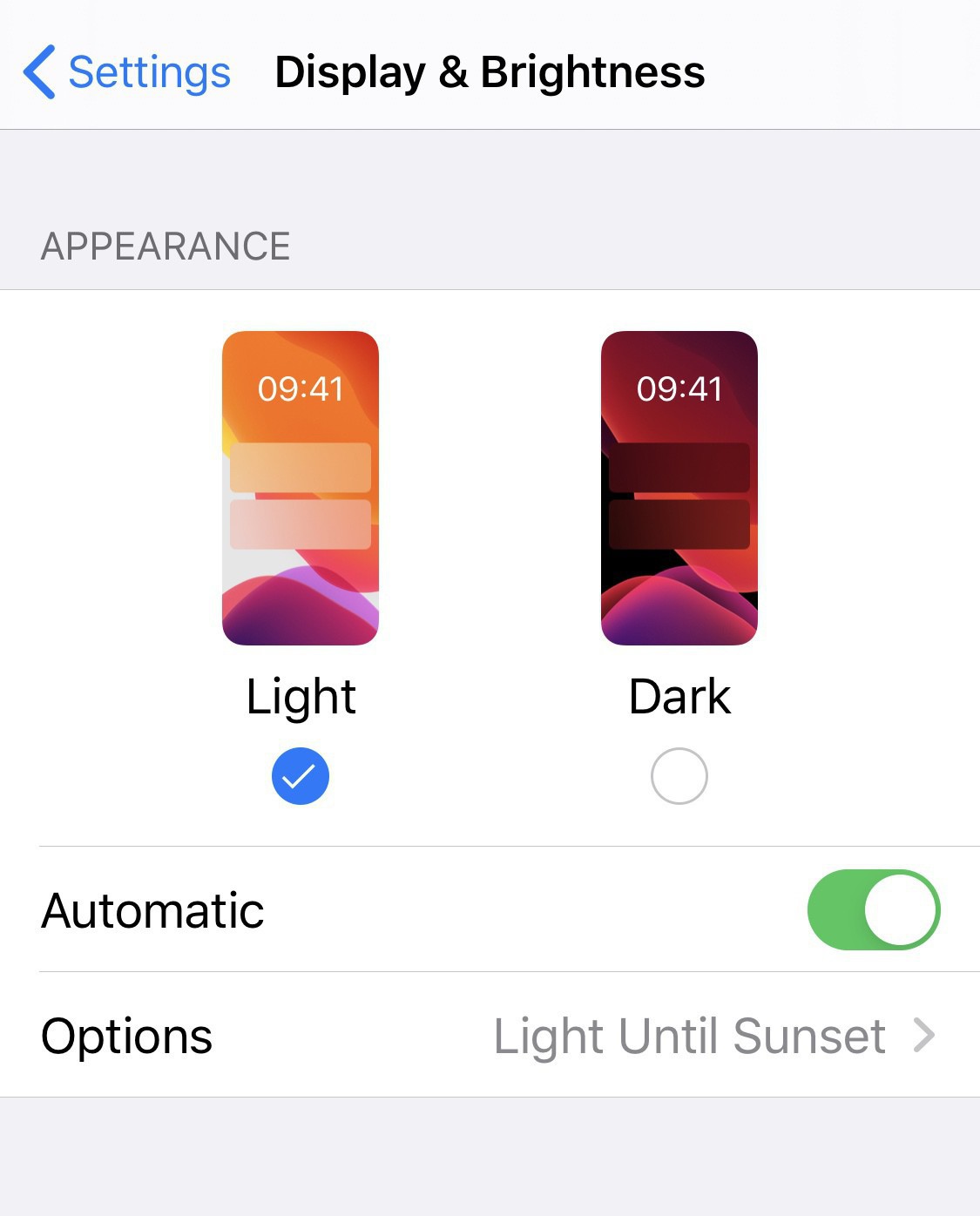
  • Using automatic light mode on iOS

    I’d always wanted dark mode in iOS but since using my Mac more I found it quite oppressive to have on all of the time so I switched it to automatic based on time of day.

    On going back to my iPhone I suddenly felt the same and it’s been so long since I used it in light mode I did the same switch.

    I’m actually enjoying the two different contrasts. Being in light mode most of the day and dark mode at night now seems to have become my go to setup. It’s strange that for years I wanted it all to go dark but now I’ve made this switch I appreciate being able to make that choice whenever I want.

    What do you use?

    → 5:59 AM, Apr 25
  • Home Screens Episode 2

    A few weeks to get done but I’m back with Episode 2 that I have just uploaded to Anchor so should be aggregated to your podcast app of choice soon.

    This week I have a guest in Daryl Baxter who I got to know via Twitter and our mutual love for the iPad.

    Here’s the screenshot that we will be going through.

    Thanks again to everyone for the positive feedback and if you have any guest or show suggestions (or you’d like to come on please let me know).

    → 11:41 AM, Apr 24
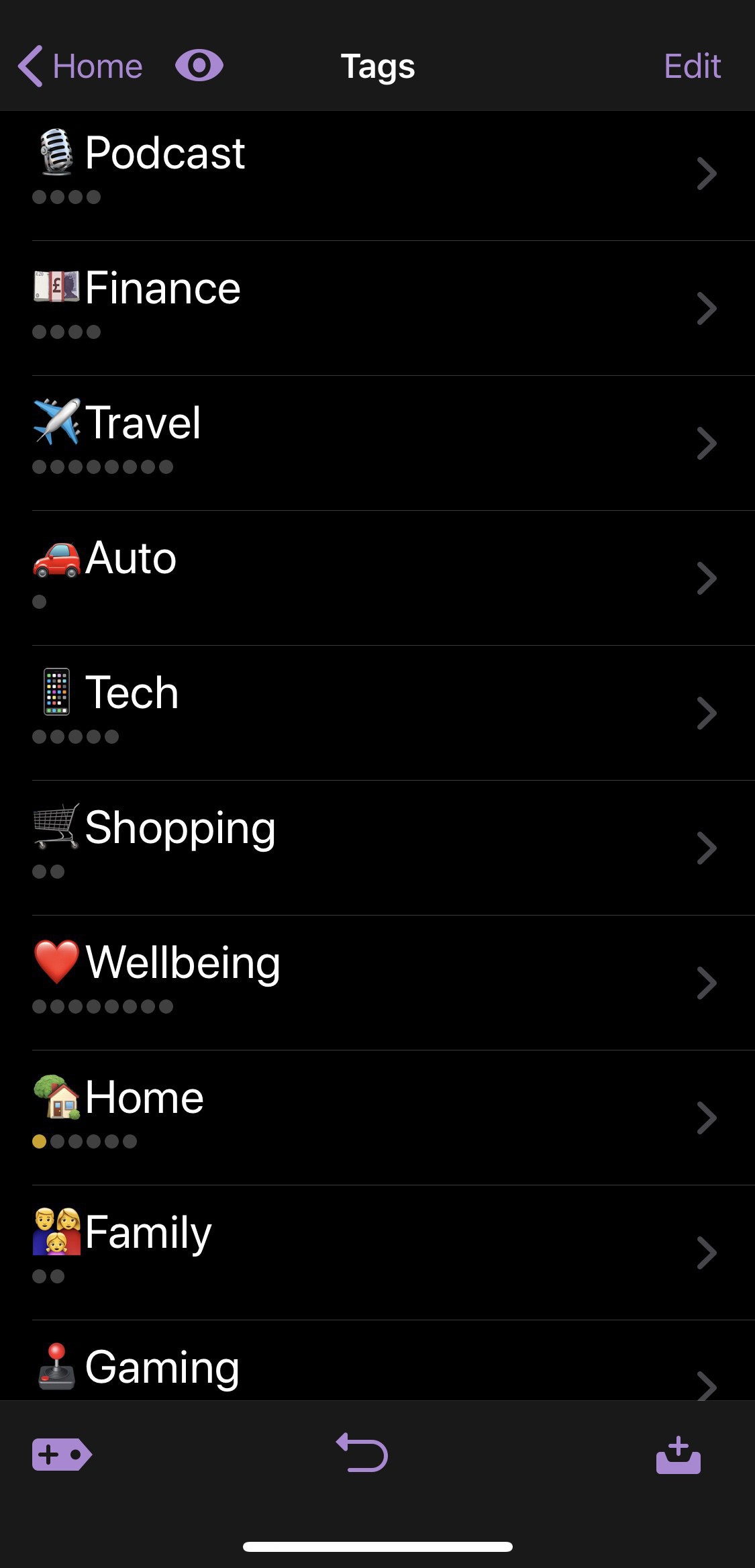
  • Setting up OmniFocus

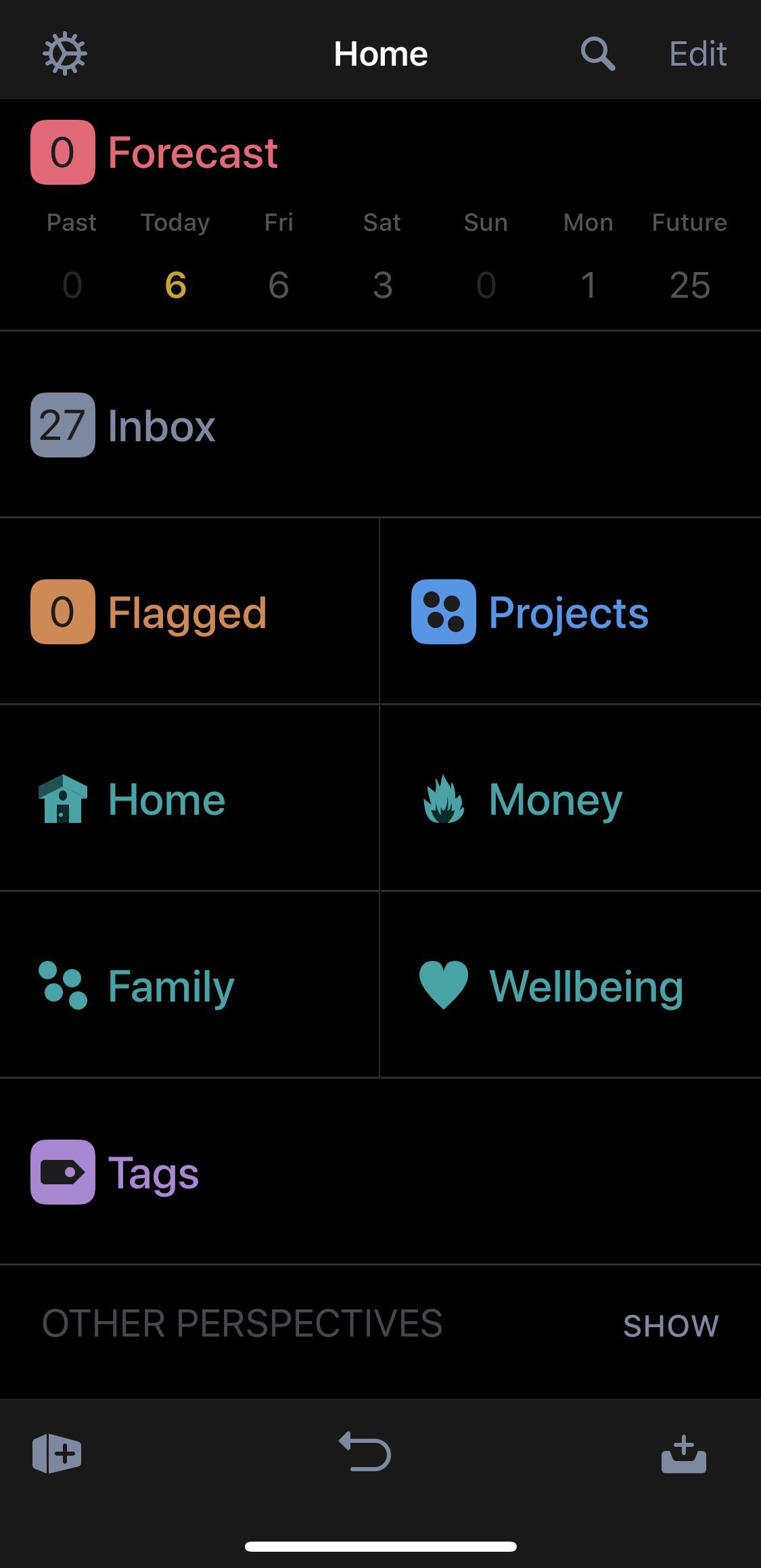
    I won’t go into my iCloud issues but needless to say I’ve switched back to my trusty OmniFocus. On setting up from scratch I’ve changed the way that I use the app and perspectives this time around.

    As you can see above I’m using 5 main views

    • Inbox
    • Home
    • Money
    • Family
    • Wellbeing

    Most items in my system sit in the Inbox as you can see from the item count but I use tags. Whereas before I’d have a load of projects this time I’ve used tags to categorise.

    I then have a perspective showing me everything that has a particular tag. So the wellbeing tag simply shows me everything with a tag of wellbeing.

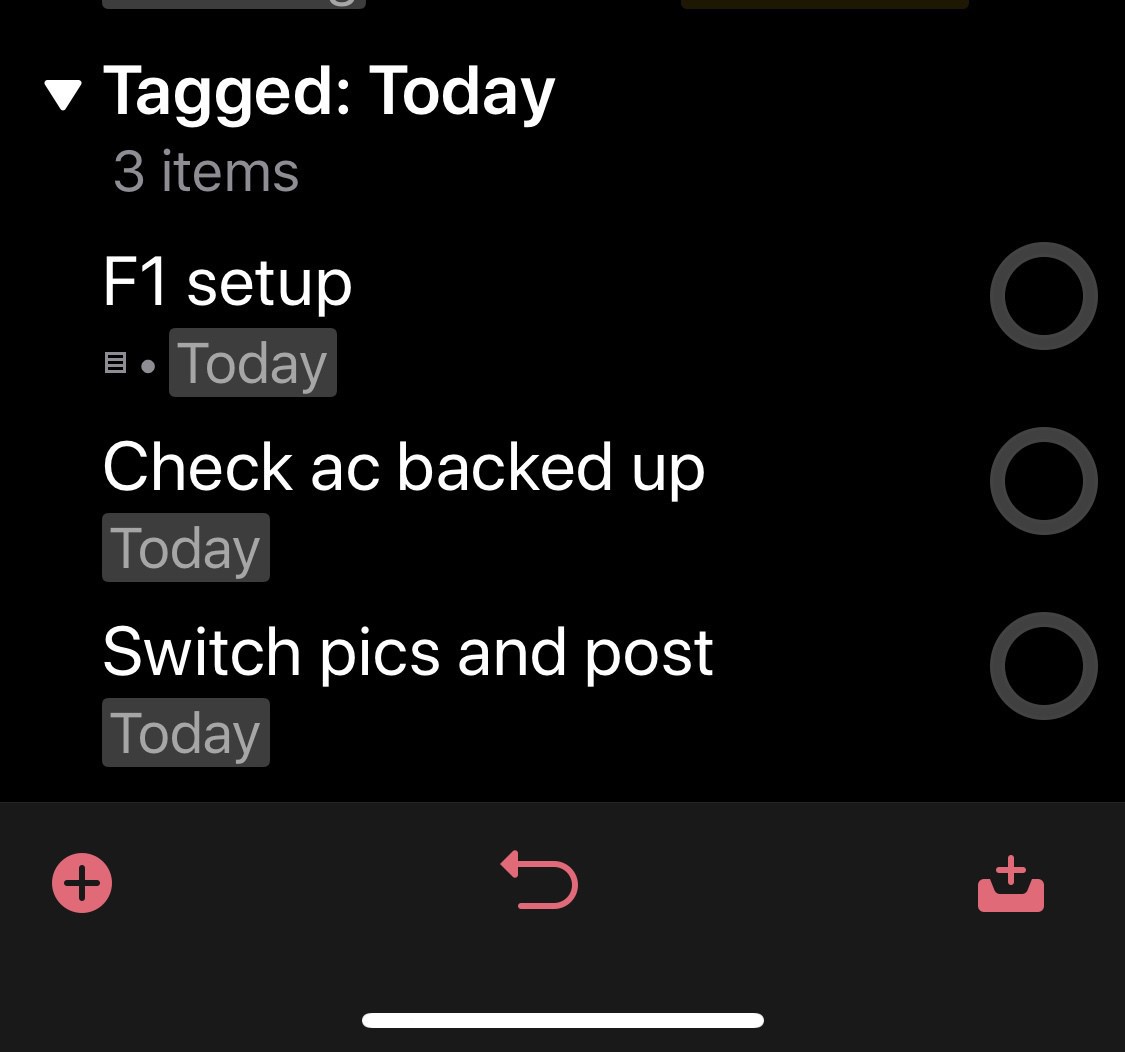
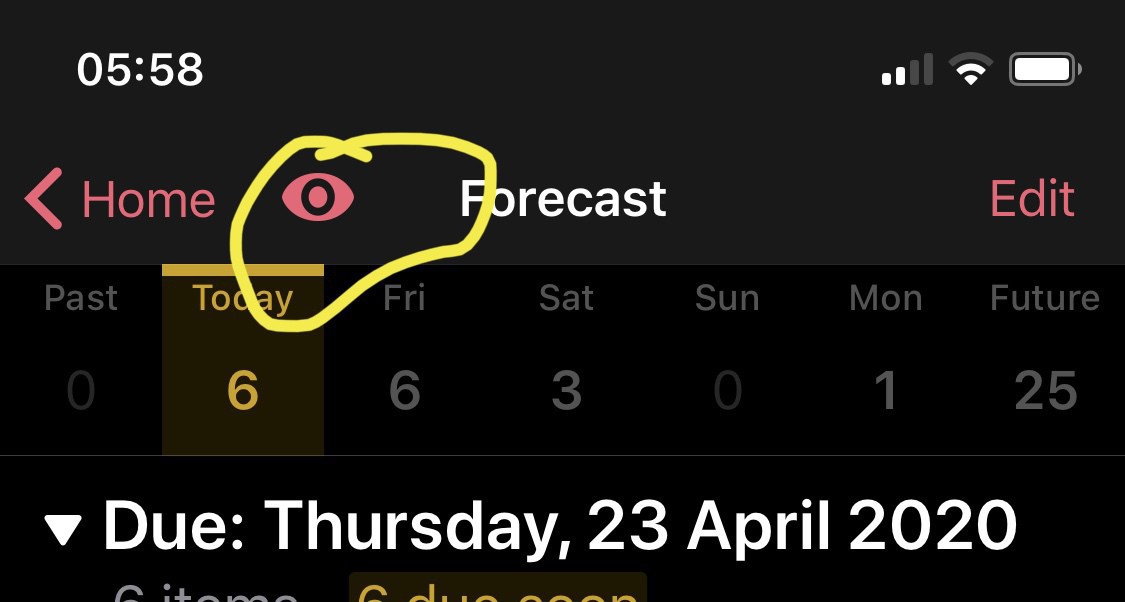
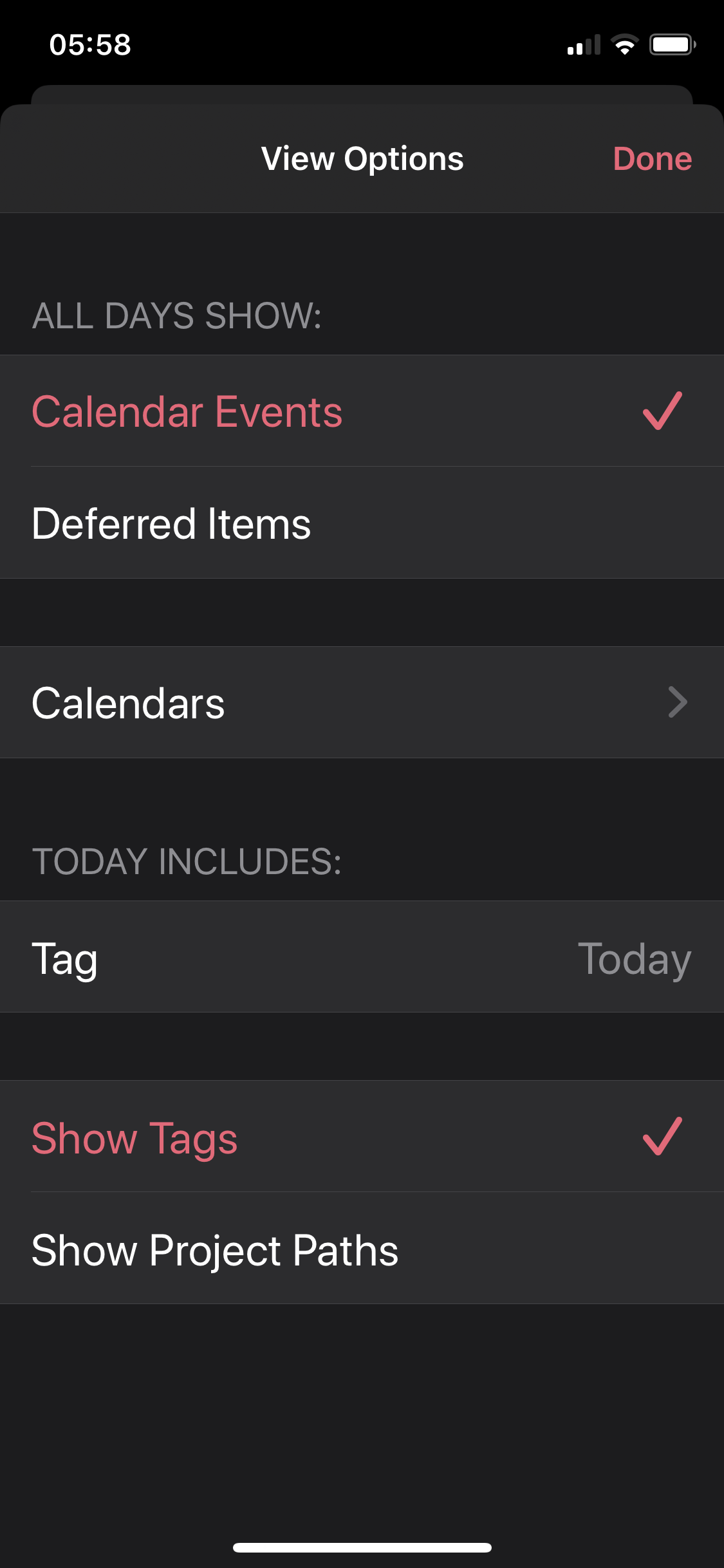
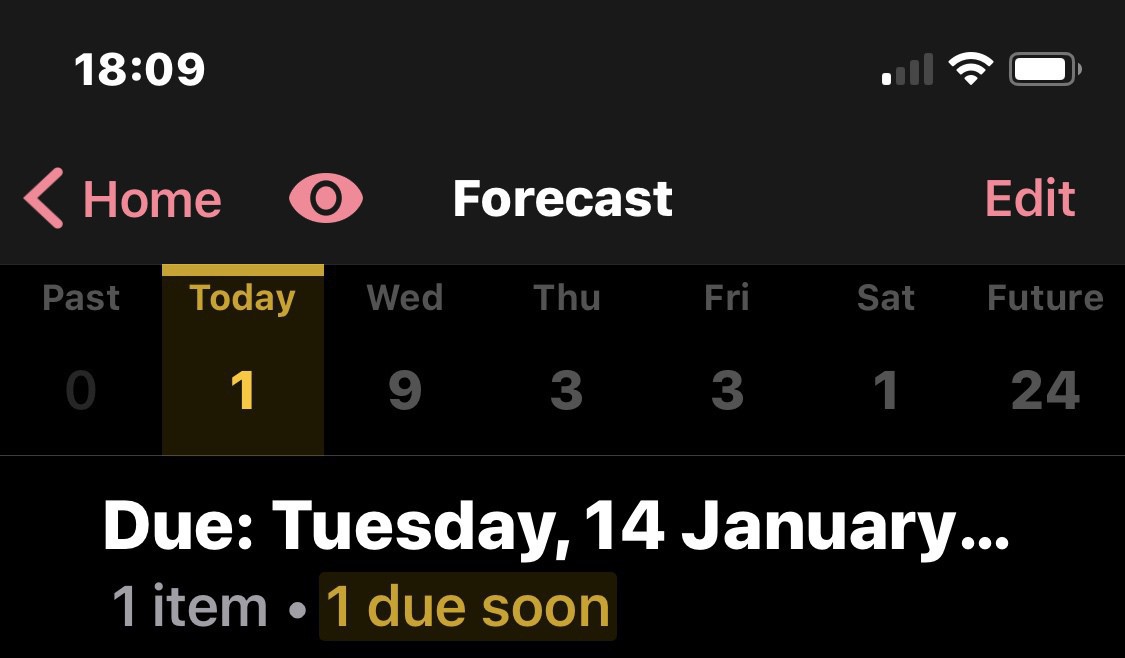
    For my forecast view I’ve implemented a tag called ‘Today’ that I can add to any items I’d like to get done today but don’t want to add a deadline.

    You can do this by tapping on the little eye icon.

    This seems to hang together for me and in the last few days I’ve enjoyed coming back to OmniFocus. This seems to work with my brain and I’m not wondering if my iCloud data is going to be there or not as the OmniFocus sync is rock solid and never let me down.

    Are you using OmniFocus? What’s your setup?

    → 6:02 AM, Apr 23
  • A change of home screen

    Having talked about my setup on Home Screens I’ve changed things up a little.

    This is for a few reasons

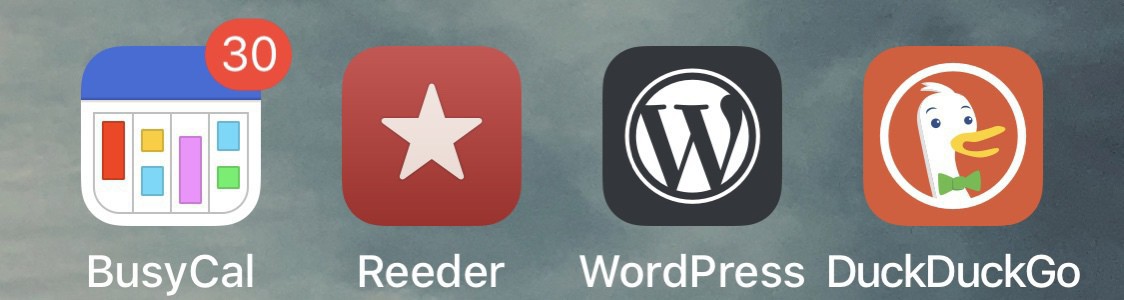
    • I went back to my MacBook and got into Setapp and BusyCal
      Getting back into Streaks
      I'm wearing my G-Shock again to track my steps and make sure I'm keeping active
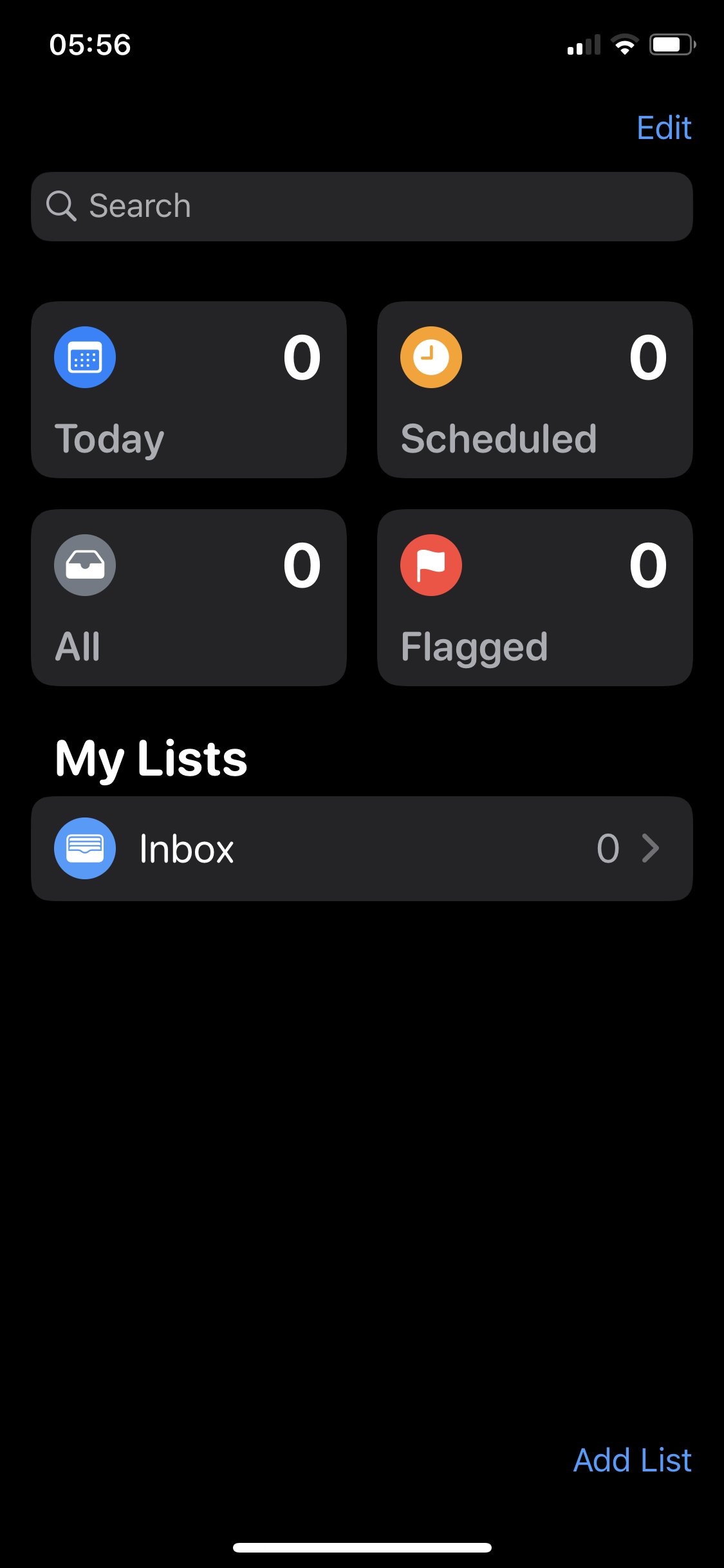
      Reminders lost some data and started showing badges when I had nothing due so I'm back on OmniFocus
      PresentMind is a new Mindfulness app that my work place helped point me towards

    Any new apps you’re checking out?

    → 9:54 AM, Apr 22
  • Working from an iPhone

    Don’t worry I’m not going to do many more “I don’t currently have an iPad” posts but I wanted to share an experiment I’ve been doing. I do have an iPad Mini 2 but I’ve lost my patience with 1 minute app load times and it’s going to be traded in with Apple (£50 isn’t bad for a 7 year old device).

    I cleared down the iPad for trade and decided to work completely off my iPhone. In terms of performance and apps it’s perfect, I’m on an 11 Pro and everything runs just great.

    I’m using apps for writing, banking, photography, music and even the odd bit of recording.

    The only downside of this workflow is screen size. I haven’t gone as far as plugging in a keyboard but could use a Bluetooth if I wanted to.

    I love iOS and for me the only stopper is that bigger screen but I’ll be ok for now. I can still update the blog and do my creative projects from the iPhone.

    → 7:52 PM, Apr 21
  • Finally seeing the benefit of USB-C (and thoughts on my setup)

    I’ve had the MacBook for a few years but not really seen the benefit of USB-C until now, it’s a strange thing to write but it’s finally clicked for me. My day job is home based and for a while I’ve had a DELL hub that I haven’t really tried for long periods, I simply plugged my work issued DELL laptop into my DELL 34” widescreen monitor. On thinking about my setup now I have the MacBook I decided to give it another go.

    I took the DELL hub and plugged in my screen, a mouse, keyboard and power into it. Coming out was a single USB-C cable, ok here we go. I took this single input cable and plugged it into the work laptop, it all worked - stage 1. I then took my single port MacBook and woohoo it worked too all in the best resolution on my large screen. This single cable connects all my inputs, powers and has USB ports to spare for plugging in drives etc… 

    I’m really happy that this one hub has enabled me to use one setup on my desk.

    What I’m wondering now is if I get myself a Magic Trackpad 2 and the 11” iPad Pro with USB-C how great this setup could be to cover everything. I have no experience of using an external display with the iPad but given I’m in the market and general prefer the smaller form factor (coming from a 10.5” iPad Pro) I’m thinking I might skip the new magic keyboard completely and just put the money into the trackpad 2 and the iPad itself. This way I have portability of using the iPad in tablet mode when I want, if I want a bigger display I can just dock it into this hub and go for it. The enhanced mouse support with my trackpad should make it a great setup. Now I’m using my MacBook then I also have the option of taking it from the desk and using it with trackpad etc… The thing I haven’t enjoyed about using my MacBook is the fact that I can’t use it comfortably on the sofa and of course I miss using the pencil. I can get the trackpad and pencil for the less than the cost of the new Smart Keyboard cover so I’m very tempted to go this way.

    Anyone used the iPad with a large external display by any chance?

    (Having a spare USB-C power cable is also handy for plugging into the Nintendo Switch I have on the desk!).

    → 6:36 PM, Apr 20
  • Setting up Apple Reminders

    Switching back to the MAC also had me thinking about the core apps I’m using to manage my day, I’ve now settled into a little routine using Apple Reminders. The iCloud sync seems solid now and using across iOS and macOS I’m starting to find the benefits of using Apple’s own apps. I keep it fairly simple in terms of creating lists and haven’t overwhelmed myself by dumping everything into it.

    I have

    • INBOX, everything goes in here to start with if it’s an idea when I’m out or if it doesn’t belong to a list it also goes here
    • HOME, anything related to home (like putting out the bins) goes in here
    • WELLBEING, anything health related goes in here
    • FINANCES, money stuff goes in here
    • CREATIVE (as a group)
      • Podcast, anything related to podcasting
      • Writing, anything related to blog post ideas or admin on the site
      • Ambient Album, a little project to get me back into writing music
    • Travel, anything holiday related

    I then have the widget on iOS Today view to show me what’s due, I don’t bother with this on my MAC.

    Keeping it simple has really helped me just focus on a few things and not be overwhelmed by a complicated TO DO app.

    → 11:57 AM, Apr 20
  • Writing and publishing to my blog using MarsEdit

    I’ve been struggling with my workflow and in particular the devices that I am going to use in my day to day and might have hit a really nice writing workflow that will work out for me when I’m on macOS. When I switched back to the Mac I didn’t have a clue what apps to use outside of the core apps that come with macOS but I decided to find the right episode of Mac Power Users and get to customising my MacBook that I am going to use as my daily machine for now.

    On listening I decided to install Setapp and wow it’s already proving to be a cost saver. I installed iStatMenu (to keep an eye on battery and to have a nice view of the time and weather in the menu bar), CleanMyMac (to let it take a look at how I can get the most out of this laptop in terms of managing space) and most importantly MarsEdit.

    I’ve got it installed and connected to my Wordpress blog, which I can publish to directly from this one app. The layout lets me write, add tags, categories and images all within one app that can be customised to my liking. 

    It’s much nicer to use than the Wordpress app on iOS and having the flexibility of being able to create short posts from my iPhone on the Wordpress app and also this powerful app in MarsEdit is leaving me enthusiastic about sticking with this MacBook and adapting to it rather than jumping back in and replacing my iPad Pro.

    I’ll update as I get more stuff done on macOS, I thought it might be interesting hearing about workflows from someone coming to the Mac from iPad.

    Let me know some of your favourite Setapp apps.

    → 11:03 AM, Apr 20
  • How to speed up your Apple Watch Series 2

    I wear my Apple Watch quite rarely these days but when I do I’m reminded how slow the series 2 is in 2020. On playing around with settings I’ve discovered a couple of settings that appear to have sped it up a bit.

    Reducing transparency and motion seem to have sped up the general UI issues I was experiencing.

    → 2:09 PM, Apr 19
  • Apple Music on macOS needs some work

    I’m probably writing something that a lot of Mac users will know but coming from an iPad the Music app on macOS needs a lot of work. I’ve been using it for a week or so and wow is it clunky and buggy in my experience.

    As you can see above I’ve done a search and the results showing are completely blank. It takes a restart of the Music app to get the search to work and happens multiple times a day.

    Here’s another, the Apple Music feature “browse” completely breaks after a while and again shows blank, requiring a restart of the Music app.

    In general I’m also noticing performance is slow across both my MacBook and iMac 5k, it’s strange given that I have a fast internet connection and relatively new Macs.

    I don’t know how much work goes into the Mac version but please let me know if I’m complaining for no reason here and I have a few settings that need tweaked or something.

    I’ll never complain about the Music app on iOS again after this experience.

    → 8:31 AM, Apr 19
  • 2 years with the HomePod

    I’ve seen a few posts about the HomePod and realised I’d had mine for over 2 years now and still use them almost daily. We have one in the kitchen and another in the home office.

    The one in the office I AirPlay to from my iPhone or Mac every single day I’m working. The one in the kitchen gets talked to by my family to start music or streamed from an iPad.

    I never think to ask it for the weather or set timers to be honest, I see them as a really great little speaker.

    There are only two things that frustrated me

    1. I turned off the trigger word in the office as I found it was firing off. when I was on work conference calls
    2. Updating them to this day still confuses me. The home app isn't the most intuitive out there and I always seem to get lost in it

    They are genuinely in my top few products Apple have released in the last 5 years, I love them.

    I like the size, the design and most importantly the rich sound. I even had them hooked up to my Apple TV for a while and used them as a home cinema setup. Ultimately this failed though as I couldn’t route all of my audio through them, I play a lot of video games and I couldn’t get this through the HomePods.

    So, if you’re into good sound and want a speaker I still recommend the HomePod. It’s a speaker first and assistant second.

    → 6:22 AM, Apr 18
  • Sticking with the 12" MacBook

    I’ve been figuring out what to do since destroying my iPad Pro and after initially recycling my MacBook with Apple I’ve decided to keep it after all. I was getting £175 for it as a gift card but on using it again today I’ve decided to keep it. Putting it into perspective that is less than it would cost to buy a new Smart Cover and much more than an Apple Pencil. This laptop is too good to take that little amount for and whilst I’m back on it as my portable device I think it makes more sense in this climate to stick with what I have available and reduce the load on others.

    The keyboard is still too flat for my liking but I’m slowly adjusting and starting to get pretty quick on it, the trackpad is great and so is the screen. What still frustrates me is the speed compared to the iPad but that might get better as I use it, you never know…

    I’m still dubious how long it’ll be without a keyboard failure now I’m using it every day but I’ll keep you updated on that one, which I think I’m covered on an extended warranty for (fingers crossed!).

    I’m still going to use my iMac for any heavy lifting and podcasting mostly but the MacBook is going to be used for everything else.

    I’ll report back on if the 2016 MacBook is worth buying cheap in 2020 once I’ve given it a good try.

    → 3:28 PM, Apr 17
  • Coming back to macOS

    I trashed my beloved iPad Pro 10.5” and my iPad mini 2 is proving frustrating trying to do production work so I’ve switched back to the 12” MacBook that’s been sat unloved mostly for the last few years. It’s a base model and comes with that original (badly thought of) keyboard. Here’s my experience of switching from iOS full time back to the macOS.

    Specs:

    • Early 2016 MacBook 12”
    • 1.1 GHz Dual Core M3
    • 8GB Ram
    • 250GB SSD

    I picked up this MacBook refurbished from Apple back in early 2017 and although it’s only just over 3 years this processor is showing it’s age worse than my 3 year old iPad Pro was, it’s mostly ok for what I do though to be honest. The storage space is a step up from the base model and as I don’t store pictures or music on it I’m finding space to not be a problem at all. I’m out of Apple Care+ now but in the time I’ve had it I haven’t had any problems, not even with the keyboard. I guess now is the time to test that theory as I’ll be using as my daily machine for now.

    My workflows:

    • Recording my podcast and editing in GarageBand
    • Editing images using Photos
    • Writing on the blog
    • Browsing the internet
    • Listening to music with the Music app
    • Apple Notes, Calendar and Reminders

    Performance is varied, very much depends on the activity that I’m doing. For recording my podcast (even when I tested with Logic Pro) and editing the performance holds up for me. Editing images in Photos isn’t amazing, if you go full screen with thumbnails scrolling isn’t too smooth and there is lag on opening up the image to edit. Anything browser based is fine as you’d expect and also Notes etc. all run fine too. Overall for my use it’s ‘fine’ as I’d expect from a few year old machine, macOS holds up well and it’s only really the Photos app that I can’t believe is so slow compared to what I can do on an iPad.

    Getting back using macOS has both it’s positives and negatives as I’m learning each day I get back used to using it.

    Pros:

    • File management beats Files on iOS hands down, here’s an example. I recorded a voice memo on the iPhone and moved it onto the files app on iOS. I found that managing this file was a lot slower. I couldn’t rename the file and move it into the Music App. I ended up going to iCloud on my Mac, pulling them onto the desktop, renaming and then importing into Music all on my Mac. I could then see it show up on my Music app on the iPhone
    • A trackpad built in, yes I know it’s a silly one given iPad cursor support but having a trackpad under my keyboard is great
    • Screen adjustment, I forgot how nice it is to be able to adjust the angle rather than the Smart Keyboard being fixed
    • Pro apps, I know it keeps coming up but where are the pro apps on iOS? Even an app like GarageBand is better on macOS, it’s not like for like between the platforms. There’s no doubting the hardware and iOS as a professional platform but I’d like to see Logic Pro moving over to iOS with as close functionality to the Mac as possible
    • USB-C, it’s nice to be able to share a power cable between my laptop, Nintendo Switch and work phone

    Cons:

    • Less flexible than an iPad in terms of helping with posture and RSI. I like the flexibility of my iPad in that I can use it as a tablet or laptop style with a keyboard. I do miss the touchscreen a lot when trying to sit and relax so tending to use my iPhone when I’m not in my office
    • I miss the Apple Pencil…
    • I’m not a huge fan of the keyboard on the MacBook (it’s very flat) and I prefer the Smart Keyboard cover
    • I miss the speed of iOS, I mean (for me) I get work done quicker on an iPad and used to flying around apps and functionality of the apps
    • I don’t get my iOS apps I’m used to so falling back on Apple apps, which most are fine but I still find them a little limiting in places e.g. Reminders tagging but both Calendar and Notes work great on both platforms
    • Battery life isn’t as good as my iPad was although I’m still testing this one. As I mentioned above though as I mostly have my Switch plugged in (thanks, Animal Crossing) I can easily reach over and plug my MacBook in
    • Missing TouchID

    This isn’t meant to be an iOS vs macOS post but just my experience on coming back to the Mac after being on iOS for so long. I think I’ll be ok for now and want to give it a go.

    → 3:50 PM, Apr 15
  • Putting a limit on social media

    I’ve tried to take a step back from social media for a while and always struggle but I’ve found using the screen time feature in iOS has helped me limit the time I spend on them.

    I’ve added a couple of limits to help me gradually reduce the time I spend on Twitter each day. I’ve set 20 minutes as a limit and will gradually reduce this slowly until it gets to 5.

    I’ve been checking out the other apps via the ‘see all activity’ and tap on the app you want to add a limit to.

    Anyone else using this?

    → 6:53 AM, Apr 15
  • Using an iPad Mini 2 in 2020

    My iPad Pro is out of action so I switched back to a 2013 iPad Mini that we have in the household. Using it for a bit now I feel I can share my thoughts on what it’s like to use one day to day in 2020.

    Hardware

    First off I’m very impressed with how the hardware has held up. Once I took off all of the stickers it’s still looking brand new on the back. The bezels have a few chips but nothing that bothers me. The screen is in good shape apart from a few hairline scratches and nothing visible when the screen is on. All of the buttons work absolutely fine.

    iOS

    This iPad is stuck on iOS 12 and coming from iPadOS 13 I miss dark mode and some apps don’t work. Luckily for me it’s just my RSS reader that’s been switched out, all of the other apps I use daily work.

    Listening to music and watching video via apps like Disney+ all work fine too.

    I think I’ll be ok back on iOS 12 and utilising app by app dark mode. The only slight concern is security but iOS 12 is still getting security updates so I think it’ll be ok temporarily. No trackpad support though, which is a big downside.

    Performance

    It’s pretty sluggish but I’ve found a few settings that help with some of the daily use. Not much you can do about slow running apps, for instance Disney+ took about 2 minutes to load and get to the point that you can watch something.

    Definitely leave all your apps running in the background for a quicker launch next time. I’d suggest turning off motion though to increase the overall feel of iOS.

    Settings, general, accessibility, reduce motion then turn on.

    Aside from this there isn’t a lot you can do to improve the performance. Remember this is a 7 year old processor now and yes it’s a little slow but pretty amazing I’m still using it for everything, including writing this post.

    Security

    Here’s the major downside of using an iPad Mini 2, no TouchID. To unlock its back to a passcode.

    Should you buy one?

    Nope, it’s way too slow in my opinion when you can spend a bit more on a used iPad Mini 5 that also has pencil support. If like me you have one lying around and your usual iPad is out of action then it’ll do as a short term replacement but not a viable replacement. There’s no trackpad support and iOS updates are going to stop most probably soon. Spend a little more to get a 9.7” or iPad Mini 5.

    → 7:10 AM, Apr 13
  • How to erase your iPad when the screen and buttons are damaged

    I’m not going into details on this one yet but I needed to remotely wipe my beloved iPad Pro 10.5” today. I couldn’t use any buttons, the screen or the power cable but needed to remove my account and erase.

    If you are in the same position there is only one way to do this, note that your iPad needs to have some power left in it for this to work and still have a working and connected network connection.

    • Head over to iCloud.com
    • Log in and click on Find iPhone
    • In the middle of the screen you should see a drop down for DEVICES
    • Click on the device you want to erase
    • Click on ERASE IPAD
    • You’ll be asked for log in details etc and have the option to put a message on the screen
    • I also removed from my account as I won’t be using it anymore :-(

    Good luck and may the force be with you.

    → 7:50 PM, Apr 12
  • Get Animal Crossing: New Horizons Custom Designs

    I’m totally hooked on Animal Crossing and once I’d gotten to the point of having a clothes store I could download other users custom designs.

    Currently rocking some Obi Wan robes as you can see above.

    Here’s the subreddit you need.

    → 7:17 AM, Apr 12
  • My favourite iPhone’s

    I’ve been less inspired to write but on pondering what to do I came up with an idea of sharing my favourite iPhone models. I’m just going to do a top 5 for now as I thought it might be interesting to look back a bit but not go into too much detail as to get boring. This is in no particular order, they are all my favourites.

    iPhone 11 Pro

    I didn’t think I’d have a phone with FaceID in my top 5 but here it is. I really love using my 11 Pro, the main reason - the camera. I won’t post a load of samples as this has been done before but just to say that both indoors and when it’s getting darker outside there’s no iPhone that compares. I’ve also noticed that in good light indoors when I zoom into images I’m seeing so much more detail than on previous iPhone’s.

    This is indoors with no overhead lighting, just the light from one window. You can even see the weave on the keyboard material.

    I continue to use and enjoy portrait mode and the 2x zoom.

    I never use the ultra wide angle, I just find that the image quality really suffers and especially in bright light I see lens flare (great for JJ, not for me…).

    Durability has been good, even with no case and drops. I’ve got a little scratch on the side where it was dropped and a few light marks to the screen, nothing major.

    Battery is still impressive and I’m going two days between charges at the moment.

    Downside is obviously cost but I ended up selling an older model to help pay the overall cost.

    iPhone 5c

    Seems an odd choice given it’s popularity but the 5c is in my top 5. I loved the plastic back, reminded me of one of my other favourite models (3G) and was comfortable to hold. I didn’t worry about drops and the scratches gave it some character. I had both the yellow and white variants over time and part of me wishes Apple would do a plastic backed 11.

    iPhone 3G

    My first iPhone, I did own an original later and still have it but I waited for 3G before jumping in. When I got it the App Store was already established and I was using an iPod on a daily basis so combining my phone and music player was the main draw. I babied it a bit at the beginning but soon used without a case and loved the comfort and durability of the form factor.

    iPhone 5

    Appreciate I already have a 5c but the 5 was a nice return to something that I could use without a case. I came from the 4, which is my least favourite model. The glass back made it less durable and slippery so having a metal case and slightly longer form factor was comforting to me. The camera was a nice bump too on this model and I used it up until a drop then I sold and switched to the plastic 5c.

    iPhone 6

    Having my trusty 5c I was reluctant to switch but the metal backed bigger screened 6 felt good straight away. The camera wasn’t a big jump but the screen size was a nice addition.

    What are your favourites?

    → 6:00 AM, Apr 10
  • Launching a podcast on Anchor

    As you’ll know if you follow me I finally got in gear and put out a new podcast. It’s one I’ve wanted to do for a few years but with everything going on right now I needed a distraction so put some energy into doing something creative.

    I looked into hosting options and decided that right now given I’m on a budget and want ease of posting I decided to go for Anchor.

    I work primarily on iOS so downloaded the app.

    When you launch you can create an account and podcast including adding artwork all within the app itself.

    I created some simple artwork on my iPad using Procreate and exported as a JPG ready for adding to my podcast in the Anchor app.

    Once I’d created an outline of the first episode I recorded it with my iPad Pro 10.5” and Blue Yeti Microphone using Ferrite.

    I did my best to edit on the iPad but ended up falling back on old habits and used my MacBook and GarageBand.

    Once I had my finished and exported MP3 file I used the Anchor website to add the show. I found the app a little lacking for adding shows and writing a good show note was a nightmare. You get a little text box and can’t see the text very well.

    That was it.

    Anchor handles distribution to other providers and I’m currently still waiting for it to propagate to them all.

    If you’re looking for a quick and simple way to get a podcast off the ground Anchor might be a good choice.

    → 6:25 AM, Apr 4
  • Launching a new podcast - HOME SCREENS

    Another creative project that I’ve kicked off as a distraction for both myself and hopefully others who are into other people’s setups.

    • Google podcasts
    • Spotify
    • PocketCasts

    Please let me know if you enjoy it or think of ways that I can improve.

    I really appreciate anyone that listens or subscribes, I’m learning this one as I go.

    → 10:37 AM, Apr 2
  • Logitech keyboard and trackpad case for iPad Pro 10.5”

    I’ve been looking at picking up a 2018 iPad Pro but after using iPadOS 13.4 for a few days I think I might keep my current one going. It’s still fast and the battery seems to have improved slightly.

    Another reason is I’d completely missed this product from Logitech and it might do me just fine. Yes it’s not as elegant as Apple’s version but at more than half the cost I think I’m going to give it a go. There’s a few reasons at the moment I don’t want to make any big purchases right now and keeping my 10.5” going with one of these is going to be my way forward for now.

    No idea if it’ll be out in May but I’m going to keep an eye out and I’ll report back in.

    → 7:15 AM, Mar 28
  • Getting started with Apple Reminders

    I’m going through some testing of to do apps (I know, not again!) and as I’m doing this I thought I’d share some thoughts on several of them, including Reminders.

    When you pick up Reminders for the first time I’d recommend deleting any preloaded lists and starting with just one called INBOX. This will be where you brain dump everything. As you can see above I’ve also split out a couple of new projects as I thought of tasks, so a couple of creative projects. You can move more tasks later but my advice is when you pick up Reminders for the first time don’t worry too much about structure, just get everything off your mind and into the Inbox.

    I’ve found the barrier to getting things done for me was worrying too much about creating a framework at the beginning instead of just keeping it simple.

    Once you have everything in one place it’s really up to you if you want to organise them by categories such as home or work etc.

    → 7:12 AM, Mar 27
  • Animal Crossing New Horizons is the distraction I need right now

    I’d never played an Animal Crossing game before until last week and I have to say with everything going on right now it’s been a great distraction. I’m going at my own pace and building slowly. Checking in a few times a day and completing a little routine of collecting and exploring. It’s been good to have something to look forward to going into each morning and whilst I’m not outside it does help me feel like I’m taking a break from something. If you have a switch and not picked it up yet then I’d highly recommend giving it a go.

    → 6:09 AM, Mar 27
  • iPad apps and links for homeschooling

    Like a lot of the world I’m looking for good iPad apps and any links that I can use to help my daughter with her learning, I thought I’d make a list of ones that I’ve found to be good that cover both academic and creativity

    Coding

    • Swift Playgrounds (best coding app I've found so far)

    Creative

    • Pages (create posters and practise images and layouts)
    • Procreate (doodling)
    • GarageBand (music)
    • Minecraft
    • Easy Music
    • Hey Duggee colouring
    • iMovie

    Education

    • Karate Cats (grammar/spellings)
    • The Human Body
    • Times Table Rockstars
    → 6:07 AM, Mar 25
  • Disney+ launches in the UK

    Really need a distraction, Disney+ app is out and working.

    Between Clone Wars and The Simpsons (30 seasons) alone it’s worth it. Also looks like just two episodes of The Mandalorian so far so it’ll be weekly.

    → 6:13 AM, Mar 24
  • Everything coming to Disney+ in the UK

    Found this link super helpful, especially if you are looking at saving some money on the yearly sub before it expires.

    → 4:13 PM, Mar 23
  • Planning your calendar using Things 3

    If you follow me you’ll know I struggle with Things 3, mainly because of it’s lack of accessibility options but the Calendar integration is superb.

    I’ve installed it just to use the ‘upcoming’ view so I can clearly see what’s on my plate for the next week.

    I can’t read it clearly and need to really focus given it doesn’t adhere to my system font size but it’s helpful on the iPad to get a general view of important events over the coming week.

    I can’t manipulate anything on the calendar but like I’ve said gives me a clear view of the week ahead.

    I’m really hoping Cultured Code are working on bringing accessibility to their app so that I can more easily see what’s on screen.

    → 7:41 AM, Mar 23
  • How to get the flimsy axe in Animal Crossing Mew Horizons

    I’m slowly but surely becoming addicted to Animal Crossing, especially with everything going on it’s a nice distraction. If you want to get serious about crafting you’ll need the flimsy axe to start chopping at trees and rocks.

    To get it you’ll need to be the main player (if you are playing with more than one person on the same console) and have the net or fishing rod.

    You’ll want to catch butterflies and give Tom Nook in the green tent at least 2. If you go up to him and tell him you have found an animal. He’ll need to two to give you the recipe to be able to craft one.

    → 6:36 AM, Mar 22
  • DOOM Eternal initial impressions

    Wow, it’s full on and anxiety inducing as usual. I’ve been a fan of DOOM all the way back to the original and the latest instalment is one of my favourites. Same chaotic action, ludicrous weapons and amazing music.

    I’m only about 2 hours in and loving it, although can only play for 30 min stints right now.

    If you’re into DOOM then this is a must buy. If you’re not then wait for the inevitable sale.

    → 7:10 AM, Mar 21
  • The 2020 iPad Pro or a refurbished one?

    I know it’s seems like an odd time to be talking tech but I think it’s good to have a distraction, that’s something I’m doing so ploughing on with writing and some creative projects. Anyway that’s not why I’m writing this post.

    The surprise iPad Pro announcement this week was interesting and with it’s new trackpad keyboard cover it’s got me thinking about my setup.

    My 10.5” iPad Pro is still great but the battery is on it’s last legs and you wouldn’t believe how much having a Bluetooth mouse plugged in drains the battery. I’ve gone three years and thinking it might be time.

    The question is though should you get the new one or save some money with a refurbished model?

    Looking at a refurbished 2018 model you’re saving about £150 and still getting

    • That cool new design
    • FaceID
    • Small bezels
    • Compatibility with the lighter Apple Pencil
    • Compatibility with the new keyboard and trackpad cover

    What are lose is

    • Fastest processor
    • Ultra wide camera
    • New AR optimised camera
    • A brand new battery (unless you get an Apple refurb)

    For me those aren’t important, the processor isn’t that much faster than the 2018 in what I’ve read and AR is still early.

    My biggest question now is should I get a 12.9” again?

    I’d keep my 10.5” so I’d have something more portable but with it’s new trackpad I’m thinking bigger might be the way to go.

    But saying that I need to sell my 10.5” and MacBook really to fund it.

    I’ll wait a bit I think but looking forward to seeing that trackpad and keyboard combo.

    Personally I’d look at picking up a used 2018 and using the money saved to get the keyboard and trackpad case from Apple.

    → 6:53 AM, Mar 21
  • First impressions of using a mouse on iPad with iPadOS 13.4

    As I type this in the Wordpress app I’m suddenly finding that I go to look for the menu bar, that’s right i forgot I was on my iPad for a second. I’ve got a really cheap HP mouse plugged in, one of the three button and scroll wheel ones. I’ve used it with Assistive Touch before but this new mouse support really does feel like a game changer for someone (like me) that lives on iOS.

    There are pros and cons of using this type of mouse because the new cursor support really is intended for trackpads only. When you use a mouse you can no longer go home or swipe between pages of apps or home screens (this only works by also turning on assistive touch). It’s pretty limiting but I crammed all of my apps onto one page and can access apps from within apps but simply moving the cursor down to the bottom of the screen and bringing up the dock.

    On using apps, being able to right click to access the context menu is amazing.

    Another area that impressed me (whilst I was making my one page home screen) was the ability simply click and hold and drag an app to move it.

    Something you’ll notice that the cursor changes depending on the context, so it’ll stick as a circle when scrolling for example but as soon as you hit a bit of text it changes to allow you to manipulate the text, genius.

    I’ve probably had a couple of hours with it so far and completely sold, Apple software at it’s best.

    Next up is to try and get my hands on a trackpad to see what it really can do!

    → 5:19 PM, Mar 20
  • iPadOS cursor help

    Spotted this page on Apple talking about the new cursor support that has come in iOS 13.4.

    You definitely need to pick up a trackpad.

    → 8:39 PM, Mar 18
  • Tips for working from home

    I’ve been struggling to find the motivation to write about things like iPads with everything going on but thought I could be useful with some tips for working from home. As someone that’s been home based for a while here are a few things I try to follow

    • If you have a smart watch (or set a timer) then set some stand or movement reminders. Get up from your desk every hour to have a walk around the house or a stretch
    • Drink plenty of water
    • Keep some easy to access and healthy snacks on hand
    • Set yourself a schedule, for example work from 10-12 then break then 2-5
    • It's ok to play video games or watch TV in your breaks
    • Pick some exercises you can do indoors, I'm no fitness guru so you'll have to look elsewhere for what these are unfortunately
    • Set up your office or work environment. Make sure you're not uncomfortable when working and get some speakers so you can listen to music
    • Check in with your team via Skype or messaging

    Got any tips to share with me?

    → 6:48 AM, Mar 17
  • Is Day One secretly using your microphone?

    I’m really scratching my head over this one. On looking at my Day One photo entries and found this random iPhone microphone entry that I didn’t do and a location I have no idea about.

    I’m trying not to panic but I am wondering if I can trust Day One going forward.

    Anyone else had this?

    → 7:15 AM, Mar 15
  • 1000 days with the 10.5” iPad Pro

    I saw this on my phone the other day and realised the iPad Pro 10.5” still with it’s original Smart Keyboard and Apple Pencil is one of the longest daily use devices I’ve owned. With that in mind I thought it would be a good time to do a bit of a write up on how it’s fairing over all of this time.

    The hardware has held up really well. I don’t abuse my hardware but it doesn’t get the screen or back protected (aside from a few stickers stopping scratches). The sides have a few little dents and the screen has some scratching but doesn’t affect daily use.

    Amazingly both the Apple Pencil and Smart Keyboard both work fine. The only thing I’ve noticed is I sometimes get an iOS accessory warning message but that’s literally every few weeks. I take the iPad off the keyboard and back on and it’s fine.

    The 10.5” does have a white spot issue, mine got replaced early on with this defect but if you’re considering picking up a used 10.5” iPad Pro you’ll need to ask the seller if they have experienced this. Best way to check is to make sure it’s not in dark mode and go to settings app. Look at the screen to make sure you aren’t seeing any white spots.

    Looking at the new model iPad having a slightly bigger bezel now seems a bit old but I like having a home button and TouchID. I’ve been pretty vocal about not liking FaceID over the years and even though it’s much improved on the iPhone 11 models I still like having the physical home button on my iPad.

    The speakers are great having the older style 4 speaker layout, I sometimes don’t even stream to a speaker just listen on the iPad.

    The screen quality is still amazing and the high refresh screen really does make a difference.

    Overall I still couldn’t be happier with the 10.5” iPad Pro, in fact if the worst happened to it I’d probably just replace it with a used one to pop straight into my existing keyboard and pencil setup.

    → 5:50 AM, Mar 15
  • #shotoniphone

    → 8:54 AM, Mar 14
  • How to delete a perspective in OmniFocus for iOS

    I’m starting fresh and clearing down my OmniFocus setup and when looking at removing perspectives it wasn’t that intuitive on how, here’s how to do it.

    First off you need to SHOW all of your perspectives, tap on the SHOW icon.

    Select the perspective you want to delete by tapping on it and then hit the icon marked in the image above.

    Scrolling to the bottom you will see a DELETE PERSPECTIVE option.

    → 9:00 AM, Mar 12
  • Deleting social media apps off your phone

    I’m only a day in with taking a break but in that day I’ve noticed I’ve created more and read more.

    What I’m starting to realise is having social media apps on my iPad or only checking in a browser on the computer is a good compromise if you’re looking at reducing your consumption of it.

    My only social media is Twitter and Reddit (yes, I know it’s not strictly a social media platform) so going cold turkey and removing the apps from my iPhone was a good first step.

    I used my iPad and realised I had left them installed so I casually checked Reddit for ten minutes and put it down. What I’ve observed is having them on my iPhone created this habit loop of checking but if I restrict them to another secondary device like a Mac or iPad then it’s much easier to engage less frequently.

    Now when I want to pick up my iPhone I find I’m in an RSS reader looking at someone’s blog or listening to music. Big wins.

    If you’re looking at reducing the time spent on these platforms then I’d definitely give this method a go.

    → 6:54 AM, Mar 12
  • A deep dive into Rogue One

    Source: Star Wars Minute Podcast

    I’ve recently picked up a few new Star Wars podcasts and one of my current favourites is Star Wars minute. At the moment they are deep diving each minute of Rogue One, which is one of my favourite bits of Disney era content. It’s fascinating, especially the most recent where they have the screenwriter himself talking insights and thoughts behind filming decisions.

    If you’re into film at all I think it’s worth a listen, but even more if like me you’re obsessed with Star Wars.

    → 6:27 AM, Mar 12
  • How to fix iCloud Keychain sync issues

    I’ve been restoring all of my devices and noticed that iCloud Keychain was out of sync between my devices, through some testing I came across what looks to have kicked it back in sync.

    1. Check your iOS devices and turn off iCloud Keychain on all of them apart from the one where the Keychain is correct (see Settings --> Passwords & Accounts --> Website & App Passwords), I'd go with the device with the higher number
    2. Wait for around 20 minutes (vague I know but this seems to depend on how quick Apple's servers are working)
    3. Turn iCloud Keychain back on one device at a time

    You want to be looking at the count within Settings -> Passwords & Accounts –> Website & App Passwords. The number should be in sync across all of your devices.

    → 9:00 AM, Mar 11
  • Swapping social media for creativity

    I’ve noticed in the past (and rewriting this post as a reminder) that if I want to create more I need to swap my Twitter habit with a creation one. I’m finding that in downtime that I’m scrolling my feeds in Twitter or Reddit instead of doing something to benefit my mental health like playing my guitar or jotting down my thoughts here or hey even going out for a walk.

    I’m going to be taking a break from Twitter especially over the next month to see if I improve my mood and frequency of output I’m happy with.

    Join in with me and see what happens to your creative projects you’ve been looking to spend more time on.

    → 6:32 AM, Mar 11
  • An Orange Casio F-91w

    Had to pick up one of my favourite watches in one of my favourite colours. Currently £9.99. (On sale because it’s been discontinued).

    → 12:38 PM, Mar 10
  • Losing trust in Apple Music

    One of my go to soundtracks is Captain America and on going to listen I noticed that it wasn’t in my library. It’s exclusively written by Alan Silvestri and on going to the artist within the music app I noticed it was gone.

    I manually added it and then noticed again that it had disappeared. On checking I noticed the above, for some unknown reason Apple Music decided to change it to Various Artists even though even single track is by a single artist.

    I’ve noticed this happen on a few albums too where it gets split across various instead of being contained within one.

    So for the above track 1 got moved into a separate album, so I have two copies of this album. One with just that first track and another as above.

    Most recently (and maybe the worst offender if you have a kid) I spotted explicit tracks being played even though restrictions were turned on and no way to mark as explicit as you can do with Spotify.

    The iPad app also seems to be lagging behind the iPhone app. When downloading my music again I’d get weird UI glitches like the list auto scrolling to the top (back to All) when I’m in an album view. I also often see the below, where the UI has completely lost the left hand pane for some reason.

    There are lots of good points (like For You and a cleaner UI than Spotify) that I like but it’s trying my patience a little.

    What do you think about Apple Music?

    → 11:35 AM, Mar 10
  • How to give Apple Feedback about Apple Music

    I’ve spotted a few things including explicit language in tracks not marked as Explicit in Apple Music. I wanted to feedback so reached out and if like me you want to give Apple feedback specifically about Apple Music then use this link.

    → 7:51 AM, Mar 10
  • Using iA Writer again

    I’ve been away for a while but I’m trying to get back in the habit of using iA Writer for my blogging. The Wordpress app (for me) has gotten to the point that it’s slowing me down and forcing me to use their block editor.

    My only concern is how I easily publish to Wordpress via iA, something this post will test for me. If this looks ok then it’s working.

    → 6:43 AM, Mar 10
  • NetNewsWire for iOS mini review

    Just a quick few thoughts on the new to iOS NetNewsWire RSS reader. I’ve been using Reeder for a little while and was a little unsure about testing out NetNewsWire but I I’m switching to it. The main reason is the performance and starred feature. Wow it’s quick and I found that with the Today and Starred article lists it helped me to engage more in reading blog posts.

    The way that I’ve been using the app is to periodically check in with the Today view to see if anything is new and if there is something I want to go back to I’ll mark as starred and then pop into the starred view later to give it a read.

    You can simply tap the star at the bottom to mark something to read later and then tap the arrows on the top right to move through your feed.

    I don’t hook into a reader service but have an OPML export that contains all of my feeds, this can be imported into NetNewsWire.

    For me this is now the default RSS reader you should be using on iOS. It’s free and you should do what you can to promote the open web and share your favourite blogs. (Note to self, I need to share more links!).

    → 5:47 AM, Mar 10
  • iOS: How to set DuckDuckGo as your default search engine in Safari

    I’ve reset my iPhone to see if it fixes my iCloud sync issues and as I set it up I’m kind of on autopilot when it comes to my default settings. Here’s one of the setting I do straight away.

    Head into settings and scroll down to Safari.

    Tap on Search Engine.

    Pick DuckDuckGo from the selection.

    → 7:44 AM, Mar 9
  • Apple Music needs to allow you to flag explicit songs (Spotify does...)

    We have a family plan in the house and whilst my daughter was listening to it today I heard a swear word, on checking it turned out restriction was on and working but the song wasn’t flagged as explicit within Apple Music.

    I checked Spotify and it does indeed allow you to mark a song as explicit.

    Here’s the equivalent in Apple Music, no option to flag.

    I’ll raise a radar for this one if it hasn’t been raised already.

    → 7:17 PM, Mar 8
  • Casio G-Shock GBA-800 review

    I’ve been using the Casio G-Shock step tracker for a good few weeks now and feel like I’m now in a position to share some opinions on using it.

    Design and comfort

    I feel that with G-Shock you either love or hate them, for me Initkwlly I wasn’t sure. It’s chunky but not uncomfortable when bending your wrist. If like me you tend to wear beads or wrist bands too then the buttons are stiff enough to also not be activated, something that happens with most of my other digital watches.

    The design has grown on me though and I’m now really into this look, also glad I got the sand colour. As much as I like bright colours the bright neon version might have been tough to pull off.

    The strap is thicker than your typical Casio Resin and feels like a different material. Soft but fairly rigid. I find it comfortable but does get a little clammy on walks or when it’s hot. I found myself loosening it a few times over the day to keep it comfy.

    Overall it’s not as comfortable (for me) as something like an F-91w.

    Legibility

    Here’s where the experience falls down for me. Having both an analogue and digital display is nice but I find the digital one almost useless. With the reverse LCD it’s hard (almost impossible) for me to see that display without turning on the backlight. It’s a pain when you need to set a timer as it’s on this smaller display. It’s also impossible to see in bright daylight. In fact it might be reason I never wear this watch again to be honest. Coming from an easy to read F-91w where I can quickly glance and see the info I want I struggle to do the same with this one.

    If like me you wear glasses or struggle generally with smaller fonts or display colour then check it out in store first.

    The backlight is bright and very good.

    Step tracking and Bluetooth

    It’s got Bluetooth on board and uses this connection to sync accelerometer data to your phone. It’s basic but work’s reliably.

    The app experience is pretty bare bones but gives you an overview of how active (in my case inactive) you’ve been.

    You can view steps today or get a more in depth look over the weeks or months. It’ll also use your phone location services to show on a map, I work from home so not much here for me.

    It doesn’t hook into Apple Health at all and if you’re used to an Apple Watch then it’ll seem a bit rubbish.

    For me though it’s been quite nice going back to basics.

    It does have functionality around setting timers if your into interval training but as someone just walking then it may as well not be there.

    Value for money

    I picked mine up at an outlet mall so the retail was lower, I paid £70. Retail is around £100 at the time of writing, which I feel is a little high. £50-£80 seems about right here. I think I’ll carry on using it intermittently but my trusty F-91w is the watch I gravitate towards still on a daily basis.

    If you’re looking at a non fussy way to track your activity levels then I can’t recommend it highly enough though. It’ll take a beating, comfortable and sync setup (follow the instructions!) is pretty straightforward. Just make sure you don’t pay more than £80 for one.

    → 8:13 AM, Mar 8
  • Fixing iCloud sync problems

    Since setting up my iPad Pro and Mini again I think I might have a fix for my iCloud sync issues. Notes seems to have sorted itself out now across all of my devices but Reminders is still acting weird on my iPhone and I’m also getting some strange Calendar Ui glitches. This seems fine on my iPad so I think the answer is to reset my iPhone.

    I’ve not done this since getting it out of the box back in September so it might be time to do a full iTunes reset (DFU mode) on the iPhone and see if it fixes my issues.

    I’m going to take this opportunity to reset a little mentally and try not to install social media or podcasting apps. Time to get a little headspace back on my devices and take a step back for a bit.

    → 8:02 AM, Mar 7
  • OmniFocus 3: How to move a project into a folder

    I’m getting more into using OF now as my main productivity app and some elements are not as intuitive as I’d like so I’ll be sharing hints and tips I’m picking up. First up is moving an existing project into a newly created folder.

    Navigate to your projects and tap Edit.

    Now tap the project to select it and tap the ‘i’ at the top.

    Tap the icon in the lower left and then tap the project name you want to move it to.

    → 8:09 AM, Mar 5
  • Pitaka Air for iPhone 11 Pro - long term review

    I picked up the Pitaka Air for my iPhone 11 Pro on 26th November 2019 and it’s become an essential part of my daily tech. I hate cases in general but everytime I’ve gone back to a naked iPhone I come back to the Pitaka and feel it’s improved the experience of using it.

    The case itself weighs almost nothing and is constructed of a carbon fibre type material that gives it a great look and feel. I’ve also tested it on several accidental drops and it’s protected my device both times.

    You can see a slight white mark and dent in the camera surround that it look when I dropped on concrete.

    Even though I’ve taken it on and off quite a few times it still fits tight and there’s no fear about it coming off on it’s own.

    It’s also pretty unique and personally I’ve not seen anyone else with one.

    All of the buttons are easily accessible and access to the charging port is also great.

    So it’s light, protected my iPhone on a couple of drops and adds grip. I really can’t recommend this case highly enough. As someone that hates cases it’s something I now can’t imagine not using.

    → 7:43 AM, Mar 5
  • The quickest way to level up in Star Wars Battlefront 2

    I’ve been playing Battlefront 2 for ages now but only just discovered the best mode to use to level up quickly and also get in some practise.

    This is coop, a 4 player online team vs the AI. You join a team from any of the eras you select and then go up against wave after wave of computer controlled opponents. I’m seeing that on average in galactic assault I’ll maybe average 6000 points per game, with coop I’ll get on average 20,000. I’ll also get a lot more hits so levelling up weapons and gaining challenges is a lot easier.

    It’s also quite a lot of fun, especially levelling up the Ewoks and your hero or villain of choice.

    → 6:54 AM, Mar 5
  • Testing the iPad Pro 10.5” battery

    I’m having terrible battery performance on my iPad Pro, it’s a 2017 10.5” model that can’t get through half a day currently.

    First step I tested was to turn off all background app refresh and notifications. This made very little difference so quickly discounted this as the cause.

    Over the last week I’ve noticed WiFi performance to be extremely slow with constant buffering of video even when next to the router. This made me suspicious that something else might be going on.

    Next step was to fully charge and leave unplugged overnight. This confirmed that nothing is draining it and it only dropped 1% overnight. In use though that day it was dropping about 10% every 20 minutes of light use, strange.

    This on top of the slow WiFi has me a little concerned but the last resort before contacting Apple is going to be completely clearing it down and reinstalling.

    I’m planning on doing this over the coming week so I’ll report back if this fixes it.

    BTW if anyone at Apple see’s this - please add battery health to iPadOS.

    → 6:53 AM, Mar 3
  • A review of the 12” MacBook after 3 years

    This might seem like a strange post for someone that lives on iOS but I’ve been using my MacBook a little more lately due to the battery issues I’ve been experiencing on my iPad Pro. It’s been sat on my work desk so if I’ve needed to check my to do app or play some music I’ve been reaching for the MacBook.

    Durability

    It’s been in my camera bag and been on holiday with me but in general gets used around the house. It’s showing some signs of wear around the edges but overall if I took the stickers off you’d think it was less than the 3 years I’ve had it.

    That keyboard...

    I don’t love it, I make typing mistakes but it’s been reliable. I might be in the minority but as someone that usually has issues with gear the keyboard has worked fine. I did have a sticky tab key for a hour or so but tapping on it a few times seemed to remove whatever was stuck below it. I don’t have Apple Care for it anymore but hoping Apple would honour any repairs given this keyboards sordid history. I definitely prefer typing up posts on my iPad Smart Keyboard though.

    Performance

    This is where I notice it the most, it’s slow. My 10.5” iPad Pro never stutters but this feels slow and more than a 3 year old machine. I’ve got the base model so expected it to slow a bit but on the latest version of macOS I’m getting a little frustrated at the rate apps load, lag in Notes and general slow background iCloud sync.

    I’m actually going to refresh back to the original OS it came with and see what happens to performance.

    Battery

    Battery still seems good, no issues and a factor for me picking it up over my iPad Pro that can’t get through a few hours at the moment.

    Overall

    As a part time machine the MacBook works well for me but only for basic tasks. I wouldn’t be able to do much video on it but for music production it’s been fine to be fair. Logic Pro runs ok on it and in my use recording guitar it’s also ok. I wouldn’t recommend anyone picking one up now though unless it’s a bargain and not your main machine.

    → 8:14 AM, Mar 2
  • Finally giving up on Apple Reminders

    I bet you’re sick of hearing me write about productivity apps, especially Reminders but fear not I’m done.

    I’ve been trying a few different apps but still not settled but that’s a post for another day, back to Reminders.

    I reinstalled the app on my iPhone and it was immediately broken.

    Here’s my app badge telling me I have 6 reminders overdue.

    Here’s the app.

    As you can see it’s completely empty, this knocks your confidence in trusting the app, especially when it only gets updated maybe once a year if we’re lucky.

    → 8:00 AM, Mar 1
  • Casio F-91w review after 1 year

    The Casio F-91w is still my go to no fuss watch, there’s a lot to love and at £20 or less then it’s a watch most people should have in their collection.

    As I’ve said before I’ve worn some form of this watch since the 80’s and it continues to be one of the lightest and most comfortable watches I own.

    There’s only two downsides

    1. The light is dreadful but remember the cost here. It hardly lights up and in the middle of the night I find I can only see the hour element.
    2. When you are using the stop watch you can't see that time. Coming from an Apple Watch this is the one thing that I miss. I set a lot of timers and not being able to see the time when running one is a little frustrating.

    In terms of how it’s held up, few dings and scratches but great.

    I can still read the face ok and the buttons all work great.

    The straps usually fall apart after a few years but mines fine, bear in mind until recently I haven’t worn it every single day and night.

    I’m not sure how much longer I’ll wear this one but that’s just because I want an orange or yellow variant but there’s only two areas the be prepared for if I keep on using this one - battery change and a new strap (which may turn out being more expensive than the watch).

    At £20 or less this is the only watch to buy if you’re after something to begin your watch collection with or want to take a break from a smart watch like me.

    → 7:56 AM, Mar 1
  • Getting started with OmniFocus

    I’m back with a blank slate again on my productivity system and fallen back to my old favourite OmniFocus. I thought I’d share how I’m using it over a series of posts and how I’m initially setting it up.

    First off it might look intimidating but OmniFocus really can be as simple or as complicated as you need it to be.

    The first step is to do a bit of a brain dump. I find that even if I’m coming from another app I don’t duplicate I start fresh. I’ll go into the Inbox and start to drop in everything on my mind.

    Once I’ve “dumped” everything out of my mind I’ll start to work through each one by tapping on it and picking a tag to categorise (such as errand or chores) or add it it’s own project if it’s something bigger like a trip.

    To be honest you don’t need to worry about tags or projects if you’re just starting out with OmniFocus you can just drop stuff in and get it scheduled so you don’t forget.

    For now step 1 is just to install, use their sync service and get whatever is in your head into the inbox and add due dates where they are needed.

    I’ll be creating more posts in the coming weeks on next steps.

    → 8:51 AM, Feb 29
  • The simplicity of the Casio F-91W

    I’ve been wearing Casio’s since the 80’s and after testing out the really great G-SHOCK 800 with it’s Bluetooth and step tracking I’m going back to the F91.

    It’s light, has a stop watch, backlight and most importantly it’s simple. I got a bit frustrated syncing step data to the Casio app and in my bid to be more at ease with my technology I gave up on it and going back to what might be my favourite watch of all time - well, with my budget 😀.

    → 6:53 AM, Feb 29
  • Listening to podcasts out of habit

    It occurred to me the other day that I’d had a podcast on for an hour and not taken in a single bit of information or followed the conversation - listening to podcasts has become a habit. I’ve lost the ability to just have some peace and quiet and time to shut myself off from having a constant stream of conversation in my ears.

    I’m trying to be more intentional with my technology and breaking this habit has gone to the top of my list.

    I’ve deleted overcast from my devices and going to take a month away from listening to podcasts.

    It’ll be interesting to see how long I last and how much more music I enjoy again.

    Where I’ll struggle is on walks and long drives but let’s at least give it a try.

    → 6:34 AM, Feb 29
  • Getting started with online races in Gran Turismo Sport

    GT is one of my favourite game franchises of all time and whilst I’ve had it for a while it wasn’t until I invested in a wheel and pedal setup that I’ve gone all in and play it pretty much exclusively these days. It’s a bit of a steep learning curve going from single player campaign modes to playing online. The races are pre planned so most spend their time practising before the actual races, it’s very competitive.

    I have to honest I’m still languishing at the back of the pack but there’s a couple of things that I’ve noticed.

    • Use a manual gearbox, you just won't have the speed if you don't
    • Turn off assists, only use some ABS if you need it (I do)
    • Feel free to use corner makers etc to help you know your braking points but these are conservative and you'll need to break later to get quicker lap times

    I’m starting to relearn driving with no assists to give me some hope of competing.

    I’d recommend doing the daily races and leaving the other championships until you can compete or it’ll be a waste of your time.

    The one area I’m still struggling to understand is where there is a single manufacturer race and the rest of the field have better straight line speed, this has me a bit lost at the moment (let me know if you know why).

    I’ll update more as I play more of the game but I’m very much enjoying pushing myself on this one.

    → 8:07 AM, Feb 27
  • An amazing iPad Pro setup

    Wow, I’m really jealous of the setup Habib has going on here. Looks so elegant and clean and has me thinking a lot of thoughts about how I’m setup at home. Working from home I have a big 32” Dell screen that I think I could connect my iPad to, all I’d need is a mouse and keyboard. But then getting a stand for my iPad Pro and doing it like Habib is tempting too, decisions decisions.

    → 7:57 AM, Feb 27
  • Why I can’t use Things 3

    I’d love to be able to use Things 3 as my daily task manager. I love the Calendar integration and ease of task entry but two things stop me from using it.

    Accessibility

    Things is really poor from an accessibility point of view unfortunately. I bump up the font on my iPhone these days thanks to my ageing eye balls and there is no support in Things to inherit the system setting. In fact there’s no setting to up the font in Things at all. All of the other to do apps I’m testing (Reminders/OmniFocus/Todoist) all support this and I can’t believe in 2020 there’s no accessibility support. It’s pretty tough on the eyes to go from a font I can’t comfortably to one I have to take my glasses off to see properly.

    Repeating Reminders

    The creation of a repeating task is a bit broken for my workflow

    • It takes too many taps to create a task that repeats on a schedule
    • Reminders in my testing don't stick. So I create a task on Monday that repeats each day. I noticed on the Tuesday the reminder (at 2pm) hasn't moved into the next days task. I update the Tuesday task to have a 2pm reminder. On the Wednesday the task forgets I've done this and I forget to do it

    These two combined are deal breakers for me, a pretty UI isn’t going to win me over if the functionality I need isn’t there.

    → 7:49 AM, Feb 27
  • How to delete a shortcut

    I’m starting to get into using Shortcuts again and going to start to share my journey. Starting off pretty basic with how to delete a shortcut. What I’ve found is I’ve created loads of test ones and the app has gotten pretty messy.

    Tap the edit button in the top left.

    Tap the shortcut you want to delete as above then tap the trash can.

    → 12:21 PM, Feb 26
  • Don’t worry about engagement on your blog

    I’ve fallen into a bit of a trap after a great month stat wise in January to now seeing a 60% drop in traffic since and feeling down about my creative endeavours. But weirdly swapping to Tweetbot and not seeing engagement has actually helped me realise the blog is about getting stuff out of my head and sharing my thoughts. It’s not a money maker (costs me to run it) and after several failed attempts at Patreon I realise my content isn’t worth paying for but I still ploughed on - I needed an outlet to talk about passions I can’t do in my day to day.

    This’ll continue whilst I have the energy to put it out there.

    → 7:09 AM, Feb 26
  • A G-SHOCK with heart rate monitoring and GPS

    This announcement looks pretty interesting from Casio. I’m enjoying my step tracker G-SHOCK but it seems Casio are joining the smart watch crowd. Not for me I don’t think as I’m keeping it simple but I’d be tempted to give it a test.

    12 month battery for step tracking, 14 hours for heart rate and GPS.

    No UK retail price but quick conversion seems to work out around £380.

    I’ll see if I can pick one up closer to the time.

    → 6:47 AM, Feb 26
  • Is Disney Plus worth it in the UK?

    With Disney Plus just a month away in the UK and the newly announced £49.99 a year I think this is a question a lot of us will be asking ourselves.

    First off if you’re a fan of The Simpsons then you’re out of luck as it won’t be on Disney Plus here in the UK until at least 2022 thanks to SKY having the rights. If this is a deal breaker then you can stop reading and save your money by not subscribing.

    I’m in a weird position where I’m a massive Star Wars and Marvel fan and already have all of the movies in my collection. I think most of the UK who wanted to watch The Mandalorian have already acquired it by some other means so I’m left wondering if I should wait this one out until Falcon and Winter Soldier comes out later in the year.

    At the moment I can’t get anything out of Disney confirming what we will get here in the UK. That’s a lot of faith paying £49.99 when we don’t really know what we’ll be getting here.

    Here are the only shows that Disney confirm on their site, not a huge amount. Yeah I’m excited for Clone Wars but is it too much to ask to show us a complete list of movies and TV.

    I think it’s worth holding out for now to see what Disney announce up until 24th March when the £49.99 offer ends. I already have a load of Disney movies in iTunes so I’m not seeing the value in it just yet.

    → 7:23 AM, Feb 25
  • The Simpsons isn’t coming to Disney Plus in the UK

    This was expected to be honest given how much SKY have got a grip on the UK Market.

    Spotted this post which confirms that even though we are paying the same price as the US we won’t be getting The Simpsons in the UK.

    I’m very disappointed with this and might be holding off subscribing to Disney Plus until Falcon and Winter Soldier come out later this year now I think.

    Not going on a rant but between lowering the UK viewing of F1 and this kind of stuff really gets on my nerves with the clout SKY has in the UK Market.

    → 6:31 PM, Feb 24
  • Casio G-SHOCK 800 vs the Apple Watch

    I feel like I’ve used the G-SHOCK enough now to get a feel for the differences I’ve experienced compared to using my Apple Watch and wanted to share a few thoughts on using both.

    Comfort

    For me the resin bands on any of the Casio models offer really great comfort. I’ve tried all sorts of bands on the Apple Watch but just couldn’t find one to match it. My default remains the sports band and when I wear an Apple Watch I’m on the original black band I had years ago with my original model. Now of course this is personal preference but I find the no fuss resin bands of the Casio more comfortable. One thing I would say though is the G-SHOCK band is thicker than your average Casio so does take a bit more to adjust to.

    Price

    Easy one here, Casio is £80 and Apple Watch whilst still cheaper for a series 3 is £299. You do get a lot more tech though so hard to compare here. You have to have a good think about what you’re looking to track.

    Activity tracking

    The Casio is nothing more than a step counter, no HR (Heart Rate) sensor but does have an accelerometer so does a great job of tracking how much you’ve moved throughout the day. When you’re walking you don’t set a workout going you simply go, I do set a timer but that’s for me to track my regular walking route. It’s not going to tell you anything other than steps and time. The Apple Watch is much more in-depth and if you’re ok with a lot of data and all day HR checking then the Casio cannot compete in this arena. You do of course get a tonne of battery life on the Casio (2 years) and although I don’t workout this way there are options for setting specific saved timers. I can’t comment on this as I walk for my exercise.

    Smarts

    Nothing on the Casio apart from the app and Bluetooth to connect. No notifications or apps built in, it’s a watch with simple step tracking. I like this about it, I forget I’m wearing it and can sync data to the app whenever I want to (although it does it on it’s own a few times a day). Of course you can pair the notifications of the Apple Watch down to nothing also if you want to but I still find I get distracted by anything on the Apple Watch.

    Which should you get?

    G-SHOCK is a massive watch brand and has a cult following, if you’re into G-SHOCK then this is probably the one to get. I also think it’s a good choice if you want to start to track how active you are and don’t want to put much data into the world about it, like the now Google owned Fitbit.

    For me it was about simplifying my setup and tracking less, just seeing if I’d hit 10,000 steps is all I need.

    Don’t get me wrong the Apple Watch is a great bit of kit but for me personally it opened up a world of information that I couldn’t track anymore (more on this in a separate post coming soon…). For most people though it’ll be a great choice, especially a series 3, the activity ring system is world class and a great motivator once you get streaks going.

    Ultimately though it may come down to price and for £80 you can’t beat the G-SHOCK.

    → 7:18 AM, Feb 23
  • Moving my Newsletter from REVUE

    I’ve enjoyed sharing my thoughts via the newsletter but the service I’ve been using is no longer viable for me. I’ve had an account for months and no matter what information I provide I can’t seem to get a verified account. This means that I can no longer send issues via the service so am stuck. I can’t delete my account (because it’s not verified) and can’t send issues so for now I’m putting the Newsletter on hold whilst I figure out what to do.

    Thanks for everything that has subscribed to me so far and watch this space for updates.

    → 10:12 AM, Feb 22
  • The Wordpress iOS app is slowly making me want to leave Wordpress

    I’ve had my niggles with the Wordpress for iOS app for a while but in the last couple of months it’s gotten worse, so bad I’m considering leaving. As someone that is iOS only the majority of the time it seems pretty obvious to me that the folks over at the Wordpress iOS team don’t actually use the app.

    The first major change and gripe is the forced user experience of the block editor.

    It seems I have to change this setting each time the app updates. It’s not I don’t like change but the block editor has some broken functionality (like the one below) and I just wish the developers would respect my choice of disabling this feature.

    As part of this block editor another area broken with it is the writing experience itself. I like the way the images are resized but when it comes to text it’s lacking.

    In the screenshot above you can see my text disappearing under the keyboard. Yes, when you type and it flows past the screen it goes underneath the keyboard and you have to manually scroll down. This doesn’t happen in the non block editor and is the main reason I think no one at Wordpress is actually using the app.

    So I’m sat wondering what platform us best for someone that is predominantly on iOS. I’m open to suggestions.

    → 7:22 AM, Feb 22
  • Casio G-Shock GBA 800 first impressions

    I’m a couple of days in with the G-SHOCK 800 and it’s been a nice step back from something too smart.

    I’m taking stock of the tech around me and taking a break from Apple Watch was top of my list. I’ve been struggling with a few issues lately and the Apple Watch has made things worse but I didn’t want to stop wearing a watch. I’ve been into watches as long as I can remember and whilst I’ve been wearing old school Casio and automatics lately I looked into Casio options for something that could keep me honest with my activity.

    The 800 series had an accelerometer on board to monitor steps, something that I wanted. A more basic way to tracking felt a bit less heavy handed.

    It’s also a G-SHOCK so super durable and the soft strap is comfortable.

    I’m still getting to grips with the iOS app but it works fairly well but doesn’t sync with Apple Health, a bit of a bummer.

    Overall for £80 I’m really pleased so far and I’ll have a full review in the coming weeks.

    → 7:01 AM, Feb 22
  • Lego Saturn V build

    Really enjoyed this build, not too tricky in the end and looks great.

    → 7:17 PM, Feb 20
  • Is the iPad Pro 10.5” a good buy in 2020?

    I’ve been using my 10.5” iPad Pro now for almost 3 years and along with it’s Smart Keyboard cover and original Apple Pencil it’s still one of my favourite Apple devices I own.

    You can pick these up from around £290 on auction sites so it got me thinking about whether it’s still a good buy in 2020.

    I use it every day and push it pretty hard both on the hardware durability and software front. Even though the processor is a few years old it still performs well and doesn’t hinder me in anything I do.

    Here’s some of the tasks that I’m asking of it

    • Email and web browsing
    • Editing images from both my iPhone and DSLR
    • Managing my productivity
    • Note taking using Apple Pencil
    • Editing the occasional video
    • Recording music
    • Consuming video
    • Reading books
    • Writing and posting to my blog

    On the hardware front it’s held up pretty well. I have some scratches on the screen that I can’t see when the screen is on so doesn’t bother me. The sides have a few scratches but no dents and the back (although covered in stickers) looks good. All buttons work as good as the day I got the device, as does the home button. The keyboard is showing signs of wear and tear but works fine and aside from a few cat nibbles the pencil is looking good too.

    It’s really a great all round device and paired with 256GB of storage, the Smart Keyboard and Apple Pencil I still believe that in 2020 this’ll do you just fine.

    It’s better than the current iPad Air in my opinion with it’s high refresh screen and 4 speaker configuration so before buying have a look for a used bargain 10.5” out there.

    → 6:37 AM, Feb 20
  • A one page iPhone setup

    I’m simplifying my setup (again!) after falling out with several third party apps and going stock apps. I’ve also moved all of my apps into one page. I usually have two pages but moving to one means I remember what apps I have and to actually use them. I always forget I have some great photography apps like Darkroom so again having them in my face is a reminder. Talking of Reminders I’m slowly moving into using Reminders and now use a stock Calendar/Reminders/Notes workflow. The thing that bothers me is the lack of updates to these apps but for the basic way I’m using it all is ok. iCloud seems ok so I’ll just get on and use it and report back if I have any sync issues.

    I like to keep a few third party apps on outside of folders such as Wordpress to let me quickly write posts up like thus one. I’ve given up on using iA Writer now I just quickly jot ideas down in notes and write the post in the Wordpress app.

    I’m pretty happy so far with this setup.

    → 6:31 AM, Feb 19
  • February iPhone Home Screen

    Few new apps I’m testing out this month

    • Productive: help me with habit tracking
    • Todoist: yup I'm back on Todoist
    • Pedometer ++: trying to get more active
    • Tally: simple counting app to allow me to record how often certain things happen
    • Peek-a-view: non destructive way to allow someone to look at your photos

    Think that’s it at the moment, layout isn’t great but I’m trying to keep apps open so the way I’m using my phone is changing slightly.

    → 5:29 AM, Feb 13
  • My experience with setting up family sharing on iOS

    I finally decided to eat that frog and stop putting off the worst thing I could imagine setting up iOS - Family Sharing. With us all using Apple Music in the household (with different accounts mainly) and the fact I’m paying for 2TB of iCloud it was time.

    It took a couple of hours and now it’s mostly setup up but wow the experience isn’t the best or least buggy I’ve seen on iOS.

    If like me you are adding a child under 13 you’ll need to create an AppleID for them which included creating their email and the mostly useless in these days security questions. This part of the process was ok and logging into the account on my daughters device with her new AppleID was also ok.

    Where the experience falls down is granting access to your family members.

    You grant access on an individual application level.

    iCloud storage was pretty straightforward but Music and Purchases are a bit of a nightmare.

    For Apple Music I upgraded to the family account but whenever I tried to use the interface above to add family members it just took me to the Music app with a dialogue saying I had already purchased Apple Music. I restarted both of our devices several times but nothing worked. In the end all it took was time, after a couple of hours this workflow changed and I could see I was sharing music. Seemed like a time delay where something in the backend needed to tell the Apple servers I had upgraded. Once this happened I could go into Music on my daughters device and it knew she was part of the family plan. I still have a bug though where the ‘For You’ tab just says error retry later and a start your free 3 month trial message but everything else works.

    The most annoying though is sharing content you’ve purchased via iTunes. I want the TV app to know what I’ve purchased so can be watched but it seemed to link my wrong AppleID, defaulting to iCloud. I have to wait 90 days to be able to change this to my actual iTunes account email address. Not a huge deal but still something that could be checked on entry rather than defaulting to iCloud.

    You’ll need to redo content and restrictions for your child if you were using this previously. This has to be done on the family owners device. One thing that doesn’t work though is allowed apps. You need to do this on the device of your child. If you want to hide Safari you’ll need to do this via screen time on the device of your child. Doing this on your device doesn’t sync the app removal on your child’s device, I’m raising a ticket for this one.

    Overall the experience is unintuitive but eventually mostly works so far.

    If I experience any showstoppers I’ll let you know.

    → 5:23 AM, Feb 13
  • iPhone 11 Pro durability report 5 months in

    Coming up to five months so thought I would share how my iPhone 11 Pro is holding up. This time around I’ve used a case a bit more but more recently I dropped it and gone back ‘naked’…

    I’m also using a glass screen protector this time, which does have scratches but no point in showing as it’s not a true reflection of how the glass has held up.

    The back looks like new, no problems. Also no problems with the camera.

    Bottom is also like new. Not showing any signs of wear when by the charging port.

    Really hard to take a photo of this but my drop took a tiny bit of the coating off, it’s really hard to see.

    I think this iPhone is more durable than the X series. In particular when comparing to the black X I had it’s held up well, especially the coating on the sides, in general use that is not drop protection.

    I’m very satisfied with how it’s holding up.

    → 12:26 PM, Feb 12
  • Should you leave background app refresh enabled on iOS?

    Yesterday I looked at whether you should be closing apps after using them and the overwhelming majority of you don’t, seems to be a habit I’m into. Once I’m done with an app I close it, moving forward I’m going to try to change this and leave them open as a test.

    Well that got me thinking about Background App Refresh. This setting controls which apps can work in the background updating their data. I usually turn this off for almost every app in a bid to save battery life. But with the latest iPhone I don’t even think about the battery so should I be leaving it on for most apps?

    I’ve enabled it for a few more apps (I usually only have it on for 2 or 3) to see how it changes my battery life and general refresh of iCloud sync data.

    What do you do?

    → 7:32 AM, Feb 12
  • Do you leave iOS apps open?

    I know I don’t have to close an app as soon as I’m done but I find I’m still in the habit of doing this. I’m going to try to leave them open and use app switching to navigate between them. How do you use your apps? Do you close them straight after using them like me?

    → 6:38 AM, Feb 11
  • Don’t put habits into your to do app

    I’ve been trying my best at changing a few things and bundled everything into my current To Do app of choice - Todoist.

    But what I’ve found is that having a Reminder for something like ‘Write in your journal’ isn’t keeping me honest. I’m sometimes ignoring the Reminder, it’s not holding me accountable for not doing it. It also clutters up my view of what you need to do with all of these good habits you’re trying to accomplish.

    What I’ve found is moving these into a dedicated Habit Tracking app seems to work better. It keeps my Todoist looking a lot cleaner and with streaks it keeps me more motivated to do it.

    I haven’t settled on an app yet but am testing both Productive and Streaks.

    → 5:41 AM, Feb 11
  • Star Wars might be better suited sticking to TV

    If you’ve been following me for a bit you’ll know I’m a massive Star Wars fan. I grew up in the 80’s with the original trilogy but I’ve come to appreciate the prequels and like the sequels but more recently I’ve come to the conclusion Star Wars might be better sticking to the small screen.

    The Mandalorian was some of my favourite Star Wars and now I’m a few seasons into The Clone Wars I’m absolutely loving it. Having more time to develop characters and bring us new places is absolutely what Star Wars needs right now.

    I think Disney have taken the right approach with slowing down the theatrical releases and concentrating on TV.

    I think The Mandalorian proves people like familiar settings but new characters. I know a few people I wouldn’t consider hardcore fans getting well into it after watching The Mandalorian. It also gives more space to develop existing ones that people would like to know more about.

    Seeing a Rogue One era series and obviously Obi-Wan is exciting and The Mandalorian Season 2 coming it’s looking great for the future of Star Wars.

    Watching The Clone Wars with my daughter I’m also seeing a few new favourites such as Ahsoka and Cad Bane. I’d like to see a prequel era live action series added to the mix. Ahsoka has become a fan favourite in our house so I’d love to see her in some capacity.

    What do you think, is Star Wars better on TV now the saga is finished?

    (Also can we get Boba Fett back please…)

    → 8:29 AM, Feb 8
  • The importance of getting out of the house

    I’m not sure working at home has been good or is good for me, getting out of the house is something that I’m coming to discover is a massive booster for your mental health. Getting out for a walk or a day trip is a great distraction and doesn’t give you a lot of headspace to mull over things.

    → 7:57 AM, Feb 8
  • RSS has replaced my need for Apple News

    It’s finally time to delete Apple News from my devices. Reeder has completely removed my need to use Apple News. I don’t have issues with the Apple News interface but did feel like between notifications and suggestions it was a bit too much in my face. I’m much happier firing up Reeder and looking at the feeds of my favourite sites.

    → 12:44 PM, Feb 7
  • Peek-a-view: a non destructive photo viewing app

    This is one of those apps that you don’t realise you need until someone creates it, a really great idea. Peek-a-view is a photo viewing app that allows you to give your device to someone else without the worry of your precious memories being edited or deleted.

    → 7:17 AM, Feb 7
  • Amazon app auto playing video on launch

    I’ve deleted the Amazon app from my devices (probably a good thing for my wallet!) thanks to it’s hard push on Amazon prime video. Everyone I launch the app I get a full screen video advert for Prime video. I don’t see any setting to turn this off, please let me know if you find this setting. I’m a prime member so not sure if this is a new marketing tactic or a bug but I definitely don’t like the intrusion.

    → 6:54 AM, Feb 7
  • How to turn off the block editor in Wordpress for iOS

    Writing up a post this morning took me 3 times as long with the new block editor in the Wordpress app for iOS. Initially I couldn’t find a way to turn it off but thankfully you can.

    Head into site settings then you’ll see a block editor option as below.

    Phew, I got worried my Wordpress app experience was ruined there for a minute.

    → 7:36 AM, Feb 6
  • Apple Watch may outsell traditional watches but the brands don’t need to make one

    Now I’ve been getting back into traditional watches I feel like I can weigh in a bit here and give my own opinion. Articles like this one seems to delight in the fact that they are losing some sort of smart watch war but they aren’t even in it.

    Traditional Swiss watch makers, like Swatch and Tissot, are losing the smartwatch wars. Apple Watch is delivering a better product through deeper retail channels and appealing to younger consumers who increasingly want digital wristwear. The window for Swiss watch brands to make an impact in smartwatches is closing. Time may be running out for Swatch, Tissot, TAG Heuer, and others.

    If you've even used a traditional watch for more than a few days and appreciate it’s simplicity, design and history then you’ll realise that the smart brands will never be in the smart watch game and stick to their roots.

    For me now I’ve gotten to appreciate a more distraction free traditional watch I find I don’t want to go back to wearing an Apple Watch. Yes I can pair down notifications but for me it just looks like a screen on your wrist, the design isn’t actually that great.

    Part of the appeal of a traditional watch (for me) is the design and history. The Apple Watch sat in my wrist with just a square screen and nothing on it just looks a bit rubbish.

    As someone getting back into watches I tend to have a little look around at what people are wearing and when I see the "younger" crowd I'm seeing either nothing or a Casio, mostly F91w's. I don't think I personally know anyone under the age of 40 with an Apple Watch.

    I'm not saying it isn't popular or course but I think this article misses the point. Traditional watch people will stay traditional watch people, appreciating the design and history of a brand or having a sentimental connection to a particular watch they own.

    The way I see Apple Watch these days is purely as a fitness tracker that can supplement a traditional watch. I'd love a redesign but that's a story for another day.

    → 6:45 AM, Feb 6
  • iPad multitasking and where it’s at in general

    There’s been a few articles over the last couple of weeks where the iPad has been picked apart.

    The one to kick things off was Daring Fireball that mostly dug into how multitasking doesn’t work, which to be honest when it comes to this functionality I mostly agree with.

    I like my iPad very much, and use it almost every day. But if I could go back to the pre-split-screen, pre-drag-and-drop interface I would. Which is to say, now that iPadOS has its own name, I wish I could install the iPhone’s one-app-on-screen-at-a-time, no-drag-and-drop iOS on my iPad Pro. I’d do it in a heartbeat and be much happier for it.

    It’s strange I work in one app at a time 90% of the time and when I do accidentally invoke multitasking I remember it’s there then promptly forget about it again. I use my iPad almost all day and for the majority of my personal computing yet I don’t have the same frustration of having it there. It’s there for those that want to use it and doesn’t get in the way for those that don’t, like me.

    I know a lot of relatives that use an iPad as their main device and I haven’t received any feedback of it getting in the way or them being stuck. They use it in the same way, load an app to use it then press the home button and load another app. To my knowledge none of them have ever used multitasking or really know it’s there. If you’re coming from an older iOS and used to the one app paradigm then they continue to use it in the same way.

    On the multitasking itself when I do use it I do struggle a little to get the apps split quickly but I use it so rarely it’s not bothering me. I can see that making it easier would be a benefit but I have no idea how they would implement it, all I do know is not to turn it into a Mac.

    Having two apps side by side is where I think I’d limit it. For me it’s gets confusing when you have three on screen and you have content hidden by the top window, it’s also tricky to get rid of.

    App switching is fine as is and swiping up to expose all of the apps is also fine.

    I might dig into other comments separately but in general I have to say that I’d like iPhone development to slow down and iPad development to speed up. iOS 14 should be stability and no new features on iPhone and a real effort put into pruning iPadOS. I’d also love to see more work put in by Apple to make professional apps such as Final Cut Pro on iPad and it’s own apps such as Reminders split out of the OS and put into the store as an app that can be worked on independently just like Microsoft or Google do. I’ve tried to use Reminders again and it’s pretty demoralising when you see bugs you’ve been reporting since last year and you know you’ll be lucky to see anything addressed in iPadOS 14.

    Goes without saying that the hardware is great but Apple needs to up it’s software game, especially in it’s own apps.

    The iPad in my opinion isn’t tragic or a failure, it just needs a bit more focus for the power users.

    → 7:36 AM, Feb 5
  • Making a quieter Twitter

    I’m really not using Twitter much these days, I tend to have a flurry of tweets then go quiet for a bit. After trying and deleting the official app after finding ads and trending unbearable I’ve settled on a way to use it that matches up with how I want to use it.

    I’ve only really done two things.

    1. Significantly reduced the people I follow (sorry if you're in this list) but I don't want to see any politics so if I see a lot of RT that are going down this rabbit hole I unfollowed. I also unfollowed a few prominent Apple people mainly due to the fact all I'm seeing is nitpicks.
    2. Using Tweetbot. An easy swap for me, I don't see many notifications of activity on my posts but that's fine. I can easily mute topics etc and only see what I want. I also don't see trends and ads, a win.

    Social media isn’t that great for me being completely honest and this is definitely helping me.

    → 12:17 PM, Feb 3
  • Star Wars: The rise of Skywalker - Lego Microfighters

    These are great little Lego sets, takes less than 30 minutes to build and look great.

    → 7:08 PM, Feb 2
  • #shotoniphone city night mode

    Went out yesterday to a musical (Book of Mormon, which is amazing by the way!) and took a few night mode shots.

    Detail here is pretty good, especially the lit up signs.

    Very misty and rainy but took this from a car park. Quite like it, not amazing amount of detail zoomed in but great for an iPhone.

    → 6:53 AM, Feb 2
  • Should you buy an Apple Watch Series 2?

    I’ve got a complicated relationship with my Apple Watch, very much love/hate at the moment. On using it a little bit yesterday I’ve come to the conclusion that the Series 2 is a do not buy in 2020. 6 months ago I would have said it was ok but with the last couple of watchOS updates it does seem like the Series 2 has been ignored and performance has gotten worse. It’s almost at the point of being unusable.

    In terms of screen and sensors all’s good but in day to day use it’s bad. It can take 10-15 seconds to load the settings app and more than that to start a simple workout. I find myself constantly frustrated using it and often make mistakes because of lag in the interface.

    If you’re set on getting an Apple Watch then don’t get anything less than a series 3. It seems now that the series 3 is the bottom end of where Apple now tests it’s software.

    → 6:43 AM, Jan 31
  • Podcast appearance: iPad Pros

    Had a lot of fun chatting with Tim about using the iPad Mini as my main iPad, thanks for having me on.

    Check it out here.

    → 11:32 AM, Jan 30
  • Use the technology that works for you

    With the iPad turning 10 this year I’m seeing articles from people like me that celebrate it’s existence and from those that are clearly Mac first and bemoan the way it works based on their to be frank lack of day to day use of iPadOS. I know they have the ear of Apple and I hope that this time Apple aren’t listening.

    For me I’ve always gravitated to technology that I enjoy using and works with my brain. I’m not Mac is bad and iPadOS is good, I just use what works best for me. I don’t care what your devices of choice are if they work for you that’s great. I’m also not wedded to Apple gear, if something better comes along I’ll give it a go.

    I don’t write articles that bring negativity against something I don’t like, I just show my perspective.

    You should use what you want to use and ignore those that tell you otherwise.

    → 6:53 AM, Jan 30
  • Looking back at the original iPad

    I still have mine, on an old iOS but like the original iPhone I keep it around to remember where it started and how far we have come.

    The most striking thing about picking it up again is the weight and thickness of the device compared to the 10.5” iPad Pro that I use on a daily basis. The original iPad (WIFI) weighed 1.5lbs compared to the 1lb of my current iPad Pro.

    I think the image above illustrates it well where you can see that the 10.5” fits underneath the bulge on the back of the original one. This would be even more extreme if I had the most recent pro, but even with the 10.5” it’s pretty awesome seeing how far Apple have come in 10 years with the hardware. Even with the Smart Cover attached it’s thinner than that original one.

    Looking at the (dented) side on mine I still miss the mute switch but I do prefer the metal buttons on the iPad of today.

    Looking at the bottom we have the older dock connector and a small speaker, I haven’t tested it but the stereo speakers in my 10.5” regularly get used as a speaker for the office and sound great.

    The bezel also stands out, even with my home button enabled 10.5”. The home button on the original still works and feels nice when pressed, still has a nice click to it.

    When it comes to storage mine is 16GB compared to the 256GB on my 10.5”, I thought it would have been 32GB but maybe I went for the cheaper version as I wasn’t sure how much work I would do on it (turned out quite a lot).

    I’ve still got the Apple cover, which has leaked it’s dye straight onto the aluminium so the back of my iPad is kind of purple these days.

    Something that you’ll notice with the above shot is the fact that it doesn’t have a camera, something that all iPad’s come with now but to honest I rarely use. I literally can’t remember the last time I used it.

    Looking at the differences in screen is another major difference. I’ve tried to illustrate that with the images below best I can, you’ll also notice the bezel difference.

    It’s been interesting to see how far we’ve come in 10 years with the iPad hardware, it still feels like the future and has become my platform of choice. I get so much flexibility from using one day to day, be it using the keyboard or pencil or just using it sat on the sofa. It’s given me so much opportunity to be more creative and I couldn’t imagine what I’d be using now if it never came along.

    → 11:14 AM, Jan 28
  • Reminders doesn’t work on the series 2 Apple Watch

    I’ve tried and tried but I’ve come to the conclusion that Apple Reminders doesn’t work on the Series 2 Apple Watch.

    I’ve restarted my watch and even factory reset but no matter what I do the data on the Apple Watch never syncs.

    Here’s what it looks like on my iPhone.

    I hardly use my Apple Watch these days so it’s not a deal breaker to me using the app but if I do start using it again I’ll need to get this sorted.

    → 10:02 PM, Jan 27
  • Using a mouse on the iPad

    I have to be honest I haven’t used a mouse with my iPad much since it was introduced in iPadOS 13 but in the last few weeks I’ve found myself gravitating to using it again. This came from a need that I used to find myself using my MAC for - managing some of my personal productivity.

    Changing to do apps seems like something I do to hurt myself but after being disappointed with TODOIST and OMNIFOCUS not syncing notifications or sometimes data between devices I moved over to REMINDERS. I’m glad to report that sync works flawlessly e.g. I created a load of new items on my iPhone that I wanted to get done today. When I picked up my iPad these items had already sync’d over and were in my widget on the home screen, this is the sort of feature that will keep me using an app.

    Anyway, I’d brain dumped onto a notepad (yes using pen and everything!), which aside from having them somewhere not on iOS reminded me of some RSI issues I’m working with when it comes to writing with a pen these days, but I’m getting distracted. The next stage in my workflow was to take these handwritten notes and put them into the REMINDERS app.

    In the past I’ve connected my mouse to my MACBOOK, sat down and put them in - somehow it felt more productive. Well this time I decided to keep my MACBOOK in the drawer it lives in and connected my mouse and entered it all on iPadOS and I have to say that it felt just as great and I got through them really quickly. The only downside I found was the date picker is a little fiddly with a pointer but I got used to it quickly and got them all in.

    The mouse of choice for me is a cheap HP wired mouse that whilst isn’t ideal for my RSI as I usually use a vertical mouse, it was ok for these smaller stints. To connect the mouse to the iPad I used a lighting to USB/SD Card adapter I got off Amazon (a really cheap one, not even branded). I hate the wires so might have to look a vertical wireless mouse if I can but found that they don’t work when I’ve tried in the past. The USB wireless dongle that goes into the iPad adapter just doesn’t seem to sync across to the mouse itself. Please recommend me a wireless mouse that works with an iPad Pro 10.5”.

    This is all to say that I forgot how great the mouse support is for me to get the job done and help me with some RSI issues when I want to swap my setup instead of lifting my arm to touch the screen (remember I’m docked with a Smart Keyboard most of the time).

    10 years on and I’m still finding great ways to use my iPad.

    → 3:32 PM, Jan 27
  • Being consistent

    Being consistent is something I’ve always struggled with, I have flourishes of being really good and moments of being terrible. I’m not just talking about writing on my blog but in general. I’ll have a good spell with my mood and have a positive effect on the world around me then I’ll have a big dip and seem to make everything worse.

    I don’t check stats too much but look at this massive dip in traffic over the last couple of weeks. I’ve not been consistent again, when I start to write again the traffic picks up.

    I guess I’m rambling with this post but I what I’m trying to say, especially if you’re doing something creative is to try to be as consistent as possible.

    → 7:06 AM, Jan 26
  • LEGO retiring the NASA Apollo Saturn V set

    If like me you’ve been after this set for a while you might want to jump on it.

    I’ve had it in my Amazon wish list for a while but when I checked Lego I saw it’s being retired so if you want one (Lego is currently £70 cheaper than Amazon) then here’s the link I used.

    Free postage in the UK and at the moment a free drag racer set worth £50.

    → 8:01 AM, Jan 25
  • Flexibits teases an all new Fantastical

    I’ve really gotten into using Fantastical over the last few months and particularly enjoy the fact that my calendar and reminders are all in one place.

    Flexibits have teased us with a new version and whilst I’m not so excited about new functionality around sharing I’m very excited to see what they do about better integrating reminders into the app.

    I like the statement above emphasising the word tasks, the current version is a little lacking when it comes to managing your to do list. I’d love to be able to use just fantastical so anything they can do to improve this integration would be much appreciated.

    → 7:23 AM, Jan 25
  • How to turn off iCloud backup

    There’s been a lot of talk about Apple not offering encrypted backups over the last week, personally I’m keeping out of this one for now but if like me you don’t need to backup your device to iCloud here is how to do it. Please make sure you are happy turning off your device backup, all of my photos, notes and music etc are in the cloud already so I don’t need this secondary backup method.

    Head into settings:

    Then follow these highlighted steps in the screenshots below:

    Tap on iCloud:

    Tap on iCloud backup:

    Toggle the switch to OFF:

    → 5:03 PM, Jan 24
  • Download The Witcher soundtrack

    I’ve enjoyed The Witcher Netflix series and today the soundtrack got added to Apple Music. Here’s the link.

    → 6:26 AM, Jan 24
  • My January 2020 iPad home screen

    I love sharing how I’m using my devices and here’s another monthly update on how my devices currently look. Up this time is my 10.5” iPad Pro.

    I’m keeping it simple when it’s comes to productivity at the moment using Fantastical and Reminders. I’m going to give this a go for a bit to see if it sticks. All of my iCloud issues seem to have settled down with Reminders for now so I’ll give it another go.

    Other than Streaks (to hopefully help a few habits stick) it’s a pretty standard setup with a mix of photo, video and social apps.

    Feel free to drop me a note if you want to delve into any.

    I am a little concerned with the battery and overall performance of my iPad Pro though. If I try apps that push it like GarageBand or iMovie I’m getting slow down and app crashing and hanging, very weird. The battery also looks to be suffering with it’s age. I’m 1000 days in with this one, not planning on getting a new one just yet in the hope new models come out this year.

    → 7:29 PM, Jan 23
  • App badges don’t help my productivity

    Waking up and being faced with this red 22 to remind me how much I have on my plate makes things worse. It adds stress to an already stressful time, it’s got me thinking again about simplification. In this case Todoist is showing everything due today rather than stuff that’s gone over.

    OmniFocus and Reminders can show me a badge count for when things go over due instead.

    My current thought is just to turn off badges completely on everything apart from Messages.

    Anyone else find it’s better just to turn them off?

    → 7:43 AM, Jan 23
  • Getting creative

    It’s been quiet on the blog but I have been thinking about what I can do for creative projects to have a bit of a change. I think I’m going to start to look at getting back into my guitar and making music but this time it’ll be with an iPad focus. Recording an EP has been on my mind for a while so I’m going to plan out some projects that allow me to do this and take iOS along with me, all produced on the iPad. I need to work out how I am going to record and the MIC etc, but digging out my setup has been fun - watch this space.

    → 7:44 PM, Jan 22
  • iPhone 11 Pro after 4 months

    On checking my DayCount app this morning I realised I’ve had my 11 Pro for 120 days now so thought I’d share another update. I’d said in the last update the battery improvements and camera changes were the main reason I was glad I updated. This remains the same today, the battery is unbelievable and although I’m taking less photos these days I’m still super happy to have the ultra wide and improved low light whenever I use them. One thing I did notice over the last month is that portrait mode seems improved. I’m not sure if this is hardware or software related but on looking at photos from a family trip out I was impressed with how close to my Canon they looked.

    The rest of the iPhone to be honest feels a lot like my X and XS but for me battery and camera are the most important so I’m happy I traded my XS in for the 11 Pro.

    When it comes to durability, so far so good. It did live a little out of a case but since the end of November I’ve been using the Pitaka Air, which is my favourite iPhone case I’ve ever used. This time around I’ve had an Apple installed screen protector since day 1, it has scratches but I can’t vouch for how good or bad the actual iPhone screen holds up over time. The X and XS was some of the worst I’d experienced in my time with iPhone so I’d assume the 11 Pro doesn’t improve this.

    → 7:53 AM, Jan 19
  • How to track steps with an Apple Watch using Pedometer ++

    Working at home it’s easy to forget to move and get some exercise in so moving into new habits (not resolutions) I was looking at a way to track this.

    The native health app can show steps but it’s fairly basic - that’s where Pedometer ++ comes in.

    It offers a really nice visual guide into how much you’re actually moving and helps you motivate yourself with awards.

    I’ve been using it for a couple of weeks and with the complication on my Apple Watch it’s a stark reminder of how little I’ve moved sometimes.

    I’m going to be adding this to my daily routine going forward, trying to get to 10,000 steps to help me get moving again.

    → 7:51 AM, Jan 18
  • How to change the workout metrics on your Apple Watch

    Like a lot of people that work at home I want to get more active and remember to get away from my desk so I’m starting to plan to use the Apple Watch for it’s primary intended use - a health and fitness tracker. One area that’s overly busy to me is the workout metrics, that is the screen that it shows when you’re working out (walking in my case).

    The good news is that you can change this pretty easily.

    Within the Watch app on your iPhone make sure you tap on ‘My Watch’ from the tabs along the bottom. Then tap on ‘Workout view’ and select ‘Single Metric’.

    → 8:01 AM, Jan 16
  • Favourite iOS widgets

    It’s strange, they’ve been around forever but I’ve only really started using them properly over the last year.

    Here are the 6 that I have pinned and use daily.

    • Weather: I use the weather app that comes with iOS. I do occasionally try third party ones but find the way they don't update all the time annoys me. Working at home I only really look at the weather a few times a week and the standard app gives me what I want.
    • Fantastical: I've made the switch really due to frustrations switching views with the Apple app. I like to have a list view and Fantastical is the quickest way to view this, the up next widget view and quick monthly calendar view makes it a winner for me
    • OmniFocus: It shows me all of my items due today, it's amazing the amount of to do apps that don't do this and just show the first few.
    • Shortcuts: I have a few shortcuts I run multiple times a day, this is for quick access.
    • Favourites: I like to have quick access to make phone calls to certain contacts. This works great but it doesn't remember favourites in iCloud so new iPhone and you have to set it up again.
    • Batteries: Handy for keeping an eye on AirPods and Apple Watch battery.

    What are some of your favourite widgets.

    → 7:33 AM, Jan 16
  • Why I still prefer my iPad Pro

    I’ve been swapping between macOS and iPadOS almost daily for the last couple of months and it’s reaffirmed for me why I love using my iPad in my day to day.

    The devices I was swapping between was my 2016 12” MacBook and my 2017 iPad Pro 10.5”. I used the iPad along with the pencil and Smart Keyboard cover most of the time also.

    My tasks were as follows

    • Photo management (Photos)
    • Writing (Wordpress app or in safari on macOS)
    • Productivity (OmniFocus and Notes)
    • Listening to music (Apple Music)

    Pretty basic day to day nothing too heavy in terms of pure processing power needed. For each of the tasks I used the same apps where I could across the two devices.

    Using the MacBook

    First off you’ll expect me to say that I hated the keyboard, well not entirely. I make a lot of mistakes typing on it but after a while I got used to the flatness of it and actually quite enjoyed using it but the mistakes kept coming and I got frustrated at times. Reliability has been fine and it’s four years old this year and not had any keys replaced or significant problems.

    Now onto performance, this frustrated me. I have the base model and it’s slow, took me more time to do anything. Whether I was firing up Music, loading and editing images in Photos or just waiting for it to load emails - everything felt like I was waking through treacle compared to what I could get from my iPad. I honestly can’t recommend this model of MacBook to anyone, even if you are a light user, you’ll be left frustrated.

    Comfort in using it was a also downside for me, using a trackpad and keyboard all of the time doesn’t suit my RSI issues I experience using equipment daily as I do. I’m not saying I wish it had a touch screen, I just think I’ve outgrown a traditional laptop at this point.

    Where it definitely beats the iPad for me is in battery life. Now my iPad is newer than the MacBook but I bet I get half the battery life. The MacBook seems to last forever compared to the iPad which I have to charge a couple of times a day sometimes with heavy use.

    iPad Pro

    Whenever I came back to the iPad I was instantly reminded of the speed and portability. I work in different locations and with RSI issues I like to swap things around. The iPad gives me this flexibility. The Smart Keyboard is fine, not amazing but works. Being able to use a pencil on the screen for note taking is still something that I love doing and almost do it daily.

    Having a machine that is always on and ready to go, that can fit nicely in my bag and be used wherever I am is why I love the iPad. Photo editing was a lot slicker than on my Mac and writing in a simpler environment meant I wrote more.

    I do miss the keyboard/trackpad combination sometimes but I can live with plugging a mouse into my iPad when I want to work this way, most of the time I use it lounging back, feeling more relaxed and it puts me in a more creative mood.

    Going forward

    I’ll fire up my MacBook now and again but now I’ve done this experiment I reconfirm that the iPad is the platform of choice for me. I have the apps, portability, performance and overall user experience that feels like the future to me and I’m still in awe of what it can do sometimes when I sit back and think about the fact I’m writing this post up on a machine that is as thin as my paper notebook and allows me to tap directly on glass.

    I also realised that the 10.5” iPad Pro is still a great iPad, it’s quick and has all of the accessories you need. If you are after an iPad I’d still recommend picking one of these up used.


    → 6:47 PM, Jan 15
  • Daily review in OmniFocus

    I’m back using OmniFocus and one of the features I’m glad I have back is the Forecast view. I check this a few times a day.

    I check it in the morning, around midday and then in the evening. I look at the count at the top to see if I have any items left today and I can also have a look at my calendar items.

    If I see an item that I need to reschedule I simply long press and then pick an option to move it tomorrow.

    Using this as I’m moving through my day is helping me keep on top of things.

    → 6:17 AM, Jan 15
  • Figuring out what to write about

    I’ve always seen my blog as somewhere I can share my passions, not one thing but across multiple interests. What I’m finding is I got little to no feedback or views on non tech content. I’m not saying this is a bad thing as it’s given me somewhere to get stuff off my chest as I don’t have an avenue to do this in my day to day. Working at home is pretty isolating so being able to share here is great but getting no feedback is starting to become a bit demoralising to be honest.

    I’m not going to stop talking about things I’m passionate about but might need to take a step back and figure out the sort of content I can bring value to.

    At the moment I have no idea if I’m bringing value to anything.

    → 7:18 AM, Jan 14
  • The Clone Wars Season 2

    So I’m off season 1 and onto Season 2 and wow does it start darker straight away. Some new characters that I’ve heard about in the past including bounty hunter Cad Bane coming on board and some deeper story lines. Really enjoying this season.

    → 8:16 AM, Jan 12
  • Deleting the Reminders app

    Following on from my Zombie Reminders post I deleted all of my lists and yet the reminders keep coming back, this is from today.

    Anyone else?

    → 7:36 PM, Jan 10
  • Switching to the official Twitter app let me use Twitter less

    I’ve been giving the official Twitter app a go based on the fact I can’t see likes etc via Tweetbot. I stay away from the whole trends etc and just use the timeline and notifications panes.

    But a side effect that I wasn’t expecting was that by keeping the timeline in “top tweets first” I am using the service less. I’m no longer scrolling until I read everything but just checking top tweets a couple of times a day.

    I switched to RSS for my news months ago so I’ve found that by using this method it’s let me step back from Twitter quite a bit.

    I did use Safari for a while but to be honest the experience wasn’t great so I’ll leave the app in place and either set some limits or just remember to check in now and again.

    If you’re looking to use social media less then I’d recommend trying out this method.

    → 6:36 AM, Jan 10
  • Zombie Apple Reminders

    This is a good one, so I recently purged everything out of Reminders and it’s iCloud database. The weird thing is that slowly but surely they are coming back but only for things scheduled. I had several daily Reminders that remind me to take a break and get out for a walk, these were moved over to another system and deleted from iCloud. The problem is they keep coming back and I have no idea how to fix it.
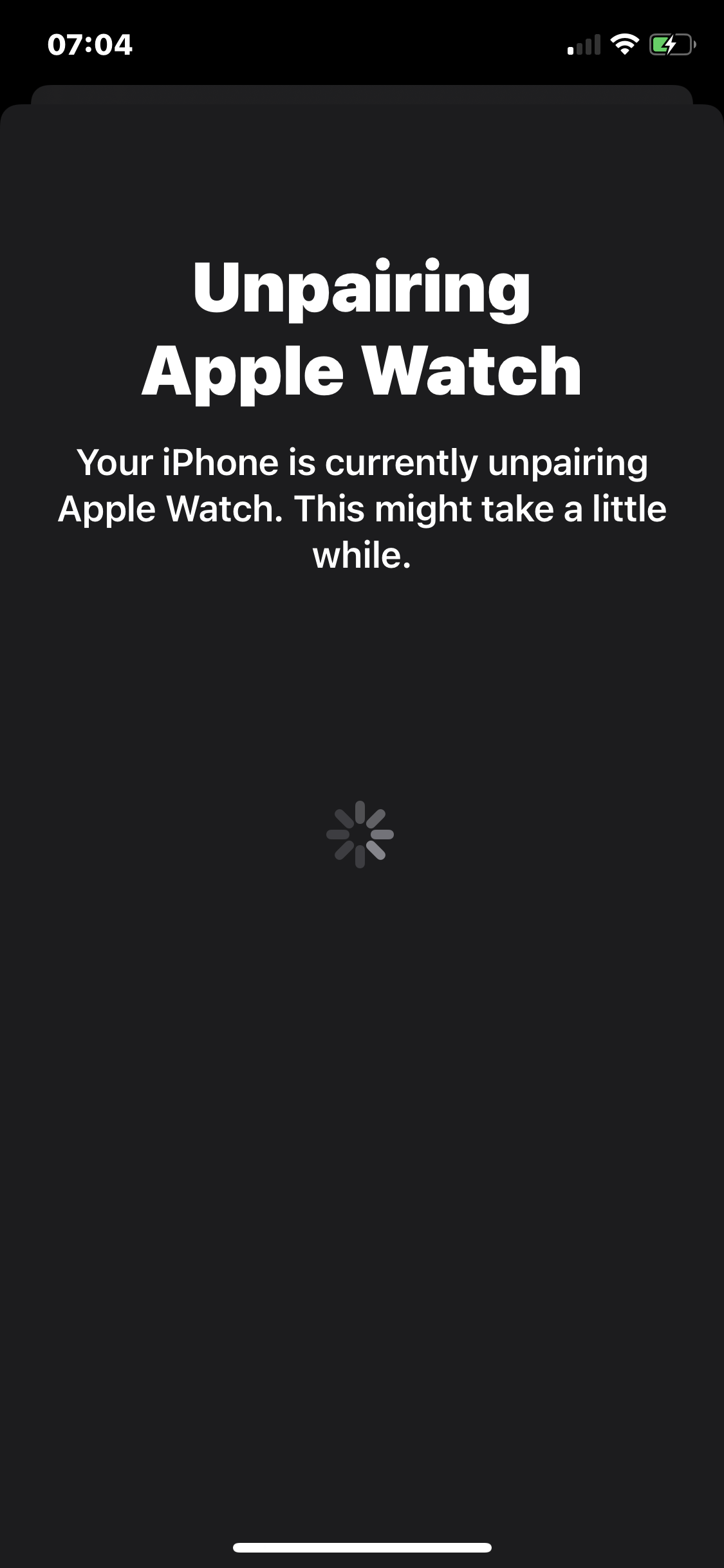
    You can see this in the above screenshot. So I have two of these deleted daily Reminders that have come back from nowhere. One of these is even coming from a list that doesn’t exist. Check out the My Lists area saying there is 1 Reminder in the system but Today is showing 2, argh.

    So I currently have Zombie Reminders in iCloud coming back for me and kind of another confirmation that moving my data out of iCloud slowly in the background as I’m currently doing is a good idea.

    → 8:51 PM, Jan 9
  • A sticker pack to help you say no

    Saying no to something isn’t always easy but with the Decline sticker pack it makes things a little easier to select the right response.

    I use sticker packs a lot and having another one to pick from is something I’m always going to take a look at.

    There’s a good selection of responses and the artwork is clean and stylish. Personally I’m looking forward to more sticker packs, no pressure!

    Great work from Alyssa and Tim, well done. Check out more at their site here.

    → 7:05 AM, Jan 9
  • Reducing my podcast consumption

    A week or so ago I was listening to a tech podcast and I realised I had little interest in what was being discussed, I stopped and realised listening to others had become a habit. I had over 15 shows in my list and I’d stopped being able to just have peace and quiet. It’s ok to be bored and have some headspace to digest and think about things. Having a job where I drive a lot it’s good to have some podcasts to listen to but listening at home when I’m not doing something else has become a bit excessive.

    I’ve decided to reduce my podcasts down to about 4 shows and I’m only going to use them for driving or out walking.

    It’s been nice the last few days not reaching for my headphones and just being present in the moment.

    → 7:15 AM, Jan 8
  • NASA iPhone and iPad Wallpaper

    I’ve been a fan of the NASA app app for a while but only really just started using it for getting great wallpapers.

    Firing up the app you can see images on the main screen.

    You can type your search terms in the top bar.

    Tap on the image to load and then tap again to bring up options.

    Tap on the share icon in the top right and tap ‘save image’.

    → 10:40 AM, Jan 7
  • Casio AE1200, the only digital watch you’ll need

    If you’ve been following along I’m taking a step back from the Apple Watch, something I’m not ready to go into just yet but it’s let me get back into watches. I’ve always been fascinated by watches and have a nostalgic love for Casio so I picked up the AE1200 for £24.

    It’s retro look reminds of something that might see in films such as Aliens and Blade Runner and I love it. At less than £25 it’s also a bargain. I’ve been wearing the F-91w a lot but still find it a little small sometimes, especially with my ageing eyes.

    I mean it when I say it’s the only digital watch you’ll need though. It has a good backlight, has nice large numerics, a timer and stop watch. The main selling point is as a world timer but I work for the UK arm of the company and the majority of my friends are UK based so have little use for it to be honest. Having this though doesn’t add any complication to using it day to day, it doesn’t get in the way.

    You’ll see from looking at it (especially side on) that it bears some resemblance to a G-Shock but aside from water resistance it won’t be as durable. This is where my two negatives come into play. The screen is plastic (what else would I expect at less than £30) so it’s scratched up. Secondly the buttons aren’t recessed so they get hit accidentally, quite a lot. If you wear any sort of bracelet alongside then you’ll be changing time zones multiple times a day.

    I’d love to see a new model with recessed buttons and a bit of a tougher screen, I’d happily pay double for it. A white version would look great too, some free tips for you there Casio.

    For less than a video game you get yourself a great daily wear watch that has a lot of functionality that you’ll use throughout your day. It’s resin strap is comfortable as most Casio are and the light is outstanding.

    If you’re after a digital then this is the place to start looking.

    → 7:34 AM, Jan 7
  • iPad Rotation

    Anyone else still having rotation issues? I get this almost daily but wondering if it’s down to me being in a 10.5” and most of my follows are using a new Pro. One day it’ll be fixed I’m sure, I can live with it but I’m still amazed that it’s still there.

    → 6:05 PM, Jan 5
  • Where’s Chewbacca after The Rise of Skywalker?

    Spoilers for The Rise of Skywalker ahead….

    Chewie will always be my favourite character in the Star Wars universe, as a kid to now I always love seeing him. Joonus Suotamo has done a great job picking up for the late Peter Meyhew and I felt in Solo he came into his own as I believed it was the Chewie I grew up with.

    Thankfully Chewie got through Rise of Skywalker but we didn’t get a resolution of where he ended up. The medal for me was a great nod to him having something to remember Han and Leia by, this isn’t him finally getting a medal and isn’t fan service as some would lead you to believe. I like to think that he went back to his home planet of Kashyyyk with his family (yes, that holiday special is unfortunately Canon) but I would have liked to have seen it. Rey ends up with the Falcon but where’s Chewie? I’m hoping this either gets explained somewhere officially or we get Chewie in another movie or Disney+ show.

    Personally I’d love to see him popping up in a series!

    → 6:47 AM, Jan 5
  • The Clone Wars season 1

    Appreciate I’m late to the game here but over the last month I’ve picked up Star Wars: The Clone Wars and have to say with exception of a few episodes I’m enjoying it. Having grown to appreciate what the prequels were going for I’ve found a new appreciation for this era and the Clone Wars has some great story telling. I’m almost done with season 1 and the rich amount of detail is really something to dig into.

    If you have Disney+ or see it discounted then I’d definitely recommend giving it a go.

    → 6:35 AM, Jan 5
  • Does anyone still use Flickr?

    I wanted to scratch my photography itch and mistakenly installed Flickr. It seems like nobody is using it anymore, very little photos being uploaded and no interaction. To be honest I’ve even forgotten who owns it these days.

    I’ve deleted it and now trying EyeEm as an alternative. Already seeing more engagement and some beautiful images.

    → 9:11 AM, Jan 4
  • How to make Apple Notes have a light background

    I live in dark mode on iOS 13 but I don’t like having a dark background on Apple Notes. The good news is you can change this just for Notes.

    Head into settings, then tap notes and you’ll see the following option

    Just pick the Note Background that fits what you want to see.

    → 8:23 AM, Jan 4
  • Apollo 11 Soundtrack

    Link

    Along with one of my favourite documentaries I’ve seen in a while the soundtrack is great, especially to work to.

    → 11:07 AM, Jan 3
  • How to create a project in Todoist

    I use projects to either break down a large task e.g. decorate living room or to group tasks such as a holiday.

    Adding a new project is simple.

    Tap on the ‘+’ next to the Projects section.

    • Give your project a name such as 'Decorate living room'
    • Give it a colour
    • Choose to share it or not, default will be No unless you are using it with a partner or company
    • Is it a sub project? Maybe you have a parent called 'DIY'
    • Make it a favourite if you want quick access from the top level of the layout
    → 7:25 AM, Jan 3
  • Second viewing of The Rise of Skywalker

    So I’ve been back and watched it for a second time with my family and I have to say I still massively enjoyed it. Still got glassy eyes at the same points and knowing the story going in I was able to relax a bit more. I still enjoy how they tied it all together and when I’m comfortable writing spoilers I’ll share all of my thoughts.

    → 6:15 PM, Jan 2
  • Taking control of the time you spend on Twitter

    I’ve been trying to reduce the amount of time on Twitter and I’ve found the following steps have helped kick my habit of mindlessly loading and scrolling. It’s also a platform that like most social networks brings the worst to the top and as someone trying to be a bit more positive it’s having a negative effect on my wellbeing.

    Remove the app

    Now this depends on if you use the official app or not in some respect. I use Tweetbot so I don’t see ads or moments and the filtering tools are much more powerful. I literally cannot use the service if I’m forced to use the official app. I removed the app to a folder on the second page so I had to go looking for it. The next step I took was to remove the app completely and just check in via the Twitter site in Safari a couple of times a week. If you try this you’ll be amazed at how little you actually find yourself using it.

    Cull your follows

    If you want to continue using it as you are but want to see less then follow less people. What I did over time was anything I saw shared I didn’t like I stopped following that person. I went from over 700 to now around 100.

    Embrace RSS

    I found I was using Twitter to catch up on the latest news as it happened. What I discovered when I switched to reading news via an RSS app was I didn’t need to know everything. Checking into my RSS app a couple of times a day is enough and as a result I stopped following quite a few accounts. Unless it’s your job to report on the news it’s perfectly acceptable not knowing everything going on.
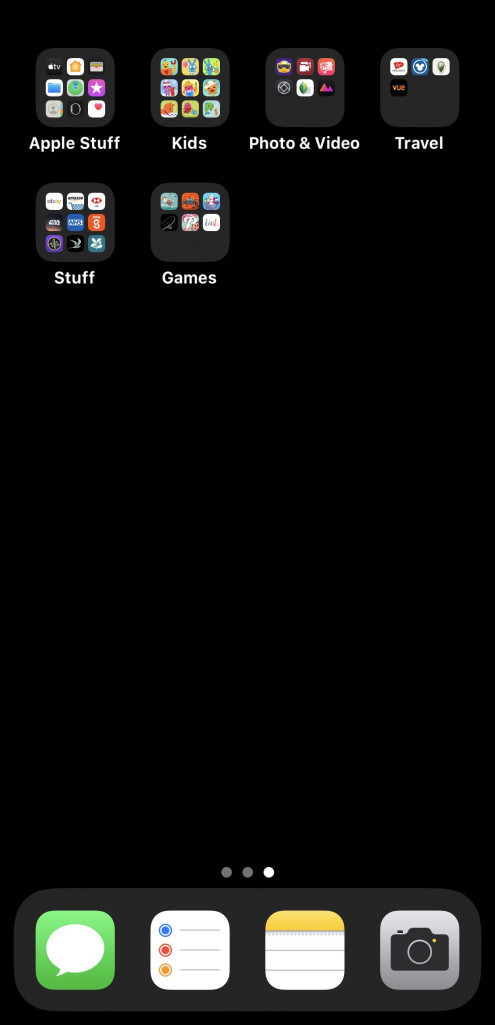

    Screen time

    I feel this is a last resort but use the screen time features in iOS to remind you to take a break. Limit yourself to 30 mins a day and see how that feels. This didn’t work for me but it’s an option built into iOS that is worth checking out.

    Ease out of it

    I wouldn’t recommend going cold turkey but it’s what I did a few weeks before Star Wars came out and it was pretty difficult to stop the habit outright. Some people respond well to this method but you should know yourself well enough to know if this is what you need personally. I’ve weaned myself off it slowly using the above and with only a few checks a week feel I’m on the right path (for me).

    → 8:03 AM, Jan 2
  • How Matt uses Notion to track his life

    Source: Birchtree

    As someone else who is trying to track stuff I’ve dabbled with Notion but in the end I couldn’t get on with the iOS apps but reading this post has me wanting to kick it back up again.

    Matt, I might be in touch.

    → 6:22 PM, Jan 1
  • New year, new productivity app

    I’ve needed to simplify a bit over the break and made the switch back to Todoist.

    Todoist has been my fall back app for a while but I’m determined to make it stick. It’s the fastest way to get things out of my head and the natural language passing really helps to track repeating items. I’ll share more as I move through my experience of getting to know the app really well.

    Any tips?

    On a side note I’ve really tried to use Reminders but I have no confidence it’ll see any updates until September and it’s got UX issues in my use.

    → 8:31 AM, Jan 1
  • Archer watch straps

    I’ve discovered what might be my favourite watch straps that are available on my traditional watches and the Apple Watch. Archer straps can be found on Amazon pretty cheaply with lots of options and I’ve now used both the canvas and silicone versions and am impressed by ease of of installation and quality.

    They have a quick release pin that is accessed via a little switch on the back of the strap as you can see here on the image above.

    I’ve used the 20mm on my Bulova Moon Watch but also intend to get the Apple Watch version and do some more testing.

    They come in small packaging but Amazon doesn’t do a good job of packing them efficiently.

    Yes that’s the box it came in!

    → 8:14 AM, Jan 1
  • RSS
  • JSON Feed
  • Micro.blog