← Home About Archive Search Also on Micro.blog
  • Apps of 2018

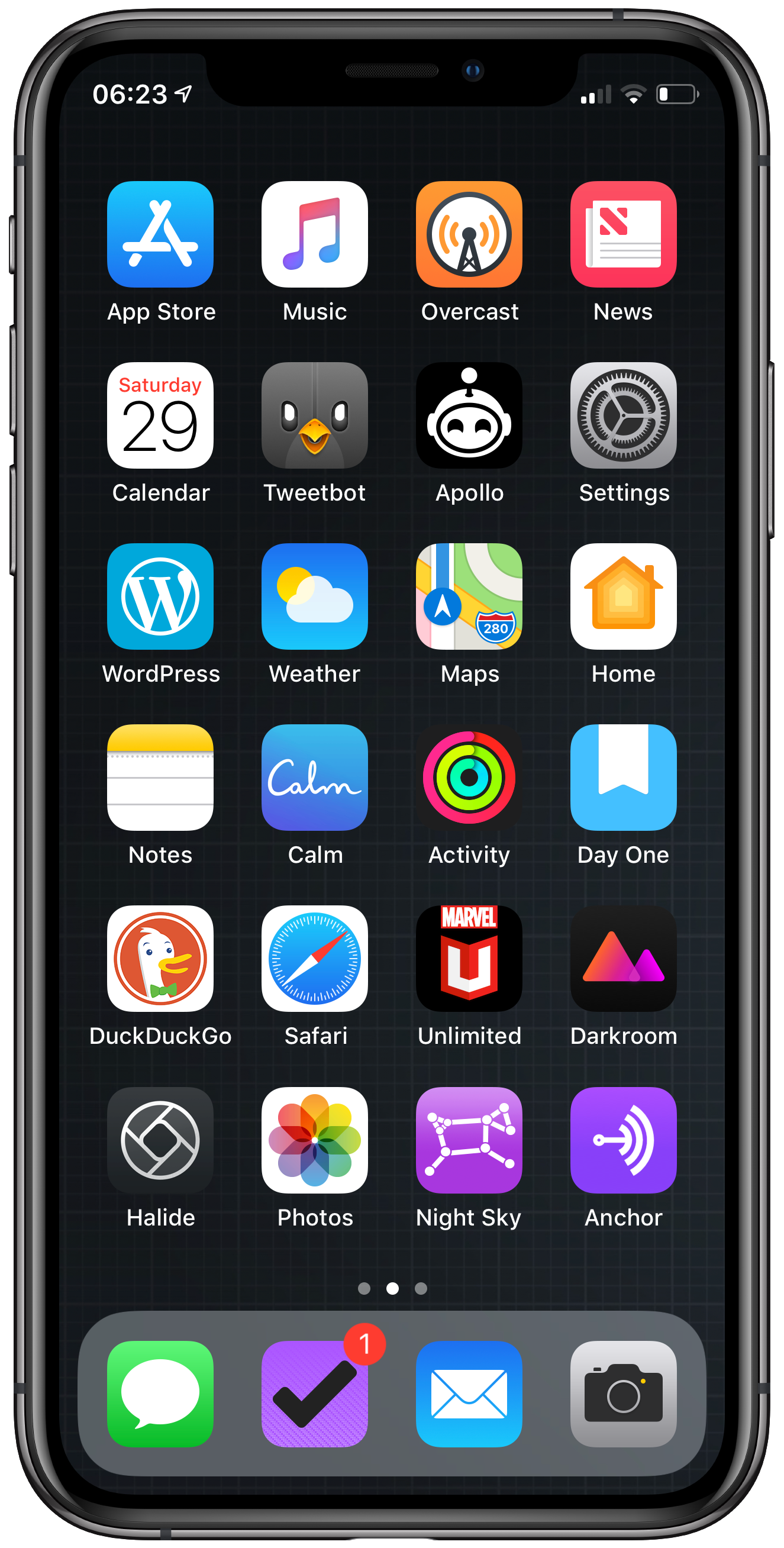
    I don’t normally do roundups on here but this year I thought I’d start a new tradition. As you know I switch apps quite a lot through the course of a year and I’ve tried a lot of different ways to get things done on my iOS devices.

    So here we go my first apps of the year round up. Note these aren’t apps that came out in 2018 but my most used ones.

    Productivity

    OmniFocus
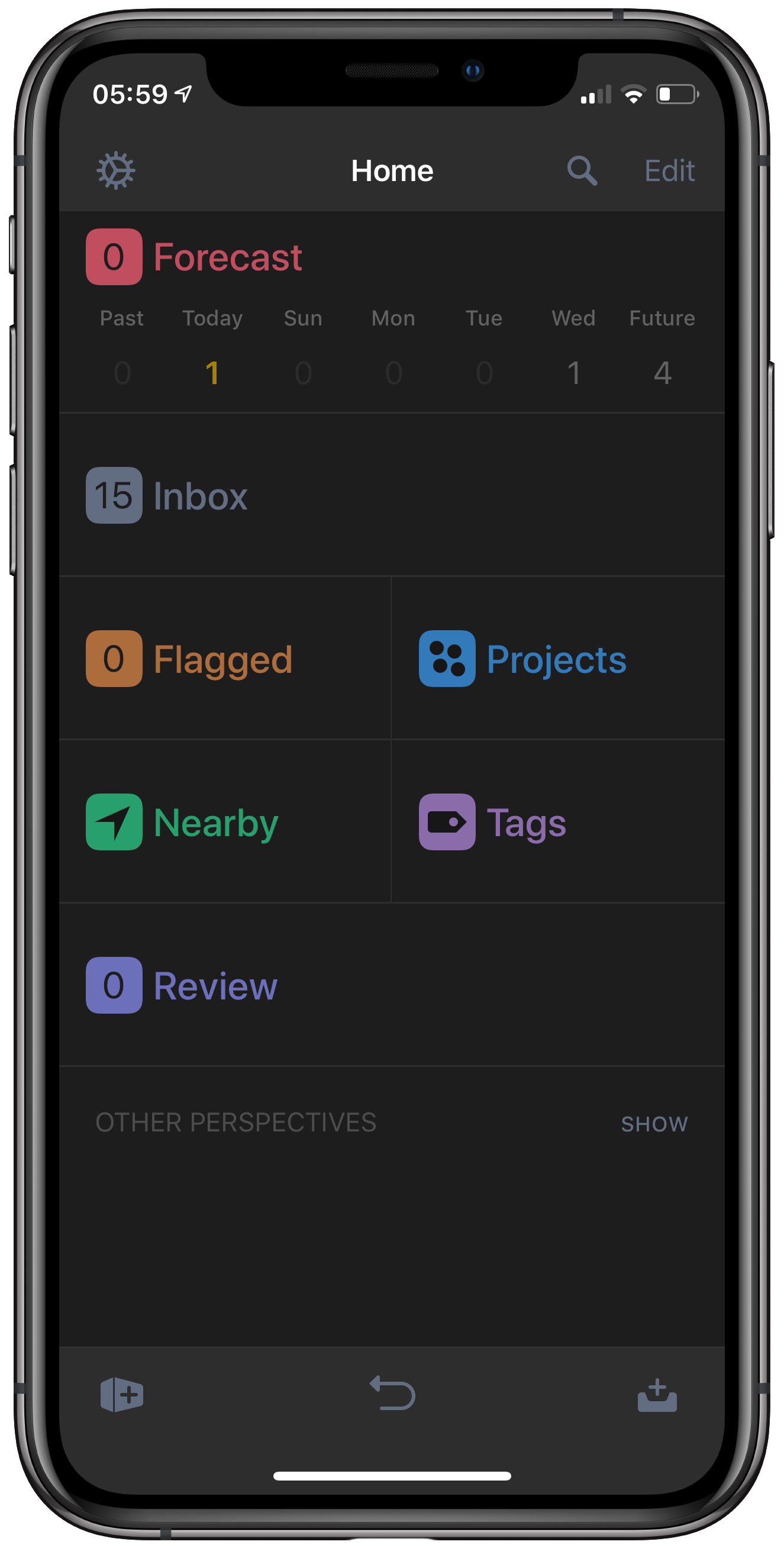
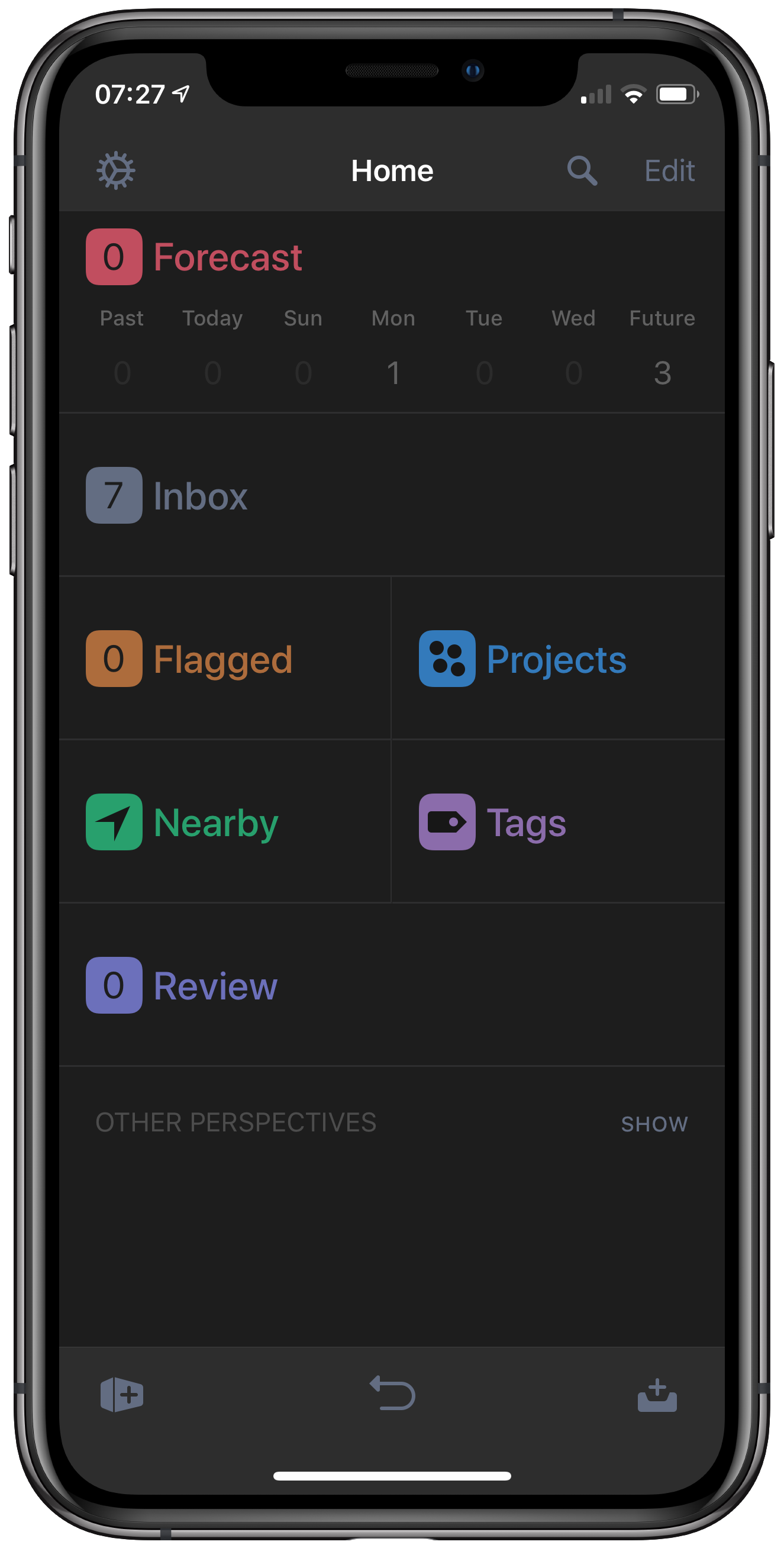
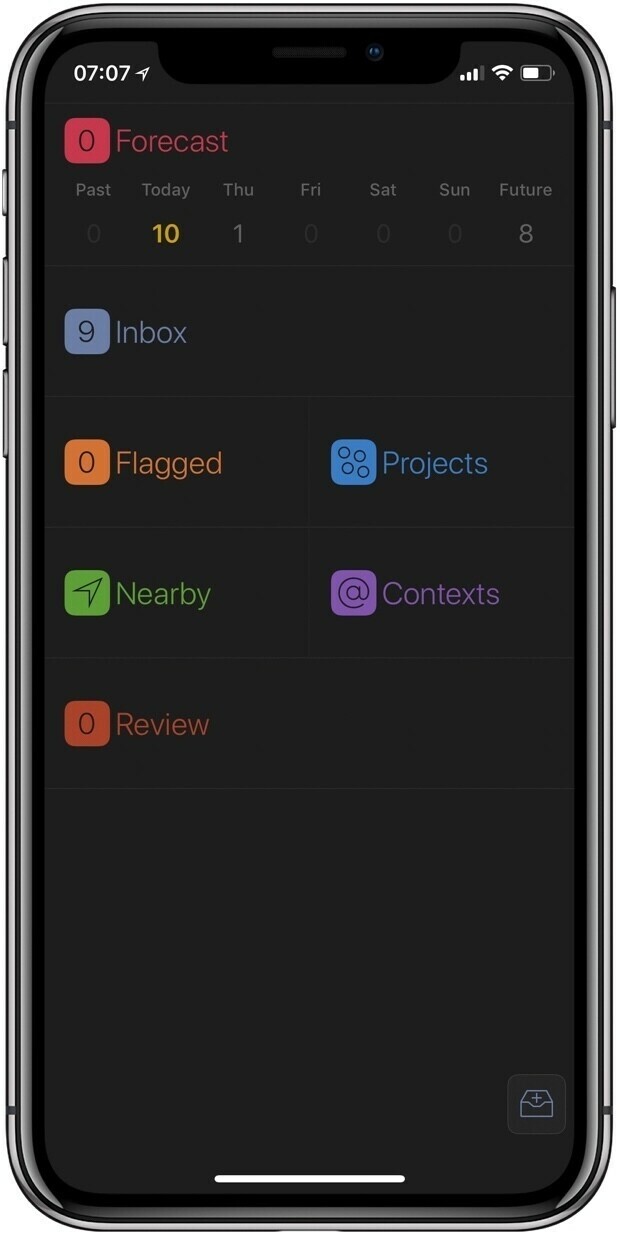
    I’ve been a user of OmniFocus on and off for many years but with the latest version that supported tags it’s actually stuck. It may seem complicated from the outside but with OmniFocus you can really make it your own. I’ve gotten into a workflow with it now and don’t see me switching again anytime soon. The functionality that got me was the ability to show a specific tag in the ‘today’ (called Forecast) view. This shows all of the calendar events and any tasks with a due date of today. With the addition of tags I can now show anything I want. So I have a ‘today’ tag that I show in my forecast view. This gives me a less formal way to organise things I want to get done today without adding a due date. The Apple Watch app is also solid and the sync works well between all of my devices.

    Apple Notes
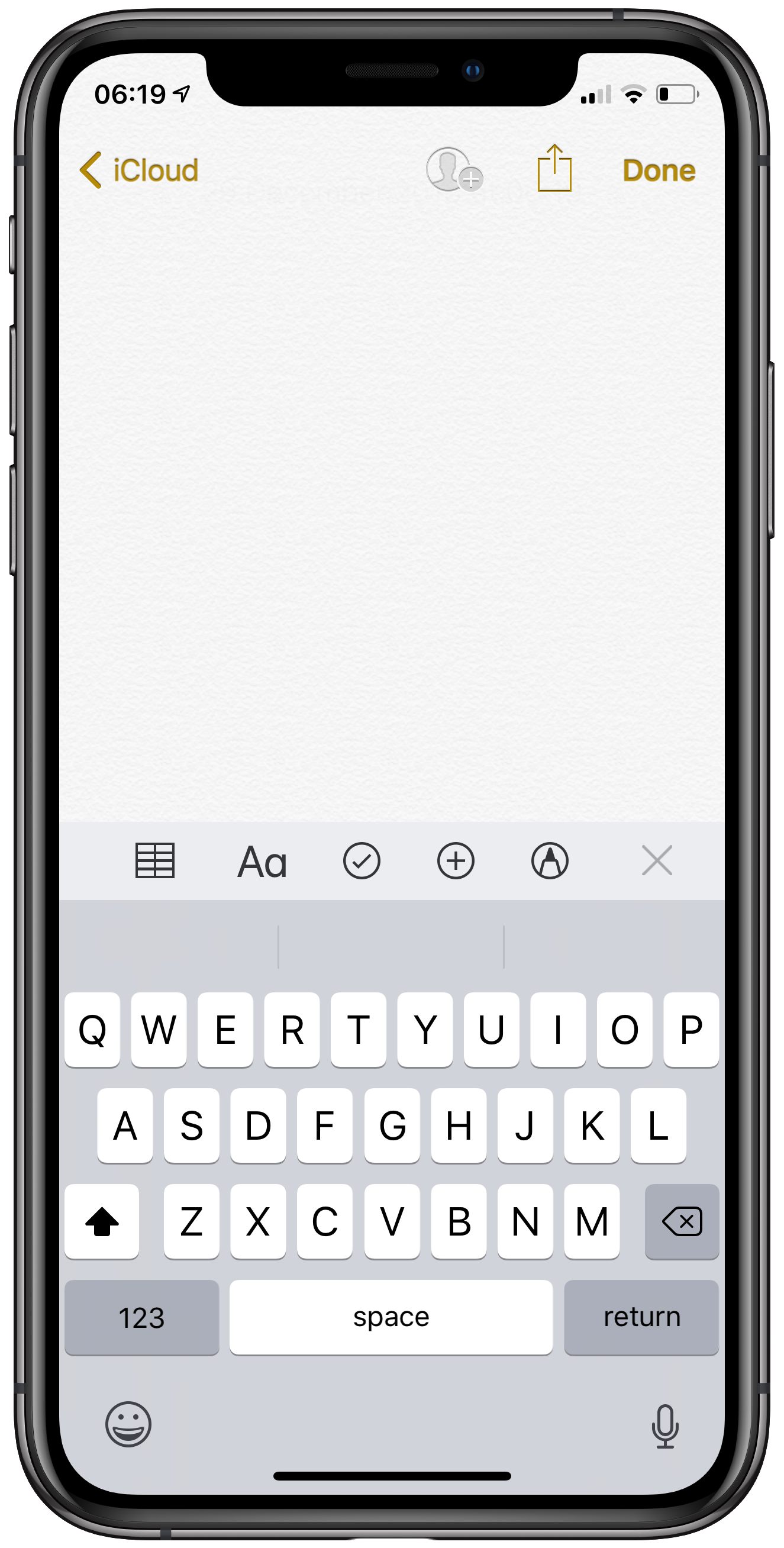
    This is easily my favourite Apple app, it had a big update a few iOS versions ago and has stuck with me. I use it for recipes, mind maps using Apple Pencil, storing important documents and project planning. It’s sync works great and it’s always with me no matter what device I’m on. I might be in the minority but I actually want an Apple Watch version as I store codes in there and would like quick access, but that’s probably just me.

    iA Writer
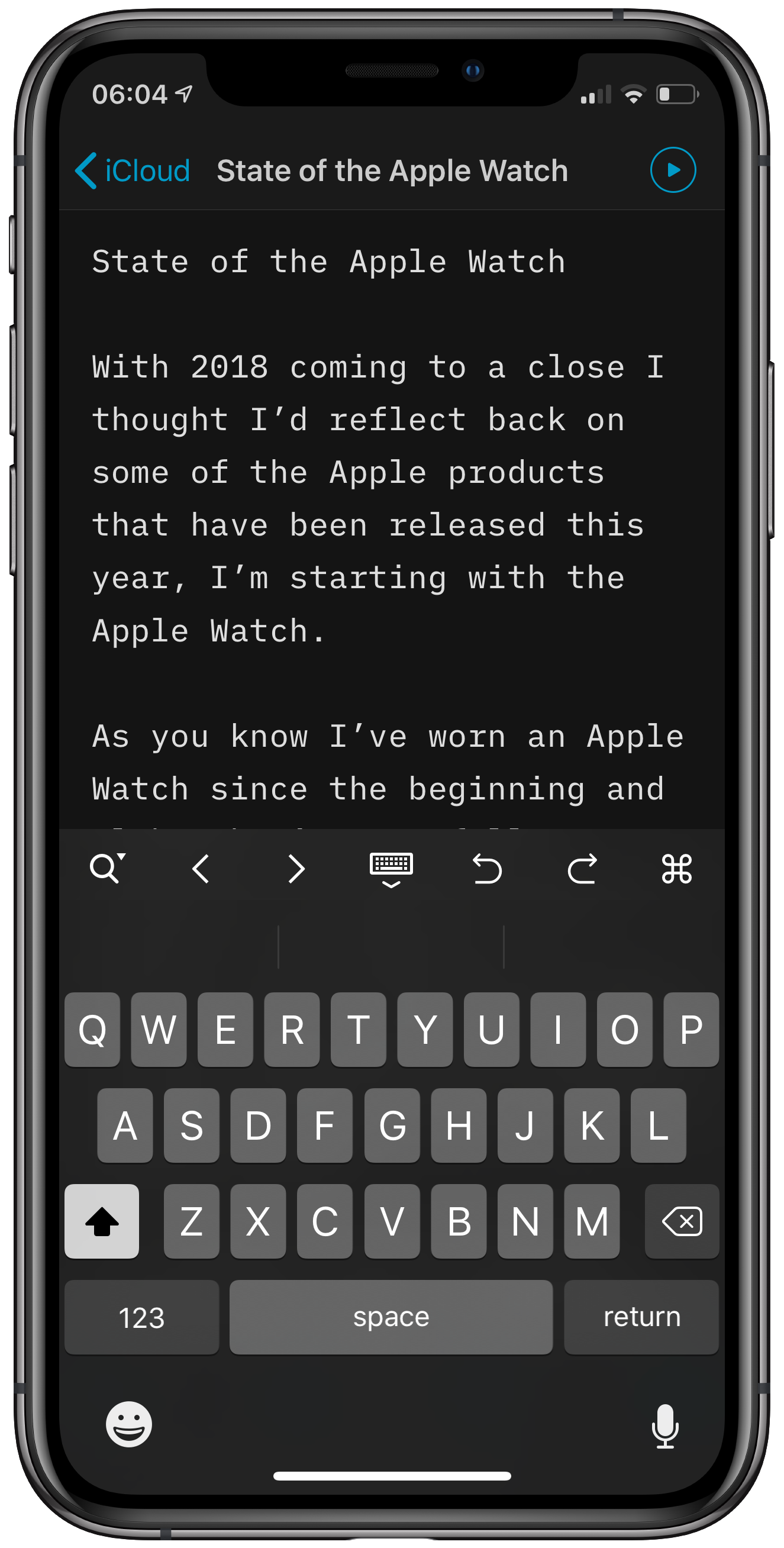
    If you’ve been following me for a while this app choice shouldn’t be a surprise. I’ve used iA since it was launched and it continues to keep being updated and just works for me. I use iCloud to sync my documents and the app is great across all of my devices.

    Shortcuts
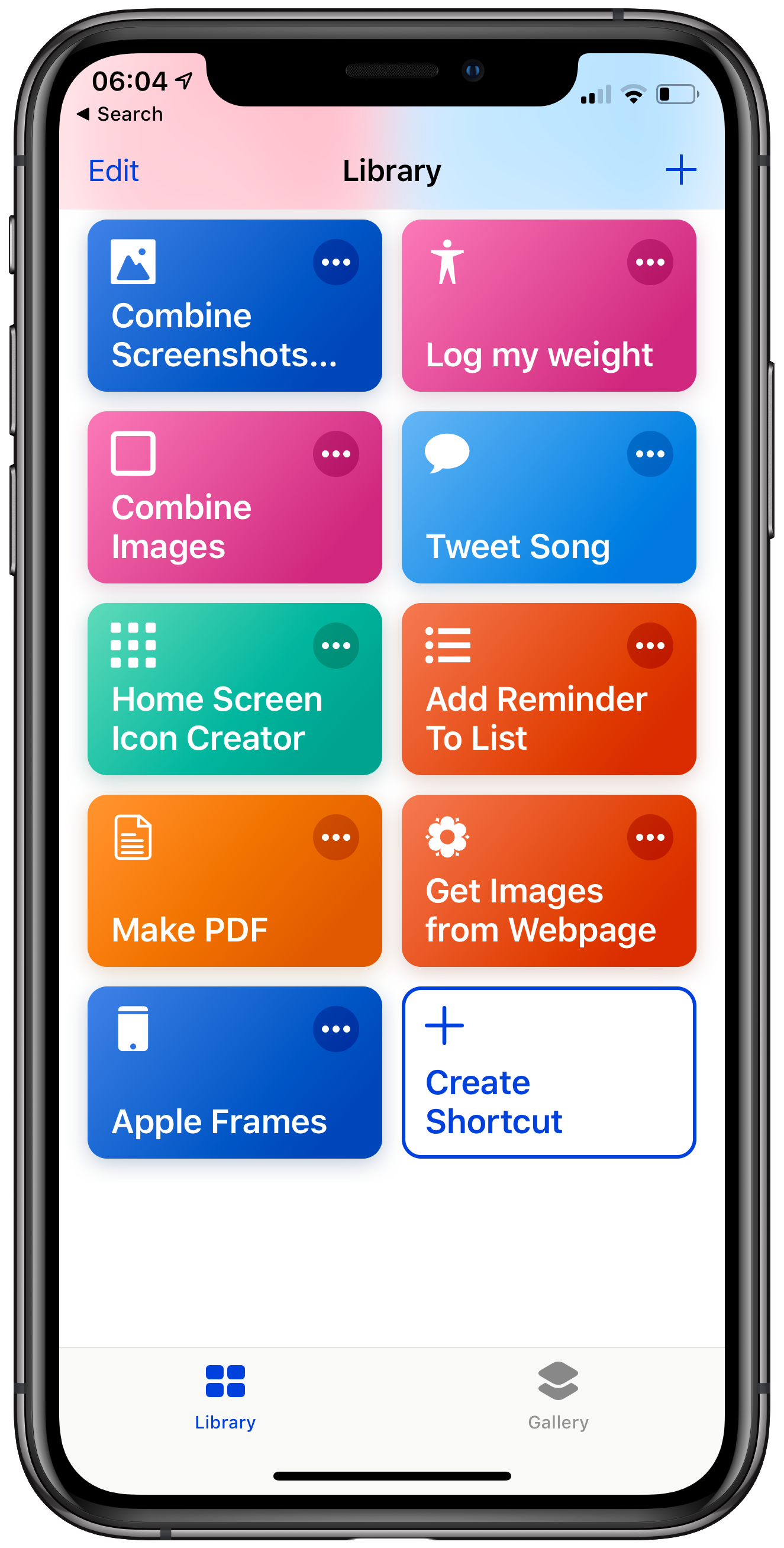
    I have to admit I didn’t get shortcuts right away but now it’s a massive time saver for me. Aside from quickly adding health information being able to create images for the blog is worth the time investment in learning it alone. I’m nowhere near the level of some shortcut devotees but steadily finding ways that it suits me and can improve how I use my devices.

    Email and Calendar

    Just wanted to mention it as we’re talking productivity, I use the Apple apps for both email and calendar. They both work fine for my needs and although I’ve tried several third party options none of them have stuck.

    Creativity

    Ferrite
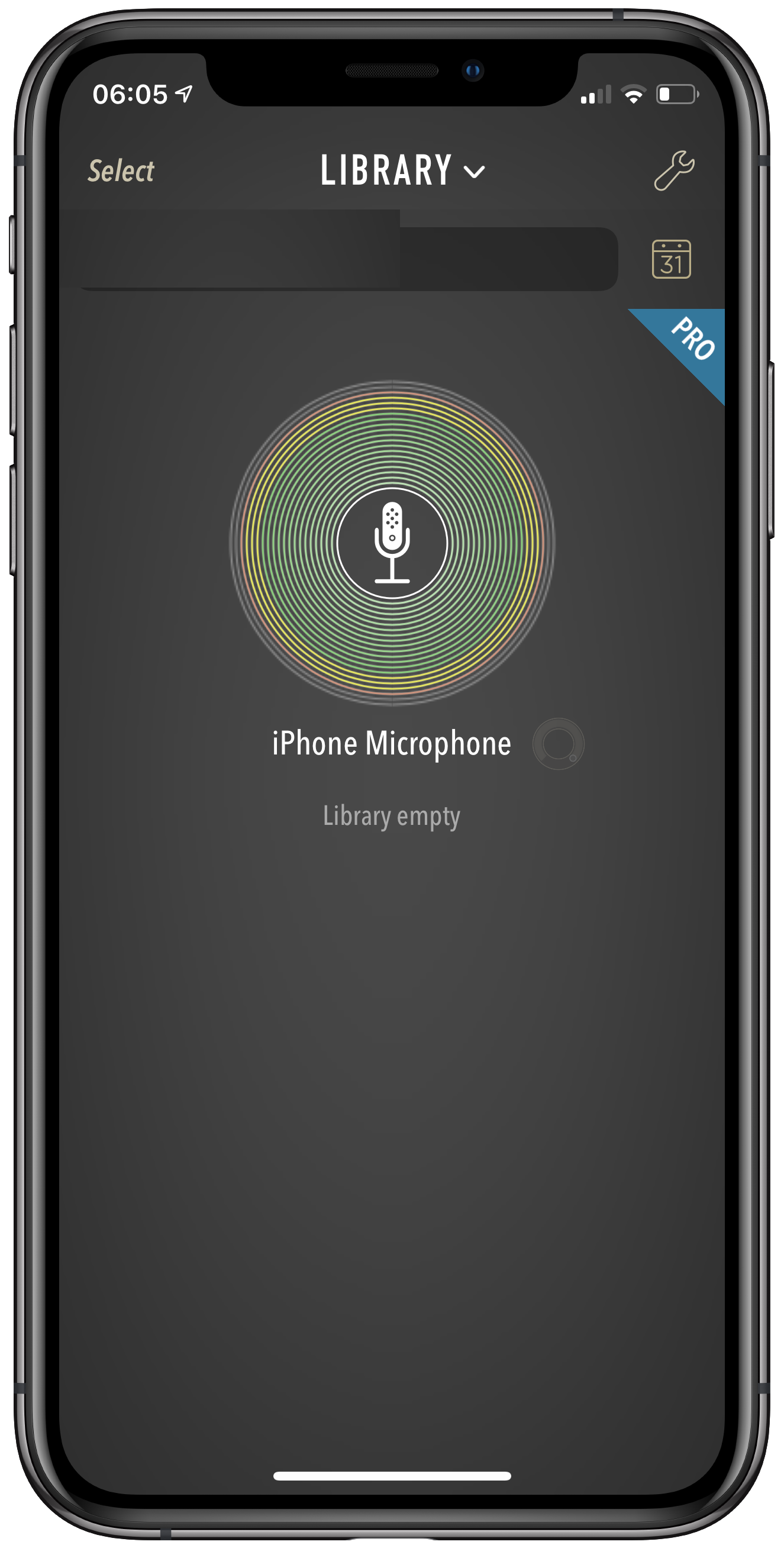
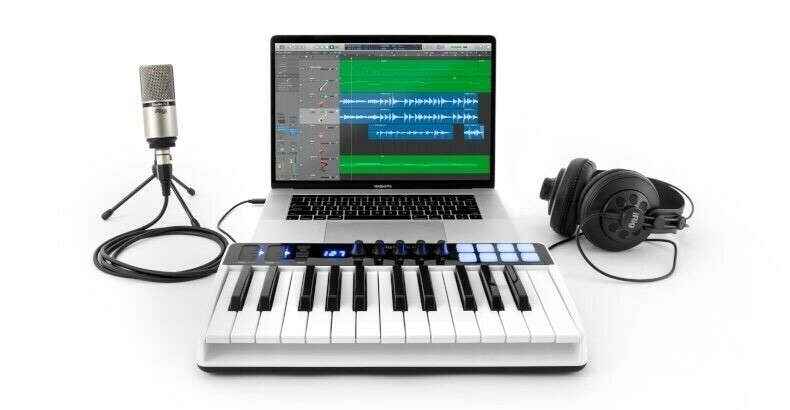
    One of my finds of the year, I love this app. It took me a little bit to get my head around it but now I know the workflow I use it for recording iOS Only. It allows me to use only my iOS devices to record and produce a podcast.

    LumaFusion
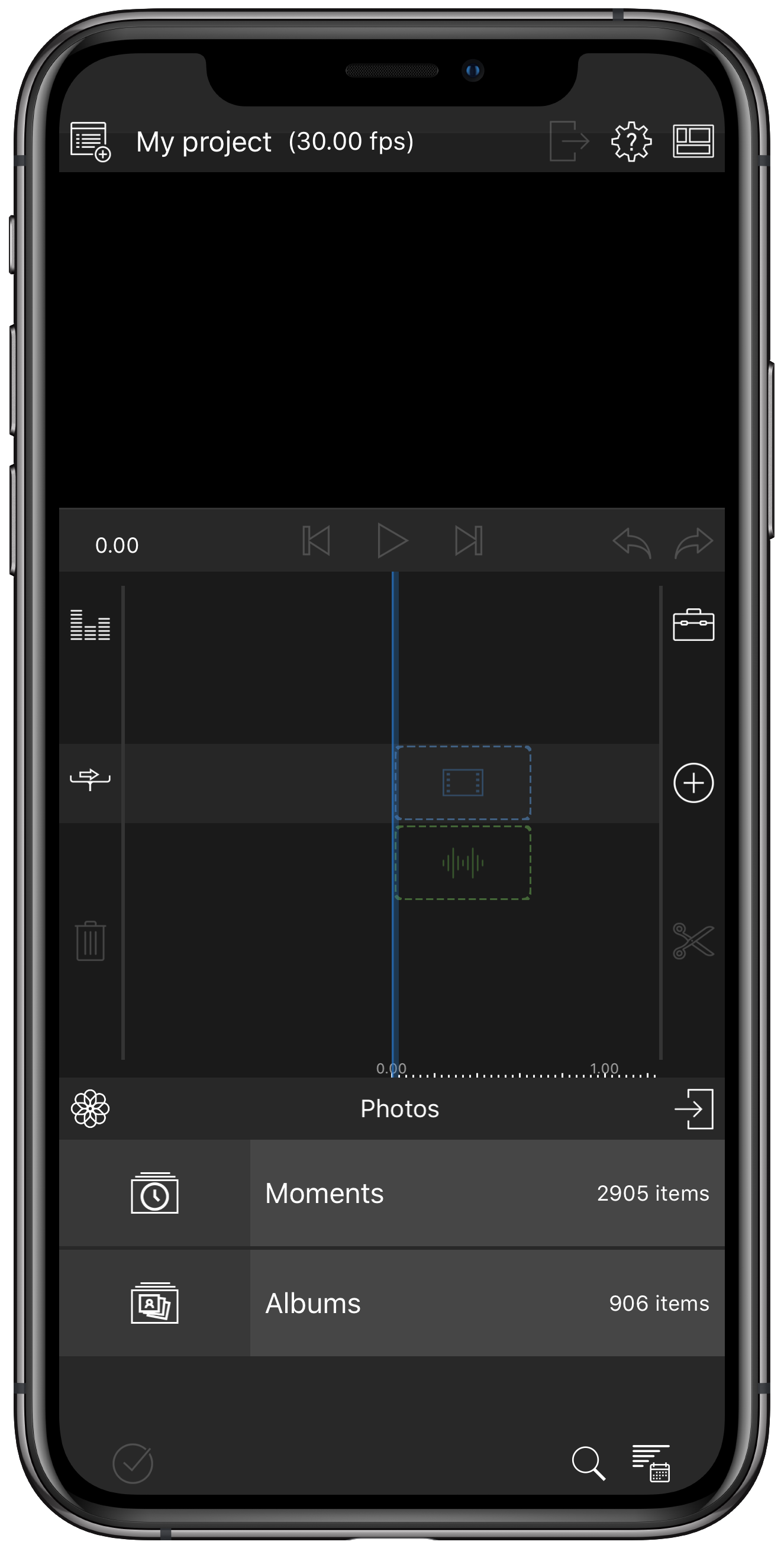
    Another standout and allowed me to produce YouTube videos on my iOS devices. I actually prefer this experience to anything I’ve done on macOS, it’s great. I used to do everything on iMovie but LumaFusion has replaced the need to even have it installed.

    Wordpress
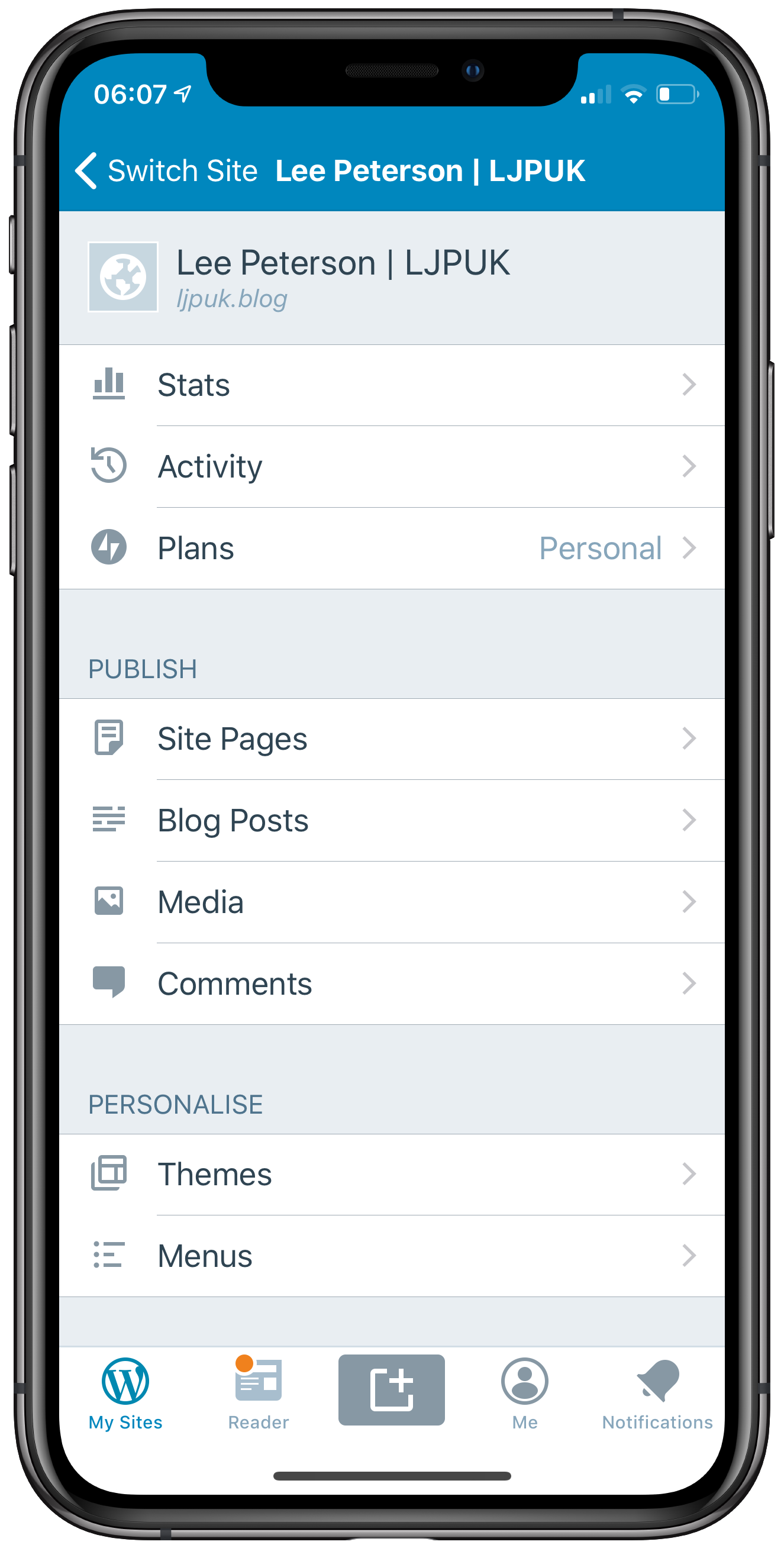
    Since moving my blog from squarespace to Wordpress I haven’t looked back. The iOS app gets constant updates and I feel more in control of my site. I can write posts like this one, check my stats, reply to comments and even change my theme via the iOS app. As an iOS Only user this is especially important as the experience in Safari on iPad isn’t the greatest. My only wish is for a dark mode.

    Photography

    Halide
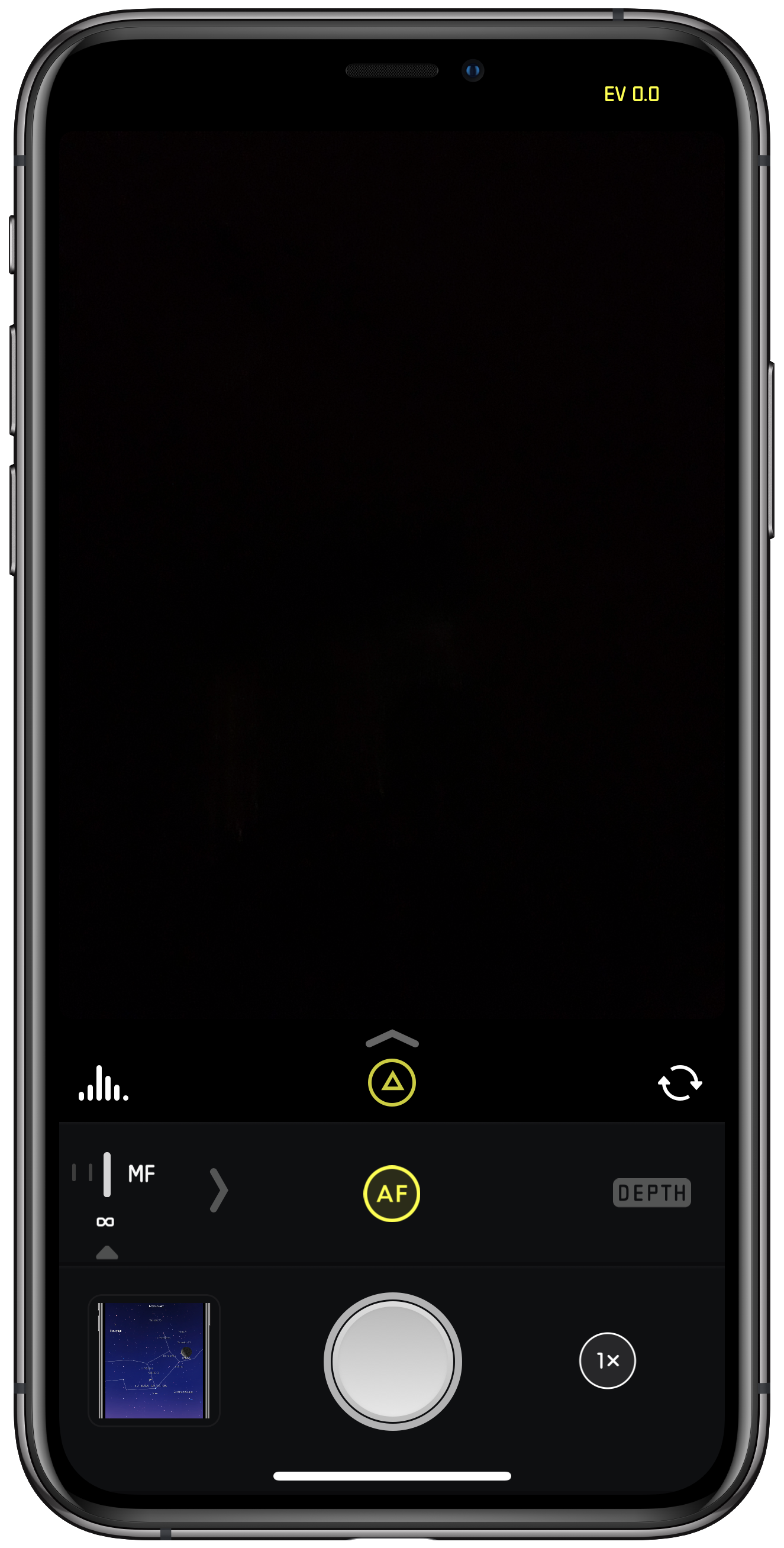
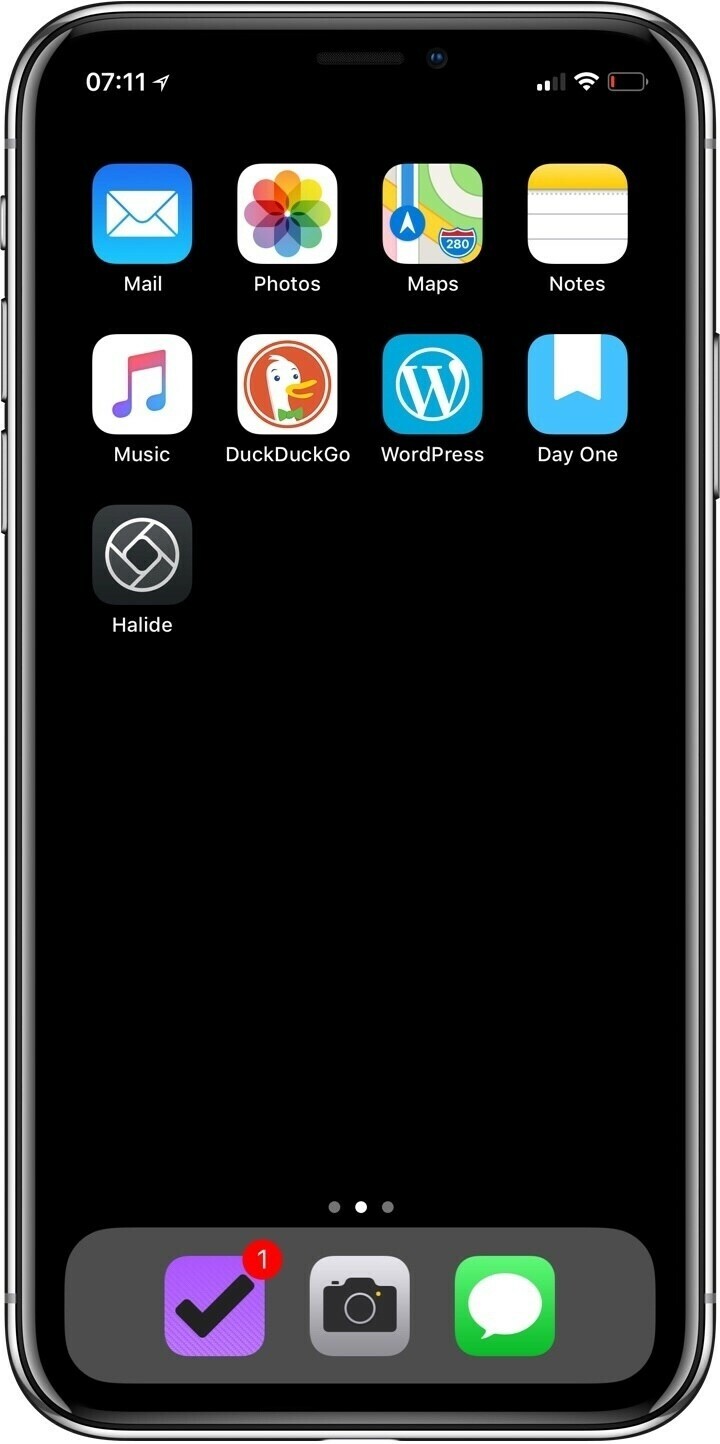
    This year with the camera improvements in the X and then the XS I’ve tried to replace my DSLR for those smaller family day trips and shots for the blog and social. One of the ways to get the most of out this is to shoot in RAW so I gave Halide a go. Out of the box it was intuitive to use and I’ve found that especially in low light I’ve gotten shots that I wouldn’t have been able to rescue if I’d used the stock camera app. I don’t use it for every shot when I’m out but if I’m doing a landscape or something I’ll want to share I’ll use Halide.

    Darkroom

    Darkroom has slowly become my go to photo editing app of choice. I find it intuitive to use, has a tonne of options and is tightly integrated with Halide.

    Wellbeing

    DayOne
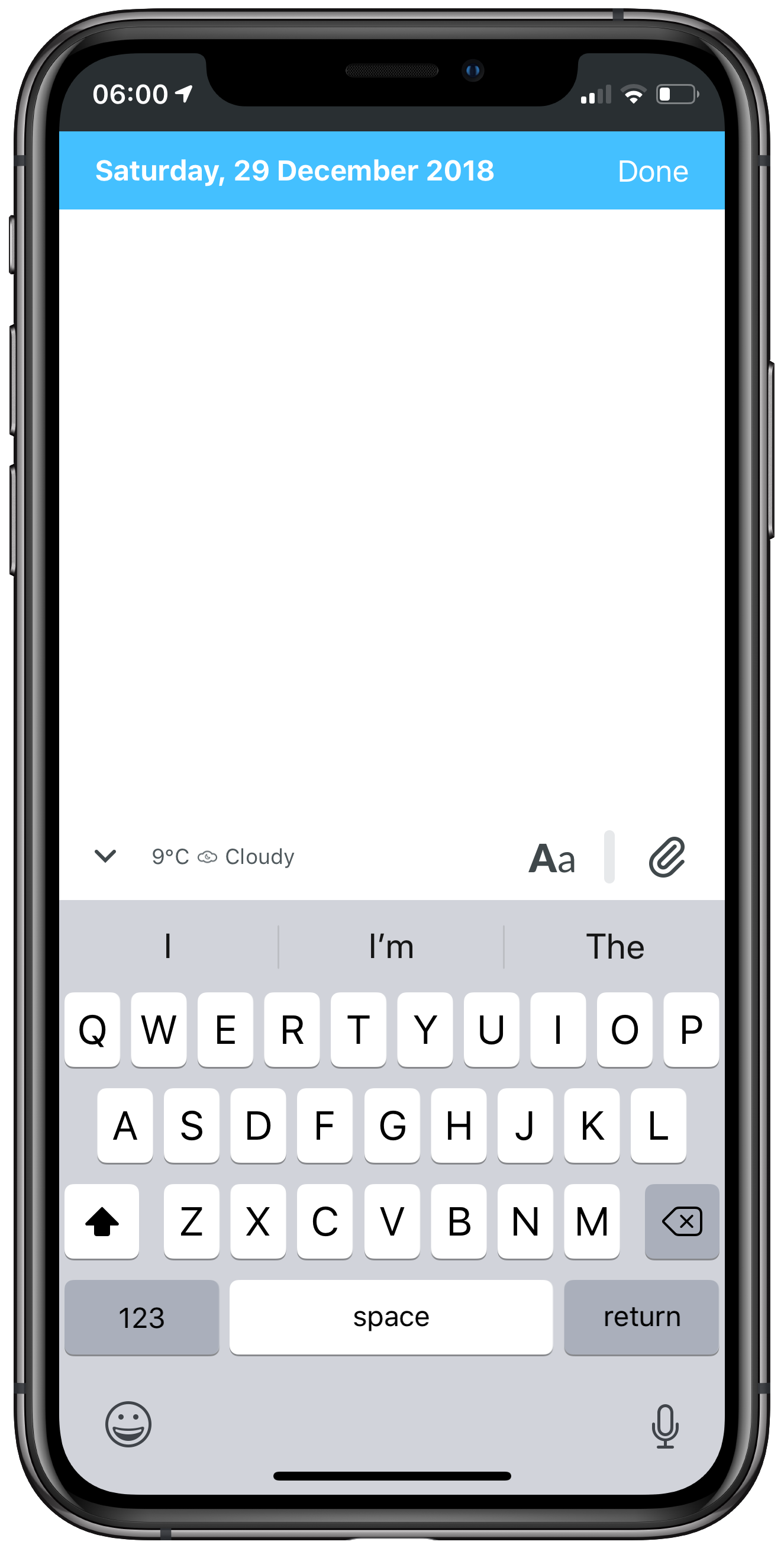
    I’ve been using DayOne since 2011, it’s become a long standing habit to journal my thoughts and keep a log of photos. I use it without a premium account and still use sync with iCloud via export and import of backups. It’s not I don’t trust DayOne with my data but why pay when my workflow already does the job. I just have to remind myself to do a weekly backup.

    Calm
    Calm has slowly become my meditation app of choice. I find it intuitive to use and I like the voice of the teacher. I don’t always use it everyday but do my best when I’m feeling particularly anxious. The music addition is nice and I find myself using it whilst I’m working, it seems to help my focus.

    Sleep++
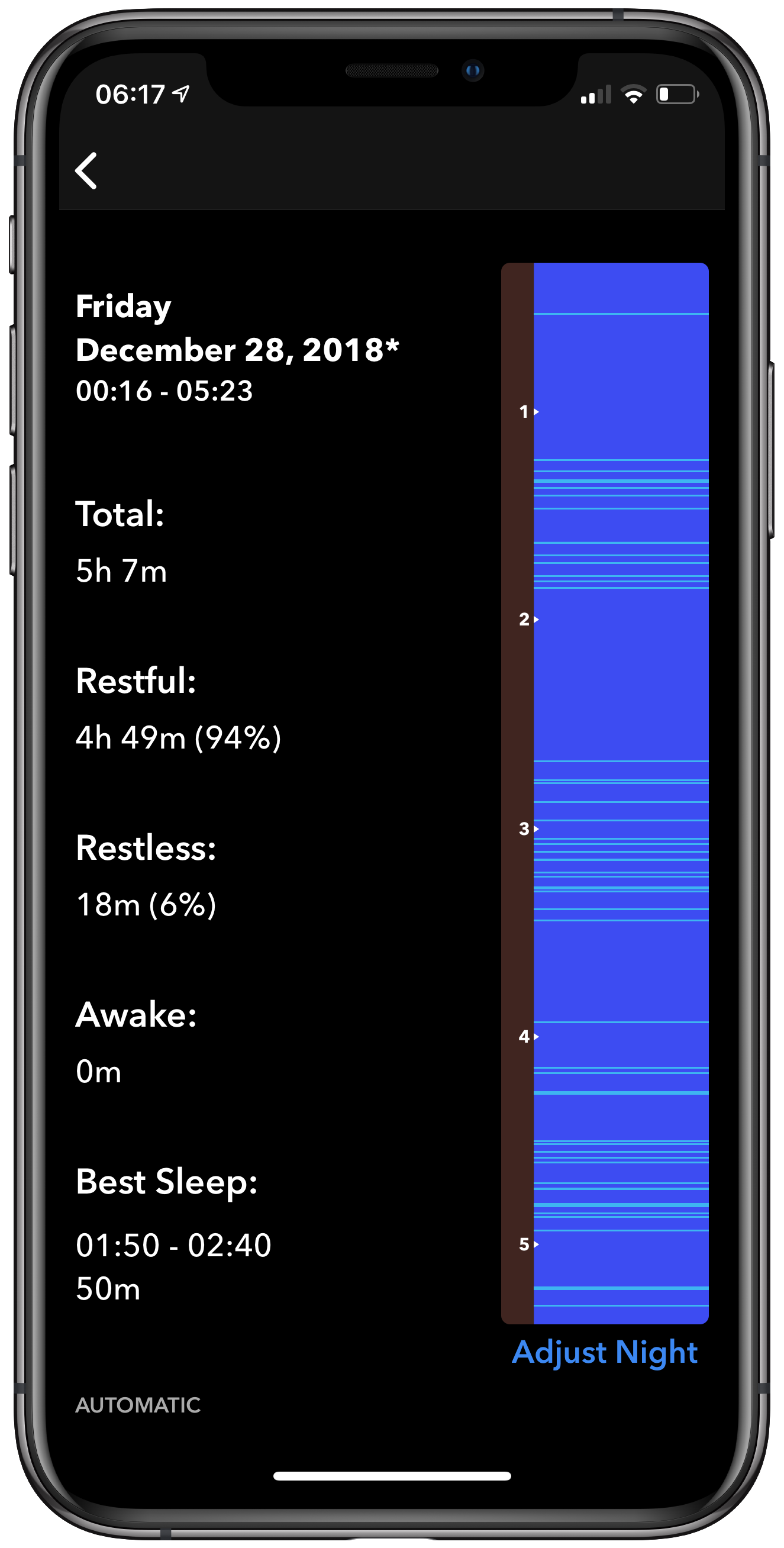
    I’ve swapped between a few sleep tracking apps but find that Sleep++ is the most reliable.

    Consumption

    Marvel Unlimited
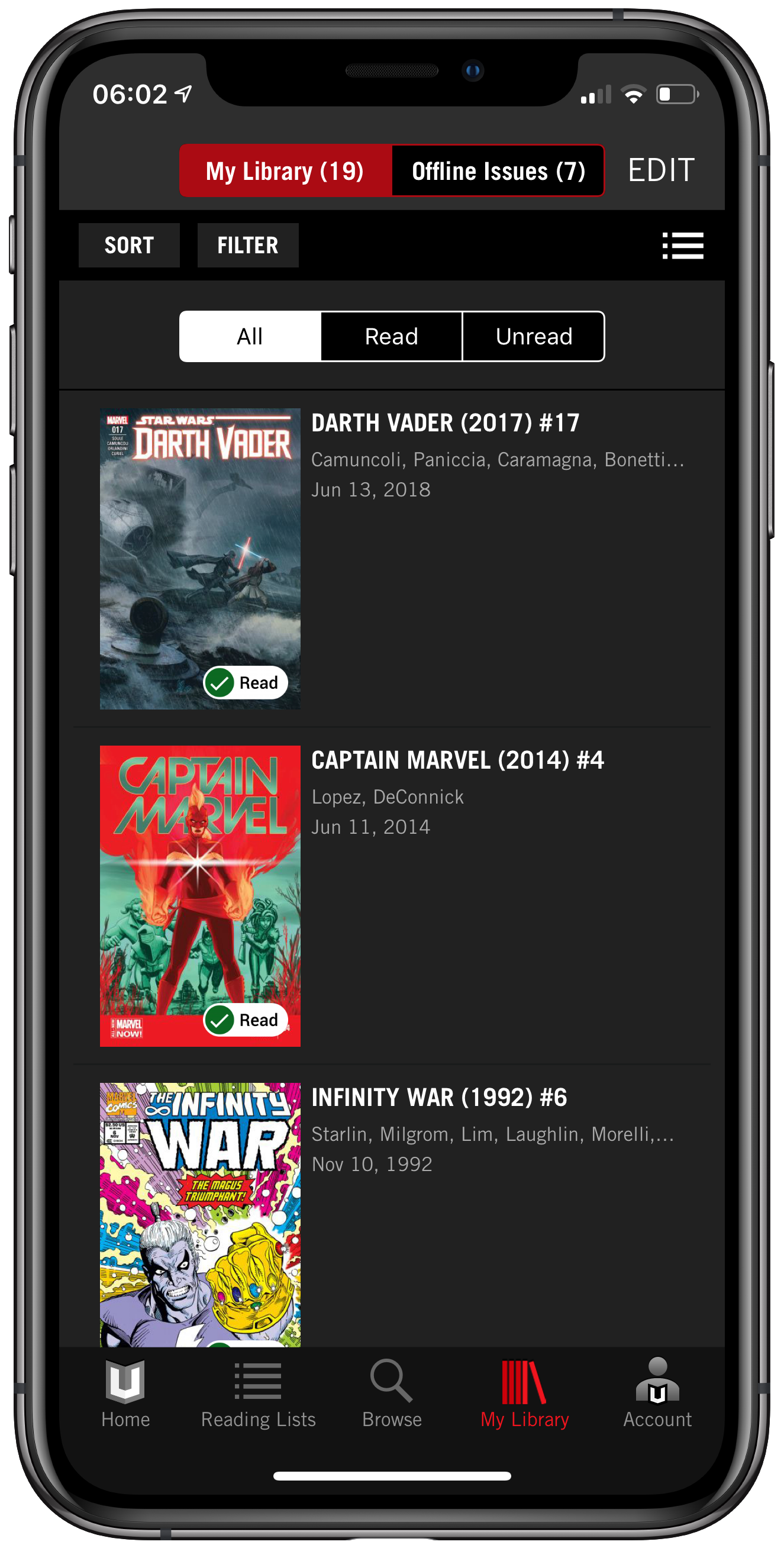
    I got back into reading comic books this year and being more into Marvel I naturally went for the Marvel Unlimited app. I’m paying my monthly subscription and have access to everything I’m after. It’s intuitive to use and the only downside is that you can only store 12 comics for offline viewing.

    Apple Music
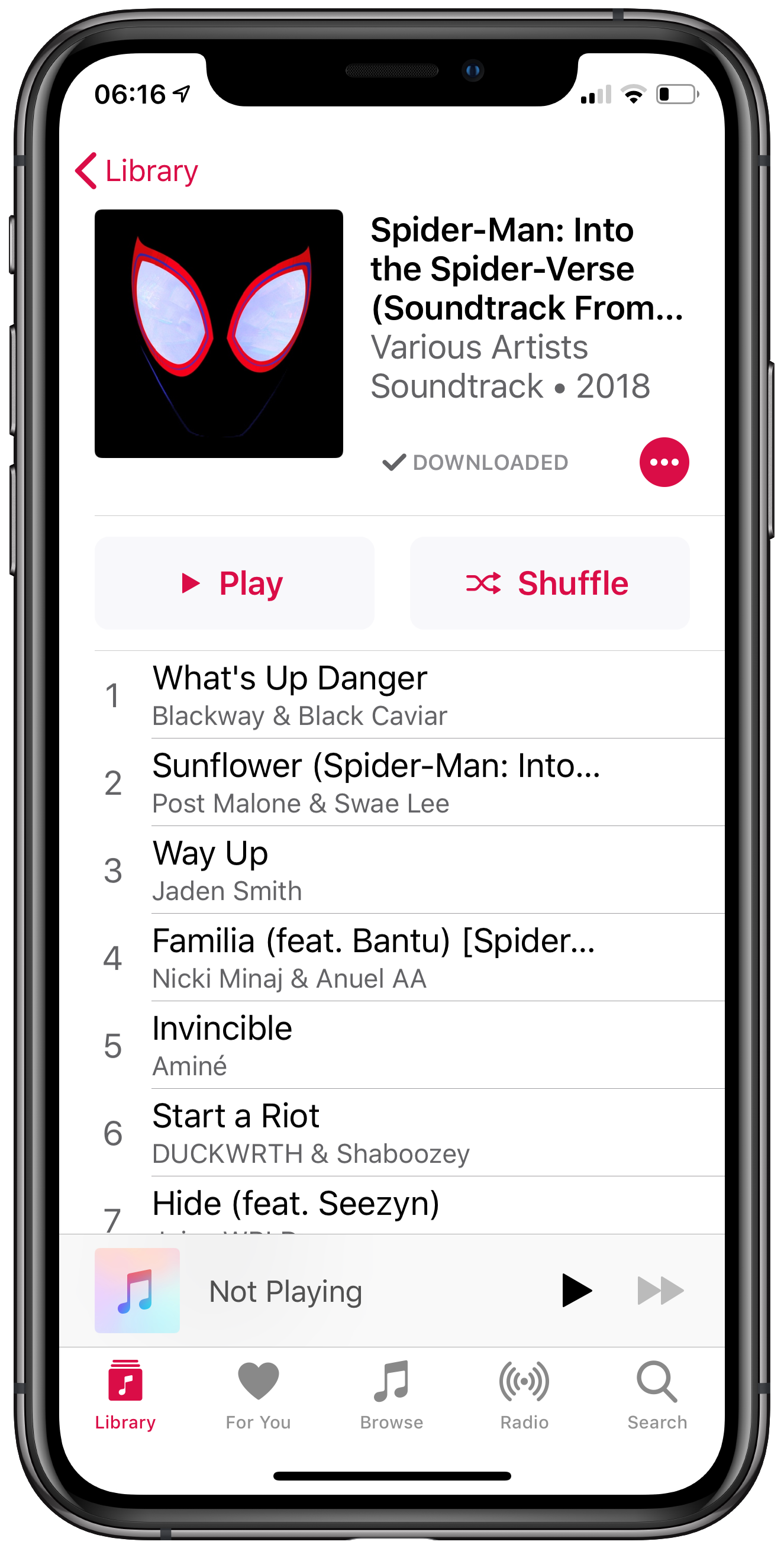
    I’ve been a subscriber to Apple Music from the beginning and I’ve become particularly keen on the for you tab to see what I’ve recently played and what my friends are listening to.

    Other apps

    Apple Maps
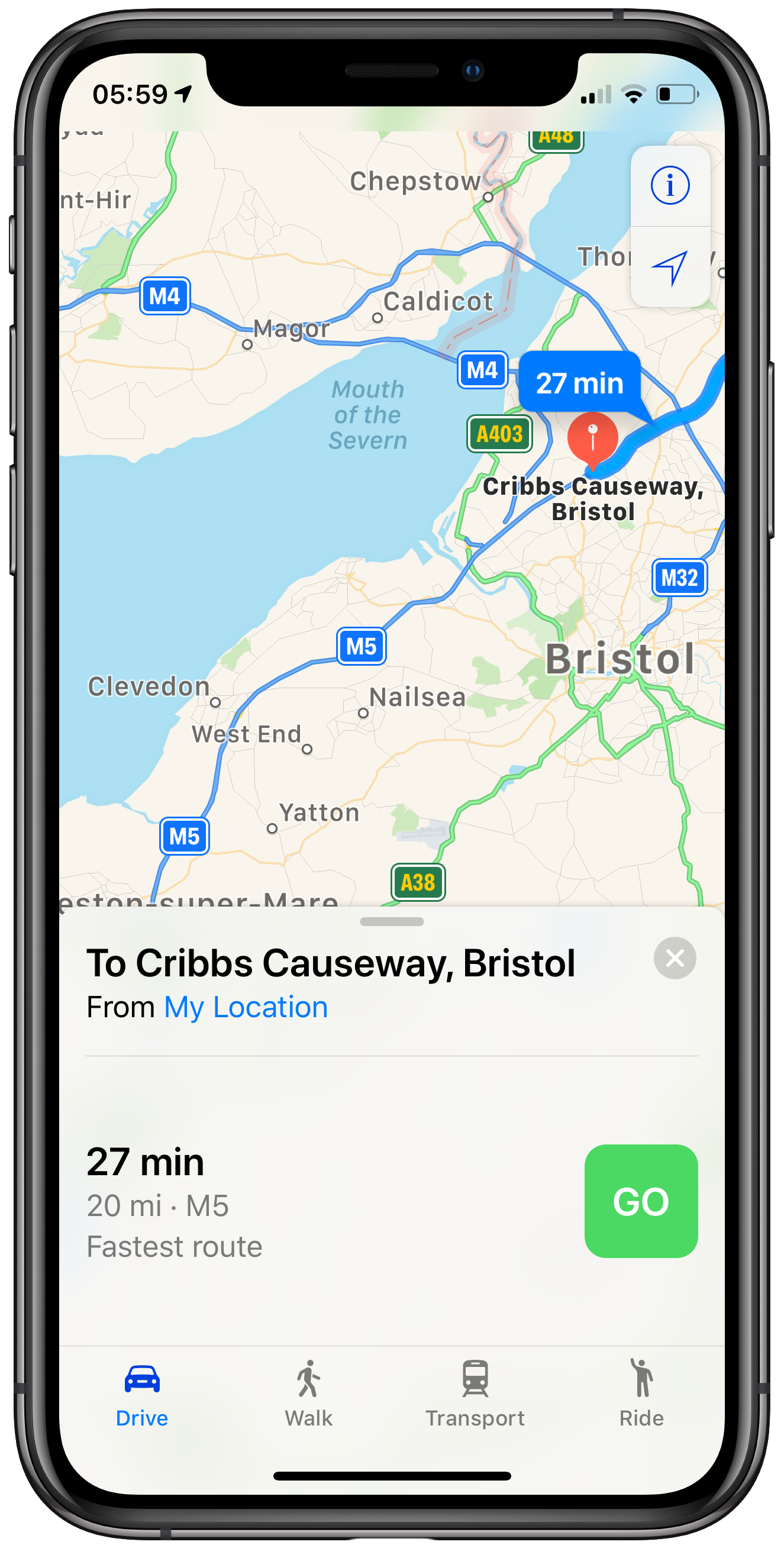
    Now I’m using CarPlay I’ve become used to using Apple Maps and to be fair it’s not sent me to the wrong location once. As privacy becomes more important it’s my only option so thankfully it’s been great so far.

    DuckDuckGo

    I’ve completely switched to the DuckDuckGo app as my browser of choice. It blocks all of the ads and lets me browse as privately as I can.

    Apollo
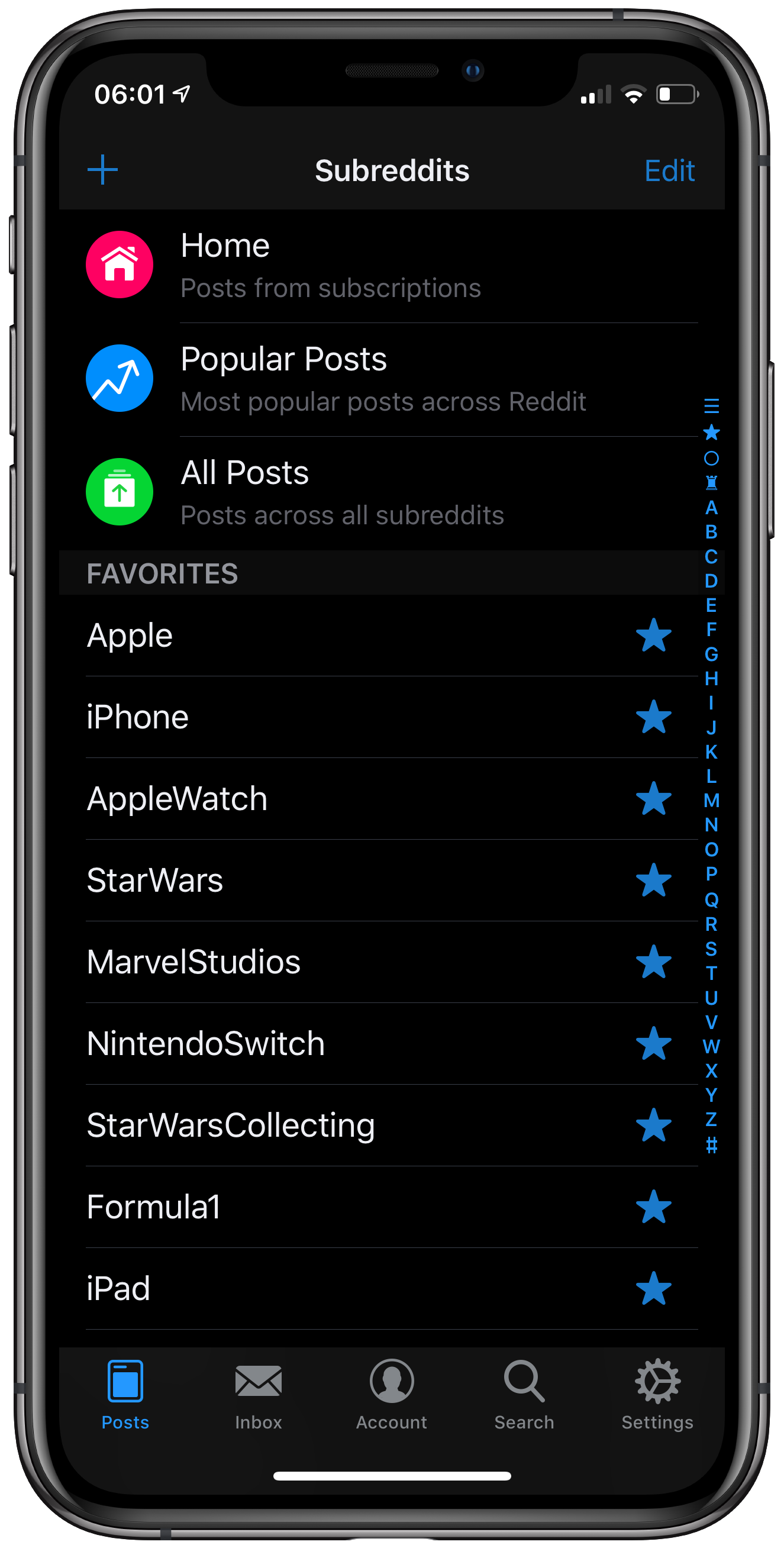
    A big change is getting into Reddit, it’s replaced my use of Apple News. I avoid what’s popular and just view my favourites.

    Night Sky
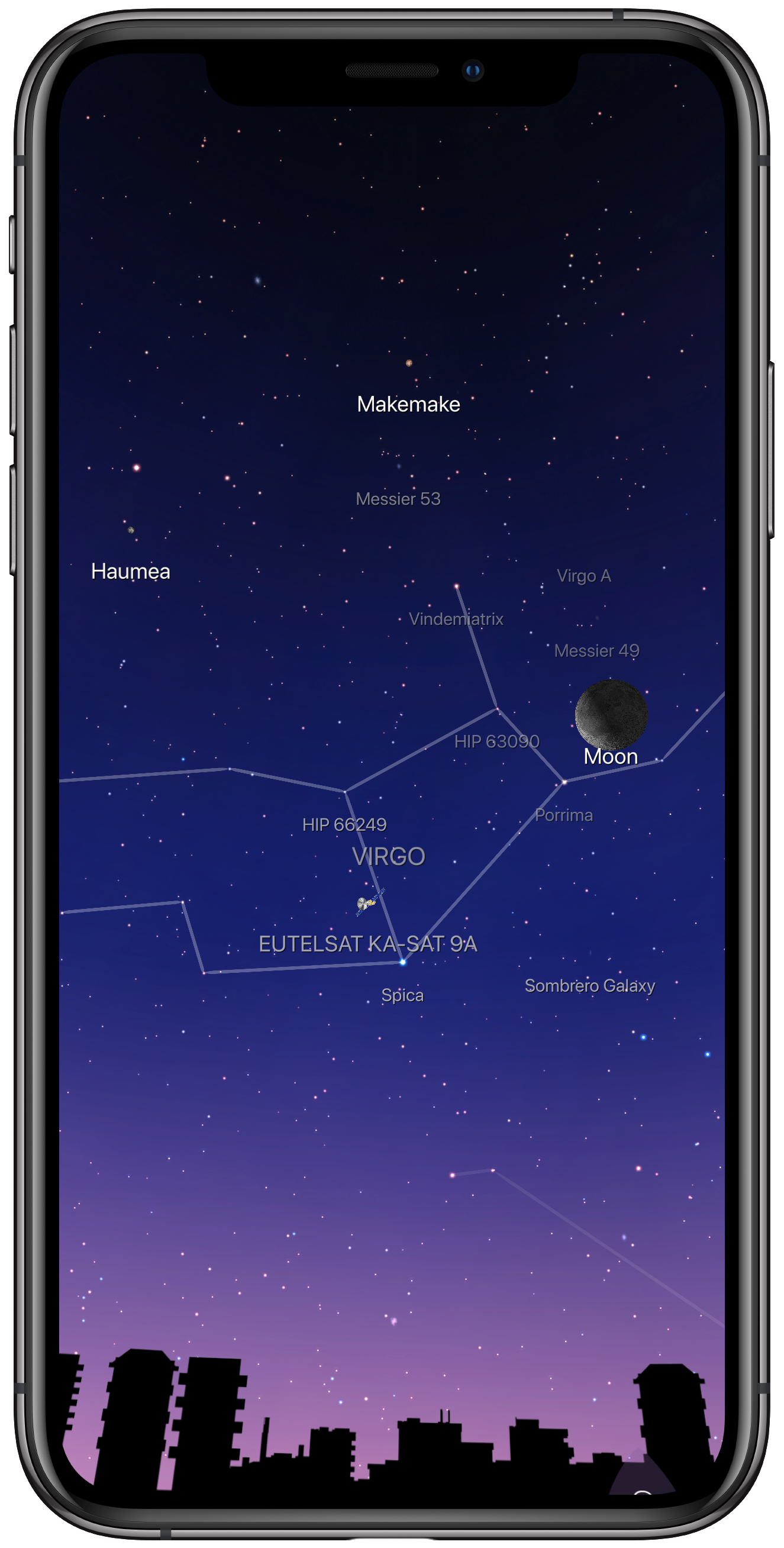
    Myself and my daughter have really gotten into astronomy this year and I find Night Sky to be a great reference for both information and where in the Sky stuff is, like our daily viewings of the ISS.

    Tweetbot
    I have to use the official app to check notifications but that’s maybe a few times a day but every other time it’s Tweetbot. I love the themes, lack of ads and a clean (in time order) timeline.

    Which apps have you been using this year?

    Notes

    • This article was completely done on iOS
    • Thanks to MacStories for their shortcut to add frames to images
    → 7:58 AM, Dec 30
  • Capsicum, an app that combines productivity, notes and habits

    Capsicum has launched today and brings with it an app that reminds me of a paper journal and is a remarkably relaxing way to manage your life.

    It combines a to do, calendar, habit tracking and notes into one place and in my experience so far has been a more relaxed place to organise myself than a more traditional to do app.

    Check it out, it’s got a free trial so you can’t go wrong to at least give it a go and try something different.

    → 8:07 PM, Dec 28
  • Bandai Boba Fett 1/12 scale

    I imported this model a while ago and it’s taken me at least 8 months to get around to it but thanks to being off work I managed to complete it finally.

    It’s all snap together and took me about 2 hours all in all.

    Next up I’ll be trying my hand at painting before getting a few decals applied.

    Done with my painting now, I’m happy with it.

    → 2:22 PM, Dec 28
  • Juggling Apple Cases

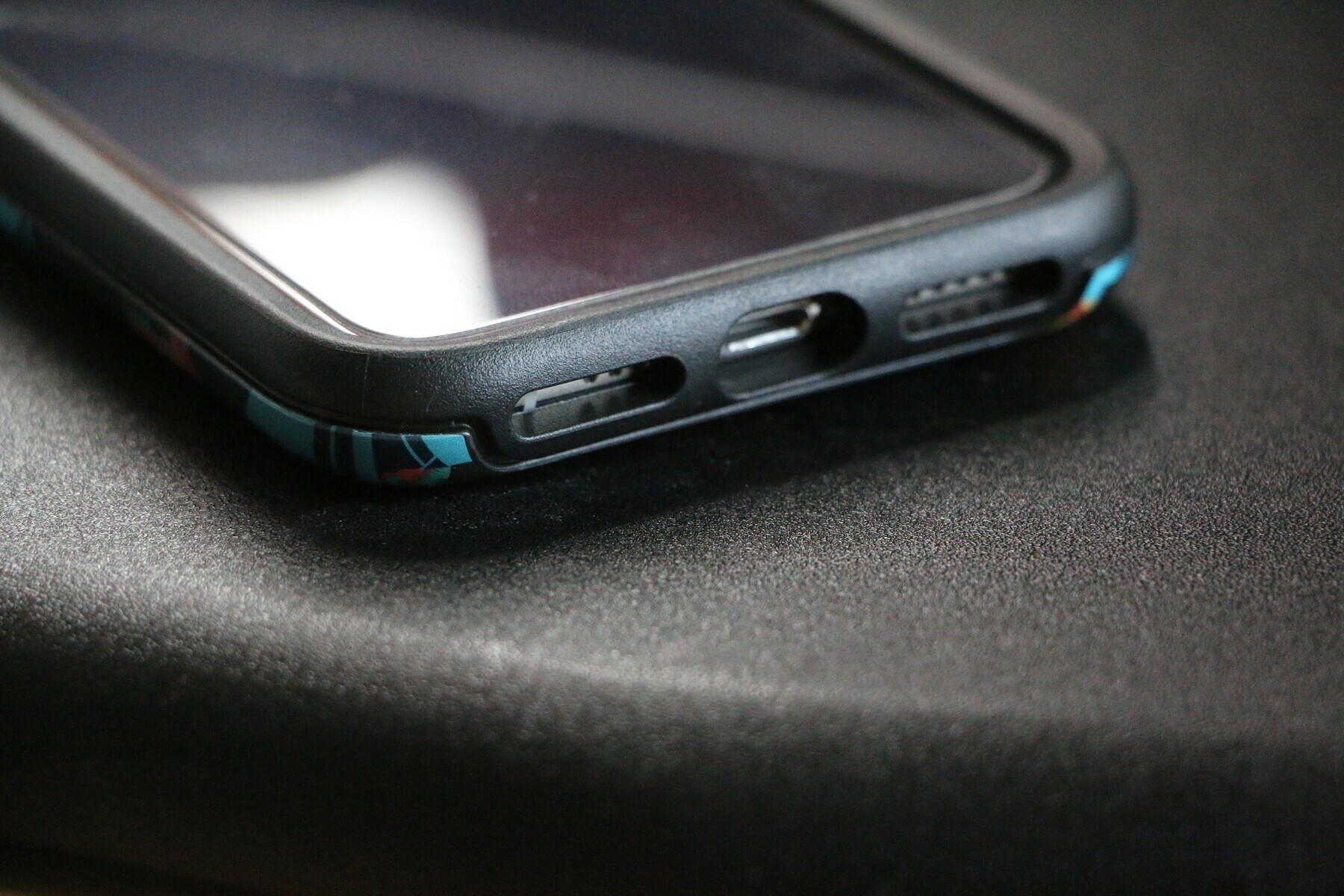
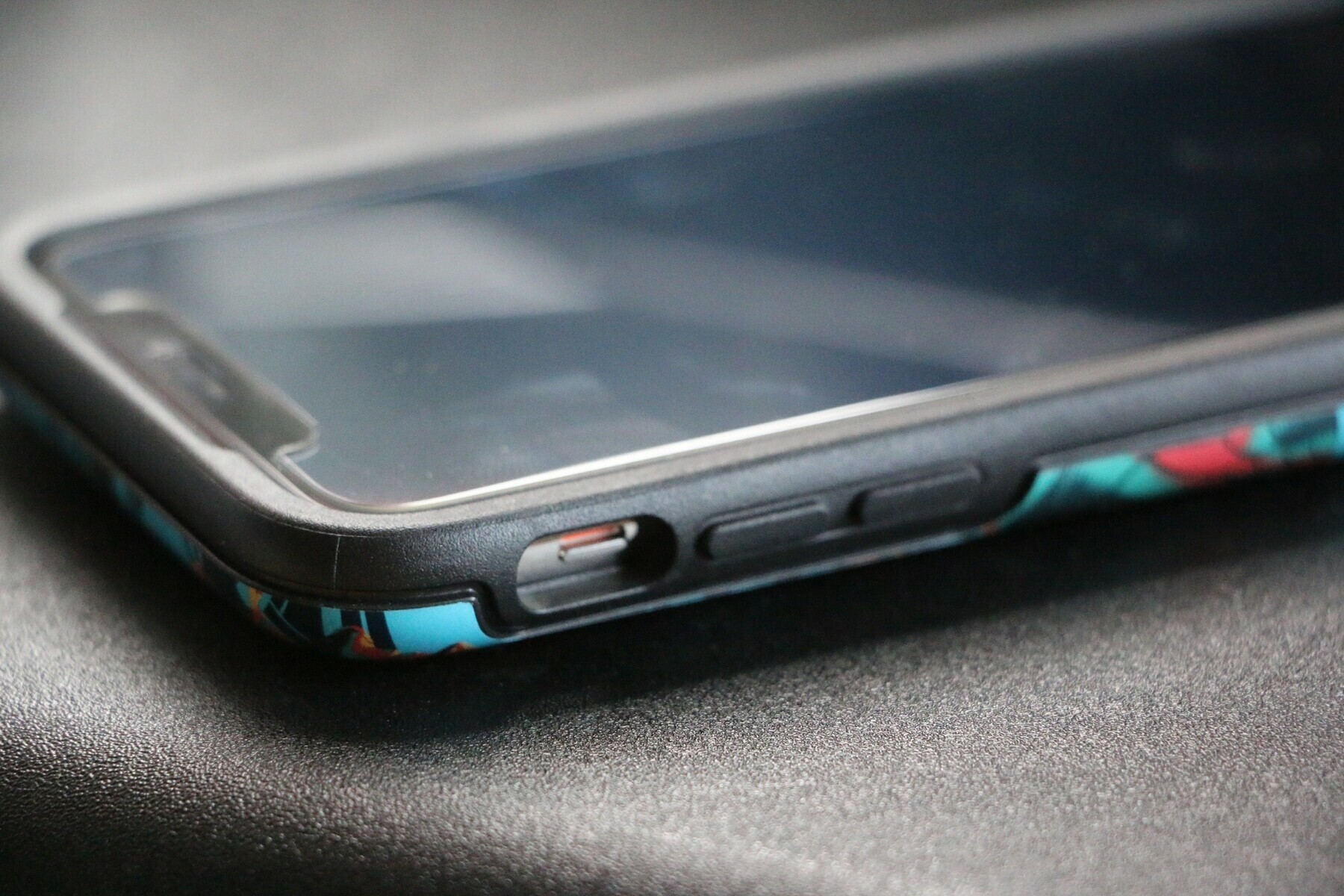
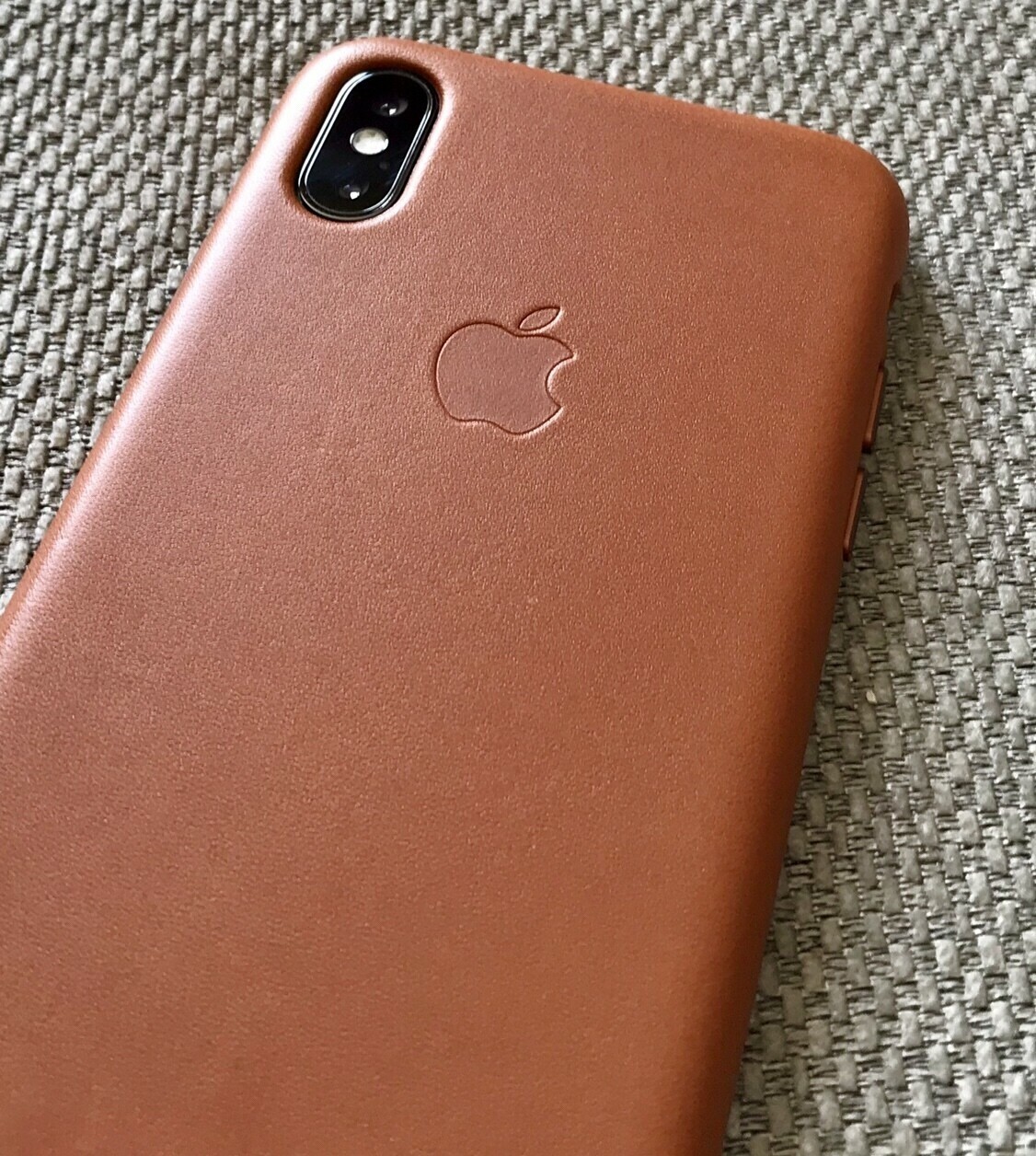
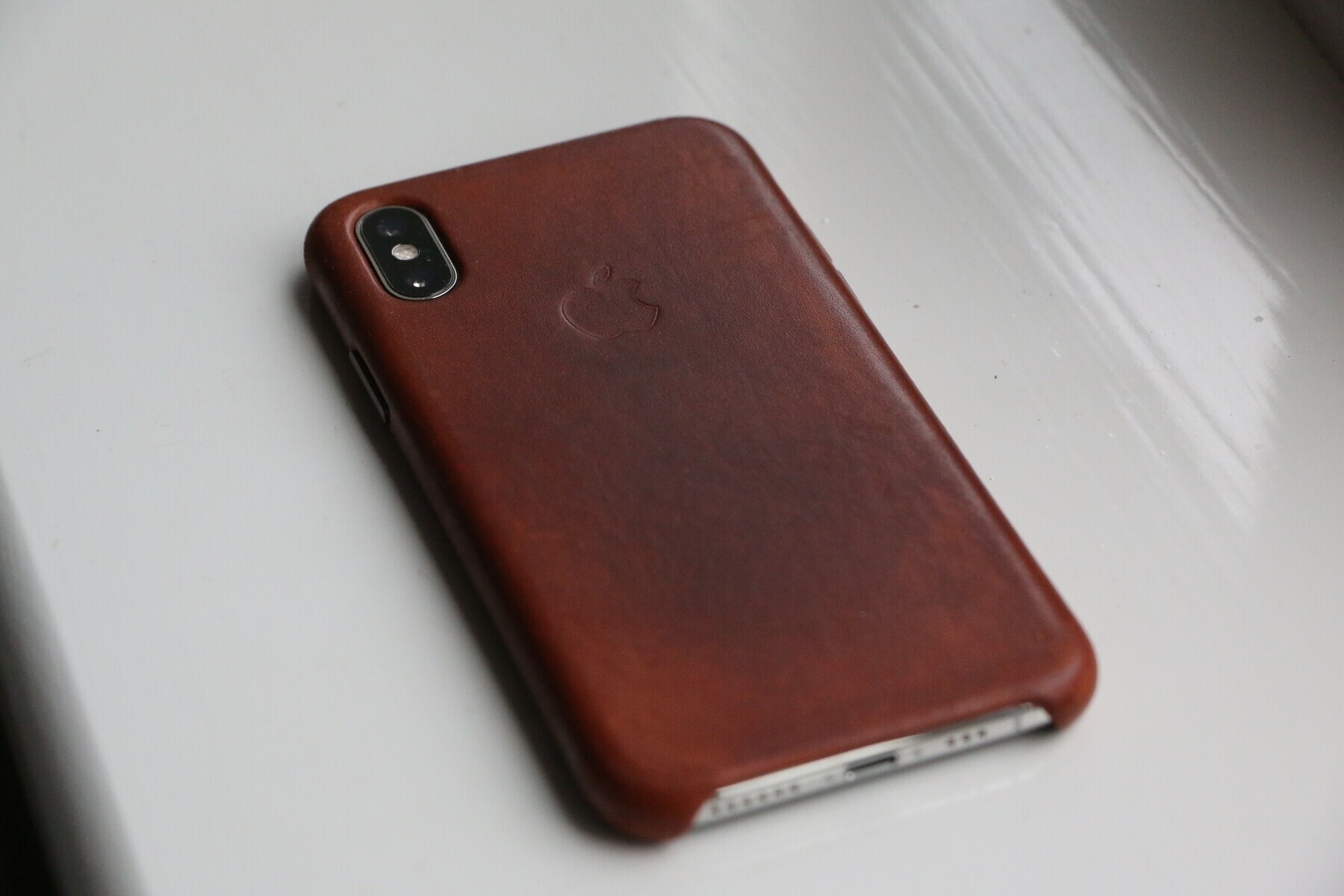
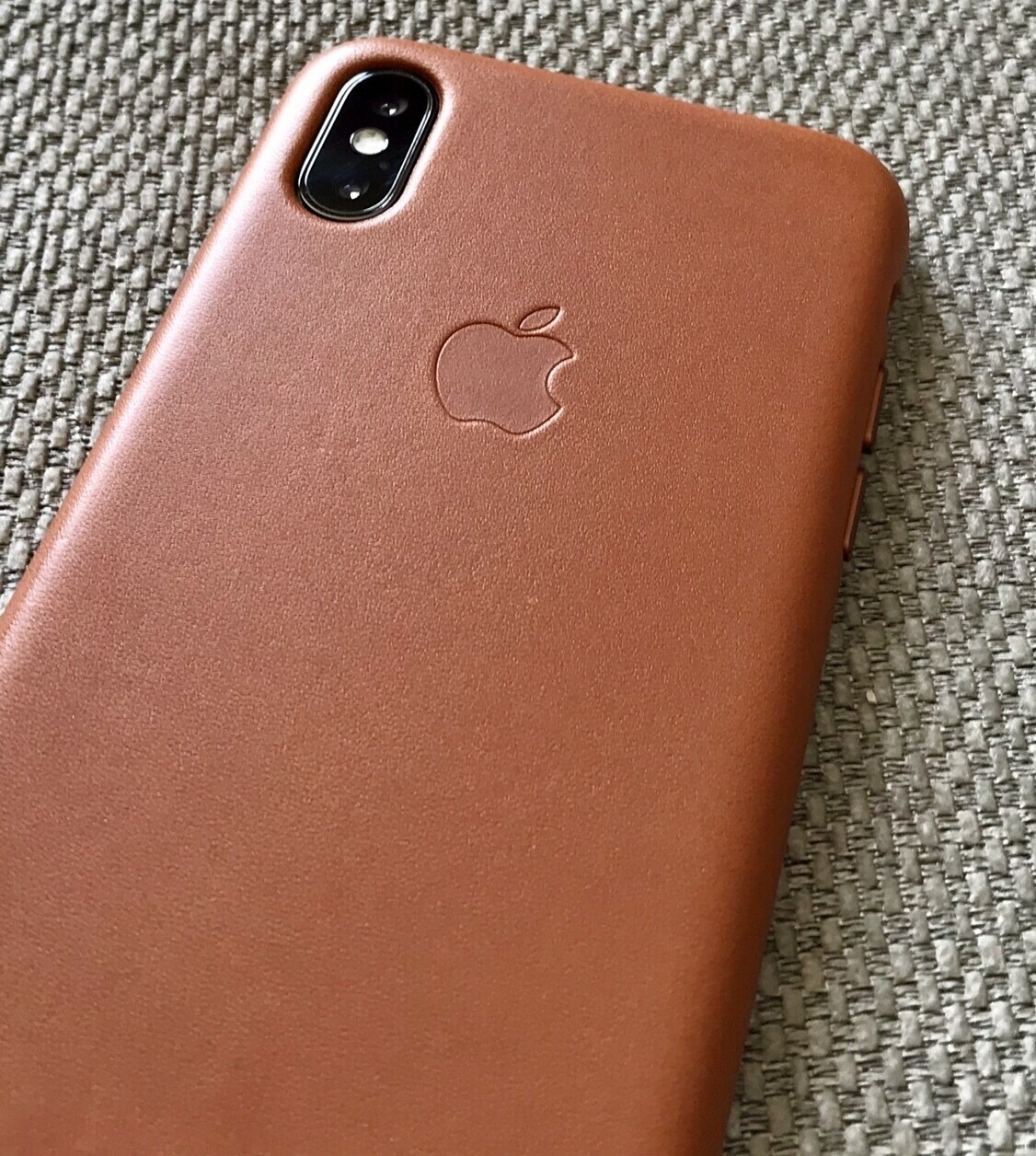
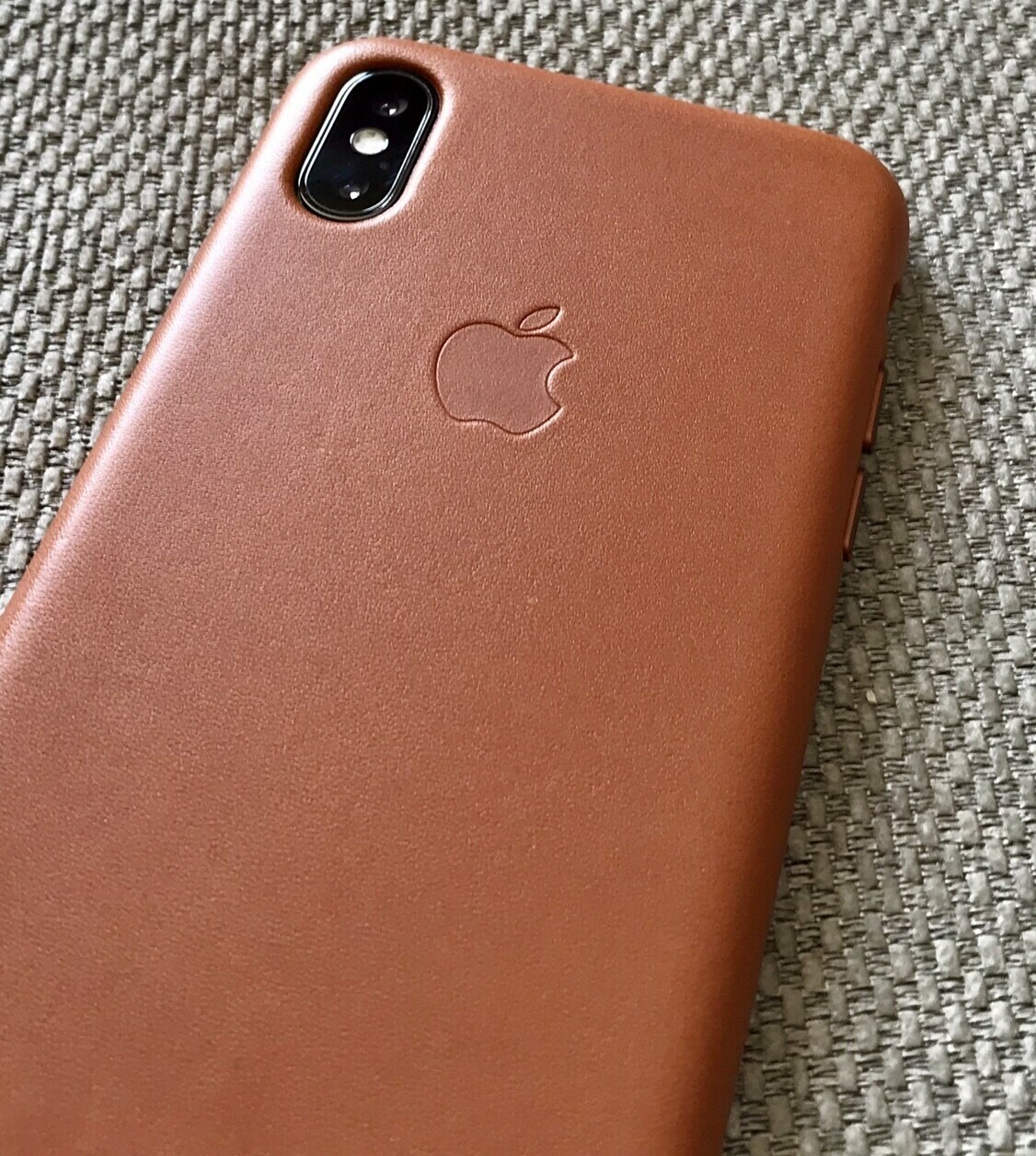
    Over the holidays I’m juggling the XS with no case, the Otterbox and the Apple Leather case. After using the Otterbox constantly then going back to no case and back to leather I think the leather one offers me the best grip and size compromises of using a case.

    Two things that are downside of the Otterbox, slippery back so it spins around on tables, buttons are stiff and the lower part of the case restricts the up swipe for multitasking.

    The leather case offers a smaller footprint, is grippy and no restrictions on the bottom of the case.

    → 8:48 AM, Dec 27
  • How to create a custom watch face on your Apple Watch

    I’ve only really just gotten into creating my own watch faces and wanted to share how I’m doing it.

    1. Head into photos and pick the image you want to use
    2. Tap the share sheet icon
    3. Tap create watch face
    4. Tap which of the two watch faces you want to use
    1. Tap add

    I’ve created a few different ones that I’m switching in and out of. At the moment you can only add a couple of complications but hopefully in the future we’ll see more options.

    → 6:33 AM, Dec 27
  • How to reorder projects in OmniFocus

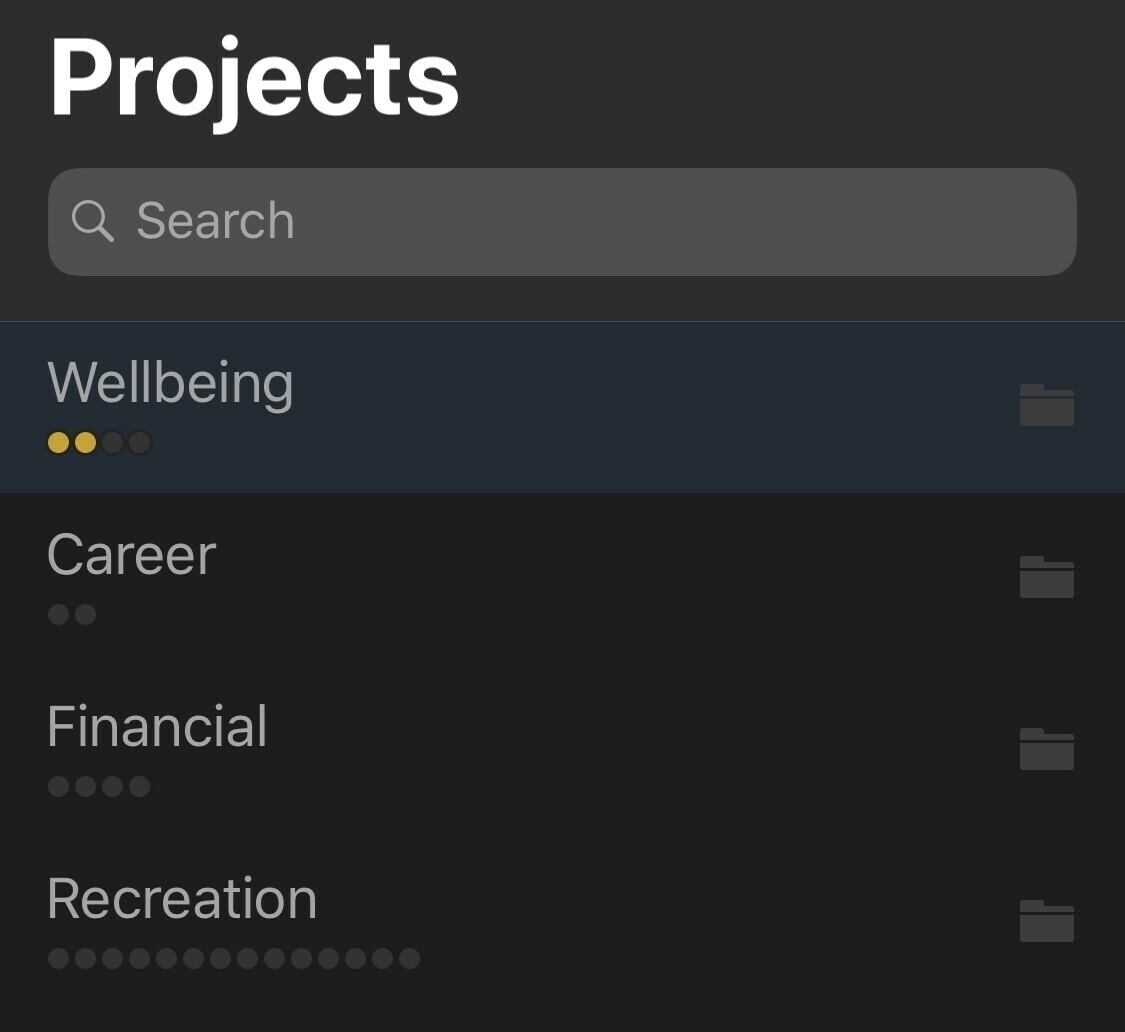
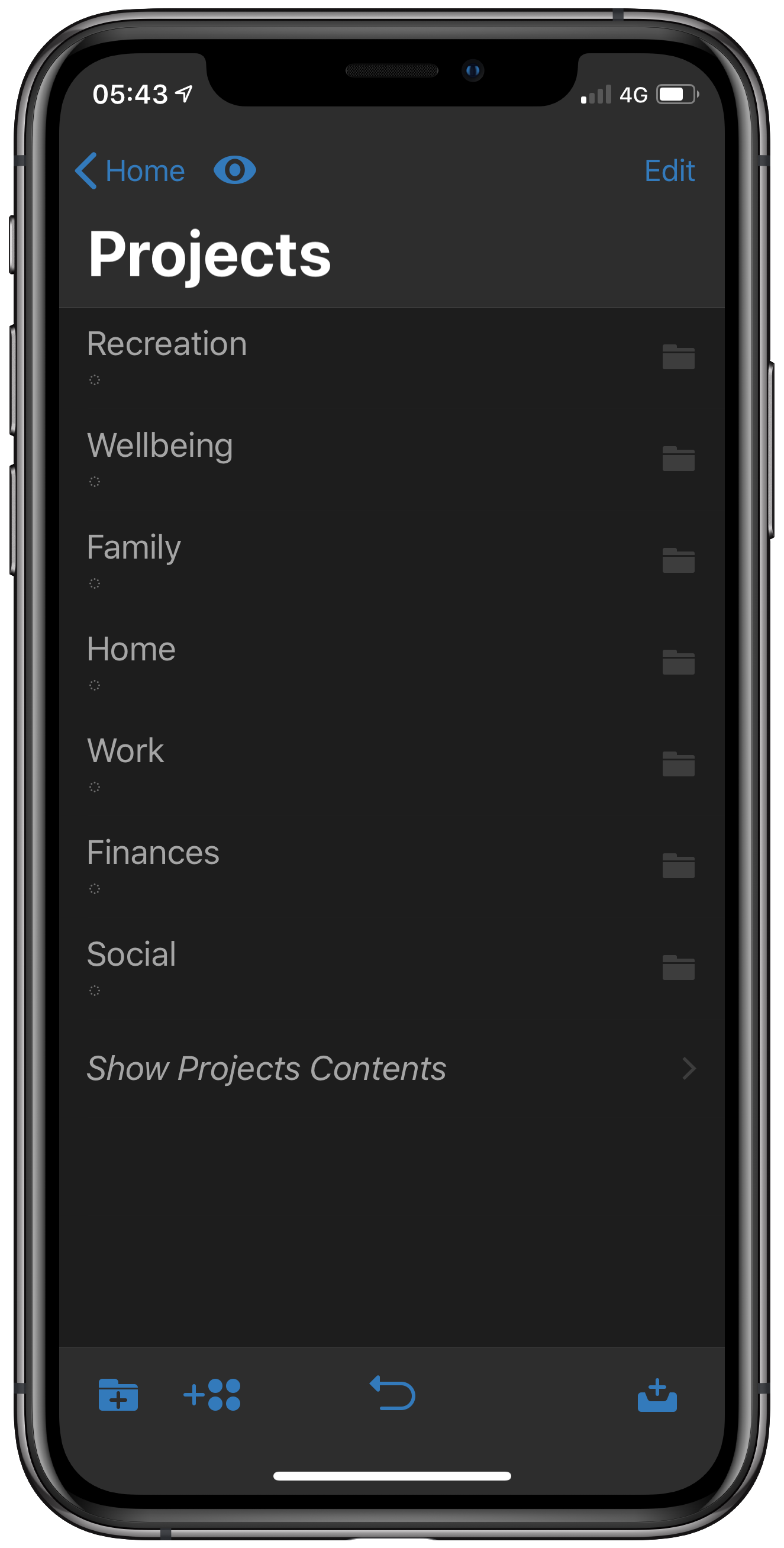
    I’ve started to use OmniFocus folders as my areas of focus, such as career and financial. Within these I have projects such as podcast and blog. They are building up and seem to stay in the same order they are created in. Well the good news is that you can reorder these.

    To do this simply tap on one and hold. You’ll then be able to order them by moving around.

    I’d like to see a sort order added to the app, if anyone knows a better way please let me know.

    → 7:45 AM, Dec 23
  • LJPUK Stats 2018 roundup

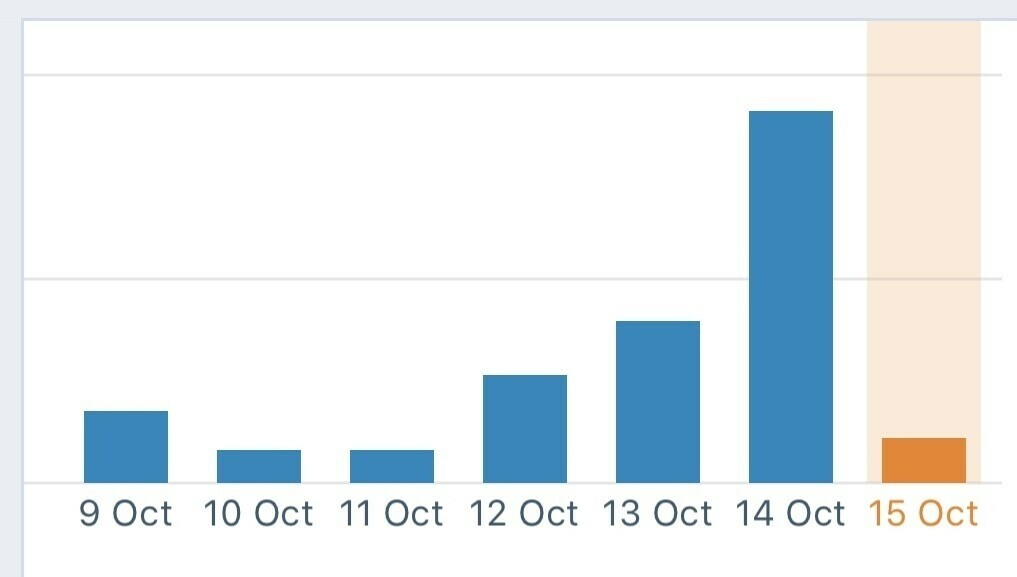
    Although I’m not setting the world alight with my content I’ve seen a steady increase in traffic since launching the new site on Wordpress. I’m not talking hundreds of thousands but I’m in the tens of thousands now, which I’m pleased with. I’ve not marketed at all really just put out content that I’ve wanted to share.

    So, my top post:

    This won by a considerable margin and shows writing how to’s for small creators is a good way to bring some traffic your way.
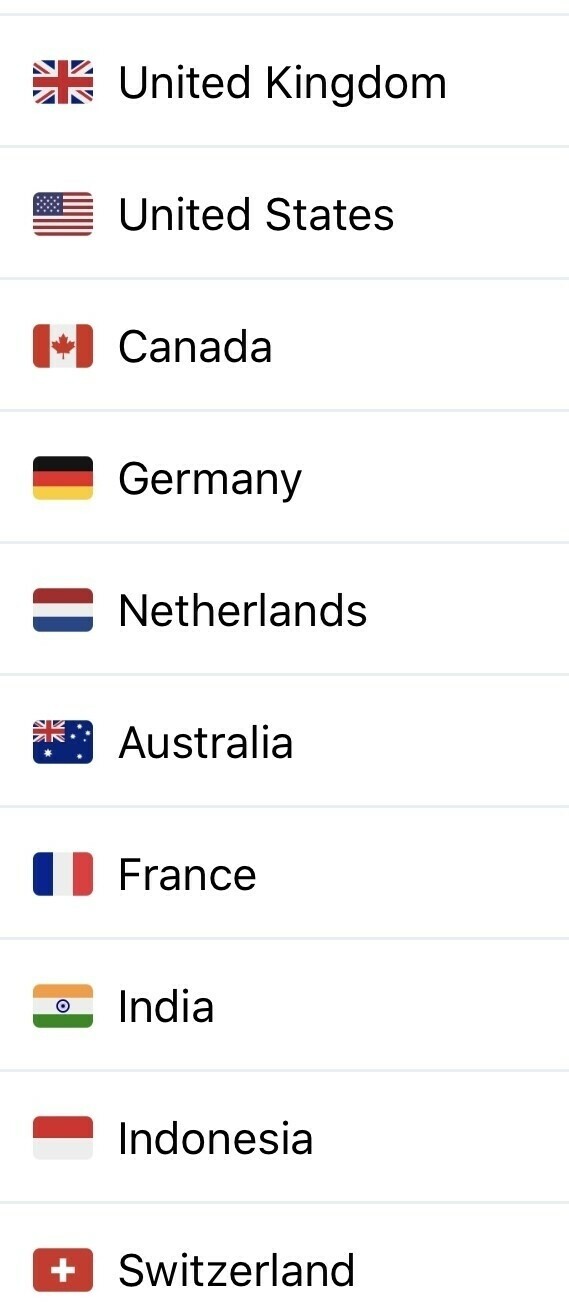
    Next up the top ten countries that visit my site.

    Not a surprise given I’m based in the UK and write mainly about technology. I’m surprised that Switzerland made it in there, thanks to whoever is visiting my site from there.

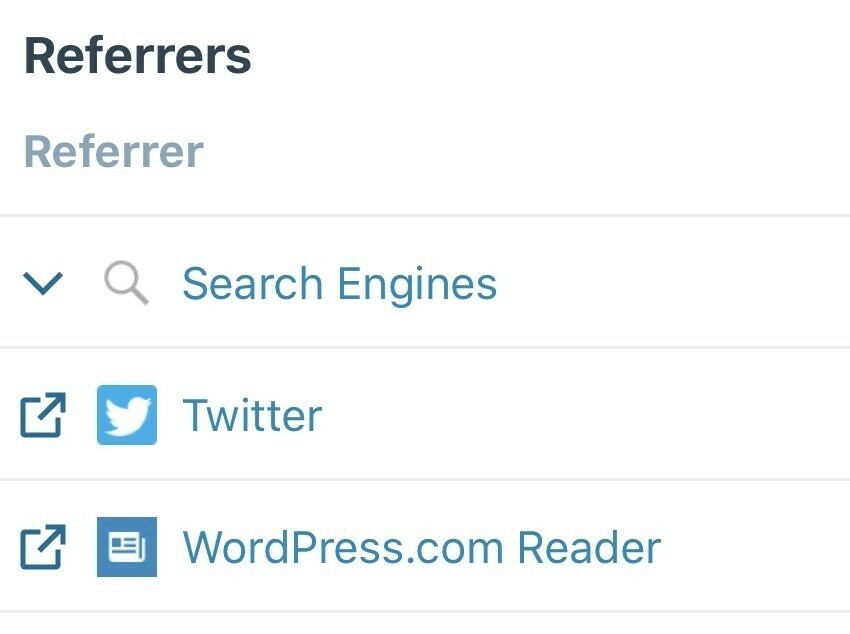
    Lastly here are my top referrers.

    Surprise for me is seeing a lot of readers coming from other Wordpress users. I have a steady number of them being added every week and something I didn’t expect. If you have a Wordpress site consider using the reader to follow sites within the app.

    So, good to see an upward trend on my viewers and hopefully blogging makes a comeback in this age of toxic social media.

    Thanks to everyone that’s contributed to these stats this year.

    → 7:23 AM, Dec 23
  • Thanks

    Hi everyone, as we get to the end of the year I wanted to just say thanks to everyone that has read, engaged with me and shared my content this year. As an independent content creator it’s sometimes hard to maintain the motivation to keep going, especially when you have a demanding day job.

    Even though blogging isn’t exactly fashionable in 2018 I enjoy writing and even though I’m not able to support myself doing this it’s been a fun project over the last few years.

    I’m going to maintain this going forward and will be adding a few new things into the mix like some focus on video and maybe a new podcast but with a family and day job we’ll have to see how it all pans out.

    Thanks again and Merry Christmas.

    Cheers

    Lee.

    → 7:08 AM, Dec 23
  • Video: Every Lego Star Wars set created

    Wow, came across this video showing every Lego Star Wars set in the archives. As a fan it’s amazing to see how they have changed over time.

    → 9:26 AM, Dec 22
  • How did Google ship this?

    I’d already seen mixed reviews of the Pixel Slate but watching MKBHD reviewing it I’m stunned they released it in this state. Check out the lag.

    → 9:14 AM, Dec 22
  • The Apple Watch in 2018

    With 2018 coming to a close I thought I’d reflect back on some of the Apple products that have been released this year, I’m starting with the Apple Watch.

    As you know I’ve worn an Apple Watch since the beginning and although I’ve not fully embraced the fitness aspects I wouldn’t be without it. I enjoy it for tracking my walks (a new thing for me), replying to quick notifications and the design itself.

    The series 4 was a purchase for me this year, coming from a series 2 I really appreciated the faster performance. Looking back on it now though if I still had the series 2 I’d probably hold off another year. The bigger screen is nice but not a game changer and some of the new health features aren’t available in the UK. I don’t regret the purchase (I went for the cheapest model I could) but if I advised someone today I’d tell them to wait it out until the new health features were available.

    This is especially true if you want a stainless steel model. That’s what I wanted but Apple decided to only offer this model with cellular, something I have no interest in. The issue for me is that’s it’s almost double the price of an non cellular aluminium model. So I couldn’t justify the extra cost and went for the only model available to me, the 44mm aluminium in silver.

    When I look back at the benefits I’ve had from the series 4 I’d say it’s an OK year for Apple Watch. Not blown me away but an ok update. If you have anything other than a series 0 or original Apple Watch hold off upgrading this year.

    → 7:37 AM, Dec 22
  • Apple ‘discounts ‘ hit the UK

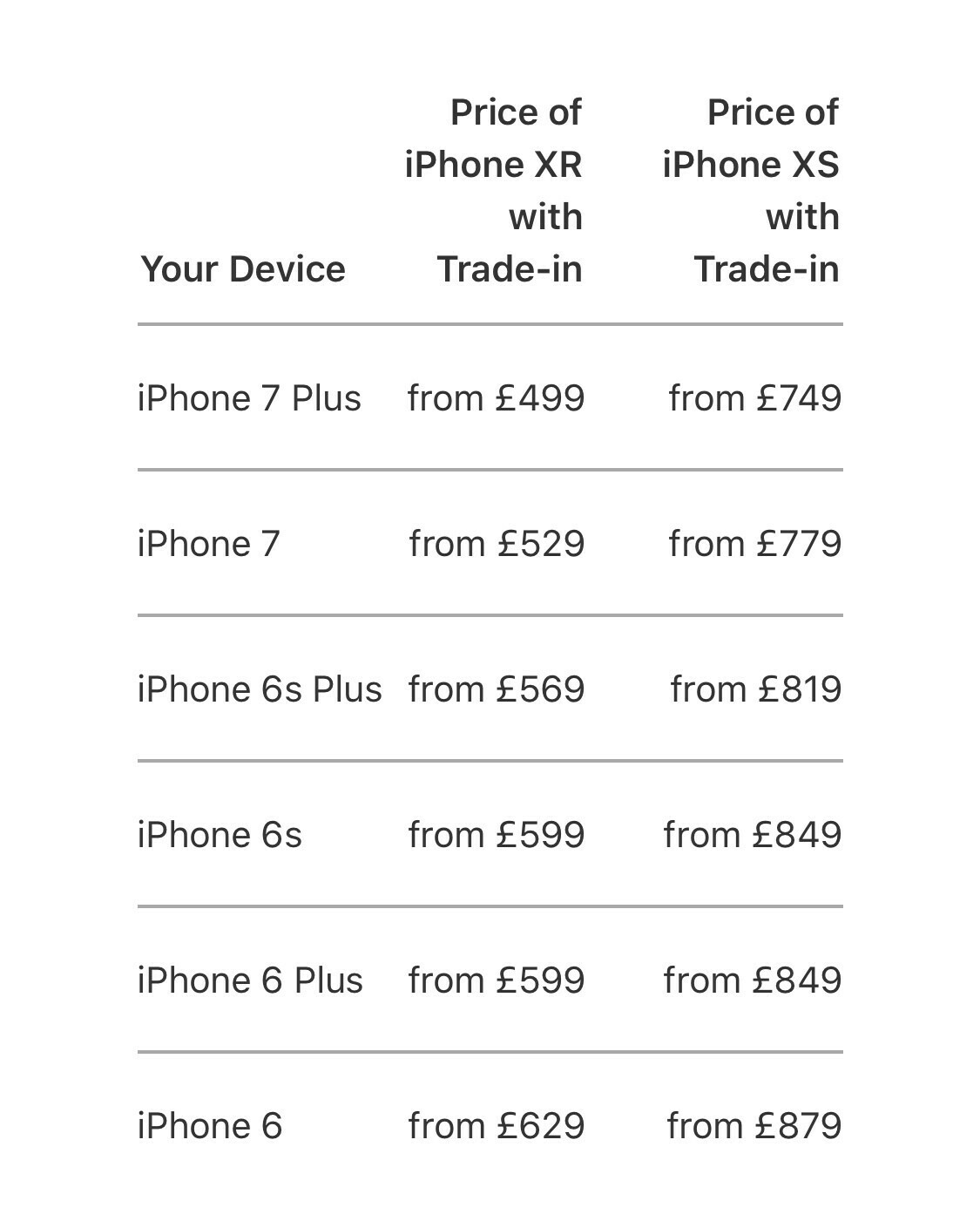
    Looks like XR and XS sales continue to be a concern for Apple as it brings its increased trade in values to the UK.

    Here’s what you can now get an XR or XS for in the UK when you trade in your perfectly good existing model. iOS 12 works fine on all these devices so personally I’d stick with what you have unless you really want a better camera.

    → 6:54 AM, Dec 22
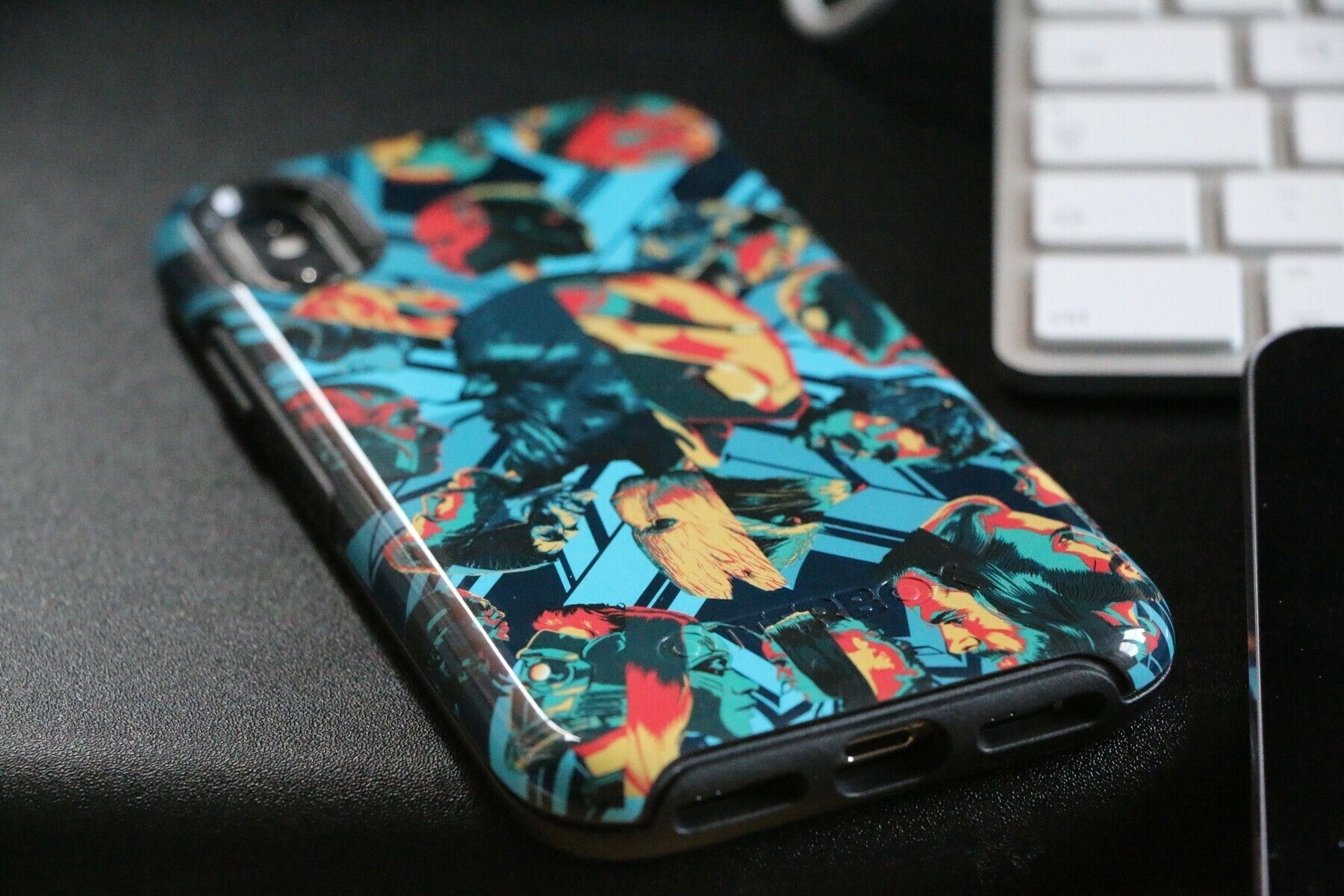
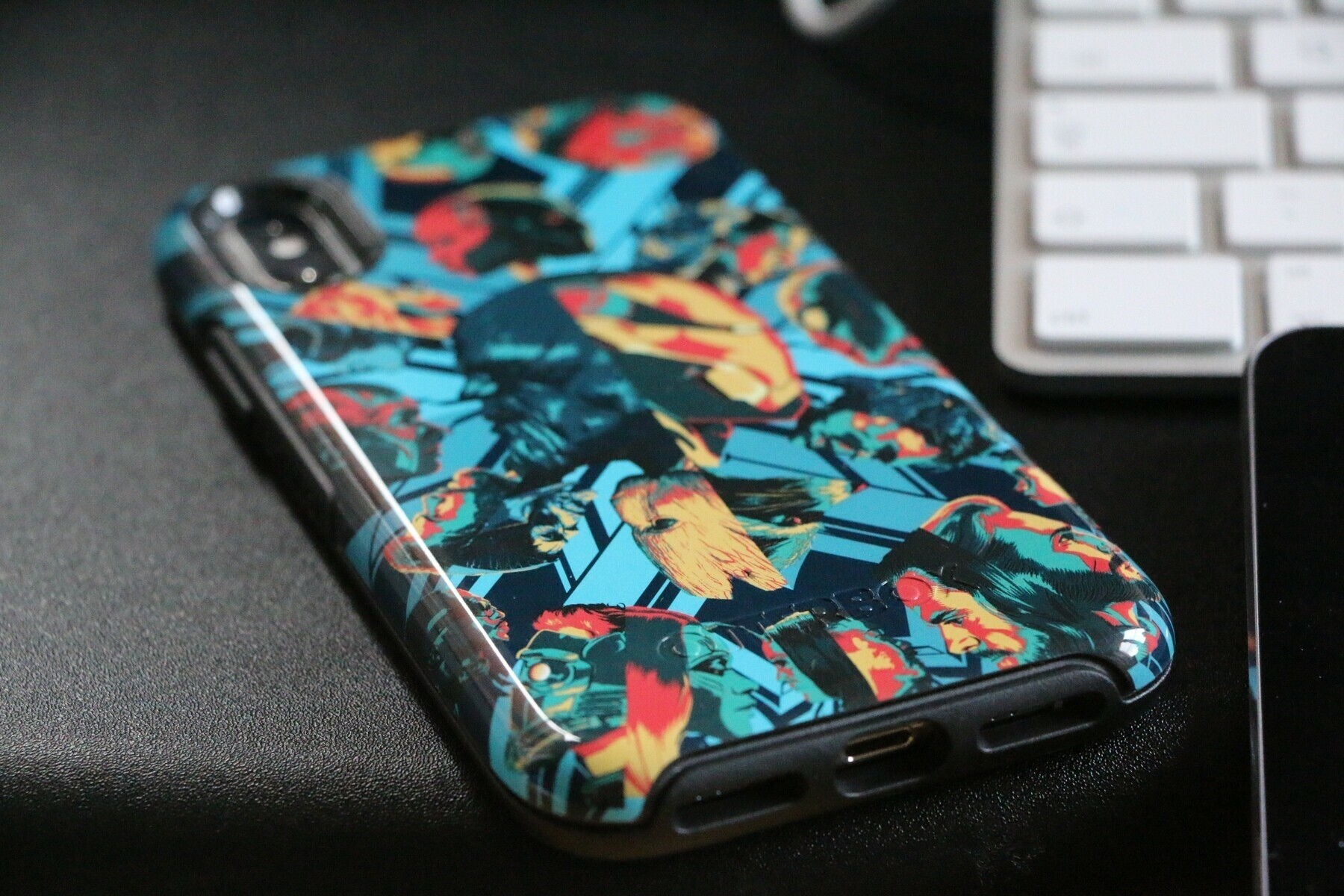
  • Marvel Avengers Infinity War Otterbox iPhone XS case

    Took a while to get here from the states but I’ve had through the Otterbox Marvel series case. This is the Symmetry series of cases but with an Infinity War flavour, which I’m loving.

    These cases are a little bulkier than an Apple silicone but offers much more protection.

    The only slight downside to the bulk is it’s a little harder to use the swiping up gesture on the X series but the width for me makes typing easier.

    If you’re into Marvel or like style of case I recommend picking one up before they are discontinued.

    I even did a little video.

    → 2:25 PM, Dec 21
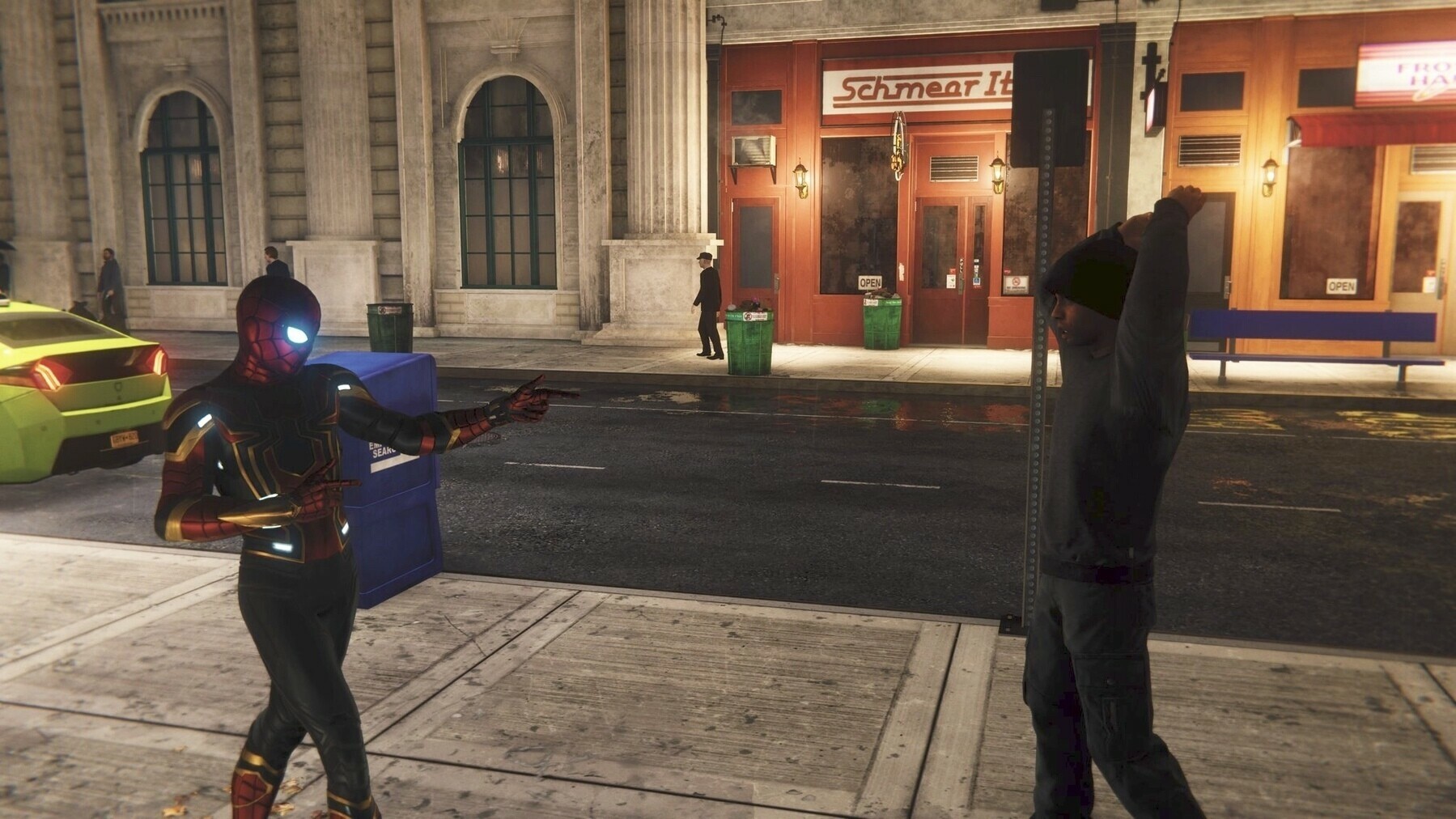
  • PS4 Spider-Man adds the Sam Raimi movie suit

    I’ve always liked the Spider-Man suit from the Sam Raimi movies and yesterday it was added (for free) to the PS4 Spider-Man game.

    I love this game and after completing I’m still doing side missions and collecting stuff.

    → 7:26 AM, Dec 21
  • The Mandalorian names it’s composer

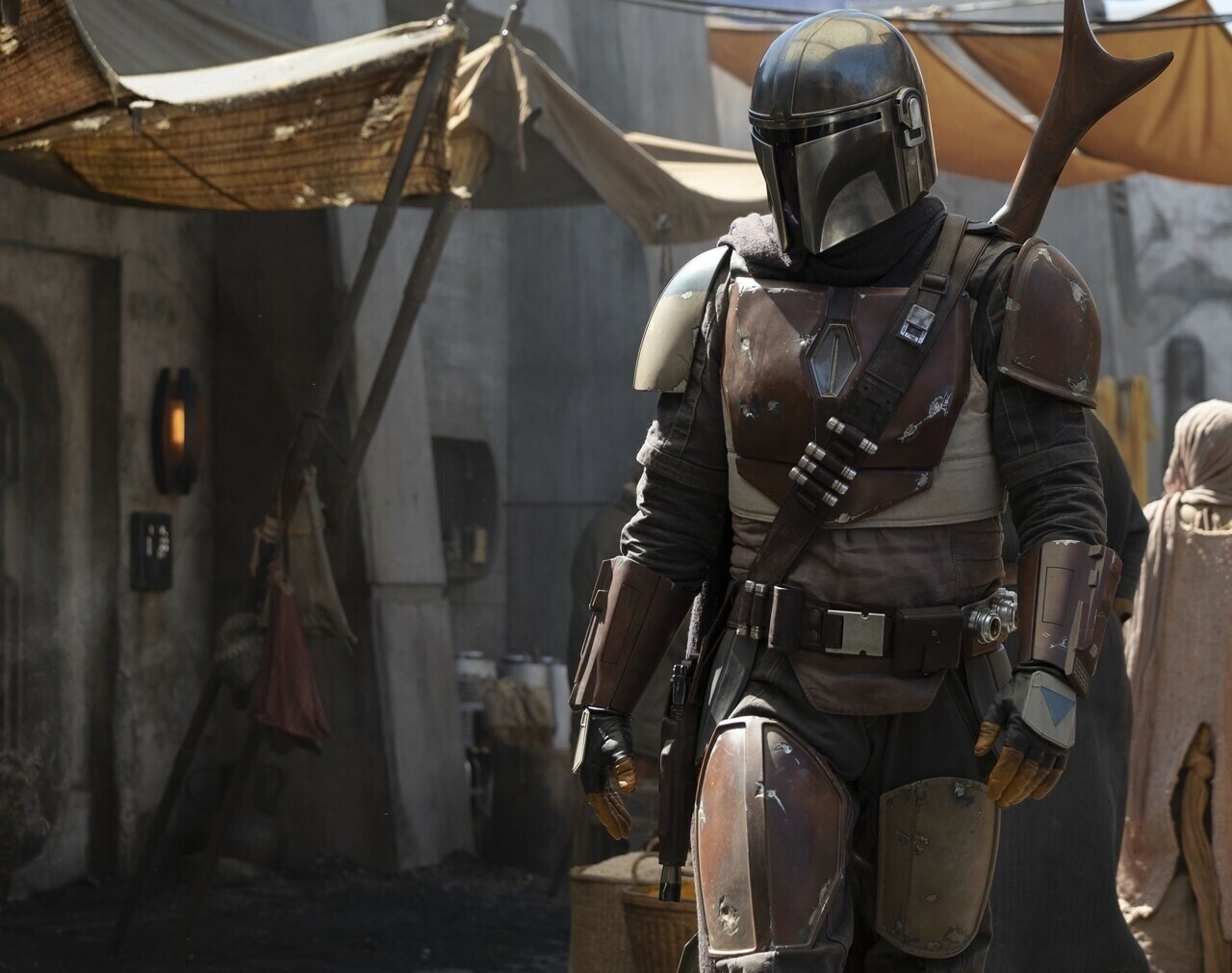
    The Mandalorian Disney+ series has announced Ludwig Göransson as its composer, if you’re not familiar with his work check out the soundtrack for Black Panther.

    → 12:27 PM, Dec 20
  • How to quickly get back home in OmniFocus

    Whilst listening to an episode of Mac Power Users there was a really great tip shared by David when using OmniFocus.

    I wanted to post this to help me remember more than anything but hopefully you will find this useful too.

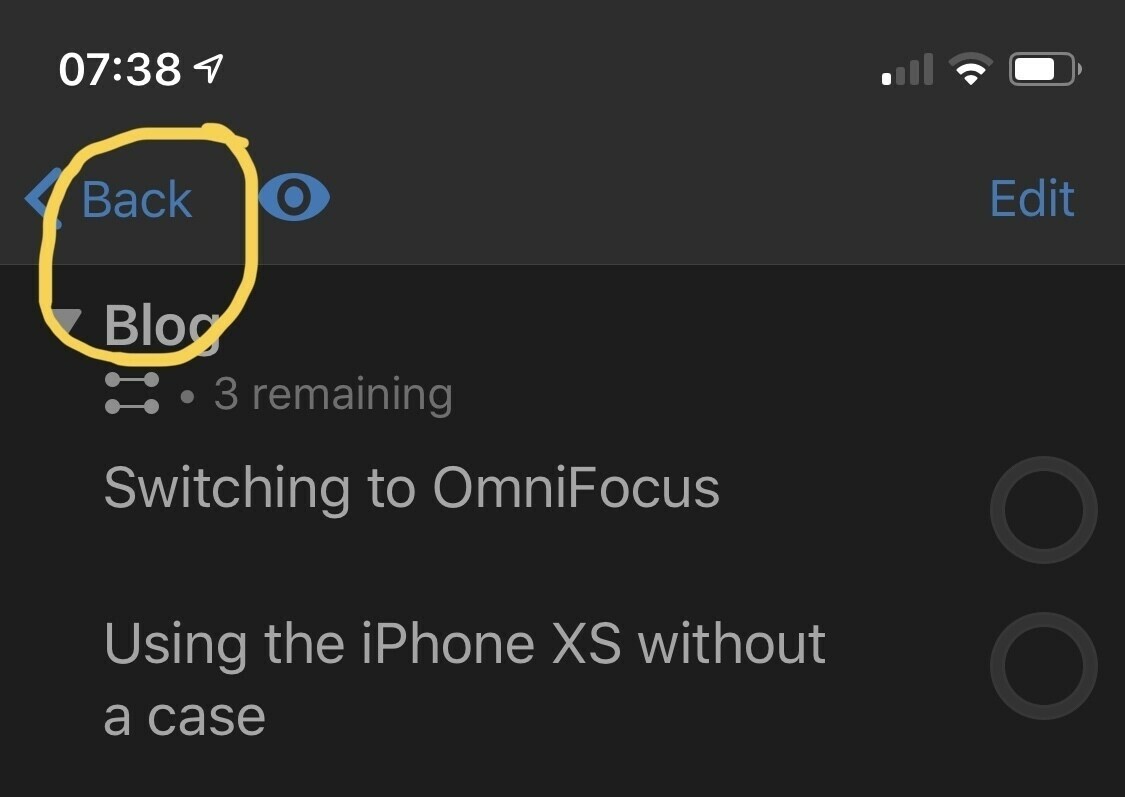
    If you are deep down in a project and want to quickly get back to the home you can simply long press the ‘back’ button. This may not say back but it will labelled with whatever the sub division you are in. This doesn’t matter as its always the button in the top left.

    This has already saved me a tonne of taps.

    → 8:43 AM, Dec 20
  • iPhone XS battery case pricing

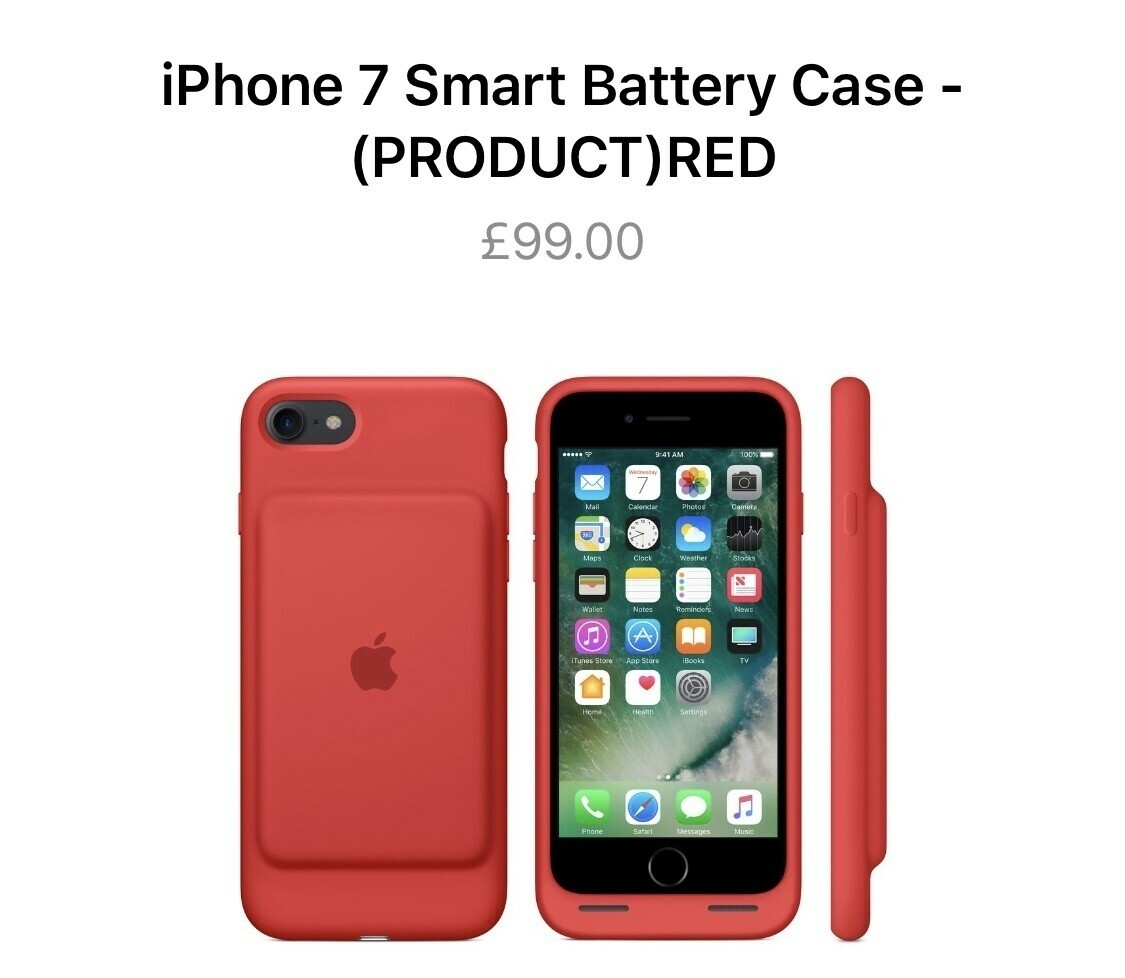
    Before new products are announced I like to play a little guess the pricing game. With the pretty much confirmed new battery case for XS, XR and XS Max I thought I’d have a guess at the price.

    The current price is £99 for ALL battery cases, that’s is for 6 and 7. We are in new Apple pricing territory now and they aren’t ashamed to push up pricing so here’s my optimistic prices.

    • XS: £149
    • XR: £179
    • XS Max: £209

    These are the lowest I feel that we’ll see if they make it this year.

    → 6:51 AM, Dec 20
  • #shotoniphonexs

    Only edits

    • Cropped
    • 'Magic Wand' tool applied
    → 1:30 PM, Dec 19
  • Has Apple News gotten worse?

    As I’ve noticed Apple News slowly getting worse over the last few months I’ve started to look at other sources of news and forums. I’m late to the party but I installed Apollo and have Given Reddit a go.

    I have to say that it’s now completely replaced Apple News for me. I’ve found subreddits that I’m interested in and find myself discovering more news than I am in Apple News.

    It’s gotten worse for me over the last six months. I no longer see anything other than Apple stuff in my ‘Today’ view and the stories in my other channels (such as F1) aren’t updating very well and often show stories from weeks ago.

    I don’t know what’s happened behind the scenes but wondering if I’m the only one experiencing this drop in quality.

    → 6:22 AM, Dec 19
  • #shotoniphonexs

    Not the sharpest image but has the lighting perfect as how I remember it.

    → 7:35 AM, Dec 16
  • Is Apple abandoning Reminders?

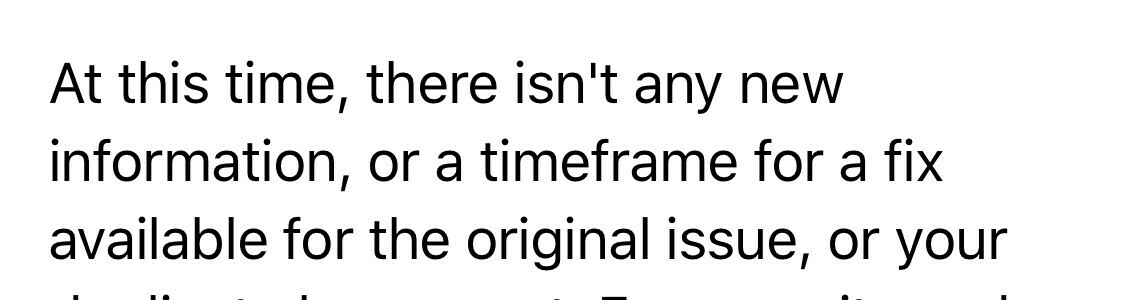
    I’ve been using Apple Reminders or at least its backend for years on and off and always thought it needed work. Whilst the backend sync has been good the app hasn’t been updated since what feels like years. It looks out of place and especially on iPhone isn’t easy to use.

    I’ve been raising issues for a while and still have open bugs that have been there for years with no updates.

    Well it looks like I have my answer

    This is for a macOS bug in which the list name doesn’t update in the entire UI on new creation. I’ve not received bug updates on iOS like this yet but I expect them to be coming.

    This makes me think either Reminders is being dropped or on a more positive thought being redone.

    Anyone else had one of these?

    → 7:41 AM, Dec 15
  • Don’t expect Disney+ in the UK

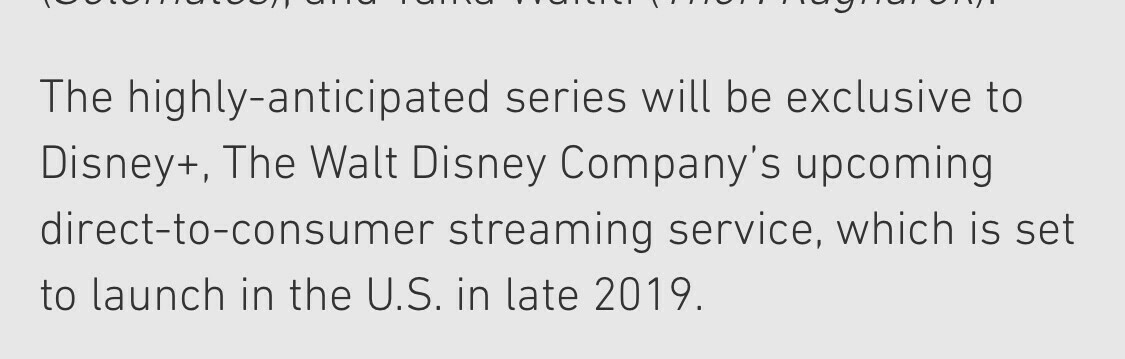
    Sadly when I read the following I dreaded thinking about what might happen for us in the UK.

    Notice launch in the US.

    For a Star Wars fan looking forward to The Mandalorian it’s got me worried.

    I’m thinking that Disney will instead push TV onto their SKY channels as they did for Rebels, alienating an entire audience who doesn’t want to pay for subscription TV.

    I’m really hoping I’m wrong.

    → 11:17 PM, Dec 12
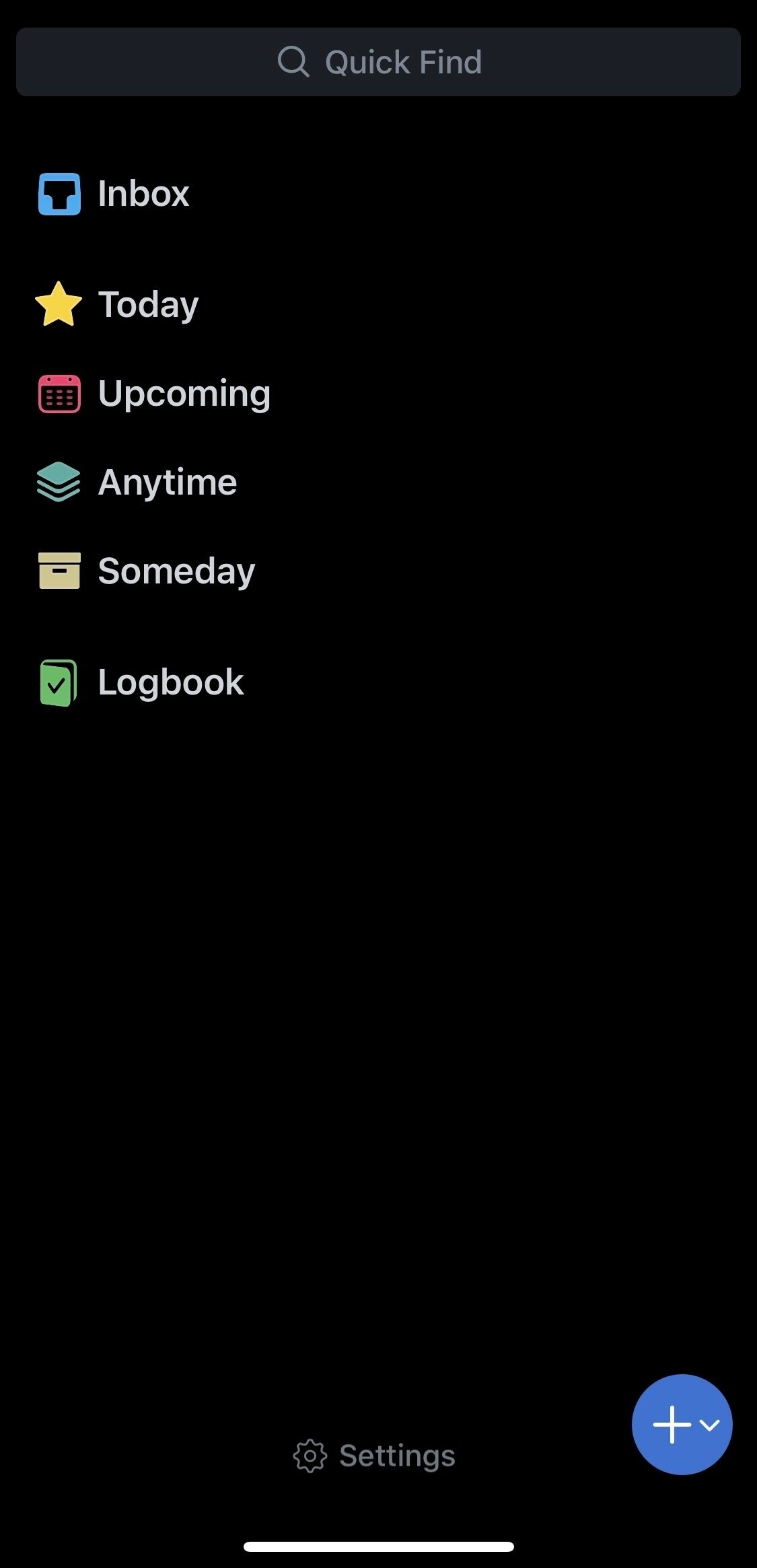
  • Things 3 adds dark mode

    Looks great on first look, I’ll have a dig into it later on.

    → 5:23 PM, Dec 12
  • Don’t buy the Apple leather loop

    Durability isn’t great so I’d avoid getting the official Apple leather loop.

    → 12:26 PM, Dec 12
  • How to quickly add a repeating task in OmniFocus

    I do a lot of repeating tasks and found creating them in OmniFocus a little time consuming. For each task I had to tap ‘show more’ in the inspector and before I could do anything with it.

    Thankfully I’ve found a quicker way.
    Tap on any task you’ve already created (this won’t work on a new task you’re creating). Tap ‘show more’ then tap ‘customize inspector’. This then let’s you drag and drop the fields you use the most when creating a new task.

    → 7:07 AM, Dec 12
  • An Anchor experiment

    Podcasting with as little friction as possible is where I’m currently at so I’ve moved iOS Only to Anchor as an experiment.

    Let’s see where this goes.

    Anchor link.

    It’s in the process of being distributed to platforms so will have to wait and see what happens to that but I’ll update this when it happens.

    → 5:35 PM, Dec 11
  • iPad Pro packed up and sent back to Apple for replacement. If you can’t get a genius appointment definitely recommend using mail in service.

    → 1:09 PM, Dec 11
  • How to build habits using OmniFocus

    I’ve used a few different apps over the years to try to build good habits but in the end they all fall by the wayside. The main reason for this is I’m not seeing or being reminded of them. When switching over to OmniFocus I thought I’d use their tagging system to help me with this.

    On discovering I could add a tag to my forecast view I had an idea. If I want to build up habits why don’t I make sure I’m seeing them everyday.

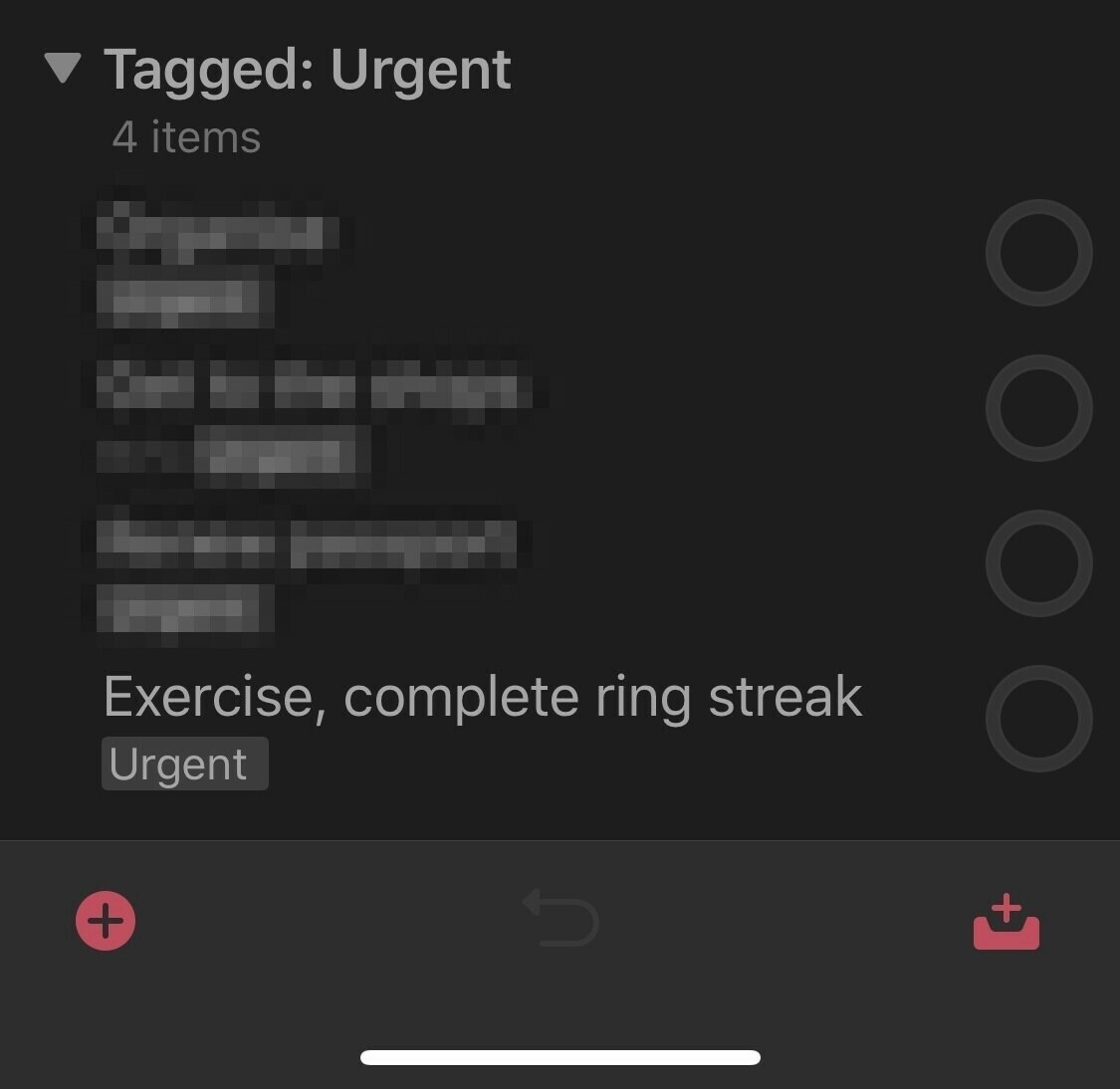
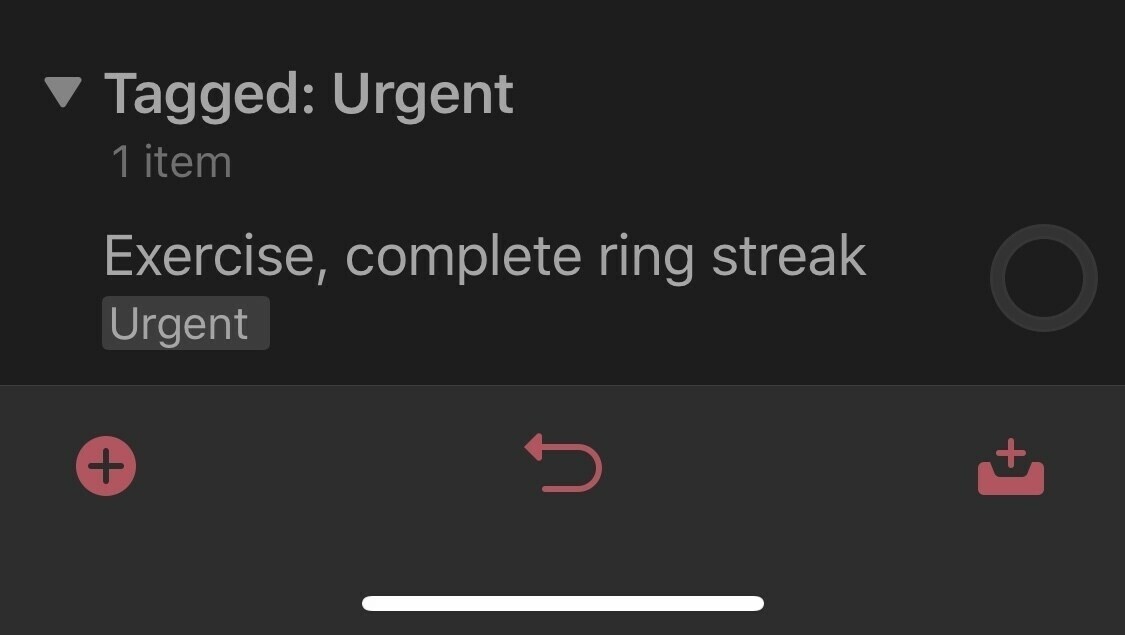
    So to this end I created new tasks such as ‘complete exercise rings’ and marked them with my ‘urgent ’ tag. This means that when I see my forecast I’ll always see them. The only downside is that these don’t appear on the Apple Watch app, unless I’ve missed something of course - please let me know if I have.

    The task itself is never actually marked as complete so I don’t have it repeating or anything. It’s just a visual reminder to be better.

    → 6:35 AM, Dec 11
  • My iPad needs to go in for repair so I’ll be clearing it down today. I’ll be iPad less for a week or so I’d imagine. It’ll be interesting moving back to a MAC for a bit.

    → 7:14 AM, Dec 10
  • Really starting to commit to OmniFocus. Need a buddy brain to get me through the overwhelm.

    → 7:12 AM, Dec 10
  • How to view tags in your forecast view (OmniFocus)

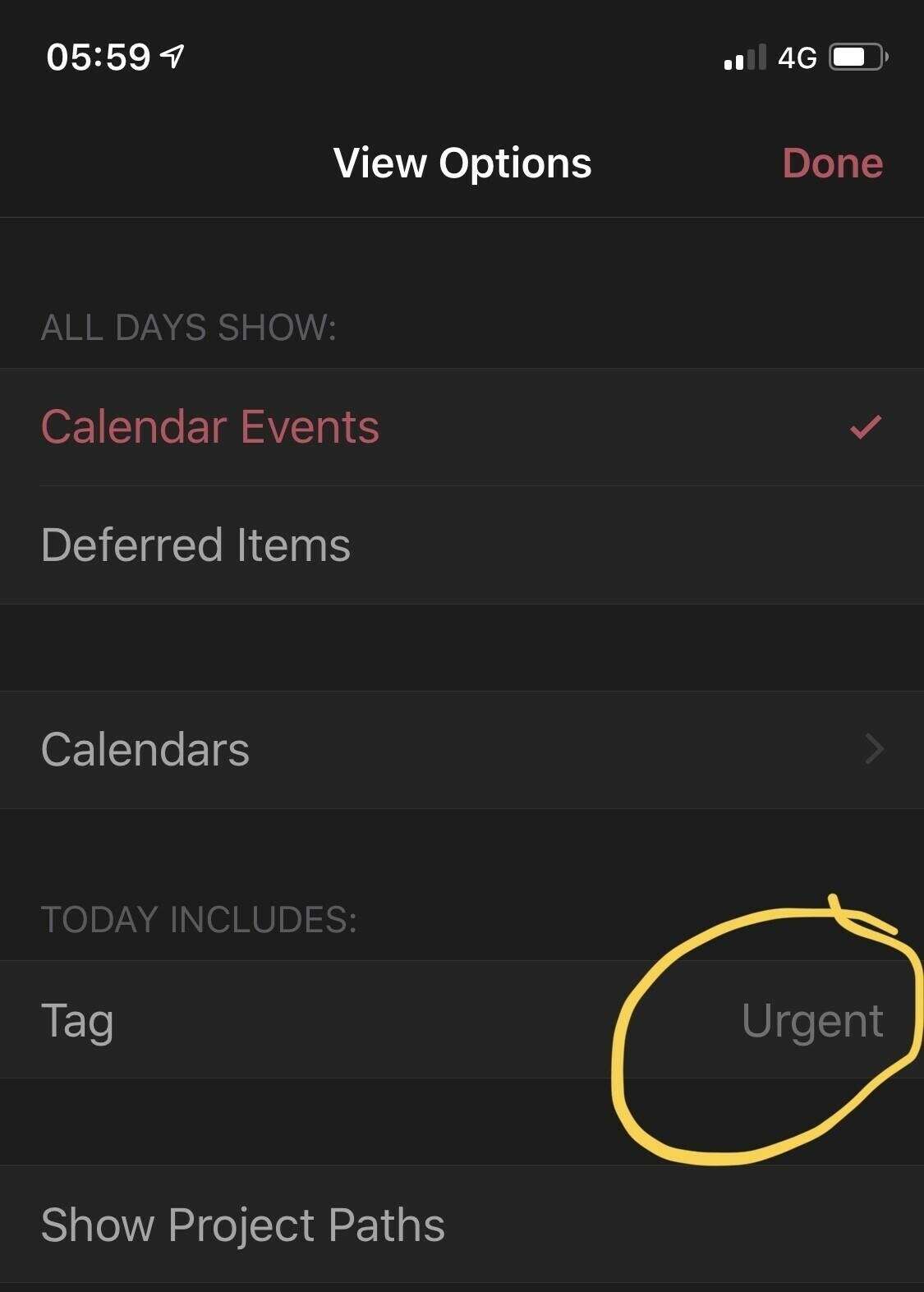
    A useful feature in OmniFocus 3 is the ability to add tags to your tasks. Whilst looking at the forecast view I realised I could customise and show 1 tag along with my calendar and scheduled tasks.

    I find this useful when I have something I’d like to get done but don’t necessarily want to add a hard due date and time. I created an urgent tag that I use for this.

    So the image above shows what tasks have been flagged as urgent for me, basically anything I want to be reminded of daily.

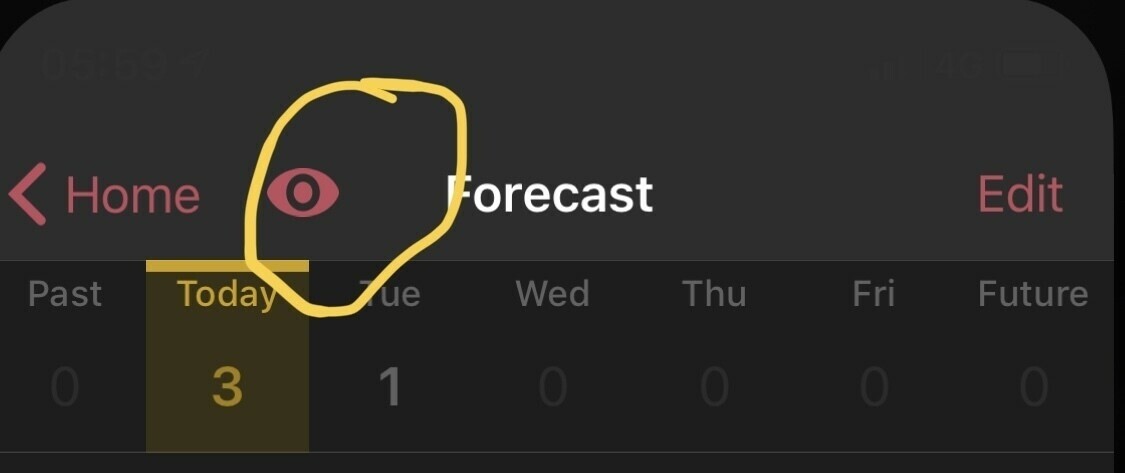
    To do this simply go to the forecast view, tap on the eye symbol.

    You’ll then see an option for tag, simply tap this and chose your tag.

    → 7:05 AM, Dec 10
  • How I use folders in OmniFocus

    I’ve had an on/off relationship with OmniFocus over the years but with a period of overwhelm I’ve decided to stick with it and learn how to actually use it effectively.

    When plotting out my overwhelm I used a mind map and split everything into areas of focus. I did this is an earlier post but redid it as my mind has changed on a few passion projects.

    When looking at the whole folder vs projects debate it hit me. Folders can be a way to group my projects into these areas of focus.

    I then created a folder per area of focus.

    My next step is to create my projects, such as my blog and DIY projects into their relevant folders.

    Seems very formal to me but I need to create my buddy brain to keep me in check.

    → 6:49 AM, Dec 10
  • How to quickly move between emails on iOS

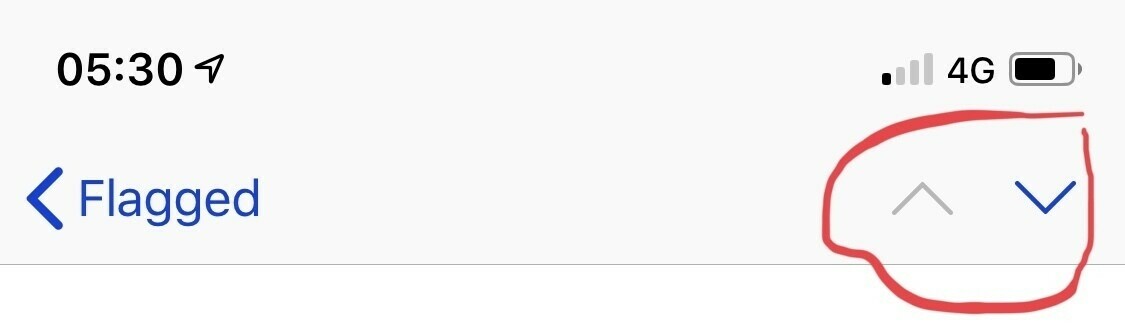
    Not sure why it’s taken me so long to spot this one but I’ve found a way to move quickly through email.

    If you tap on a mail to view then want to move to the next without going back to the inbox use these arrows in the top right to move between mails.

    → 6:35 AM, Dec 10
  • Are iPhone sales really this bad?

    What’s happening at Apple marketing?

    In the last few weeks we’ve seen more and more desperate moves to get people to update to the latest models. The reason I’m writing this is I’m getting concerned that Apple is spending too much time on this, especially with this latest report from 9to5.

    Spamming the in store screens, especially the one at the Genius Bar isn’t a good look. Those displays show how to best use your products not be sold to. The others in store I don’t care about but the Genius Bar - NO.

    When you’re waiting for an appointment sat on the stools there isn’t a lot to do and I’ve seen numerous people watching those how to videos and getting something from them. Moving them to advertising totally goes against the message of trying to educate its users.

    At the moment all of this desperation (including the App Store push notifications) seems to be limited to the US so far but I’d expect to see it hitting the UK in the near future.

    Not a good look Apple.

    → 6:58 AM, Dec 9
  • Will Thanos be the villain in Avengers: Endgame?

    I love this image of the Thanos armour in the new trailer. As per the comic books he looks to have become a farmer and stopped his desire for power. The comic plays a bit different to the movies where he loses the gauntlet after the snap thanks to his arrogance then retires to a plant for the simpler life having failed.

    Given he has retired I’m thinking he’s done fighting but the Avengers will still need to get the gauntlet to reverse the snap. The question is will be put up a fight? With the reintroduction of Ant-Man and the quantum realm they might not even need him if they can mess with time.

    It’s very interesting thinking that Thanos might not even have a big part to play, I don’t think he will.

    I think it’ll be more of a time travelling adventure to stop the stones in the first place.

    → 2:30 PM, Dec 8
  • Hawkeye becomes Ronin in Avengers: Endgame

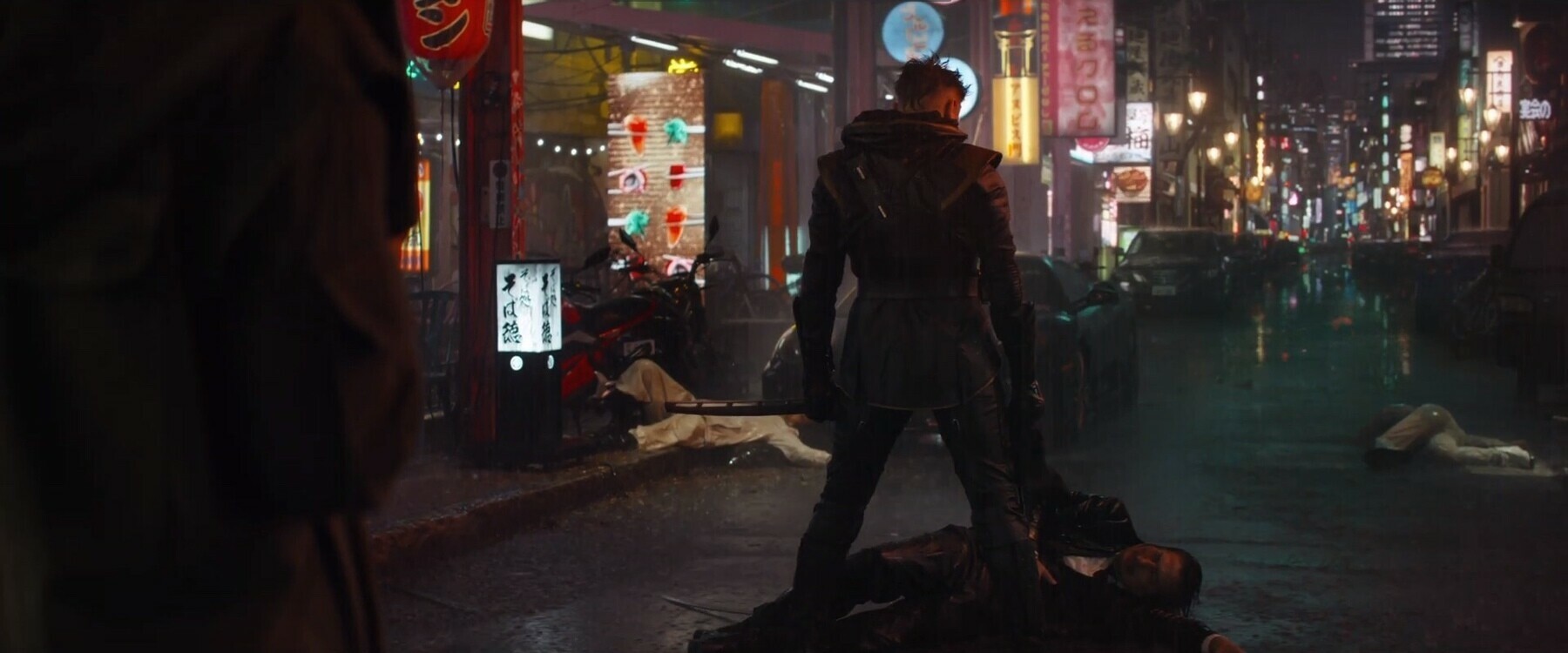
    This was a cool moment in the new Avengers trailer, Hawkeye appears to have embraced his dark side and become Ronin. I’m assuming that his family were dusted in the snap.

    In the comic books this happens after Civil War, it’s a samurai term and generally means going at it alone. Looks like he’s after a particular person or group in the trailer.

    He does go back to Hawkeye in the comic books but it’ll be interesting to see where it takes him in the movies and his relationship with black widow.

    → 7:18 AM, Dec 8
  • Otterbox Symmetry (Star Wars edition) for iPhone XS review

    I’ve never been a fan of big cases and to be honest never really looked at an Otterbox but when I saw the Star Wars edition whilst searching on Amazon I was intrigued. I read up, watched a few videos and decided to give one a go. They looked to be more minimal than their usual heavy duty cases so as a day to day case looked doable for me.

    The presentation is good and all materials appear to be recyclable, which is great to see.

    The case itself has a large outer shell with a impact protected inner one that is a softer rubber. The case is quite stiff when you first use it but once I’d taken it on and off a few times seemed easier. Oh quick word of warning, if you’re looking for an included screen protector then it doesn’t have one. This isn’t a knock on the case but just be aware.

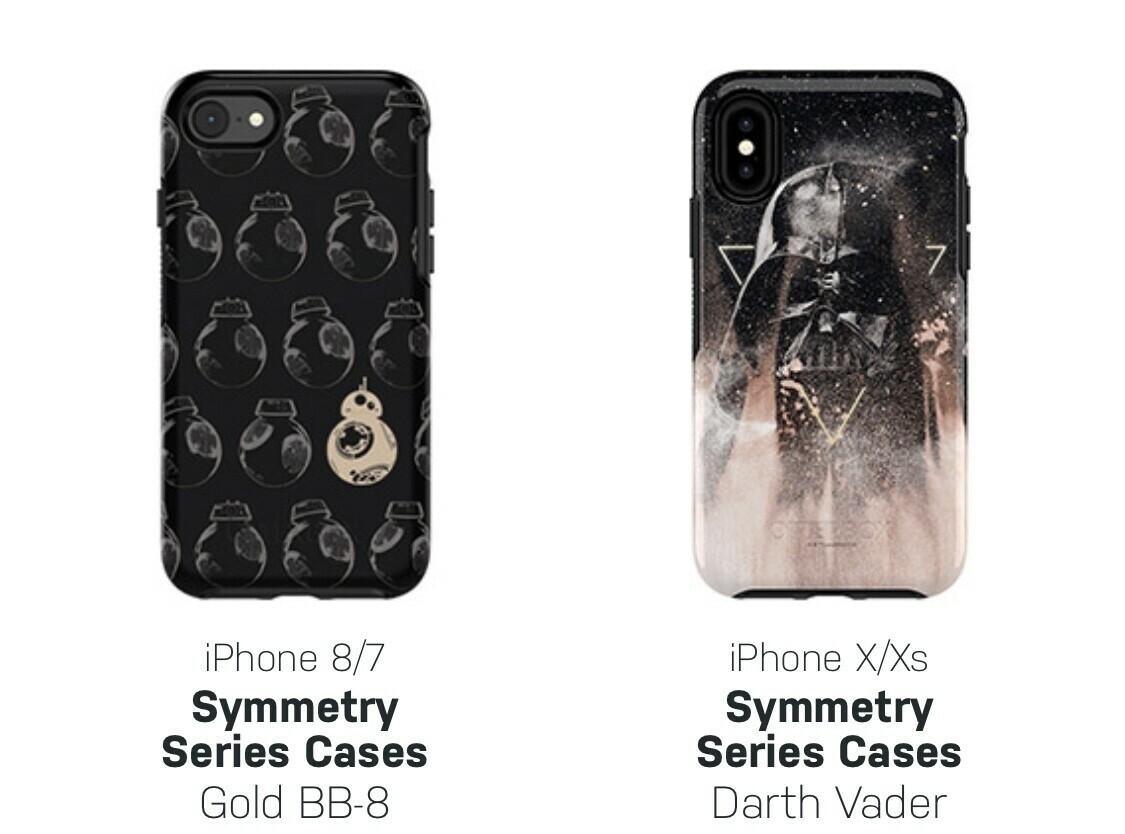
    The design I went for was R2 and Leia but there are other designs available including Vader and BB-8.

    Although a bit thicker than the Apple silicone case it’s not too bad for a protective case. I find the Apple silicone case texture to be horrible to hold after a while, no such problems here. It’s a softer material so won’t get that sticky feeling I hate so much. It also doesn’t collected lint and slips easily into your pocket. There’s enough grip to let is sit on sofa cushions etc. This is one of the reasons I’m not using my XS ‘naked’ it feels great in the hand but not for sitting down places.

    All the buttons are easily pressed and have a satisfying click to them.

    Ports are all accessible and wireless charging is fine.

    Value for money wise it’s around £35, which is on the expensive side but a lot better value than the official Apple ones. I noticed though that the Star Wars ones are more expensive so if that’s not your bag just pick up a standard Symmetry one. They do them in loads of different colours.

    So overall I didn’t think I’d like a more heavy duty case but otterbox have really done a great job of balancing protection with a more minimal design and come up with a good compromise.

    Amazon Link. (All associate revenue goes towards the purchase of stuff to review for the site).

    → 6:53 AM, Dec 8
  • Avengers: Endgame trailer

    Perfect trailer I think, more thoughts on an upcoming podcast..

    Check it out.

    → 2:56 PM, Dec 7
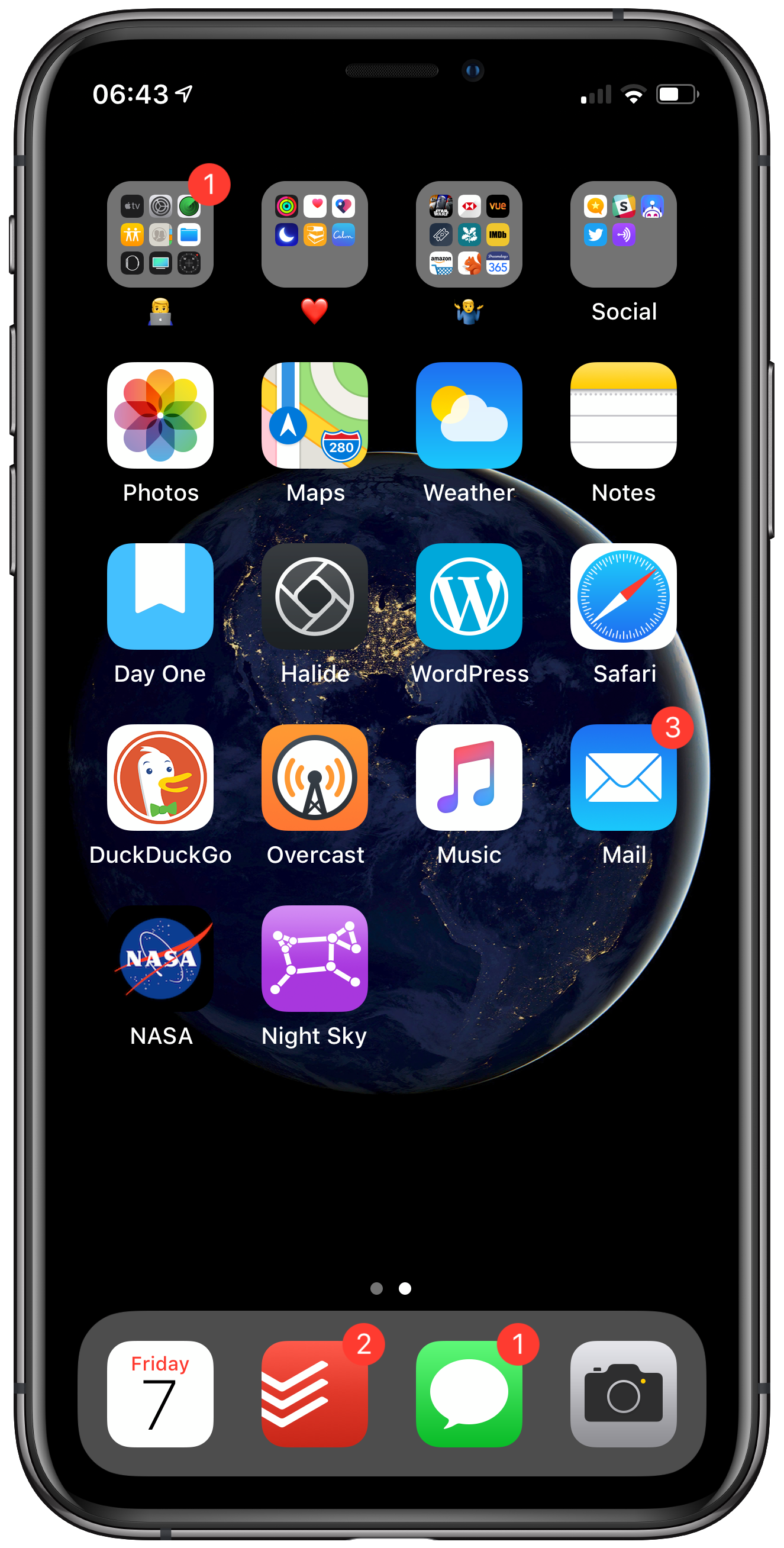
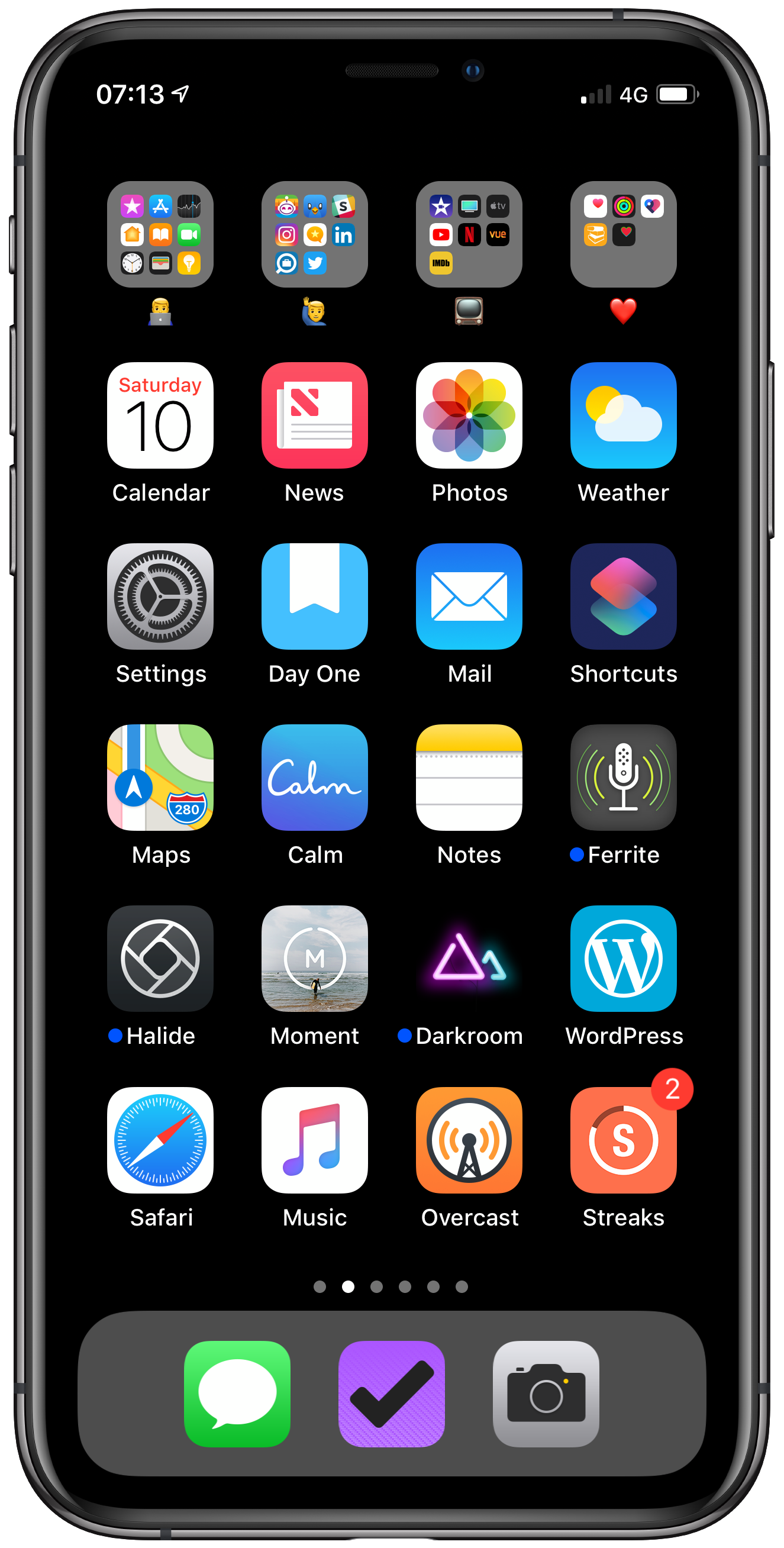
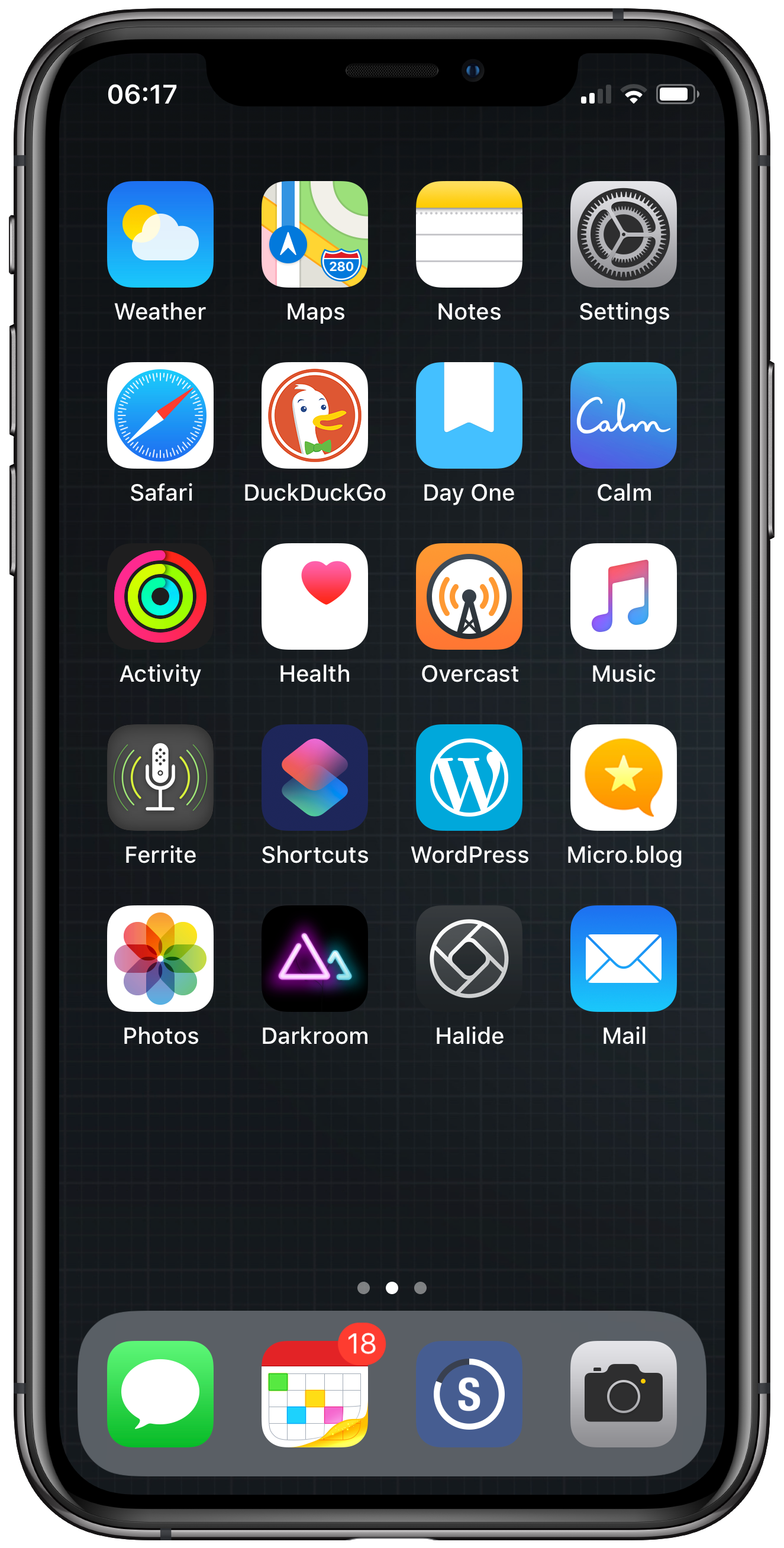
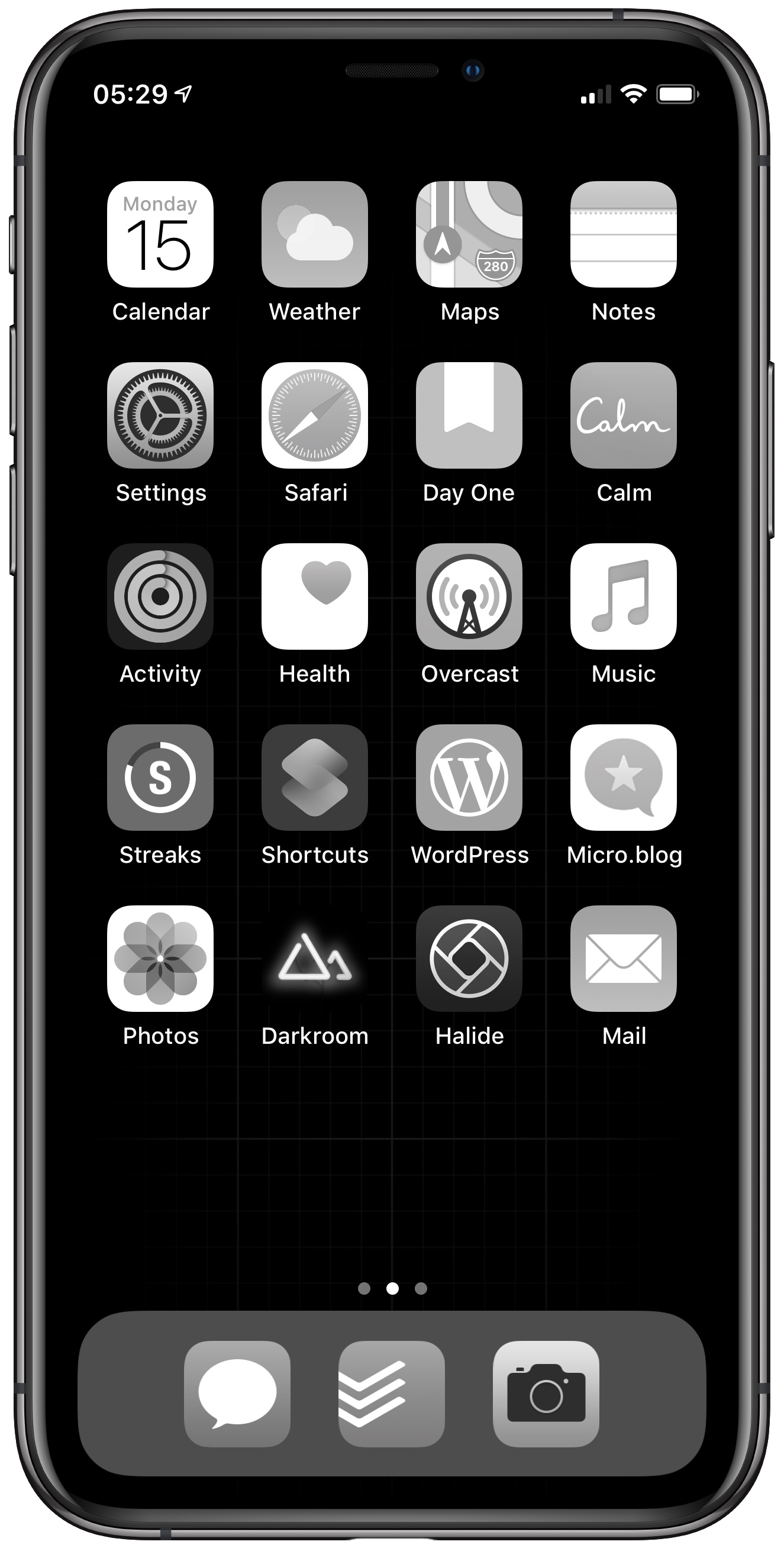
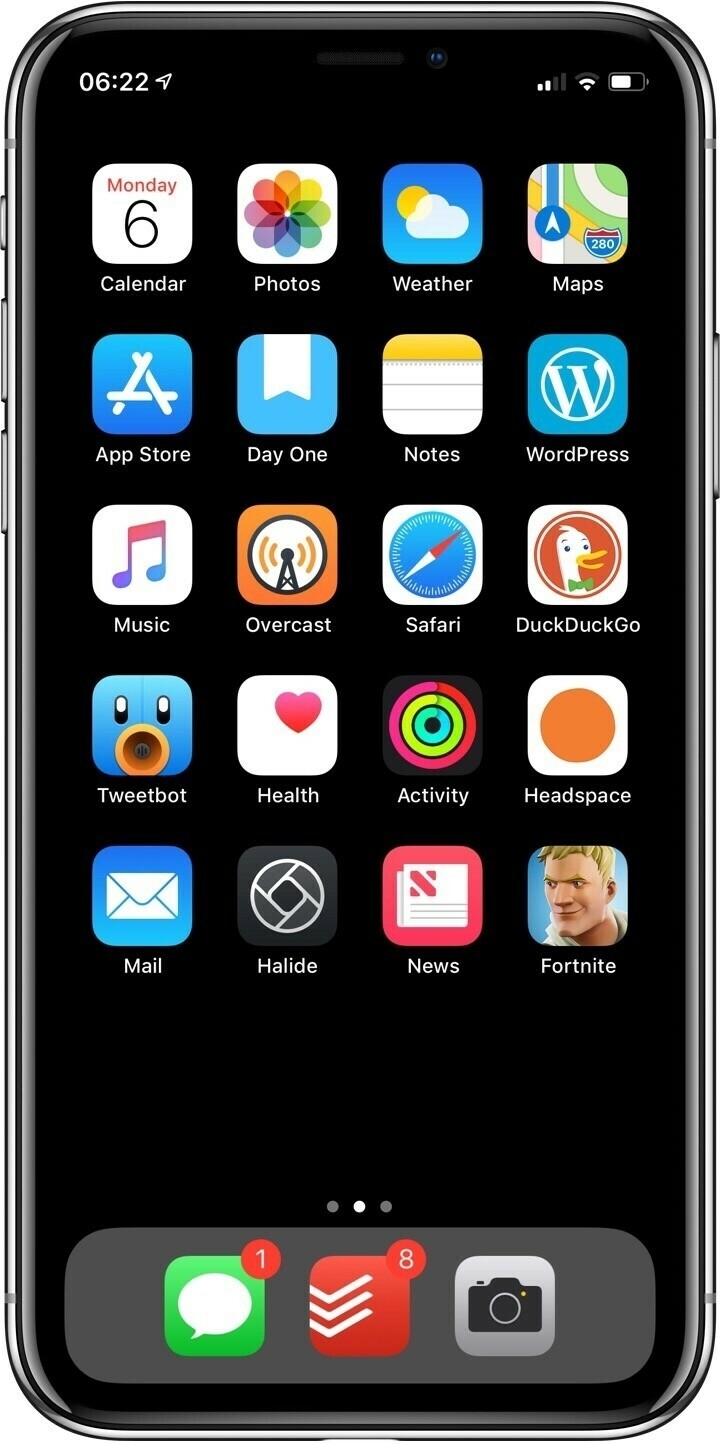
  • iPhone XS home screen (Dec ‘18)

    Last one for 2018 and a few changes.

    • Todoist: I'm back using it for my to do app, more on this in a separate post
    • My daughter is getting into space so we are using the NASA app and Night Sky to learn more
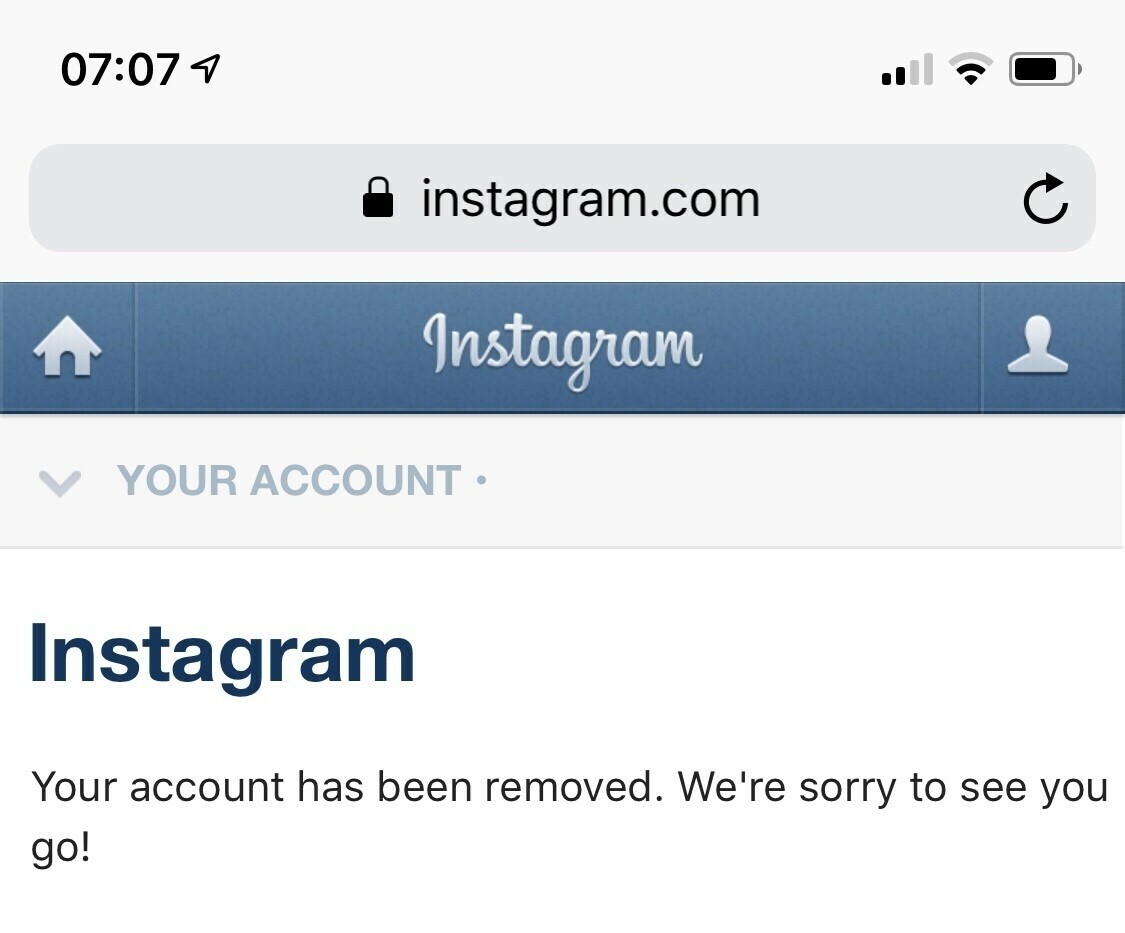
    • No more Instagram, I've deleted everything facebook
    → 7:47 AM, Dec 7
  • How to watch Star Wars Galaxy of Adventures in the UK

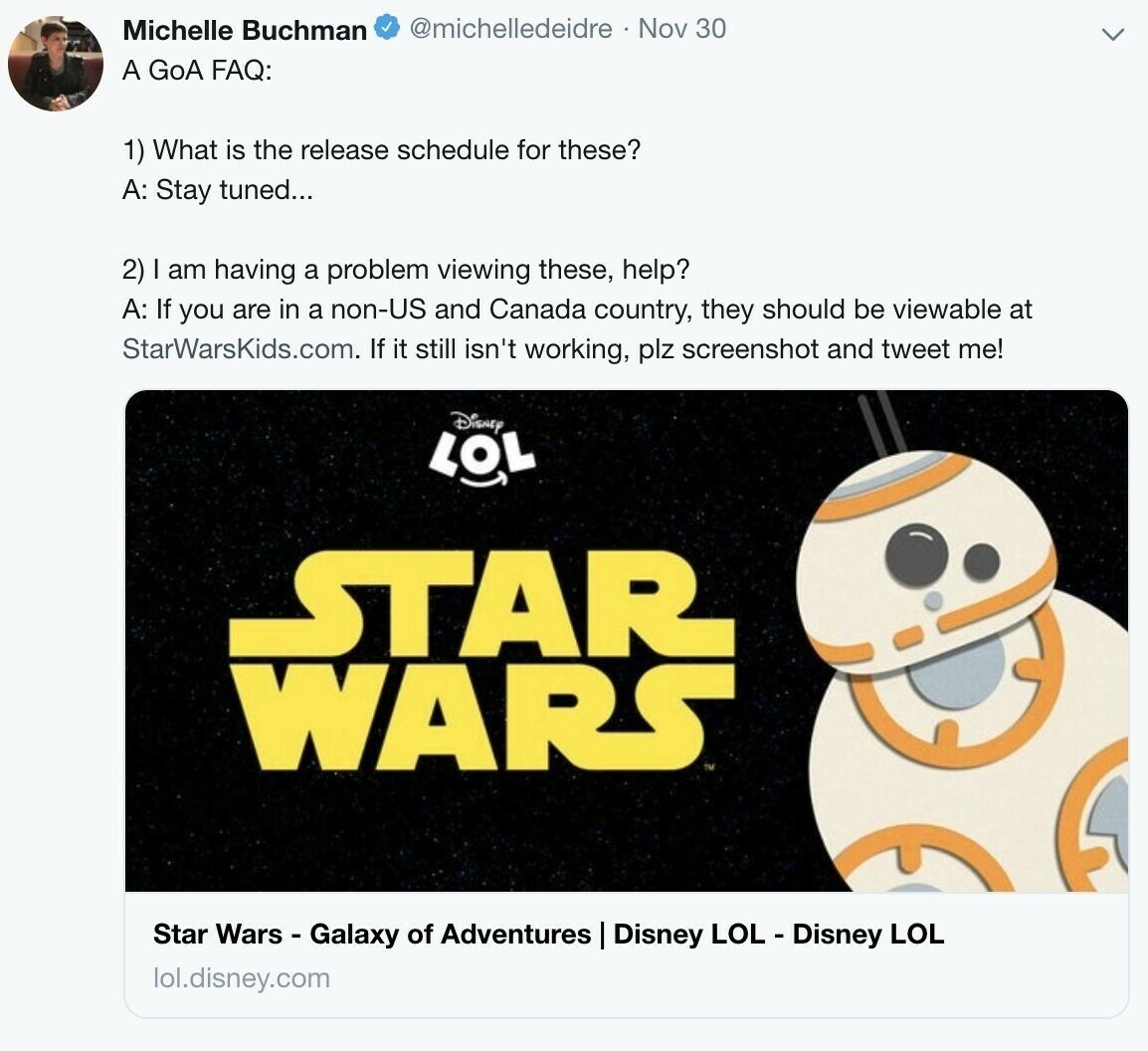
    Myself and my daughter sat down to watch Star Wars Galaxy of Adventures on YouTube only to be presented with this.

    I tweeted out to a few of my favourite Star Wars Podcasters and the social media team (thanks to Michelle Buchman) at Star Wars got back to me.

    Turns out if you’re outside of the US and Canada you will need to use Star Wars Kids.

    → 7:38 AM, Dec 6
  • Podcasting going forward

    With the new year upon us and feeling a little down on my passion projects I’ve decided to close my podbean account and with it iOS Only.

    I’ve thought of a few new ideas but for now I can’t justify hosting costs for the amount of downloads I’m getting. It’s hard for me to pay for all of the infrastructure for this and my blog and I prefer to blog just now.

    I’m looking at alternatives so it might come back in the new year but for now I’ve stopped to take a break and take stock of all of my projects.

    Thanks to those that downloaded and followed along.

    → 7:24 AM, Dec 4
  • How I do a brain dump (GTD, capture, Apple Notes and TickTick)

    I was feeling overwhelmed and my TO DO apps weren’t serving me well so I did a brain dump to get everything out of my head and into a system to bring some calm and planning into my life, something I really need right now.

    1. I took my iPad Pro and the Apple Pencil and created a grided note within Apple notes to give me something to line up my text
    2. I then wrote down areas of focus (health, family, social, recreation, money, house)
    3. Next I created an ‘inbox’ line and proceeded to write everything down that I had in my head
    4. Then I went through the list and put an * next to all of the important ones
    5. Once I had read them all I then had all of my thoughts on ‘paper’

    I’ve been playing around with a few apps but settled on TickTick as an app to try out this month, who knows it might stick.

    I created tags for my areas of focus and then proceeded to copy my list I made above and  get it all in order. I only have 2 projects (blog and podcasting), everything else is categorised using the tags.

    I then went back through and set reminders and repeats E.g. put bins out every Thursday at 3pm.

    I also created a smart list to show me anything that I ‘Must do!’ that I mark as High Priority in the app.

    That’s everything out of my head, now to get on and do it!

    → 9:27 PM, Dec 1
  • My F1 drivers of 2018

    I haven’t written about sports here before, so here goes…

    If you follow me on Twitter I expect you’ll know that I’m a fan of F1, it’s been a love/hate given the TV coverage here in the UK but I still follow along and end up picking up a deal on SKY Sports F1 to watch online. This year I’ve followed 80% of the races live and the rest in highlights. It’s been a good one and although going into next season we lose one of my favourite drivers in Esteban Ocon I’m looking forward to next where most of the teams are seeing driver changes.

    Here’s my favourite drivers from the 2018 season.

    Lewis Hamilton A worthy champion and totally outclassed Sebastian Vettel after the Italian GP. Time after time he delivered a pole lap (including that stunner in Singapore) and there’s not many better than him in wheel to wheel racing. I have a feeling next season is going to be a tough one with Red Bull getting a new engine (reliability not withstanding) and Charles Leclerc in a Ferrari but if the car holds up I can’t see anyone stopping him getting a 6th World Championship.

    Kimi Raikkonen Playing second fiddle to Vettel can’t be easy but Kimi really shone in the second half of the season, right after that pole at Monza. Then moving on from there once it was clear he was moving away from Ferrari he seemed to relax and it was amazing seeing him take the win in the US. I’m really looking forward to seeing what he does in the improved Sauber next season.

    Charles Leclerc A great rookie year and an obvious talent, I can’t wait to see what happens at Ferrari next year - I think he might upset his team mate over the course of the season.

    So, my first F1 post and there’s more to come including looking forward to next season and who to watch out for. If you came to me via my usual tech content I hope you’ve enjoyed (or at least appreciated) the change.

    → 10:00 PM, Nov 30
  • What I'm listening to (Nov '18)

    I thought I’d start to do something fun and share what I’m listening to each month, this isn’t new music but what has gotten me going. Here’s the first 3 that I’ve been listening to most this month.

    (I’m using Apple Music so the links will be pointing towards there).

    • Maneli Jamal: Ambient Sketchbook - I've been listening to this mainly YouTuber for years, it's great atmospheric guitar to work to.
    • Meg Myers: Take me to the disco - Discovered Meg Myers via an Apple Music playlist, if your'e into alternative then check our her new album.
    • Howard Shore: Fellowship Extended - The LOTR trilogy is one of my favourite of all time and the soundtracks are epic, another track I work to

    If you enjoy these and want me to do it each month please let me know.

    → 2:30 PM, Nov 30
  • Writing about your passions

    When I started blogging back in 2008 I wrote about my main passion - guitars and music. I enjoyed doing this for a while then my interest shifted back towards covering more technology subjects, in particular iOS. This was just after I got my first iPhone and I saw the potential in it changing how we go about our day to day lives. It’s quite a few years on and although I have settled on covering iOS I want to branch out and write about my other passions. This is why I started to write in the first place, sharing my views on what I’m interested in.

    I’m becoming a bit jaded with covering Apple all of the time and although I do write about movies here occasionally it’s where my passion is. I sat down and wrote out some blog ideas and most of them were non technology.

    So, I wanted to give everyone a heads up that I’ll be writing about more of my passions - not just iOS. It’ll be F1, Comics, Movies (Marvel/Star Wars mostly), music and photography - I’ll most probably also write about comings and goings in my personal life.

    I hope you join me on this, I understand if you stop following me if you want to see just tech.

    Cheers…

    → 11:18 AM, Nov 30
  • Bright spot on iPad Pro 10.5”

    I came across this thread on the MacRumours forums yesterday whilst investigating an issue I think I have with mine. About an inch up from the home button I have a lighter area of the screen, which is visible on a whiter background and more evident when scrolling. Given this is now a 14 page thread I’m wondering if there is a problem with the 10.5”?

    I’ll keep an eye on mine as I have Apple Care + still valid for a little while but I’ll report back.

    → 5:33 AM, Nov 30
  • Apple Watch Series 4, two months later

    I’ve been using the series 4 since the last week of September so wanted to put down some thoughts on my experience and if I’m glad I updated.

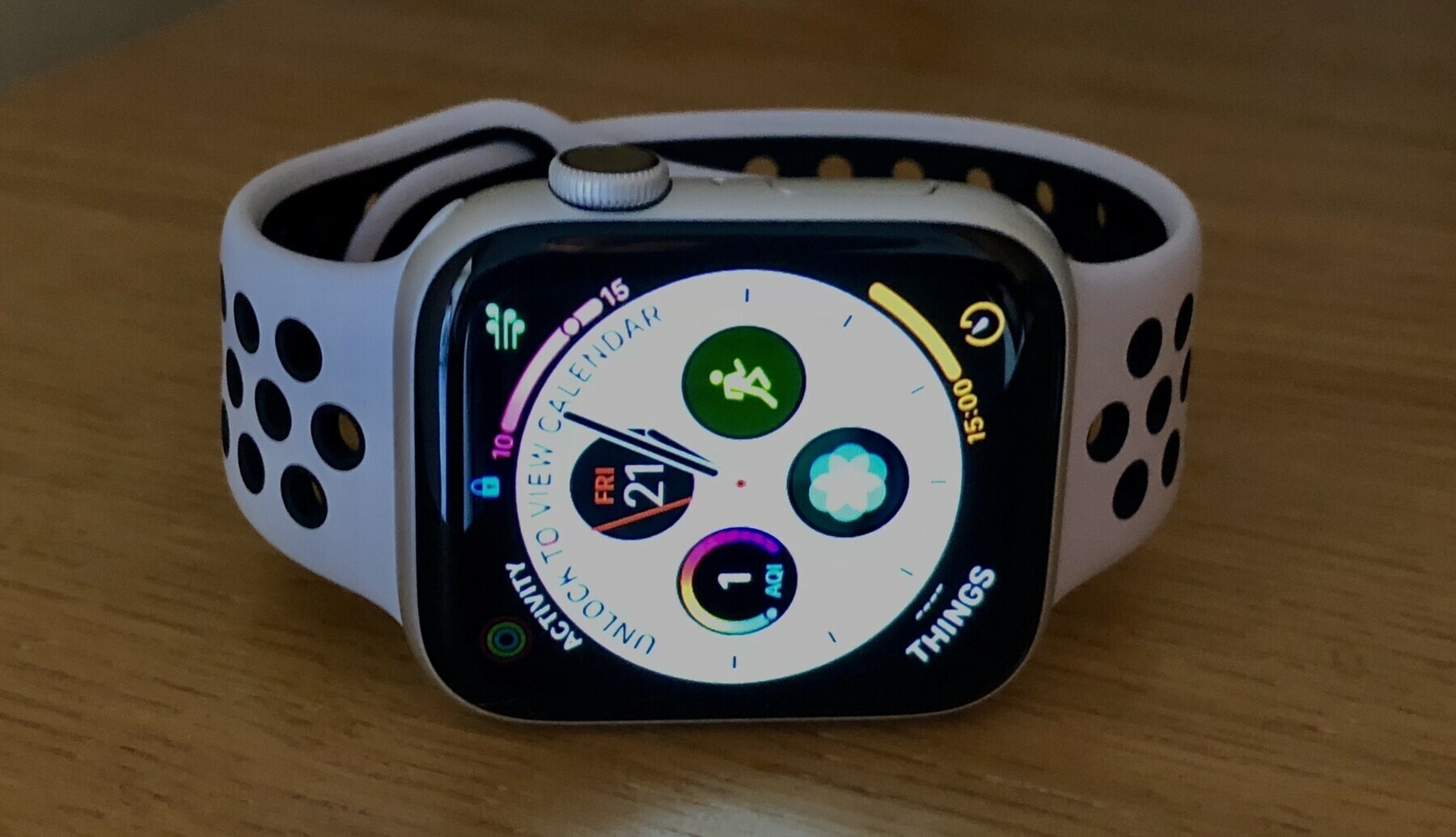
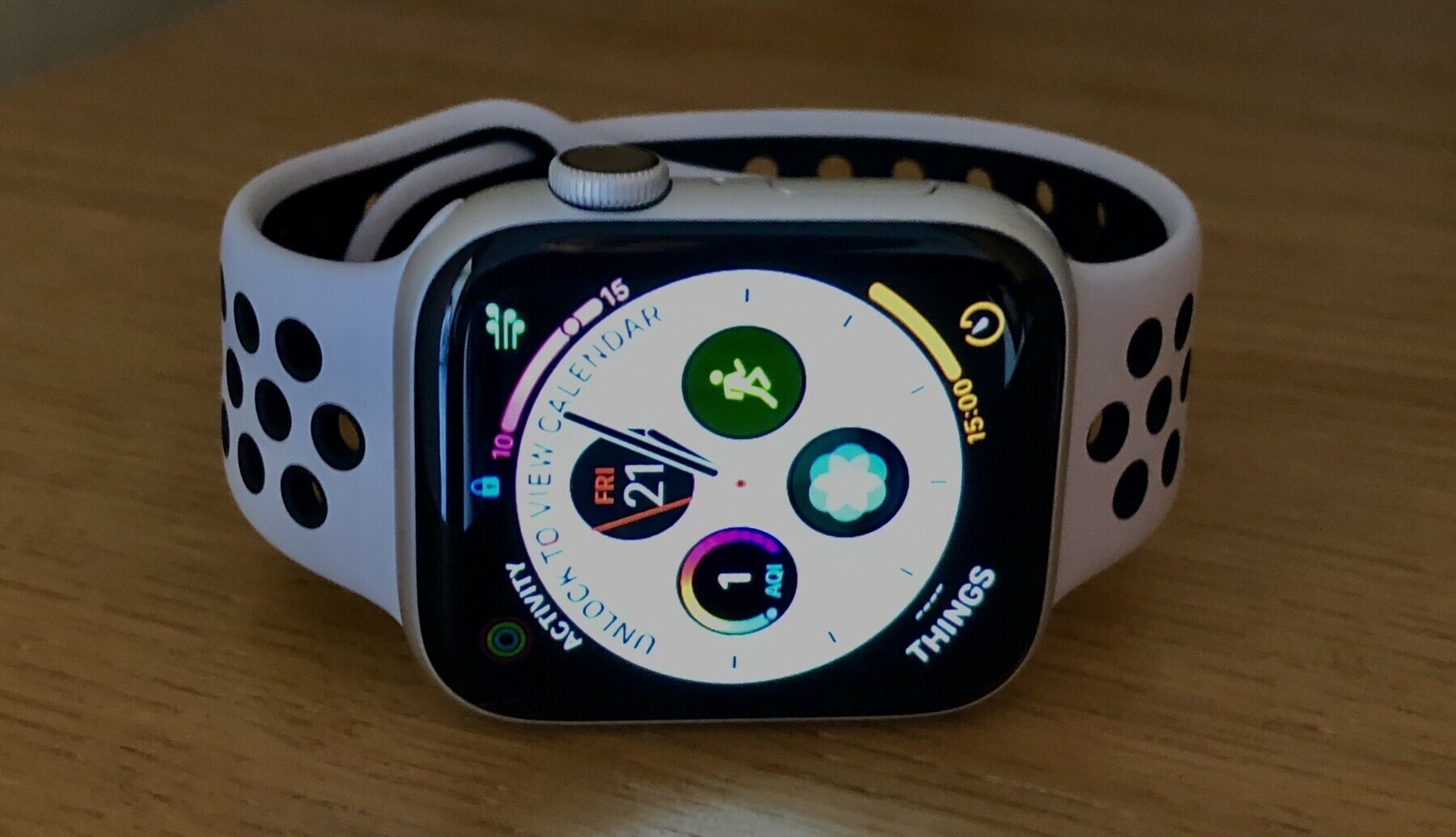
    My model is the 44mm base one without cellular. I’m liking the silver over the space grey this time around but still look at the stainless steel with some envy. For me I wasn’t paying another £300 for the finish, I was never going to be using the cellular connection. The picture above is my most used setup, platinum Nike sports band, which I think looks great with the silver.

    In day to day use it’s the performance that’s won me over with the series 4. I wouldn’t say I’m noticing a big difference in the screen size but I always come back to how much more responsive the interface is. For example in doing a workout on my series 2 I’d quite often have to tap multiple times to get a workout going. Now I just tap and it gets going straight away.

    In terms of charging and battery performance I’m seeing no improvements over the series 2. Battery had never been a problem since I moved from the original Apple Watch up to the series 2.

    Based on my use I’d say that if you’re on a series 2 or older then an upgrade would be worth it. If you’re on a series 3 then I’d stay put and wait another year.

    → 6:50 AM, Nov 29
  • The Wordpress iOS app needs some attention

    I’ve been using the Wordpress for iOS app for a while but lately it seems to be neglected. I’ve had these bugs for a while and the more I use it the more I’m getting frustrated.

    Here’s one example, if you embed images and try to type afterwards quite often you’ll not be able to see what you’re typing.

    Here’s another that’s been there for a while. If you start to type a tag and then pick one from the picker it’ll totally mess up the selection as you can see above. I tapped iOS but it displays ‘I OS’.

    I’m going to start to look at alternatives to using the native app. iA Writer can publish directly so I think I’ll be using that for now.

    → 6:43 AM, Nov 29
  • We still don’t know how well the iPhone XR is selling

    In an interview with CNET Apple have responded to claims that the iPhone XR isn’t doing well by stating it’s the best selling iPhone at the moment and is outselling the other models since release.

    This is fine but how well is it selling? Without numbers this is a pretty useless interview and seems to be a defensive move.

    I’m not proclaiming doom and gloom here but just wanted to take a step back from a lot of pro Apple sites reporting that this is a good thing, for me it doesn’t really prove anything.

    Personally I love the look of the XR but feel it’s still on the expensive side. Recent reports of Apple reducing the price for carriers in Japan and the increased amount they are giving on their give back program has me wondering about how well it’s actually selling.

    I’m really curious how these recent price increases are doing to their sales.

    → 6:09 AM, Nov 29
  • Setting up GoodTask

    Now I’m firmly in the using iCloud camp both Calendar and Reminders have become very important to me. Whilst Calendar is fine Reminders hasn’t seen an update in years. I’ve been raising radars to Apple for years and all my suggestions for improvements have been ignored. I think Reminders is now only updated for compatibility rather than giving us an overhaul.

    This series of Tweets has me looking back at GoodTask.

    I’ve created lists based on my areas of focus and thanks to GoodTask I can see everything that I’ve flagged as high priority with their smart list feature.

    Creating tasks is pretty straight forward and I’ve started to brain dump into the app.

    I’ll post a review in the coming weeks.

    → 7:30 PM, Nov 27
  • iOS Only recording schedule

    At the moment my little podcast gets done once every one or two weeks and I’m trying to figure out a recording schedule going forward.

    For those that listen, what would you like to see?

    My thought is every two weeks.

    → 5:04 PM, Nov 26
  • How I organise Apple Reminders

    I’ve started to only use Apple apps these days, maybe I’m getting old or maybe I restore too many devices. I just can’t be bothered to remember all the log in information for the many to do apps I’ve tried or don’t trust them with my data.

    Here’s how I’ve organised into Apple Reminders.

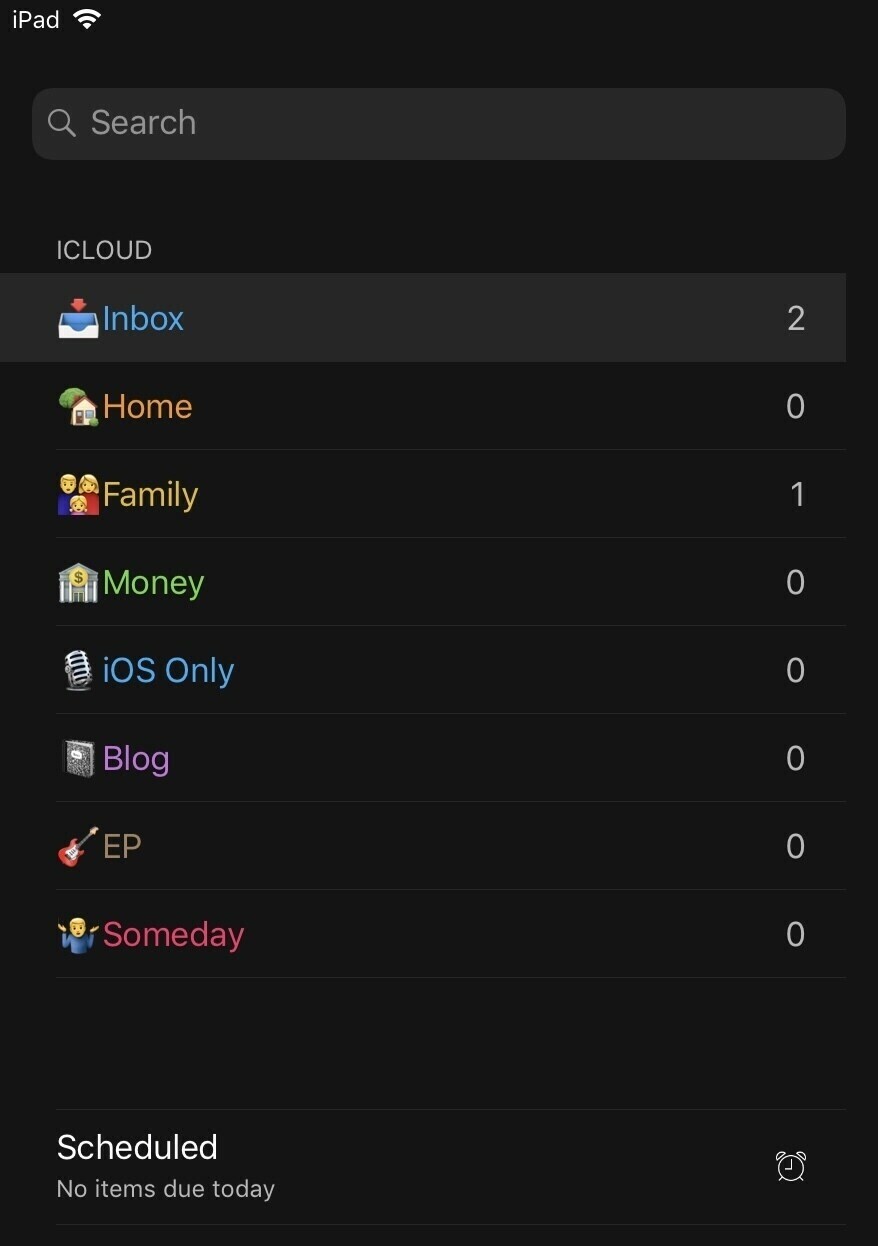
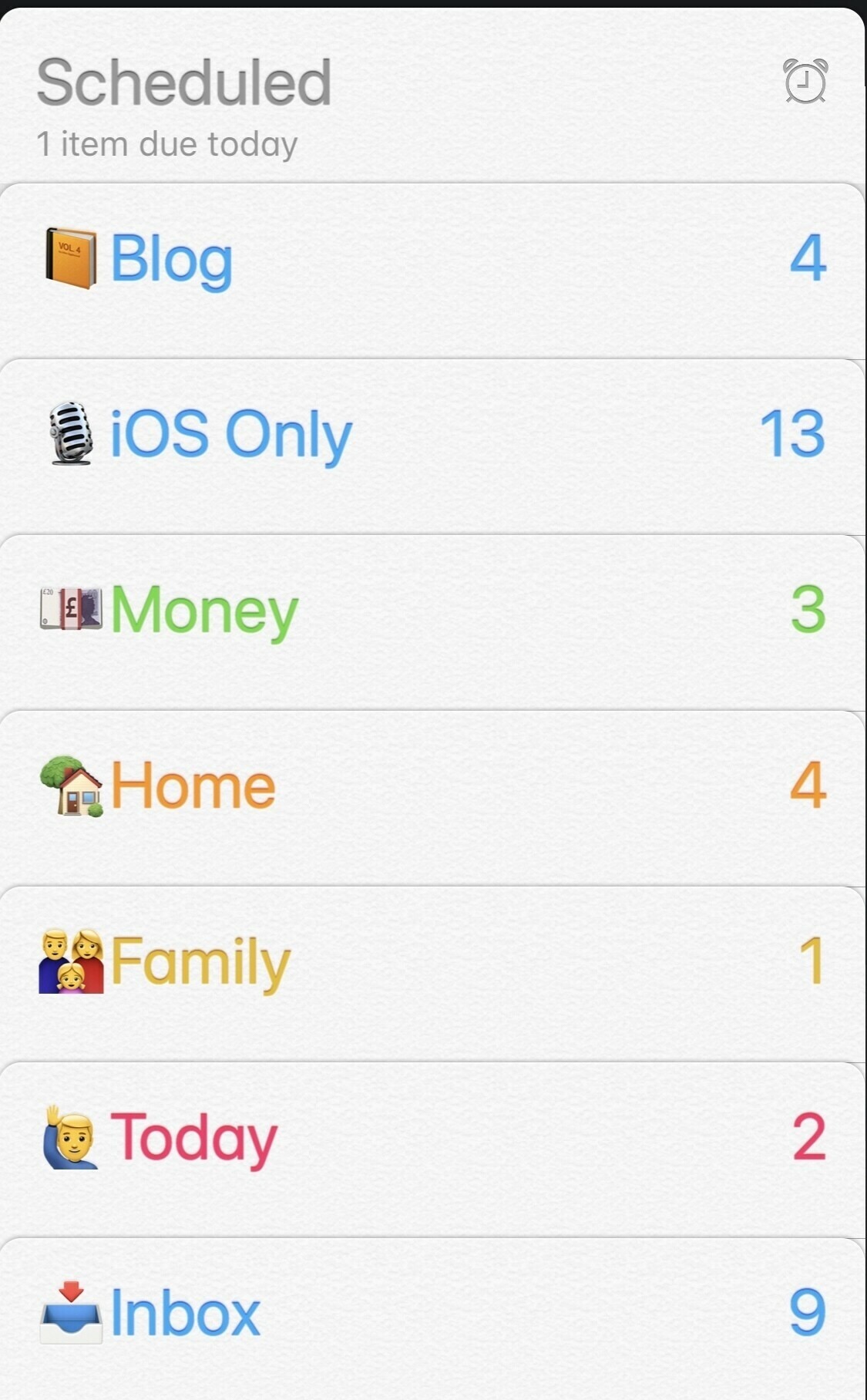
    You’ll notice I have a today/urgent list, which satisfies my need to be able to add a to do with just a date and no time. I use this in conjunction with the Scheduled view to plan my day.

    Do you use Reminders?

    → 4:08 PM, Nov 26
  • Slowly building my readers.

    → 2:39 PM, Nov 26
  • Ant-Man and the Wasp now out in the UK on iTunes

    Really looking forward to rewatching this one.

    → 7:46 AM, Nov 26
  • The site and the podcast might be quiet for a little bit whilst I do some rethinking of the focus. So much content out there already I need to plan out what it is that people are interested in hearing from me.

    → 7:15 AM, Nov 26
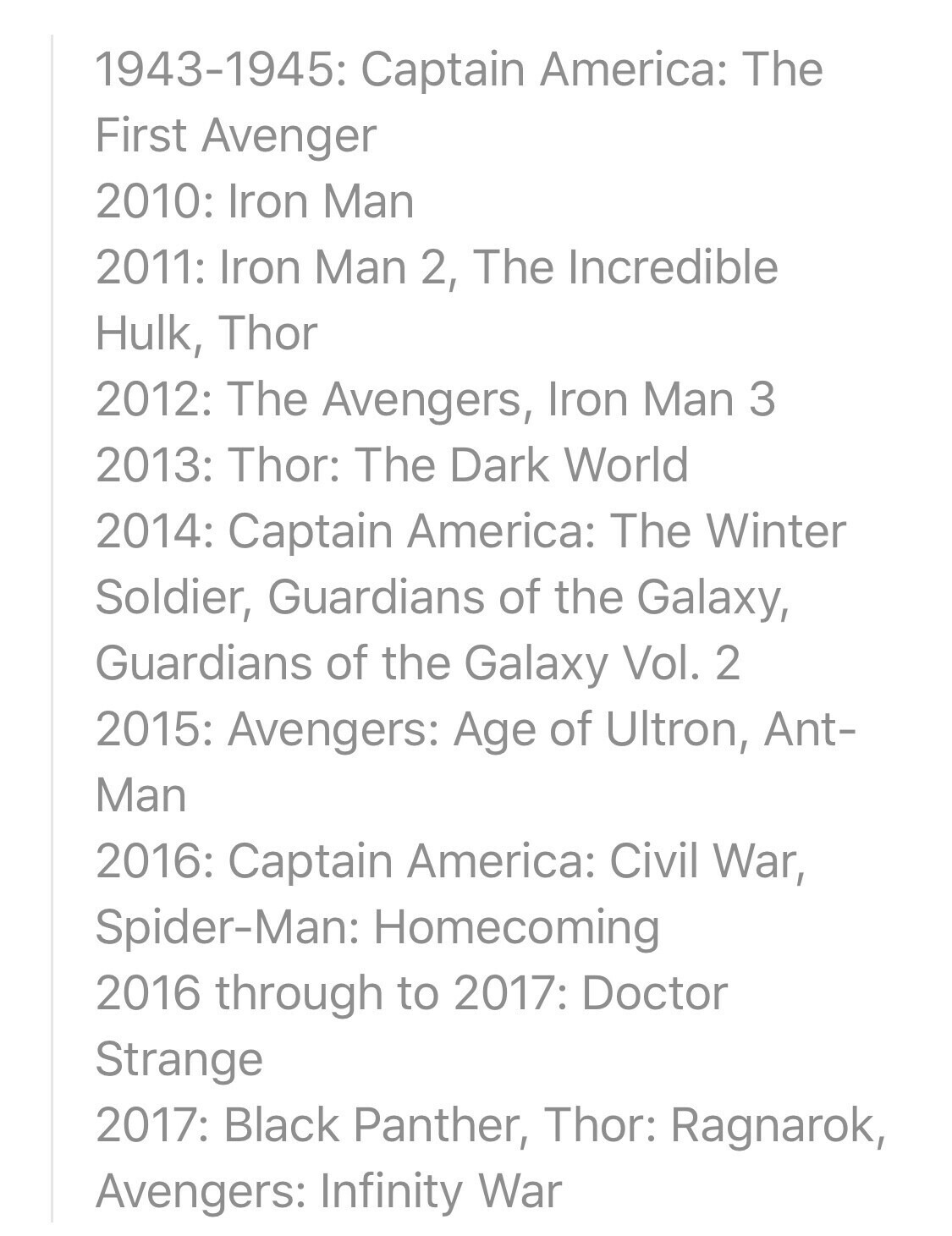
  • The official MCU timeline

    Marvel have released the official timeline of their movies, all makes sense to me.

    update:

    • 2018: Ant-man and the Wasp
    • 2019: Avengers: Endgame

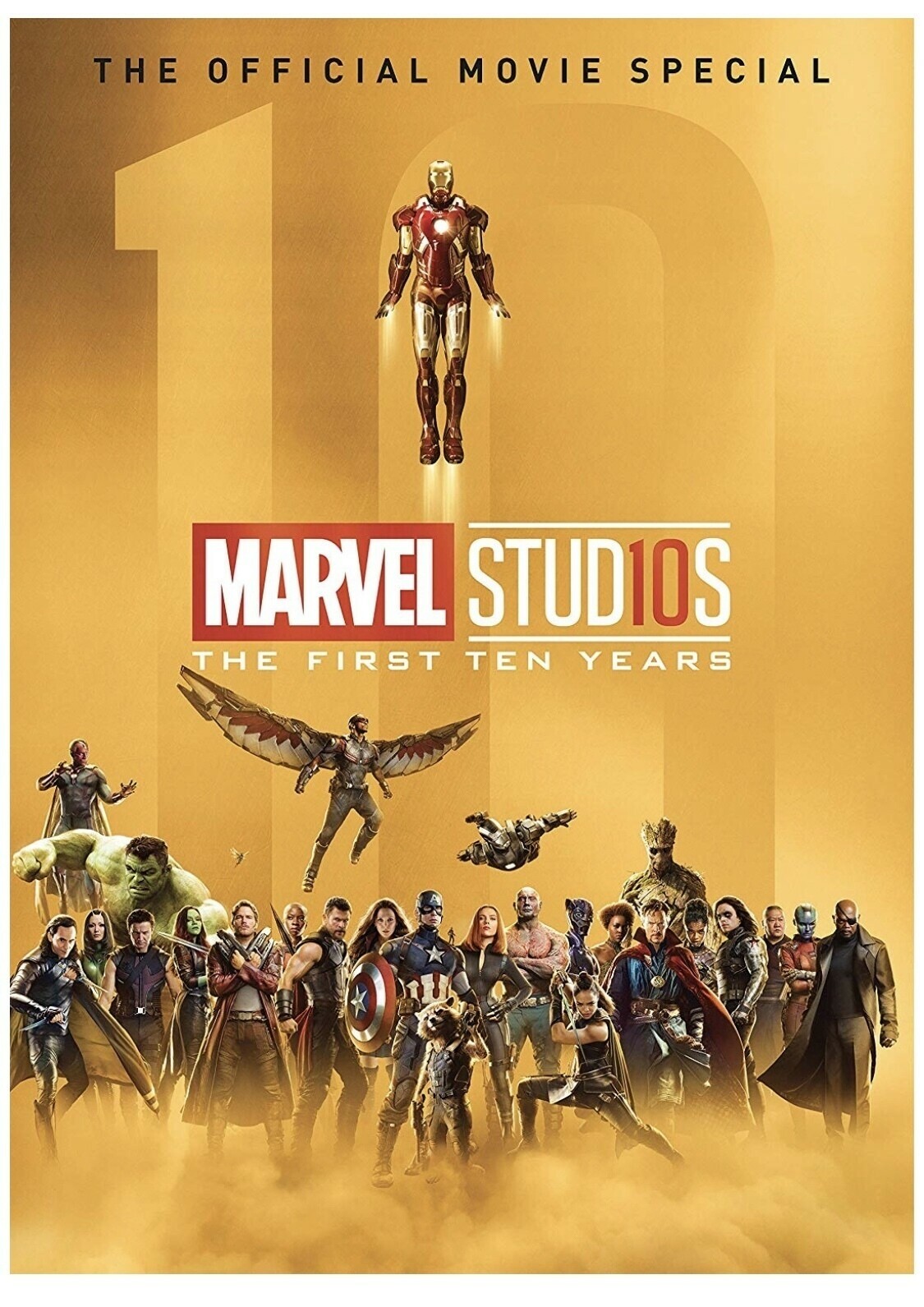
    This can be seen in the following book (unfortunately went out of stock before I could nab one).

    → 4:20 PM, Nov 22
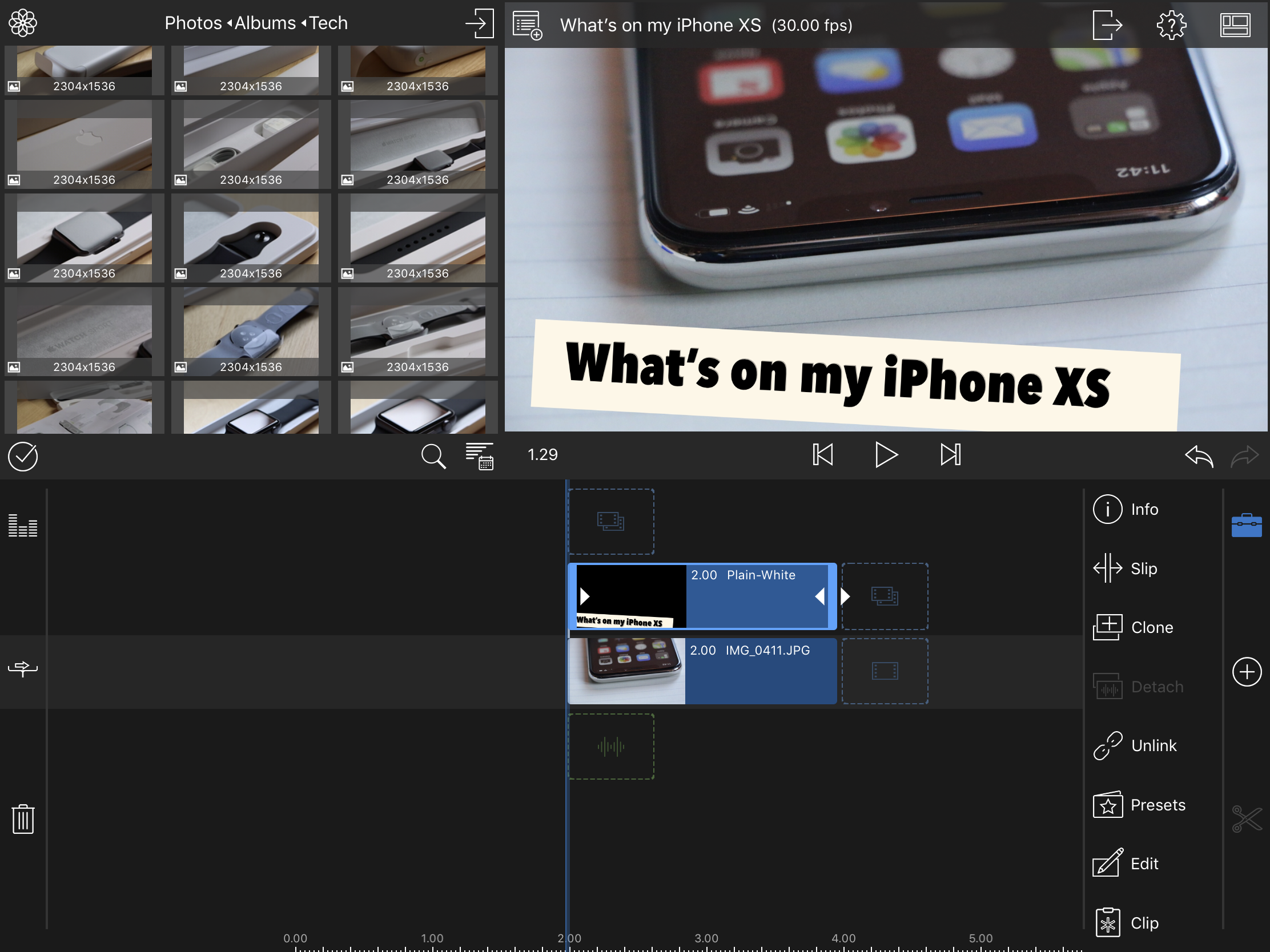
  • What’s on my iPhone XS

    Another video from me about what’s on my iPhone.

    Head over to YouTube.

    → 1:38 PM, Nov 22
  • How to save stories to read later in Apple News

    Thought I would started to do some video to highlight how to’s. Gives me practice and also sometimes it’s easier just to show than write it down.

    Head over to YouTube.

    → 4:09 PM, Nov 21
  • Hands on with the new iPad Pro

    https://www.podbean.com/media/share/pb-7y46e-9fcd69 Ljpuk.blog

    → 10:33 AM, Nov 21
  • Editing my latest video on the iPad Pro turned out very enjoyable. LumaFusion really is an excellent bit of kit. I recorded with a Canon 70D and imported to the iPad via SD card reader.

    → 7:49 AM, Nov 21
  • Desk Tour (edited on the iPad Pro)

    Quick LumaFusion experiment.

    See the video.

    → 10:10 PM, Nov 20
  • I’m having a rethink about the podcast at the moment. I can’t tell which analytics to trust but if it’s based on Apple no one is listening. I’ve got some ideas around a podcast that doesn’t stick me to talking about iOS. I’m also looking at a video project.

    → 12:43 PM, Nov 18
  • Getting started with LumaFusion

    Thanks to the suggestion from Andy over at The Dent for suggesting LumaFusion for video editing on the iPad. I’ve installed and started to play around in it. Intuitive so far so time to get into some video projects.

    → 9:00 AM, Nov 18
  • So many create projects going around in my head. Expect to see some changes around the podcast and I’m also going to try to get back into video.

    → 7:37 AM, Nov 18
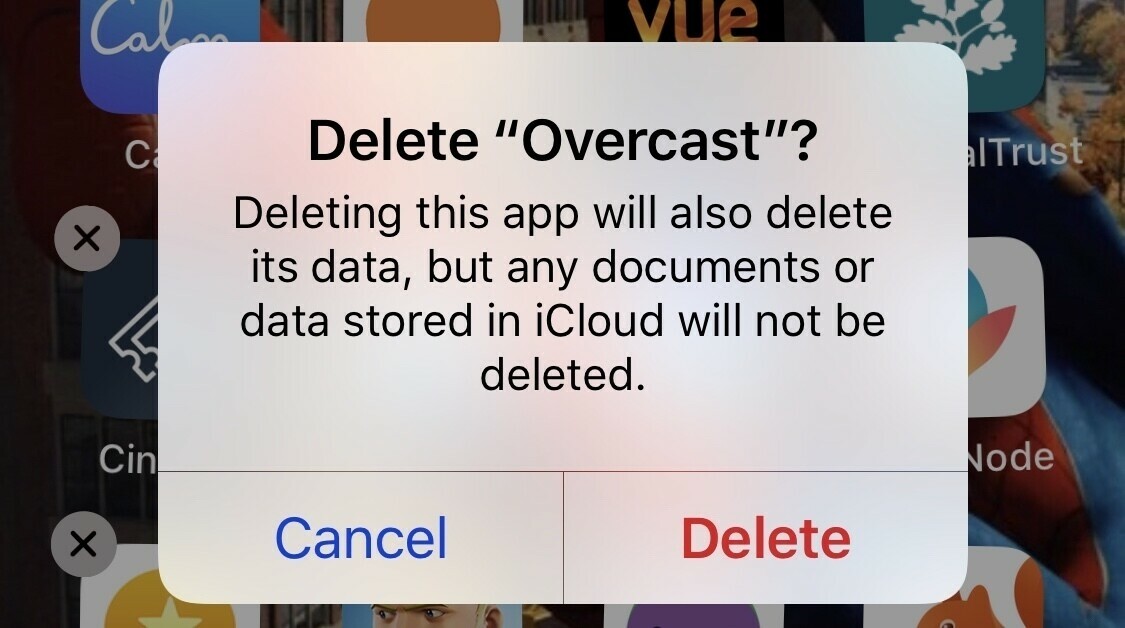
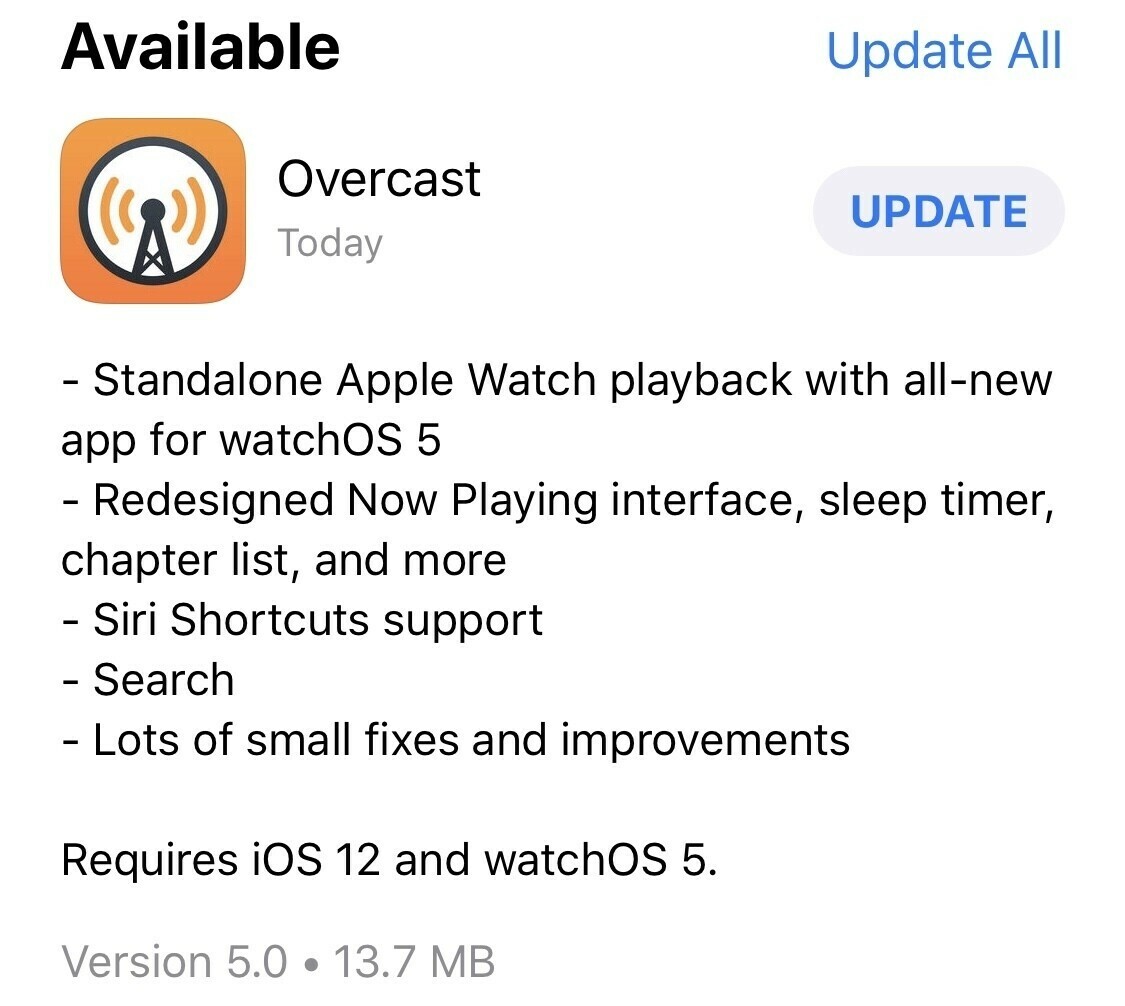
  • Moving to the Apple podcast app

    The straw broke the camels back today when using Overcast. I’ve been having multiple issues including random crashes and this morning my phone was playing a podcast with no app running. Overcast has lost my trust.

    I’m giving the in built podcast app a go, wish me luck.

    → 11:50 AM, Nov 17
  • Don’t buy the Apple Silicone case

    I’ve never been a case guy but over the last few months I’ve been going between the Apple Silicone and Leather cases. I’m using an old black X silicone case on my XS and a saddle brown leather XS one.

    After testing both a lot I’ve come to the conclusion I really don’t like the silicone. It might be the fact I have the black version but

    • It picks up everything it touches
    • It's almost too much grip to get it out of your pockets quickly
    • It wears on the edges really badly and already frayed and breaking
    • Now it's worn it feels sticky, not in a good way

    So I just can’t recommend it. At £45 this is one of the worst value for money propositions Apple gives us.

    Avoid and if you’re ok with animal products get a leather one instead.

    → 7:55 AM, Nov 17
  • I’m finally free from Facebook

    At the beginning of the year I’d decided I’d had enough of contributing to Zuckerberg’s empire and made a decision to leave Facebook. I knew I’d miss updates from my friends but mostly my feed was manipulated anyway just to see (almost always negative) news, which wasn’t good for my general wellbeing. This on top of the privacy concerns and their apparent lack of valuing anyone was the final straw. My problem was that I’d removed my phone number but two factor was still turned on. I was locked out.

    I didn’t use it for 11 months, I had an inactive account. As far as Facebook was concerned I wasn’t an active user, this is a good thing to hurt their numbers. My issue was my data was still there. Well this weeks revelations was enough for me to sit down and figure my account out. I had to send in a redacted passport, removing all my info aside from the basic they needed. Within 5 minutes I had access again.

    I checked my feed and notifications and then download my photos in an archive. Something to be fair Facebook make easy. Once I had this archive (html) downloaded to iCloud I proceeded to delete my account.

    I was free, well not quite.

    I also had an instagram account, something I quite like using. I had to stick by my principles on this one and deleted that too.

    I can get my photo fix elsewhere, it wasn’t worth keeping my account and supporting this immoral company anymore.

    So, end of 2018 and I’m finally free of using any Facebook properties - it feels great!

    → 7:32 AM, Nov 17
  • Hands on with the new iPad Pro

    I finally managed to spend some time with the new iPad Pro, both the 11” and 12.9”. I also managed to try the new keyboard and pencil.

    Remember these impressions are from someone with a 10.5”.

    First thing I noticed was how light they were, especially the 12.9”. In my hand it still felt like a tea tray, large screen - a little too big for me. Weight was great but screen too big to be my only iPad. I was more attracted to the 11”. The screen was very impressive but not a huge leap from a 10.5”. I didn’t test FaceId. It did feel weird using a iPad without a home button but as an iPhone X user I’d imagine I’d get used to it quickly. If I were to get one someday I’d get the 12.9” and keep my 10.5”, a desk iPad and mobile iPad.

    The keyboard felt as per the one I use everyday on my 10.5”. The angles weren’t any better I’d say in my quick testing.

    The most impressive thing about my hands on with the new gear was the Pencil, wow it really is a step up in quality. It’s matte finish makes a big difference but the most impressive thing was the decrease in weight. It felt a lot more comfortable than the version I’m using. Here lies one of my frustrations with the new hardware, it’s not backwards compatible. I’d happily pay for a new one but I won’t buy a new iPad for it. Snapping it onto the top to sync and charge is also a game changer.

    Overall the new hardware I found to be great in my 15 minutes or so but it wasn’t compelling enough for me to take a loss on the 10.5” and spend a load of money on a new one.

    → 5:37 PM, Nov 16
  • I’ve stopped using Google on iOS

    I’ve had a love/hate relationship with Google and their services over the last year and finally decided to stop using their products on iOS. This means that I’ll be using iCloud for my mail and Apple Maps, which actually works pretty well for me. When I refreshed my iPhone and iPad I decided to not sign into Google for my mail in settings or the Google sign in for their apps. I don’t entirely trust what iOS is giving them access to.

    This also means that YouTube is a service that will stick with my main TV. This isn’t actually a bad thing as it means I have less distractions to stop me from being productive on my mobile devices.

    The only issue I’ve run into so far is my micro.blog app won’t work as I need to authenticate using gmail. So I won’t be using it and will use the Wordpress app to post my thoughts instead.

    Let’s see if I can make it.

    → 7:10 AM, Nov 16
  • Will Chewie be in the Captain Marvel movie?

    (Spoilers for Captain Marvel ahead …)

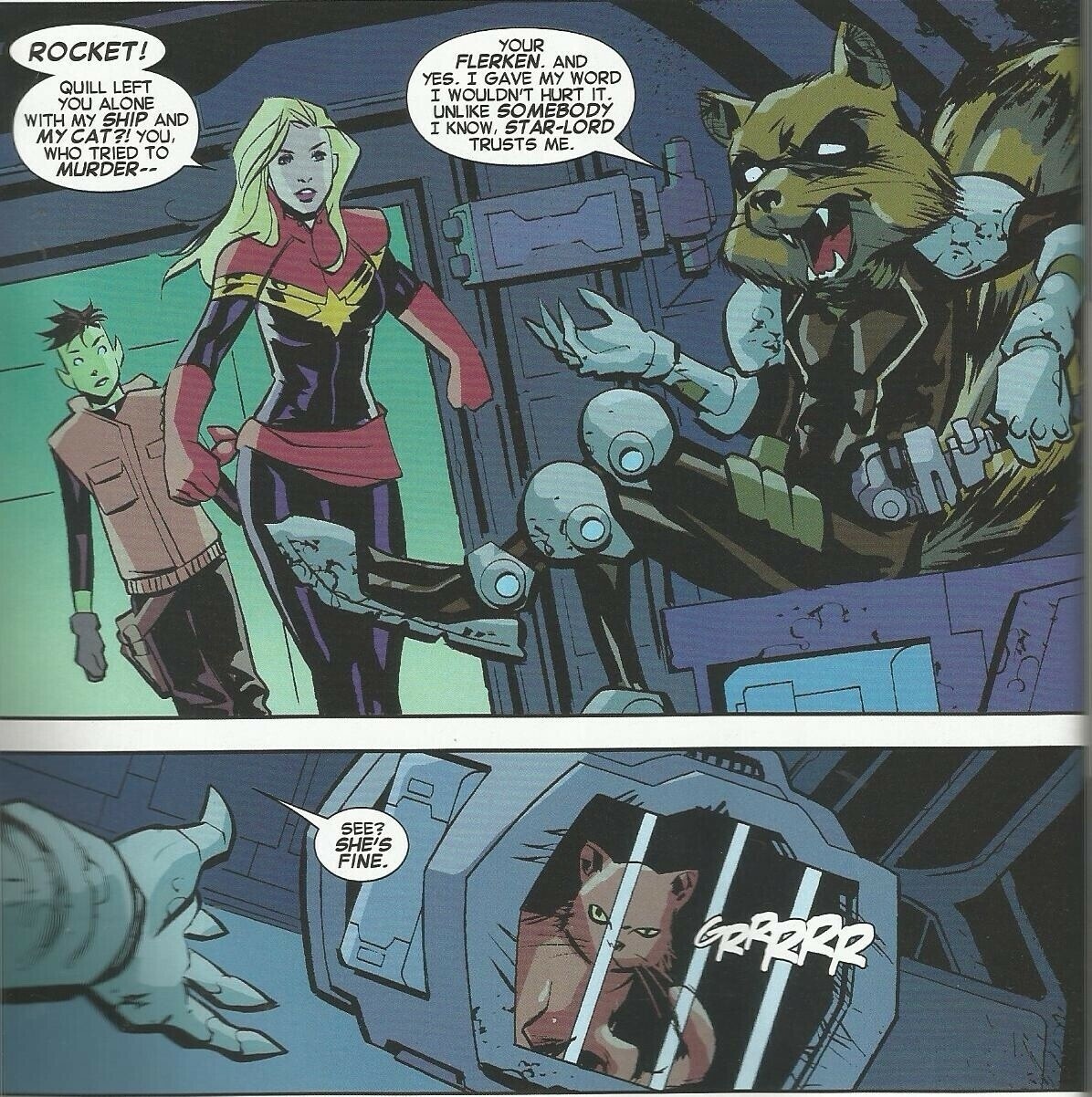
    Now I’ve been reading a lot of Captain Marvel, particularly the Kelly Sue Deconnick run I spotted something new on the Captain Marvel poster.

    If you look in the bottom left you’ll see what looks like the back end of a cat.

    This appears to be Chewie, her cat (who happens to be an alien called a Flerken).

    In the comic book there’s some great interaction between Rocket, Chewie and Captain Marvel that won’t make it into the movie but I’m really curious how they are going to take on the character of Chewie.

    I’m thinking it’ll just be a cat for this movie, if we get a second then maybe it’ll go more into what Chewie actually is but I think the first movie will be so packed that there won’t be any time to get into it.

    What do you think?

    → 6:46 AM, Nov 16
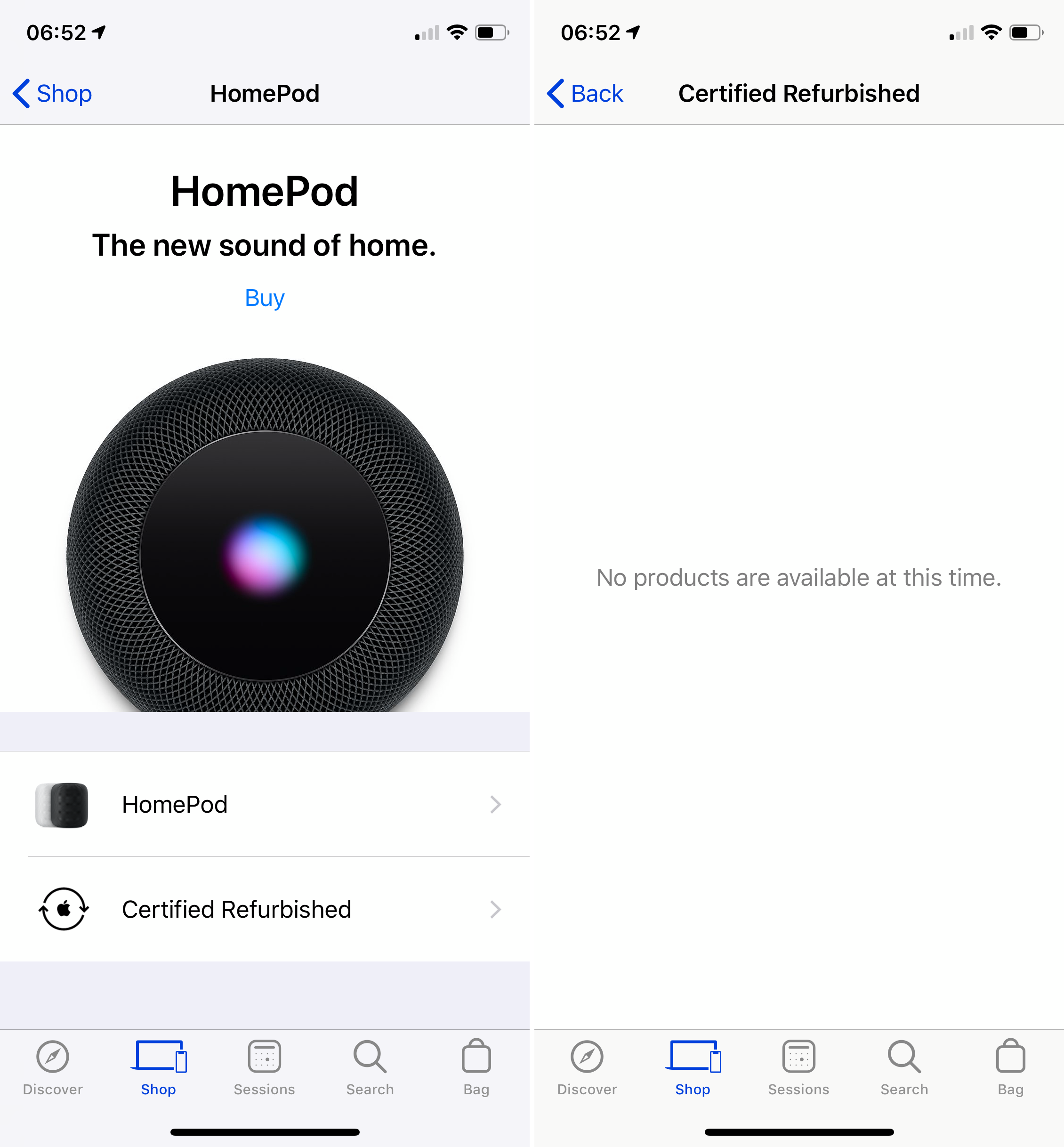
  • Apple gets ready to sell refurbished HomePods in the UK

    Nothing available but looking at the store here in the uk it’s just a matter when they’ll add stock. Guessing they will be £299.

    → 7:54 AM, Nov 15
  • iPad Stickers

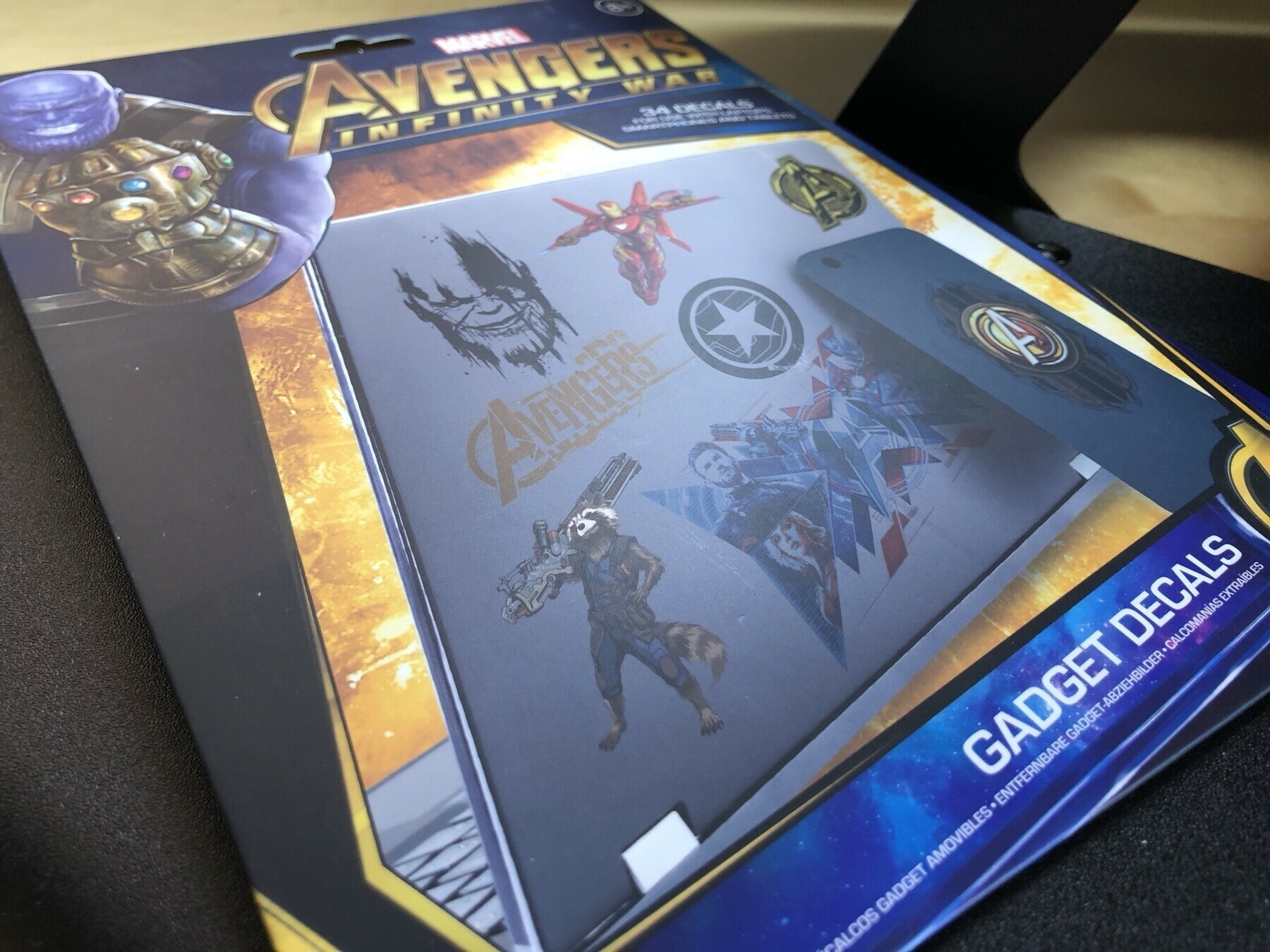
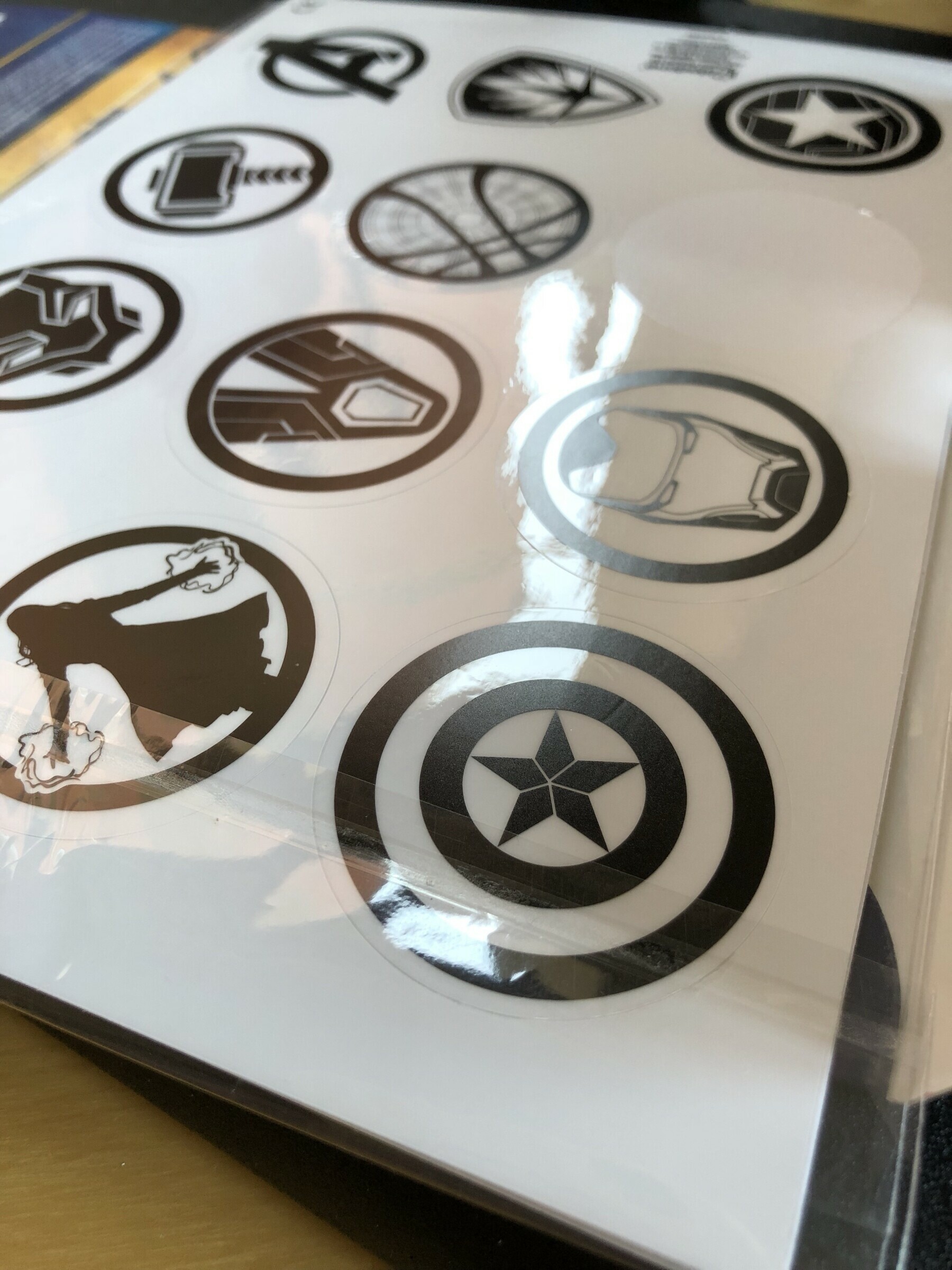
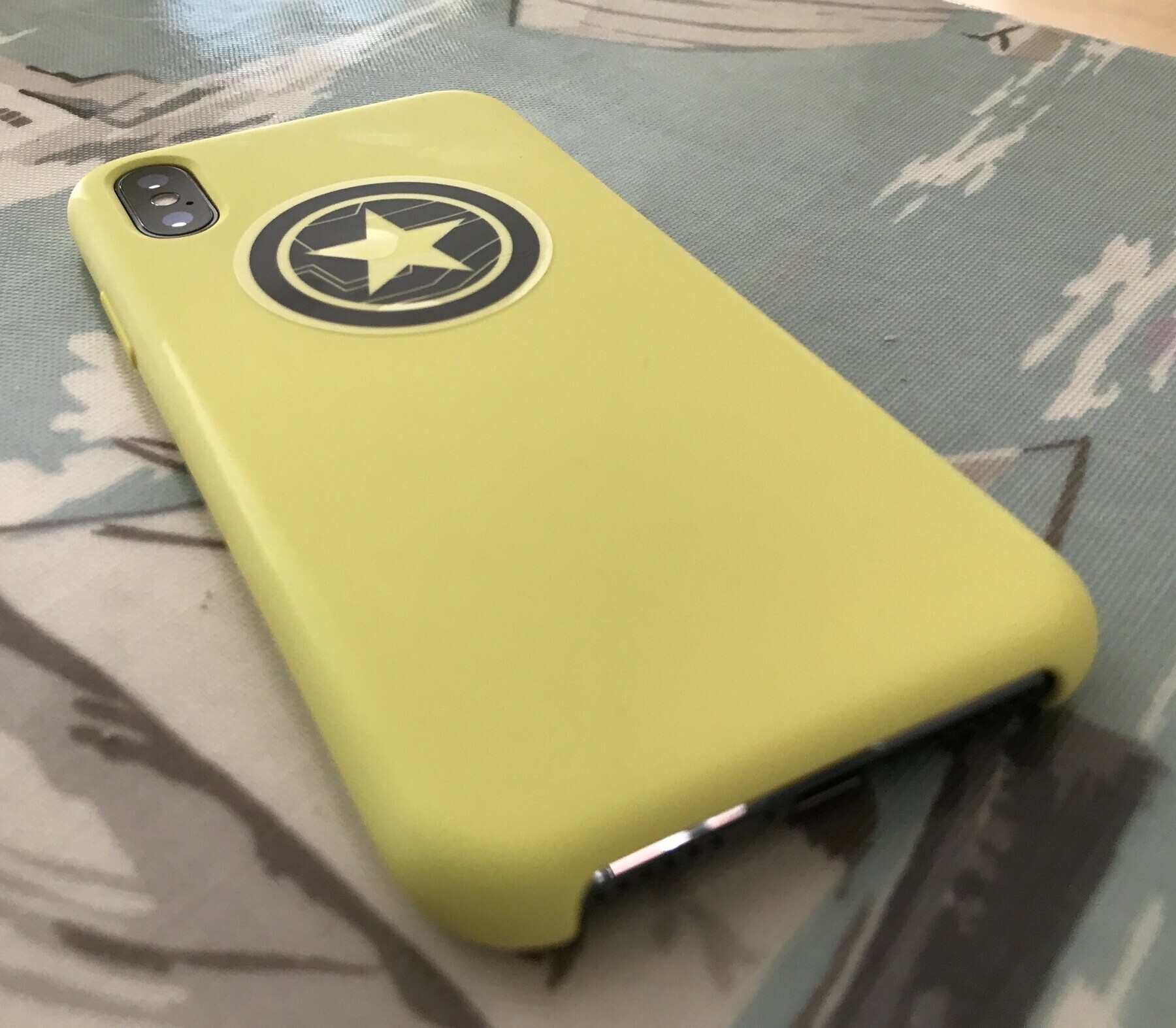
    If like me you like to personalise your gadgets a bit you’ll love these sticker packs I discovered on Amazon. There is no way they are licensed but for just over a fiver you get 100 to put on your favourite devices. I always put them on my iPhone cases and iPad. Technology should be colourful and more importantly yours.

    I’ve not gone to town sticking them everywhere yet but I will be in the coming days. These are the Marvel set but I also have a Star Wars pack coming soon.

    Here’s the (affiliate) link.

    → 4:17 PM, Nov 14
  • iPad Pro review roundup

    After reading a few new reviews I thought I’d post some of my favourites.

    Six Colors

    The Dent

    Matt Gemmell

    Austin Mann

    MacStories

    Chris Lawley

    → 6:19 AM, Nov 14
  • Moment releases a new 58mm lens

    I’ve been wanting a moment for a while, think I’m jumping in on this deal.

    → 7:48 PM, Nov 13
  • Apple Smart Keyboard durability

    As you most probably know I use the Apple Smart Keyboard cover, in fact I prefer typing on it than my 12” MacBook. I’ve owned my current version since June 2017, so at almost 18 months use I thought I’d report back on the durability.

    For me the keyboard cover is attached to my iPad about 80% of the time, I carry it between meetings in work and it goes into my bag to form as protection to the screen. I’ve also dropped it a couple of times and it’s protected my iPad both times.

    Overall for the 18 months of hard use I’ve given it I’d say it’s held up well. For the money I feel it’s a little on the expensive side but worth it if you keep hold of your iPad for more than a year. If you change your iPad each year don’t invest in one because it’ll be another couple of hundred that you can put towards Apple Care + or the iPad itself, these things aren’t getting any cheaper.

    Where I’d like to see it improved

    I’m yet to try the new iPad Pro and it’s new Smart Keyboard, I’m staying as far away from an Apple store as possible - especially if I have access to a payment method but from my experience of the current 10.5” here is where I’d like to see improvement

    • Improved stability if using on my lap, the 10.5" is a little narrow and doesn't feel stable when I'm using it on the sofa
    • Improved screen angles, not a couple but like the Microsoft Surface and more like a MacBook. I'd like to be able to adjust to wherever I'd like (if you know a good third party that does this please let me know)
    • More durable material, as you can see in the images of mine the edge of the keyboard has frayed so I'd like to see some harder wearing material
    • Bit more affordable, I know I know this isn't going to happen 😊

    [gallery ids=“1075,1077,1078,1079,1080” type=“rectangular”]

    → 3:30 PM, Nov 13
  • My iPad Pro setup

    I’ve had my 10.5” iPad Pro since June 2017 and now the newly designed one is out I thought I’d provide an update and thoughts on using it as my daily “computer “.

    As you can see I’ve customised it somewhat (sticker haters look away) and I have the Smart Keyboard and Apple Pencil almost always attached. I’ve held off with an update to the hardware this year, for me I can’t justify the price increases when I have an iPad I’m happy with.

    Anyway, I digress.

    So I’ve got the 256GB with a few movies that like to rewatch when I’m on the go (Avengers: Infinity War, various Star Wars including Clone Wars which I’m working my way through) and most of my music downloaded locally. Across all of my devices I go for as much storage as I can afford. Another reason for staying put this year as I can only afford 64GB, Apple this should be 128GB as the base model but that’s a topic for another day.

    I’m my 9-5 job I’m still using Notebility to take on the fly meeting notes and sketches that I can take into more formal documents as reference. These are often server architecture diagrams that I can easily export as PDF and share. I have tried Apple Notes but I find the pen tools more satisfying in Noteability.

    Outside of my day job I obviously blog and podcast so for that I’m using Noteability again to write show outlines and ideas. My posts are either written directly into the Wordpress app or iA Writer.

    For podcasting I’ve gone more basic and nowadays using my iPhone with Ferrite. I’ll either use my Yeti Mic or just the headphones. I find either work fine for my micro-casts, I’m no ATP yet.

    I’ll upload to podbean via mobile Safari, which works well. This handles distribution.

    If I want to try to relax and do some sketching I’ll use Procreate.

    Photo editing these days is done via Photos. Even if I’m importing via my DSLR I’ll often touch up in Photos rather than use a dedicated Photo app.

    I’m not going to talk about productivity because I change my mind so much!

    Durability wise my 10.5 has held up well. I don’t baby my tech but I’m not abusive to it either. The screen is fine but remember I used to use a matte screen protector until about a month ago. The edges have a few nicks where it’s gone into my camera bag and general moving around. The back has some scratches but overall great.

    The keyboard hasn’t fared so well and the corners are starting to fray but it works just fine.

    Apple Pencil has some scratches but continues to work well.

    So that’s an update from me, what apps and setup are you using for your iPad?

    → 8:08 AM, Nov 11
  • Home screen Nov ‘18

    → 8:15 AM, Nov 10
  • Why I returned my iPhone XS Max

    I’ve talked a little off on the side about this but wanted to put it down in a separate post. I traded in my X and went all in with the XS Max (camera made it worth it for me). I’d struggled with the Plus models but wanted to give it a go based on how it felt in my hand at the store.

    I kept it for a week but ultimately returned it for the XS, here’s why.

    • I always felt like I was going to drop it. It's a two handed device, I like using one hand when I'm out and about.
    • I didn't want to increase the size with a case, which made it even more likely to break.
    • I felt it was too heavy and heavy in general. Getting back to an XS just felt right (for me).
    • I didn't see any advantage of having the larger screen. Yes a bit easier to see but I didn't see any benefit in app layouts.

    This time my RSI was fine but I just feel more comfortable with the 5.8” version that I can carry around and use with one hand more easily.

    → 7:52 AM, Nov 8
  • Discussing Apple price increases

    Really interesting Reddit thread here discussing the increases in Apple prices this year. Interesting how similar I feel to a lot of the sentiment in there.

    Personally now I’ve taken a step back at least it’ll encourage people to hold onto their tech for as long as possible but there are going to be people switching platforms over this. For me I’ve accepted Apple are going to try to get as much as possible out of its existing user base with their sales falling or flat.

    As i’ve already written up I’ve been priced out of a new iPad Pro but my 10.5” is fine and works well.

    → 7:29 AM, Nov 8
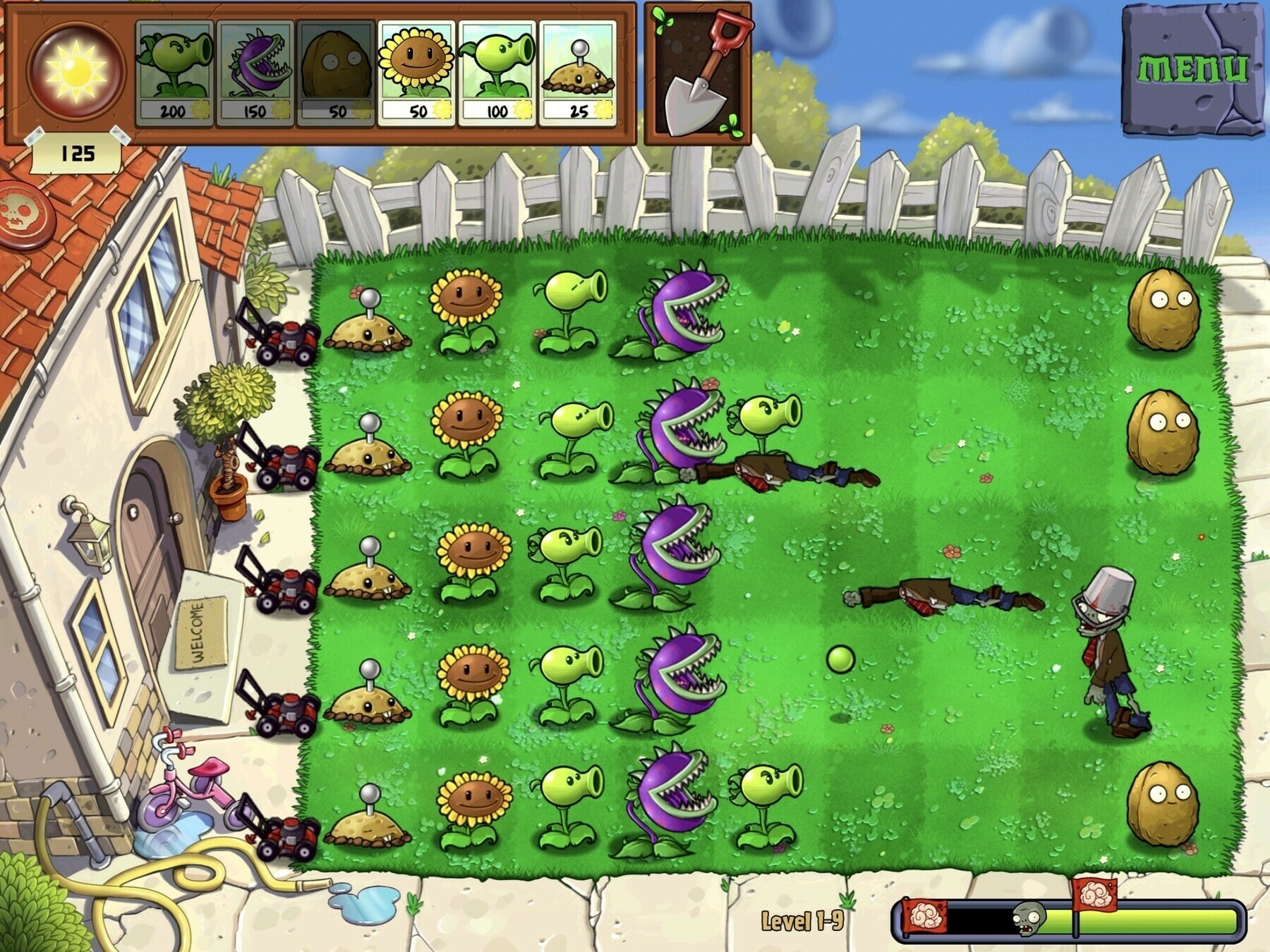
  • My favourite iOS game

    I’ve been playing for years, it’s not had an update in forever but Plants vs Zombies is still my favourite game on iOS.

    → 7:20 AM, Nov 8
  • Patina project update, now I’ve taken the wax layer off it’s aging really nicely and more importantly feels a lot better in the hand.

    → 7:42 AM, Nov 7
  • iPad Pro 10.5” vs 11”

    I came across this reddit thread and wanted to share as it helped make my decision on which new iPad Pro would be best for me.

    I was leaning towards the 12.9 given the smaller footprint but after seeing this thread I’d go for the 11” every time. I value portability over screen real estate as I’d have to sell some gear to even think about buying a new one.

    → 7:19 AM, Nov 7
  • New iPad Pro available for in store pickup today

    If you missed out on preorders but want an iPad on launch day then they are now available for in store pickup.

    Use the App Store app and you should see pick up at your local store. Seems to be a lot of availability, it’s not an iPhone so demand will be lower. You’ll be ok for a while I should think.

    → 7:08 AM, Nov 7
  • Great calendar apps for Apple Watch

    Source: The Sweet Setup

    Great write up on the best calendar apps for Apple Watch. Got to agree, I love Fantastical.

    → 7:17 PM, Nov 6
  • iOS 13 request: iCloud backup knows which songs are downloaded

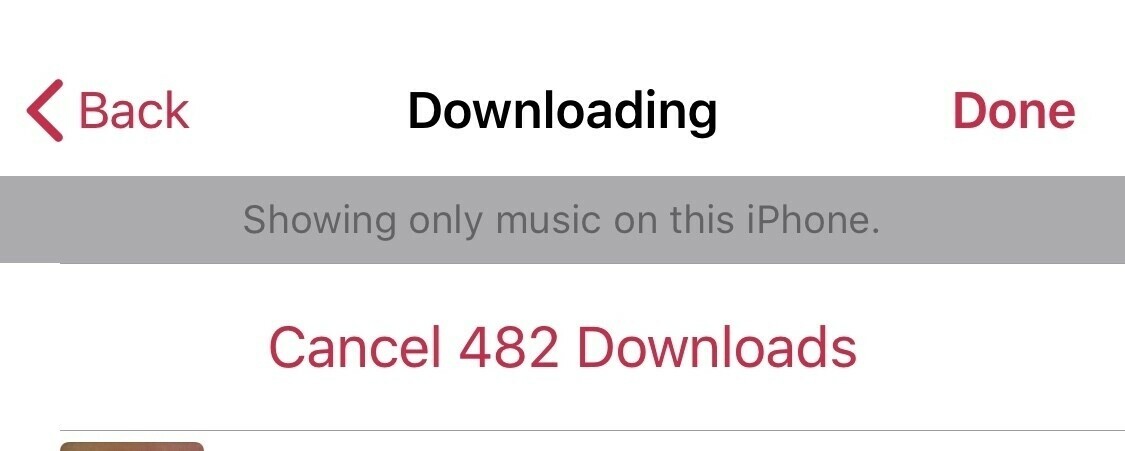
    As I mentioned yesterday I’ve refreshed my iOS devices. It’s all gone fine but the bit that catches me every time is downloading my music. I’d love it if iOS could remember which songs I’d previously downloaded and ask me if I want to download the same ones again.

    → 8:18 AM, Nov 6
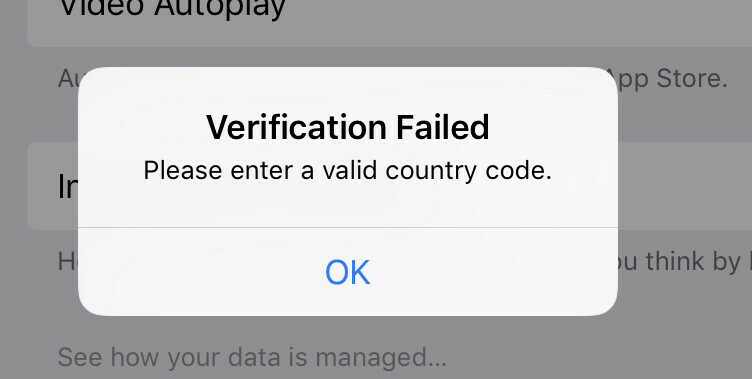
  • If you can’t sign into the App Store or iTunes on iOS you’re not alone

    I needed to refresh my iOS devices and when trying to sign into the App Store with my AppleId (with two factor on) I had the message below.  I’ve logged it with Apple and its a known issue that’s being looked into. I wasn’t provided with a timeline so it’s a case of checking if it works once per hour until resolved.

    BB1DAC9A-0487-44C1-BAE6-994A1CF247E7

    → 6:14 PM, Nov 5
  • Elago Slim Fit for iPhone XS review

    I used to test a lot cases on my blog but fallen off the wagon with settling on Apple cases. I thought it was about time I picked up some third party cases and let you know what I thought.

    First up is the Elago Slim Fit.

    This case is a plastic shell that snaps onto the back of your iPhone. It has coverage on all of the buttons and leaves them with the pretty much the same nice click as before.

    It’s very minimal and doesn’t add a lot of bulk.

    The main downside for me is the slippery finish they have used. It’s a light matte finish but leaves it hard to hang onto. This kind of defeats the object of having a case in the first place.

    This is a case to avoid.

    → 7:18 AM, Nov 5
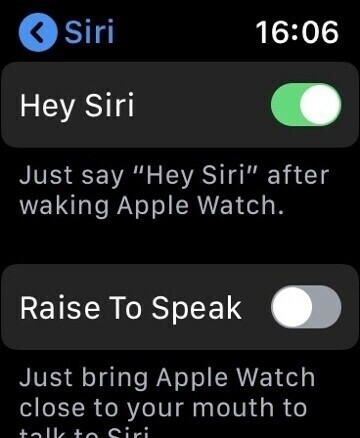
  • Hey Siri, it’s 2018

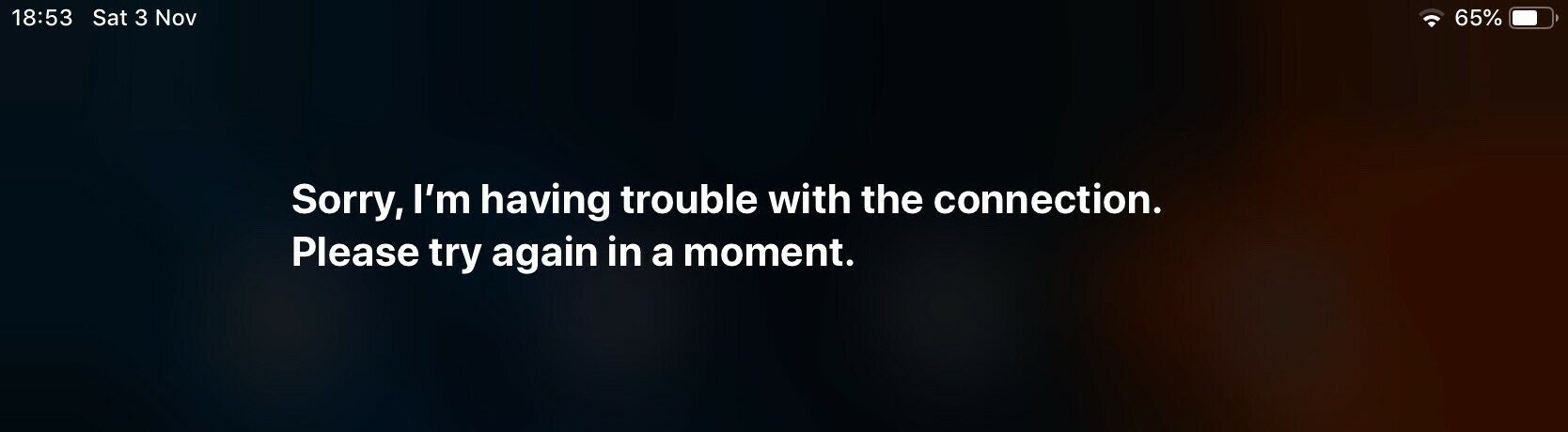
    I’ve really tried to use Siri more in my day to day but it’s still embarrassingly bad (for me).

    Here’s my latest failure when I asked about food measures. My most common one at the moment is garbled reminders. I’ll be in the car and remember I have to do something later so I’ll say “remind me to”. Often when I check my reminders it’ll be so off base I’ll not even remember what I asked it to remind me.

    The HomePod fares better at understanding me but I’m not always at home using it.

    It’s a hard problem to fix and I’m not stating how I’d go about fixing it but anyone else still struggle to use Siri? I feel it’s 7 years later and just as basic and unreliable.

    → 7:19 AM, Nov 4
  • My next productivity experiment

    Now I’ve given Things a good crack I’m dipping back into Omnifocus. I’ll report back on my thoughts in a month.

    → 2:30 PM, Nov 3
  • Writing in preparation for an anniversary in December…

    → 8:03 AM, Nov 3
  • Looks like Apple Watch Series 4 and iPhone XR availability has settled down. All available for in store pickup now.

    → 7:53 AM, Nov 3
  • Why I stopped using Things 3

    Things 3 is a great looking app that had lots of potential for me but after trying multiple times I’ve stopped trying to fit it in with my workflow.

    The bad

    • I experienced missing notifications. I'd set a reminder and it wouldn't show so I'd forget to do my task, my number one show stopper
    • It annoyed me that the task name would be cut off with '...' if it was too long
    • Setting repeating and reminders is too many taps
    • No dark mode
    • Slow to load the app (for me on an XS)

    The good

    • One of the best watch apps available. Quick sync and looks great.
    • Integrated Calendar view
    • Relaxed formatting on project view

    When dark mode comes along with iOS 13 I’ll take another look but for now my quest continues. I’m going into Omnifocus next and I’ll report back.

    Do you use Things?

    → 7:48 AM, Nov 3
  • My experience with the official iOS Twitter app

    After seeing missed conversations and threads on Tweetbot I decided to give the official Twitter app another go. Well, I lasted 48 hours and had to delete.

    • I hated seeing more news
    • I had an advert every 3 posts on my timeline, even disliking ads and muting accounts didn't help
    • Muting is more fiddly
    • Dark mode just isn't dark enough

    Back to Tweetbot and some calm.

    → 7:34 AM, Nov 3
  • Home screen November ‘18

    Few new experiments including getting back into using Omnifocus and Noteability.

    → 7:26 AM, Nov 3
  • My devices

    → 1:45 PM, Nov 1
  • My thoughts on the iPad event

    https://www.podbean.com/media/share/pb-2n9n9-9df625

    → 12:43 PM, Nov 1
  • Thinking about an iPad Mini update

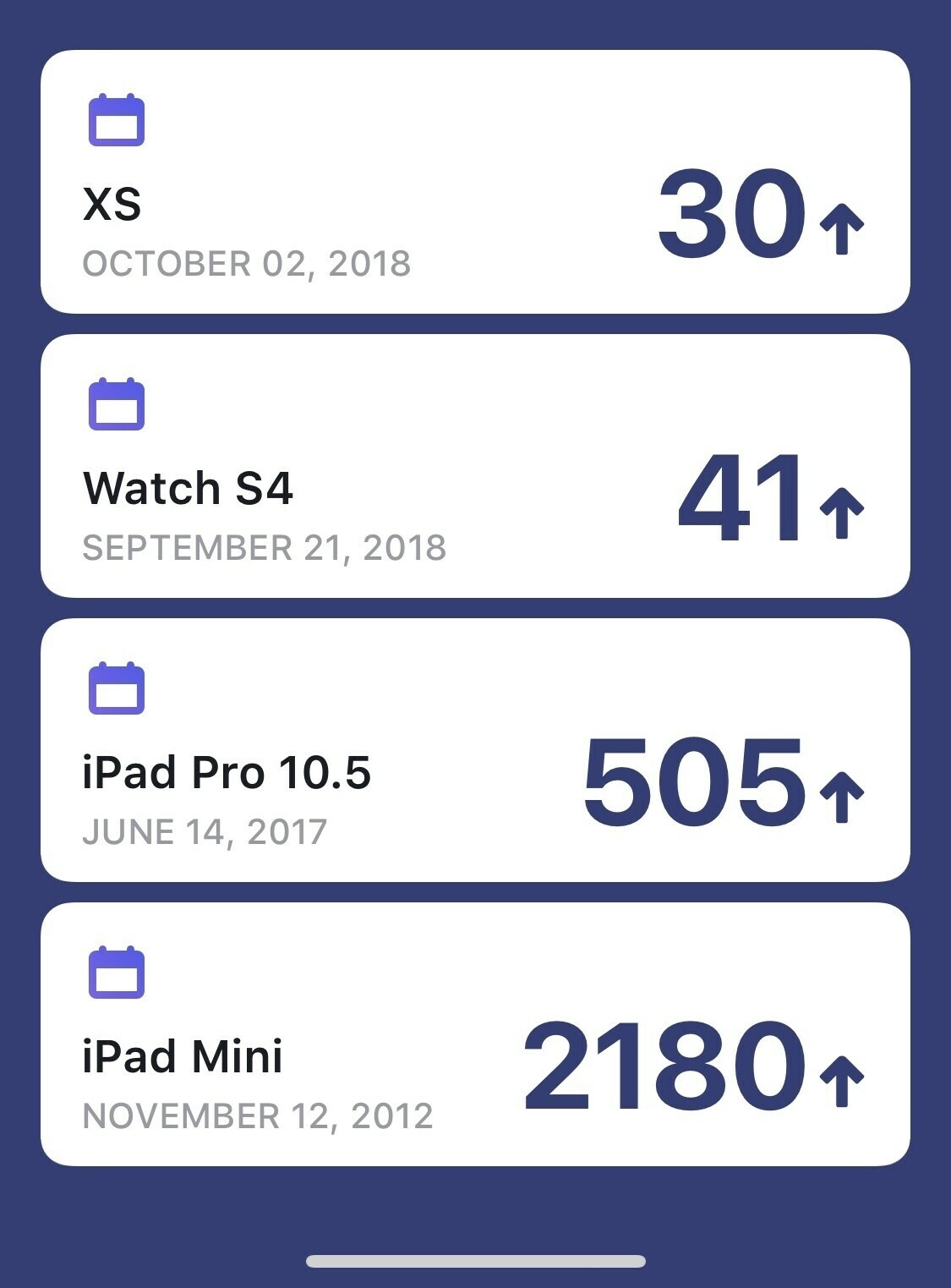
    I use an app called Dreamdays to keep track of certain things, one being how long I’ve owned certain gadgets. Might sound weird but something I’ve come to like to track. It hit me how long we’ve had our iPad Mini. In a couple of weeks it’ll be our longest used iOS device, 5 years. It’s the perfect device for reading but also for the younger members of a family. It’s taken a beating, the battery is still good, it runs iOS 12 (better than iOS 11) and it’s got a headphone jack.

    I’m probably cursing it but talking about how much I love the iPad Mini but had me thinking about what I’d want in a new one.

    For me it’ll go one of two ways. It’ll either stick with TouchID and become a new affordable iPad or embrace the new less bezel design of the pro. I don’t see the later having any chance of happening.

    We also have the argument that the XS Max is almost a Mini, which is a weak one. The Mini to me is for those that like portability or for kids. The Max may replace the Mini for more affluent users but for the majority it doesn’t even register.

    When you compare iPads though it really stands out like the recently updated MacBook Air. Just look at the processor. It still runs an A8 and is £20 more expensive than the iPad running an A10. It’s both embarrassing and confusing.

    My wish for the Mini is to leave the form factor alone but update the processor to the A10 and update the camera. Then offer it for £299 or £325. If ours broke I’d have no option but to buy a used older one. The iPad Mini 4 is no way worth £399.

    → 7:53 AM, Nov 1
  • iPhone XS low light outdoor impressions

    Pretty impressed with the iPhone XS already but taking it out on Halloween really showed the improvements over the X in low light to me.

    You’ll still need to hold it super steady but this shot handheld in darkness with a small light impressed me. I’m still glad I traded my X for the XS for the camera alone.

    → 6:44 AM, Nov 1
  • Here we go, time to give GoodTask a test.

    → 7:47 AM, Oct 31
  • Apple accessories have priced me out of an iPad Pro

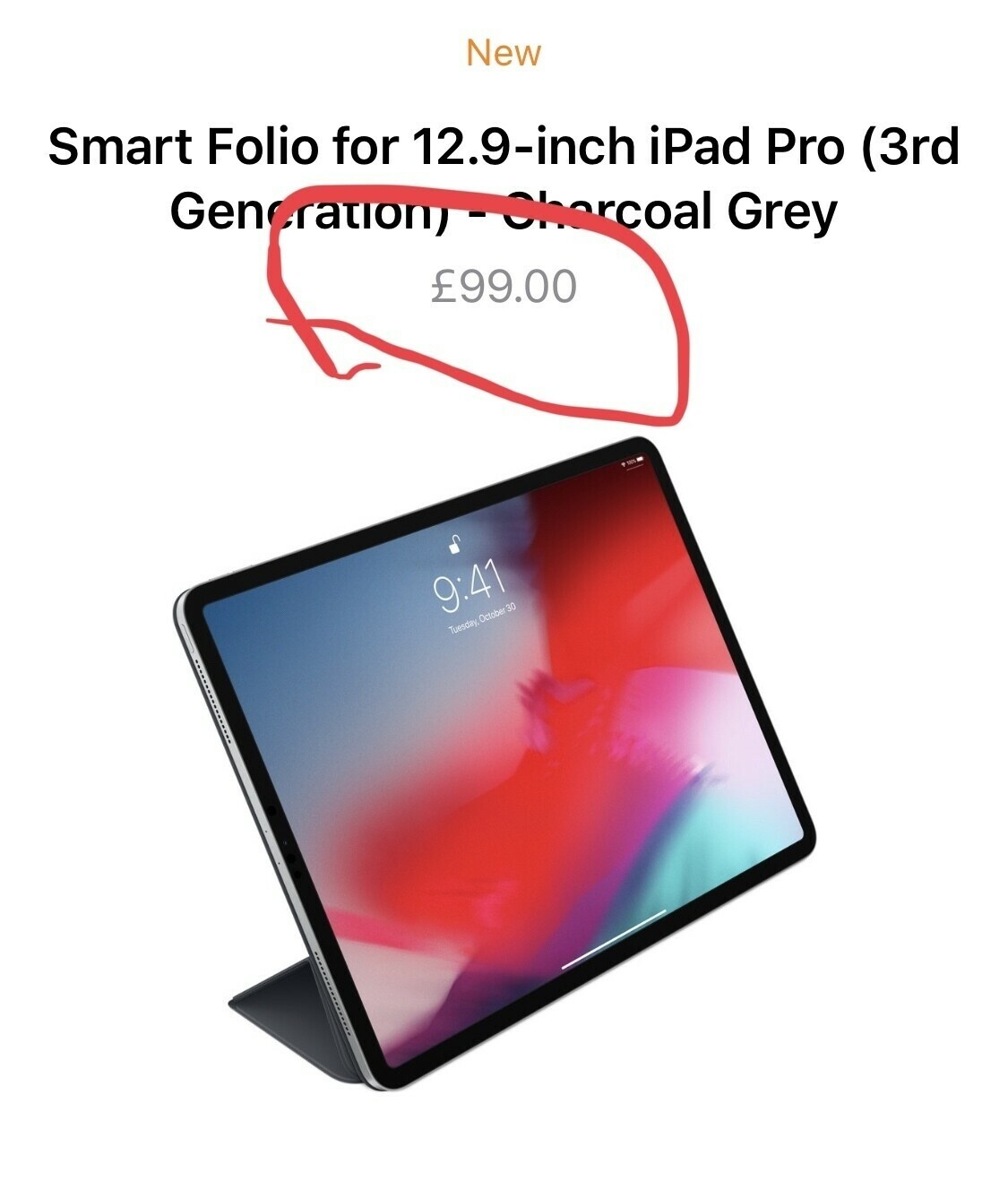
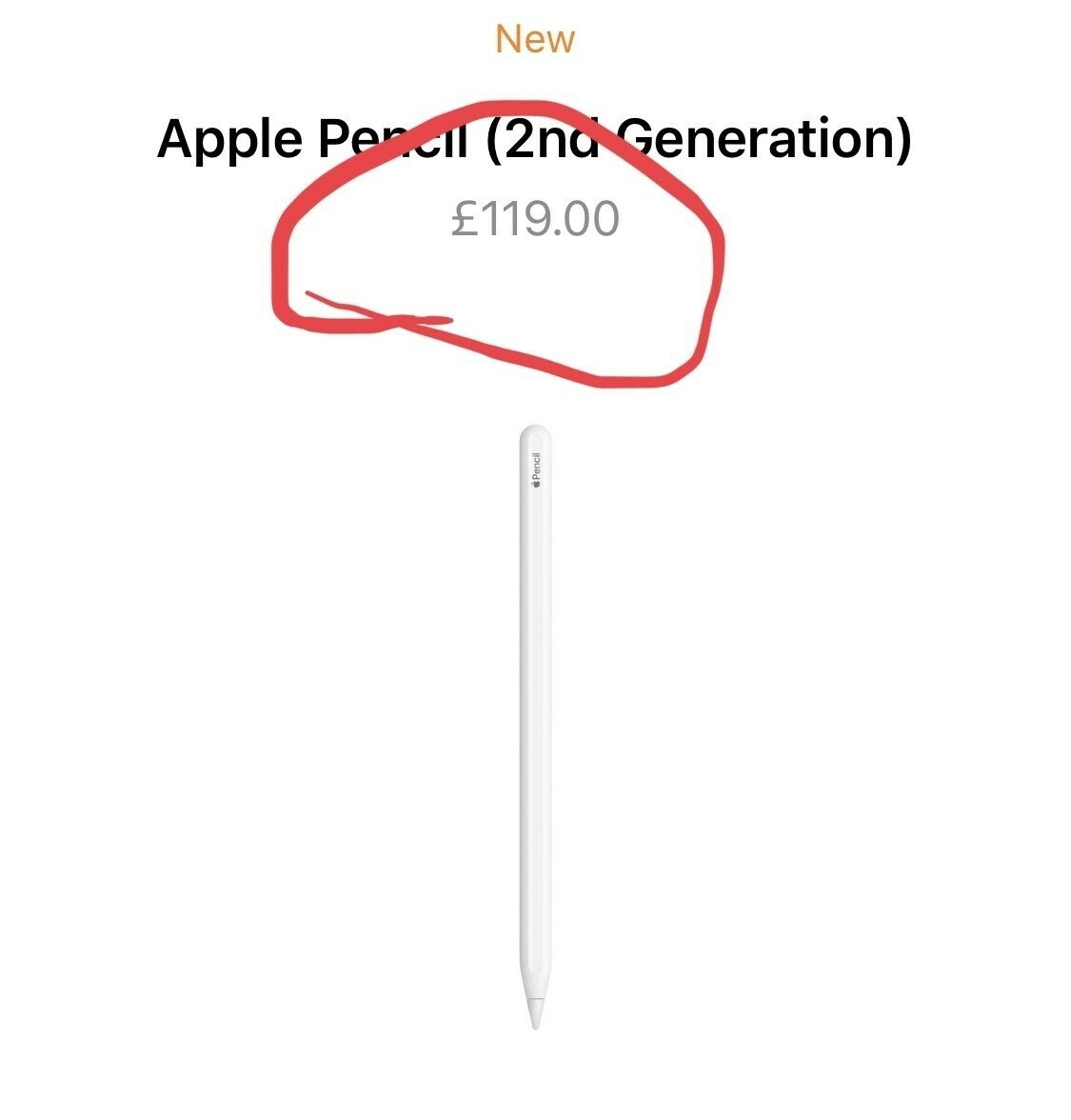
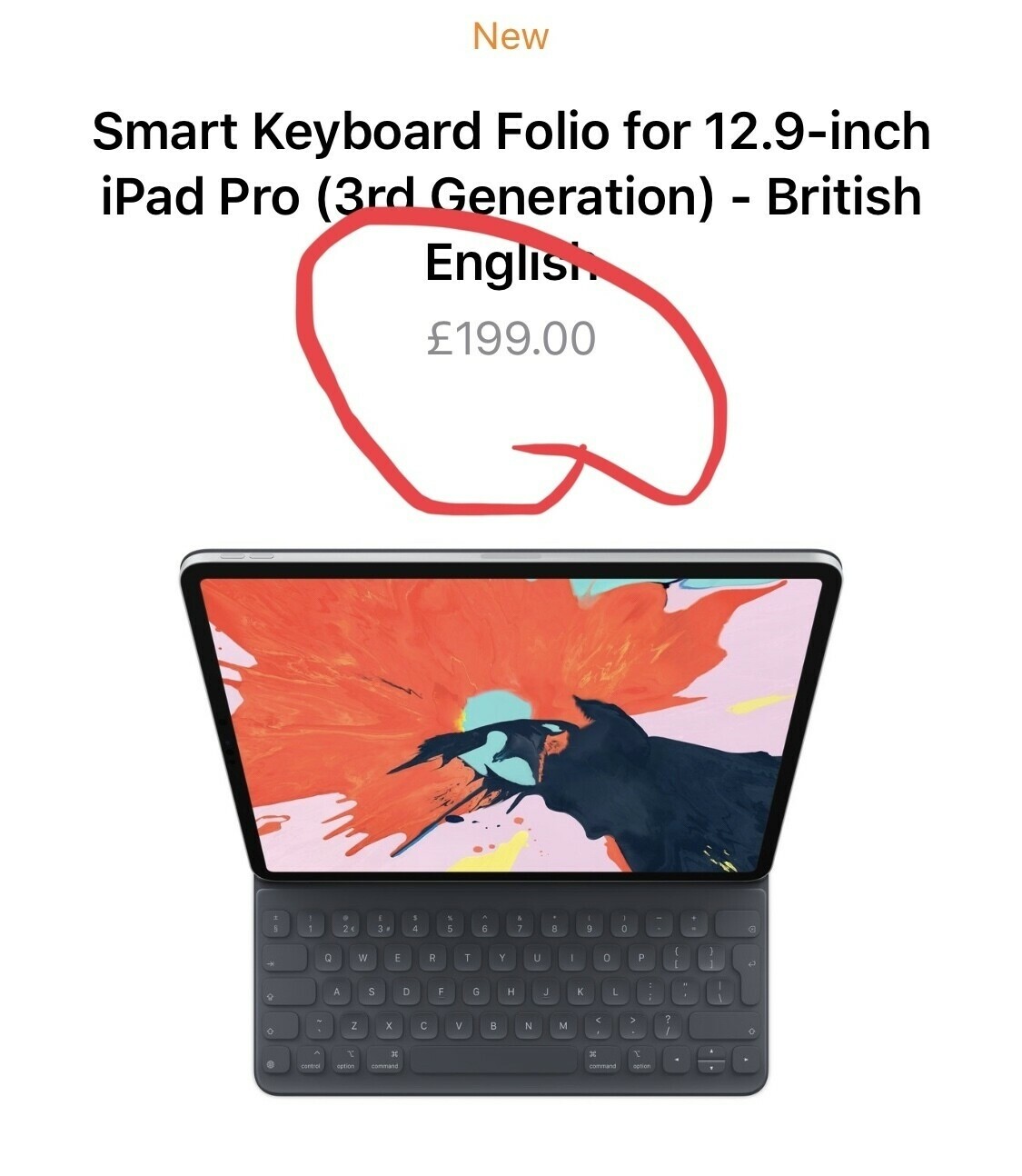
    I know I tend to complain about Apple accessory pricing after every keynote but this time it’s actually stopped me buying the new devices. When you add up the cost of the new pencil + keyboard vs what I can get for my existing ones used it doesn’t make sense. When you take the cost of this plus Apple Care I’d be looking at almost £1500 to get a new iPad. It’s made me stop and think more about my purchase this time.

    Just look at the non Smart Keyboard cover, how can Apple justify £99 for some cloth and magnets?

    Then take a look at the £30 increase for the new pencil, why? Some new tech yes but how does that add £30.

    Then the keyboard also gets an increase in cost, £200 isn’t far off what a Nintendo Switch is to buy.

    I’m sorry Apple but enough is enough for me, I just can’t afford to pay your accessory prices anymore.

    You might think I’m bitter, I’m not. I’m just sharing some of my thoughts on the pricing of accessories. It’s happened with the leather case more recently for iPhone where £6 was added overnight.

    Don’t get me wrong I love the look of the new iPad Pro but cost vs increase of functionality over my existing 10.5” Pro can’t be justified (for me).

    I do genuinely like Tim Cook as a leader of Apple but he does love his profit margins…

    Guess I’ll skip this update and keep using my already great 10.5”.

    → 7:41 AM, Oct 31
  • New iPad Pro UK pricing

    → 4:24 PM, Oct 30
  • Cases in for review

    → 2:48 PM, Oct 30
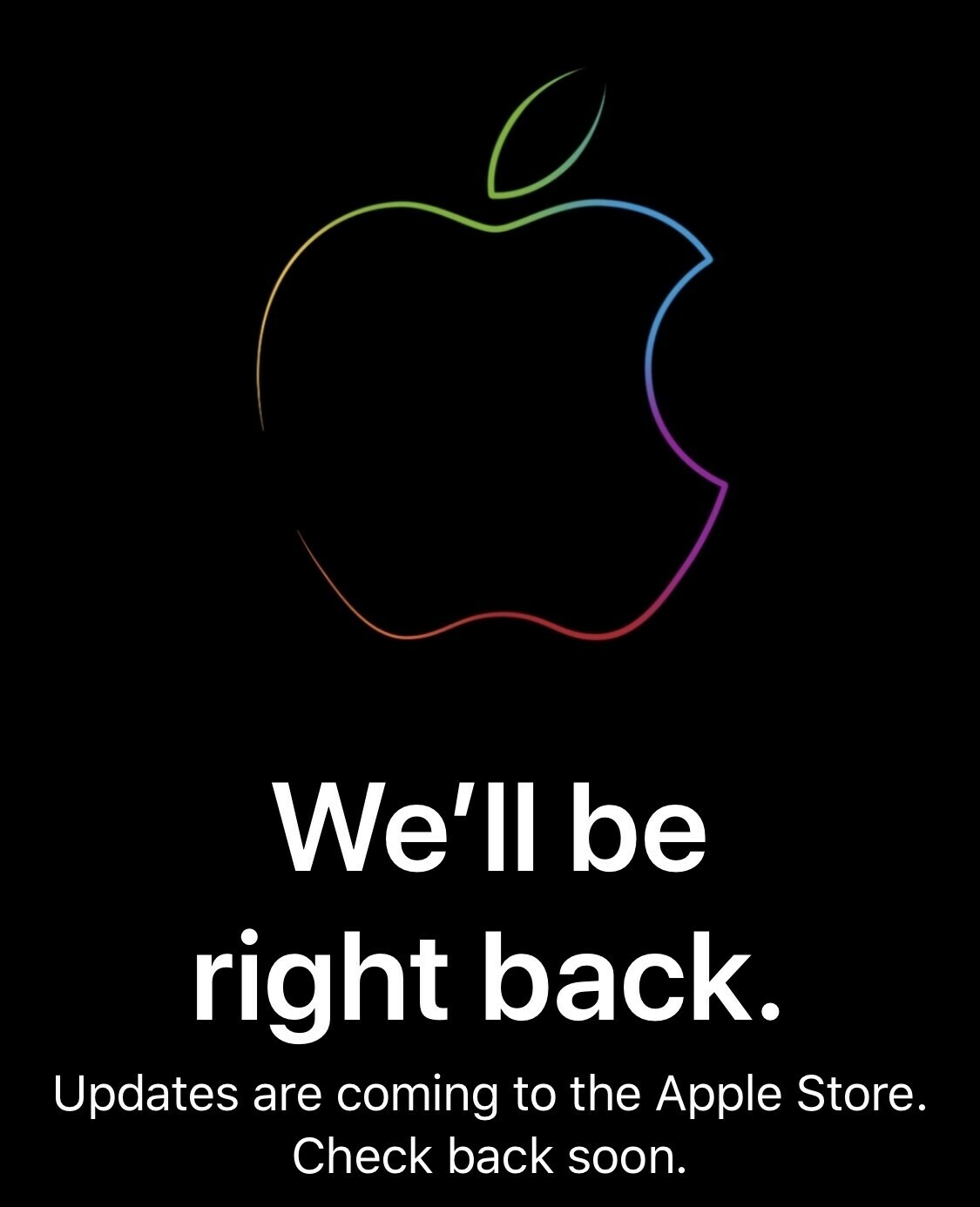
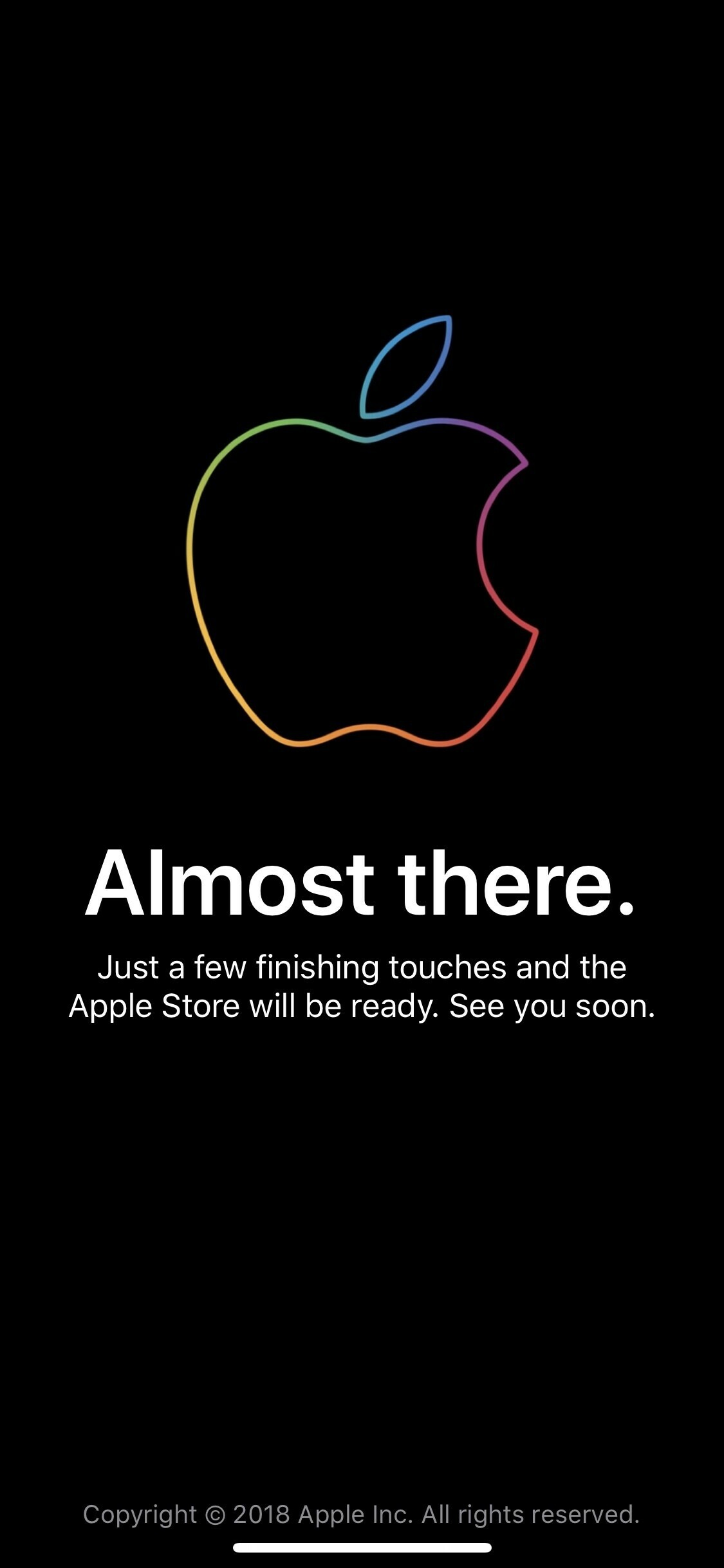
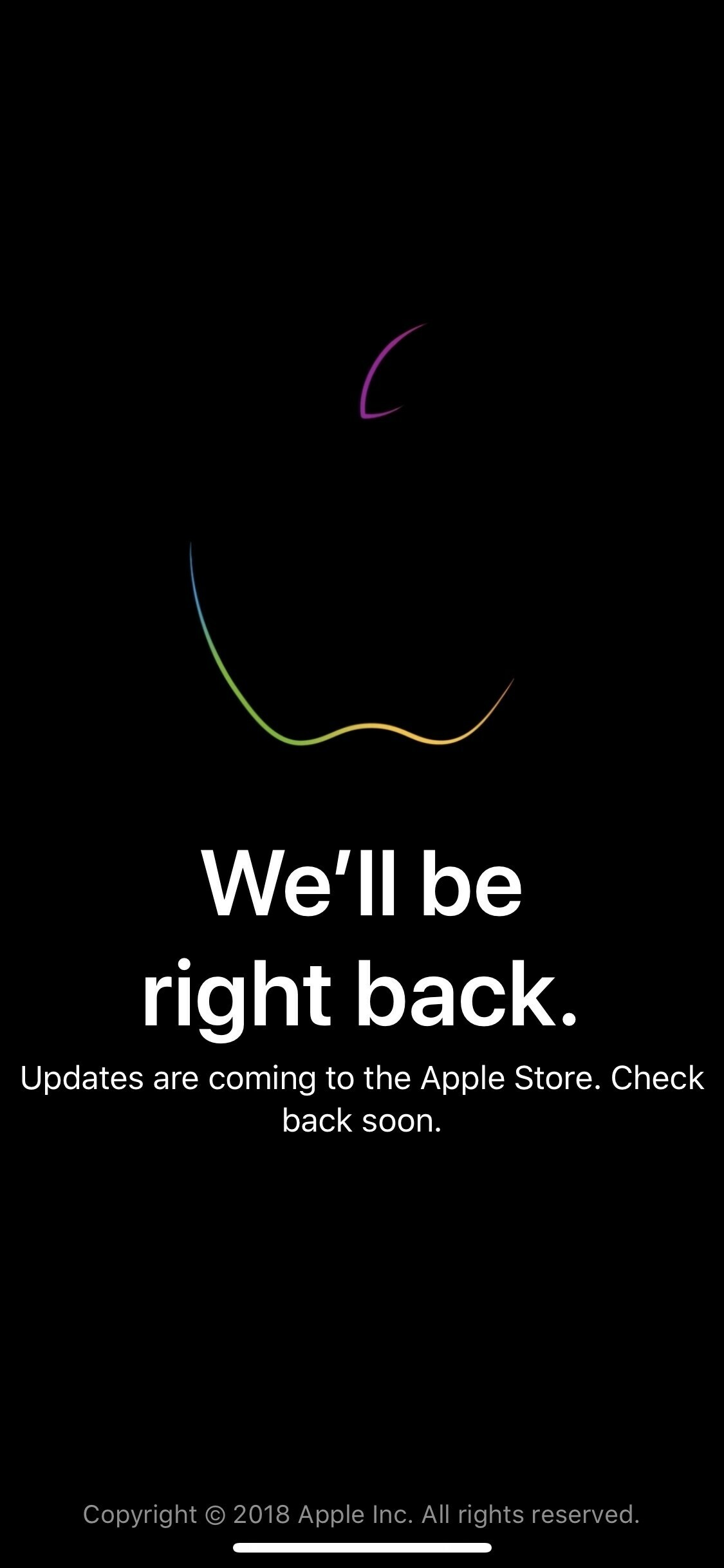
  • Apple Store is down ahead of the keynote today.

    → 11:38 AM, Oct 30
  • I’m glad I put a glass screen protector on my iPad Pro.

    → 1:32 PM, Oct 29
  • Patina coming along nicely on the iPhone XS. Switched back to Orange for a change. Got a few iPhone cases coming in for review too.

    → 1:28 PM, Oct 29
  • iOS Only, yes it’s still a thing

    https://www.podbean.com/media/share/pb-dumqs-9da31e It’s back and I’m sharing some thoughts about the iPad event. 

    → 11:03 AM, Oct 29
  • iFixit tears down the iPhone XR

    I always look forward to these after a new iPhone release. Use of proprietary screws always go against the iPhone but 6/10 doesn’t seem too bad.

    iFixit

    → 7:51 AM, Oct 27
  • Sending your PlayStation into Amazon Protect

    Bye buddy, right on Red Dead 2 day I’m sending my PS4 Pro to Amazon. When I bought it back in 2016 I picked up their Amazon Protect product. It would appear that the WiFi in my PS4 is having connection problems so I called it in.

    The process is simple so far. Call the support number, explain the issue and DPD come with a box that you put the console, controllers and cables into.

    Make sure you re-initialise it though before you send it to protect your privacy. As I pay for PSN it’s all saved in the cloud along with my games.

    → 11:27 AM, Oct 26
  • How you read the web in the UK

    → 7:43 AM, Oct 25
  • Tweetbot now lets you change the app icon

    The latest update brings app icon selection, I’m going retro.

    → 7:29 AM, Oct 24
  • Been having WiFi issues with my PS4 Pro. Every time I power it on it’s lost it’s connection. Did a software reset tonight , I’d recommend that as a first step before calling support.

    → 10:20 PM, Oct 23
  • iPhone XR reviews

    NDA has obviously dropped today so wanted to post a few of my favourites so far. These are all YT videos, I’ll update as I read more of my favourite publishers.

    The Verge

    Rene Richie

    MKBHD

    Lance Ulanoff

    CNET

    Daring Fireball

    → 11:25 AM, Oct 23
  • iPhone X leather case patina update

    After a few days with my patina project it’s really started to pick up wear and tear nicely.

    I know it’ll horrify some people but I’m really glad I’ve made this leather case my own.

    → 7:24 AM, Oct 21
  • #shotoniphonexs

    → 6:53 AM, Oct 21
  • Should you upgrade from an iPhone X to an XS?

    I wasn’t expecting to pick up a new iPhone this year but when I saw the camera improvements in pretty much all the reviews I changed my mind (like I’m known to do!). I’ve been using an X for the last year and really enjoyed the screen to phone size. Having had issues with the size of the plus in the past, it’s been great having the best screen and camera in a smaller body.

    Not a Max?

    When I went into the store about a week after launch I actually picked up the XS Max initially. I kept it for a week but found the weight was too much, I like to use my phone one handed, you just can’t with a Max. I also found it to be top heavy. So after the week I returned it for the XS and instantly felt back at home.

    Performance

    At this point I don’t think we need to talk about performance. Most modern iOS devices perform just fine. I’m not seeing a difference in day to day usage between the X and XS. I wouldn’t update to get a “faster” iPhone.

    Design

    It’s the same as the X, although a little heavier and the asymmetrical speaker grilles at the bottom. Personally I liked the design and size of the X so happy with this revision. I went for silver this time around and liking the contrast of the white back, silver side and black front.

    Camera

    The main reason for my update. What I’m finding is that if you’re out and about in good light then there’s little difference between the X and XS unless you’re shooting with the sun in front. You’ll find that shadow detail with be better, it’ll be lighter in the shadows compared to an X. It’s day to day indoors where I’m finding the biggest difference.

    Even with small lighting indoors I’m seeing a brighter shot with more detail.

    I’m not a huge fan of portrait and am seeing little difference. You can adjust the depth of field after the shot but in day to day use I’m hardly using it.

    I’m not a fan of the smoothing it’s doing on selfies, but I don’t take many so not a deal breaker.

    So if the camera is your number 1 use and you want the best available seriously consider an upgrade to the XS.

    Battery

    Until I turned off screen time I was cursing the XS battery. It wasn’t lasting as long as my X in day to day use. I did a bit of searching and found others having similar issues. Switching off screen time sorted this for me. Battery is back to where I’d expect. Down to about 40% at the end of a day of work. When I had screen time on I’d be at 40% at around 1pm! So, don’t upgrade if you’re all about improving better - unless you are going for a Max.

    Should you upgrade?

    Only if you are all about having the best camera available. I sold my X and in the end it cost me a few hundred pounds to upgrade. I thought the camera improvements were enough to justify the purchase. As I’ve talked about the Max isn’t for me but if you do want a bigger version of the X then it’ll also be worth an upgrade.

    → 6:44 AM, Oct 21
  • LG OLED banding issues

    If you buy an OLED TV from LG it looks to be that a percentage of the shipped units will show banding pretty quickly. I’ve owned a 55” B7 since last November and am now in a position where I have a TV with an issue.

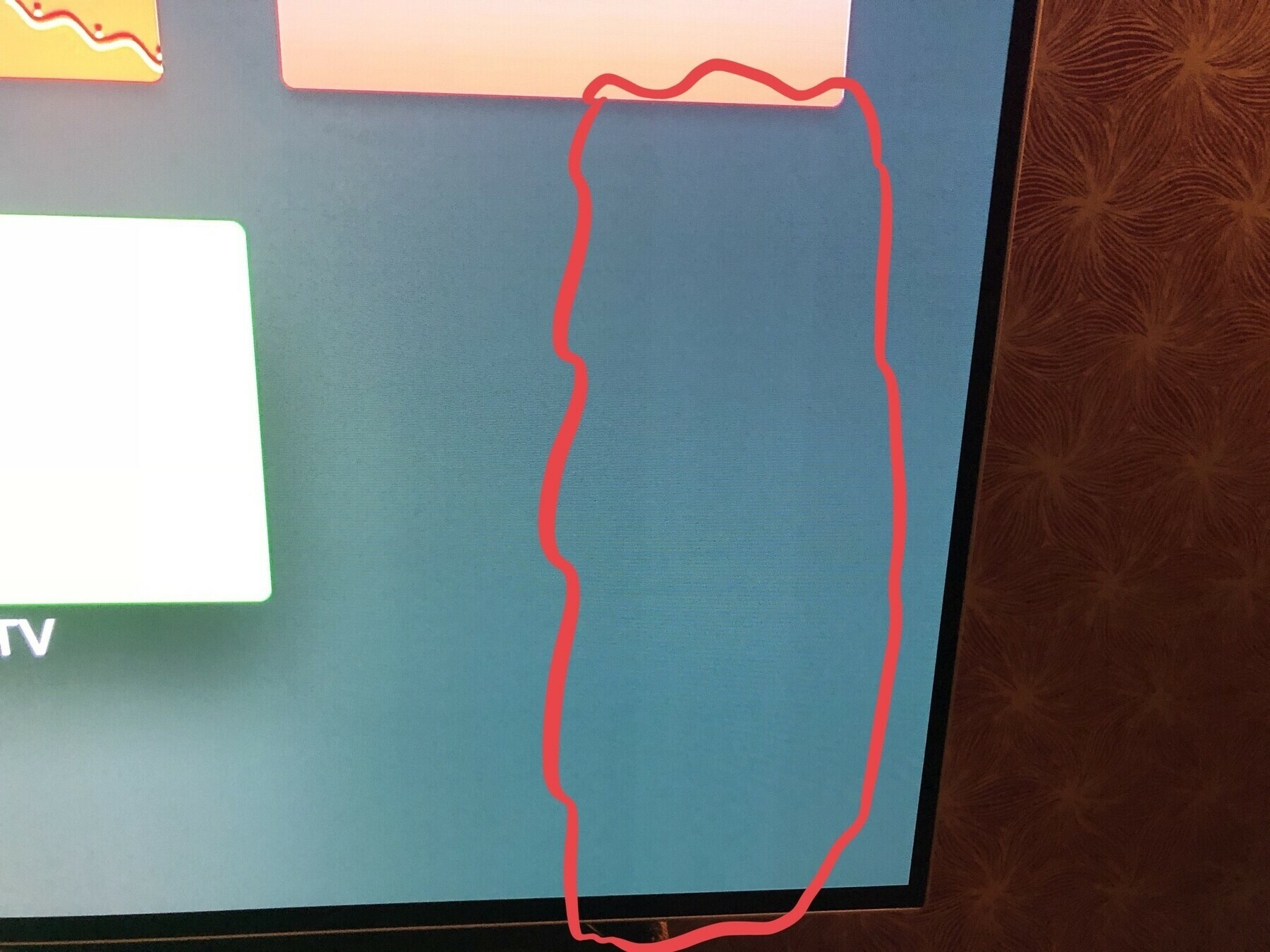
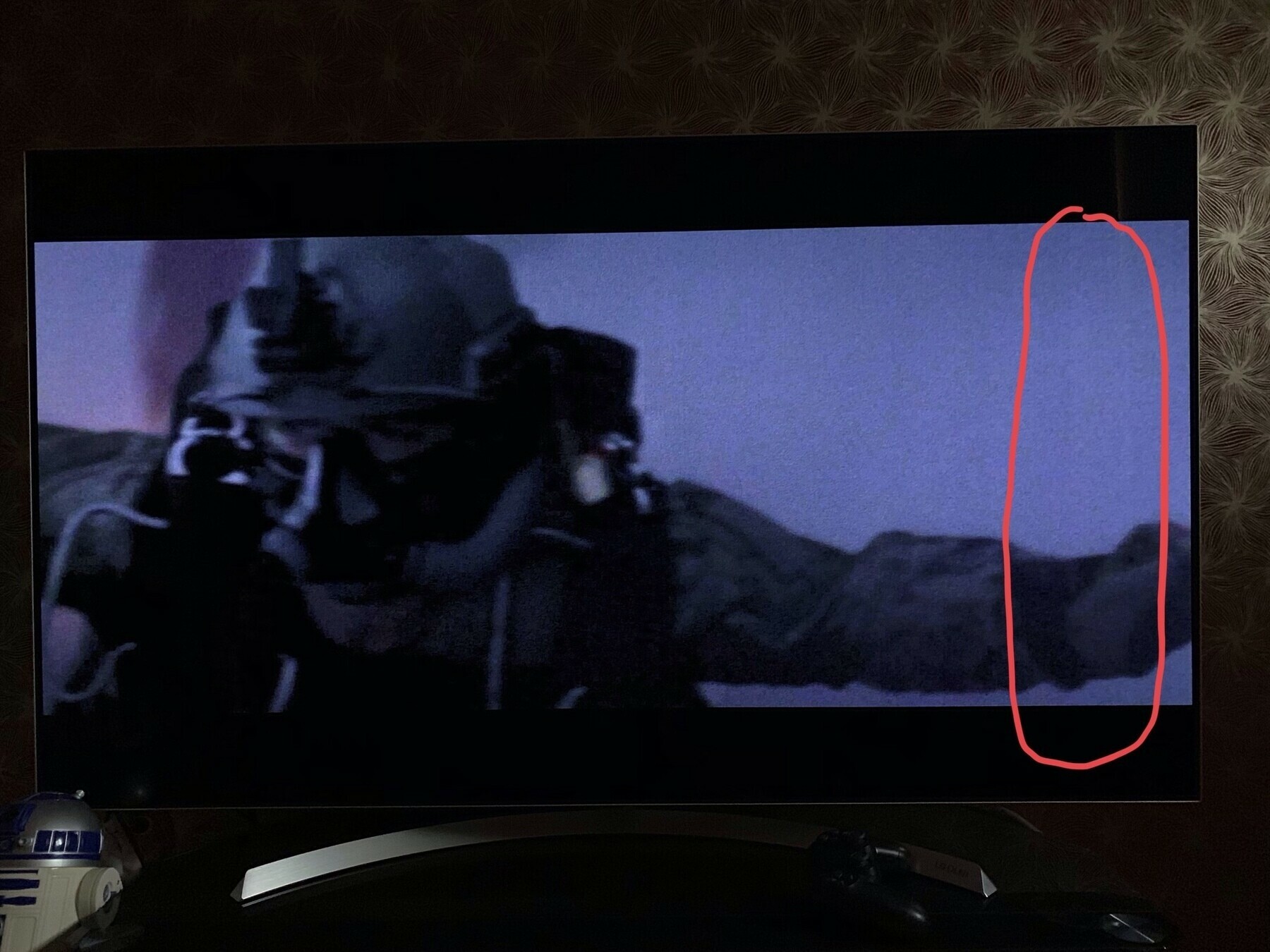
    You can see from both images my TV is showing an issue on the right hand side. A vertical banding that shows on anything with a darker picture. This happens across all inputs.

    I called Richersounds who directs you to LG if your TV is within manufacturers warranty. My issue is now with LG, they are not acknowledging a problem.

    Their message is I’m watching TV in the wrong conditions. To add injury their staff talked down to me on the phone, almost rude to the point I had to hang up.

    To me this is an issue. I shouldn’t have to watch in ideal natural lighting, if I do then market your TV to state that fact. If I’m watching at home in low lighting I shouldn’t expect to see issues.

    I’ll be taking this up with Richersounds now to help me with LG.

    I’ll update this post as I move through the process.

    Update

    It would appear to have now been acknowledged and I’m expecting an in house repair.

    Update

    New panel being ordered.

    Update

    New panel fitted.

    → 6:40 AM, Oct 20
  • The best screen protector for the iPhone XS

    I’ve been testing a number of screen protectors for the iPhone XS over the last couple of weeks and have come to the decision on which is best.

    I picked a number of cheapish tempered glass ones on Amazon through to the Belkin gorilla glass version available at Apple stores.

    First off I found tempered glass ones such as the ESR brand on Amazon to be generally terrible. They fit poorly and have a negative affect on the touch sensitivity of your screen. If you can live with this pick any of the tempered ones, they are all the same.

    The best one I’ve tested and therefore my recommendation is the Belkin Invisiglass Ultra. I’ve included my Amazon link (any kick back I get goes into product reviews or paying for hosting costs) but I actually got it at the Apple Store. I paid my £29.95 and the staff fitted it for me. I’d recommend this, it’s at no extra cost and comes out perfectly. The touch sensitivity isn’t any different and the glass feels like glass, not slippery like the cheap Amazon ones.

    I’ll update on long term durability over the coming months.

    → 7:00 AM, Oct 19
  • How to unpair an Apple Watch

    If you’ve picked up an updated Apple Watch this time around you’ll want to unpair your old one.

    1. Watch app
    2. Tap on your watch
    3. Tap 'i'
    4. Tap unpair
    → 5:26 AM, Oct 19
  • Apple store gets ready for iPhone XR pre-orders

    I was very tempted by the XR this year but I didn’t want to lose the 2x zoom capabilities of the XS. I’ll be tracking the availability later on but I think it might be a big seller.

    → 5:22 AM, Oct 19
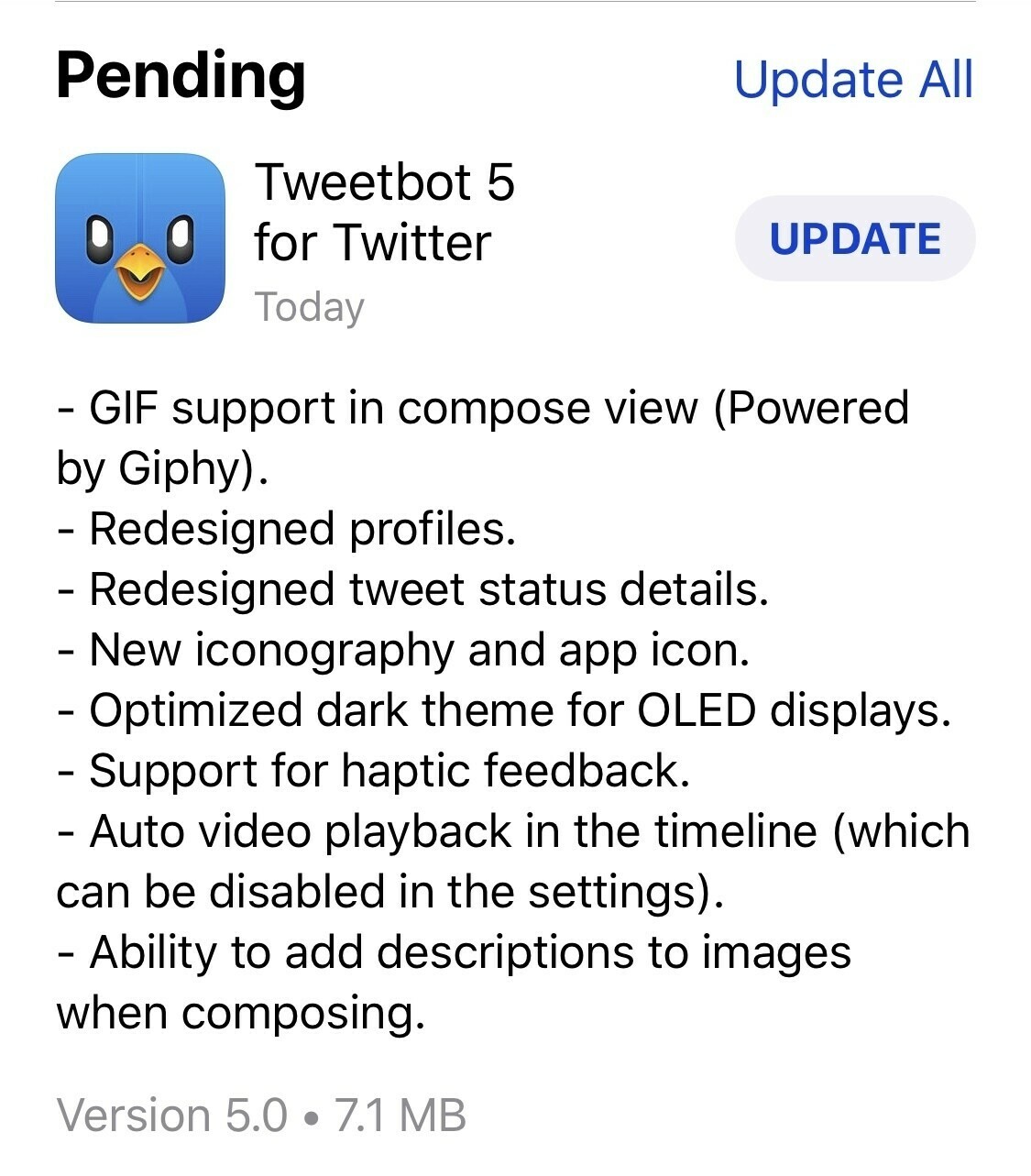
  • Tweetbot 5 lands on the App Store

    Wasn’t expecting this free update to Tweetbot, wow it looks great with pure black mode for OLED screens and redesigned profile pages.

    → 6:45 PM, Oct 18
  • Will iOS on the iPad ever fix its rotation issues?

    I thought we were done with rotation issues in iOS, it turns out not quite. Sigh, I feel that this isn’t going to be addressed until we see a complete reimagine of the home screen on iPad.

    → 5:07 PM, Oct 18
  • Microsoft Surface laptop 2 gets a zero on the repairability scale

    I always look forward to iFixit teardowns and more importantly the repair scores. Apple have been hit and miss but generally improved over the years as far as I can see.

    The last Microsoft Surface laptop got a zero, did they learn their lesson on the new one - NO.

    Video can be viewed here.

    → 1:33 PM, Oct 18
  • iPhone XS home screen October 2018

    New additions

    • Fantastical 2: using iCloud for my productivity these days. This app offers a nice front end to calendar and reminders
    • Streaks: trying to get into some good daily habits, this'll keep me accountable
    • Micro.blog: I've stepped away from a lot of social and this is my way to share my thoughts quickly to my blog
    • Ferrite: I'm struggling to find any energy to podcast but with Ferrite and my AirPods I'm hoping I can record some on the go
    → 6:20 AM, Oct 18
  • Anyone else having a random bug in Overcast where the audio just stops playing and when you look at the lock screen the app has crashed out? I’m almost moving back to Apple Podcasts it’s happening so much for me.

    → 6:16 AM, Oct 18
  • I expect iPhone XR reviews to be dropping today. If pre-order is tomorrow they will typically be today or tomorrow. I’m looking forward to trying one out in store. Not in my future but I’m hoping they sell well. Might encourage Apple to bring back some colour.

    → 5:55 AM, Oct 18
  • Nice to get up my post about adding patina to your iPhone case. Something I’ve been meaning to do for a while. Nice little project if you have an hour spare.

    → 5:50 AM, Oct 18
  • How to get patina on your iPhone XS leather case

    This post might seem a little strange but bear with me. I’ve always been a fan of that aged patina leather look, be it on a belt or jacket ala Indiana Jones. I’d seen a few leather cases in the wild that had aged gracefully and in my opinion looked pretty cool. The problem I had was the saddle brown case from Apple is pretty slippery. They have a wax coating that made it almost impossible for me to use day to day.

    So, I set off on a quest to artificially age my case to make it look cool but also be able to be used without slipping out of my hand.

    Here’s how I did it on a saddle brown iPhone XS case.

    You will need:

    • Very light grit sandpaper
    • Some oil, I used coco butter but you can also use something like olive oil or coconut oil Here's what I used.
    • Some paper towel
    • Patience...

    Here’s your starting point:

    As you can see very light colour and a waxy slippery finish.

    First step is to take your sandpaper and get rid of some of the wax finish. I had a think about where the finish would darken over time and very lightly scratched the surface. Don’t go too deep, don’t worry about the front edges and make sure you avoid the metal buttons.

    As you can see from the image above I’ve tried my best to think about where it will pick up wear and tear in natural use.

    Now I have removed some of the finish I can add some colour. Take a paper towel and apply some of the oil to it. Now simply rub it into the case. Make sure you do your best to evenly coat it. Just one coat will do.

    Now you need to get it to dry. I put it in my airing cupboard but you can leave it out to dry naturally. I wanted to use it quickly so let it dry next to our boiler.

    After. Few hours I had a case that is now grippy, looks cool and was created by me. It’s nice to have something individual to me. I’ve never been a fan of cases but using something I helped create and is unique makes it stand out from all of the other iPhones in the wild.

    Let me know how your projects go.

    → 5:42 AM, Oct 18
  • #shotoniphone

    → 12:56 PM, Oct 17
  • iOS Only podcast has lost its way a little with my day job taking all my energy. I’ll look at switching formats to a lo-fi more time forgiving one I think. I’ll try to record in the next few days and see how it sits. Thinking more of a microcast, less than 15 mins.

    → 6:29 AM, Oct 17
  • Glad to finally be able to publish my Apple Watch Series 4 review, hope you enjoy it. Now onto my iPhone XS review.

    → 6:20 AM, Oct 17
  • Apple Watch Series 4 review

    I’ve been using the series 4 since launch so feel I’ve had enough time to write up some thoughts on using it compared to the series 2 it replaces. I went for the 44mm in silver, it’s the aluminium non cellular version.

    Luckily all my 42mm bands fit fine so I’m good on that front. So coming from an existing watch you’ll be ok band wise.

    I also picked up Apple Care + because I smashed my series 0 and it came in handy back then saving me a load of cash to buy a new one. Quick note on this, I had to call Apple to sort mine out as there was a bug for some people that bought the series 4 + Apple Care on day one. Mine showed that I hadn’t purchased it even though I had the order receipt. A quick call to Apple sorted this out.

    I almost got stainless steel this time around but couldn’t stomach the extra money, especially when I had no intention of using cellular. With the creep up in Apple prices over the last few years I wanted to spend as little as I could to upgrade.

    Size

    Coming from a 42mm I naturally went for the 44mm. This is because I wanted the biggest screen available and also to make sure my bands fitted. On my wrist I feel it’s looks fine, in use it doesn’t feel any different to the 42mm.

    The screen is just stunning on the series 4. The extra real estate makes tapping so much easier. I didn’t feel the series 2 was cramped until I tried this new one and couldn’t go back. I actually find myself using apps on my watch more than I ever have in the past. I wouldn’t go as far as saying I could play a game or view images but in day to day use it’s a lot easier on my (ageing) eyes!

    As with most reviewers I’d love to see an always on low power display mode to show me the time.

    Watch faces

    There are a couple more watch faces to choose from, both provide a good amount of complications but I find myself still wanting more. Already spoke about at length on various blogs including this one by Marco Arment they are actually quite hard to read. I’ve found myself settling on modular so I can see the time quickly. I really do feel that it’s time to open up the ecosystem to third party watch faces.

    The one above in particular looks amazing but when you use it day to day it’s hard to quickly see the time and it blows your eye balls out when you check the time in the middle of the night, make sure you use the black options for the dials.

    Performance

    Wow, it’s how the Apple Watch should have been all along. Technology has caught up with expectations. No more lag when tapping to start a workout or switching watch faces. It just does everything when you want it to. I’ve experienced no lag in anything I’m doing. I can’t vouch for series 3 but coming from a series 2 it’s such a big leap for me.

    As with the screen it makes the Series 4 a joy to use and I find myself using more apps.

    Should you upgrade?

    You rarely have to update every year, especially a watch but for the series 4 I’m making an exception. If you have some spare cash or can sell your existing watch it’s a no brainier to update to a series 4. The screen and performance improvements alone makes the Apple Watch experience more enjoyable, therefore a must buy for fans of the watchOS.

    Tip: if you’re looking to get one for Christmas, order now. They are always pushed to back end of November.

    → 6:19 AM, Oct 17
  • Patina’d project complete.

    → 5:55 AM, Oct 17
  • How to get a refund on Apple Care +

    I might be late to the party but when I sold my iPhone X back to Apple I didn’t realise that I could get a refund on the remaining Apple Care +. On checking in store I was told that my Apple Care was taken into account when I get a valuation, this is incorrect. If you have anything left on Apple Care + and you’ve sold the iPhone you can get a partial refund. Apple take into account the amount of months you’ve used and any claims.

    I called Apple on 0800 107 6285 and stated I needed Apple Care support.

    When I spoke to the advisor I gave the serial number and Apple Care + agreement number.

    Once calculated and given your account number you’ll see the money within 15 days.

    → 5:54 AM, Oct 17
  • Pleased with the patina case project results, I’ll be posting up my how to soon.

    → 6:17 AM, Oct 16
  • A DIY patina project

    Stage 1, I’ll post a full how to but scary sanding bit done tonight.

    → 8:38 PM, Oct 15
  • In for testing.

    → 5:26 PM, Oct 15
  • Switched back to blue.

    → 4:34 PM, Oct 15
  • Increase your blog traffic by stepping back from social media

    Guess which day I deleted Twitter and Instagram from my iPhone…

    Yup, no surprise but deleting social media from my devices meant I shared on my blog more. What I used to microblog I was now giving to Twitter. Well coming off it has meant I’m back microblogging here - on my own domain.

    if you have your own blog give it a go for a week and let me know what happens to your traffic.

    → 1:30 PM, Oct 15
  • #shotoniphonexs

    → 8:17 AM, Oct 15
  • A black and white iPhone

    It seems extreme but I’ve found that not only does it save me a lot of battery when I’m out and about but offers a less distracting iPhone experience.

    I’d recommend at least trying it.

    Here’s how.

    → 5:38 AM, Oct 15
  • Tips on how to use your smartphone less

    I’ve written up a few posts on how I’ve been trying to use my device less over the last few months including switching it to black and white to reduce the attractiveness of the home screen. Whilst browsing Micro,blog I came across this post by Megan Morrone about how she is also pairing down things to help reduce the time spent on devices.

    Some great tips here.

    → 5:28 AM, Oct 15
  • Day 2 with no social media. So far I’ve had more time to work on my blog and not picked up my phone so much. Think I might have to delete YouTube from my iPhone though. Finding myself using it more now I don’t have social apps.

    → 5:19 AM, Oct 15
  • How to see only your downloaded music in Apple Music

    If like me you bought a larger capacity device to be able to store most of your music locally you’ll want to see how to view just this music.

    Within the Music app simply tap on ‘downloaded music’, this takes you to a copy of the main menu but just shows the music you have on your device.

    → 4:38 PM, Oct 14
  • Ok so I have cleared down my devices to have no social apps aside from Micro.blog (which isn’t a social network) and my blogging apps. Hopefully I’ll be creating more content now I’m taking a break from Twitter.

    → 4:32 PM, Oct 14
  • Picking a Wordpress theme to use with Micro.blog

    Since I started playing with Micro.blog today it became quickly evident that not all themes support it properly. They let you see your posts but if you embed an image for example it won’t let you see it in your Wordpress blog.

    After reading this it seemed to indicate that only Wordpress default themes would properly support it. After testing it I settled on one called Twenty Seventeen that now allows me to see anything I post to Micro.blog appear on my Wordpress one.

    I’ll need to tweak it but for now I’m happy that my posts are visible.

    → 10:33 AM, Oct 14
  • Does anyone know of a good Wordpress theme that plays well with Micro.blog? I don’t like that my posts aren’t clickable from the homepage of my blog. I think it’s because posts from here do not have a title.

    → 10:24 AM, Oct 14
  • My first shortcut, combining screenshots to make one image. ljpuk.blog/2018/10/1…

    → 9:17 AM, Oct 14
  • Right so looks like I need to update my Wordpress theme to display posts without titles. Thanks posts from micro work but aren’t clickable from the main feed of my posts on Wordpress.

    → 8:01 AM, Oct 14
  • Testing cross posting, “hello world”

    → 7:35 AM, Oct 14
  • I’ve now enabled comments on my site to make sure I’ve covered off engagement on my posts if I’m not on Twitter for this 30 day challenge.

    → 6:59 AM, Oct 14
  • #shotoniphonexs

    → 6:52 AM, Oct 14
  • Day 1 of trying to remove myself from too much social media. I’ve decided to only post links from my Blog to Twitter but post my social media via Micro.blog directly to my site. Let’s see how 30 days of this goes.

    → 6:50 AM, Oct 14
  • Swapping social media for a blog?

    Having played with Micro.blog a little and disconnecting slowly from social media I asked myself, could I swap social media with my blog?

    It’s what I’ve always done in the past before social to share my thoughts and since most networks are toxic these days it might be time to retreat back. I’d still share links via Twitter but that’s all it’s used for, a conduit for linking to content.

    I’ve not used Facebook since January 2018 and deleted my Instagram account several times, currently considering removing it completely. I don’t think I could delete my Twitter account as it’s where the majority of my readers are but if I share links still then I should have my bases covered.

    So I’m going to try an experiment of using Wordpress + Micro.blog to serve my social needs. You’ll still see links posted on Twitter but I’m not planning on spending much time on there at all. I’ll also look at enabling comments on my blog.

    Here goes another one of my little experiments.

    → 6:46 AM, Oct 14
  • A shortcut to combine screenshots into one image

    Whilst trying to do a how to and find an image app to combine screenshots it hit me - this is why we have shortcuts.

    Using Rosemary Orchard’s amazing Day One shortcut here as a foundation I managed to create my first shortcut.

    This takes images from today, allows you to select and creates a side by side image of them that can be used in how to’s.

    Here’s the link

    Here’s a sample:

    → 6:35 PM, Oct 13
  • How to create a shortcut to a label in Todoist

    One thing I’ve really come to like in Todoist is the ability to favourite a label and have it available as a shortcut straight under your inbox.

    Here’s how

    • Go to the labels you have created
    • Swipe and then edit
    • Tap Favourite
    → 10:54 AM, Oct 13
  • My Todoist setup

    I’m getting back on plan, left things slide a bit and tried to use iCloud to get things done. I’ve failed miserably and need to get back to using a third party app to keep me on task.

    I’ve always come back to Todoist or Omnifocus but Todoist gets my vote just now. I like that I can create a free form ‘today’ but also add reminders where needed such as get Milk at 2pm when I’m at the supermarket or call dentist etc.

    I’m only just getting started but here’s my setup.

    I’m using labels to classify tasks as you can see above and only using projects where they are needed such as my passion ones. In the past I’d have created a project called Home and put all my family tasks in the there but labels makes more sense to me these days.

    I’m also enjoying the new dark mode 😎.

    The only downside of using Todoist coming from something like Reminders is that their Apple Watch app just isn’t very good. Sync to the app seems slow and there is no support for Series 4 complications in the info watch faces. I’m hoping these are being worked on.

    Here goes, wish me luck.

    → 7:15 AM, Oct 13
  • Remembering the iPhone 5c

    I feel like I’m in the minority but I loved my white iPhone 5c. To this day it’s still my favourite iPhone (looks wise) that Apple have released. With its plastic back there was no need to worry about breaking it and I carried it case less for the entire time I owned one.

    I started to think about this when I realised we are close to the new XR being able to preorder. I’m on my XS and part of me wants to return it to get a refund to try one out. I picked up the white and silver XS so I at least have some colour now but I’m looking over at the Yellow XR with a little envy.

    When the 5c came out putting the last year innards was a mistake, although performance wise I didn’t have any issues but in making a more affordable iPhone Apple compromised it out of the box. For some it gave the impression that it was just last years phone in a new shell, which it totally was but set it off in the wrong light. For me the 5c brought an element of fun to the iPhone line up, which it needed. Everyone’s phones look the same suddenly seeing a blue or yellow 5c really stood out and even now when I see them I reminisce to when I had mine. Let’s not also forget how durable and comfortable it was. More friendly than the sharp corners of the 5 it brought back that soft feel of the 3G I loved so much. I also dropped it multiple times and didn’t break it, yes scratches but that looks cool.

    I’m really hoping the XR is a success and Apple embrace colour back in its line up, imagine a colourful iPad!

    → 5:48 AM, Oct 13
  • Turning off screen time fixed my iPhone XS battery

    Since moving to the iPhone XS I’ve been seeing the low power warning pretty much every day. It was way worse than my X. I’m glad to report I’m getting through a day again, all by turning off screen time.

    (How to: go to Settings, screen time, turn off screen time).

    This has made a difference to my day to day experience and I feel the XS is back on par with my previous X.

    If you’re having battery issues on iOS 12 try doing this setting change and turning off screen time.

    Let me know how you get on.

    → 10:13 PM, Oct 12
  • Having an issue with the Shortcuts widget on iOS at the moment. This is a shame as I was just getting in the habit of using it. Anyone else getting this?

    → 5:03 AM, Oct 12
  • Back on the micro.blog bandwagon. Still getting my head around it but at the moment I’m posting directly to my Wordpress blog. Let’s see where this goes.

    → 5:01 AM, Oct 12
  • #shotoniphonexs

    I’m loving this camera on the XS, thought this gave a good view of its ability to pick out what I saw with my own eyes.

    → 1:34 PM, Oct 9
  • iPhone XS home screen

    I picked up an XS last week and finally gotten it setup. Here’s my starter home screen, imagine my to do apps will change but for now here it is.

    → 7:38 PM, Oct 5
  • Is it better to turn off Live Photo’s for the best quality?

    When iPhone 6S launched we got Live Photo’s but there was a school of thought that it had an affect on the quality of the resulting image. Since this is always turned it off to make sure I had the best quality possible. This was more evident in low light where the iPhone increases the shutter speed to get a Live Photo. I just left it off all of the time.

    But in 2018 is this still the case?

    → 12:30 PM, Oct 5
  • #shotoniphone #shotoniphonexs

    Straightforward shot on iPhone XS

    → 8:50 AM, Oct 5
  • Star Wars, The Mandalorian announces directors and first image

    Source: Star Wars

    The new streaming series from Jon Favreau just keeps on looking more positive. Aside from the bad ass looking Mandalorian in the image below the list of directors and creatives at Lucasfilm is top notch. Having Dave Filoni on board is a very positive step, having George Lucas’s padawan involved in live action is great. He’s long been doing great things on the animation front with clone wars and rebels and having him on live action in some capacity is only good.

    I also can’t believe I’m seeing Taika Waititi (Thor Ragnorok, Hunt for the Wilderpeople) directing an episode.

    Can’t wait for this.

    → 6:00 AM, Oct 5
  • Facebook begins it’s app takeover of Instagram

    Source: TechCrunch

    So it begins, now the founders of Instagram are out for this very reason the slow decline of Instagram begins. Having dropped Facebook and limited my time on Twitter I started to use Instagram again. I’ll be back to using my blog as my social share it looks like given this news.

    → 5:42 AM, Oct 5
  • The case of a creaking case

    My new cape code iPhone XS case is creaking like crazy. I think it’s slightly loose so whenever I hold it there’s some flex and an audible creak. I’ll be taking it back but curious if anyone else has had this?

    → 12:45 PM, Oct 4
  • #shotoniphonexs

    Simple shot but I like the way that the iPhone XS has got the green on the bushes as I remember seeing it.

    → 5:44 AM, Oct 4
  • iOS App Store has a label problem

    Ooops, bet people inside of Apple are working to fix it ASAP though. Strange bug.

    → 5:41 AM, Oct 4
  • Fantastical gets its iOS 12 makeover

    → 5:22 AM, Oct 4
  • Do Apple Leather iPhone X cases work with the iPhone XS?

    Sort of, if you have an Apple Leather case you’ll be able to use it but might be a little tight as you can see in the pics (bottom right edge of the camera cut out). The camera on the XS is a little bigger than the X so you’ll see it  pushing against the edge of the case. Given it’s leather then it should adapt and work, I’m certainly keeping my bright orange case from my X.

    FCDA164B-7FE2-46D5-91CB-FF1CD41215BC

    → 8:28 PM, Oct 2
  • Cape Cod Blue Apple leather case for iPhone XS

    Not long out of the box but wanted to take a few pics of the new Cape Cod Leather case, it’s definitely a lighter shade of blue but will patina nicely.

    [gallery ids=“821,822,823,824,825” type=“rectangular” orderby=“rand”]

    → 5:25 PM, Oct 2
  • Using older bands on the series 4 Apple Watch

    As promised by Apple all of my old 42mm series 2 bands fit my new series 4.

    → 6:04 AM, Sep 22
  • How to turn off Siri Raise To Speak on Apple Watch

    After getting my series 4 the first thing that started to bug me (just a little) was Siri going off unintended. Turns out I moved my arm up and raise to wake went off, here’s how to turn it off.

    On your Apple Watch go to Settings, then General, then SIRI.

    As you can in the screenshot you can simply swipe to turn off ‘Raise To Speak’.

    → 4:14 PM, Sep 21
  • Unboxing the series 4 Apple Watch

    Not long arrived but thought I’d post a few images.

    [gallery ids=“807,808,809,810,811,812,813” type=“rectangular”]

    → 11:40 AM, Sep 21
  • Overcast iOS 12 update is now out

    → 8:21 PM, Sep 17
  • MacStories iOS 12 review

    Source: MacStories

    MacStories have done it again with an amazing roundup of iOS 12. I’ll be passing this onto anyone wanting to know what’s new in iOS when it launches today.

    → 4:16 PM, Sep 17
  • Things 3 updates for iOS 12

    → 10:48 AM, Sep 17
  • Carrot Weather hits the Siri watch face

    Expect lots of updates on iOS 12 and watchOS 5 this week on the blog. I’ve just started to test apps that use the Siri watch face so I’ll be reporting in on how they are performing and some of my favourites.

    → 6:02 AM, Sep 17
  • Solo is out now on iTunes

    As one of the apparent few that enjoyed Solo I’m glad to be able to rewatch at home, it’s out today on iTunes.

    → 5:56 AM, Sep 17
  • GoodTask gets iOS 12 and Siri Shortcuts update

    There’ll be lots of app updates today as part of the big iOS 12 launch. Up next for me is an app that I am starting to play with, GoodTask. Anything that uses iCloud for calendar and reminders is on top of my list at the moment. I’ll update on how I get on but for now here’s what’s changed in version 4.1.

    → 5:42 AM, Sep 17
  • Streaks gets big iOS 12 update

    One of the apps that I’ve started to get into is Streaks. Along with iOS 12 today we get a version 4, which most importantly adds an iPad app and iCloud sync. Looking forward to getting it all setup today and testing.

    → 5:38 AM, Sep 17
  • Apple increases the price of its iPhone leather cases

    Whilst I was looking at the new products within the Apple store app I noticed the above. They have increased the price of their leather case by £6 overnight. Why? I don’t see an increase in the cost of silicone but the leather got quite a big price increase. I know Apple are increasing the cost of a lot of their hardware but this seems unjustified.

    → 6:25 AM, Sep 16
  • “By the sea” iPhone wallpapers

    → 5:51 AM, Sep 16
  • Apple Watch Series 4 ordering

    As I’ve already shared I really wanted to update my series 2. Ordering for me was surprisingly smooth but I did notice a new screen.

    This happened for a couple of minutes and the store came online for me around 8:02am.

    Here’s my order for this year. Don’t see any other Apple products in my future this year so feeling pretty good about spending less this year.

    At the moment it shows delivery for 21st, I went for home delivery rather than in store pickup.

    Can’t wait.

    → 8:15 AM, Sep 14
  • Wonder if this image posted from the Micro.blog app works.

    → 6:24 AM, Sep 14
  • Back trying to figure out this micro.blog thing.

    → 6:21 AM, Sep 14
  • Apple store goes down ahead of preorders

    It’s iPhone and Apple Watch preorder day and the store has gone down in preparation.

    It’ll be back online around 8am (UK), if you’re looking at ordering I’d use the iOS app.

    → 5:30 AM, Sep 14
  • Did Apple purposely leave AirPods 2 out of the September keynote?

    One interesting thing from the 12th that has stuck with me was the intro video.

    Here’s the link.

    If you watch when she asks Siri for directions it’s hands free.

    This isn’t possible on the current models, you need to tap them.

    So, did Apple intentionally leave them out? Is it me reading too much into it?

    → 8:27 PM, Sep 13
  • On using Apple Reminders and Calendar

    I’ve tried to use a combination of reminders and calendar on iOS to manage my life over the last week. I’ve tried using both apps separately and Fantastical as the interface.

    Both haven’t stuck with me.

    Fantastical has become more stressful having calendar and reminders in one view and switching to using the poor Reminders app left me even more stressed out.

    I’ll update once I figure this out.

    → 8:17 PM, Sep 13
  • The best small amp for practise

    I love this new setup, plug in and play. It’s my battery powered Boss Katana Mini. Great cleans and a useable overdriven tone and all less than £90.

    → 12:00 PM, Sep 13
  • Choosing a series 4 Apple Watch

    My series 2 is getting slow now so I’m definitely in the market for a series 4, now to decide which one.

    If like me you live in the UK and are not on EE or Vodafone then you only really have two choices. Space grey or silver aluminium. You can get these in either the Apple or Nike variants. Be aware that the Nike edition launches later than the Apple one so if you want it on day one then get an Apple one.

    I’ll either be picking up silver with white strap or black with loop.

    → 6:05 AM, Sep 13
  • Apple store goes down with new image

    First time I’ve seen this.

    → 1:13 PM, Sep 12
  • How to interact with the public in Spider-Man on PS4

    Wandering down the street greeting passers by is great in Spider-Man and one of the little details that makes this game so great.

    When walking simply press square and you’ll pull off one of 5 different greetings.

    → 6:04 AM, Sep 12
  • Apple leather case patina update

    I’ve used a few of the different colours now of the Apple leather case and they all definitely wear differently. Now I’ve settled on my bright orange one it’s showing the wear and tear.

    [gallery ids=“750,751,752,753” orderby=“rand”]

    → 12:03 PM, Sep 10
  • iPhone Xc?

    Shared via Twitter we are seeing the rumoured 6.1” iPhone.

    As you can see it’s available in multiple colours at launch and has dual sim slots.

    As I talked about on the podcast this is going to be an interesting announcement, will it have the notch?, how low will the cost be? and who is this model aimed at?.

    Only two days to go until we find out.

    → 6:29 AM, Sep 10
  • Spider-Man iPhone X wallpapers

    For fun I thought I’d create some iPhone X wallpapers from the recent PlayStation release. This post is a work in progress so check back and there’ll be more added as I play the game.

    → 6:56 AM, Sep 8
  • Looking ahead to September 12th

    https://www.podbean.com/media/share/pb-2brjd-992b18 This week I’m going to talk about the upcoming Apple keynote focussing on iOS. 

    → 8:03 AM, Sep 7
  • Spider-Man hits PS4

    Only had a chance to play 10 minutes but wow this is a stunning looking game.

    → 7:55 AM, Sep 7
  • Hasbro Legends Infinity Gauntlet (unboxed)

    Been back ordered for ages but finally here! Going to look great next to my cap shield.

    [gallery ids=“719,720,721,722” type=“columns”]

    → 6:42 PM, Sep 6
  • Using the SIRI watch face

    Since moving to Apple services for Reminders and Calendar I’ve been trying out the SIRI watch face. To my surprise it’s starting to stick. I tend to change my watch face daily but since using this one it’s been the only face I’ve used.

    I like that it just gives me a feed of what I need to know when I need to know it.

    I’ve customised the complications to show me the date on the left and current temperature on the top right.

    Are you using it yet?

    → 6:29 AM, Sep 6
  • Organising into Apple Reminders

    I’m done with third party to do apps (famous last words), I’m feeling overwhelmed. I was in the car and used CarPlay to add a few things I needed to do via Siri. I also gave the Siri watch face a go and surprisingly liked it. Both of these combined gave me some clarity in what I wanted in a to do system. Be easy to enter and easy to remember.

    Here’s my initial Reminders setup.

    I’ll share more as I get through my setup. All I’ve done so far is to create these areas of focus.

    → 6:09 PM, Sep 5
  • iPhone X rear camera issue

    Hmmm, wish me luck.

    I can’t see any cracks, I’ll let you know what happens.

    update: Genius Bar appointment sorted it out, replacement camera module

    → 6:00 PM, Sep 3
  • Stourhead

    → 7:13 AM, Sep 3
  • How to leave night shift mode on all of the time

    Nightshift is a feature in iOS that allows you to have a warmer display. It cuts out the blue and should help with eye fatigue and sleep patterns. I’m going to test having it on all of the time, I actually quite like a warmer display anyways. I’ll report back on how I get on.

    • Head into settings
    • Then 'display & brightness'
    • Then 'night shift'

    Copy these settings

    → 7:03 AM, Sep 3
  • Nomad Modern Leather Strap review

    I’ve had mixed experiences with third party watch bands for my Apple Watch and therefore kept with Apple ones. After browsing leather cases on Instagram (as you do!) I spotted a nice leather band for Apple Watch. On inspection it was by Nomad. I did a quick search on Amazon and saw the modern strap was reduced in price so thought I’d give it a test.

    The packaging and presentation was everything I’d expect from a high end brand. Well packaged and a good use of cardboard. The only thing I’d mention is that the strap is quite tightly secured so you end up marking it getting it out. This isn’t a problem, remember leather will pick up marks very easily.

    First impressions was the lightness of the band and the quality of the build.

    You can see the workmanship in the product, it’s all very precisely cut and any stitching is clean and straight.

    The lugs used are well designed and give the watch a little more bulk.

    On first use it’s stiff, this is leather though. It’ll soften up and after a few days of use it had already started to do this.

    After a week of use I ultimately decided that as good as this strap is leather isn’t for me. I find that it didn’t give my skin any breathing room and became a bit sticky, especially when used in exercise.

    I’d gotten used to my leather loop (which is thinner and more flexible) or a sports loop.

    So if you’re into leather bands then this is a strap that should be top of your list offering great value for money and quality. If like me you’re on the fence about leather straps then looks elsewhere.

    Link to Amazon listing

    → 6:07 AM, Sep 3
  • How does the iPhone X hold up over time?

    I’m about 8 months in with an iPhone X, it’s lived with no case for most of the time so as usual I wanted to share how it’s aged.

    The screen is the least durable of any iPhone I’ve owned but the stainless steel band still looks brand new.

    [gallery ids=“692,693,694,695,696,697” type=“rectangular”]

    How’s yours holding up?

    → 10:09 AM, Sep 2
  • How to move your blog to Wordpress

    I switched to Wordpress in December 2017 having previously been using Squarespace. On checking my admin I realised that I’d never really shared my experience of switching over.

    I left Squarespace for a few reasons.

    • Slow iOS app development
    • Lack of support to edit your design in iOS Safari
    • The price

    Moving the blog for me was easy, it also gave me a chance to rethink what my blog was about. I’d gotten so caught up in trying to compete with bigger sites I’d lost track of what the purpose of a blog was and stopped enjoying posting.

    The first thing I did was look at my existing content and copied anything I wanted to keep into a text file. This took a little while but I’m glad I did it manually.

    Now I headed over to Wordpress and created a basic paid hosted account. I’d never had a server so it made sense to use theirs. It also worked out at a quarter of the price I paid at Squarespace. This was a massive win as I’d gotten to the point I was ready to stop blogging.

    Now I had my domain etc sorted I got into editing my design. I was delighted to see that the Wordpress site works on iOS Safari just as well as Mac. As iOS is my platform of choice this was a must. I edited it all on my iPad.

    When it came to posting I used the Wordpress official app. The only place it’s let down is embedding photo galleries. With Safari if you add multiple images it offers to build a mosaic so it looks nice in your post. On the iOS app you don’t get this option so the images are just inserted one after the other. I’m hoping this gets addressed in a future update.

    I took all of my favourite posts that I’d copied into text and created posts on my new blog.

    One major thing I’ve noticed compared to Squarespace is that Wordpress appear to be committed to investing in their iOS presence. The app gets frequent updates and whist there are a few niggles (like the photo insert one mentioned) I get the feeling people are working on it. I never got the feeling that Squarespace was invested in iOS at all.

    So almost a year in Wordpress and I haven’t looked back!

    → 6:27 AM, Sep 2
  • The new iPhone (XS??)

    Another leak from 9to5 shows us the next two iPhone models, the XS… I’m not thrilled with this naming.

    To us, the tech fans it’ll be 10S. To everyone else it’ll be XS or excess. Yes, with the pricing most probably over £1200 I can see the jokes rolling in now. Why haven’t Apple made it X+? I still think Pro would be a better name, like the MacBook or iPad.

    Anyway, name aside it does look like we are getting a larger X this year.

    It’s going to be a stunning screen at that size based on how great the X already is so looking forward to trying one out. I’ve never been a fan of the Plus model so it’ll be interesting to see if I take to it. I’m currently not planning on an upgrade this year but let’s see what happens…

    Last observation on this is that it’s gold, so looks like Apple have sorted a gold finish on stainless steel.

    What do you think?

    → 12:15 PM, Aug 31
  • The new Apple Watch

    So I’d say that this image is officially what the next Apple Watch is going to look like. 9to5 managed to get hold of some marketing material and have started to share the contents. I certainly wouldn’t want to be inside Apple right now…

    Anyway what do I think?

    Hardware

    First off it looks like the current band mechanism stays, this is good. I’ve not invested as heavily as some but still have a few bands that I really like to use.

    It’s hard to tell without side by side with the real thing but from the images I’d say it looks both thinner and wider than the existing model. It’ll be interesting to see if it stays 42mm, it’s hard to tell. It definitely has smaller bezels. If it doesn’t stay 42mm, it’s going to need additional bands so I’m guessing it stays at 42mm.

    The red on the Digital Crown signifies it’s the cellular version, gone is the red dot (woohoo). For me personally I hope that they have this model non cellular as it’s not really taken off in the UK and is still limited to one carrier.

    The side button looks to be more recessed. I’m thinking it’s haptic feedback based rather than mechanical.

    It’s gold, not the edition version though. It looks like they have created a gold stainless steel model, makes sense if they are doing a gold iPhone X.

    Software

    That’s not a watchOS 5 beta watch face. I’m running the beta and it looks like we are getting some new faces to match the new screen size. It looks ace. I’ve been wanting a new face to enable a lot more complications so can’t wait to try it out. Looking at the image we have a lot of new weather data, which looks to match what’s available in the weather app on iOS 12.

    We look to be getting 9 complications in this image, it’s a welcome addition to watchOS.

    If this image is to be believed and I think it is then I’m so glad I held off on a series 3 as this is going to be a big update from my series 2.

    What do you think?

    → 8:00 AM, Aug 31
  • Apple Saddle brown leather case wear

    After a week and a half the saddle brown case is finally getting some patina and grip. I think Apple put a wax or similar coating that protects the finish. This appears to have worn off now and as the case picks up oils and damage it’s become a bit easier to handle. [gallery ids=“672,673,674,675,676” type=“columns”]

    → 4:29 AM, Aug 31
  • Apple announces 12th September iPhone event

    → 5:12 PM, Aug 30
  • Nomad Modern leather strap

    I’ve always heard good things about Nomad so decided to finally pick up one of their modern straps.

    I’ll have a review in a couple of weeks once I’ve figured out if I like it or not.

    [gallery ids=“657,658,659,660,661,662,663” type=“rectangular”]

    Here’s the Amazon Link

    → 6:46 AM, Aug 30
  • Productivity update: Dropped Things, Todoist and OmniFocus. Installed Fantastical 2 as a wrapper for Calendar and Reminders in iCloud.

    → 6:34 AM, Aug 30
  • Apple Watch Series 2 start up time

    I’ll be upgrading my 2 year old Apple Watch this year I think. Aside from overall slowness I needed to restart it a few times over the last week due to weather complication issues. Note, this is on watchOS 5 so odds are there will be debug code running that will contribute to the slowness.

    How’s your startup time?

    → 8:39 AM, Aug 26
  • #shotoniphone

    → 6:45 AM, Aug 25
  • Is the Apple leather case slippery?

    It depends..

    After having purchased both the bright orange and saddle brown it’s become evident that out of the box at least there is a difference in the leather used between colours.

    The bright orange leather case is much more textured than the saddle brown, which is smooth. This makes it slippery, when holding on the sides it’s almost unusable. Even using within the 15 day return period I’ve found that the grip doesn’t increase. I know it will over a long period but I can’t wait, I’ll most probably drop it.

    So I’m returning the saddle brown and sticking with my bright orange, when I use a case that is. I already have so many scratches on my iPhone X that I’m less worried about dropping it. I have Apple Care + just in case.

    My advice if you want a leather case from Apple is to try before you buy in store. They don’t mind you opening them up and having a go, you will find the grip changes depending on the colour you choose.

    → 5:41 AM, Aug 25
  • Anyone else have an upside down avatar in the micro.blog app?

    → 11:15 AM, Aug 24
  • Based on my usage of social media over the last few days I think I finally get what Micro.blog is about. Posting to your own domain, then sharing on social seems to be the way to go. Using Micro.blog allows me to do this.

    → 6:55 AM, Aug 24
  • Ok, so looks like if you post an image to micro.blog it doesn’t propagate to Wordpress. Weird though as it got tweeted out ok. Hmmm.

    → 5:28 AM, Aug 24
  • Testing posting an image to micro.blog

    → 5:25 AM, Aug 24
  • Figuring out my use of social networks

    Wow, my iPhone has suddenly gotten full of social networking apps. I’m struggling a bit to keep up to be honest. Here’s what I’m currently doing.

    • Facebook: no active account
    • Instagram: no account at all
    • Twitter: used for sharing my posts, replying to tweets and checking engagement
    • Mastodon: Starting to replace Twitter as my day to day, what's happening in my world
    • Micro.blog: Linked to my blog, potentially replaces Mastodon but I'm still experimenting

    Phew…

    → 5:22 AM, Aug 24
  • Great to launch the second episode of iOS Only. Feel like this one was easier to record and edit. Ferrite really is the cats pyjamas

    → 5:56 PM, Aug 23
  • iOS Only “how the podcast was made”

    I’ve just uploaded the next episode of “iOS Only”, my new iOS focussed podcast. If you’re subscribing already (thanks) it’ll appear.

    Otherwise here are all the link you need.

    → 5:16 PM, Aug 23
  • Dealing with bots in Mastodon this morning, argh. Maybe I’ll stick to Micro.blog for a bit to see how I get on. I’m coming to the realisation I need to use a few social networks to help share my content.

    → 9:58 AM, Aug 23
  • IK Multimedia's iRig Keys I/O keyboard controller/audio interface is now available at Apple Retail Stores worldwide

    Press release:

    IK Multimedia proudly announces that the iRig Keys I/O 25 keyboard controller/audio interface is available in Apple Retail Stores around the globe. In addition to offering laptop and desktop compatibility, the iRig Keys I/O 25 is ideal for iPhone and iPad, thanks to the included Lighting cable connections and certified MFi compatibility. It now also features full support for Apple’s MainStage 3 performance app.

    The only controller with a pro audio interface

    The iRig Keys I/O 25 all-in-one music production station evolves the concept of traditional controllers with a unique design that integrates 25 full-sized keys with a full-fledged professional audio interface featuring 24-bit audio up to 96kHz sampling rate, balanced stereo and headphone outputs, plus a combo input jack for line, instrument or mic input (with phantom power). Over $/€550 worth of IK’s professional software and creative apps is included, delivering an unmatched selection of everything needed to make complete music productions out of the box.

    Create and perform with GarageBand, Logic and MainStage

    For instant and easy control, iRig Keys I/O 25 offers dedicated scenes that integrate with Apple’s Logic Pro and GarageBand music creation DAWs. It now also offers a scene for Apple’s MainStage 3 app that enables the controller’s drum pads to be used to conveniently recall the first eight scenes in MainStage during a live performance.

    Expert-level integration with tutorials

    To demonstrate how well iRig Keys I/O integrates with Apple’s music creation software, IK worked with Eli Krantzberg and Doug Zanger of Logic Pro Expert to create a series of videos showing how to set up and use these solutions together. Eli Krantzberg is the editor of Logic Pro Expert and author at Groove3, and Doug is a contributor to Logic Pro Expert and an Apple Certified Pro.

    In addition to iRig Keys I/O 25, other IK Multimedia products like iRig HD 2 (guitar interface), iRig Pro I/O (universal mobile interface), can be found in Apple Stores worldwide. IK Multimedia is the leader of the mobile music creation revolution as one of the first companies to utilize the power of the iPhone and iPad to let musicians create anywhere, any time.  From the original iRig interface, IK has developed the industry’s widest range of mobile accessories, from interfaces to microphones, keyboard controllers to stands and accessories, and continues to innovate in this fast-growing new market.

    Workstation to Go

    From August 1 until September 30, 2018, anyone who purchases iRig Keys I/O 25 will receive a complimentary iRig Keys I/O Travel Bag featuring adjustable straps, a zippered pouch for cables and other small items, and a stylish logo.

    → 9:09 AM, Aug 22
  • How much will the iPhone X Plus be?

    We are a matter of weeks away from this years iPhone lineups and this got me thinking about this years top end model and specifically it’s price.

    If rumours are to be believed we are looking at a 512GB iPhone X Plus as this model.

    The current top end is iPhone X 256GB at £1,149.

    I’m thinking that the iPhone XS will be the same price points.

    So add £150 to get to iPhone X Plus 256GB retails at £1300.

    This makes another £150 for storage, so iPhone X Plus 512GB at £1449.

    Let’s see how wrong I get this in a few weeks.

    Is it too much to pay for an iPhone?

    → 6:50 AM, Aug 22
  • What I want in a new Apple Watch

    With the keynote only weeks away I’m starting to think about what I need to budget for. I’m trying very hard to use my devices at least until their Apple Care runs out, I’ve not been that successful in this as you know if you follow me. The one device I have had for a while is my series 2 Apple Watch. I’m running watchOS 5 and the performance isn’t great. I’m constantly tapping twice on things as it’s becoming unresponsive.

    This got me thinking about what I’d like to see in a new Apple Watch.

    Design?

    Generally I’m happy with the design, a round face would be nice but it’s never going to happen. The only thing for me is to make it a little thinner.

    Sleep Tracking

    Yes, I know I can do this from a third party but I want it built into the watch. Apple is lagging behind in this aspect with other manufacturers doing sleep tracking as standard. It’s the one glaring disadvantage of the Apple Watch.

    Keep the strap design

    I’ve bought too many straps, please don’t change this yet!

    I honestly can’t think of anything else I’d like to see. I’ve been wearing one since it launched and it’s fitted into my life very well, I definitely wouldn’t be without one now.

    What do you want to see?

    → 6:19 AM, Aug 22
  • Homescreen

    New apps: Dark Sky, Todoist, Fantastical and Calm.

    → 6:01 AM, Aug 22
  • Testing a post from Micro.blog. So many different platforms with potential to try out.

    → 10:04 AM, Aug 20
  • Using Apple Reminders to get things done (again)

    I’m trying to use Apple Reminders for about the millionth time to see if it can fit the way my brain works.

    I’ve switched to do apps so many times I’m declaring app bankruptcy and trying the default. The main draw is no fiddling with other accounts and knowing where my data is. I trust iCloud and Apple, that means a lot to me.

    After looking at what I wanted in a to do app the main two were as follows.

    Being able to create a free ‘today’ view. No time assignment just a list of things I’d like to get done today. I’ve achieved this by having a ‘today’ list that I can maintain.

    Next up are reminders. As the app name suggests it’s good at reminding me to do stuff when I need to do it.

    Another bonus of using Reminders is being able to call on Siri. I’m in the car for work quite a bit and being able to use CarPlay to set reminders and add ideas to my lists has been invaluable.

    Lastly the Siri watch face integrates with Reminders so I’m not missing what I need to do when I need to do it.

    Let’s see if it sticks this time.

    → 6:10 AM, Aug 20
  • #shotoniphone

    Portrait mode in iOS 12 appears to be working better at edge detection in every shot I’ve used it with.

    → 5:55 AM, Aug 20
  • Avengers: Infinity War is now available in the UK

    At last, can’t wait to watch it again.

    → 5:47 AM, Aug 20
  • Hello world, if you see this then cross posting from Micro.Blog to Wordpresss works!

    → 9:18 AM, Aug 19
  • Podcast feedback and scheduling

    Thanks to everyone that’s listened and given me feedback on the first episode of iOS Only. I’m really pleased that it’s been well received and I appreciate everyone that took the time out to listen.

    I’ve been thinking about episode 2 and what the ongoing schedule should be. I’m thinking weekly with a release hitting your podcast player Thursday or Friday.

    Look out for episode 2 next week.

    → 6:39 PM, Aug 18
  • #shotoniphone

    Portrait mode on iPhone X.

    → 7:31 PM, Aug 17
  • Deactivating my Twitter account

    After reading some of the threads related to #breakingmytwitter it has just reinforced my decision to leave.

    Who knows if I’ll be back but at least I have 30 days to give Mastodon a good go and get some headspace back from the toxicity of Twitter.

    → 6:26 AM, Aug 17
  • I’ve launched a podcast

    I’ve wanted to launch a podcast on my own for a while, not just to share my thoughts but to learn how podcasts are made and distributed. I’m pleased to announce that I’ve finally got it done and all on iOS. The show is called iOS Only and at the time of writing this it’s been approved by Apple so all of the links in the page I’ll share below are valid. The only thing I’m waiting on is for it to appear in the search of iTunes.

    I can’t wait to hear what you think and please send any feedback to me at iosonlypodcast@gmail.com

    Thanks in advance to everyone that takes time out to listen, sub, review and give me feedback.

    You’ll find all the info here.

    → 8:36 AM, Aug 16
  • Mastodon.social is back up and running

    And it’s back.

    → 7:58 AM, Aug 16
  • Mastodon.social is down

    Hopefully not down for too long given the increase in switchers from Twitter. It’ll need to show it can handle the traffic or fall by the wayside. Unfortunately people don’t have a lot of patience.

    → 7:00 AM, Aug 16
  • Podcast coming soon...

    → 6:50 AM, Aug 16
  • Deadpool 2 UK iTunes release date

    I really enjoyed Deadpool 2 and it was good to see a release date being added to iTunes.

    → 3:39 PM, Aug 15
  • Apple Podcastsconnect is down (for some)

    As someone trying to launch a podcast I’m struggling a bit with sending my feed to Apple Podcasts at the moment and it appears I’m not alone. A quick Google search shows that other users experience this intermittent problem with little support from Apple. There is a bit of a infinite loop going on that some users are experiencing.

    When I head over to the applepodcastsconnect page, log in and accept terms I get the above page. Tapping on ‘contact us’ takes me to iTunes connect, which then loops back to the same podcastsconnect log in, which as you might guess gives me this error again.

    It feels more like an Amazon or Google support experience than Apple. I’ve contacted the support team linked to my developer account in a hope someone can help me out.

    I can’t give you my podcast subscription link until I sort this out.

    If by a miracle someone from Apple spots this please reach out to me.

    → 12:34 PM, Aug 15
  • Creating podcast artwork on iOS

    I’ve started the first steps into podcasting on iOS, whilst I spent a bit of time planning I realised I needed to use iOS to create some artwork. I ended up using procreate, the Apple Pencil and an image I took of my iPhone X.

    Imported the original image into Procreate then created a new layer and started to sketch an outline. I’m no artist but pleased with how it came out. It’s almost finished…

    → 12:20 PM, Aug 15
  • Podcasting on iOS

    iPad Pro + Camera connection kit + blue yeti + ferrite app

    → 12:13 PM, Aug 15
  • #shotoniphone

    Love the colours here, just an indoor shot in an antique store.

    → 6:19 AM, Aug 14
  • The best third party lightning cable

    I’ve been testing out third party lightning cables for a while now but realised I’d never actually shared which was my favourite. After having enough with the Apple cable breaking after only a few months I went on a search.

    My favourite third party lightning cable is from Anker. It’s braided so flexible and sturdy. I’ve been using it for about 8 months and it’s still in the same condition as when I bought it.

    Here’s the Amazon link.

    → 6:56 AM, Aug 13
  • How to disable end workout reminders in watchOS 5

    As part of watchOS 5 we get a new feature that can stop us from forgetting to end our workouts. If your watch detects you have have stopped moving it’ll ask you if you have finished a workout. Sounds great but in reality I’ve found it annoying. I quite often set an outdoor work if we go on a family day out somewhere. These walks quite often involve stopping to have a drink or look at something. I found that the workout app would ask me way too often.

    There’s good news, you can disable this feature.

    Go to the watch app, then workout, then disable ‘end workout reminder’.

    → 6:39 AM, Aug 13
  • #shotoniphone

    River Wye in Herefordshire.

    → 3:10 PM, Aug 11
  • #shotoniphone

    Sunset whilst on holiday in Herefordshire.

    → 12:27 PM, Aug 10
  • An Apple designed Qi charger

    Apple have collaborated with Logitech on a Qi charger for iPhone 8 and X. It retails at $69.99 and looks pretty neat.

    Details here.

    → 8:00 AM, Aug 10
  • iPhone X lock screen security

    Even if you set a passcode on your iPhone you maybe less secure than you might think. Buried under FaceID security settings you can tweak what is available on your lock screen when locked. I’ve included the above screen shot that shows how mine is locked down so that even if I lose my phone I’ve done all I can to secure it.

    Head over to Settings then FaceID & Passcode. Scroll down and you will see the settings above. If you copy mine then it’ll be locked down.

    → 3:35 PM, Aug 9
  • How to customise control centre on the iPhone X

    Control Centre is really handy for getting to those settings that require a bit of drilling down quickly. I use it mainly for enabling low power mode or greyscale. Here’s how I customise it.

    Head over to settings and tap control centre. From here tap customise controls. You can now add and remove items in your control centre as you see fit.

    → 1:00 PM, Aug 9
  • #shotoniphone

    Lovely sunset from the garden last night, quick edit in Snapseed.

    → 6:20 AM, Aug 9
  • How to get more battery life out of your iPhone X

    I’ve got two main tips that I use to get more battery life out of my iPhone on long day trips away from a power socket.

    Low battery mode

    This is a great feature even when you have a fully charged battery. Head to settings, battery and toggle on Low Power Mode.

    My next tip is a bit more drastic but works wonders.

    Enable display accommodations

    By enable black and white mode you can stretch your iPhone battery even further.

    Head over to settings, general, accessibility, display accommodations, colour filters. Turn this toggle on and use greyscale.

    → 6:01 AM, Aug 9
  • My site on Apple News

    I’ve updated my feed in Apple News to point to the new site, here’s the link to open in the News App.  It might take a few days to update.

    • Apple News
    → 7:24 AM, Aug 8
  • iOS 12 Beta 6 so far...

    I know I’m running a risk with a beta but the OTA (Over The Air) update for iOS 12 Beta 6 has been terrible for me. My AirPods no longer work with my iPhone, the phone just hangs multiple times a day and battery is getting me through half the day.

    I’m going to do a restore with the downloadable file from the developer portal to see if it resolves.

    Anyone else getting issues on the latest beta?


    → 7:18 AM, Aug 8
  • My RSS feed

    Now I’m seriously planning out moving from social media I need to be better at finding other ways to share my content.

    First up is getting a proper RSS feed for my site sorted out, you can see the link in the MENU on my site or use this link

    • LJPUK RSS
    → 7:12 AM, Aug 8
  • Taking a break from Twitter

    I need a break, in Twitter’s latest escapade of supporting fake news and encouraging arguments on its platform it’s pretty obvious it’s not good for your mental health. I can no longer add content to its platform.

    I’m not deleting my account just in case someone else is brought in to run the company but I’m done for now.

    This post will be shared but I’m not even sure I want to add links to my posts anymore.

    Once I know what I’m doing I’ll share where we can stay in touch.

    → 6:46 AM, Aug 8
  • How does the Apple leather case age?

    I’ve seen lots of images of patina on the Apple leather case but never actually experienced it for myself. I picked up a bright orange case on 27th June 2018 and have been using it pretty much full time. For me as someone that doesn’t like using a case it’s a good sign I like it.

    The bright orange case will wear differently to say the saddle brown due to the colour but I can at least share how it’s ageing over time.

    Here are a few images after a month and a half of use.

    → 12:00 PM, Aug 7
  • How to connect a Blue Yeti to an iPad

    I’m starting on a new creative project around using iOS full time and putting the MacBook to bed for a bit. My first challenge is recording a podcast with my beloved Blue Yeti.

    After putting a shout out on Twitter (Thanks Andy and Daryl) it looked like the iPad Camera Connection kit was the way to go.

    Here’s the one that I picked up on Amazon.

    I simply plugged it into the lightning port, connected the microphone via USB and it worked. I did also use the power pass through connection but this isn’t necessary to get it working I just wanted to keep my iPad charged.

    Everything works as normal, I can use the mute button and listen via the Mic on headphones.

    My recording apps such as GarageBand and Ferrite both worked and picked up the yeti automatically.

    I’ll share more on my workflow once I figure it all out.

    → 9:45 AM, Aug 7
  • #shotoniphone

    Few shots from my iPhone X on a misty morning here in the Cotswolds.

    → 6:17 AM, Aug 7
  • iOS 12 Beta 6 available to download for developers

    Over the air update has just kicked in on my iPad. If you’ve signed up for the beta get yourself updated.

    → 6:27 PM, Aug 6
  • How to import images from a DSLR to an iPad

    As you know if you read my stuff regularly I’m going all in on iOS, first up is getting images from a Canon 70D to my iPad and into iCloud Photo Library.

    It worked out very easy in the end, I picked up a cheapish card reader on Amazon and simply plugged the memory card in. Note that in the picture the card is upside down, yes this one came out a bit wonky but it works.

    Once I plugged in the memory card it brought up the images in Photos and I tapped the ones that I wanted to import into my library. Once in my library they uploaded to iCloud and hey presto.

    I’m yet to test really huge RAW files but in my testing so far the speed of import is better than the last time I tried, this is most probably due to using iOS 12 but I’ve not validated this.

    Here’s the reader I picked up

    Amazon

    → 5:30 PM, Aug 6
  • iPad home screen August 2018

    As with my iPhone, I’m going to share my second used device I own. This is from my 10.5” iPad Pro.

    Some highlights this month are.

    Marvel Unlimited continues to be a monthly subscription for me. I enjoy chilling out reading comics and this app has a huge amount to choose from.

    Wordpress is the best way I’ve found to run a blog from an iOS device. Since switching from Squarespace I haven’t looked back.

    Workflow is an app I’ve dabbled with but am determined to understand and use better.

    Ferrite is the app I am going to try and record a podcast from iOS with.

    → 7:51 AM, Aug 6
  • #shotoniphone

    Giving Darkroom a go, just a basic shot whilst I was paddling in a stream trying to cool down from the heat we are getting in the UK at the moment.

    → 7:06 AM, Aug 6
  • iPhone home screen August 2018

    I want to get into the habit of sharing my home screen once a month to show you how I’m using my devices and the apps I’m currently using.

    Here are a few highlights from August.

    Todoist is my current app of choice for managing my life. I’ve gone back and forth but for this month I’ll be testing it out.

    I’ve dropped all social media except for Twitter. I cannot use the official app with its ads and poor content filtering. Tweetbot is my app of choice.

    Halide is a tester for me, I’m going to give shooting in RAW a go for some shots to see if it gets close to my DSLR for certain types of shots.

    Headspace is there as another tester to see if I can get into meditation.

    Lastly Fortnite is there for when I get two mins between tasks as a break or if I’m out and about waiting for an appointment etc.

    → 6:31 AM, Aug 6
  • How to delete your Instagram account

    I deleted my Instagram account a while ago but in the last couple of months I missed seeing some of the design accounts I followed. My username became available again so I signed up again.

    It took a couple of months but I decided to remove my account again. I don’t want to feed facebook data, the search screen is full of inappropriate content and I was getting no value from seeing ads upon ads.

    Luckily Instagram has an easy link you can use to do this - here you go.

    → 7:11 AM, Aug 5
  • The best third party Apple Watch Sport loop bands

    I’ve always bought the official Apple Watch bands but recently I decided to try out some third party ones to see if I’ve been missing out. I decided to focus on one style, my favourite sport loop. I’ve loved this band since it came out and have a couple of official Apple ones.

    I went onto Amazon and started to go through reviews and purchased a few to see which manufacturers were the best.

    In my opinion there is a clear winner - Chok Idea. They are comfortable, the same width as the official Apple band and offer a selection of colours.

    I picked up several that matched some of my favourite Nike ones that aren’t available anymore.

    The colours I went for were midnight fog, black and white, flash and khaki.

    Links:

    • Midnight Fog
    • Flash
    • Black/White
    • Khaki

    [gallery ids=“497,498,508,509,510,511,512,513,514,515” type=“rectangular” orderby=“rand”]


    → 4:13 PM, Aug 4
  • Third party iPad Pro sleeve

    I’ve been after an iPad sleeve for a while and came across this item on Amazon a few days ago. Took delivery today and I’m impressed with the build quality, remember it’s not leather though if you are thinking it might be. It’s fake leather, which I am perfectly fine with. This holds the iPad Pro 10.5” along with the Apple Pencil.  It will also fit the Smart Keyboard cover at a squeeze.

    Here’s the LINK

    IMG_0112

    → 1:56 PM, Aug 4
  • #shotoniphone

    Portrait mode on non person, seems to work well in iOS 12.

    → 6:28 AM, Aug 4
  • Getting lost in No Man’s Sky base building

    I’ve gotten back into No Man’s Sky since the 1.5 update and all I’ve found myself doing is base building. I’ve found myself completely immersed in it in this game. I’ve spent hours finding a cool planet to setup shop on. I’ve created a few bases to get used to the mechanics of it and here is my latest. This planet is a little desolate for my liking so I’m moving on but thought I’d share it.

    → 5:59 AM, Aug 4
  • Committing to iOS (and selling a Mac)

    So as you may know if you follow me on Twitter I’ve gotten frustrated with the state of Apple’s keyboards on their laptops and finally committed to going all in on iOS. It’s something I’ve done on and off for years but never fully embraced it, falling back on my Mac when I felt friction. Well after suffering with more RSI related issues using the 12” MacBook I’ve decided enough is enough and decided to use my iPad Pro 10.5” as my only mobile ‘computer’. I do have a 5K iMac from a few years ago but these days it’s only used as a way to import and store our family photos. I don’t use it in anger anymore, it sits in the corner on a shelf looking at me…

    So as a result of going all in on iOS with my iPad + Pencil + Smart Keyboard Cover (I prefer this keyboard to Apple’s laptops) I am selling my MacBook, here are the specs:

    • 12" Early 2016/Space Grey
    • Core M, 1.1 GHz
    • 8GB RAM
    • 256GB SSD
    • Apple Care until January 2020

    I’m looking at £550 ONO, please contact me on Twitter (@LJPUK) or via my site if you are interested. I’m giving it a week then it’ll go off to an online site that will give me cash for it.

    Wish me luck in my iOS only adventures, I’ll be sharing everything with you here.

    [gallery ids=“483,484,485,486,487,488” type=“rectangular”]


    → 7:00 PM, Aug 2
  • Apple Notes handwriting recognition

    I know this is old news but the handwriting recognition in Apple Notes appears to have gotten better in iOS 12. I pretty much write all the time with the pencil in notes so I’ve picked up a habit of writing my title for the page in capitals, nice and clear. You can see in the image that it’s correctly picked up my handwriting and converted.

    Go on, give it a go.

    → 2:07 PM, Aug 2
  • Apple discontinuing bands ready for new ones in September?

    This usually means they are getting ready to release new colours. Makes sense with us only weeks away from a new iPhone announcement.

    → 6:25 AM, Aug 2
  • Giving No Mans Sky another go

    It’s beautiful…

    I’ve jumped in again to explore this huge galaxy and do some building. It’s actually pretty relaxing…

    → 6:08 AM, Aug 2
  • YouTube wants you to be mindful of your viewing habits

    Just spotted this change to the YouTube app on iOS. This falls in line with their new changes to Android around spending less time on your devices.

    → 7:07 AM, Aug 1
  • watchOS 5 beta initial impressions

    I’ve been having several issues on watchOS 4, the most annoying being weather not displaying and losing connectivity to my iPhone. It’s gone to Apple for servicing once already so I thought what the heck I’ll install the dev beta.

    My initial impressions are good. It hasn’t lost sync and the weather app is working well so far.

    I’m noticing a few little tweaks that I’m enjoying in watchOS 5. Timers now rememberers your last few so that you can simply tap on them rather than set a new custom time. Another welcome change is a more detailed weather app. Inheriting some of the changes from iOS in that it now shows wind and air quality.

    Performance on my series 2 also feels improved. It’s great to see the same iOS performance ethos coming over to the watch.

    → 5:38 AM, Aug 1
  • Apple has 4 Million people on beta software

    Wow this is a lot of testers for the next releases. I hope that they have a good sized test team.

    Personally I’m running iOS, watchOS and macOS betas.

    → 5:15 AM, Aug 1
  • Taking a day off social media

    You might have seen my tweet, it was the last one I did yesterday. I’ve decided to take a proper break from social media. I use Twitter, Instagram and Slack. I stopped using Facebook in Jan 2018. In a bid to get some more quality time back in my life it’s a decision that was actually quite easy with how toxic most of them are. I do get a lot of value from interacting with others but the negatives of both ‘the feed’ and companies attitudes towards its users has finally become too much for me.

    I have a blog I want to put effort into, a podcast to plan and music to record. Spending too much time lost on Social isn’t helping me succeed in any of this.

    What I’ve noticed

    • I'm picking up my phone less
    • I'm less distracted thinking about the news or thinking about purchases
    • I'm spending more time in apps that give me some value, such as sketching out ideas in Notes for example

    Yesterday happened to be the day when another iOS beta dropped but I stayed strong and didn’t install any social apps to catch up on what happened. Not sure how long I’ll last but I’m going to give it a good go.

    → 6:14 AM, Jul 31
  • Internet recovery for Mac

    Bye bye Mojave beta I need a reliable production machine for podcasting.

    Hold Option + Command + R and press the power button on your Mac. Hold down until you see the image above.

    → 8:00 AM, Jul 26
  • #shotoniphone

    Trying to be more active so going out locally for walks. I love living out in the countryside. This is an iPhone X shot a few minutes from my house.

    → 6:08 AM, Jul 26
  • Marvel iPhone X cases

    Pretty cool right? Cheap as chips, £5 each and come with a screen protector. They aren’t official of course but Marvel seem to be missing the boat on not putting out cool cases themselves.

    • Captain America
    • Spiderman
    → 6:02 AM, Jul 26
  • Avengers: Infinity War UK release date

    Not long to go, iTunes has updated its pre-order page to 20th Aug, about 3 weeks after its release in the states.

    I can’t wait to watch this film again, my pick of the year so far.

    → 6:27 AM, Jul 25
  • SDCC: Shazam! Trailer

    It’s SAN Diego Comic-Con this week and trailers have started to be shared with us non attendees.

    Being more into Marvel comics I honestly know very little about Shazam but I’m very pleased to see a DC trailer that I like.

    Here’s the official trailer.

    → 6:31 AM, Jul 22
  • How I use my iPad in my day job

    I don’t often talk about my day job on here but I thought it would be useful to share how I’m using my iPad to assist me in my 9-5 as a Technical Consultant.

    I’m home based but work closely with clients all over the UK building out technical requirements for our projects. I won’t name names but I work for a large US company with offices all over the world.

    We use Windows, so I’m on a Dell something or other and cannot integrate my iPad into my work email etc. So I use it to help speed up my workflow in other ways.

    First off is note taking. I do use pen and paper but often take my iPad to meetings. It is often a conversation starter with clients, which helps break the ice but comes in really handy when they want a copy of something. I also have to make diagrams, sketching and sending is so much quicker than using Visio just to get an idea across.

    For this I use Noteability. It’s hands down the best note taking app I’ve found.

    Next up is mind mapping. This is more for my knowledge. I’ll create mind maps to remember how to do certain tasks and get things done. Believe me working in a company of over 25,000 people who seem to constantly change roles it’s important to remember who to go to for information or process.

    For this I use MindNode.

    For a to do given I need to be multi platform so I use Todoist. I have an Android phone and Windows so it’s important I can access it from anywhere.

    Lastly for email I stick to outlook on my work machine, no iPad use here unfortunately.

    How do you use your iPad to support your day job?

    → 6:54 AM, Jul 21
  • iPhone X screen durability

    I’ve owned this particular iPhone X since February (I’m on my third, it’s a long story) and I’m amazed at how easily the screen scratches. Now first off, this doesn’t bother me - nothing stays perfect and you’ll be set up for disappointment if you expect it. Over the years I’ve come to be relaxed about and embrace some wear and tear on my stuff. I treat my gear well but if I ding one of my guitars or put a scratch on my iPhone I let it go immediately, no emotional reaction to it.

    Anyway I digress.

    Whilst using my screen a week or so ago I felt a deep scratch that I can feel with a fingernail. On inspection I have quite a few hairline scratches all over the screen. Since I started with my iPhone 3G I’ve really never used cases or screen protectors and I can honestly never remember an iPhone that picks up screen damage as easily as the iPhone X.

    I’ll be watching the September keynote with great interest to see what the deal is with the new screens.

    These new screen don’t appear to be using the same glass as the 7, which wore really well in my experience.

    Do you have an iPhone X and is it scratched?

    → 5:43 AM, Jul 19
  • My simple smartphone home screen

    As part of trying to be more mindful about how I use my device I’ve simplified my home screen a lot. Here’s how it’s currently setup

    • Only use utilities or methods of communicating with others on my first page, this covers most of the apps on there
    • My wordpress site that allows me to share my thoughts quickly, like this post
    • Access to my camera
    • A browser to check news rather than Apple News algorithm
    • Maps
    • Everything else is on the second page with distractions like social media hidden away in a folder.When I want to launch apps I use spotlight.This is my setup for now, I'll report back on how it's helping me spend more time focussed on where I want to be using my smartphone.
    → 7:34 AM, Jul 8
  • Using App Limits in iOS 12

    As part of trying to be more mindful of my smartphone usage I’ve installed iOS 12 public beta specifically to try out app limits. The “Time Well Spent” movement I’ve been following isn’t about demonising technology but letting it help us get some control back. It’s obvious makers of social networks don’t respect us so thankfully Apple do. I’ve set myself a 30 minute time window for social networking rather than removing my apps completely. You can find all of this under Settings, Screen Time and then App Limits.

    → 6:15 AM, Jul 6
  • How "time well spent" is manageable with iOS 12

    iOS 12 has some great new features that allow you to be more mindful about how you use your device, playing into the “Time well spent” movement. It helps in two ways

    1. Being able to set a time where only your defined apps are useable
    2. Setting up app limits e.g. 30 mins a day on social media

    As I wrote about in a post yesterday I am very aware of how my iPhone causes me distractions and I’d like to test our iOS 12 to see if it can help on top of what I am already doing I.e. greyscale at times and a new designed home screen that stops my muscle memory of automatically going for that Tweetbot icon.

    The more I read up on this new “Time well spent” movement the more I understood that it isn’t so much about stopping using Twitter all together but setting yourself some barriers to using it. It’s not about demonising technology but being more mindful of how you are using it (bearing in mind the creators don’t care about you and want you to use it more).

    So, I’ll throw on the beta and set myself some limits.

    → 7:57 PM, Jul 5
  • How to go greyscale on the iPhone

    fullsizeoutput_367d

    Inspired by the Center for Humane Technology I've decided to take some control back and adopt some of their suggestions for using my iPhone less. The first stage to this was to implement the greyscale filter, not only does it give you more battery life but makes your iPhone screen seem less playful and in turn less likely to play around with too much.

    Here's how to enable this

    • Tap Settings
    • Tap General
    • Tap Accessibility
    • Tap Display Accommodations
    • Tap Colour Filters
    • Tap the toggle and make sure Greyscale is selected

    You can easily disable when you want to take a photo or view images by adding a shortcut in control centre like this

    • Tap Settings
    • Tap Control Centre
    • Tap Customise Controls
    • Tap the + next to Accessibility Shortcuts

    Now when you want to get some colour back simply swipe down from the top and tap on the Accessibility Shortcut button.

    fullsizeoutput_367f.jpeg

    → 3:03 PM, Jul 5
  • Taking control of my smartphone usage

    After watching a few videos and a recent BBC documentary on smartphone addiction, especially social media I’ve decided to make some changes. This may or may not last but I want to give it a go. I don’t spend a lot of time of Instagram, haven’t used Facebook since January 2018 but still use Twitter and YouTube heavily. I find that as soon as I unlock my iPhone I’m instinctively reaching for the app icons of these two apps. The BBC documentary really highlighted for me the mind games employed by social media app makers and the lack of respect that they have for their user base. There is good and bad to everything but in recent times social media has been awash with the bad. Thankfully I don’t see a lot of it targeted at me but when I have it’s unsettling and reminds me to take a step back. Certain fandoms are toxic right now and changing your mind on a device or subject also gets you some flak. Having an opinion is important but I’ve decided not to air it all in public on social media so much. I’ll still be sharing my thoughts on my passions here on my blog but I may be quieter on Twitter for a while. I also have a few new passion projects I want to get into and limiting my time on social media will give me some time back. Wish me luck and I hope a few of you will join along and take a step back for a minute.

    → 6:45 AM, Jul 5
  • iOS 12 breathes new life into the iPhone SE

    Lory Gill over at iMore has written up a few thought on running iOS 12 beta on the iPhone SE. As resident tech support for friends and family this is encouraging and hopefully stays when released in September.

    → 6:30 AM, Jul 5
  • The Apple Watch leather loop durability dilemma

    I picked up the leather loop in 2015 and have worn it probably 25% of the time since then. On using it last week I noticed the band has separated from the lug on one side. I raised it with Apple and was told it is only covered for 1 year. This got me thinking that for the money, which was over £100 at the time it should have lasted longer. In my experience with traditional leather straps they last the lifetime of the watch in my use case. I feel that Apple should extend the warranty on their higher end bands. What do you think?

    → 6:17 PM, Jul 4
  • A must listen podcast for wannabe podcasters

    Source: Upgrade

    It’s the summer of fun over at Relay.fm and this weeks episode is all about podcasting. As someone that’s looking at moving to podcast like me it’s a must listen.

    → 9:28 AM, Jul 3
  • Apple Bright Orange leather case for iPhone X

    I’ve been using the Apple leather case for a week and ended up exchanging the saddle brown for bright orange, I really enjoy the more colourful look of my iPhone.

    I’ll write up my thoughts but for now here’s a gallery for your enjoyment.

    [gallery ids=“412,413,414,415” type=“rectangular”]

    → 12:15 PM, Jul 2
  • Editing DSLR shots on my iPhone

    One of the reasons I updated to the iPhone X was to not only have a great camera but a great canvas on which to edit my images. The screen is one of the best I own so why not use it to edit my photos taken on the Canon.

    On a recent family trip out I decided to only use my iPhone to edit. I shot with my 70D mostly that day and when I got home imported the images into the iMac, which then gets them into iCloud Photo Library.

    I then sit back and run through them in Photos on my iPhone. First I go through them to favourite any that I want to edit later or have potential.

    Now I’ll pick one and edit. I’m only using the tools within Photos. I’ll first use the crop tool to straighten it on the horizon or bring it down to the focus I want.

    I’ll then hit the magic paintbrush icon to let Apple decide how it looks best. 80% of the time I’ll be happy with this edit. If I’m not then I’ll go and tweak brightness etc on my own.

    The beauty of this workflow is that all of my edits and images are in one place and accessible to all of my devices.

    → 11:16 AM, Jun 25
  • Apple iPhone X leather case

    Thought it was about time I cased my iPhone X for a bit. I’ve had a silicone case but never owned a leather one. I picked up a saddle brown one, here it is as day 1. Looking forward to seeing how it ages over time.

    → 2:34 PM, Jun 23
  • How to remove stereo pairing on the HomePod

    The home app isn’t the most intuitive bit of software from Apple. I wanted to unpair my new HomePod and it wasn’t immediately obvious.

    Here’s how

    1. Tap on the home app
    2. Long hold on the paired HomePod icon
    3. Tap details
    4. Scroll to the bottom and you'll see ungroup accessories
    5. Tap

    → 3:24 PM, Jun 13
  • Why I bought a second HomePod

    I’ve been loving having a quality audio experience in my home office, as I wrote about before but the more I used it the more I loved having it in the office.

    fullsizeoutput_38be

    The issue I had is that I took it from the kitchen where the whole family could enjoy it. We had gotten used to calling on Siri to play our favourites and having already taken the Sonos out of action didn’t have a replacement.

    I had a Sonos Play:1 and the thought of having to use it again after getting used to using Siri filled me with dread. The Sonos app is slow and being only able to call up songs via it rather than voice was annoying. After getting used to the HomePod and using either Siri or AirPlay without having to log on anywhere was a breeze.

    I decided that we should get a second, but justifying over £300 for a second one needed me to be a little creative.

    I decided to pick up a second one used so I traded in my Sonos Play:1, a couple of old iPhones and a couple of PS4 games I’m not playing. End result a shiny new (and still wrapped in plastic) HomePod for £5 after my trade with CEX.

    At the moment I have them as a stereo pair to test (it sounds amazing) and then I’ll be moving the space grey one up to it’s place in the kitchen and leave the white one in the office.

    → 12:28 PM, Jun 13
  • How to go back to iOS 11 on the iPhone X

    If you’ve moved to iOS 12 beta and want to go back here’s how to do that on iOS 11.

    1. Turn off your iPhone X (hold down power and volume up for a few seconds)
    2. You'll need a Mac so fire up iTunes
    3. Grab your lightning cable
    4. Plug it into your iPhone whilst holding down power (right side button) and volume down at the same time
    5. Click restore

    Once your Mac has downloaded iOS 11.4 it’ll start to restore your iPhone.

    → 3:42 PM, Jun 11
  • Black Panther hits the U.K.

    It’s taken a while but Black Panther (along with The Shape of Water) is now available in iTunes for us U.K. dwellers.

    iTunes.

    → 5:46 AM, Jun 11
  • How has Apple News changed in iOS 12?

    Head over to my YouTube channel.

    → 11:41 PM, Jun 6
  • iPad Pro iOS 12 changes

    Here’s a little video on iPad changes for iOS 12 over on my YouTube channel.

    → 9:39 PM, Jun 6
  • How to use screen time in iOS 12

    I’ve done a little how to over on my YouTube channel.

    → 8:36 PM, Jun 6
  • How to create a Memoji in iOS 12

    fullsizeoutput_3886

    Head over to my YouTube channel.

    → 6:30 PM, Jun 6
  • Epic games Fortnite email spam

    If you get one of these, do not click on the link. I’ve started to receive spam pretending to be from Epic. Most likely due to the popularity of Fortnite, spammers have found a new way to try to get your details.

    Be safe out there.

    → 6:07 AM, Jun 6
  • Get the macOS Mojave wallpapers now

    Nice link over at 9to5 so that you can get the Mojave (night one is my favourite) on your devices now.

    → 3:48 PM, Jun 5
  • iOS 12 first look

    I’ve started creating video again, head over to my YouTube channel to check out my initial look at iOS 12.

    Watch on YouTube

    → 5:39 AM, Jun 5
  • iOS 12 can automatically install software updates

    As per App updates in iOS 12 you will be able to install software updates automatically. This is off by default, as it should be. I’ll be enabling this in the beta to see what happens.

    → 5:36 AM, Jun 5
  • watchOS want: native sleep tracking

    There’s two native apps missing here, something to measure Nutrition and something to sleep track.

    I’m hoping we get native sleep tracking in watchOS 5 at WWDC. There are a slew of sleep tracking apps out there but I’ve found none of them to work as I’d expect. Sleep++ is the most accurate that I’ve tested but I’d like the security of an Apple solution.

    Apple should trust us to manage the battery and give us native sleep tracking. It’s an area Fitbit has over the Apple Watch currently, once they’ve offered it as standard they will be pretty much on par.

    Please Apple give us native sleep tracking.

    → 6:53 AM, Jun 2
  • How to factory reset a Sonos Play 1

    I’m selling a load of old gadgets and the first thing I had to do was reset my Sonos Play 1.

    Here’s how to reset

    1. Turn off your Sonos at the wall
    2. Hold down Play/Pause and Volume Up
    3. Turn on your Sonos at the wall
    4. Keep holding down until you see a red and white flashing light
    5. Let go of the buttons
    6. Wait until you see the light change to a flashing green and white light

    It’s now reset.

    → 10:00 PM, May 31
  • Pairing two HomePods

    With iOS 11.4 Apple have enabled AirPlay 2 and the ability to pair two HomePods to create multi-room or stereo pairing two of them together. I’m currently strategising on how I can pick up another one (selling Sonos and some old gadgets to fund it) but here is Jason Snells take on the update.

    → 8:37 AM, May 31
  • Don’t expect third party watch faces anytime soon

    I’ve been asking for third party watch faces on watchOS for the last few years and have come to the conclusion we won’t get them - ever.

    Apple work closely with brands such as Nike and Disney to create new ones but hasn’t as of yet opened it up wider. Based on this and the lack of focus on allowing developers to build their own I’m sticking my neck out and stating we won’t ever get them.

    Apple are very precious about their brand values, I just don’t see them allowing any developer to create something that could potentially tarnish the Apple Watch brand.

    The only way I see this happening is with strict controls on reviewing everything. I just don’t see Apple having the staff to do this on top of the already difficult to manage App Store.

    I might be being pessimistic here but as with a refresh of Reminders on iOS Apple have disappointed me too much when it comes to my hopes for each WWDC announcement.

    I hope I’m proven to be wrong.

    → 8:00 AM, May 31
  • Spoiler free Solo review

    Solo has just come out in the U.K. and I’ve managed to see it twice. For films I’m into I try to see them as soon as possible so to avoid spoilers. I won’t spoil Solo for you here so don’t worry about reading on.

    My overall impression of Solo is a positive one. It has a few plot points that are obvious or head scratching but like I said overall I enjoyed it.

    Here are my takeaways

    • Han and Chewie's relationship is well done and in keeping with the original trilogy
    • I forgot that Chewie is no longer being played by Peter Mayhew
    • Han is portrayed very well, not an impression of Harrison Ford but in keeping with my understanding of the character
    • There's a lot of good stuff for you Falcon fans
    • It's a fun adventure

    Don’t take it too seriously sit back and take it in.

    → 5:53 AM, May 31
  • Compete in an activity challenge at WWDC

    If you’re heading to WWDC this year Apple has announced a special set of challenges for the week to get everyone moving.

    This is a great idea and something I hope they do more of in partnership with other events.

    Link.

    → 5:32 AM, May 31
  • OmniFocus 3 now available

    It’s a big day for the Omnigroup, today sees the launch of OmniFocus 3. I’ve been a user of OmniFocus for a while, well on and off. I switch a lot but always seem to come back eventually. I like their privacy and encryption stance and trust them above any other productivity app to look after my data.

    I’m starting to test and will let you know how I get on.

    Omnigroup

    → 8:31 PM, May 30
  • Its time for Apple to ditch app labels

    I look at my home screen and generally I’m happy but I look at those app labels and wish there was an option to remove them.

    [gallery ids=“337,338” type=“rectangular”]

    This shouldn’t be the default behaviour but I’d like a user option to remove all app and folder labels. It looks much cleaner and I never have to use them. I’ve seen friends and family rely on these labels but for me they add visual clutter.

    Making this change will also help remove this sort of eyesore from your device.

    fullsizeoutput_3757

    I look at the dock on my iPhone X and it looks so much better without labels underneath the apps.

    Please Apple, give us some options here. Not that long to go now until WWDC so I’m keeping my fingers crossed.

    → 2:01 PM, May 26
  • Avengers Infinity War decals

    I’m a fan of making tech my own, be it via a case or sticking decals on them. I know some people are horrified by this but for me it adds some personality. Everyone’s iPhone’s just looks the same.

    I spent a few quid (see link below) on Amazon and grabbed this Infinity War set. In the package you get a total of 34 decals that you can stick anywhere you want.

    They are clear backed so only the image is visible on your device and are easily taken off.

    I was originally after a Cap shield but at this price you may as well get the entire infinity war set.

    fullsizeoutput_3741

    So, you’re either going to love or hate personalising your stuff this way but for me I love it.

    Link: Marvel Avengers Infinity War Gadget Decals Re-Usable Waterproof Stickers, Vinyl, Multi-Colour, 21 x 15 x 1 cm

    → 2:46 PM, May 23
  • It’s time for Apple to review it’s iCloud storage tiers

    With WWDC upon us I’m doing my annual review of what I’m storing in iCloud. When I did it struck me how limited Apple still are in terms of offerings.

    Here’s my storage, I pay £6.99 a month for my almost 400GB of storage, where’s the 500GB option? Whilst I’m at it I also thought again how much Apple is taking it’s customers for a ride still only offering 5GB for free when we spend so much on products.

    5GB in 2018?

    It’s small and in my experience gives users a bad time using an Apple product. I’ve been asked by almost everyone moving or new to iPhone why they can’t back up. You can guess the remarks when I tell then they need to pay to back up their device or store their photos. Having spent upwards of £600 on a new device it’s a bit galling to have to pay anything to backup the phone you just paid a lot of money for.

    I’m concerned with Apple’s focus on making revenue from services that a bigger free tier (to at least back up our device completely) isn’t going to be coming anytime soon. Apple have boasted for a while about how much services is making, you can bet that they are not suddenly going to offer everyone something for free.

    I’d like to see Apple offer 50GB for free, for all it’s users. Not just ones that say bought an iPhone X but any device that exceeds the 5GB. I’m saying that if your device hits a limit in iCloud you should be given some more, up until the capped 50GB that they offer for free. This would be a much better user experience and would certainly stop all of the conversations I’ve had with friends and family around this matter.

    Come on Apple, you can afford to do this.

    Tier review

    At the moment there is a jump from £2.79 (200GB) straight up to £6.99 (2 TB), for my use case I need 500GB or 1TB. I’d like to see Apple add new tiers

    • 500GB at £3.79 a month
    • 1 TB at £5.50 (including family sharing)

    This would me to save just over £3 a month.

    What about family sharing?

    Regardless of if you set up family sharing (I don’t) or not I feel that offering this new costing is the right thing to do. Technically if you have a large family all with iDevices then maybe at £6.99 you’ll save some money but in my experience family sharing is a nightmare. I’ve tried (and failed) to set it up in the past and now don’t trust the service.

    Saying that though most families would be ok with my new 1 TB tier, therefore saving families money over paying for 2 TB as I do.

    Am I mad, is my maths our of whack? - as always, let me know…

    → 12:30 PM, May 18
  • Twitter adds API, loses users

    You’ve probably read by now that Twitter is introducing new API’s that result in third party apps (like my favourite Tweetbot) losing functionality and being charged to effectively keep their customer base using their apps.

    This is another move that is slowly but surely meant to see the end of all third party apps and I for one will end up using Twitter less.

    I can see that Twitter want to drive people to their own app where they can serve you ads and monitor you more effectively but they have to realise there is a core influential set of users that will stop using the service.

    I have two main problems

    • I hate the official Twitter app. It's serving ads, too much visual clutter and muting is less intuitive
    • I stream my timeline. In Tweetbot I stream my timeline and pin them to the top of my screen so I can see tweets come in real-time. It's how I keep up with what's going on (that's important to me). I stopped reading mainstream news a long time ago and Twitter wants to show me as much as possible

    We are a few months away before this comes into play so maybe Twitter will do something but I’m not holding my breath.

    → 5:43 AM, May 17
  • How to add lined paper to Notes

    I’ve been using a lot of default Apple apps in a bid to simplify both my workflows and data. In this day and age it’s good to have your data in just a few places and I’m starting to delete third party apps that hold my data (more on this in a later post).

    Here’s how I add lined paper to the Notes app on iOS.

    [gallery ids=“311,312,313” type=“rectangular”]

    1. Open up Notes
    2. Create a new note
    3. Tap on the Share icon (see first image above)
    4. Tap 'Lines & Grids'
    5. Choose the grid pattern that you want
    → 7:00 AM, May 16
  • Tweetbot 3 releases on MAC

    My favourite Twitter app Tweetbot has got a shiny new version for the MAC. This is just a short post to let everyone know it’s available but I’ll be digging into it over the next week and will write up my thoughts.

    → 7:10 PM, May 15
  • The thinnest iPhone X case

    I’m not a huge fan of cases but when I do use one it has to be minimal. I’ve used the iPhone X both naked and in an Apple silicone case but I’ve found one that might suit all of your minimal lovers.

    I’m talking about the Tozo PP Ultra Thin. It’s only .35mm thick and covers the entire phone, leaving small openings for the ports. What I like about it is that it obviously adds very little bulk but adds grip. It also adds some plastic around the camera bump so adds some protection to the camera glass, although being sapphire it’s going to be hard to scratch the glass anyway.

    I find the glass back of the X to be pretty grippy anyway but it’s the sides that I find slippery.

    Drop protection should be fine for the back and sides stopping dings but (like any case) drop it face down and you’ll break the front glass. I still recommend Apple Care + to everyone with an X given the cost to repair.

    One major downside is though if you want to take it off again it can be tricky, I managed to break mine when I took it off but if you are careful it’ll be fine.

    Buy it here: TOZO® for iPhone X Case, PP Ultra Thin [0.35mm] World’s Thinest Protect Hard Case for iPhone 10 / X [ Semi-transparent ] Lightweight [Matte Black]

    → 5:00 PM, May 15
  • Non Spoiler Infinity War review

    I’ve seen Infinity War twice now and wanted to share my thoughts on it now that I have had some time to digest everything. First off I’ll come straight out say it’s in my top 3 MCU movies along with Winter Soldier and Civil War - these are in no particular order by the way.

    To me as someone that is somewhat familiar with the comic story line I couldn’t believe what I was seeing in front of me, it really is like a comic book coming to life. Massive fight sequences mixed with humour and a diverse set of characters make this a really enjoyable movie. It has to be seen at the cinema, it’s that huge a deal. Not many movies like this come along and it’s up there with Empire Strikes Back and The Lord of the Rings trilogy in terms of it being that epic (to me).

    Not everyone is going to be pleased but I am glad that Disney backed the Russo brothers and pulled out something amazing from a crazy amount of characters.

    If you haven’t seen any MCU movies then it’s going to be difficult, you have to see at least the 3 Captain America’s, first 2 Iron Man, Guardians of the Galaxy and previous Avengers.

    → 8:30 AM, May 15
  • iOS 12 wish list

    We aren’t too far away from WWDC 2018 and iOS 12 so I’m doing my usual write up.

    This years theme I’m hoping is “speed and stability”. I want iOS to run better on older hardware and deal with some of the long time outstanding bugs such as rotation on iPad (dock being left in wrong orientation etc.). I also see a lot of UI issues in Apple Music, especially on iPad.

    I’d also like to see some investment in Reminders but Apple appear to have all but given up on improving their productivity apps so I won’t even talk about what I want to see. Same deal with Mail and Calendar.

    Yes, it’ll seem like a boring release but I’d be quite happy with a low amount of visual changes but a high amount of polish and bug fixing.

    This will be shorted post I’ve written for an iOS update but I really don’t want to see many bells and whistles, just a ‘boring’ stability update please.

    → 5:00 PM, May 14
  • My iPad Home screen (May 2018 edition)

    Here’s an update on my home screen, specifically the iPad Pro 10.5” that has become my main device.

    Here’s the apps I use the most.

    • OmniFocus: I bounce between to do apps almost monthly but I'm trying to get myself settled on OmniFocus
    • Wordpress: The app I use to manage my blog and add new posts
    • Music: I'm an Apple Music subscriber and aside from a few UI issues I've come to like it a lot
    • Tweetbot: My Twitter app of choice, I cannot stand the official app so I'm hoping that we continue to see updates to third party apps
    • Notes: My note taking app of choice, reliable sync and being able to use the Apple Pencil means that I can use it for both work and play
    • IA Writer: I use iA Writer to sketch out ideas and start the bulk of the writing on my posts
    • DuckDuckGo browser: Pretty much replaced Safari for me these days, puts privacy first and gets frequent updates
    • Marvel Unlimited: I've recently got back into comic books having read them growing up, Marvel Unlimited gives me everything I need, although I wish that you could download more than 12 issues when on the go

    What are some of your favourite apps?

    → 1:00 PM, May 14
  • How to delete your MyFitnessPal account

    In light of the recent data breach I’m taking the same approach as to anything with my data - lose it and you lose my business.

    Here’s how to delete your My Fitness Pal account:

    1. Go to [www.myfitnesspal.com](https://www.myfitnesspal.com/)

    2. Log in

    3. Click on ‘Settings’ (at the top of the page)

    4. Click on ‘Delete Account’

    5. Click on ‘Delete My Account’

    You will now have a message saying ‘Account Deleted’.

    → 4:00 PM, May 13
  • What I learned from blogging on Medium

    Trying to make it as an independent blogger is hard, especially in 2018 where the landscape is slowly but surely moving to video and social. I truly believe blogging is not dead and if you find your voice (and more importantly an audience) it is possible to make a go at it. I found that on my previous provider, Squarespace I just couldn’t afford to run my site (at £20 a month) so I looked at making the switch to another platform.

    I explored all of the options available to me and went for Medium. It’s a platform that I used on and off since launch but it was a free option that looked like it had potential. Well, the short story is that am now completely off the platform (due to lack of confidence that they would continue long term) but I did take away a few lessons.

    Write about what you are passionate about

    On my previous site I focussed a lot on technology and found that over time it wore me down just writing about one of my passions. When I moved to Medium I found that I had a good response to a variety of subjects I wrote about, anything from games to movies.This was my main lesson, I am now going to be writing about what I’m passionate about.

    Medium is full of startups

    I found a heavy bias towards life coaches and startups on Medium. Writing about technology, movies and more traditional subjects aren’t popular enough to gain traction on the platform. Everything that rises up or is picked by their editors is all around the startup scene, if you don’t write these kinds of posts I wouldn’t invest in using the platform.

    Make use of tags

    It’s something I’ll be doing going forward on this blog, make sure of tagging to make sure that you are discovered by new audiences.

    Own your content

    My biggest takeaway, it’s better to build your own content on your own blog than build someone else’s platform. I have zero confidence in Medium, I give it 3-5 years before it goes out of business. I’d rather build it somewhere else.

    Have you used Medium?

    Let me know in the comments.

    → 6:00 AM, May 13
  • Weathering a Star Wars Black series figure

    I’ve started to get into building and painting and after watching many videos on weathering I decided to give it a go.

    Here's what you need

    • Black acrylic paint
    • Small pot of water, about 10 tablespoons
    • Brush
    • Tissue

    Technique

    Put a couple of pea sized amounts of paint into the pot of water and mix. Apply the paint mixture liberally to the area you want to weather. Once you’ve done this step use the tissue to wipe away the excess you don’t want to dry. I find it’s also good to use some neat acrylic paint in things like knee and elbow joints.

    → 8:00 PM, May 12
  • Marvel Legends Captain America Shield

    I’m slowly but surely filling my home office with stuff I love, thought I was time to get some Marvel props. The Marvel Legends series are made by Hasbro and offer an affordable high quality replica of your favourite film props. I’m planning on wall mounting this one, more on this in a later post.

    Here are some images of the unboxing:

    [gallery ids=“273,274,275,276,277,278” type=“columns”]

      • Get one here: The Avengers Marvel Legends Captain America Shield, One Size


    → 11:00 AM, May 12
  • How I use my iPad Pro

    When I was using my iPad the other day listening to music whilst I’m at work it dawned on me, I don’t need a MAC for much of anything these days. This led me onto Twitter and an idea of posting what I use and how I use it. I’m not going to go into masses of detail but the hardware and accessories I’ve come to rely on.

    IPAD OF CHOICE

    I’ve had all of the various iPad sizes but have settled on by far my favourite that has been released so far - the iPad Pro 10.5”. I had the 12.9” for a year and although I loved the screen size it always felt unwieldy and not anymore portable than a laptop. I ultimately sold it and went back to the 9.7” form factor for a bit. This was great until Apple released the 10.5”, which on face value seemed the perfect iPad for me. Slightly less bezel meaning a bigger screen in a similar body would fit the bill. I bought one on day one and haven’t regretted it since, in fact it might be my favourite Apple “computer”. This year is going to be interesting if Apple do indeed lose the home button on the iPad Pro and go with an even smaller bezel and FaceID, that will be something that is going to be very tempting. Imagine a 12.9” screen in something similar to the 10.5” body, mmmmm.

    So, iPad is a Pro, 10.5” in Space Grey with 256GB of storage. I maxed it out so that I don’t run into storage anxiety, to be honest though I’ve used it. Taking it almost everywhere means that I can use it not just for being productive but have plenty of space for movies. I recommend anyone saving a little more to get the most storage you can, after all you can’t add it again later.

    ACCESSORIES

    In the past I didn’t spend a lot on iPad accessories but since moving to the Pro range I’ve invested in those that will help me move towards using the iPad as my only computing device.

    First off I picked up a Smart Keyboard cover, which (controversially) might be my favourite keyboard of all time. I love the feel of the keys with their soft touch material and the travel seems pretty much perfect (for me) and I much prefer the experience on it over my 12” MacBook that this is looking to replace. It lives on my iPad and it goes everywhere with me. Oh, it’s also fine to wash it with soap under the tap - something I have done several times. It’s then left to dry on the sink and put in our airing cupboard with the clothes to dry off. I’ve done this several times and (touch wood) no problems so far. There, I’ve gone and cursed myself now haven’t I…

    At the same time I also picked up a Smart Cover (in Red) that goes on the iPad when I’m out and about and don’t want to do any heavy typing. I’m often on the go on the weekend and being able to travel as light as possible to use the iPad for reading or light typing (on the glass) means that the Smart Cover also gets a lot of use.

    My last accessory that gets the most use is the Apple Pencil. I use it for Mind Mapping (in Notes), Brain Dumping (again, in Notes or Noteability), colouring (in Pigment), sketching diagrams and making notes for my day job (in Noteability with iCloud sync). I’m no artist but when I want to relax I might sketch or doodle (in Procreate). I’m constantly amazed by the responsiveness of the Pencil and it is one of my favourite Apple products of the last 5 years (AirPods also make that list, watch for a post coming soon).

    BAG

    I either carry my iPad with me or put it in my beloved LowePro Hatchback (22L) that goes with me pretty much everywhere. When I want to do some “proper” photography I can take my iPad and all of my DSLR gear (CANON 70D + a few lenses) in something that I can also put a drink and day snacks.

    It’s turned out to be a really great bag and anyone looking for something comfortable to take their tech around in should check out a photography bag.

    WHAT DO I USE IT FOR?

    I didn’t want to go into a great deal about the apps that I use, I do a lot of posts on this and I swap them out frequently. Instead I wanted to share what I’m using my iPad for and simply mention the apps.

    • Blogging: Like what I’m doing now, written up using iA Writer and uploaded using the Squarespace blog app
    • Photography: Most of my images are taken on my iPhone so the iPad makes a nice large canvas for me to edit or sort into folders. I occasionally use the SD Card reader to take images off memory cards when I’m out and about
    • Watching video: YouTube, Netflix and iTunes stuff
    • Listening to music: Sit’s next to my home office desk on most of the day, streaming to my HomePod (more on this in a later post)
    • Guitar: I use the iPad to learn new songs via the Tabs HD app and record using GarageBand, Music Memos and JamUp Pro
    • Sketching and note taking using Notes and Noteability
    • Reading comics: I do this via my Marvel Unlimited subscription

    This covers everything I’m doing, the only thing I can’t easily do at the moment is record podcasts but it’s not something I’m currently doing. If you have any suggestions on ways you do this please let me know in the comments or on social. I hope you’ve enjoyed this look at my setup and please let me know how you use your iPad.

    Stuff I’m using:

    • iPad Pro 10.5" - Apple iPad Pro 10.5" 64GB Wi-Fi - Space Grey
    • Apple Pencil - Apple iPad Pro 10.5" 64GB Wi-Fi - Space Grey
    • Smart Keyboard cover - Apple iPad Pro 10.5" 64GB Wi-Fi - Space Grey
    • Smart cover - Apple iPad Pro 10.5" 64GB Wi-Fi - Space Grey
    • Lowepro bag - Apple iPad Pro 10.5" 64GB Wi-Fi - Space Grey
    → 9:14 AM, May 12
  • Will Captain Phasma be back?

    One of the highlights for me in the new trilogy is a character that has had hardly any screen time - Captain Phasma. She is such a cool character looks and story wise and I was disappointed that we didn’t see more of her in The Last Jedi.

    SPOILERS AHEAD

    So as you can tell from the headline it looks like we saw the last of her in The Last Jedi, the last time we saw her it was engulfed in flames. This wasn’t the ending I wanted for one of the coolest characters since Boba Fett. So, could she have survived and be used in Episode IX?

    My head tells me no, it’s the last we will see of her in this new trilogy.

    My gut tells me yes, she survived and will be back.

    To me the story arc that was used for her in The Last Jedi wasn’t compelling, yes there is a cool fight scene with Finn but I was hoping for an alternative story line.

    I was hoping that she would have left the first order and become more of a bounty hunter.

    I’m also considering the possibility of an origin story instead of an appearance in episode IX. I have a feeling that would go down well but not sure if it would be in movie or TV format.

    What do you think?

    → 7:50 AM, Feb 19
  • How to reset Apple TV 2nd gen without a remote

    I’m having a bit of a tech clear out and was faced with a second generation Apple TV that I didn’t have a remote for. I couldn’t get the Siri remote to work so was a bit stuck.

    On looking at the back of the unit I realised that it had a mini USB port. I took it to my iMac, plugged in a usb cable and iTunes recognised it. It then gave me an option to factory reset.

    → 10:31 AM, Feb 18
  • Can I ditch my DSLR for an iPhone X?

    I’ve written on and off about my experiences with the iPhone X and how it’s the one iPhone I’ve struggled to get used to. If you remember my one main draw to the iPhone X was the camera, it’s amazing. I loved having portrait available on a smaller device and made use of the zoom all of the time, I missed having it. I tried a plus again but ultimately missed the X. Long story short I’m writing this post up on an X and have some thoughts to share about how it’s affecting my photography habits.

    I’d gotten used to travelling with my Canon 70D everywhere, it was in the car or at my side on most day trips. The main downsides was carrying it around, back issues mean I’m sensitive to the load I’m carrying and even though the 70D isn’t the heaviest camera Canon do it’s still DSLR sized. This got me thinking could the iPhone X replace my DSLR for my day trips?

    It would considerably reduce the weight of what I carried and give me most of the shots I’d be after for these family trips and when I’m out and about walking.

    Well, the good news is the iPhone X has been great at replacing my Canon. The only times I can now see me carrying it is when I go to air shows. There’s no way an iPhone can complete with it and a 400MM lens.

    I’ll keep posting on how I’m getting on but these are the sort of day shots I mean that I’d take on my Canon.

    → 8:25 AM, Feb 17
  • Write about what gets you excited

    I’ve been blogging and freelance writing since 2008 and over the years I’ve gone through phases of trying to “make it” as a journalist and realising there’s no future in it as a career and take it as a hobby.

    I’ve moved platforms several times and tried to branch out to a newsletter.

    I’ve come to the realisation that unless you enjoy what you want to share you won’t write. Even as a hobbyist I’ve put pressure on myself to put my writing out there and try my best to compete with large publishers.

    Well, I’ve stopped.

    I started this new blog to take a more relaxed approach to my writing, sharing what I’m passionate about and not focusing on trying to build a viable business.

    There is a lot competition and the majority of people won’t pay or support independent publishers.

    So

    • Write about what gets you going, what enthuses you
    • Remember it's a hobby first, do it for the enjoyment of writing and not the money (it won't come unless you are very lucky)
    • Share
    → 8:00 PM, Feb 16
  • Should you buy Apple Care + for the HomePod?

    With any Apple purchase I have to have that internal dialogue of “Do I really need Apple Care +?”. On something like an iPad Pro or iPhone X the answer is an obvious YES but on a device that lives at home what should you do?

    I chose YES and I feel that if like me you fit this criteria then it’ll be a yes also

    • Do you intend to move it around your home?, I'll be moving it between my office and kitchen
    • Do you have kids?
    • Do you have pets?

    If you answer yes to any of these then I feel that Apple Care + is a must buy. Especially when Apple are charging over £250 for a replacement.

    → 6:47 AM, Feb 15
  • Is SIRI any good on the HomePod?

    I’m in a love hate relationship with SIRI. Up until I got the HomePod I’d all but stopped using it on my iPhone, frustrated at the limitations and lack of seemingly being able to understand me. It was another story in the car though, with CarPlay I was using it all the time to get traffic, play music and deal with my messages. It was like it had a split personality.

    Roll onto February 2018 and with the release of HomePod I’ve been pretty impressed with how well it’s been working for me.

    First off the microphones in the HomePod are crazy good. I can pretty much talk as quietly as possible (like talking to someone next to me) and I’m picked up. I can even be in another room and I’ll be listened to perfectly.

    My uses so far

    • What's the weather like?
    • How's the weather looking tomorrow?
    • Set a timer for X minutes
    • Play me some music
    • Remind me to...

    Where I’m limited so far

    • What's on my calendar tomorrow?
    • What's my next appointment?

    So, it has some limitations but the good news is these can be fixed in software. The hardware is solid and I’m totally happy with it.

    So, in a nutshell

    • Microphones are amazing
    • SIRI has me covered for the basics
    • I'm hoping for more abilities via software, expecting this to be in September with the release of iOS 12

    → 6:30 AM, Feb 15
  • Apple HomePod initial thoughts

    I’ve been using a Sonos Play 1 in my office for a year or so and when HomePod was launched I’d written it off. I was skeptical that it would sound better and be a useful piece of technology to bring into my life.

    I know in this day and age you aren’t allowed to change your mind on ANYTHING but in reality you do change opinions and I did on the HomePod.

    I tried one in store but was curious to test at home because the stores are so noisy. I decided to get one in to “review” with a view to return within the 15 days.

    Well I’m pleased to report it won’t be going back, it’s settled in our kitchen and has turned out to be very useful.

    First off it sounds great, the Sonos sounds muddy and bass heavy in comparison. The HomePod provides clarity to the music I’ve not heard before and really does live up to the hype.

    Siri has been a mixed bag but on the whole fine for my uses. Setting a timer (you can currently only have one), asking about the weather and controlling music has all been great.

    So I’m only a couple of days in at this point but so far I’m sold. Trying not to think about getting another one for the office…

    → 9:24 AM, Feb 14
  • Using an iPhone 6s in 2018

    After playing with the iPhone X for a month I decided it wasn’t for me, so I switched back to my iPhone 6S. I am looking at maybe getting a 7 Plus but for now wanted to see if I could still use it with the latest iOS. It’s also strangely relaxing not being on the latest and greatest hardware, it feels less fragile and somewhat comforting. For reference before my X I’d used a 7 since launch, until I got the X in November 2017.

    Overall performance

    I’ve been pleasantly surprised at how good this phone runs iOS. It doesn’t feel any slower than the iPhone 7 I’d used previously. I notice some lag using a few third party apps, most noticeably Instagram but iOS is pretty slick. Apple core apps run fine and navigating iOS is a good experience. It’s not what I was expecting to see. From everything I’d read I was expecting to be throwing it out of the window within a day but I’m really happy with it. Nothing I’m seeing so far would put me off recommending using a 6S on iOS 11. I know Apple gets a lot of stick about the quality of their software but credit where credit is due I have to give it to Apple on this one, well done.

    Battery

    In short, I need a replacement. I feel I have to keep it on charge to get through the day. Overnight it drains about 30% doing nothing. I’ve yet to get my £29 battery replacement but I think its time I booked my phone in for a battery change. I hate using the battery percentage indicator but for now I’m going to be leaving it on.
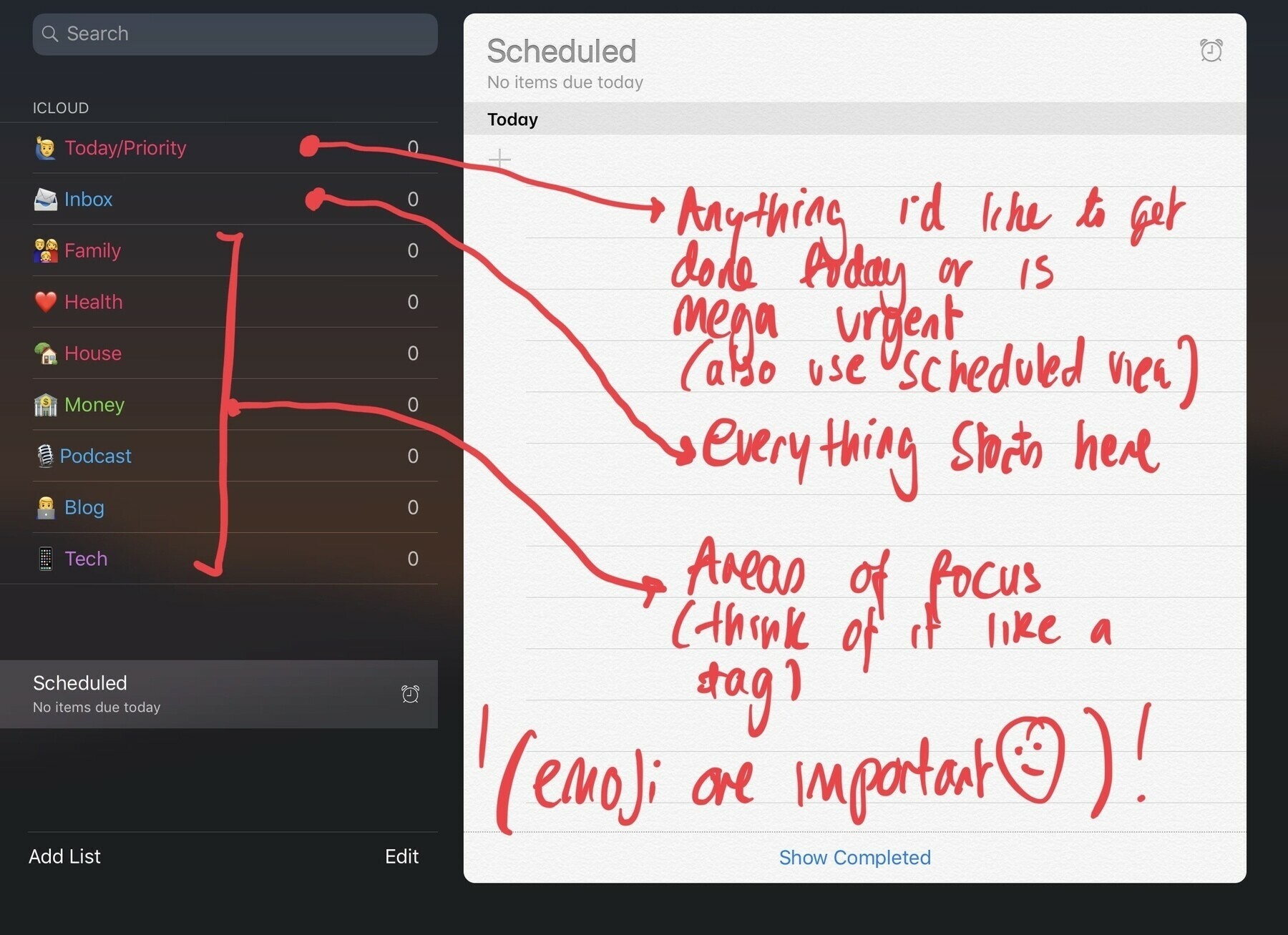
    Camera

    Coming from a 7 the 6S camera is fine, coming from an X I miss the zoom. Portrait mode has been hit or miss (and my DSLR does better) but having the option to tap to optical zoom is the feature I miss the most. I don’t take selfies so no opinion on the front facing.

    Home button

    Coming from the X its kind of nice having a home button back. Where I like it the most is being able to tap it to see the lock screen without it trying to unlock. Given it’s a physical button on the 6S coming from the 7 it does feel like I’m having to press it down harder than I would normally. I prefer the lack of home button as on the 7 and 8.
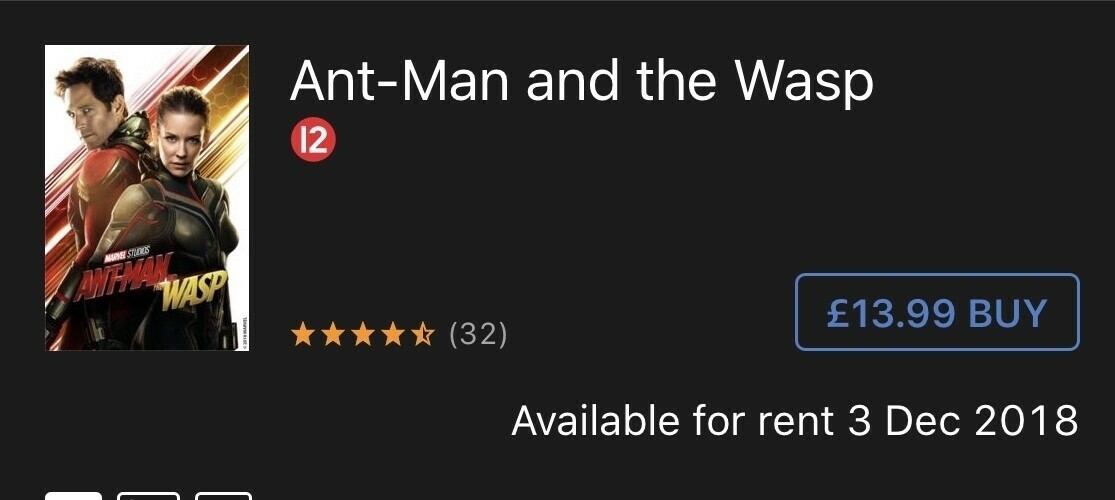
    App switching

    Gestures were nice on the X but I really didn’t care for how you closed apps. Getting to app switcher also seemed liked it was slower. Now being able to hard press on the side to bring up app switching then simply swiping apps up to close is more intuitive for me. It’s a habit I’ve developed and the main use of 3D Touch I use. I’m glad to have this back.The iPhone X gesture model needs a lot of work. Control Centre feels in the wrong place and closing apps are my worst offenders.

    Headphone jack

    I use AirPods most of the day but having an option to charge and use my expensive over the year headphones is nice I have to admit.

    Screen

    I don’t miss the OLED on the X. In fact I experienced eye strain using it. The technology used means the screen flickers, I must be sensitive to it. I see the benefits of the larger display and it’s one of the main reasons I’m considering getting a Plus.

    Am I going to continue?

    Yes, for now. I think I’ll ultimately switch to the 7 or 8 Plus to get the better camera though. I’m looking at used prices and I actually feel pretty good that I’m keeping an older device going rather than buying new.

    I’m in no rush to move on from the 6S for now, I’ll enjoy not fretting over my X and battling with myself on the ethical choice of spending over £1000 on an iPhone.

    → 7:12 AM, Feb 2
  • Blade Runner 2049 hits iTunes U.K.

    I missed the chance to see this one in the cinema so I’m excited to watch it in 4K HDR at home. I’ll post my thoughts once I’m done.

    → 7:51 AM, Jan 28
  • Where is Star Wars Rebels Season 4 On iTunes?

    I’ve been a fan of rebels since its launch, its in its final season and no word on the iTunes release. Last year I picked up the season pass and watched episodes as they were coming out in the states but this year it’s not available.

    It’s not a great move from Disney for us non satellite owning U.K. fans. We are going to know the end before the season airs.

    I’m eagerly awaiting some news but the silence makes me think we’ll get it after the season finishes. Meaning you are going to have to avoid the internet not to spoil the entire series.

    I’m disappointed at Disney on this one.

    → 7:44 AM, Jan 21
  • iPhone battery replacement experience

    I popped into the Apple store yesterday for a battery replacement, here’s my experience.

    I also had a screen issue so my case might be a little different, who knows.

    Apple are running a diagnostic and my battery came up as ok. I was then given the choice to replace it or not.

    So, expect your iPhone to be tested but even if it passes you’ll be able to get it changed.

    → 7:23 AM, Jan 19
  • Nintendo teases new interactive experience for the Switch

    Nintendo

    If you follow me you’ll know I love my Nintendo Switch, here’s a new teaser site for an experience coming to the platform. It’s aimed at kids and kids at heart, like me.

    Keep an eye out for it tonight.

    → 7:30 PM, Jan 17
  • iPhone 6, 6S and 6S Plus battery replacements

    If like me you are looking to replace a battery with Apple and have anything prior to an iPhone 7 please call ahead of your visit.

    See screenshot I got within the Apple support app I got today.

    → 7:49 AM, Jan 11
  • iPhone 7 vs iPhone X

    Having spent some time with both my current jet black iPhone 7 and the new iPhone X I wanted to share some thoughts on the differences I’m noticing day to day.

    • Size: The iPhone 7 seems almost too small to me now, amazing how nice the X size is for my hands
    • In hand feel: I'd always loved the feel of my jet black model but in the hand the X is less slippery
    • iOS: Using 3D Touch to app switch is more natural for me and control Center much easier to access on the iPhone 7
    • Weight: iPhone X isn't heavy but the lighter iPhone 7 is nicer to pocket
    • TouchID: Is quicker for me, unlocking as it comes out of my pocket
    • Charging: I miss Qi charging

    Just a few thoughts on going back to last years model.

    → 7:14 AM, Jan 9
  • Declaring app bankruptcy

    I’m at a point in my technology that I have pretty much what I want from a hardware perspective (still debating my iPhone decision BTW) but have found flaws (I might be too picky!) in almost every app that I use that is supposed to make my life easier to manage. Be it privacy concerns, UI issues, rubbish Apple Watch apps or workflows I haven’t found anything that sticks.

    I’ve decided to declare APP BANKRUPTCY.

    In this I mean that I am taking away most of the apps off my iPhone and sticking with stock and iCloud sync, something that has worked well for me (sync reliability that is). I am fed up with relying on third parties to implement new features or delving into their mostly vague privacy statements.

    I’ll keep you all updated on my progress but on iOS (where I do 90% of my writing and hobbies) I’ll be using only Apple sync and apps

    • Notes
    • Reminders
    • Calendar
    • Music

    Wish me luck and I’ll report back.

    How do you feel about your choice of apps?
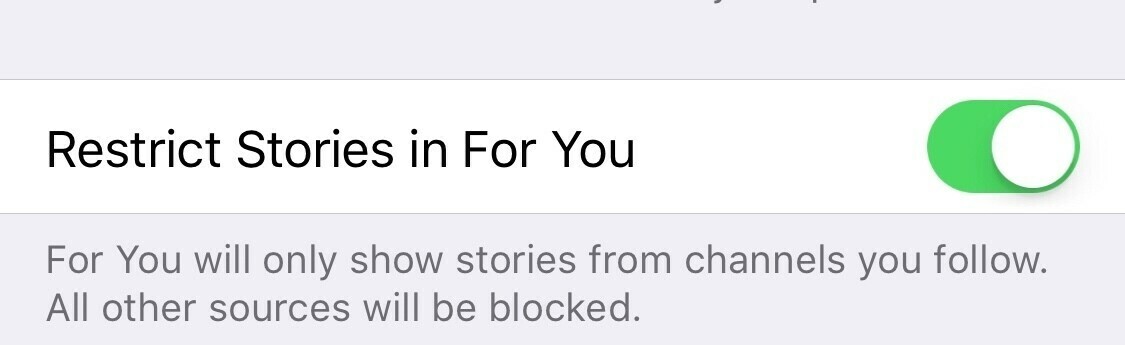
    → 3:37 PM, Jan 8
  • iPhone X features I miss

    I’m so conflicted about the iPhone X, now I’m back on the iPhone 7 I’m finding I actually miss a few features that I didn’t think I would.

    • Screen: I feel a bit boxed in now on my 4.7" screen. You do tend to only focus on the middle portion but being able to see all my calendar entries on one page etc was a good feature. I also miss full screen YouTube and Netflix viewing.
    • Zoom on the camera: I didn't quite realise how much I used the 2 x optical zoom day to day.
    • Extra keyboard space: Got to be honest, I'm feeling a little cramped on my iPhone 7 keyboard. I'm adjusting ok and is definitely a first world problem but I'm getting cramp. I'm actually finding my RSI is getting worse now I'm on a slightly narrower iPhone.
    • Qi charging: I've been using the Anker Qi charger next to our entertainment system and didn't realise how convenient it was. With my iPhone 7 I'm running out of juice halfway through the day mainly because I'm out of the habit already of plugging it in somewhere.

    Maybe I’ll revisit in a month or so but this year is one of the most conflicted I’ve been about an iPhone purchase in the 10 years since it was introduced.

    → 7:40 AM, Jan 8
  • Is the iPhone X camera worth the cost of entry?

    As part of me trying out the iPhone X for 6 weeks I spent a lot of time testing the camera.

    For me, getting the best camera available to me was the number 1 driver. I love taking photos on my iPhone and had previously enjoyed portrait mode in my brief time with the 7 Plus.

    I’ve found the camera on the X to be on par with the 7 Plus.

    • Low light on par with my 7 (in my testing)
    • Portrait mode continues to impress me and I miss it on my 7, nowhere near my Canon 70D though
    • I don't take selfies...

    I ultimately chose to use my Canon more and save myself £1400 for now.

    If you don’t own a DSLR and want to invest in having the best phone camera you can get (within the Apple ecosystem) then the iPhone X is going to be a good buy.

    → 1:17 PM, Jan 7
  • Is Solo being delayed?

    Whilst looking at my list of films for 2018 it got me thinking, why aren’t we seeing anything Solo related? We are only 4 or 5 months out and we haven’t even seen a teaser. All we have is photos from Ron Howard on set.

    I’m thinking one thing, there is a delay.

    With The Last Jedi just out and a change of director it makes sense to me that they delay by a few months. I’m thinking it gets shifted to September, just makes the end of the summer.

    If there isn’t a trailer by the end of January it’s getting delayed.

    → 11:39 AM, Jan 6
  • Why I returned my iPhone X

    As you may know I’ve had an iPhone X for around 6 weeks and this week I decided to return it back to Apple within it’s return period. I picked one up to write some some freelance work and as a technology enthusiast also wanted to give one a try. I know I ranted about the price but I didn’t want to dismiss it out of hand, especially when it provided some extra work opportunities.I had the 256GB in space grey, picked up Apple Care + and used no case. It wasn’t cheap, £1380!Here’s why I returned it.

    Price of entry is too high

    I still can’t wrap my head around the fact that I was using a phone that was as much as my MacBook or iMac. Yes, there is a lot of technology but at a starting price of £999 I feel it’s about £100 too much.

    FaceID

    I’m glad to be back on TouchID with my iPhone 7. I can unlock the iPhone as I’m getting it out of my pocket, it doesn’t demand my attention. I also don’t miss swiping up from the bottom to get to the home screen. Call me paranoid but I also wasn’t comfortable being blasted in IR multiple times a day, it’s a small amount but there isn’t any good reporting on the effect of IR blasts into your eyes yet. Generally I feel that it doesn’t do any long term damage but after experiencing some dry eye I thought it couldn’t be helping.I really don’t miss FaceID or Animoji.

    That bar at the bottom

    Pretty much all the time there is a bar at the bottom of the screen to indicate you can swipe on it. I’m sure it’ll get fixed in iOS 12 but I find it annoying.

    RSI

    I experienced some shoulder pain using it over this period, maybe due to extra weight. In hand was fine, much better than a Plus for me.

    In hand

    It feels delicate and more slippery than the jet black 7. After using it for a while I think it’s the sides that make it slippery rather than the back. You need to be a fan of cases, I’m not.

    It was only about the camera

    Turns out the most enjoyable element of the iPhone X was the dual lens camera. I used zoom and portrait mode a lot and it was something I missed on my iPhone 7 having used a plus for a period of time. Aside from portrait I didn’t feel the shots were noticeably better than my iPhone 7. Low light still sucks and I could get closer if I wanted a zoom. At the end of the day I was paying £1380 for a camera update, more than I paid for my Canon 70D + lens.

    Navigating iOS

    I never fully took on board the new gestures. I hated closing apps, it was slower. App switching using 3D Touch on the edge of the screen feels more natural to me on my iPhone 7. I felt I was less efficient on my iPhone X. I’m sure over time I’d adjust and will have to if I want to use iOS going forward but I’m just not there yet.

    What next?

    I’m at a point where I might have bought my last iPhone. More than likely the entire range will adopt FaceID over the next two years and I’m not sure how I feel about that. I like my home button and TouchID. The iPhone 7 is still a great iPhone and an even better price now, especially in the used market.You might call me old fashioned but I hope Apple keeps TouchID on at least one model for a while yet.So whilst a marvel of technology that comes at a price the iPhone X just isn’t for me at this point in time. I’ll miss the camera and larger display but I feel at home on my iPhone 7. I feel efficient and comfortable, it’s where I want to be right now.

    → 8:43 AM, Jan 6
  • Apple adding news sources without your approval

    I’ve been using Apple News since release but something troubling has happened to my setup - Apple are adding unapproved News sources to my feed. To add insult to injury they are also enabling notifications.

    It’s always been a good app allowing me to control what I see but I can no longer trust it not to add what it thinks I want to see.

    You can see above that I set up News not to suggest or show me anything I don’t follow.

    On firing up the app this morning the above has been added. I’m not happy. The mainstream news is something I’m avoiding (for obvious reasons) and not being able to trust my app is a deal breaker.

    At this point I’m done with Apple News.

    → 7:49 AM, Jan 5
  • Films I’m looking forward to in 2018

    2017 was a pretty great year for films, 2018 looks to have some crackers so here are the films I’m most looking forward to watching.

    (All of these are taken from IMDB so I can’t confirm if some will actually come out this year).

    • Black Panther
    • Avengers Infinity War
    • The Shape of Water
    • Coco
    • Deadpool 2
    • Jurassic World 2
    • Incredibles 2
    • Ant man and the Wasp

    Most surprisingly for me Solo: A Star Wars Story hasn’t made my list. As much as I love Chewbacca and the Millennium Falcon I just can’t get past two things. First up, we don’t need to see this back story. It’s better left unknown and risks ruining the character of Han Solo. Secondly I just don’t buy the actor chosen as Han Solo. I know I shouldn’t judge a book by its cover and wait until it’s release but there’s something I just don’t like. It might be the first Star Wars film I don’t see in the cinema.

    I’ll also be looking forward to seeing some films I didn’t get to the cinema for in 2017 (Blade Runner 2049) and rewatching some of my favourites including The Last Jedi and Thor: Ragnorok.

    What are you looking forward to?

    → 7:13 AM, Jan 5
  • iPhone Photography at Gloucester Docks

    All images unedited off my iPhone X.

    → 11:48 PM, Jan 4
  • iPhone Photography: Morning Walk

    Trying to post more of my photos on here, hopefully you enjoy them 😀

    → 7:34 AM, Jan 4
  • Taking a step back from Twitter

    Twitter seems incapable of acting in a way that gives me confidence that they actually care about their user base. I’m not going to get political in my blog but their inability to act on certain accounts has me not wanting to benefit their platform with my content.

    Don’t get me wrong, I do get benefits and enjoy interacting with my community but enough is enough.

    The problem for me is that the negative side of Twitter seems to be bubbling up to the top, I’m trying to be more optimistic in 2018 and Twitter isn’t going to help me fulfil my goal.

    I’ll still be on for sharing posts and managing comments but for now I’m taking a step back, deleting the apps from my devices and seeing how I get on without checking it constantly.

    Be safe out there.

    → 7:19 AM, Jan 4
  • Switching to OmniFocus

    I’ve been using a mixture of Todoist and Reminders but now I’m into 2018 I’ve decided to make a switch back to OmniFocus.

    Todoist was fine but it’s update to include little illustrations didn’t sit well with me. Reminders is ok for basics but not to plan a lot of projects.

    So, I made the decision to go all in on OmniFocus.

    The most important decision when choosing a to do app is trust. Do you trust that when you get something off your mind it’ll stay safe somewhere until you need to see it?

    With OmniFocus and more importantly the Omnigroup I trust them as I do Apple with my data. I can’t say the same for most others.

    I’ll keep you updated on my configuration and how I’m getting on.

    → 1:27 PM, Jan 3
  • The Dark Tower, thoughts on the film

    I finally got around to watching The Dark Tower yesterday, not having any knowledge of the books. I know about the popularity of them and been encouraged to read but never had the time. I also know that the movie has been a little panned, especially from fans of the book.

    For me overall I mostly enjoyed it, not a film of the year by any stretch of the imagination but for something to let me switch my brain off for a bit it was fine. I’m also glad I didn’t spend over £40 watching it at the cinema and only spent £9.99 getting it via 4K iTunes.

    SPOILERS AHEAD.

    First off I enjoyed The Gunslinger character and Idris Elba’s acting was solid as usual. They seemed to CG most of the stunts, which was a little disappointing and it wasn’t as slick as a lot of modern CG. The baddie played by Matthew McConaughey wasn’t really that menacing and just felt lifeless and dull to me. They also relied on CG for his end scene, again not done that well.

    It just doesn’t feel like it had a big enough budget, brought production time or commitment from it’s backers.

    I liked the premise of the movie, bright kids being picked up by the baddies henchman to be brought into his world in a bid to find the one that can bring down the Dark Tower (don’t want to spoil it too much for you).

    Problem is, even though I don’t know the books I can’t see how 8 books fit into a 1.5hr movie. I don’t know how it even got signed off.

    If this had an established director, a big budget and at least 3 films it might have served fans of the book. As it stands I feel it doesn’t serve either fans of the book or the general public looking for an interesting film.

    I’m glad I didn’t pay to see it at the cinema and can only recommend watching it if it’s £10 or less or on a streaming service for free.

    → 7:34 AM, Jan 2
  • RSS
  • JSON Feed
  • Micro.blog